
Black Friday is hereShop new DoorbustersShop now

Main Content

Questions & Answers

Page Showing 1-6 of 6 questions
  • QuestionCan I transfer my photos from my Iphone 17 pro then connect it to my windows pc and transfer to my laptop?

    Asked by Bleu.

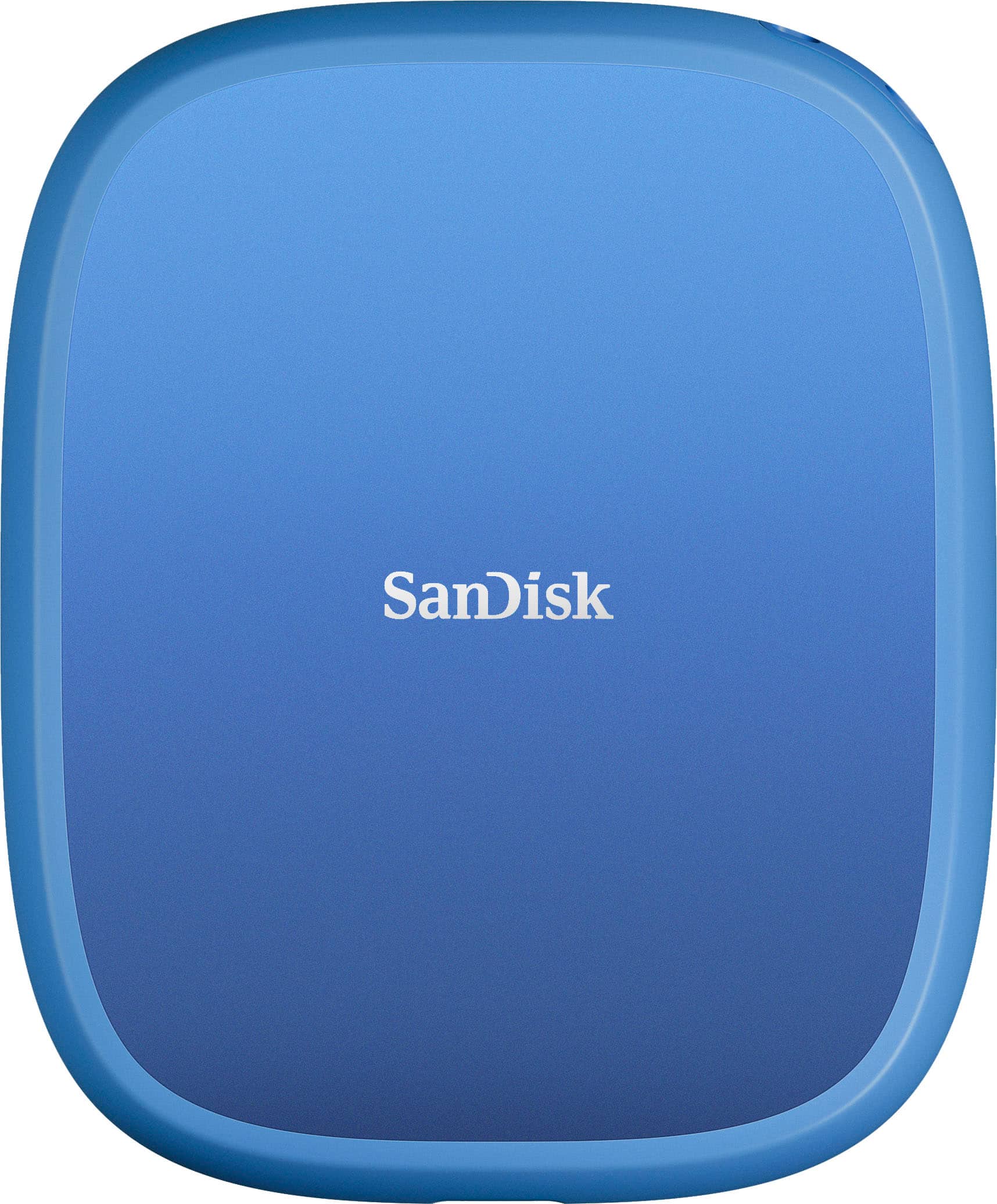
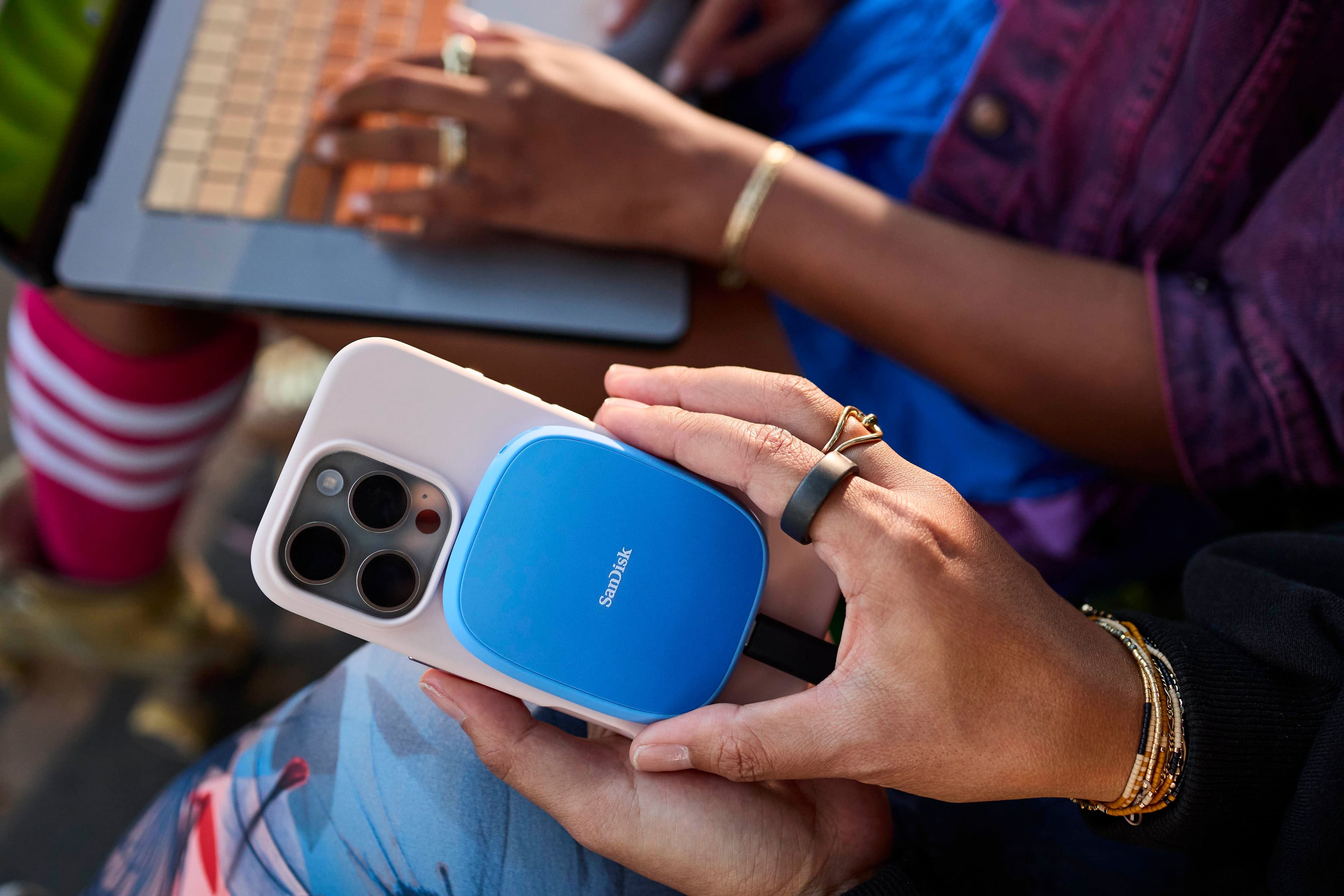
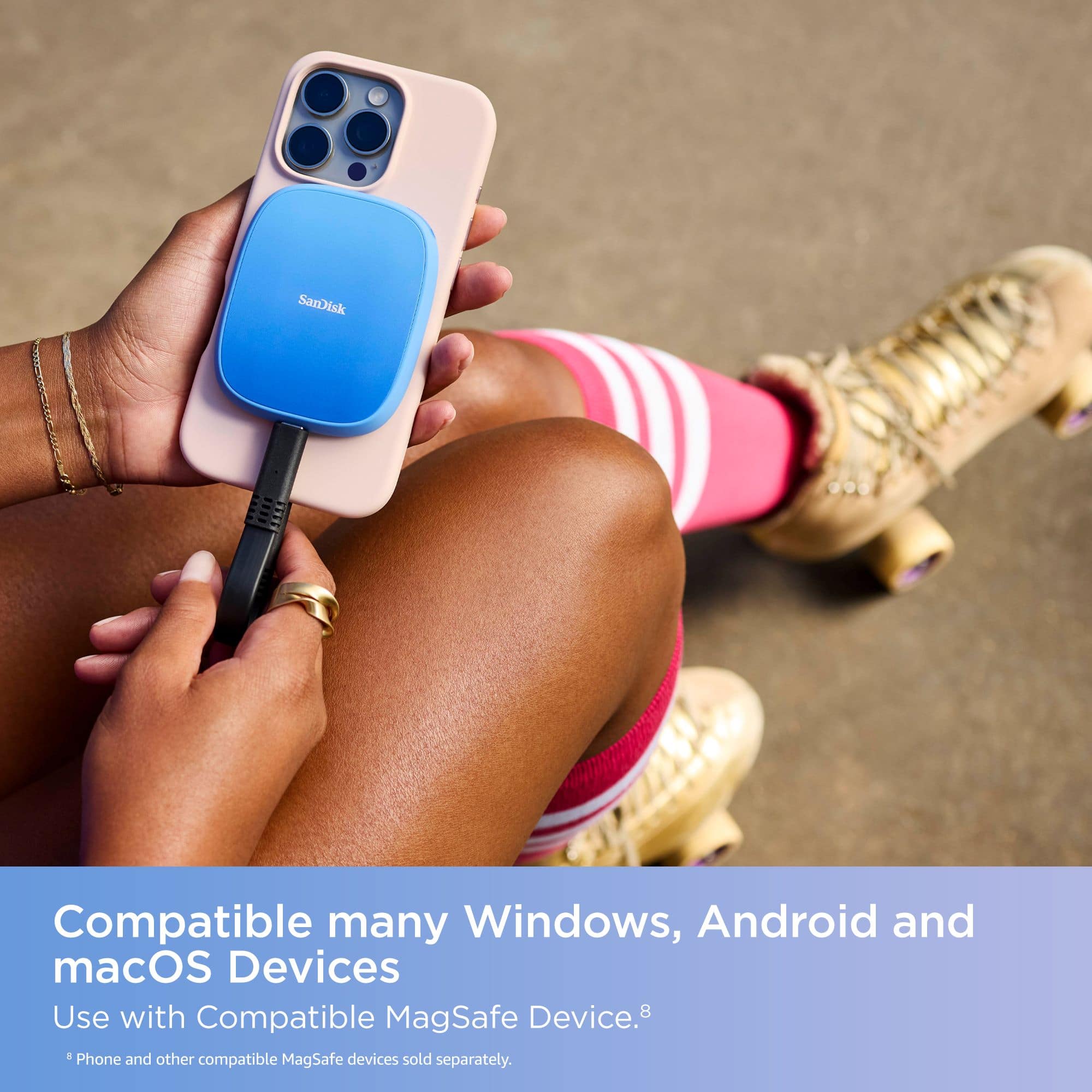
    • Answer Hi, thank you for reaching out to us. Please note that you can transfer photos from your iPhone to the Creator Phone SSD and then connect it to your Windows PC or laptop via USB-C to move them over. The drive is formatted with exFAT for broad compatibility and works with Windows® 10+, macOS 14+, iOS/iPadOS 17+, and Android™ 14+.

      Answered by SanDisk Team

  • QuestionDo I have to download an app for it?

    Asked by Mario.

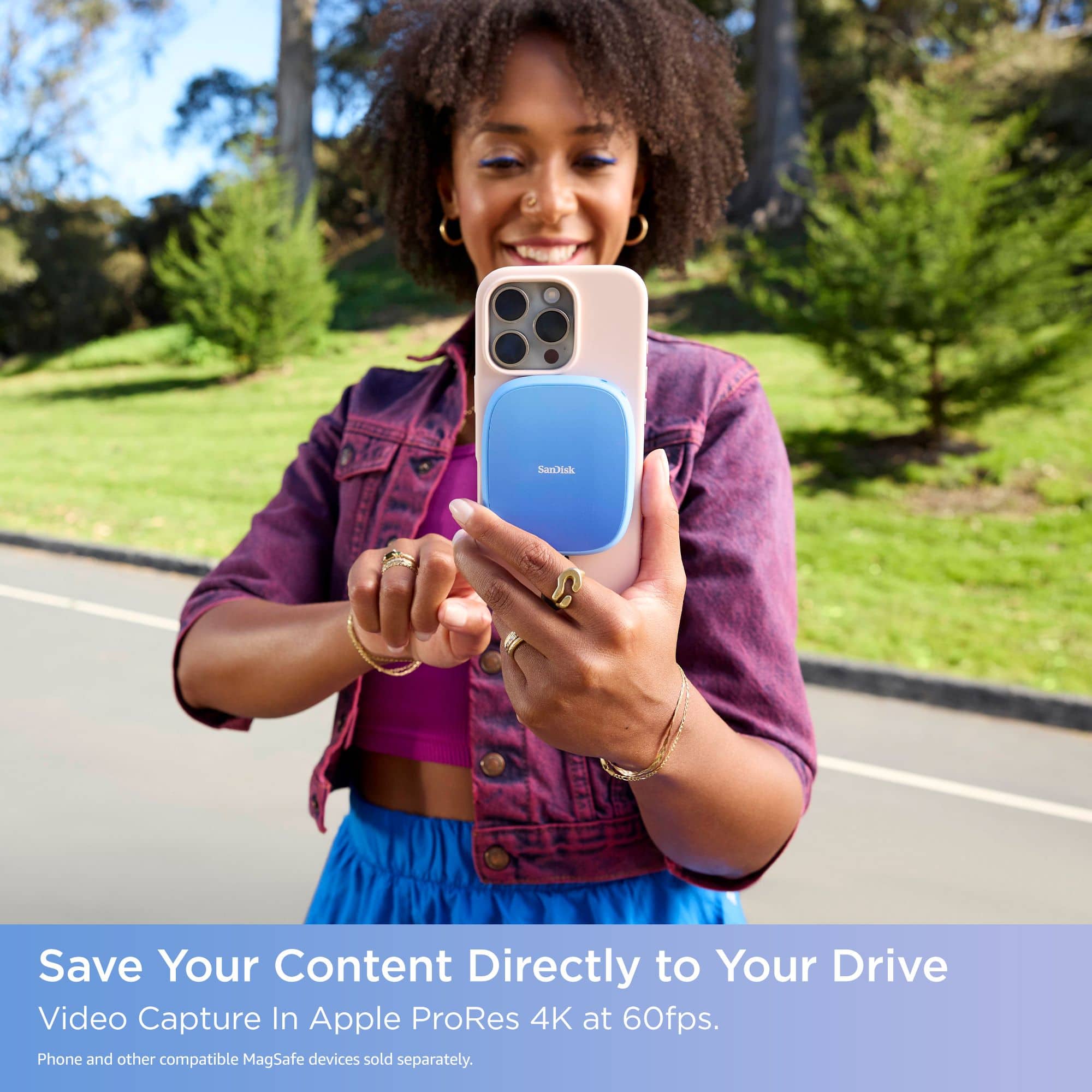
    • Answer Hi Mario, thank you for reaching out to us. The drive works as a standard plug-and-play SSD, so you don’t need an app to transfer files; you can use the Apple Files App. However, downloading the SanDisk Memory Zone app can give you extra features like automatic backups and easy transfers between your phone and the SSD.

      Answered by SanDisk Team

  • QuestionIf your iPhone doesn’t support USB Type-C, can you use an adapter?

    Asked by DriDri72.

    • Answer Hi, thanks for your interest in our products. Please know that the SanDisk 2TB Creator Phone SSD (USB Type-C) is designed for devices with a native USB Type-C port and works best with the iPhone 15 series and later. While using a USB-C to Lightning adapter may seem like a solution, it is not officially recommended and may not provide the power or performance required for proper operation. For full compatibility, this drive supports Windows® 10+, macOS 14+, iOS/iPadOS 17+, and Android 14+.

      Answered by SanDisk Team

  • QuestionWhat does your Android need to support this SSD?

    Asked by Anonymous.

    • Answer Hi, thank you for your interest in our products. To use the SanDisk Creator Phone SSD with your Android device, your phone must have a USB-C port, support USB On-The-Go (OTG), and be compatible with the exFAT file system with Android 14+.

      Answered by SanDisk Team

  • QuestionCan you transfer all the photos on your phone to this ? To make space on your iPhone

    Asked by Mung.

    • Answer Hi, the SanDisk Creator Phone SSD can be used to transfer and store all your iPhone photos to free up space, as long as your iPhone supports USB Type-C. You may need the file management app (SanDisk Memoery Zone) or use the Files app on newer iOS versions to move the photos directly to the SSD.

      Answered by SanDisk Team

  • QuestionCan I use the same Sandi I fof iPhone, iPad, second phone

    Asked by Steve4395.

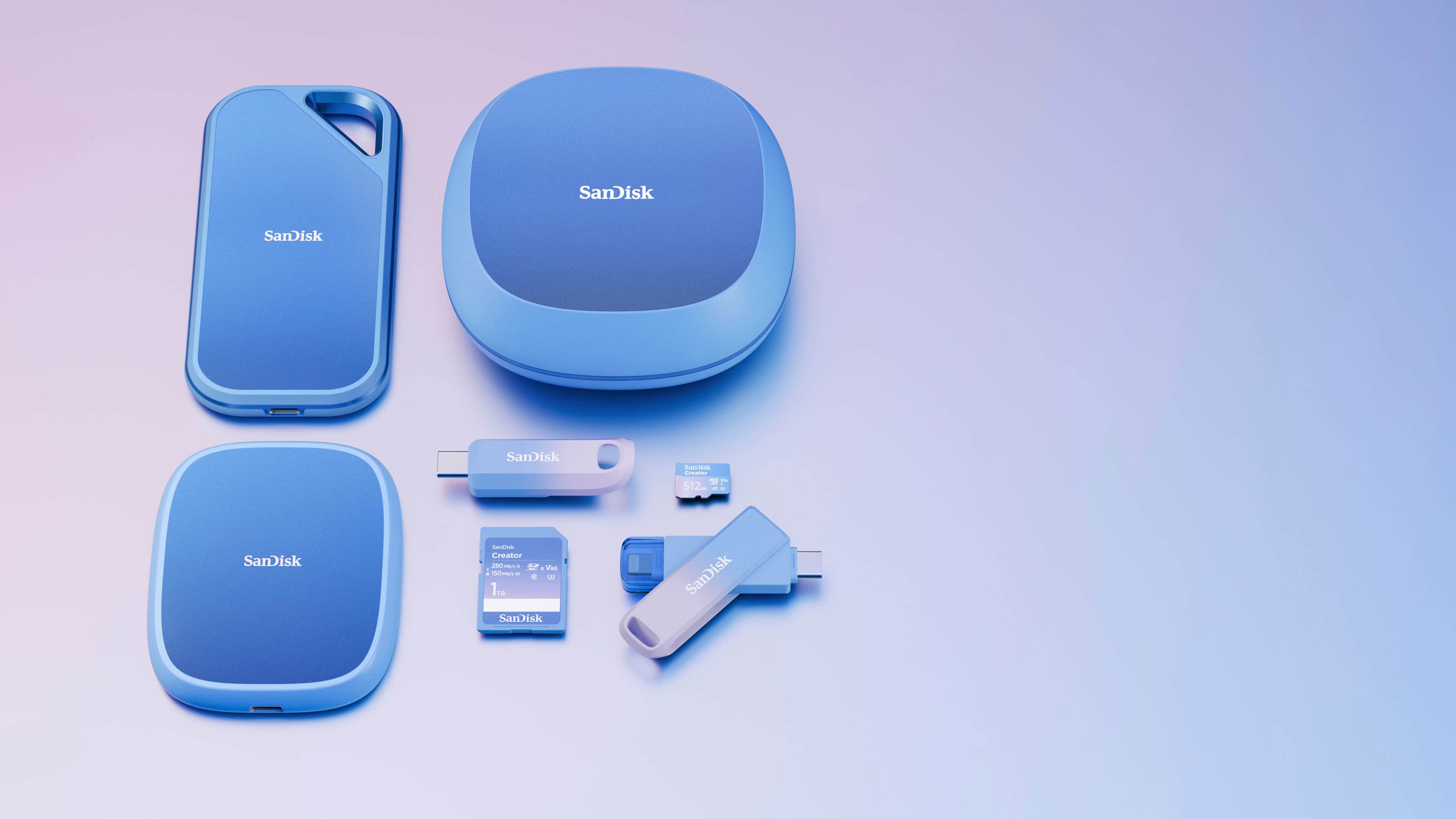
    • Answer Hi Steve, the SanDisk Creator Phone SSD (USB Type-C) can be used across multiple devices like your iPhone and iPad, as long as they support external storage via USB-C or a compatible adapter. The drive is Compatible with Windows® 10+, macOS 14+, iOS/iPadOS 17+, Android™ 14+, and it comes formatted with exFAT for compatibility. If you face any issues, you can open a ticket at (https://support-en.sandisk.com/app/askweb)

      Answered by SanDisk Team