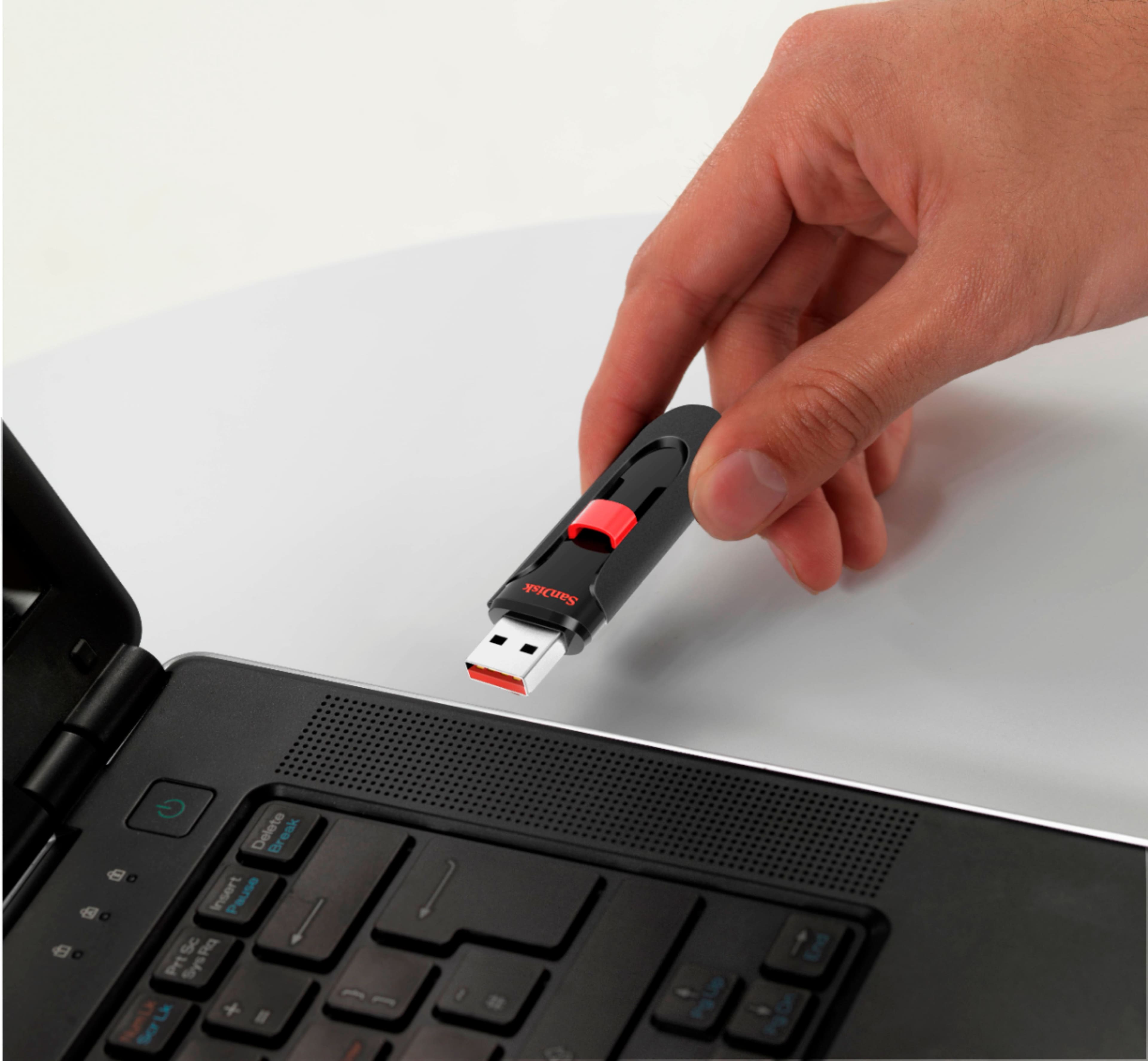
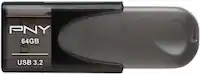
A:AnswerThat depends on your TV. Having a USB port doesn't automatically mean the TV will read and display video. Pictures more so. I have a Vizio and it only shows the photos. Smart TV's or TV's designed to read video from a flash drive are the best options when it comes to that.
A:AnswerThis is a USB device, so unlike an SD or micro SD card, it reads and writes at the 2.0 USB speed. It's quite efficient to handle all of your files that you wish to store in an expedient manner. Flash drives, to my knowledge, do not have Class ratings.
A:AnswerIt does not come formatted FAT32 but you can format it with a third-party Windows application. Western Digital does have information to help with this.
http://kb.sandisk.com/app/answer/detail/a_id/19258/kw/Fat32
A:AnswerYou don't have to enter a password right away. You only have to put a password if you enable the software that is in the folder of the usb drive!
A:AnswerHi, thank you for contacting us. Please note that while the SanDisk Cruzer Glide can work with your Tesla, a faster and more reliable option is recommended for Sentry Mode and continuous recording. We suggest using the SanDisk Extreme PRO USB 3.2 Flash Drive, as it offers higher speeds and better performance to handle continuous video recording. We also recommend contacting the support team of the host device manufacturer for further compatibility information.
A:AnswerHi Matt, we are sorry for the inconvenience. Please know that when you get a message saying a file is too large, even though there’s space on the SanDisk Cruzer Glide 128GB flash drive, it’s due to how the drive’s file system works. The SanDisk support article below explains this issue and how to address it by using a file system that supports larger files. Please see (https://support-eu.sandisk.com/app/answers/detailweb/a_id/35105)
If the issue persists, you can open a ticket at (https://support-en.sandisk.com/app/askweb) with a deṭailed problem, relevant screenshots, and drive details.
A:AnswerPlease allow us to inform you that all the SanDisk® USB Flash Drives are plug & play storage device. We recommend you to contact the host device manufacturer to check if you can reset the password using this Flash Drive.
A:AnswerA SanDisk thumb drive can be formatted to FAT32 *if* it's 32GB or less. If the thumb drive is larger than 32GB you can use a third-party tool like AOMEI Partition Assistant to format it to FAT32. Ref https://forums.sandisk.com
A:AnswerWe've absolutely seen this done on a thumb drive for playback on a flatscreen tv. I wish I could tell you if the flik file was compressed smaller. Visit https://forums.sandisk.com. also web search <is their software to compress a movie file?>. <...an MP4 file? >