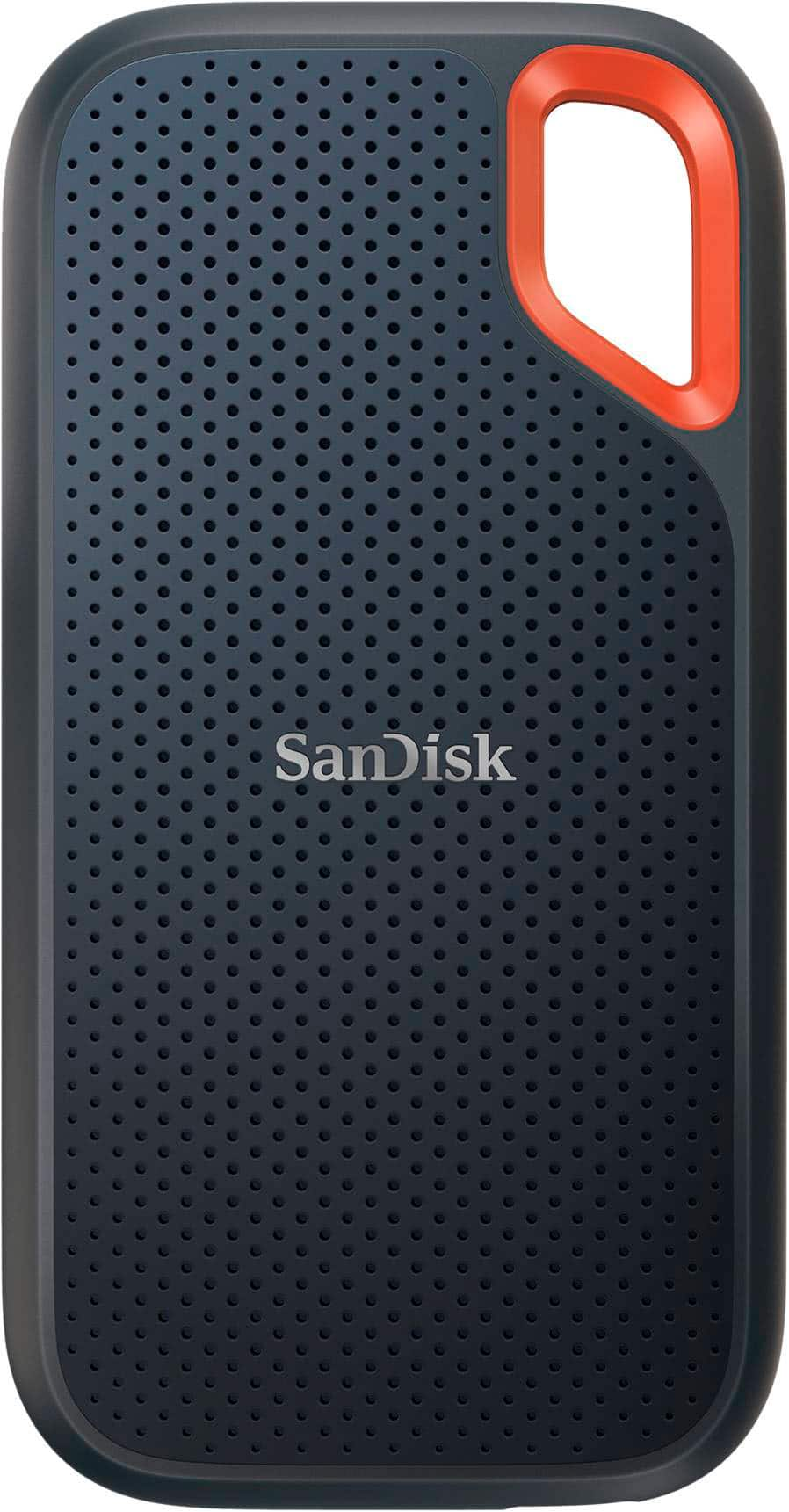
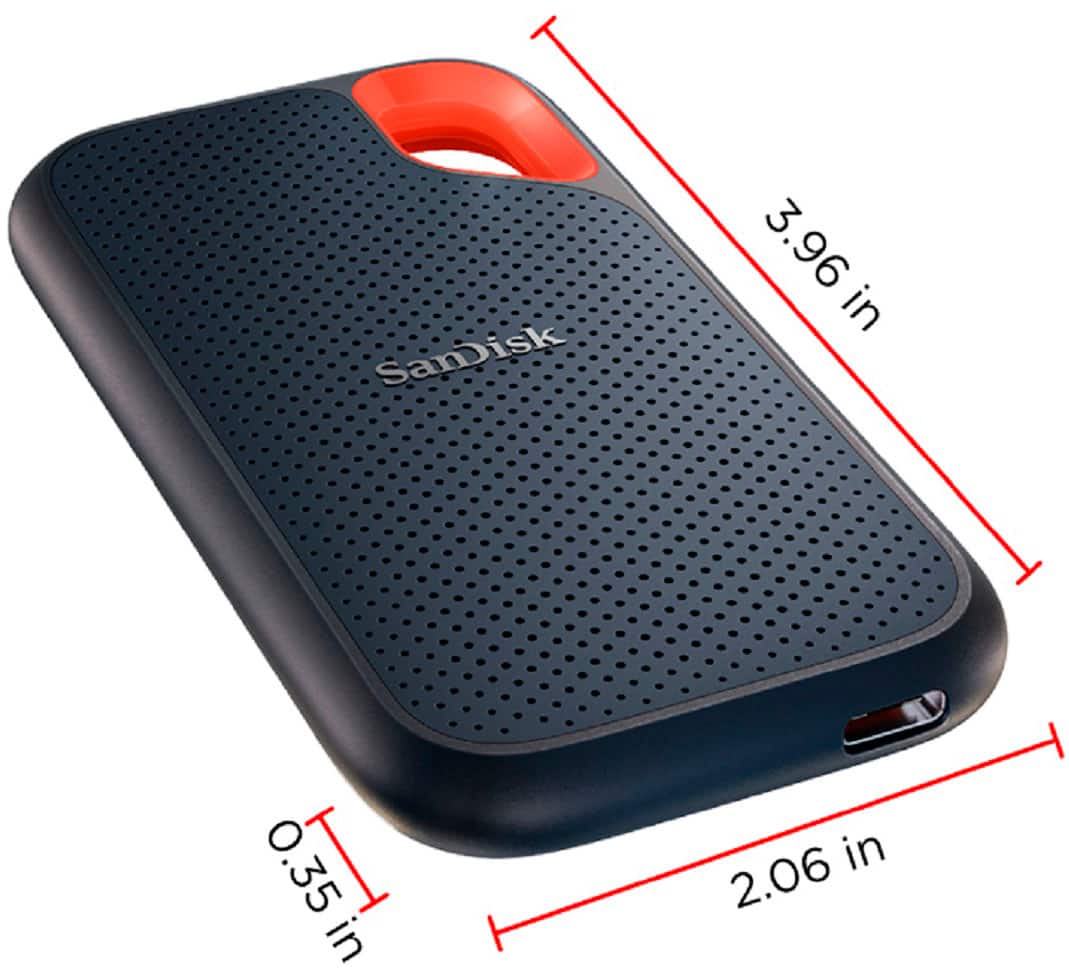
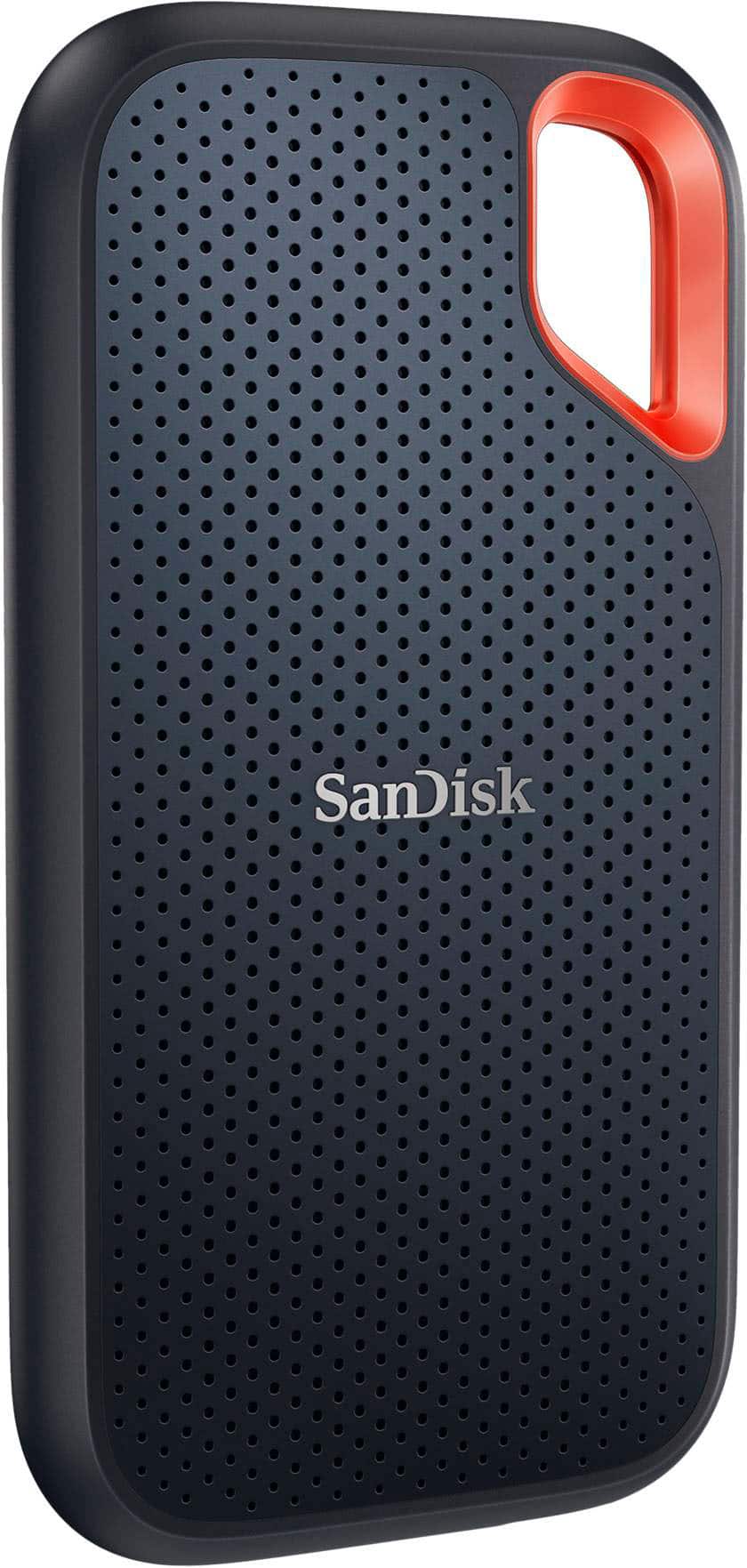
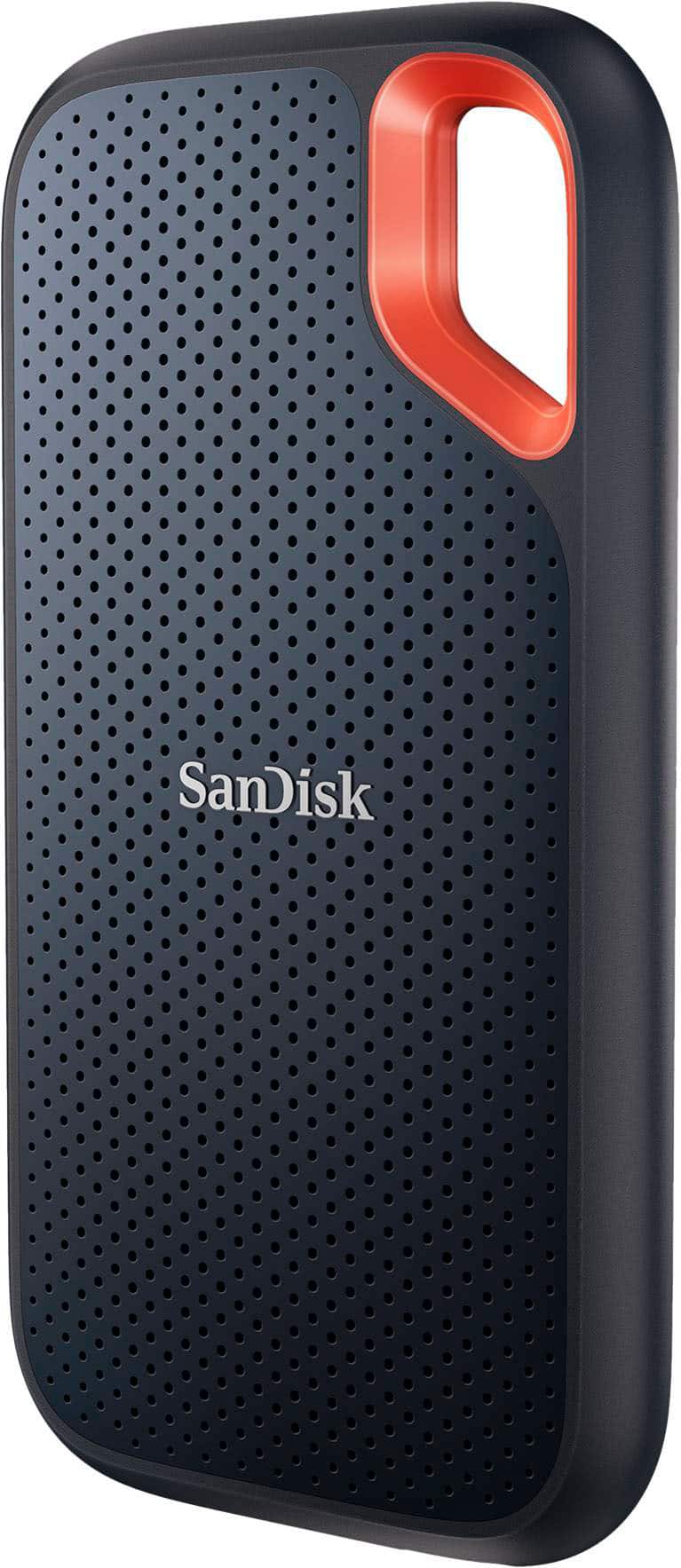
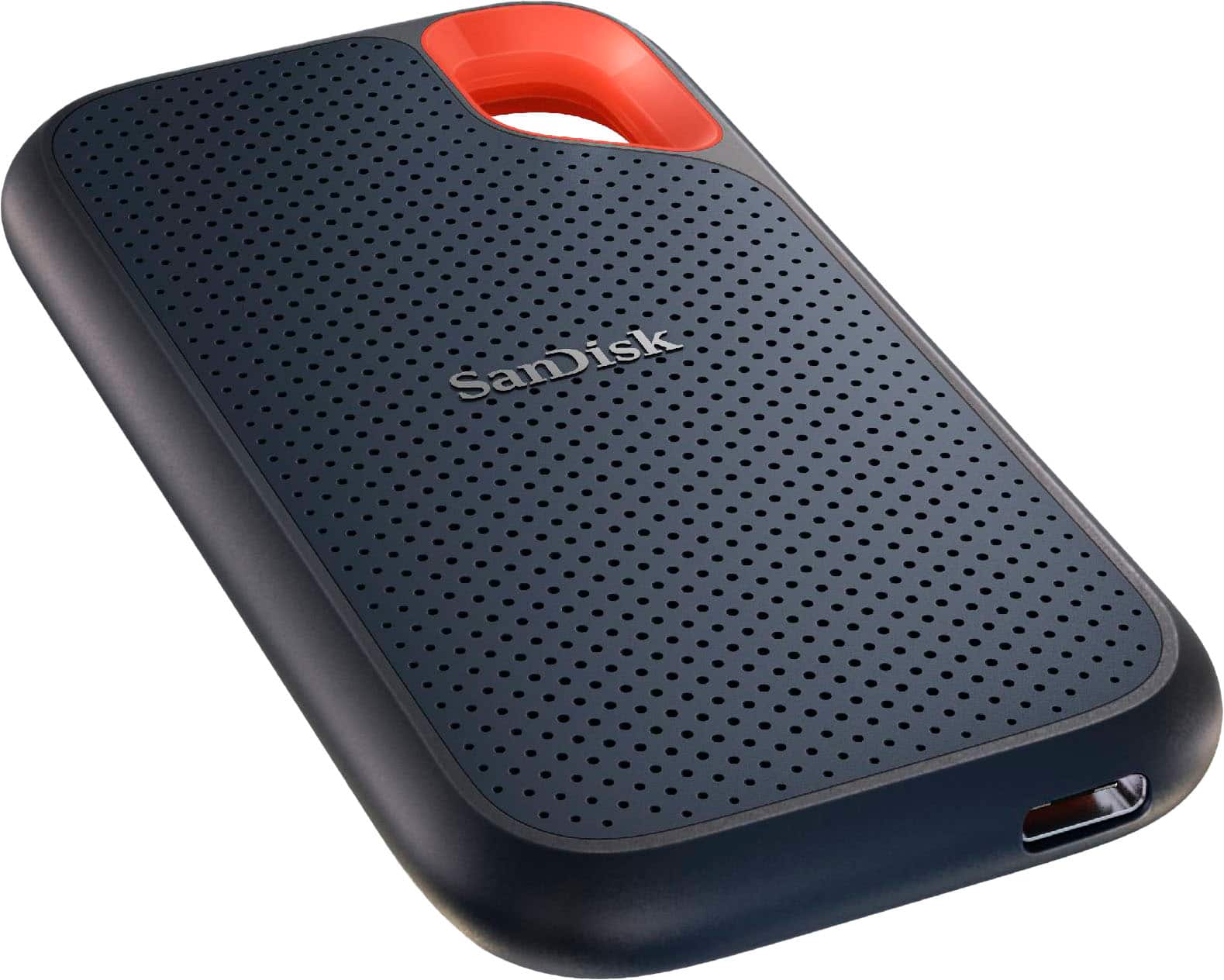
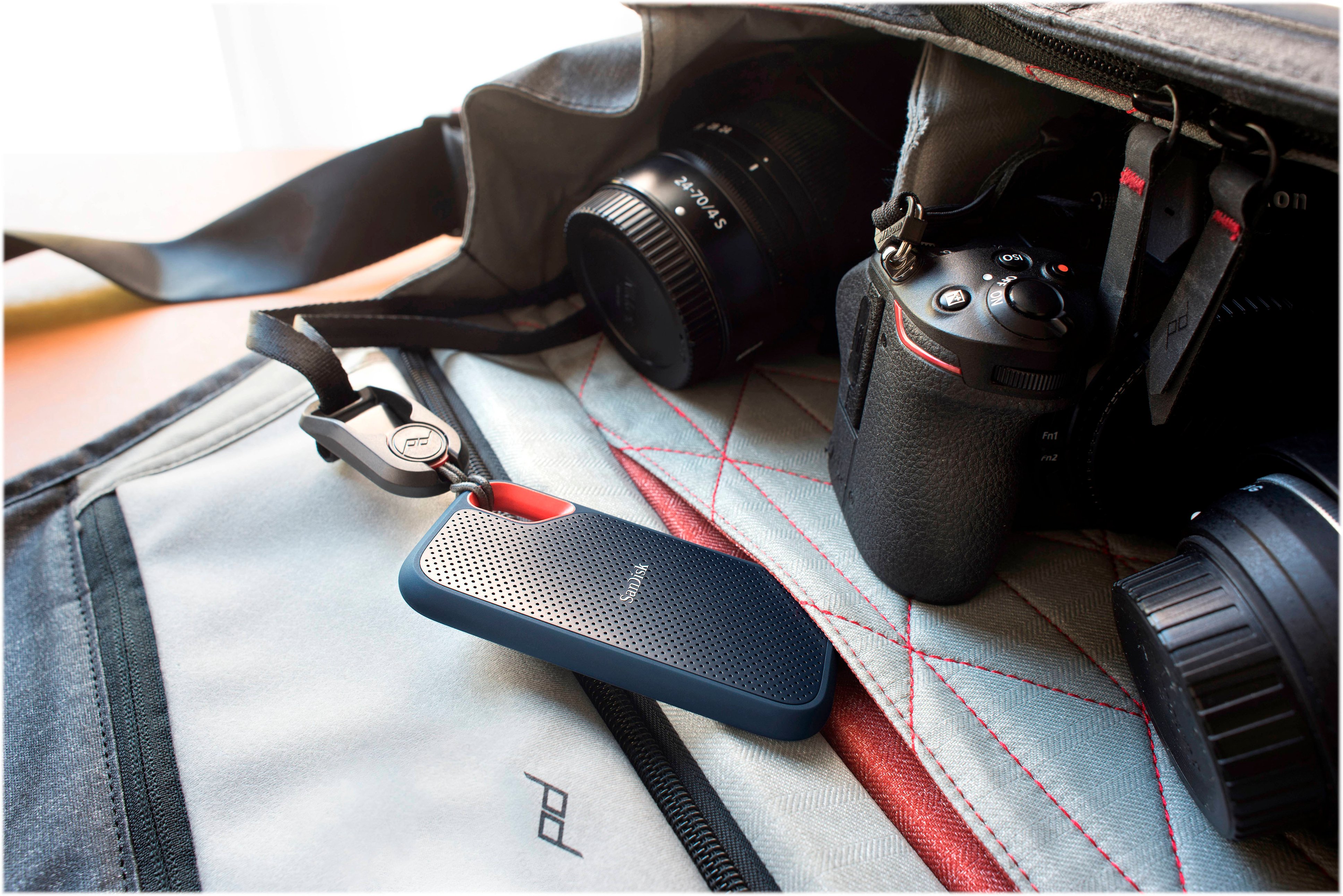

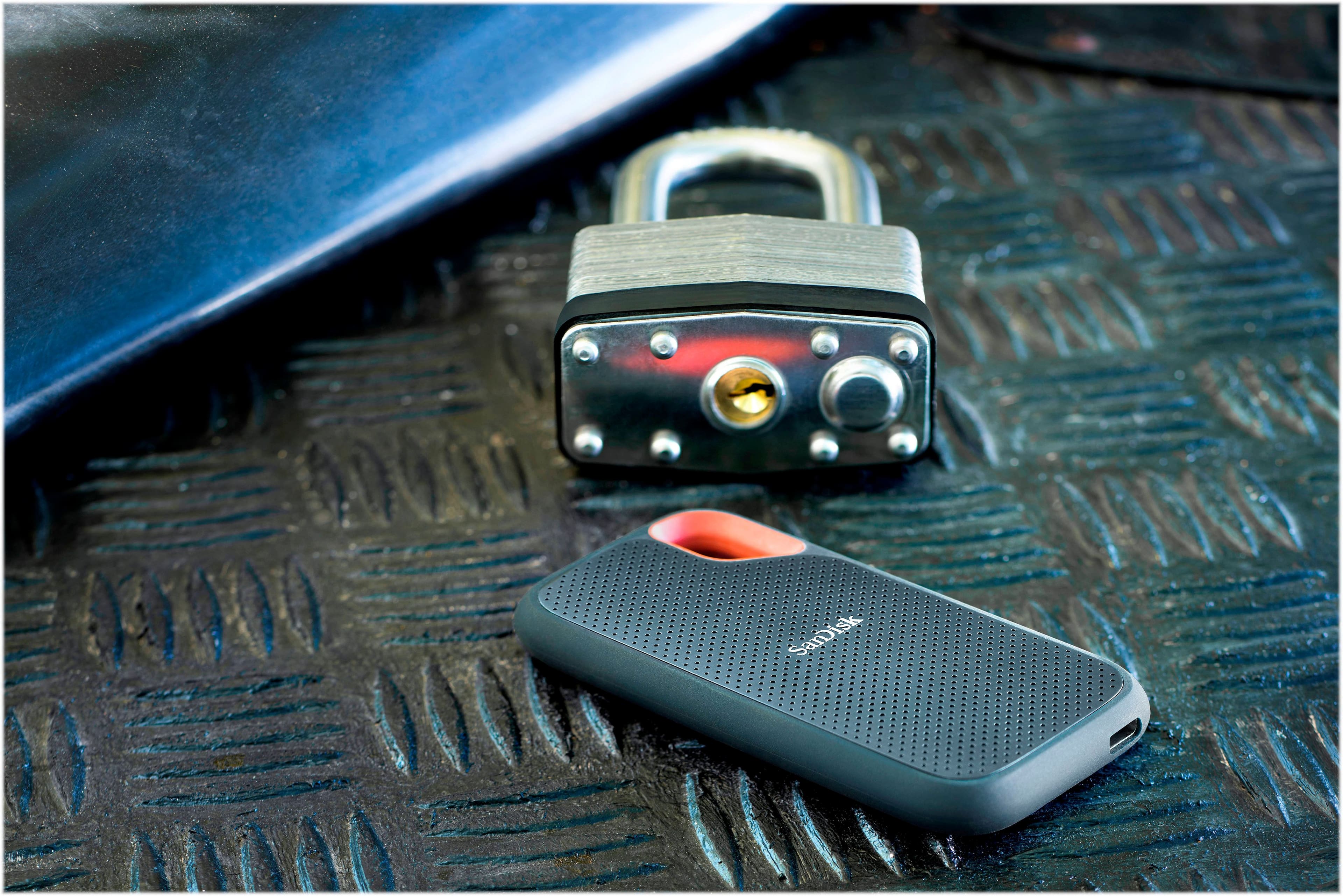
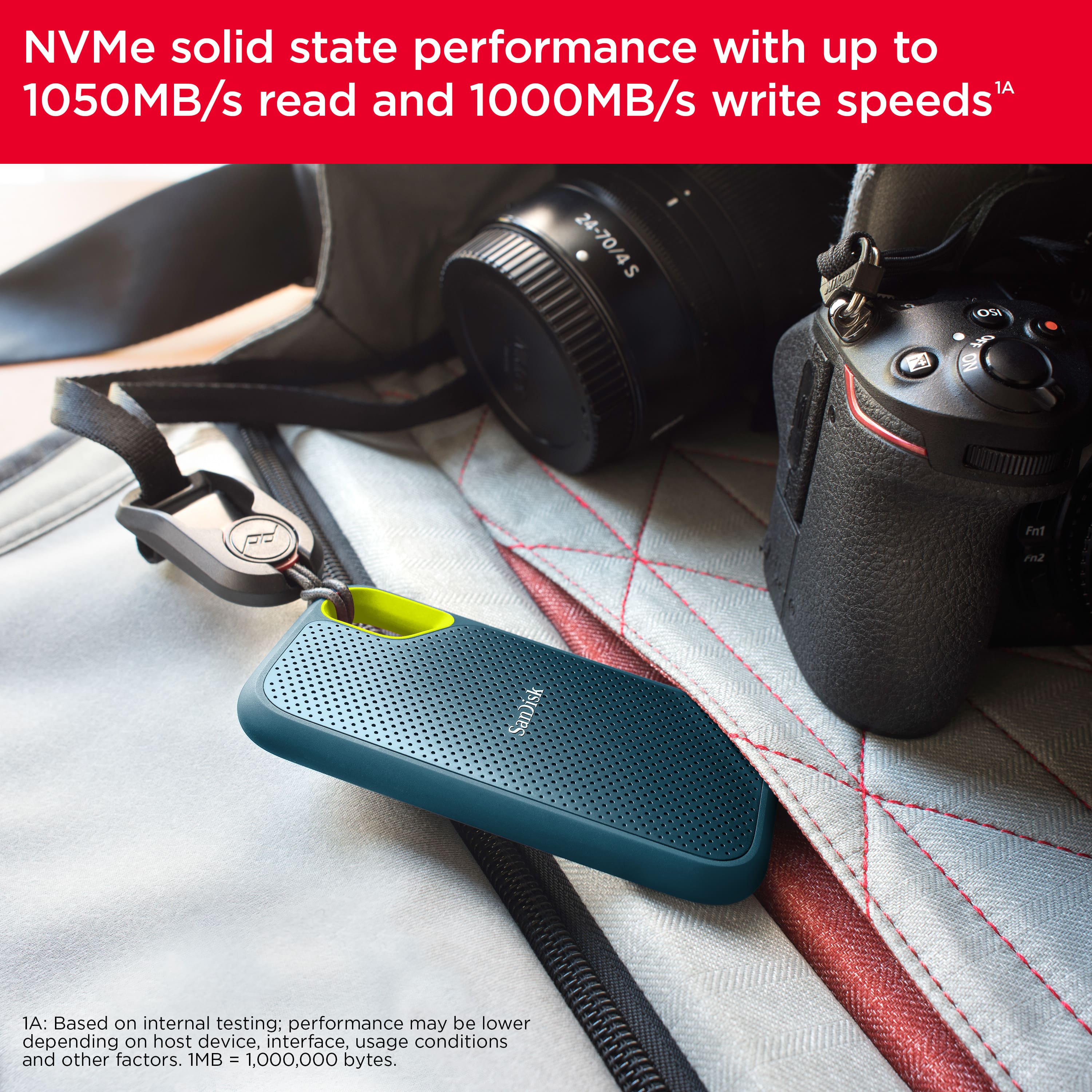



A:AnswerHi, please be informed that the SanDisk Extreme Portable SSD V2 has read and write speeds of upto 1050MB/s and 1000MB/s respectively, when used with a USB 3.2 interface. However, the SanDisk Extreme Portable PRO SSD V2 has read and write speeds of upto 2000MB/s each, when used with a USB 3.2 Gen 2x2 interface.
A:AnswerHi, please be informed that this SSD Drive does not include a carrying case. You can purchase any third party carrying case supported compatible with this Drive.
A:AnswerPlease allow us to inform you that the suffix part (G25 & AC) of the part numbers are designed by the marketing department for distribution and marketing purposes and they are different for different regions. Both the part numbers are exactly of the same product and there is no difference in the specifications/features. Both come with same features, storage capacity and warranty. They are going to be the original products with manufacturer warranty.
A:AnswerI am using the 1TB EXTREME PORTABLE SSD in my macOS Big Sur in my iMac, in my iPad, in my Samsung Note phone, and my Surface Pro alternately with no problem. Hope this helps!
A:AnswerHi Brian, please be informed that you can connect this SSD Drive to your Samsung S21 mobile phone using the USB Type-C port of your phone. However, in order to know how to access the contents of this SSD Drive using your mobile phone, it would be best to contact Samsung Support.
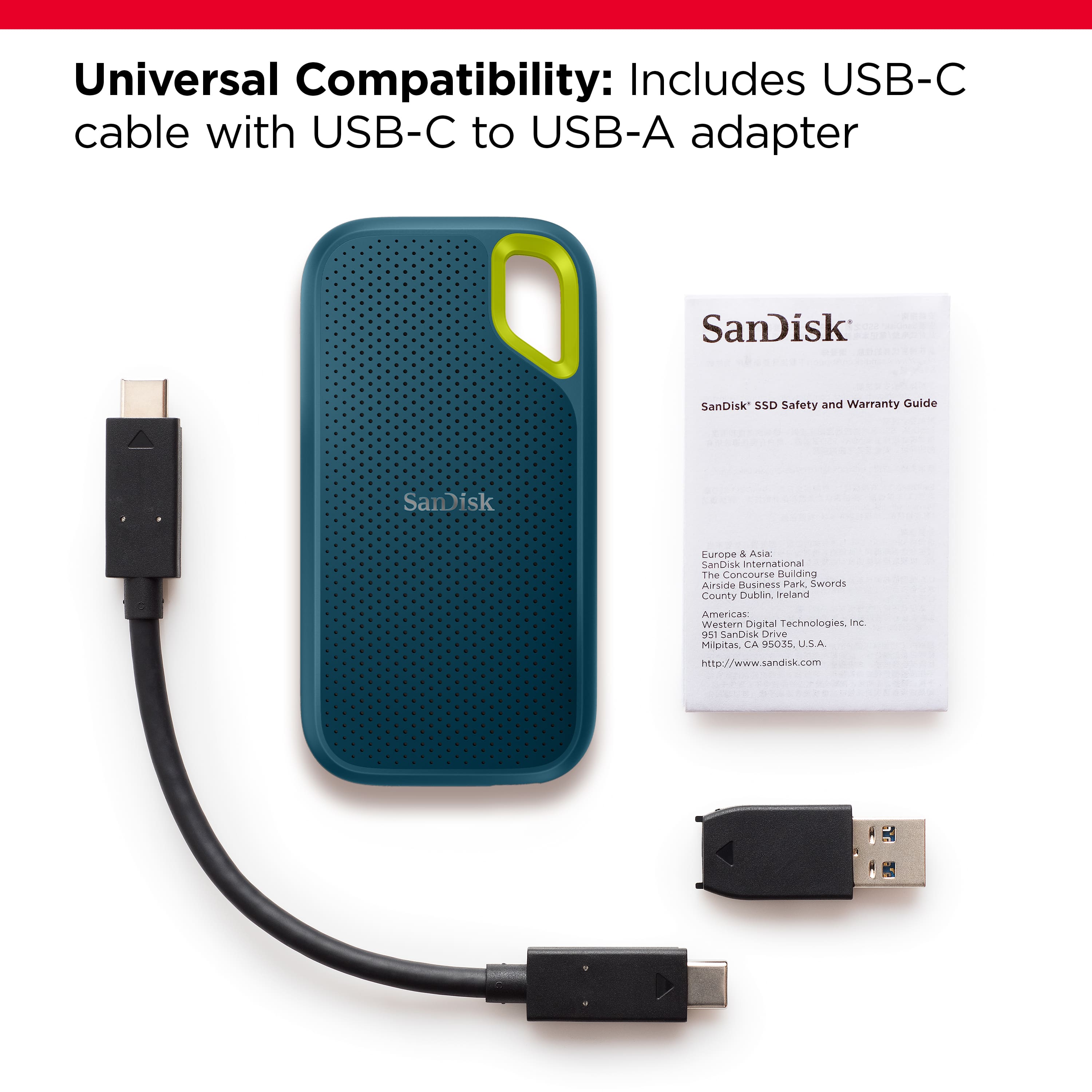
A:AnswerHi, please be informed that all our external storage devices including the Portable SSD Drives are simple plug and play storage devices which you can connect to your Windows/ Mac computers using the USB Type-C/A ports. However, please note that you might not get optimal data transfer speeds when connected to a USB interface older than USB 3.1 Gen 2.
A:AnswerHi, please be informed that all our external storage devices including the SSD Drives are simple plug and play storage devices which you can connect to your Windows/ Mac computers using the USB Type-C/A ports. However, please note that you might not get optimal data transfer speeds when connected to a USB interface older than USB 3.1 Gen 2.
A:AnswerHello, Please note that those files are to install the add-on software came with the drive, so you can remove those files as it's not mandatory to install it. Moreover, Its a plug and play drive ,you could simply copy and paste the data to the drive.
A:AnswerHi, please be informed that the speed of an externally connected storage device is mainly dependent on the interface used to connect the external storage device. The optimal transfer speeds of this external SSD Drive can be achieved when it is connected via a USB 3.1 Gen 2 interface. If your old MacBook Pro has older USB 2.0/ USB 3.0 interface USB ports, then it will achieve maximum transfer speeds supported by your MacBook's USB Ports within the maximum transfer speeds supported by this SSD Drive. In order to know more about the USB Ports of your MacBook Pro, it would be best to contact Apple Customer Support.
A:AnswerThis works great with Series X|S. I am using it for playing non-optimized games from. Extremely fast load times. Speeds close to the internal drive and Seagate Expansion Card. 950+Gb usable is great. Can hold about 8-10 games (around 100 Gb size) (more if smaller size). Still can not use it for Series X|S optimized games but for back-compat Xbox One/360/OG games provides a great gaming experience. Paired with a 4 TB Seagate Game Drive or NAS for storage and you have enough storage for everything.
Definitely worth the purchase for Series X|S, but next-gen gaming
A:AnswerPlease allow us to inform you that the SanDisk®️ Portable SSDs are a plug and play devices. You can connect the drive to the computer and start transferring the data using drag and drop or copy/paste method. You do not require any special driver, firmware update or software to use the drive on computer. Our drives use the native drivers of the host device.
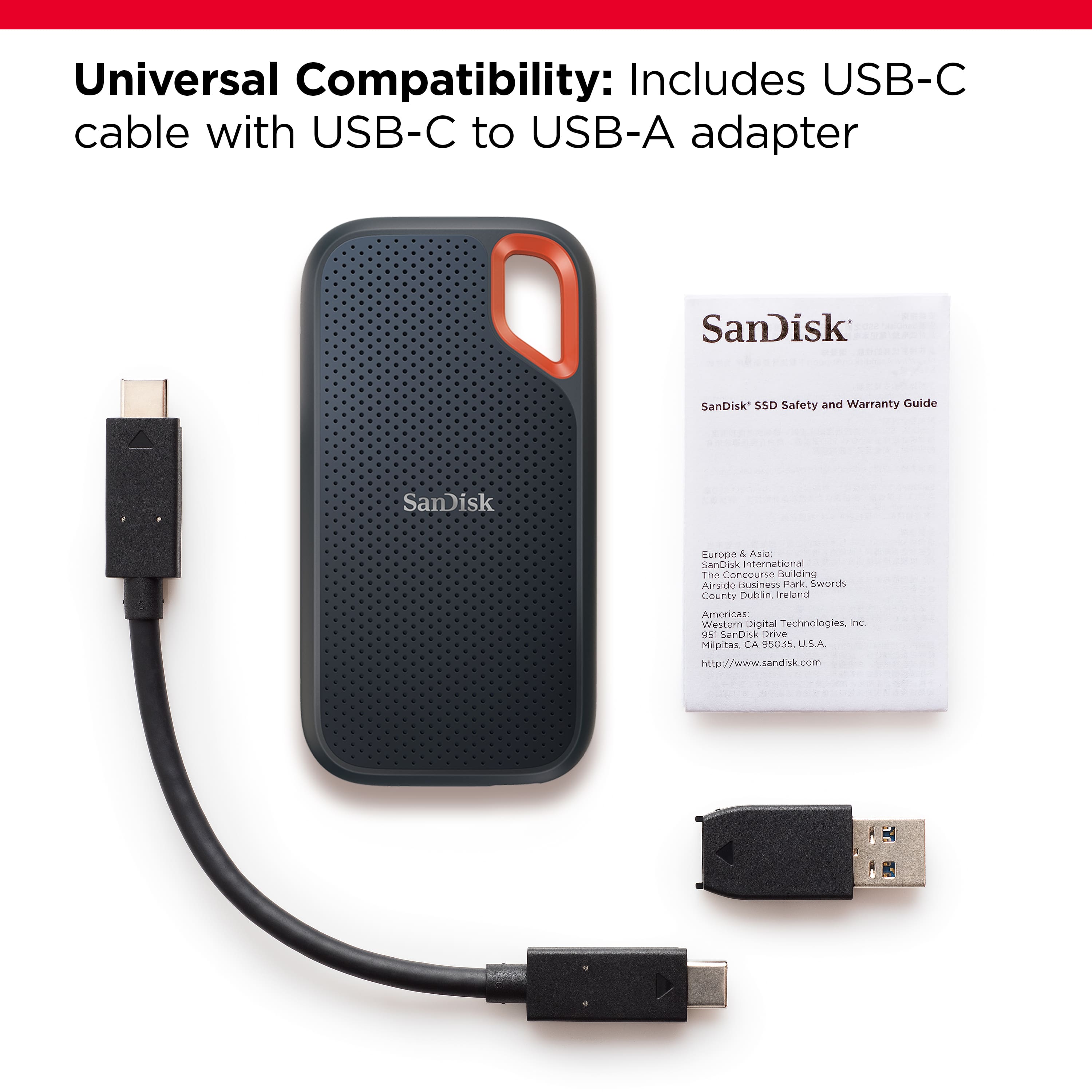
A:AnswerIt is just a storage media. It does have the C usb connection. If your device allows for a portable storage device than this would work great as the C usb would work very well.
A:AnswerHi there,
Kindly be informed that, this drive is compatible with USB Type-C devices (phones, laptops, and tablets) and computers (macOS, Windows). If you're looking for a drive for your iPhone X then you may consider any of these drives: https://shop.sandisk.com/en-in/product-portfolio/usb-flash-drives?filterByConnector_List=Lightning. If you need further assistance on this or any other matter, please connect with our technical support team at: https://support-en.sandisk.com/app/askweb