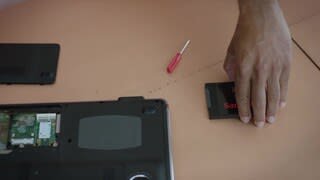
A:AnswerYou want speed, performance,room. Laptop or desktop SSD. This is a Good One. I looked up your lenovo. Looks like you should have no issues. I would recommend a Samsung EVO 850 , 860.. 500gb or 1tb. i have 2 500gb 850's.. of all 7 SSD's i have. Those dudes outperform my micron and my scan. benchmarking at 129% faters than "normal" SSD's on Userbenchmark online.. Just fabulous. Either choice would be great.. The samsung would have no issues with your device. go 500-1tb though.
and the samsungs come with the software to clone the drive u have. *Bonus*
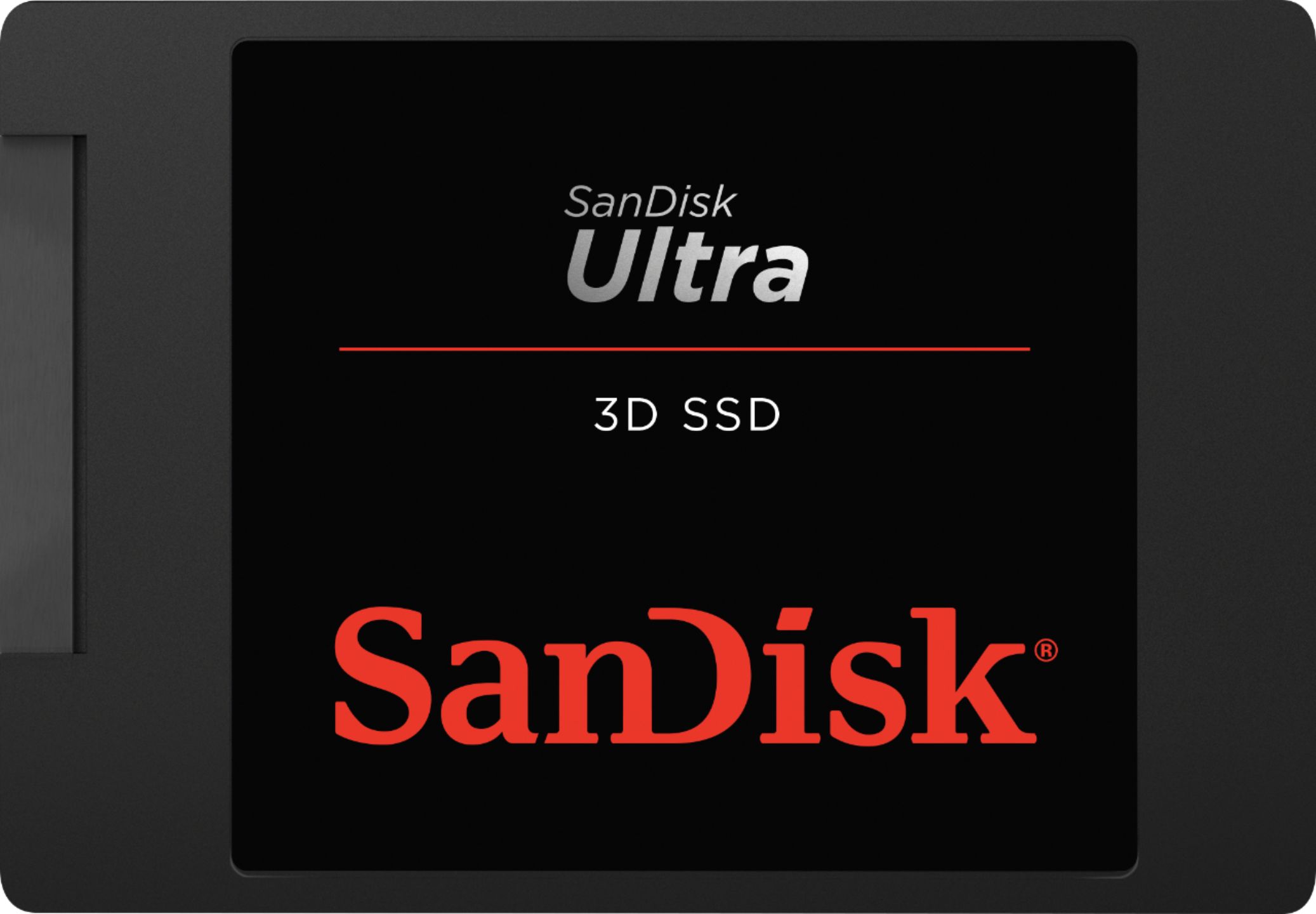
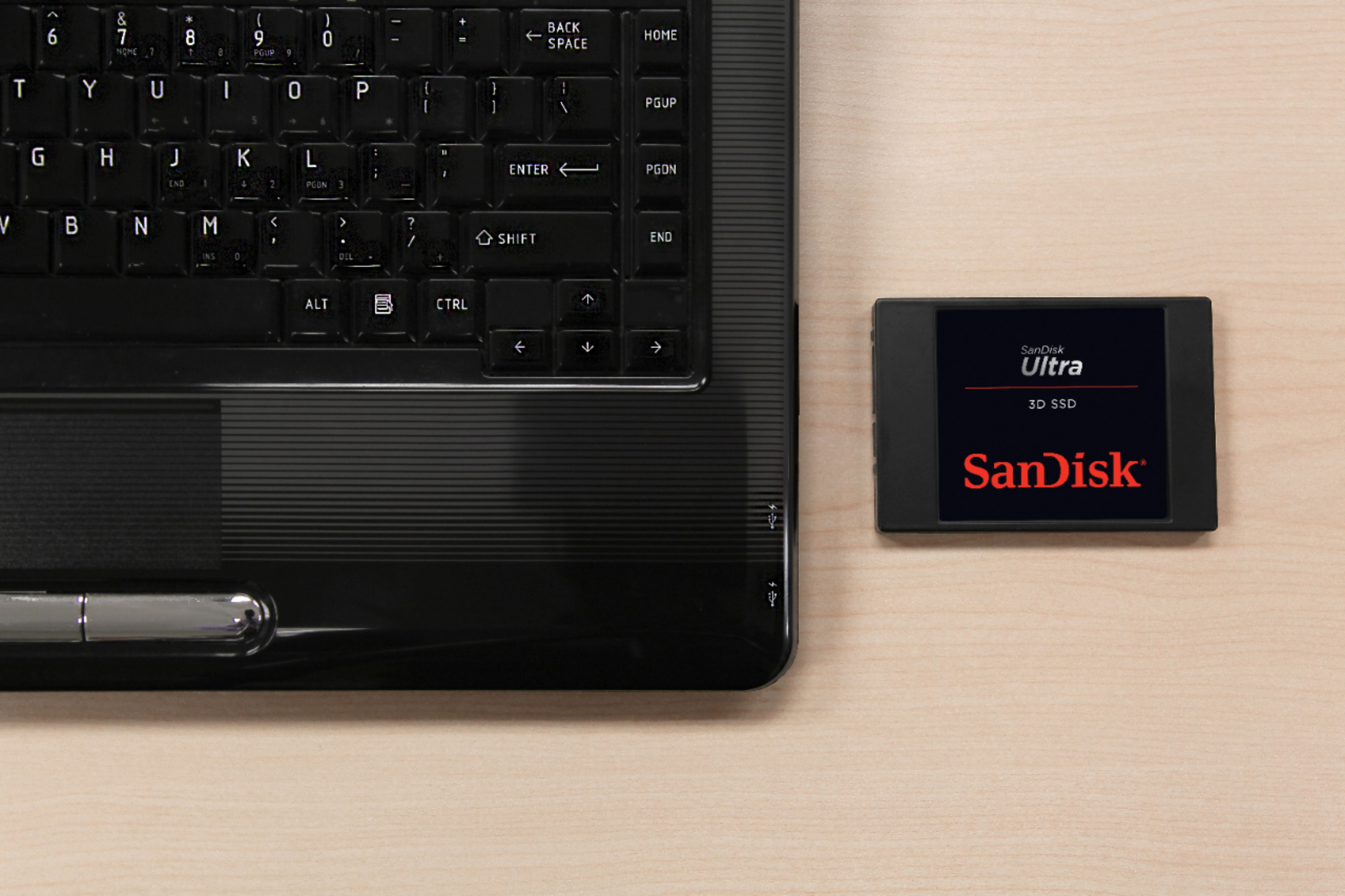
A:AnswerSara, this should work fine in your MacBook Pro. It should speed it up. The only thing I ran into on laptop hard drives is the thickness. They come in either 7mm or 9mm. If you have a system that will only take the 7mm thickness, you need to search for that.
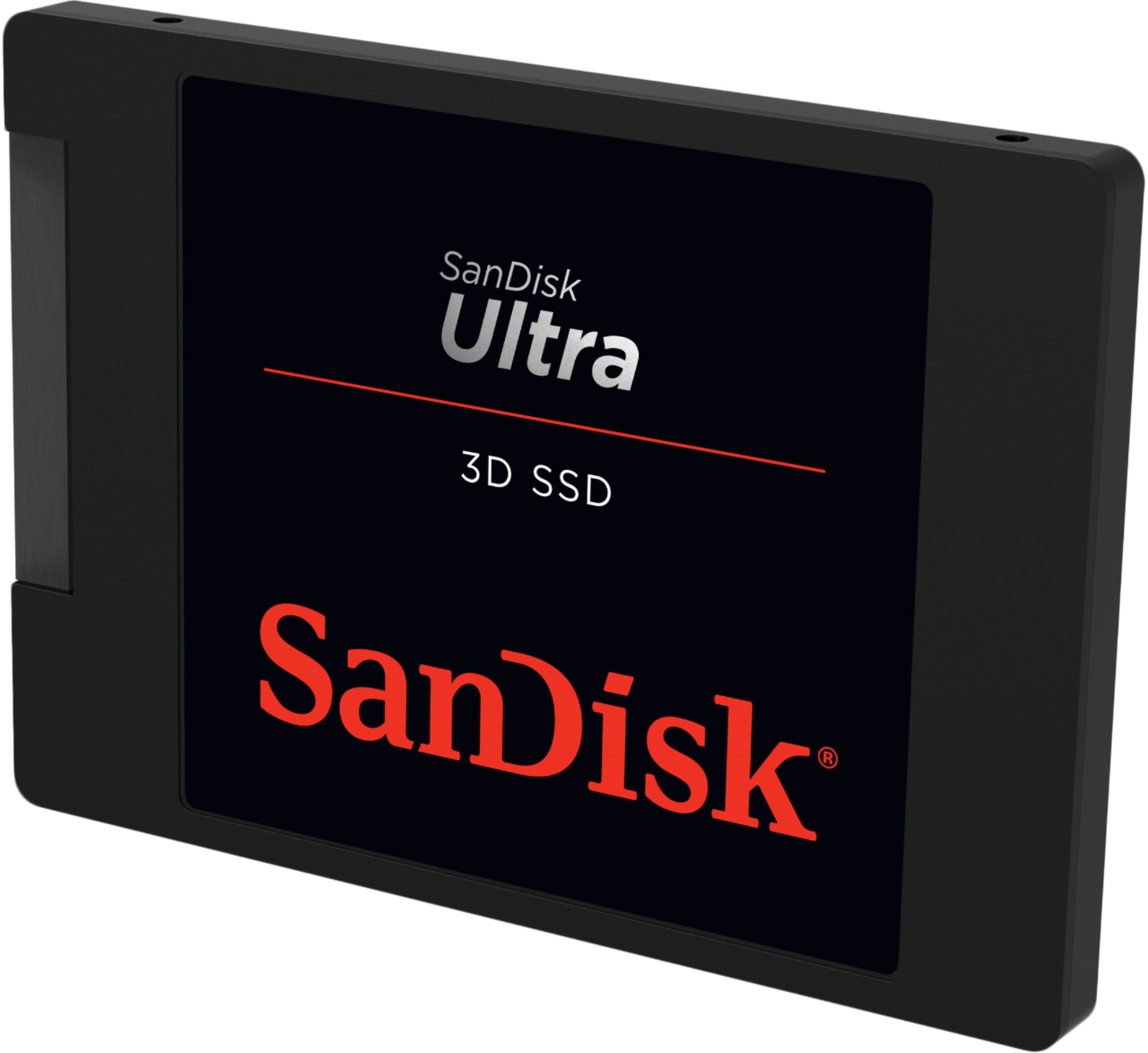
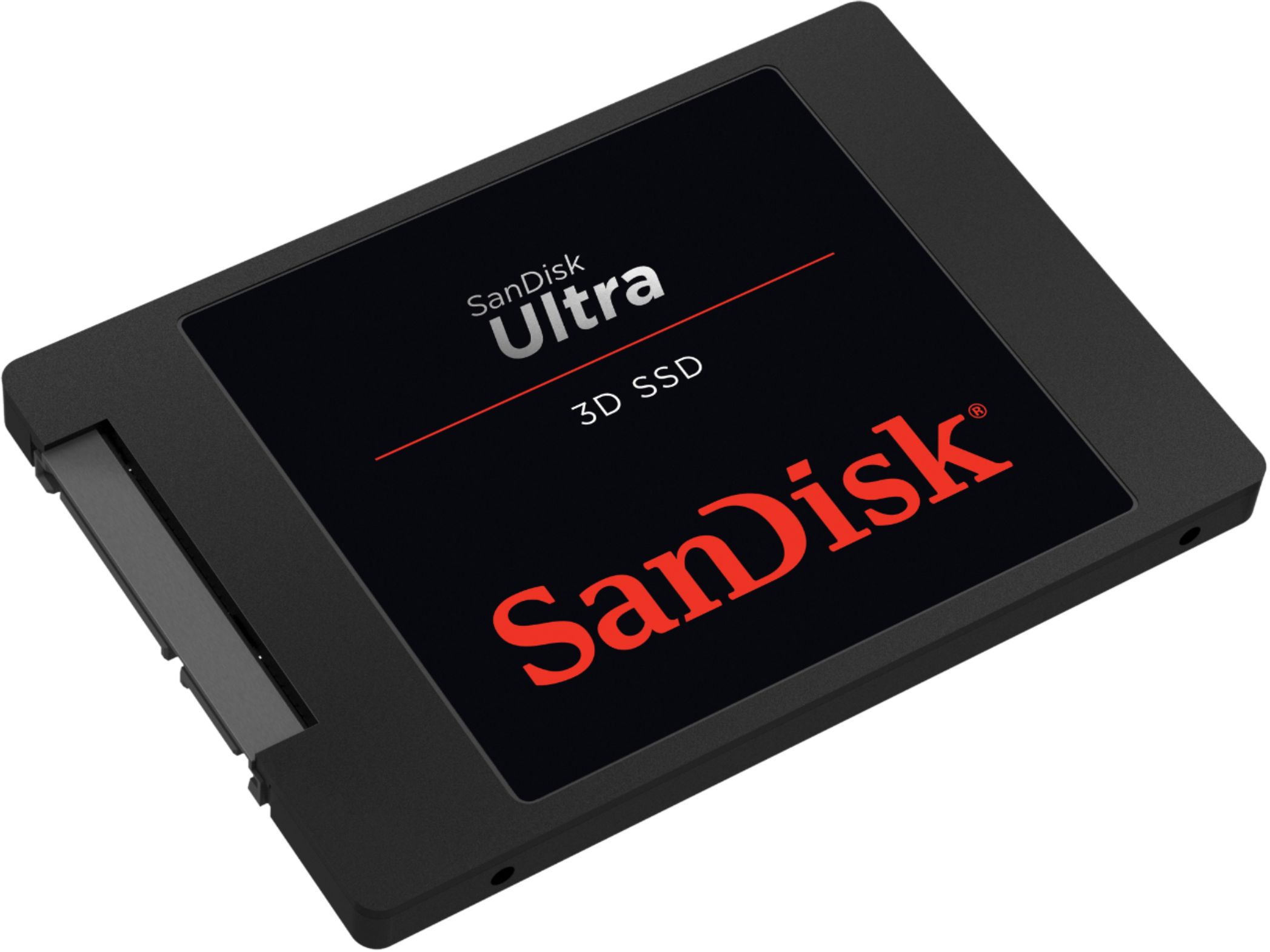
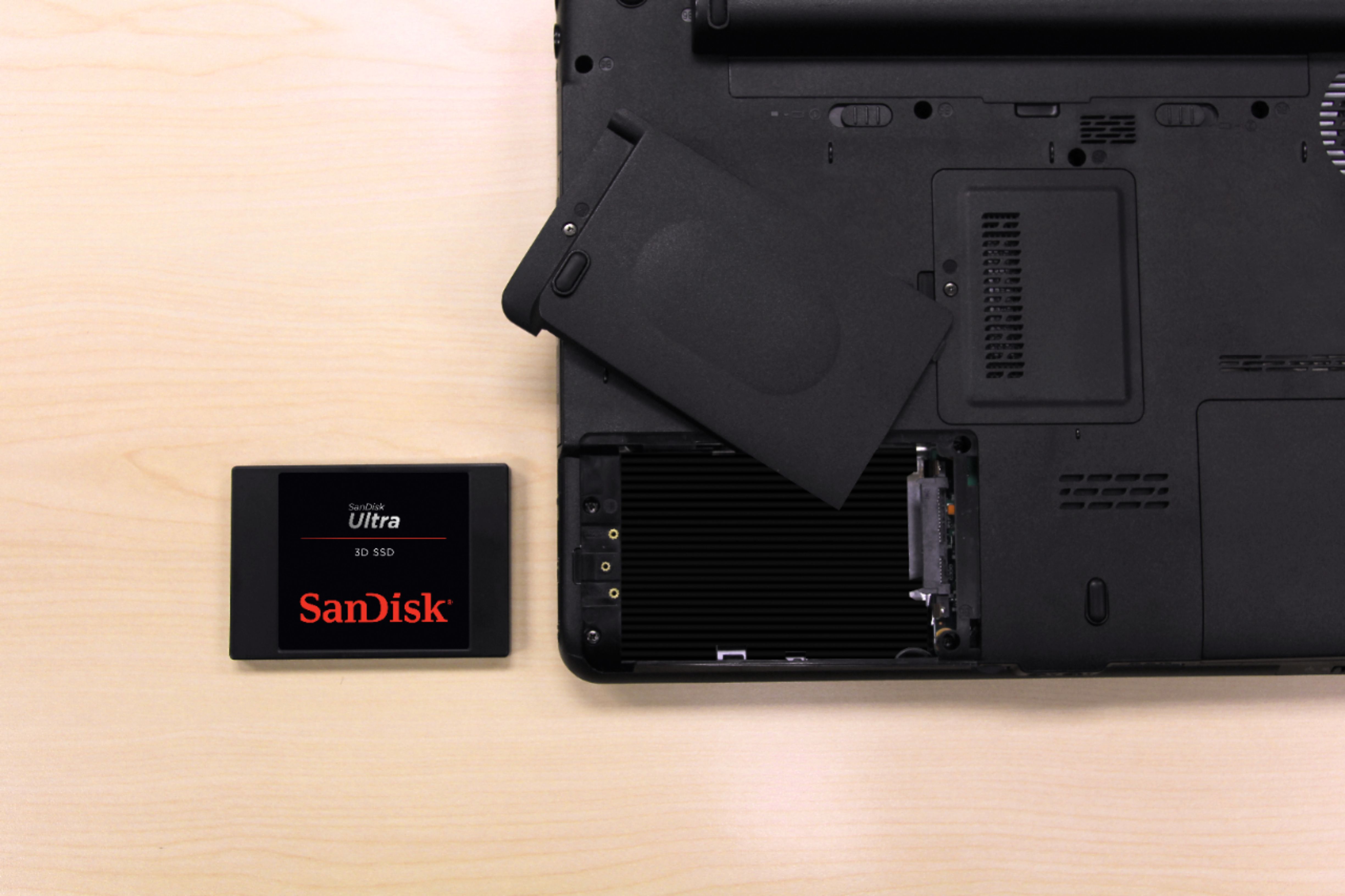
A:AnswerThis SSD will work on any laptop with a 2.5 in. internal bay with SATA connectors. It will also work on any desktop computer with available SATA power and data cables. It will improve the speed of any computer.
A:AnswerHi, please be informed that if your Dell laptop has an internal 2.5" SATA slot, then you can connect this SSD Drive in your laptop. In order to know if your laptop has an internal 2.5" SATA slot, it would be best to contact Dell Customer Support as they would have all the technical specifications for your laptop.
A:AnswerI'm not an expert but I'm pretty sure any case can fit 3 of these. They're tiny. You might have to buy a special mounting bracket if you aren't comfortable simply laying it in the HDD tray like I did. What I would be more worried about is if your power supply unit has 3 power cables available and you have 3 sata ports available on your mother board.
A:AnswerHi, please be informed that this is a SATA SSD Drive which is designed to be connected to an internal 2.5" SATA slot in laptops/ computers. However, please note that we also manufacture Memory Cards with high data transfer speeds for cameras.
A:AnswerHi, please be informed that if your Lenovo laptop has an internal 2.5" SATA slot, then you can connect this SSD Drive in your laptop. In order to know if your laptop has an internal 2.5" SATA slot, it would be best to contact Lenovo Customer Support as they would have all the technical specifications for your laptop.
A:AnswerHi, please be informed that if your Dell computer has an internal 2.5" SATA slot, then you can connect this SSD Drive in it. In order to know if your computer has an internal 2.5" SATA slot, it would be best to contact Dell Customer Support as they would have all the technical specifications for your computer.