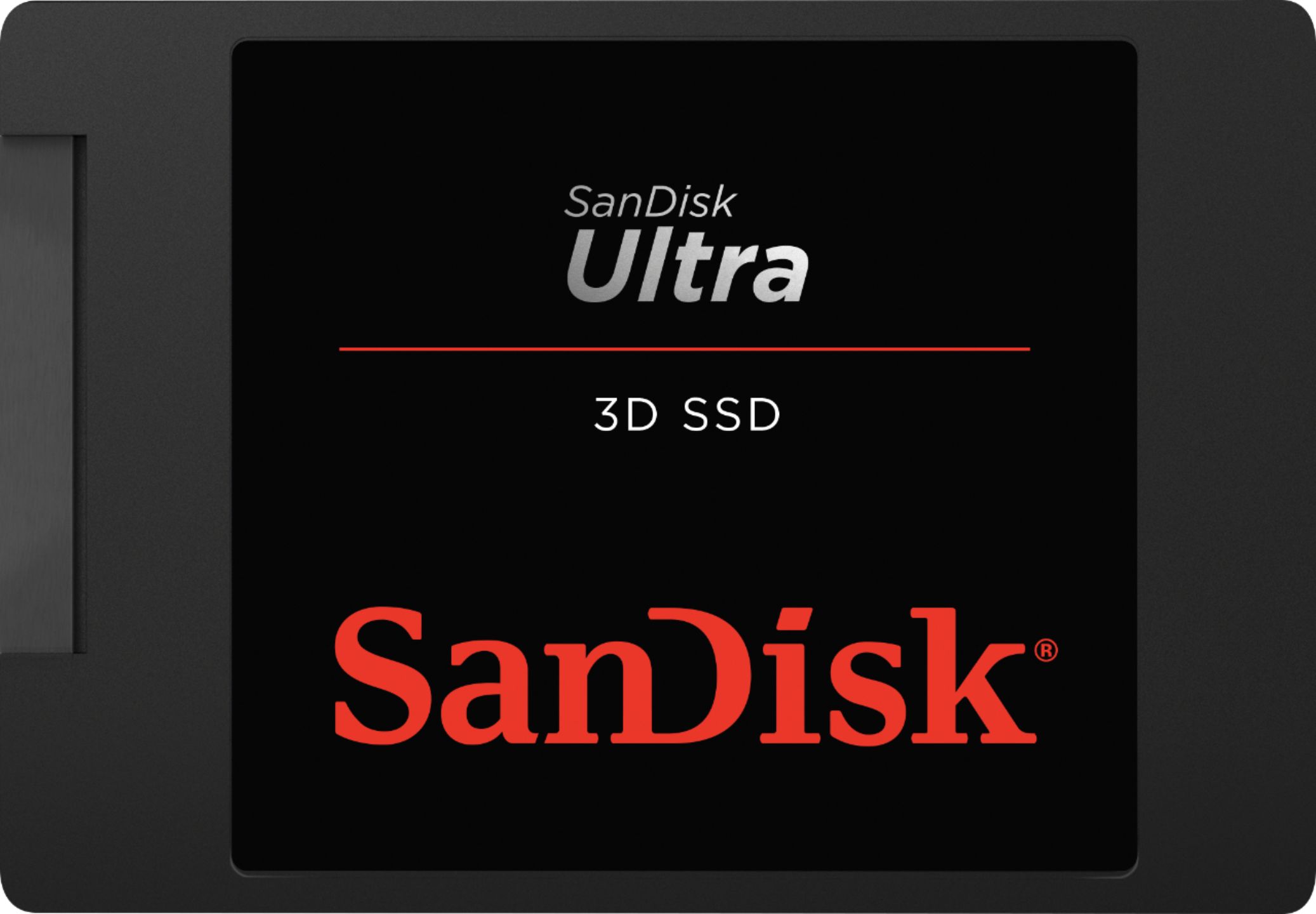
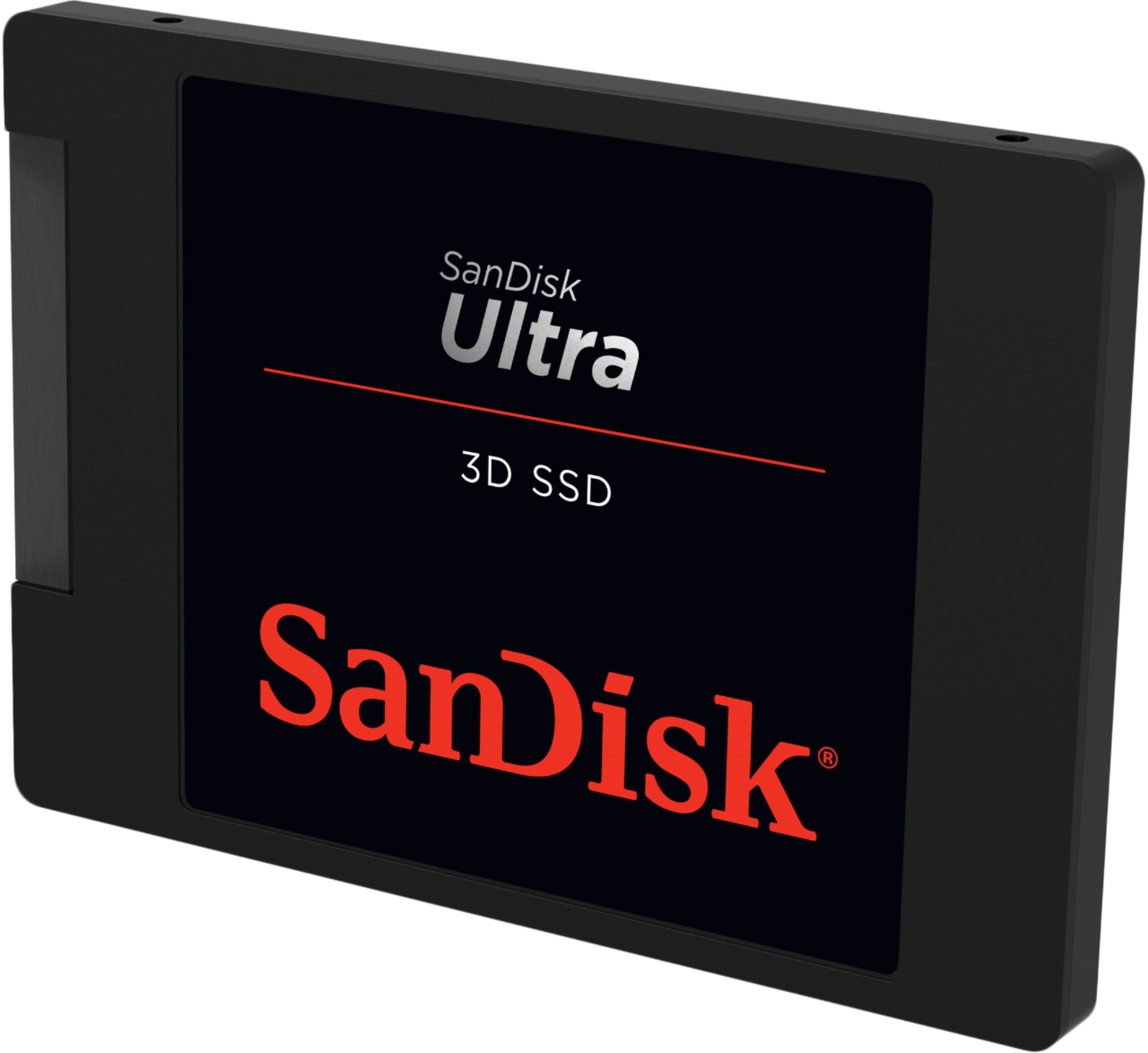
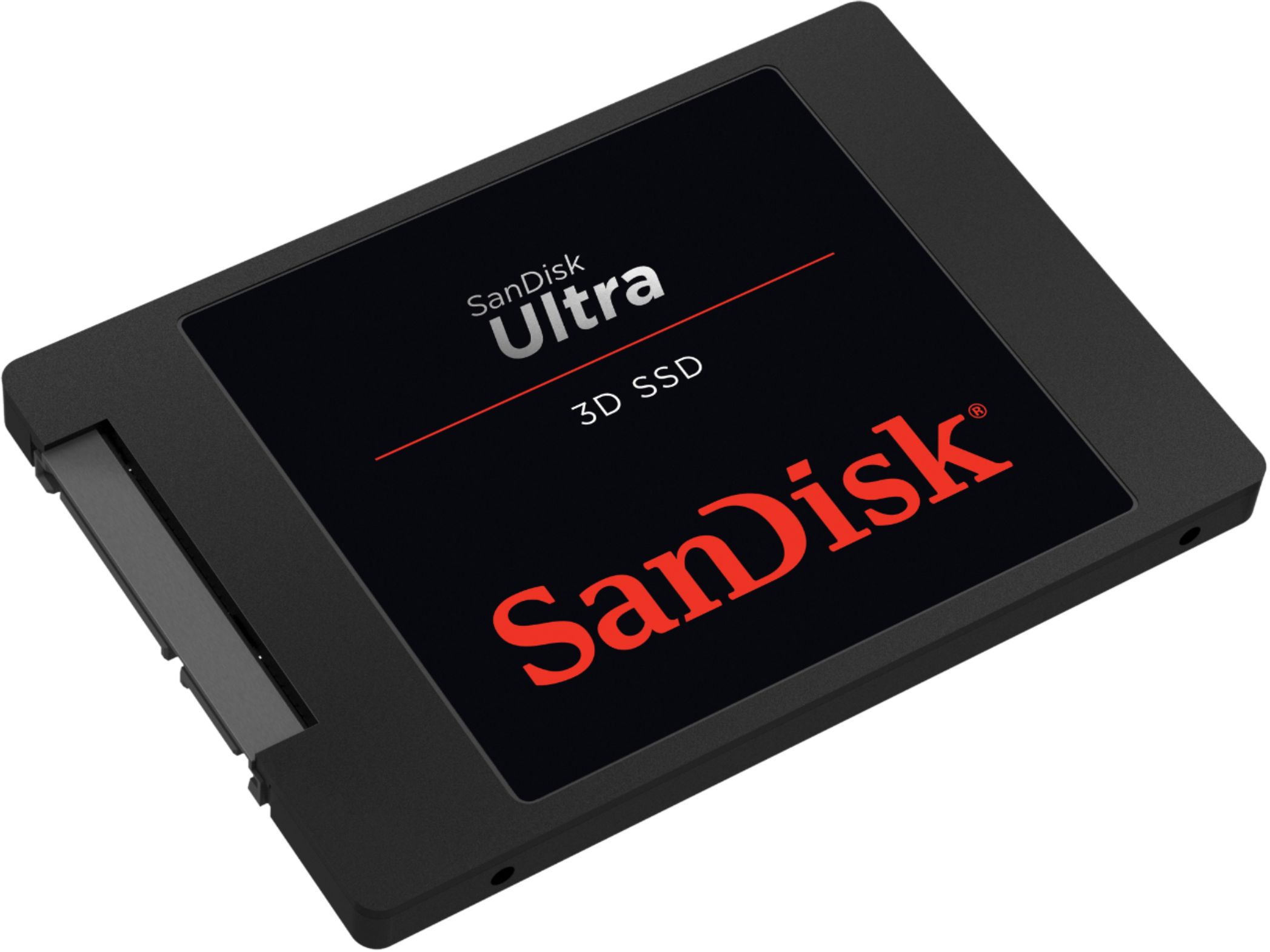
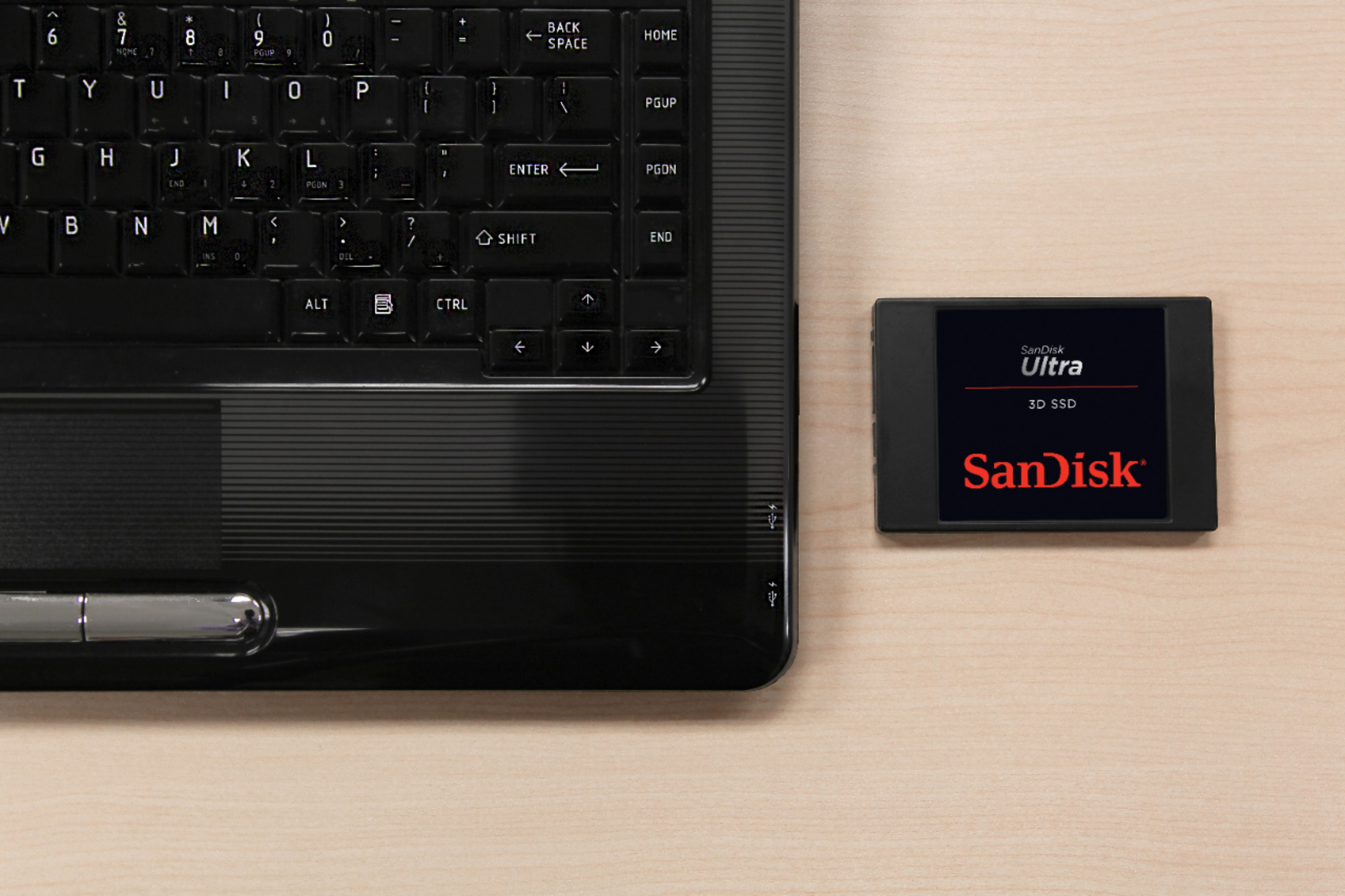
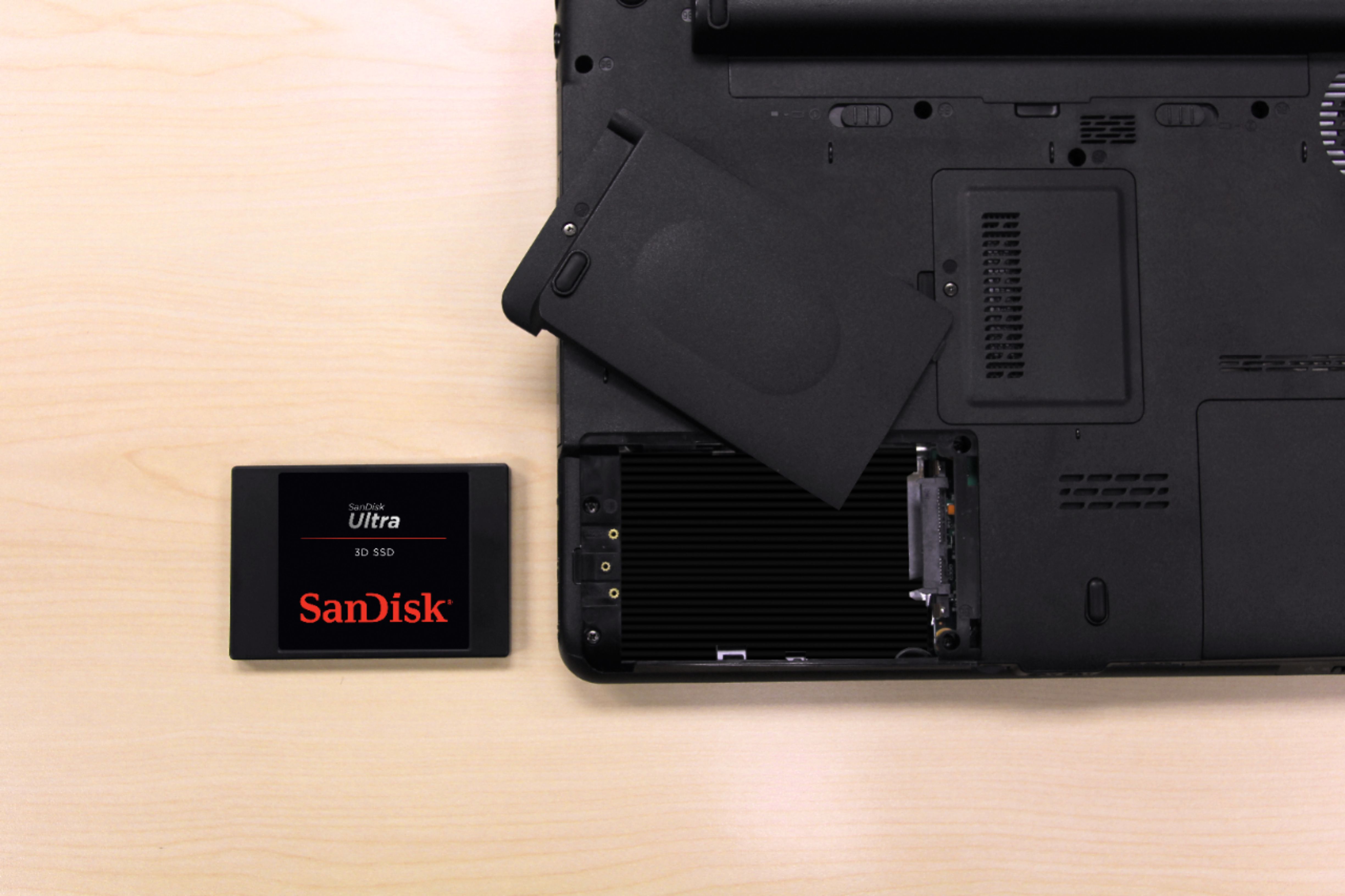
A:AnswerI'm not familiar w\ your machine. As best I can tell, the sold state is interchangeable w\ about any notebook hard drive. This hard drive is thinner than most notebook hard drives. I would expect that it would fit where any other hard drive would fit w\ a standard SATA notebook connection. It might need to be secured to match your slot.
A:AnswerIt looks like the model 2 comes with the 1st drive as a 5400 rpm HD so it would suggest it is a 2.5" format and the 2nd HD is probably a an M.2 PCIe-type SSD.
Open up the unit and see if there is a "standard" 2.5" HD in it and this SSD will work in it. My laptop had a 2.5" 5400 rpm HD which I replaced with this SSD.
For the next trick, you will need to buy a USB-sata cable and download the free version of drive clone software to replace the current HD.
A:AnswerYes this is a 2.5 inch form factor and that is what laptops use but you would need to either install a new operating system(i.e. Windows 10) or transfer the data for the old drive onto the new drive. Definitely recommend the trouble because SSD’s make such a huge performance improvement.