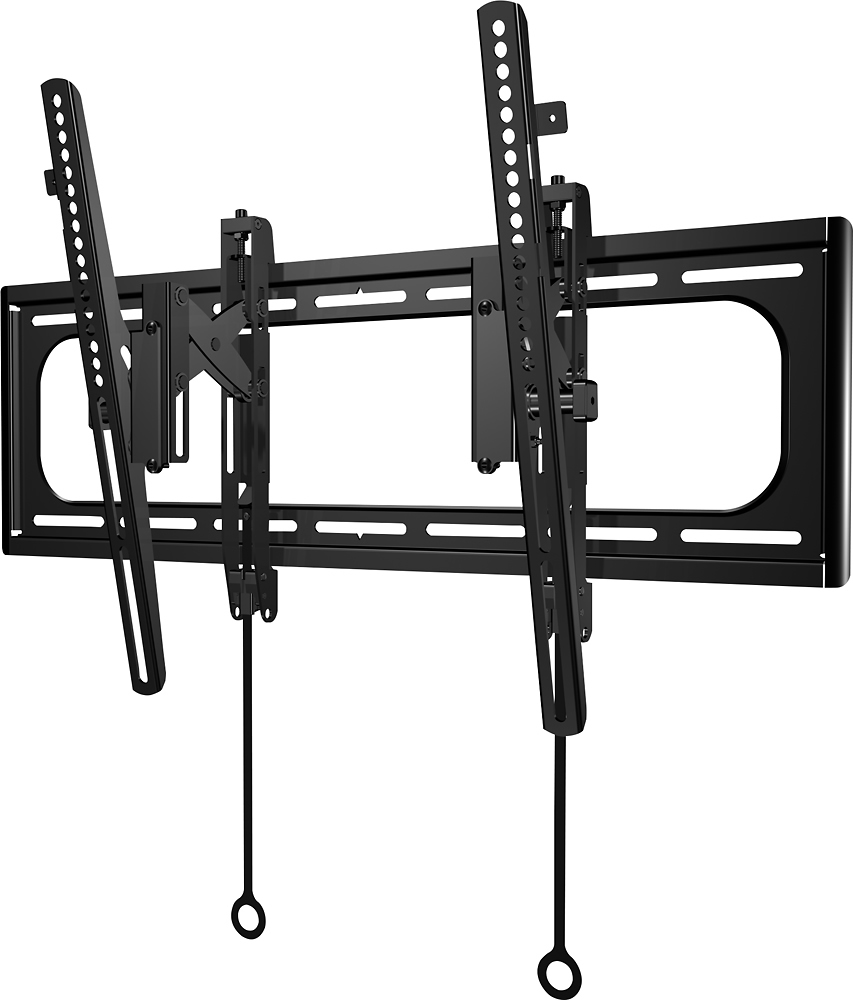
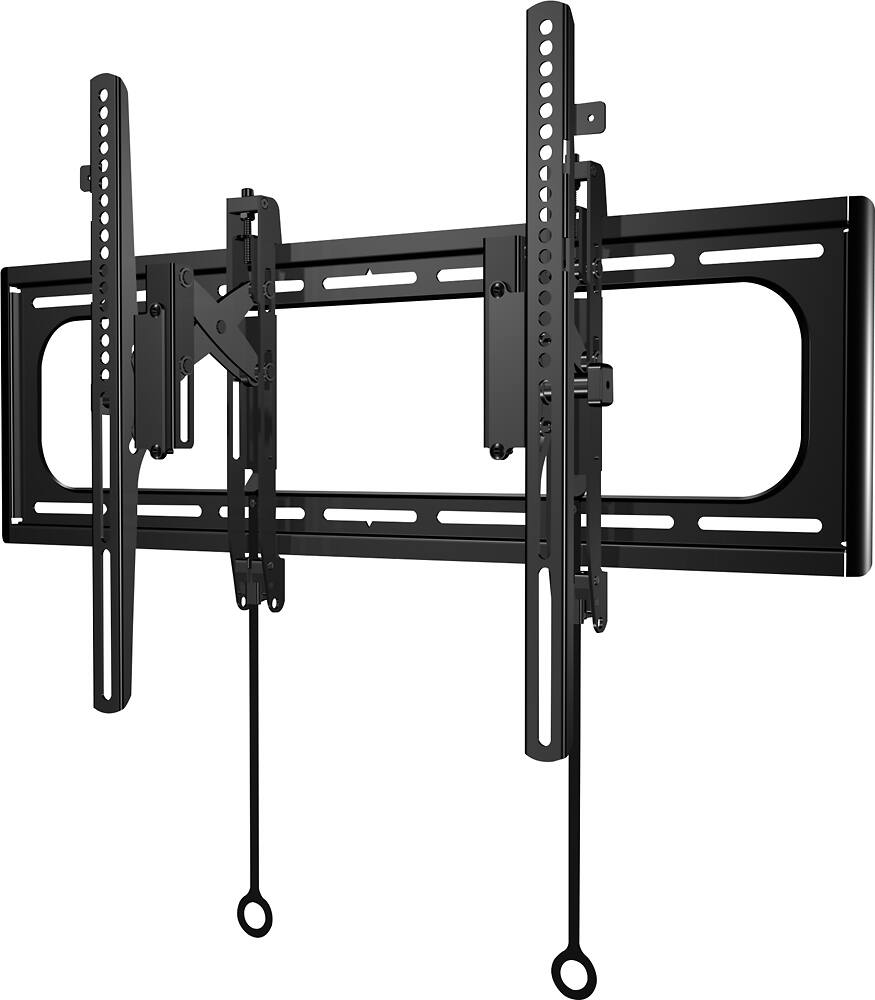
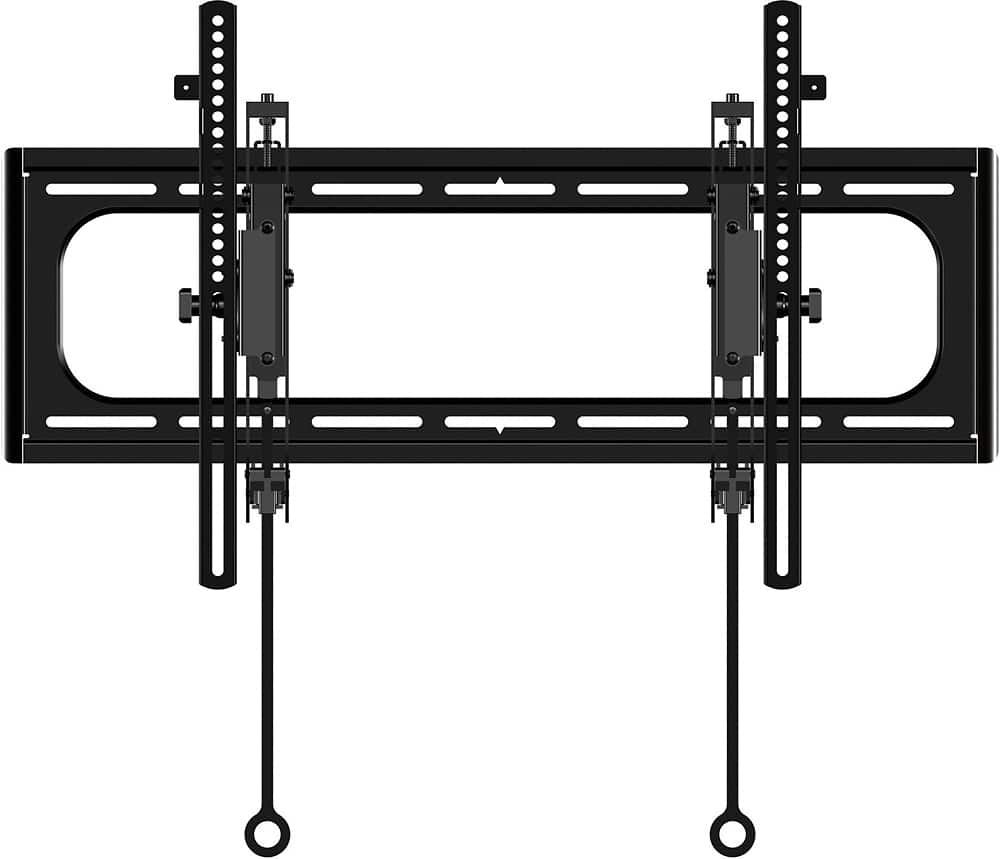
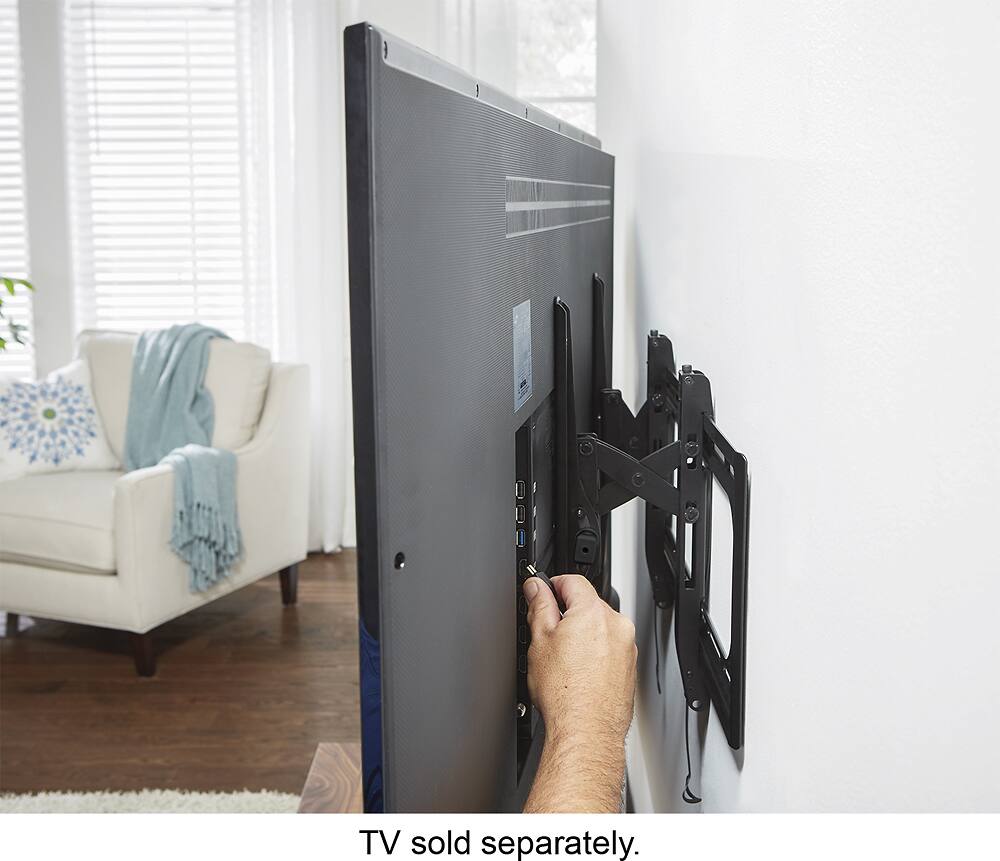
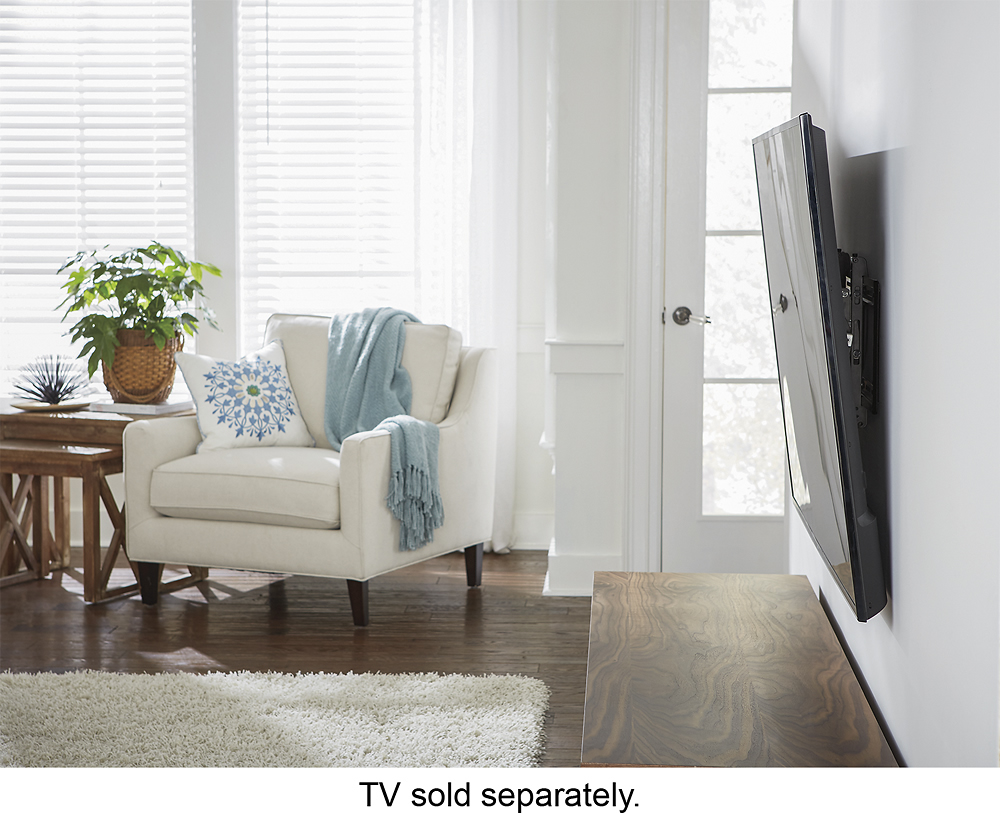
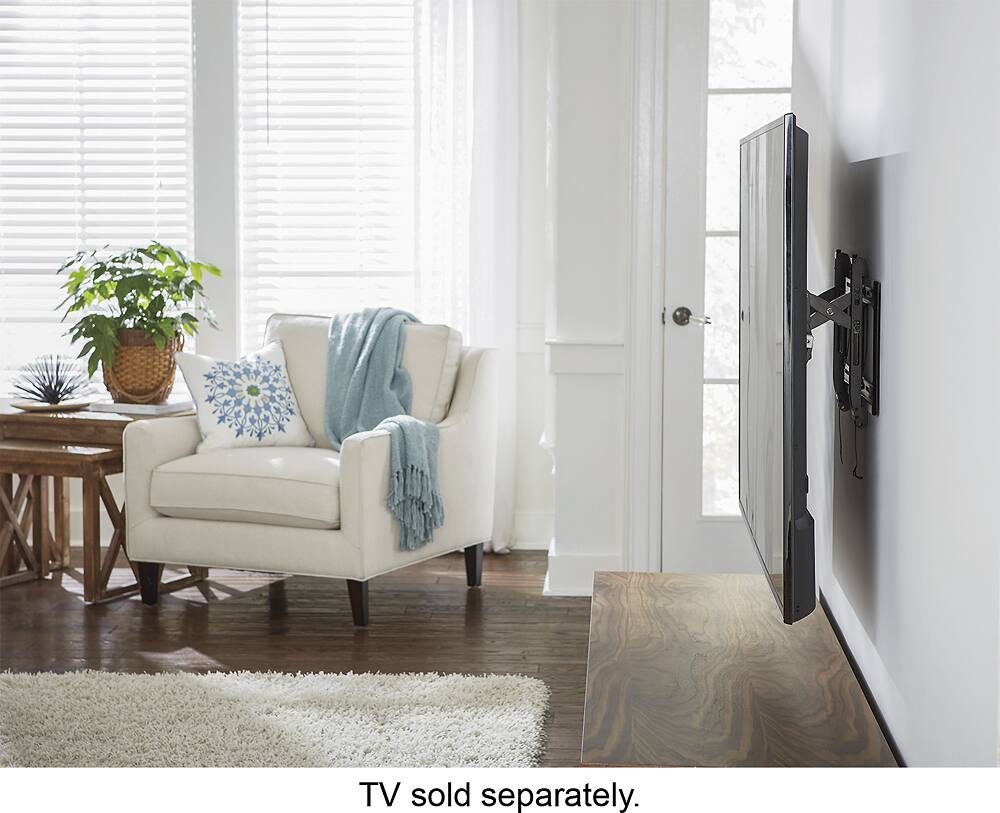
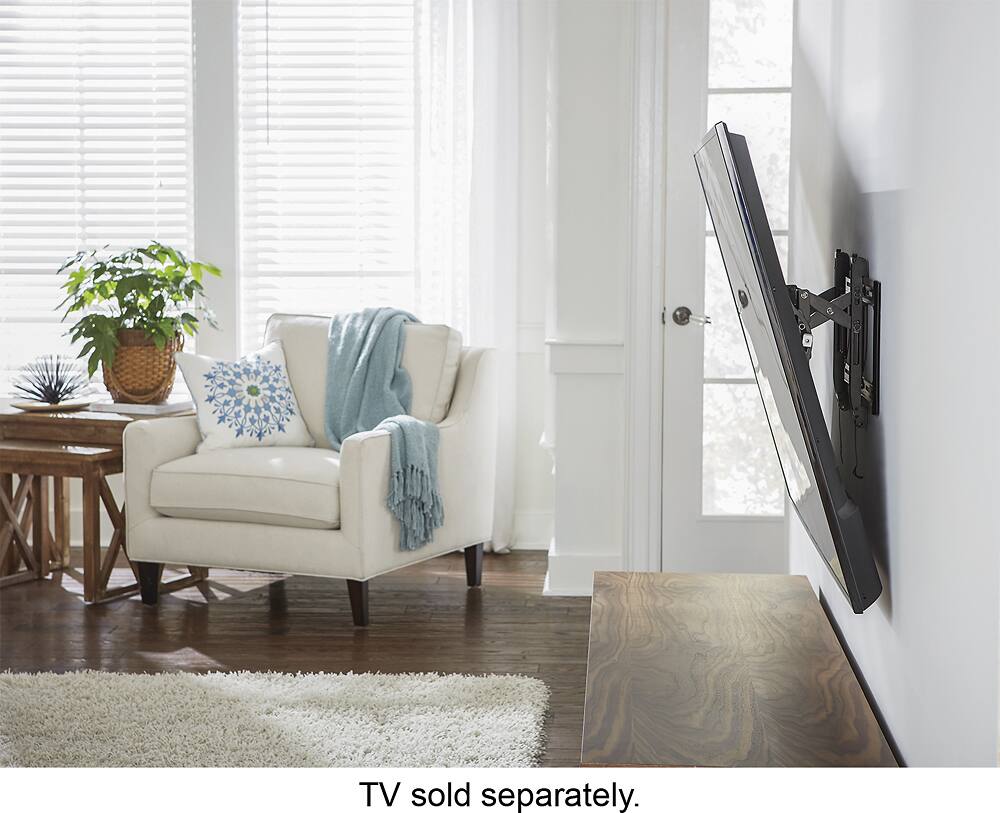
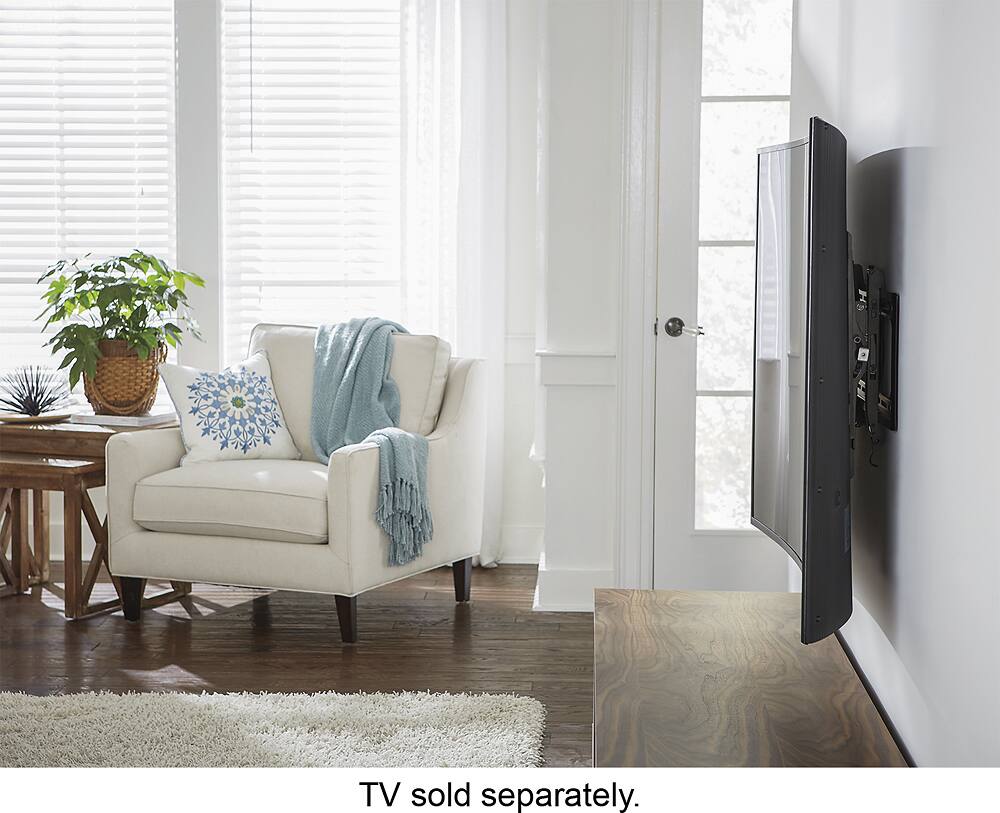
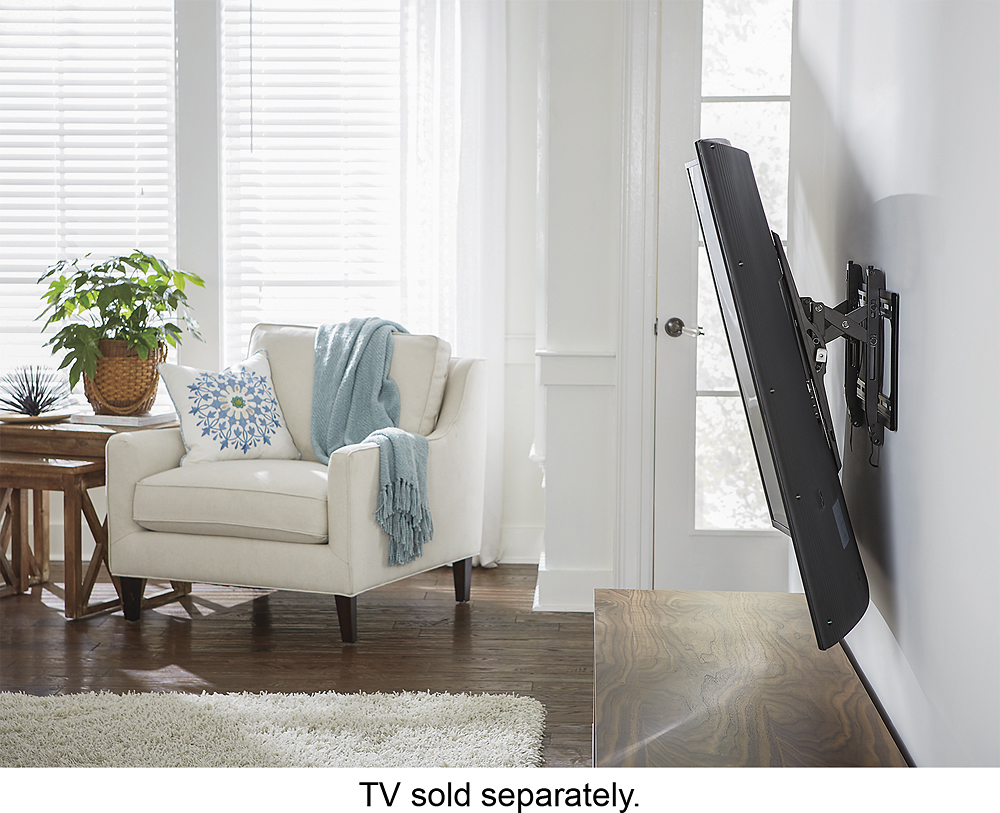
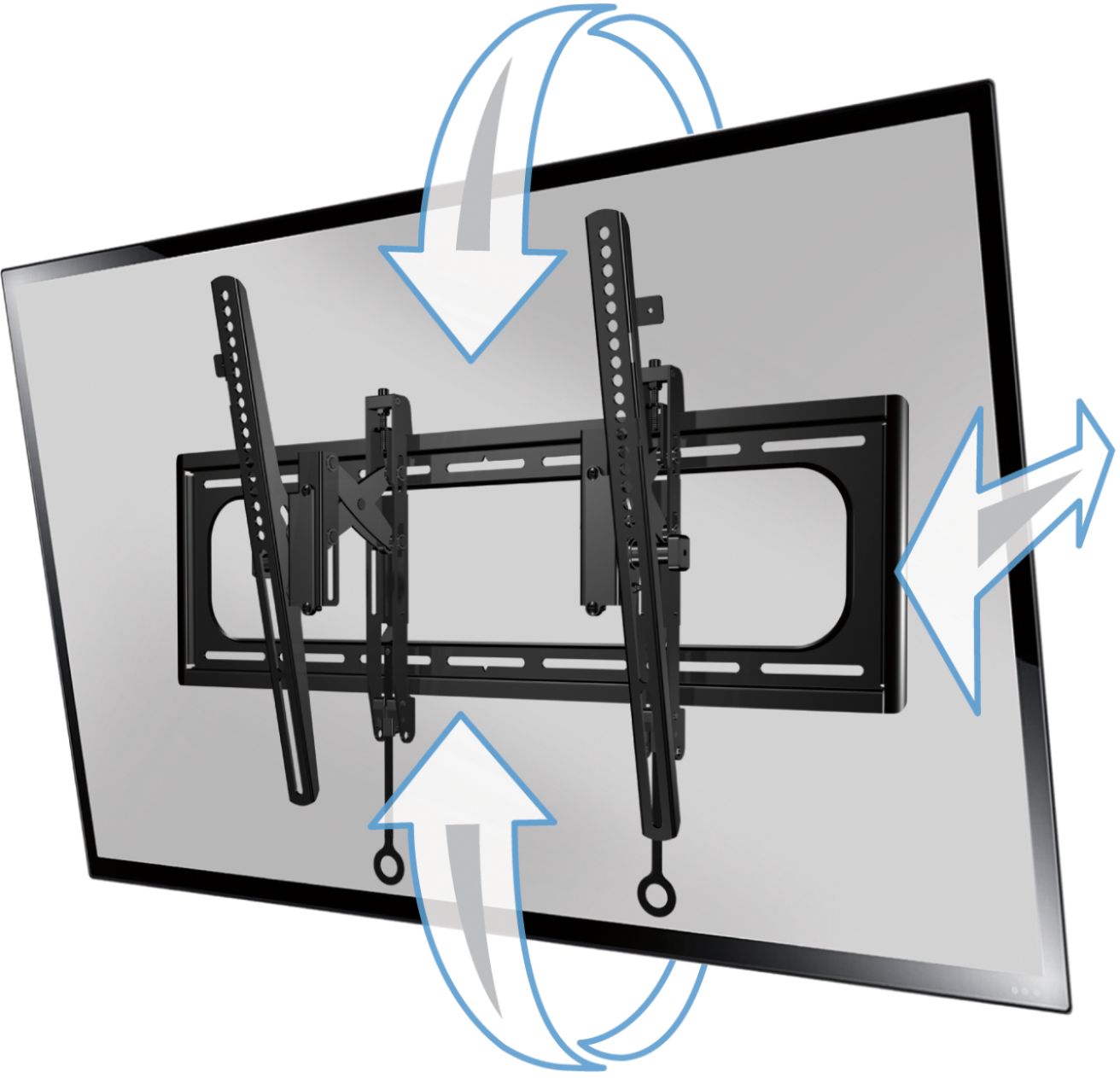
A:AnswerNot sure what the Sanus rep is talking about - I tried this one at a local Best Buy and it does indeed allow for slight tilting to the left/right. You basically can pull each side out a couple inches so you push the left side in, pull right side out and tada! you have it tilted towards the left.
A:AnswerGood Day,
Yes! This mount is a perfect match for 400x400MM vesa hole pattern. On our product page, it should say compatible patterns and you can always cross-reference your TV with our mounts on our MountFinder tool on BestBuy.com. Please let us know if you need anything else.
Thanks!
Jake @ SANUS
A:AnswerHello,
This sits 2.74" from the wall. To triple check that this is the right mount for you, take a look at our mountfinder tool here: http://mf1.bestbuy.selectionassistant.com/.
Kathryn @SANUS
A:AnswerGood Day,
Thanks so much for reaching out to us. This mount will work with most Samsung 65" TVs out there, but I would plug the model number into the MountFinder tool on BestBuy.com. Please let us know if you need anything else.
Thanks!
Jake @ SANUS
A:AnswerHey there DCOJMO,
We do include specific hardware for Samsung TVs (including the M8 screws), so no need to purchase them separately.
Thanks!
Lauren @ SANUS
A:AnswerMe personally.. I wouldn’t count on drywall holding anything with weight or value.. I have to assume the studs just don’t align with where you’re wanting to hang the tv.. if it was me, I would screw two 1x4’s or a 1x10 to the studs then screw the wall mount to the boards..
A:AnswerHi Jason,
Yes! You can leave this mount extended at all times as this was designed to be able to move around to get the right viewing angle from any spot in the room!
Kathryn @SANUS
A:AnswerHi Larry,
I understand that you are only seeing the 200x200mm and 600x400mm patterns in the specs, however this supports the majority of VESA patterns from in between those as well. I will look to getting this updated on the website to make it more clear to our customers. The Panasonic you have is a great fit for this.
Kathryn @SANUS
A:AnswerYes you can adjust the leveling of the tv while it's mounted. You will need a ladder and the Allen wrench the mount came with. It's tricky, as you need to reach the Allen screws on the top of the mount from above. You may be able reach from side if you pull the tv away from wall, since this mount allows you to do that.