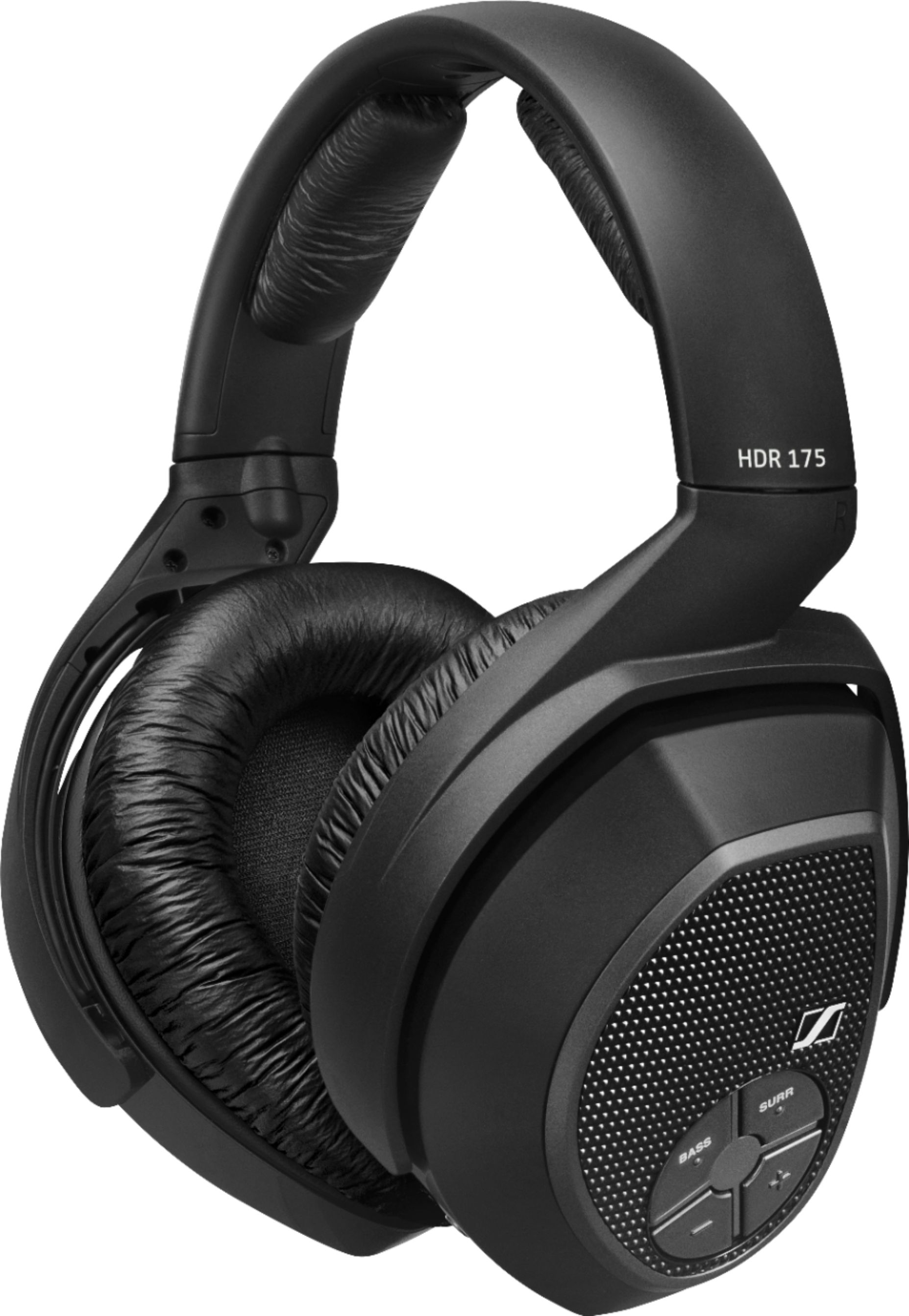
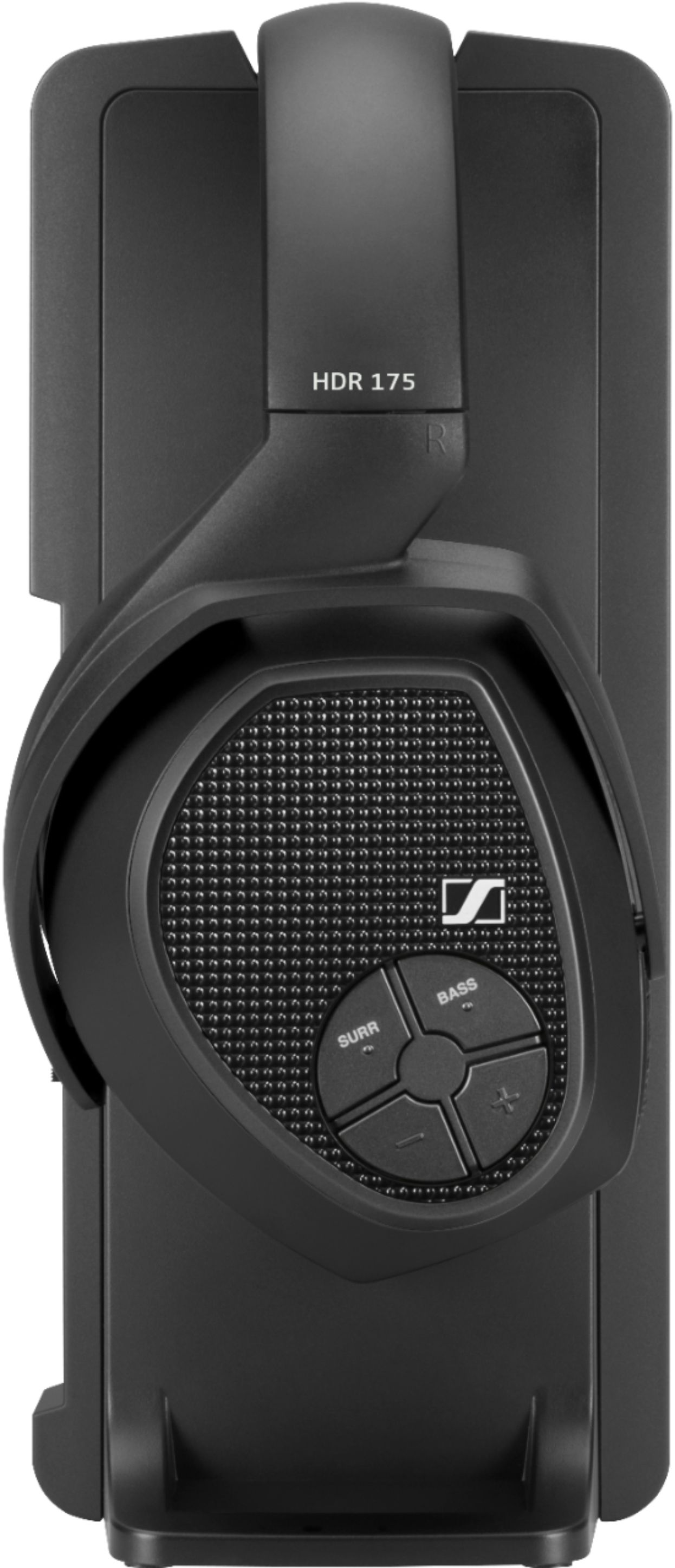
A:AnswerYou can use two headphones with the base unit. They have to be the same model. Search for Sennheiser HDR 175 Accessory RF Wireless Headphone for RS 175.
A:AnswerYes the headphones available at Best Buy contained all the necessary accessories to set them up. the Best Buy description does not actually detail what's in the box but I called them and they weren't sure, so I bought it and the accessories were indeed in the box. The headphones work very well with our entertainment system.
A:AnswerAny rechargeable battery will eventually stop holding s charge. At that time you simply get a new set. Much cheaper than replacing a set of AA batteries often
A:AnswerIf you're running the sound from your tv or audio system to the headphones..there are modes on those that will make dialogue more prominent than back ground noise , like music or action sequences...thus the dialogue would be easier to hear ....
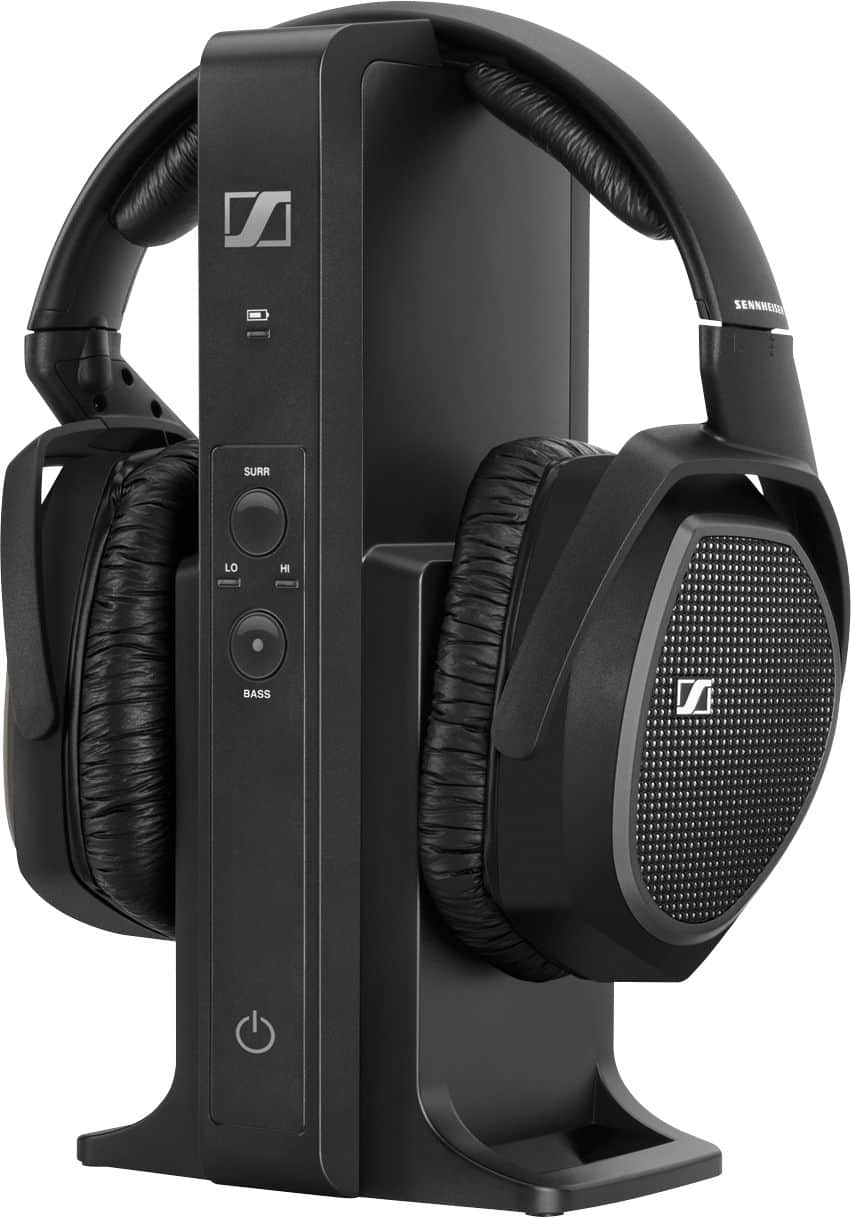
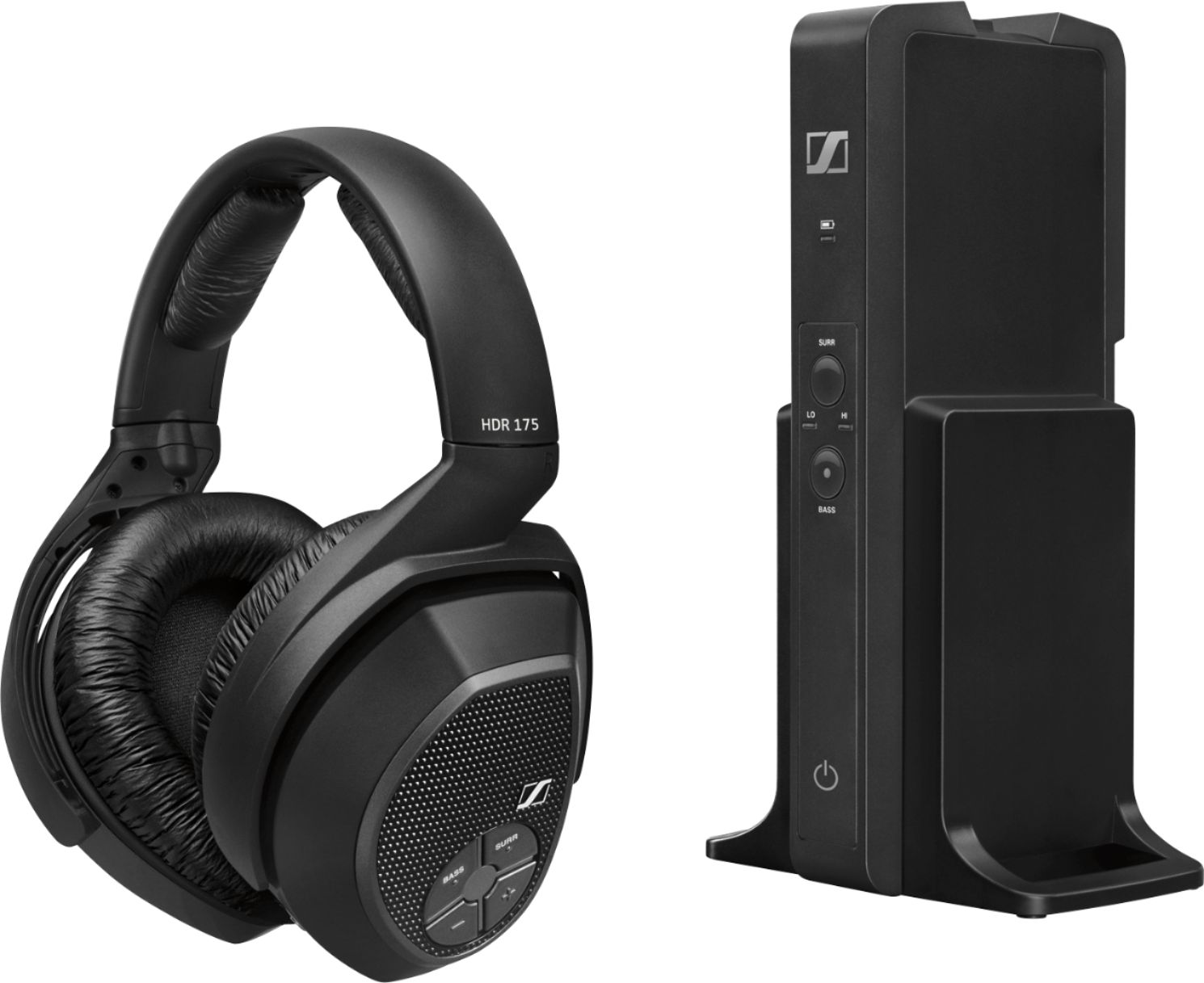
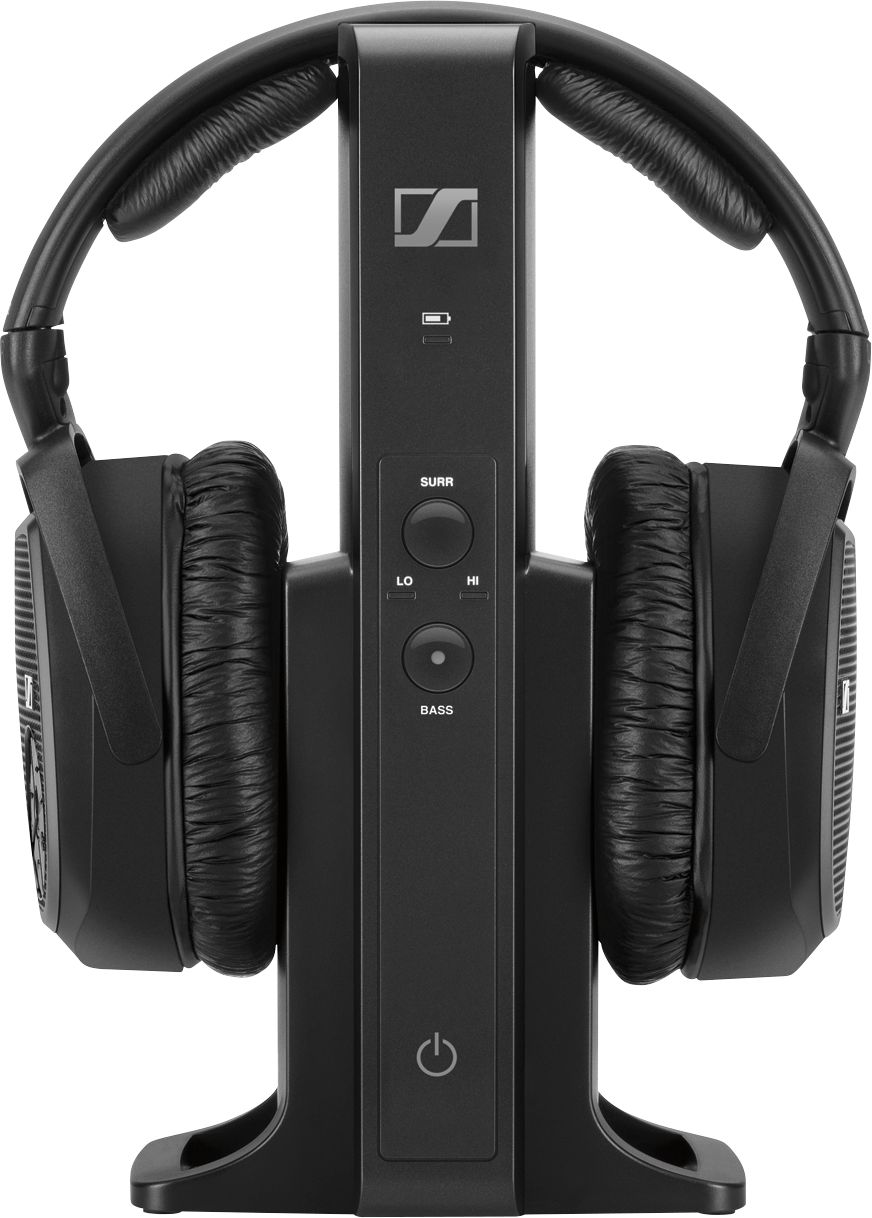
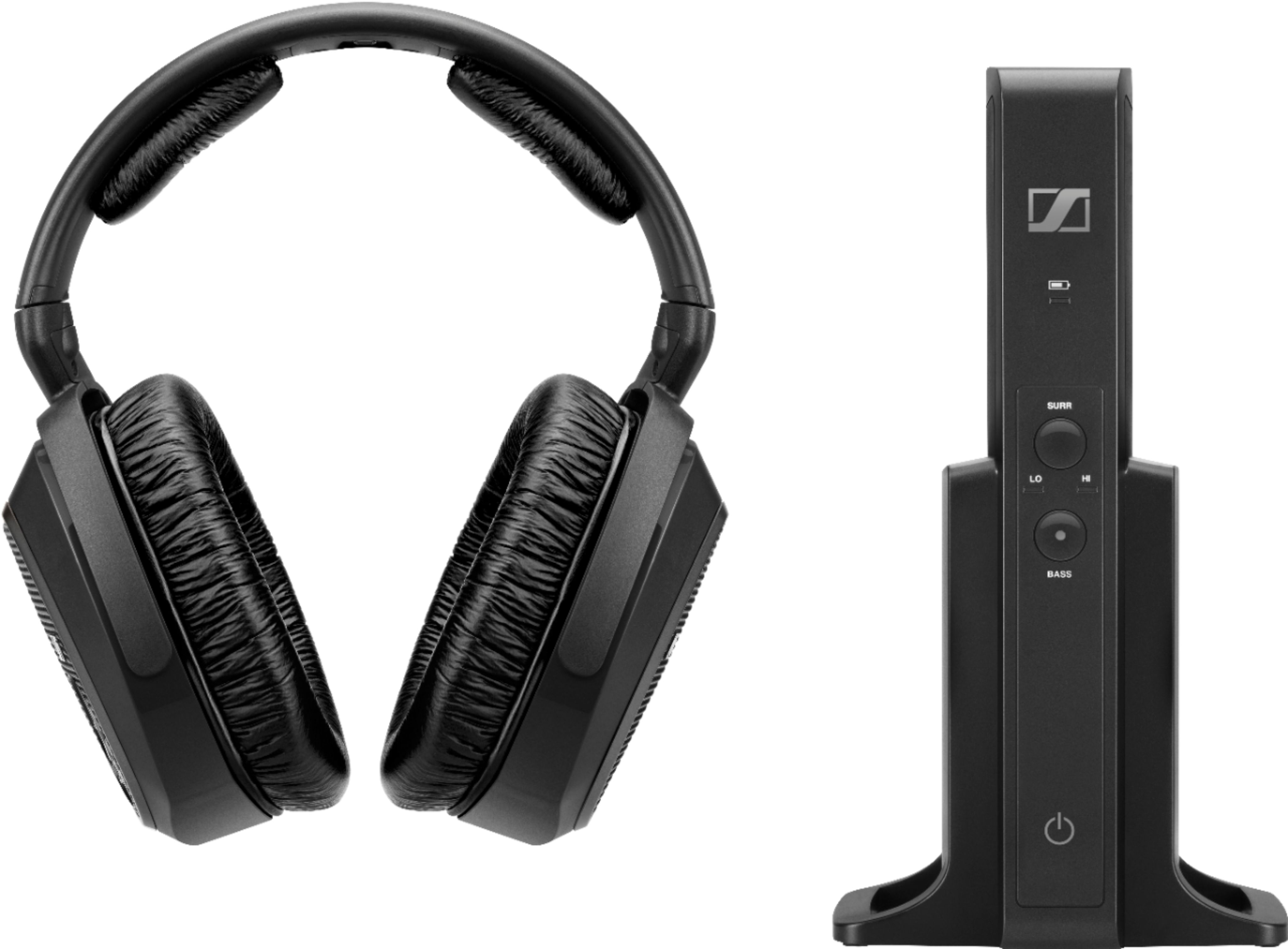
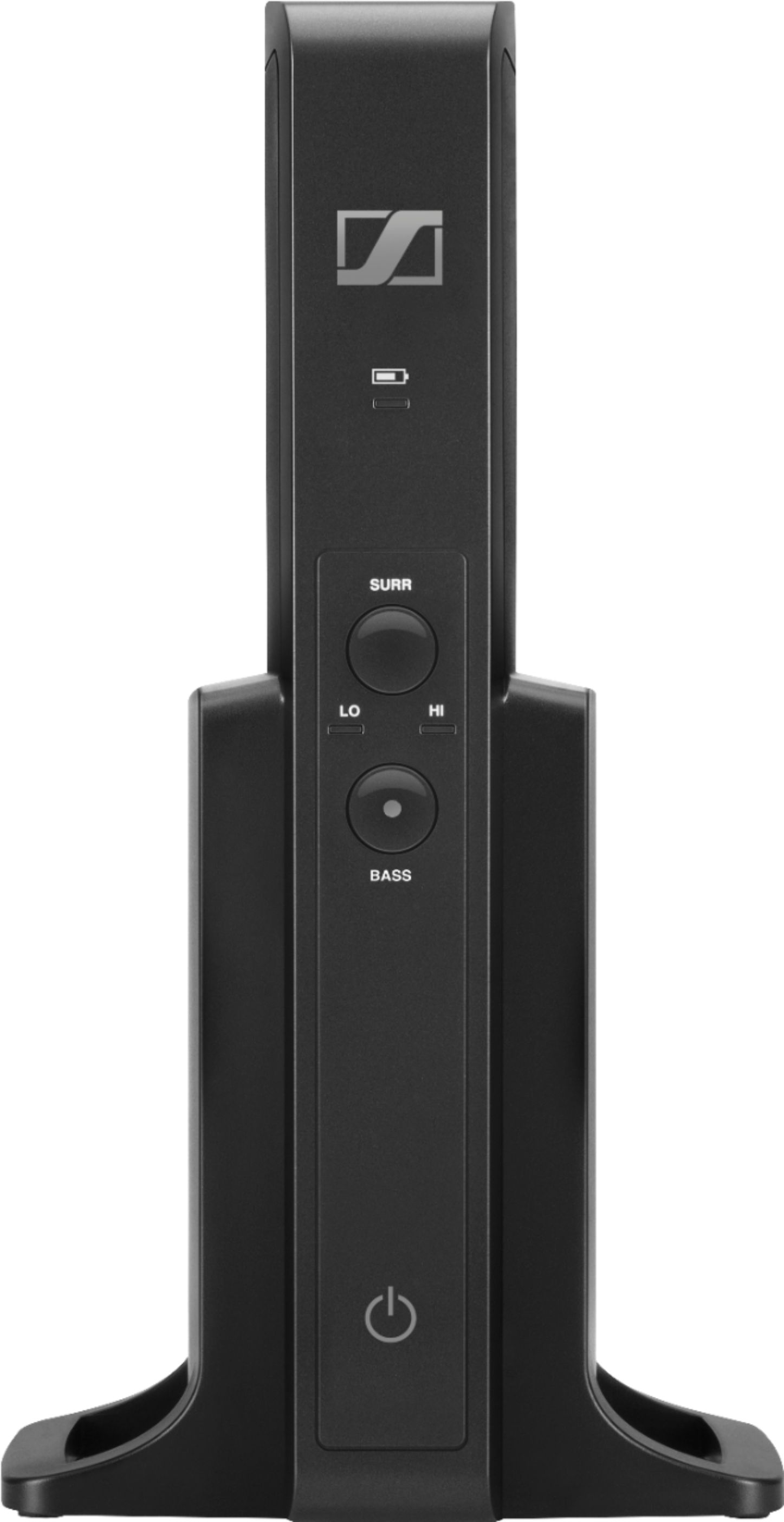
A:Answerthe headphones also come with a stand. the stand is what you connect to the phone or tv, pc, etc. the stand/tower then sends the audio signal to the headphones. so, you can connect a phone or tablet, but it wouldnt work portably.
A:AnswerNo, you can have the TV volume at any volume the NON-HEARING INPAIRED person wants to and the person wearing the headphone can adjust their hearing level on the earphone they are wearing. The sound quality is excellent on the 175 headset.
A:AnswerThe sound quality is really good for tv so the sound quality should be good music. These headphones allow adjustments of the highs and lows.
Sennheiser has been making audiophile quality equipment for decades.
A:AnswerAmazon has a good selection of replacement ear pads for this model. The prices are pretty reasonable and the quality is better than the factory pads in my opinion. Just search your model and you should find a nice replacement pair.
A:AnswerYes will work on PC. Comes with both digital and standard analog cable that can plug into your monitor if it has a jack or PC. Very easy to setup just plug in wires, pop on headphones and everything connects.
That being said I had major comfort issues with these and the clamp pressure and getting really warm in the ear cup. But providing you’ve tried them on and don’t have that as an issue it’s easy to setup to a PC.
A:AnswerCheck the contacts on both the head set and charging tower to make certain that there is no problem with alignment and the contacts are actually mating together when the head set is placed on the charger. If there are no issues with alignment check for oxidation on the contacts. The contacts should be bright and shinny. If they are not then clean them using the eraser from a pencil. Gently rub the contacts with the eraser until the oxidation is removed. Brush off any eraser particles after cleaning before charging. Oxidation can hinder the charging process and cause a no charge condition. This may just solve your problem.
A:AnswerI watch PBS news in our kitchen while he watches Fox News in nearby living room....we have zero crossover noise. I also have a pair in my sewing room so I can hear programming over the roar of my sewing machines. We also walk from room to room without consequences.
A:AnswerThe headphone set comes with both an optical audio cable and a 3.5 mm headphone jack extension cable. You shouldn't need to buy anything else unless you need an adapter to hook it up to RCA jacks.