A:AnswerOurs does this as well and has been doing it randomly for the last 9 months. It is annoying and I am not sure if it's normal functioning of the unit or not. We have had ours for just less than 9 months and it died today. It will not turn on even after doing the reset stuff. Sharp said to bring it back to Best Buy for a replacement and that the replacement will only have a 3 month warranty beause the 12 month warranty is up on the day we bought the first unit. I wouldn't purchase this unit again and I wouldn't recommend it. Perhaps if you are in the window of return you might consider it.
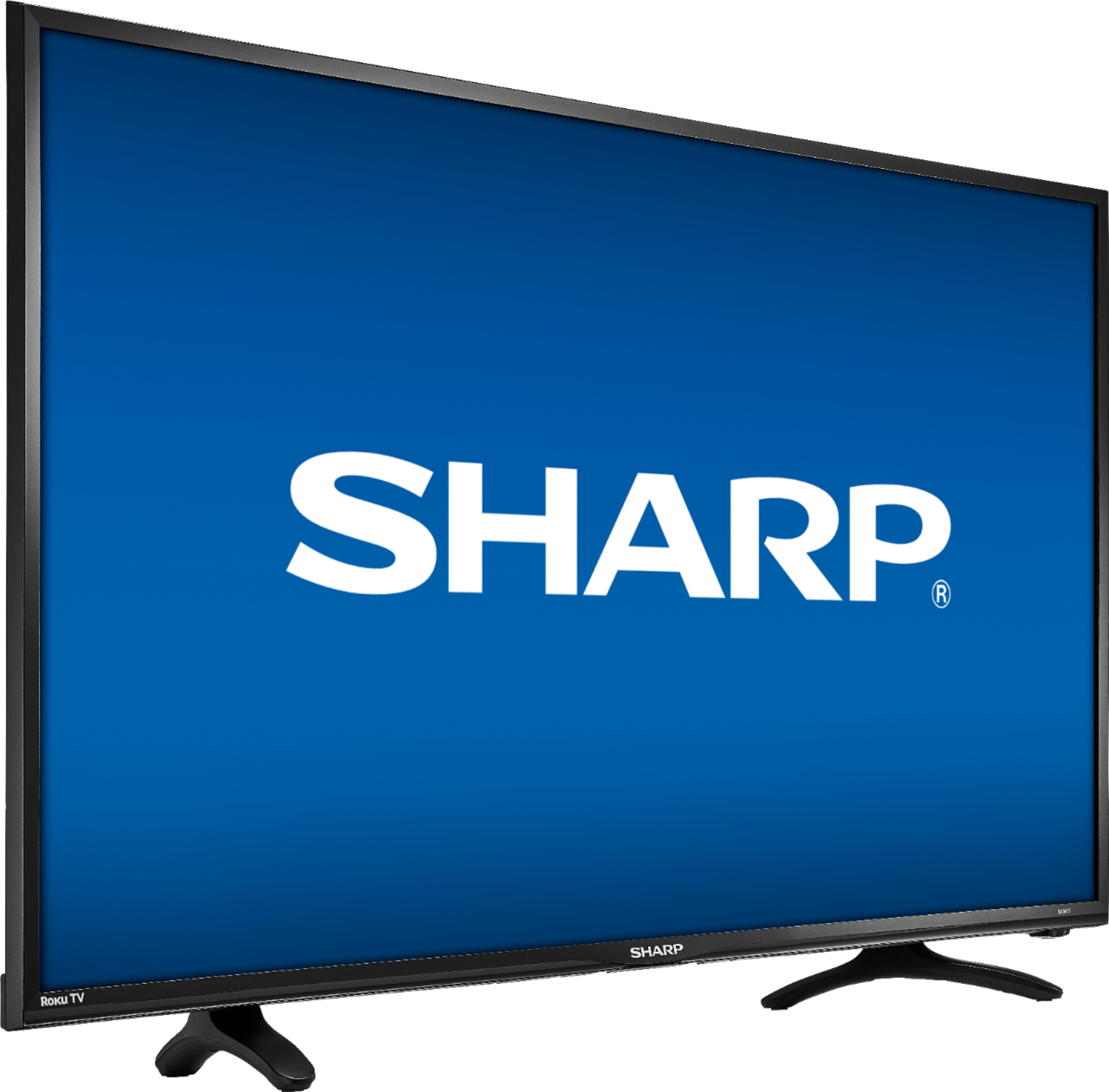
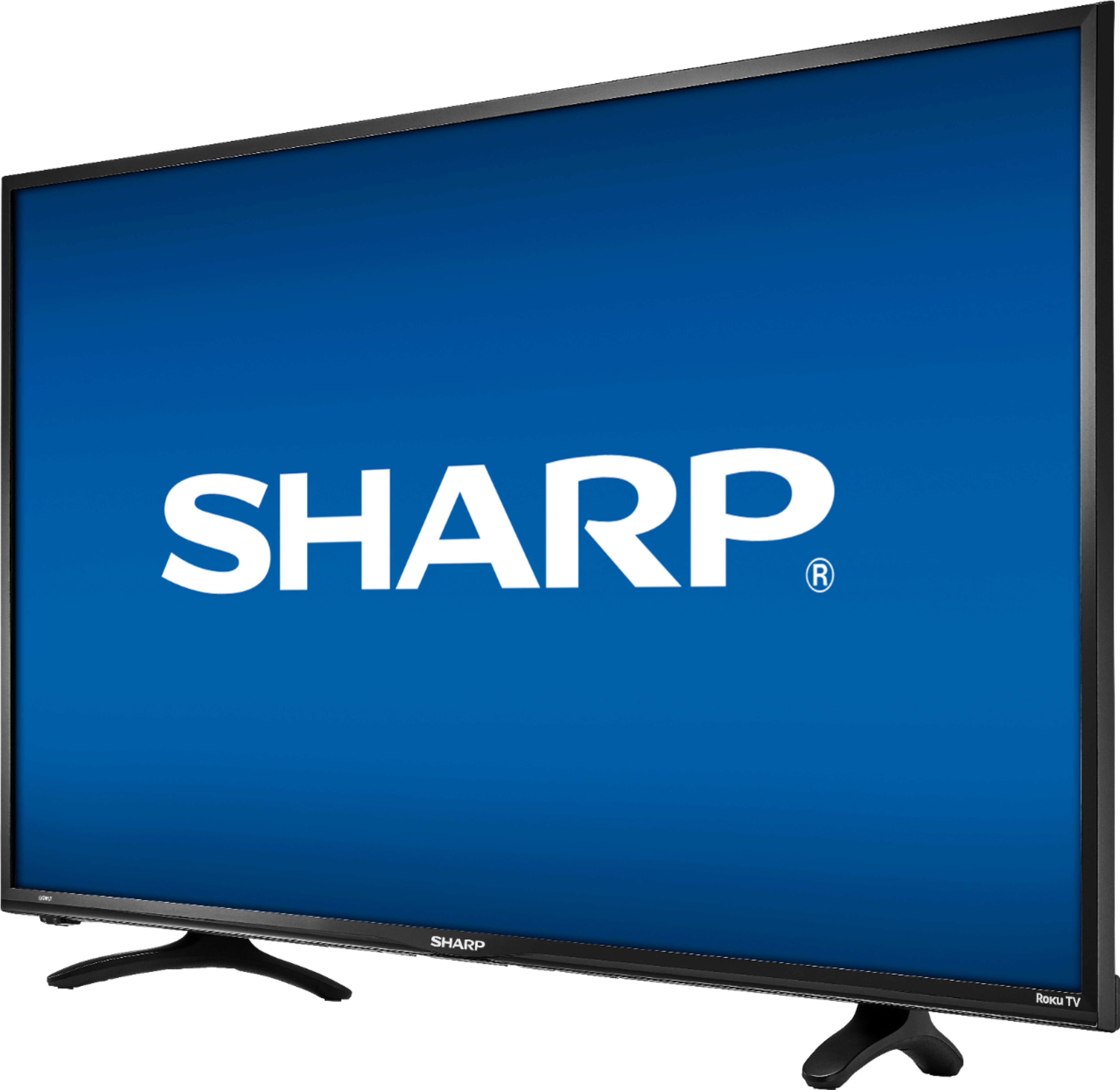
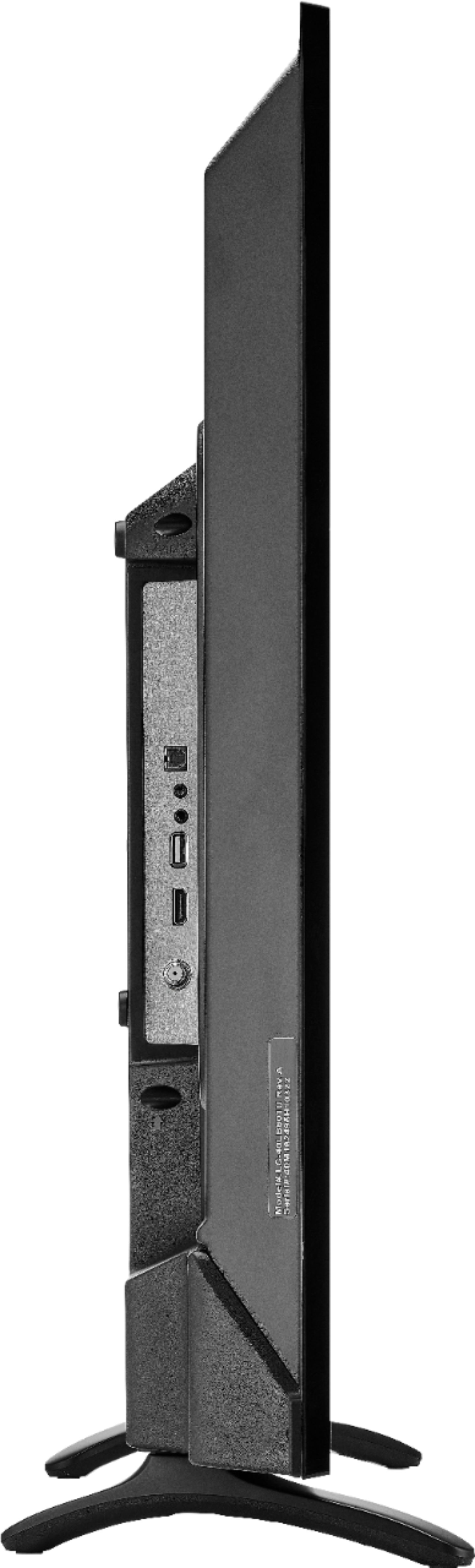
A:AnswerThe legs on this particular item are as follows: 18" between the back of the legs and 25" between the front of the legs. The legs are angled so that the front is wider than the back. Hope that answers your question!
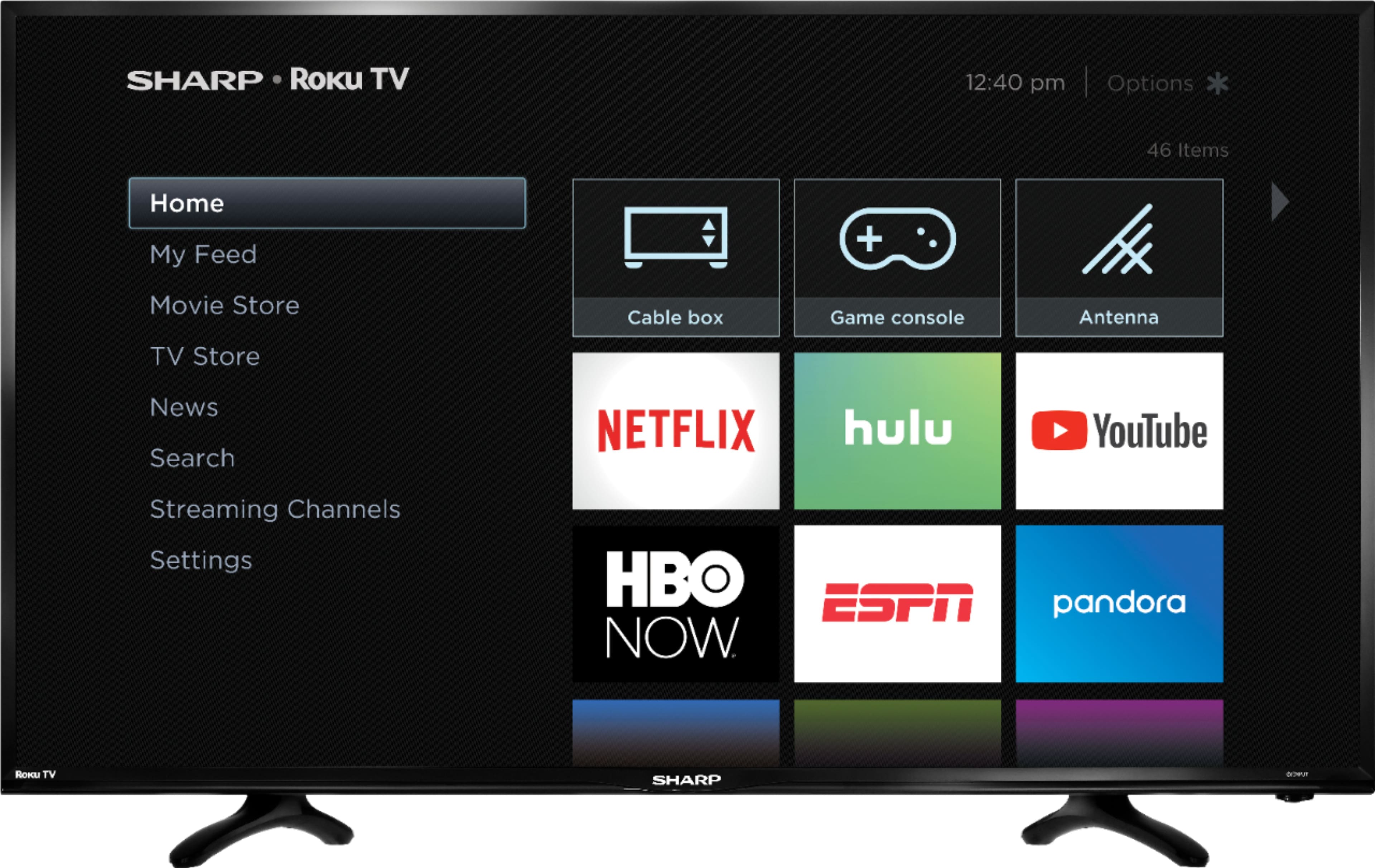
A:AnswerI don't see it in the list of apps ..but you can log into any of the channel apps with your Spectre account ...you might also be able to cast it too your TV with your phone but that depends on your phone and pairing ..I use xfi ity and I plugged the mini box that connects to my main dvr and then use all the apps ..YouTube Netflix Amazon prime and all the individual channels that have apps..it's a nice TV for the 149.99 price point
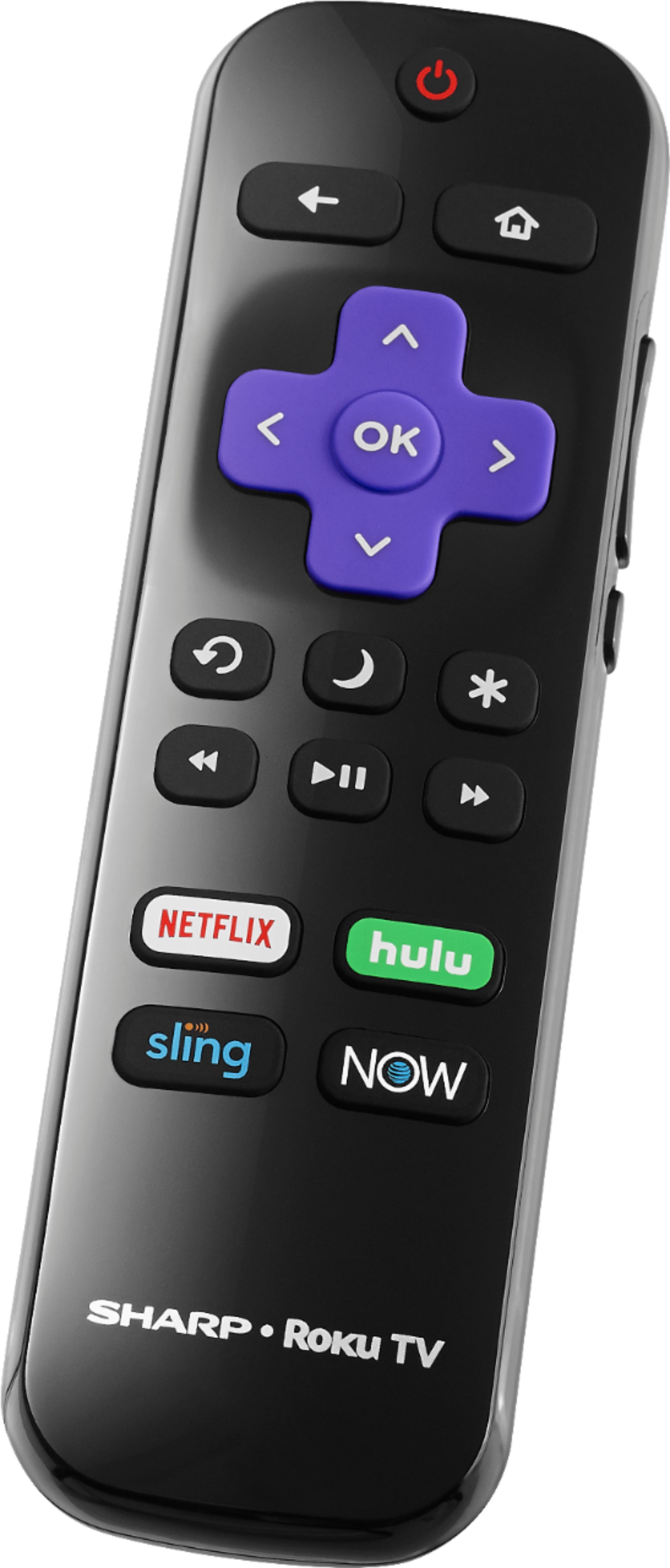
A:AnswerYes, I'm having the same problem. The tv works fine but the remote only works sporadically. Fortunately I'm able to use the Roku app on my iPhone to control the tv but I should still have a remote that works. I called Sharp's customer service number that was listed on the Quick Start Guide and it's been a nightmare to get resolved. I've had to call 3 times and have spent a total of 3 1/2 hrs. on the phone over this. I was initially told they would just send me a new remote, no problem, as the tv is under warranty (I literally just received it from Best Buy online via USPS). The issue I'm having is I live in the U.S. Virgin Islands. Best Buy will ship to us but Sharp's system doesn't recognize my address / zip code. It's a glitch in their system and I was assured it was being "escalated" but the agent who took all the info apparently didn't do anything with the info, he closed the case file. It took another 1 hour phone call, and another 5 days without a remote, to find out that happened. The supervisor I spoke with, who wasn't very helpful and ignored what I told him about the address issue, transferred me back to an agent to get my address and of course she wasn't able to enter it, as I had already explained to the supervisor. This time it did get escalated and I just this morning, after another 4 days, received an email asking for photos of the tv and remote, photos of the model number and serial number, proof of purchase, date of manufacture, etc. etc., which I've already provided 3 times. I love the tv itself but I wish I had never ordered this model. I haven't written a review or contacted Best Buy yet as I was waiting to see how this all plays out with Sharp. Not happy with this at all and have lost all respect for Sharp and their customer service.
A:AnswerThe product height with stand is 22.9 inches, the product width is 36.1 inches, the product weight with stand is 15.2 pounds and the product depth with stand is 7.6 inches.
A:AnswerYes this device does support screen mirroring. Go to the Roku Home page, then click up go to Settings, then System, scroll down and find Screen mirroring. Then set your screen mirroring. Go to your phone or other device you want to mirror from. Set that Device to mirroring. Follow the prompts on your TV.