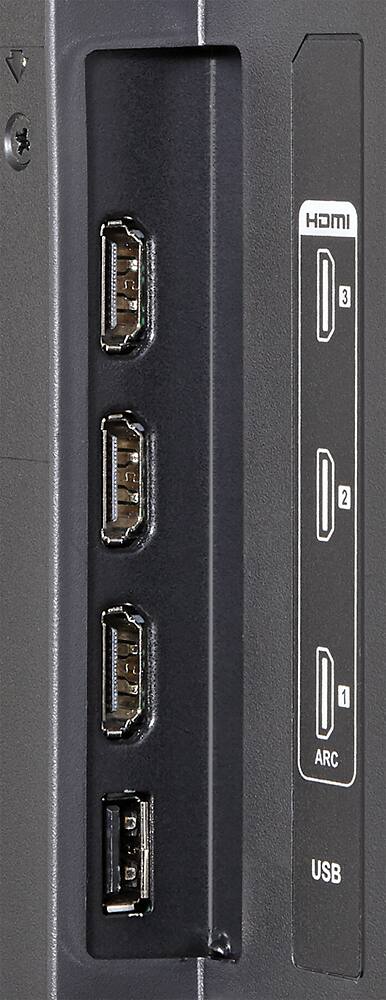
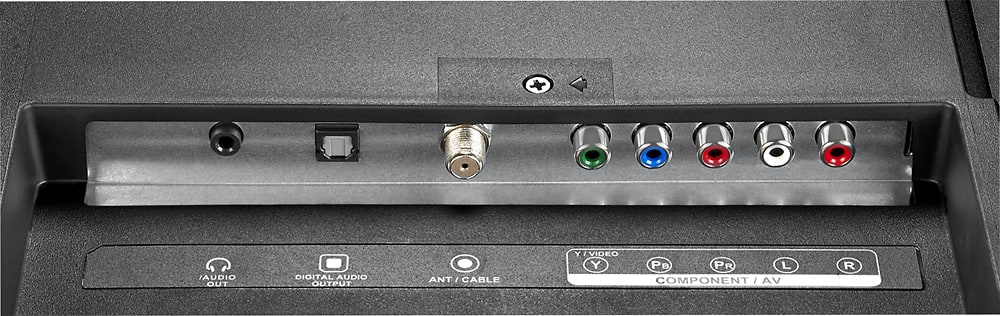
A:AnswerIf you do not have a HD cable box or DVR box with HDMI capability you will not get an HD picture. If your cable box is an older one, contact your cable provider and see if they will update your cable equipment.
Most reasonable providers will update old equipment to keep their customers staying with them rather than loose a customer to another provider that's willing to provide the latest equipment.
Hope this answer will help you.
A:AnswerHello, Thank you for your recent inquiry in regards to the Sharp LC-50LB370U. Please be advised that all of our TV's do come with a 1 year manufacturer warranty with the optional choice of purchasing an extended warranty.
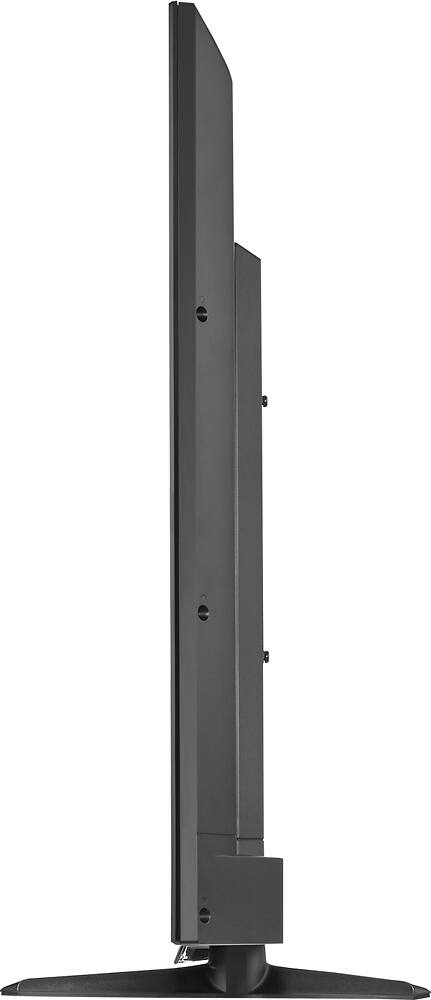
A:AnswerHi CINDY. We would be happy to give you exact dimensions for this unit. This model is handled directly by a specific support team. Please reach out to us at 855.544.2030. Be sure to have your model number ready.
A:AnswerThank you for your recent inquiry in regards to the size of the box for the the LC50LB370U. If you can please give us a call at 855-544-2030 we would be happy to discuss this with you further.
A:AnswerAll laptop manufacturers have a different key combo to send the picture to an external display. It will usually be a "function key" plus one of the "F" keys at the same time. Mine is Fn+F7 on my Sony Viao. Look on those top keys for a symbol that looks like a TV.