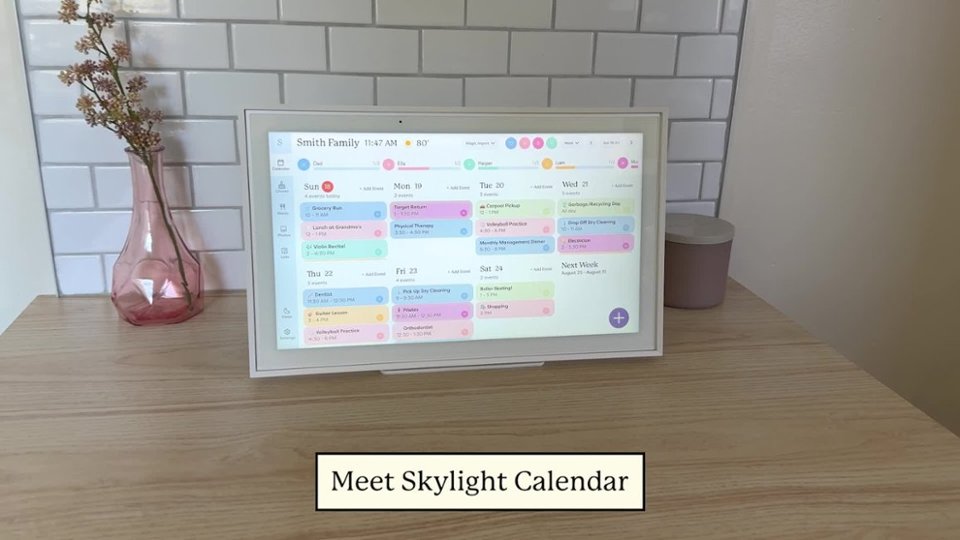
A:AnswerOf course! You can add several. During setup the skylight will prompt you to create a device name that skylight will turn into an email address. With this email address you will link your skylight to calendar(s) on your devices. You create a different unique device name for each Skylight digital calendar.
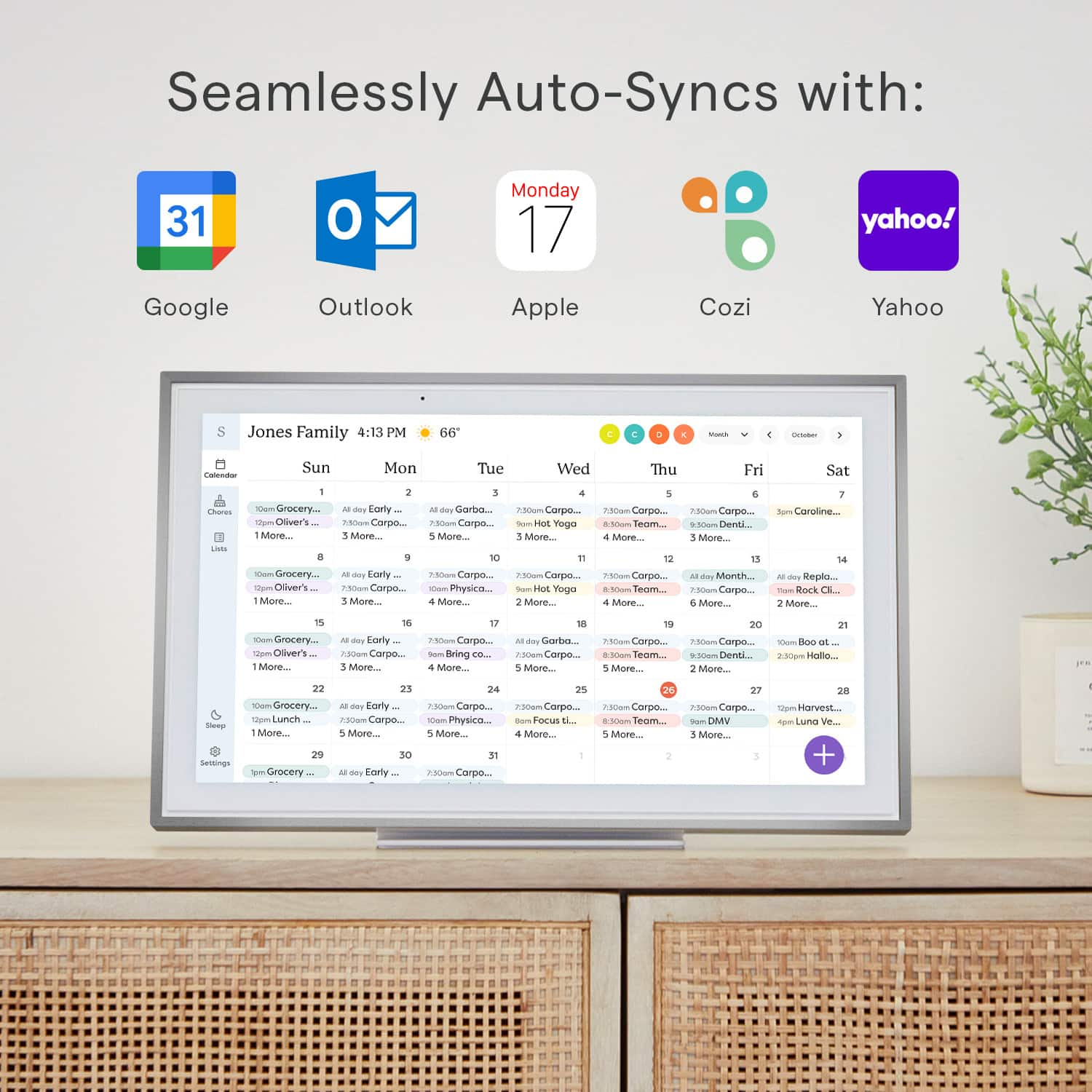
A:AnswerYes this basically uses a user account that gets added to all events of a calendar of your choosing. I personally use Google calendar but as long as you use the supported calendars you can make changes on the device or calendar outside of the device.
When setting it up it asks you if you want edit to come from device it just subscribe to a calendar to avoid edits from device
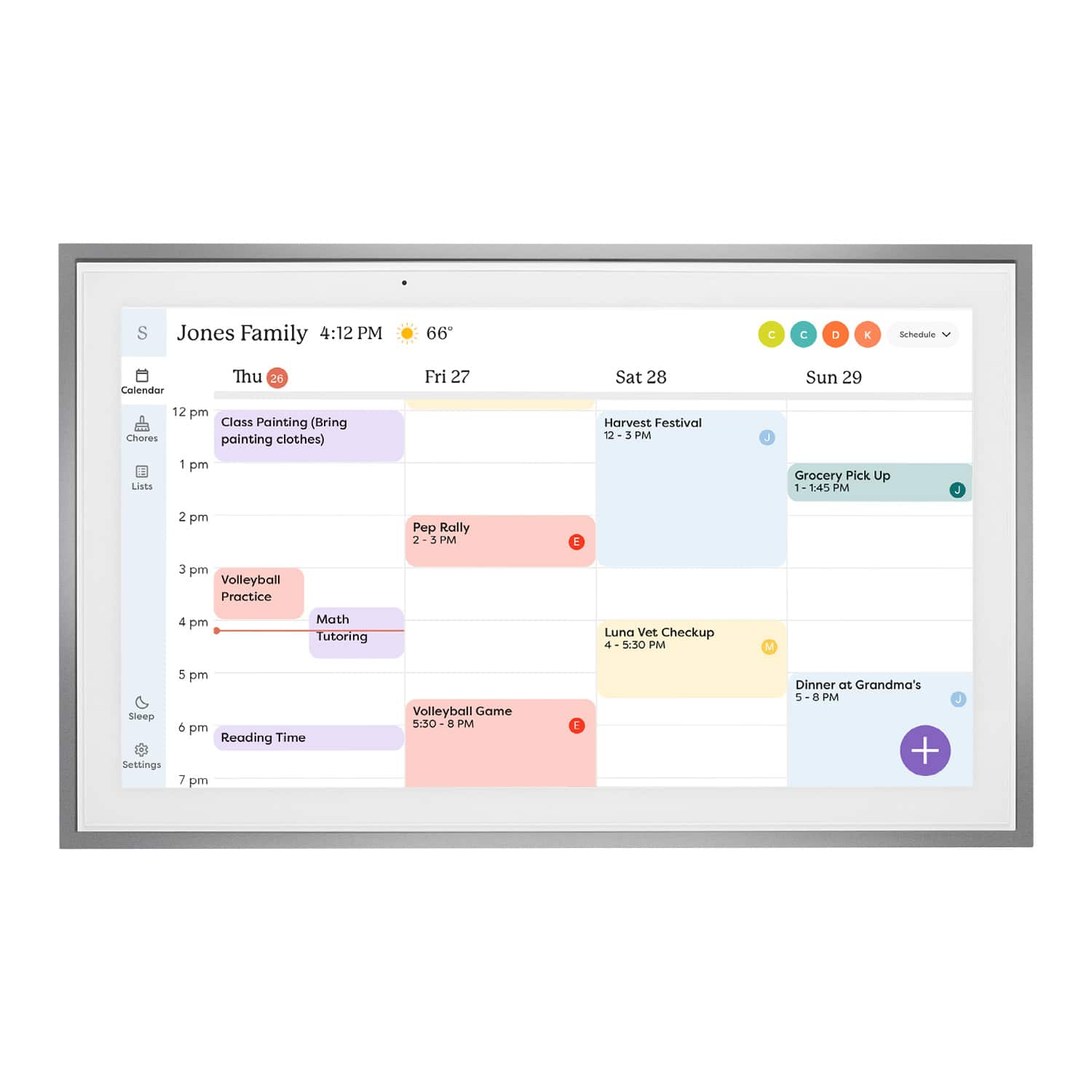
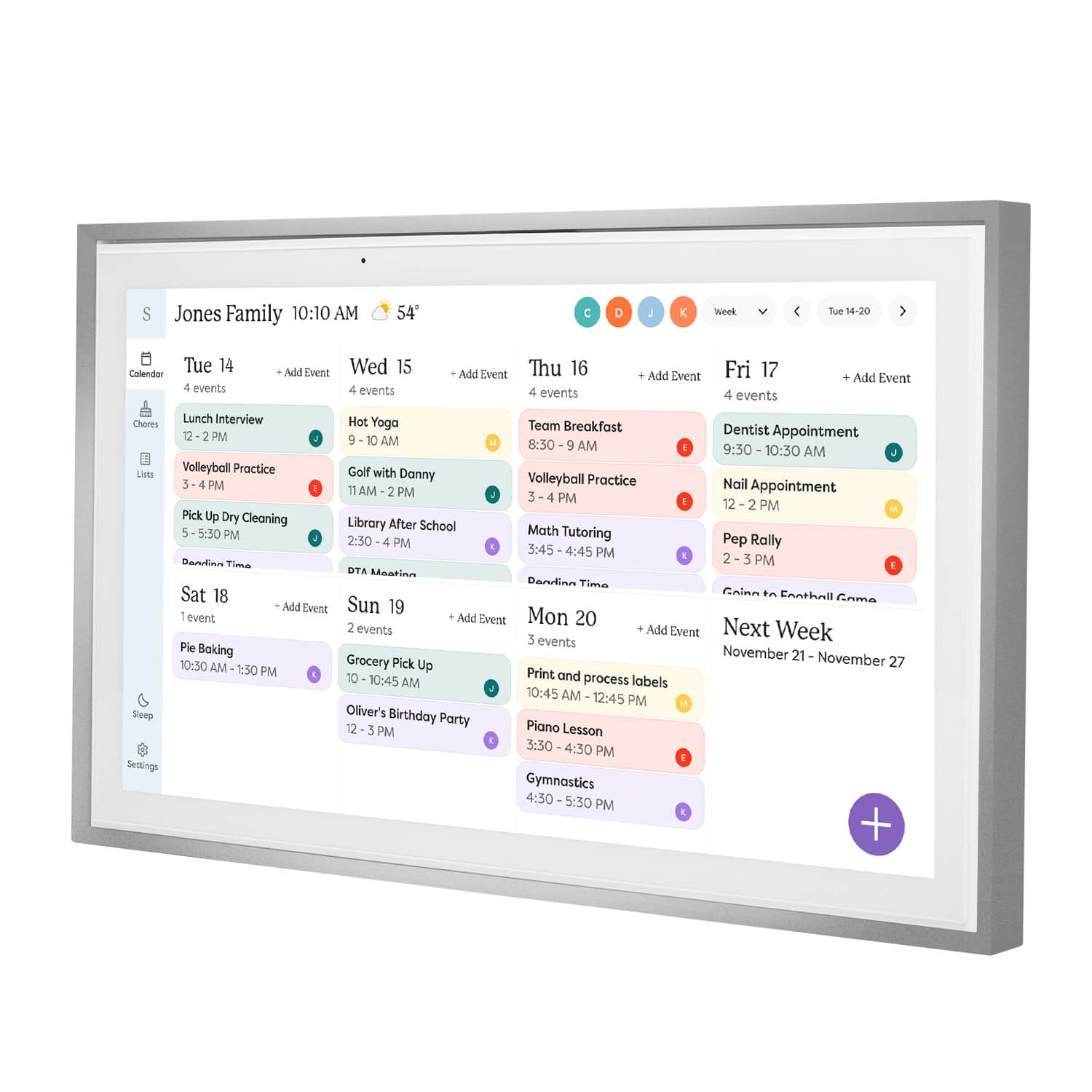
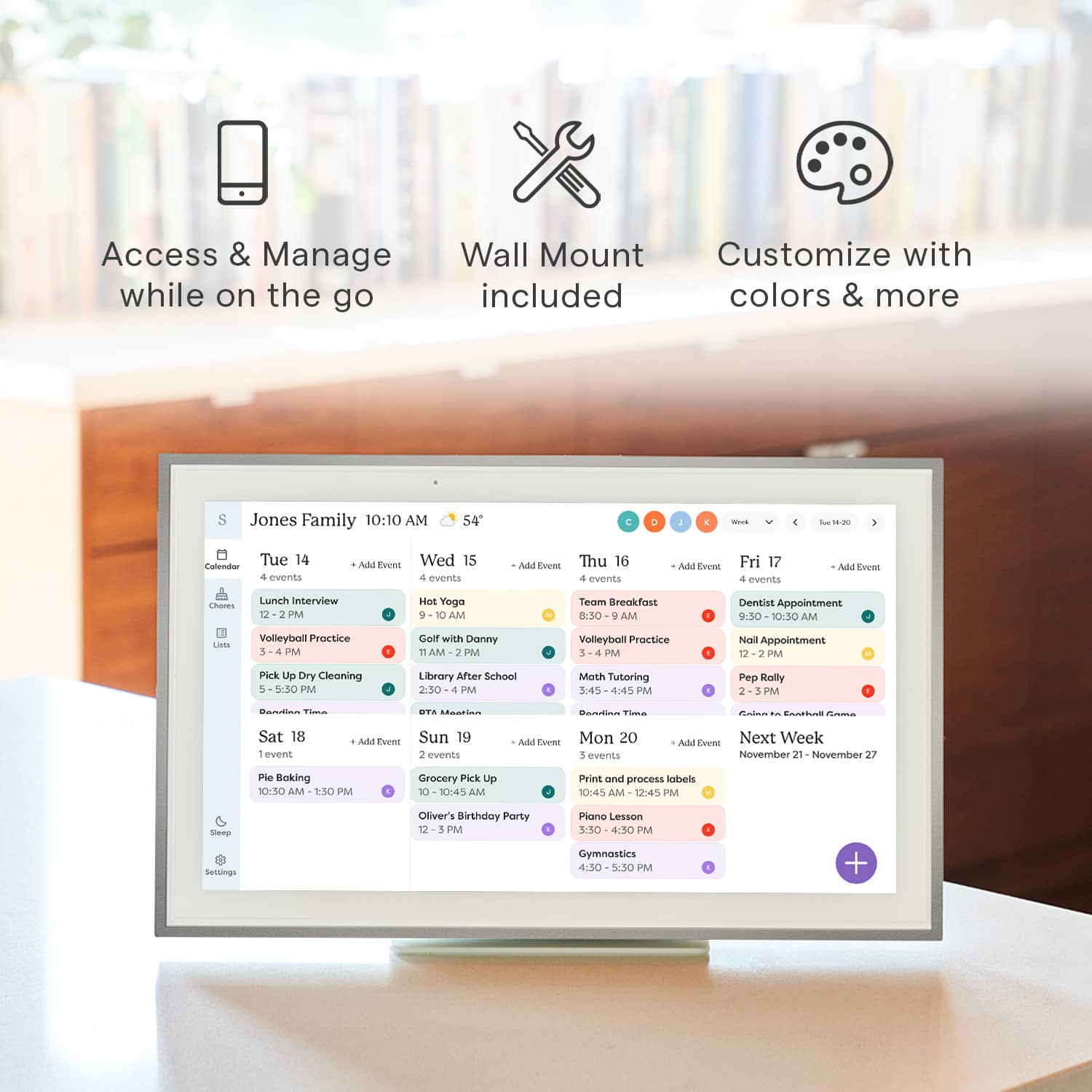
A:AnswerYes! Events can be customized a lot. Attached is my kids flag football event, weekly, and when the event ends so it will no longer show after that date.
A:AnswerHi there! Yes, Skylight Calendar can sync with Google Calendar. It supports both one-way and two-way syncing, so events added in Google Calendar can appear on your Skylight and updates made on the Skylight can sync back to Google Calendar as well.
A:AnswerYes! If you don’t want to import your email from your phone then u can just manually add things on the skylight or through the app with the email for the skylight.
A:AnswerHi there! You can download and try the Skylight app on a device like an iPad through the app store or Google Play. We are not compatible with a monitor. Thanks so much!
A:AnswerThis is currently a feature of our Plus subscription, which adds Photo Screensaver, Meal Planning, Rewards for Tasks, and Sidekick; our virtual AI Assistant!
A:AnswerHi there! Anyone in your family ca access the Calendar via the Skylight mobile app and add events as needed. Please email the Calendar Concierge team at [email protected] with any other questions, and they'll be happy to help.
A:AnswerYes, the syncs with Outlook! It’s so cool. You put it in your phone and it ends up on your skylight calendar and vice versa. Love this calendar the only negative is I had to pay a tariff charge on top of the sale price, but I love it. I’m 77 and it helps me so very much to look at all of my appointments for the month. I bought the 15 inch Model