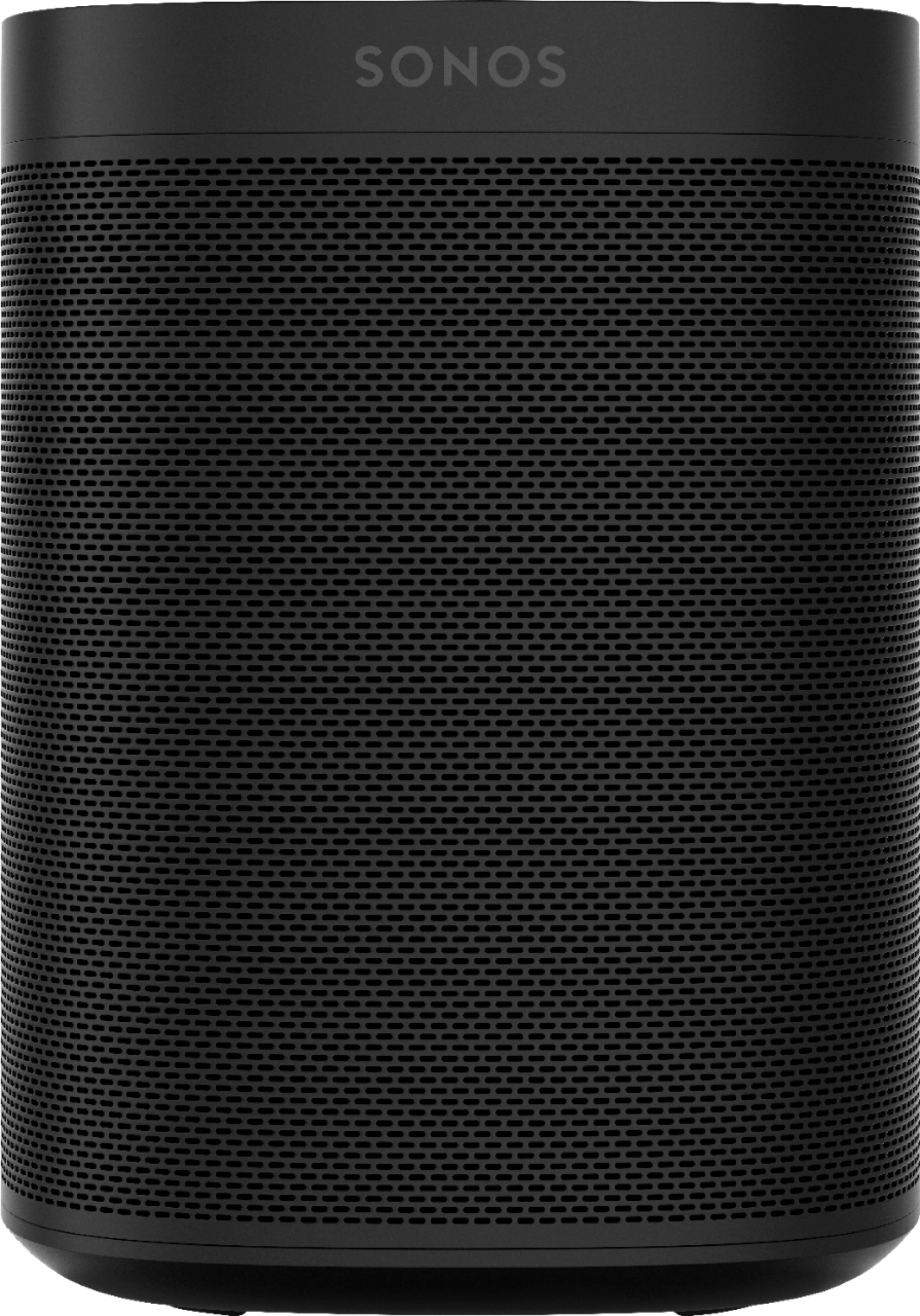
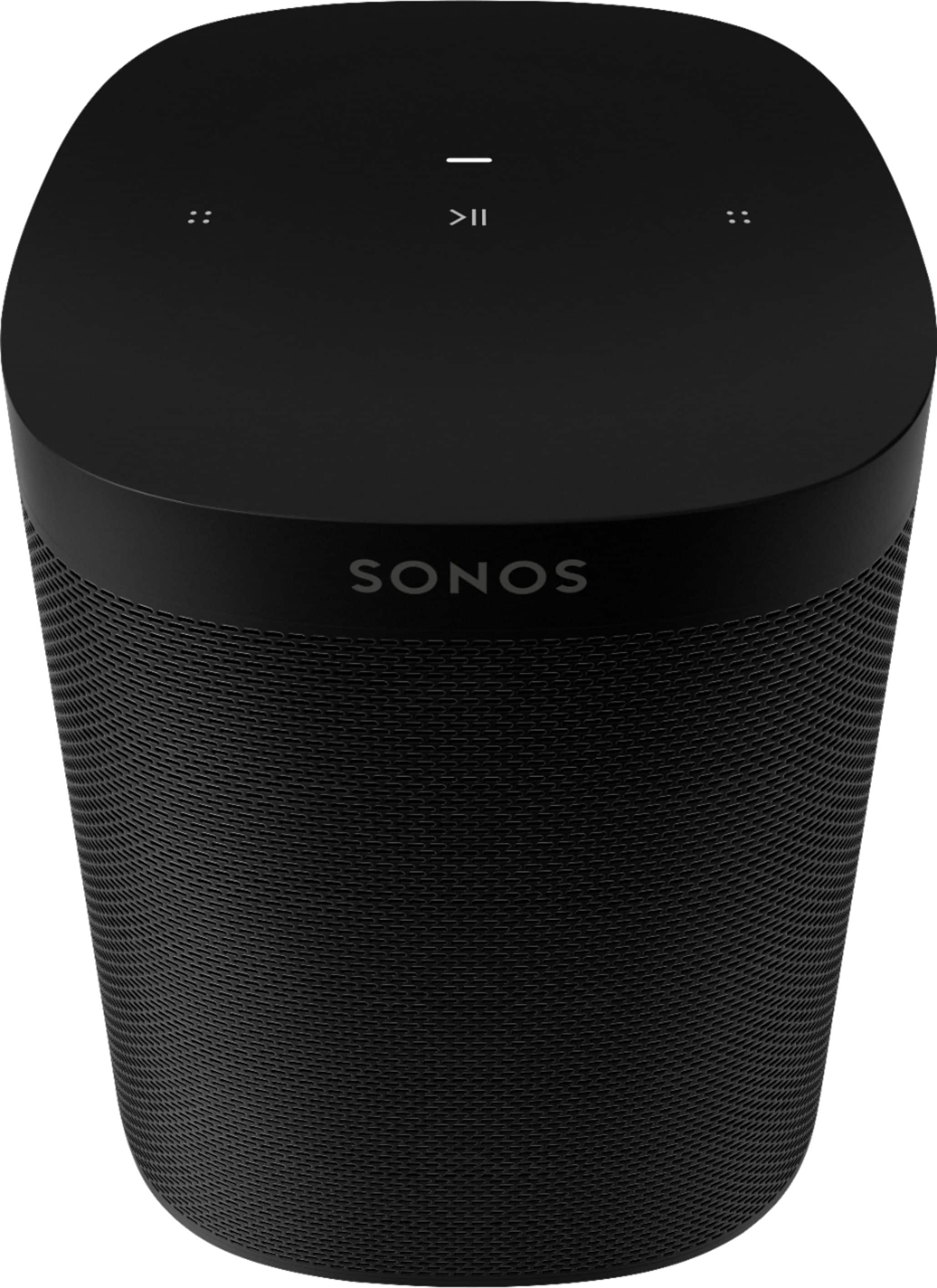
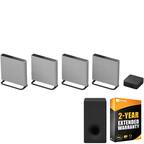
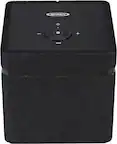
A:AnswerMy TV did not play through these speakers, until l added the Sonos Beam. The Beam connects to the TV wirelessly or using the optical cable that is supplied with the Beam when you purchase it. The sound is amazing! Adding two of these Play 1 speakers and the Beam and you have great sounding surround sound. Additionally, the Sonos Beam and Play 1s play music working together when my TV is off... Like sitting in a concert hall! I definitely recommend them all!
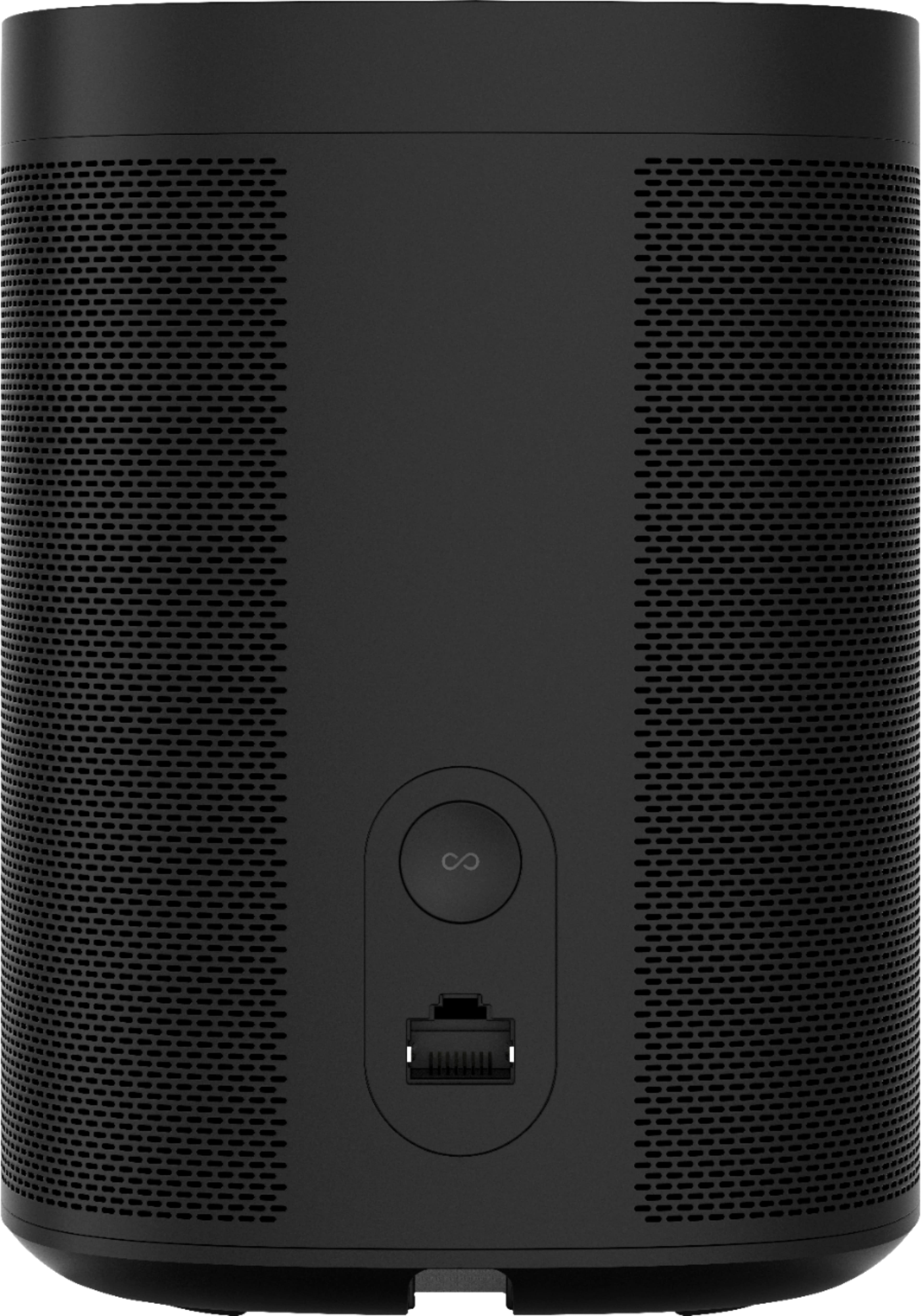
A:AnswerThe only Sonos speaker with a auxiliary connection is the Play 5 and that is an input not an output. If listening with headphones is your goal, connect them to the source (ie your phone).
A:AnswerYes, I run linux and a mac and it works with both. For linux you need and app called NOSON. Mac work through AirPlay. Don't know about a PC but I think there is and app for them.
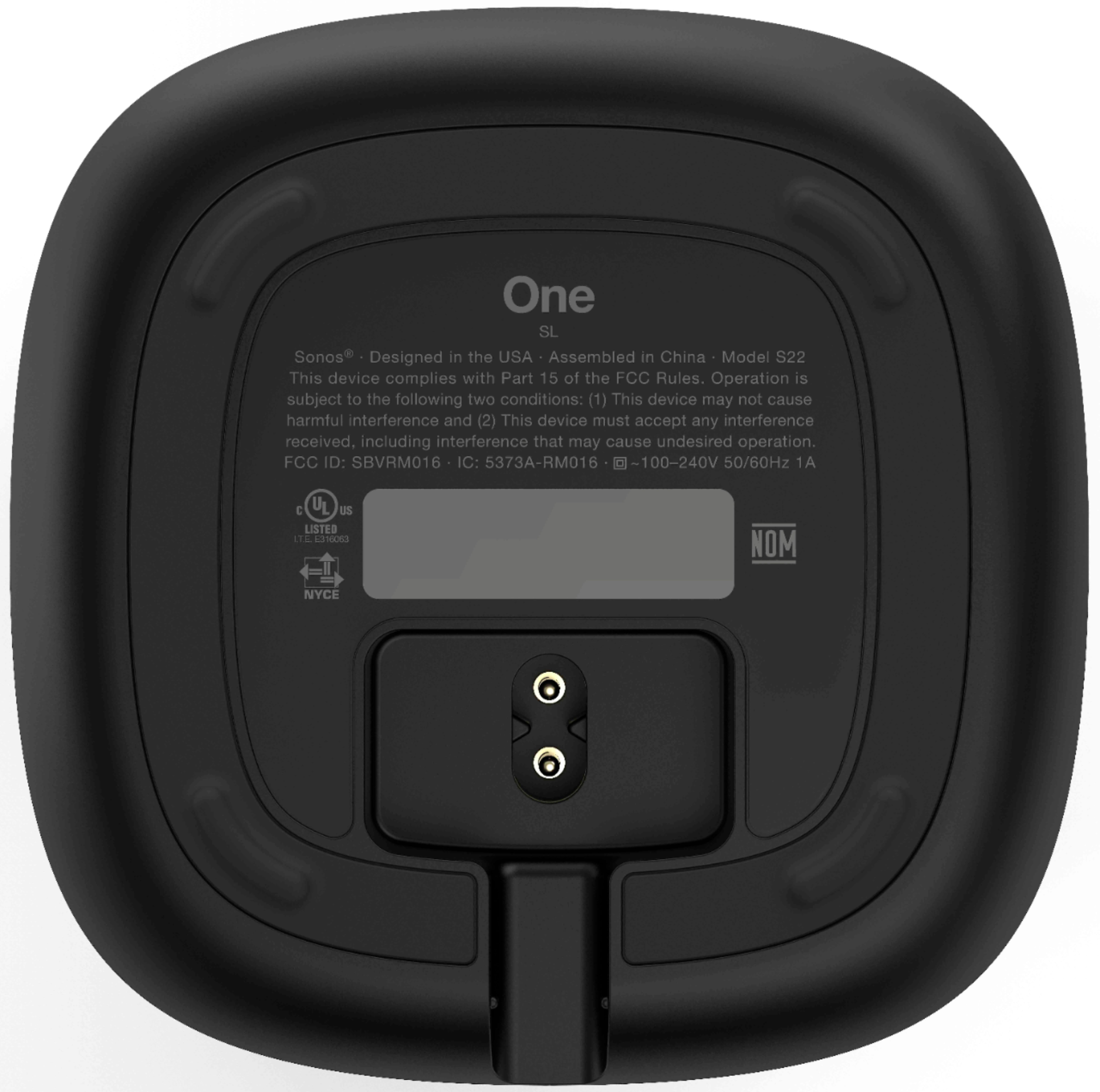
A:AnswerAs far as sound quality: the Sonos One SL is virtually identical to the Sonos One and also very similar to the original Play:1. The main difference between the Play:1 and the Sonos One SL is that the One SL has AirPlay 2 capabilities. AirPlay 2 allows you to stream music directly from your iPhone, iPad or Mac.
A:AnswerWell kinda. When you try to link to a sound bar the app assumes that you are setting up surround sound which means 2 additional speakers....so it doesn’t let you add one. You can manually add this to play with the sound bar from the app