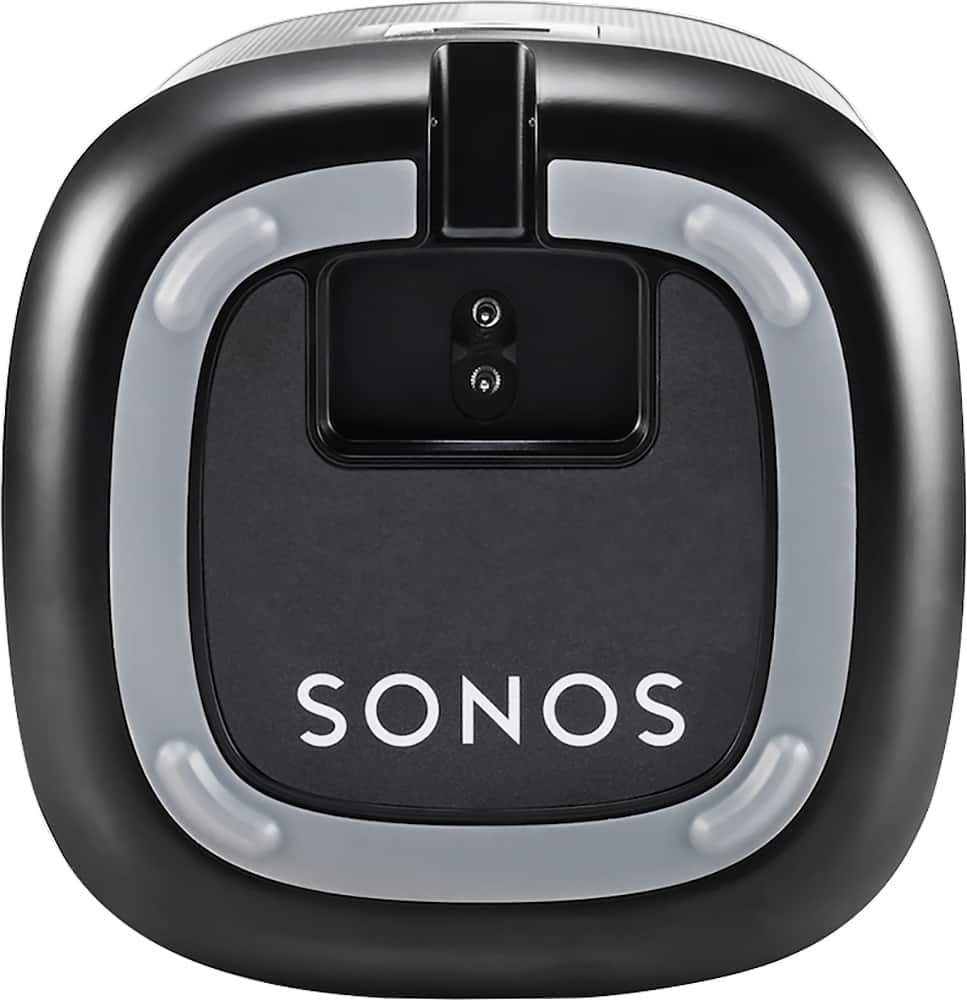
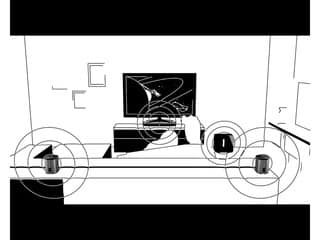
A:AnswerUse two for the best in stereo sound. However one sounds very good, it just greatly improves when you create a right and left for true stereo sound. This is easy to do with their simple instructions. Just label them on the bottom so you can keep them straight if you move them to another room.
A:AnswerThat depends on the use case. If you're looking for something portable, with a rechargeable battery, go with the Bose. If you're looking to build out a wifi based home sound system that requires an outlet, but is wireless otherwise & will link to other Sonos speakers, choose the Play1. Both have good sound for the form factor. While it might seem like these are in the same category, they're actually very different products.
A:AnswerThe Sonos Controller app is available on the Sonos website ( http://www.sonos.com/en-us/software/release/6-4 ) and works great on both my Dell desktop and my HP Envy laptop.
A:AnswerThey must be plugged-in to an electricity source, but operate wireless for the signal. I bought a soundbar first and believe that it or some other Sonos-type amplifier is needed for them to work. But I have 6 Sonos speakers operating in every room and on balcony.
A:AnswerNo the speakers are not battery powered. They must be plugged in at all times. Given their size though, I’ve found it very easy to find good places for them :-)
A:AnswerYou have to buy the base unit that plugs into the TV - opitical cable-wise. Very expensive... but it's the investment you make. Then you will be able to hook up your smaller speakers. We have not been sorry that we invested the money that we did. With your current set up you can only wireless to your modem and play internet music.... hope that helps - otherwise, go get your money back....
A:AnswerSonos is not a Bluetooth enabled speaker system.
Sonos uses either your home wifi or wired ethernet to transmit music streams or it's own proprietary network to Sonos speakers.
Sonos has a website which provides a comparison.
http://www.sonos.com/en-us/sonos-vs-bluetooth
Sonos is a music system, which will connect to a streaming source, and continue to play, even if your phone is not connected.
Each speaker has the ability to manage and connect to sources, such as Spotify.
It's a different architecture than connecting a device via bluetooth.
Sonos TV sound devices are designed to use an Optical Audio source from your TV.
After connected this way, Sonos can then send sound to other connected sonos speakers on your network and even deliver Dolby 5.1 surround.
If you wanted to send sound from your TV to a sonos system via bluetooth, you could "gerry-rig" a way to do this...
The TV would be paired with a bluetooth wireless headphone adapter, which would then be connected to a Sonos speaker which features a Line In audio jack.
The play 1 speakers do not have this feature.
Play5 and Sonos Connect devices have this feature.
Add a bluetooth wireless headphone adapter to your Sonos, like this one....
http://www.xmpow.com/mpow-streambot-mini-bluetooth-4-0-receiver-a2dp-wireless-adapter-mbr1.html
[Maybe Bestbuy sells this???]
and then you pair with your TV.... and you should be able to choose to send your TV audio to Sonos for Stereo playback.
Funky setup, but should work... It would be much less expensive to buy a pair of beats pill speakers and pair them over bluetooth.
Sonos give you many many more listening options and may be overkill for your use case....
Best - The BronxTech Guy.....
A:AnswerYes you can do this, but it is not something you would do that often. You would have to 'break' the stereo pair and then assign one of the speakers to a new defined room.If you do not have a stereo pair defined then you could move one of the speakers anywhere you want at any time without worrying about telling the system what room the speaker 'belongs' to, but you would not have a stereo pair created. Each speaker would be on its own.
A:AnswerYes. The speakers connect to one another through a network that the bridge creates. Once outside that range...you wouldn't be able to use them for anything.
A:AnswerIt will work with the TV BUT you will have to buy a wired or wireless Sonos Playbar. Connect the Sonos Play 1 to the Playbar and the PlayBar connects to the TV