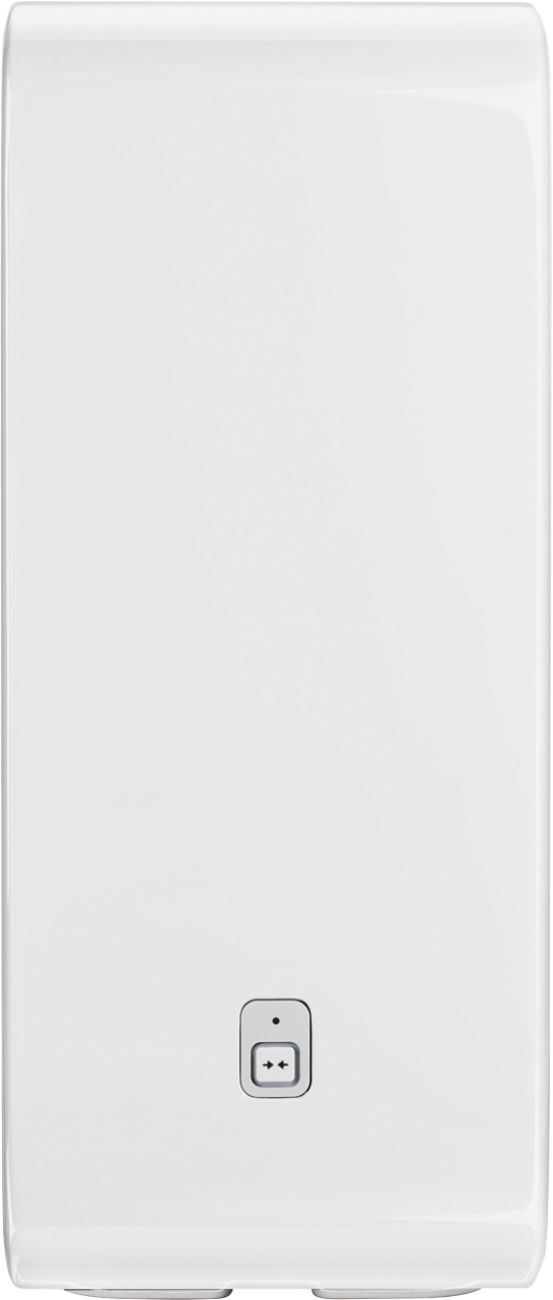
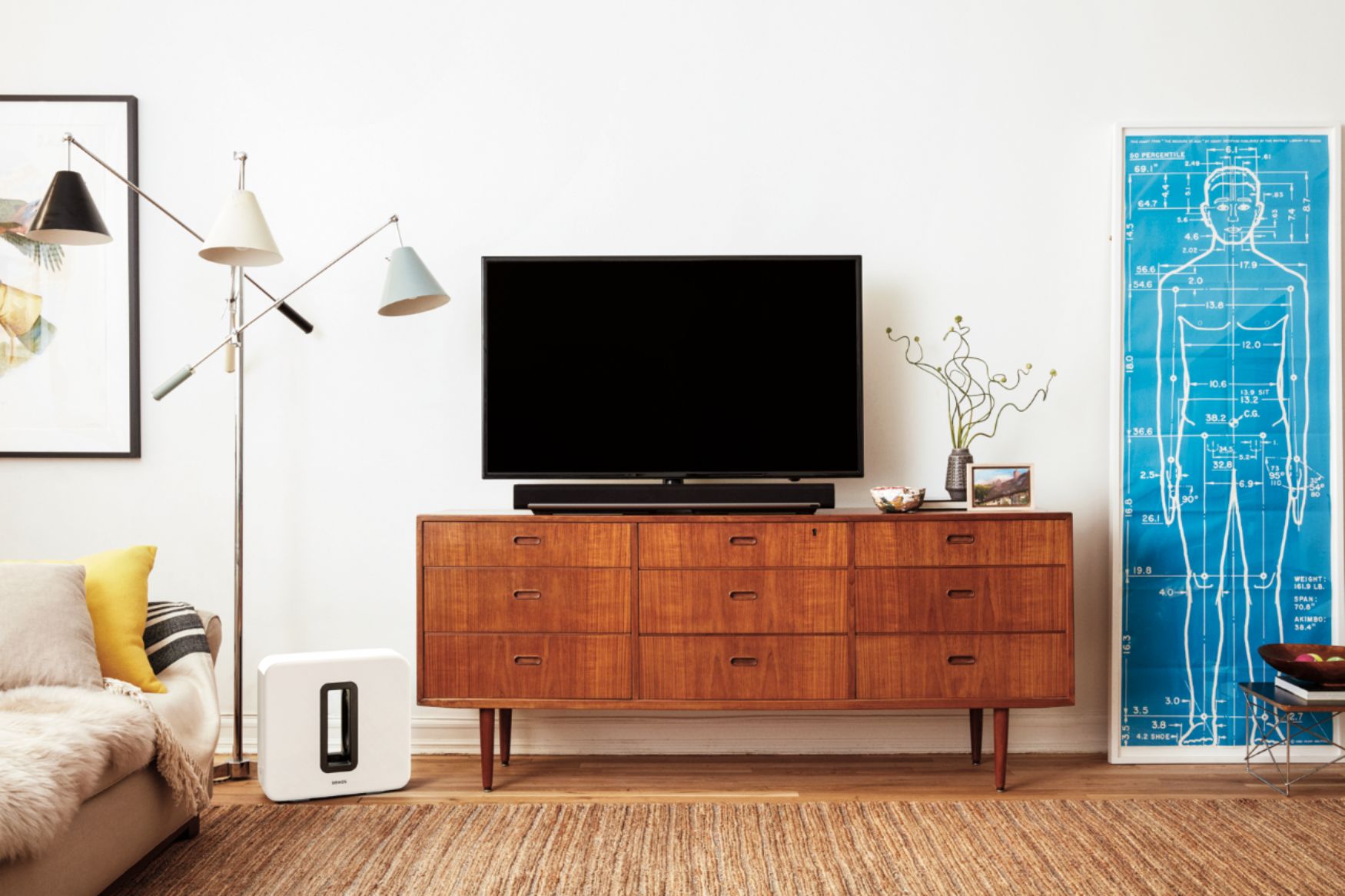
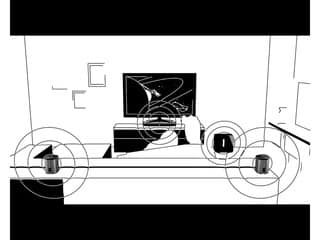
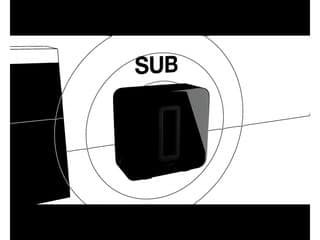
A:AnswerThe only settings you can change on the sub are volume up and down. The setting you select depends on the layout of your room and your preferences.
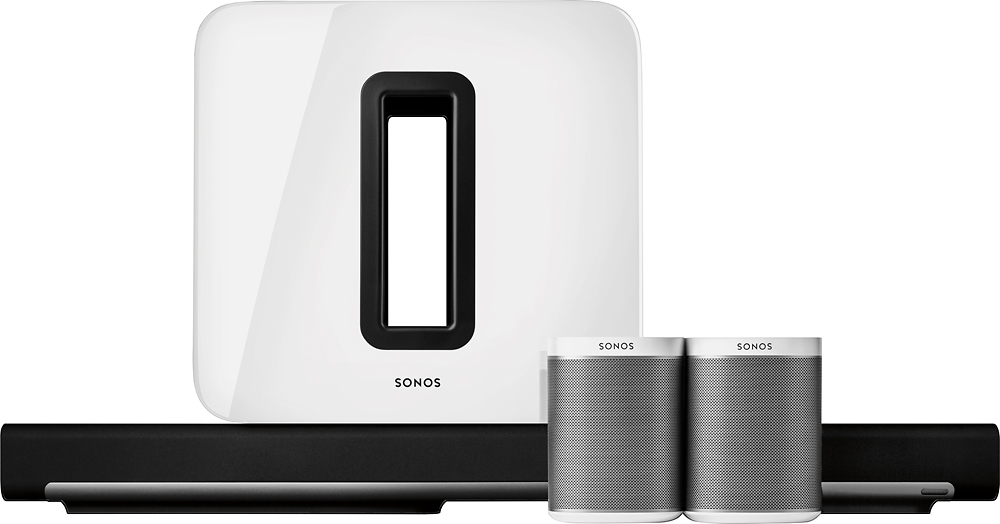
A:AnswerYes, the system connects wirelessly through your wi-fi. The sound bar, base, sub and peripheral speakers all connect together and are synchronized through the Sonos app on your phone pr computer.
A:AnswerNo. The Playbar takes the place of the connects. We just bought the Samsung 75" 700 and bought the Beam, 2 S1s and the Subwoofer. Incredible! We like the clarity of the Beam better than the Playbar. We spied the savings to the Subwoofer. Amazing
A:AnswerSonos is a closed ecosystem. There are some adapters you can use to integrate Sonos somewhat, but adding this sub to your existing receiver is not realistic. You could by a sub as good or better for much cheaper that will work with your system out of the box.
A:AnswerI would recalibrate, as you would want the best centralization of sound to be where you are sitting, and by moving the subwoofer, it could be overpowering or underwhelming
A:AnswerI was curious too and like you found no answers. It kicks more than my 350 watt Klipsch sub which is now out in the garage. Hope this gives perspective.
A:AnswerThe system is really focused on a room. You set up a room in the Sonos app, and you group speskers accordngly. You would have good bass in this room only. This might extens to the whole house if you had a really open concept, but otherwise, I think the walls would make natural barriers to the sound you want.
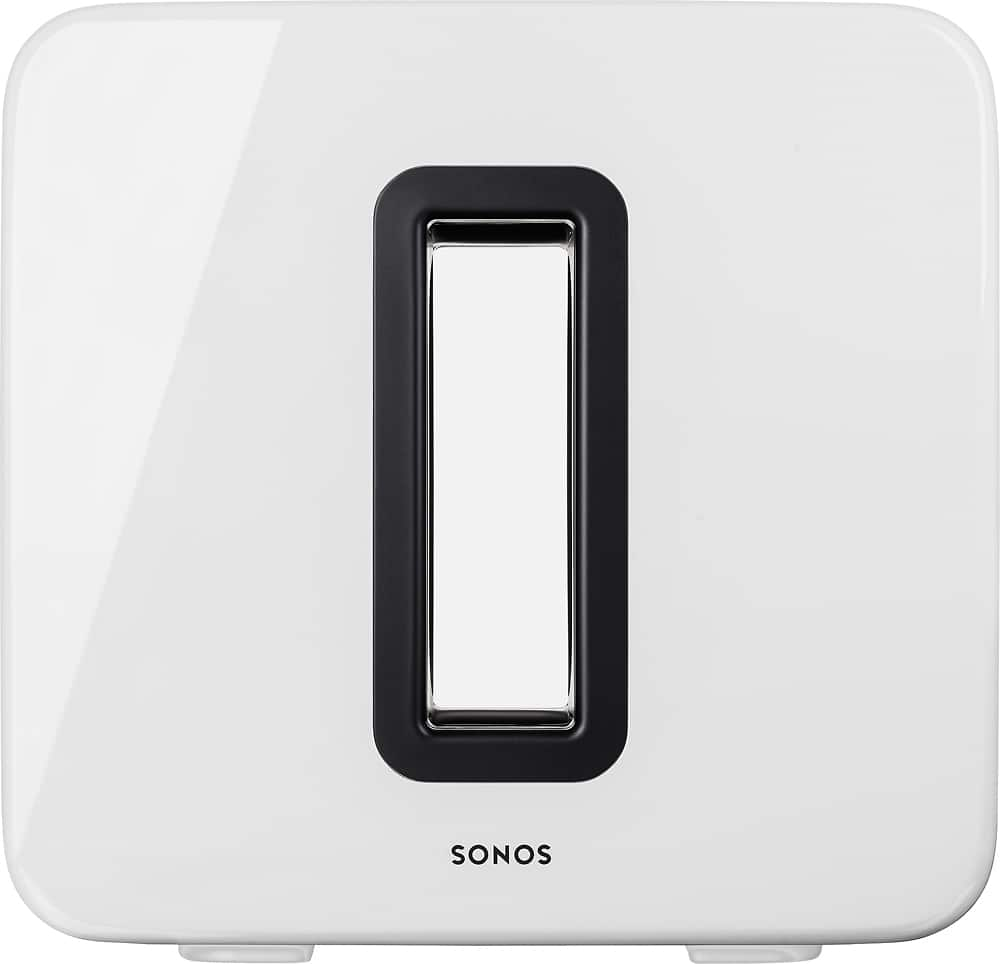
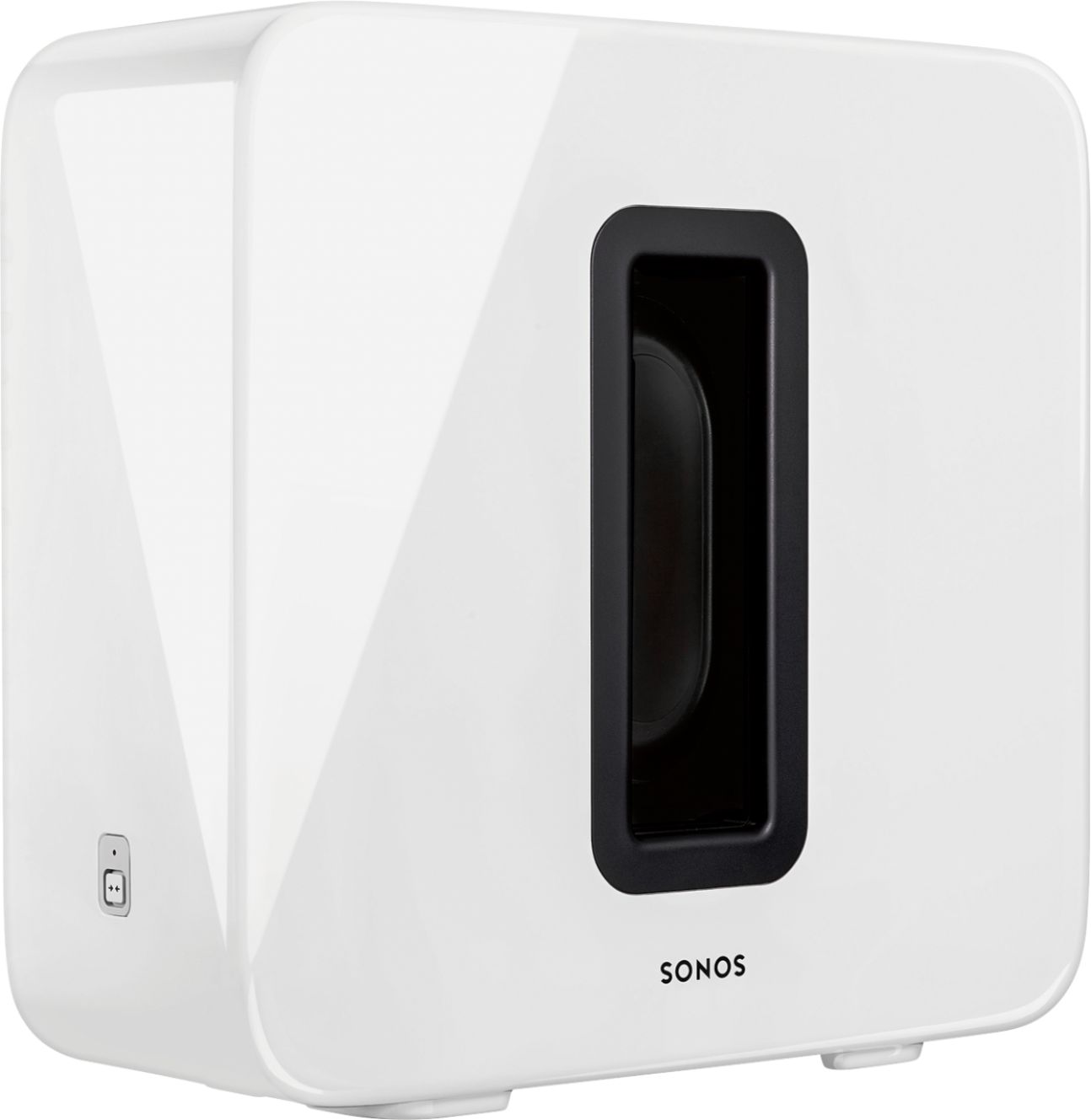
A:AnswerWhile the sub may be placed flat, the slot cannot be covered, and there needs to be enough room for the heat to dissipate. The sound quality is affected when the slot is covered. The 3.5 inch space seems a bit tight.
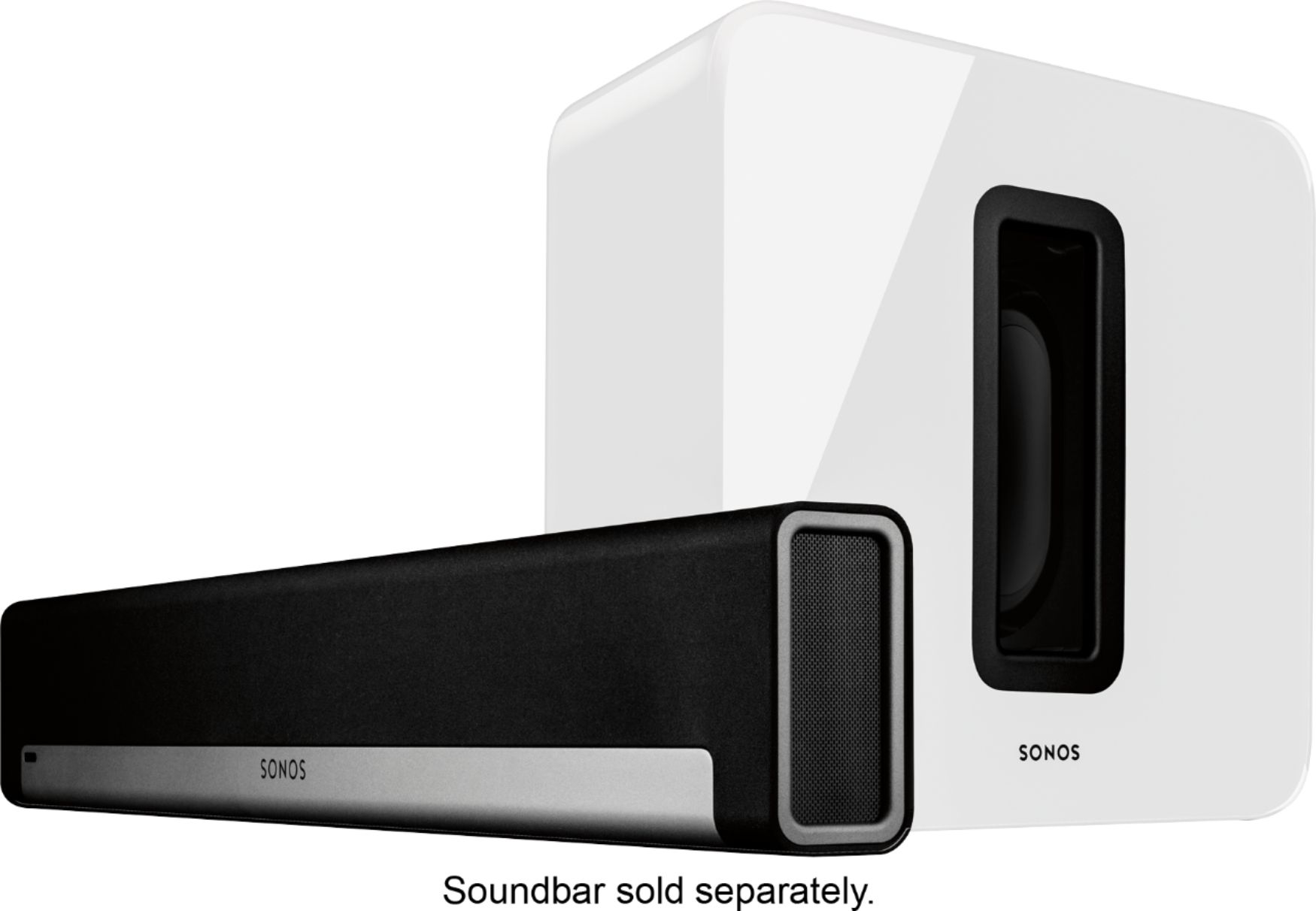
A:AnswerThis subwoofer is not a standalone product. It needs to be paired with a Sonos system, such as the Sonos Play Bar. And as long as your TV has an optical output, then the Sonos Playbar will work with it.