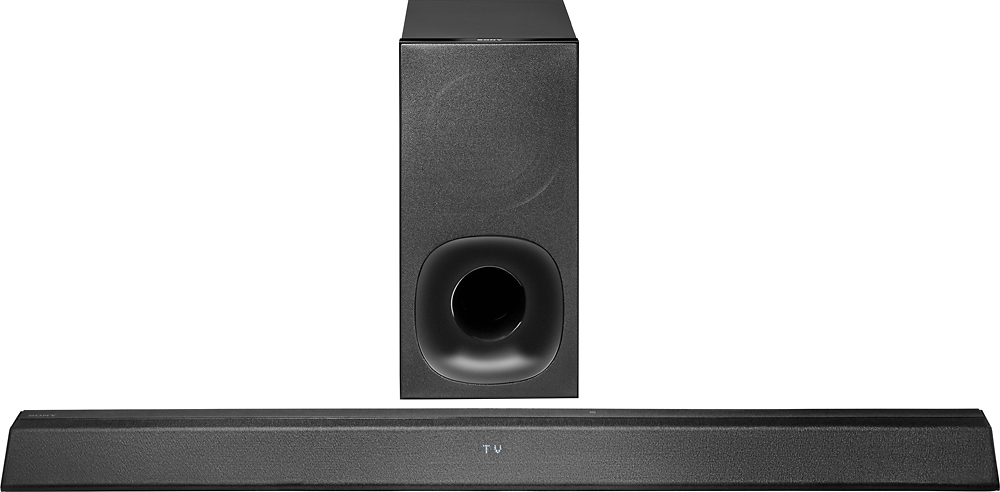
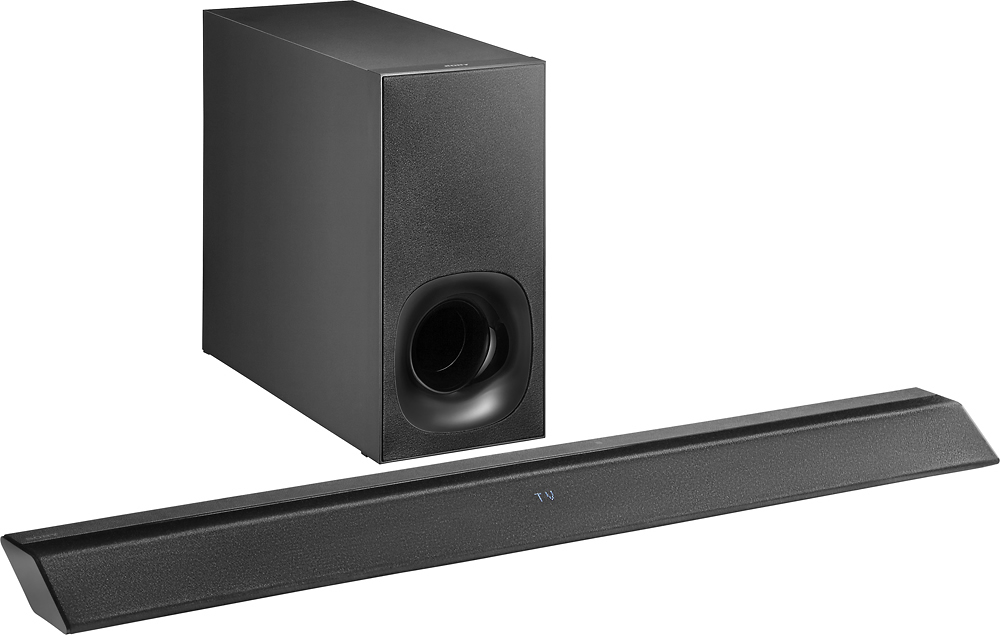
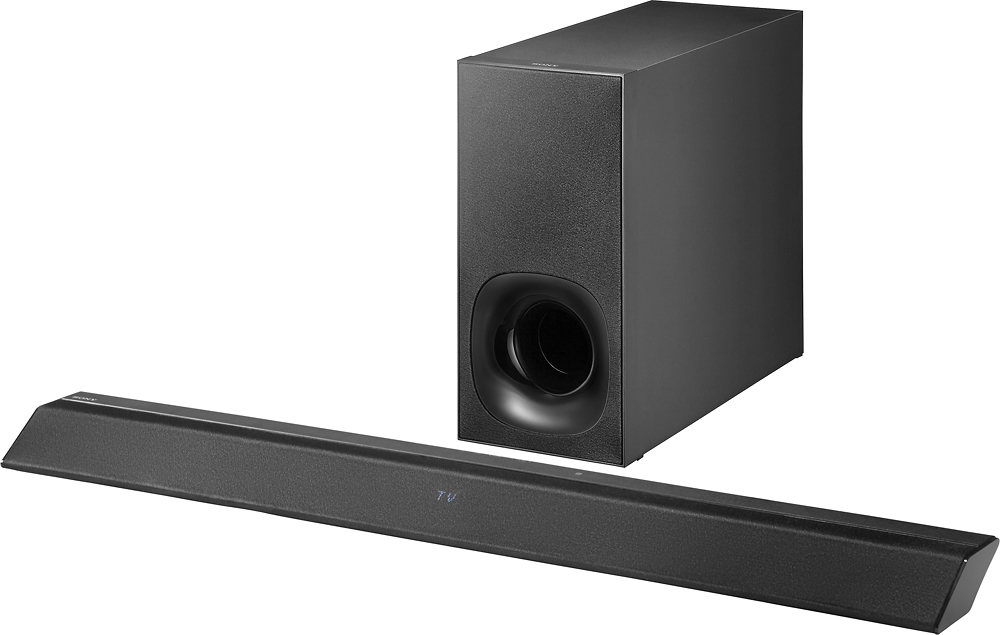
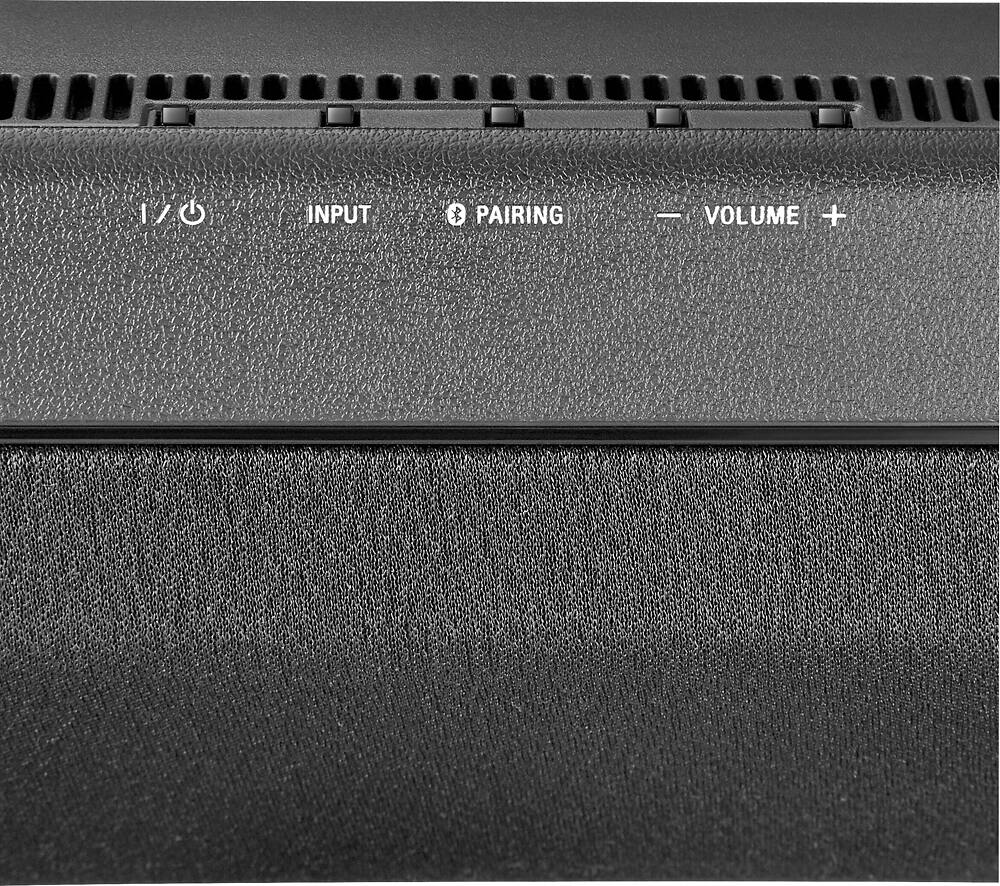
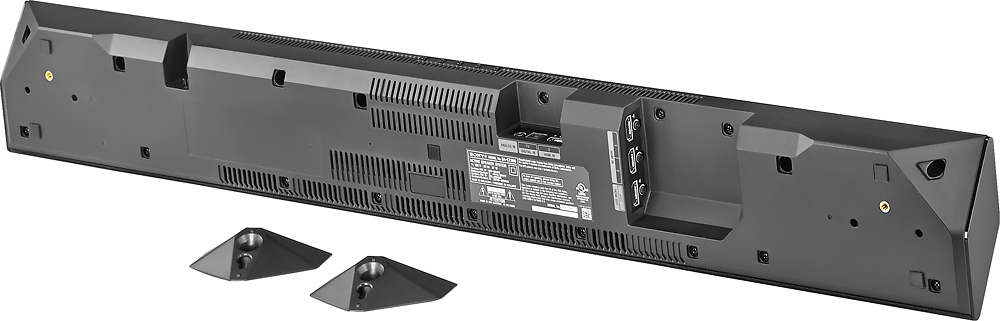
A:AnswerHi Ted, based on the specifications of the sound bar, you can't mount this unit under your TV. However, this sound bar can be mounted on the wall. Dave
A:AnswerYou may have a defective unit, Try pairing near eachother, (less than 2 feet) and see if it works then. If not I believe there is a button on the sub that you can press to pair it.
A:AnswerHi All4naut,
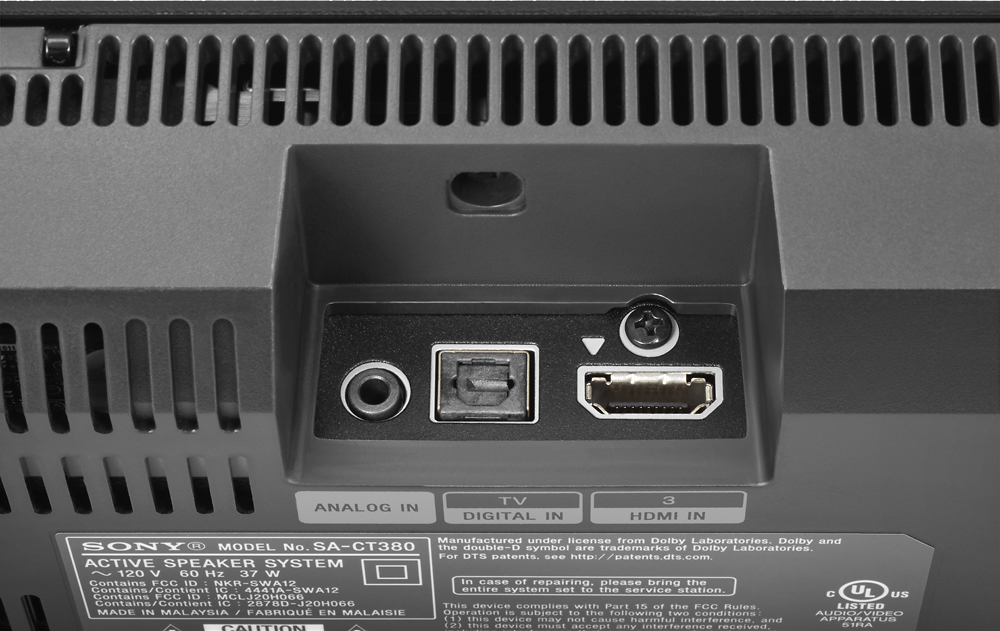
Please check the supported connections of this sound bar in the link below.
https://docs.sony.com/release//Manual_4565123131.pdf
Thanks,
>Joffrey
A:AnswerNot sure, maybe. I have a Changhong TV. It has HDMI 1/ MHL (not labelled ARC) and it worked passing the HDMI from AppleTV, Sony BluRay, and DirecTV to the TV via the sound bar. Maybe it works for you, maybe it won't.
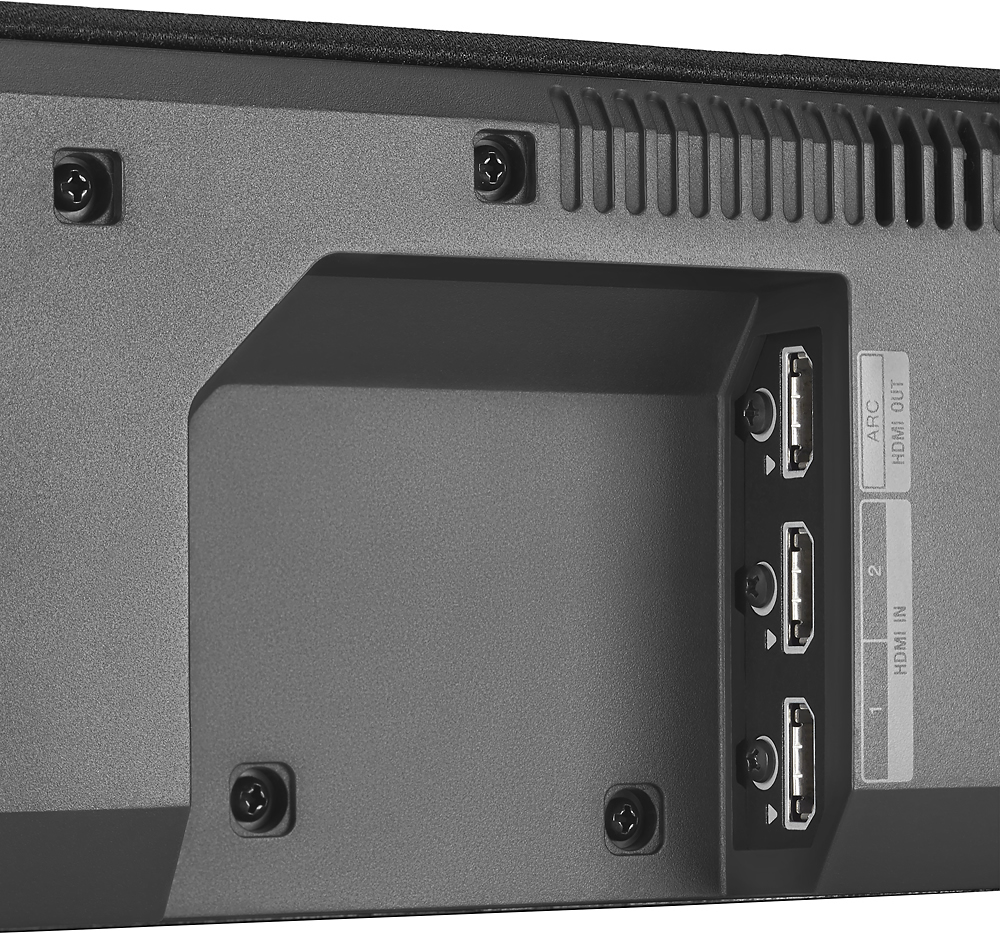
A:AnswerHi Viji, You must connect the HDMI cable from the HDMI ARC port of the soundbar to the HDMI IN port of your TV, and connect an additional optical cable from the optical out of your TV to the optical in of this soundbar (since your TV doesn't have ARC). Make sure to select the correct input on your TV. -Anthony
A:AnswerYou can, but it will be redundant. Also the sound will degrade as it passes from TV to home theater to soundbar. I had a home theater and replaced it with this sound bar.
A:AnswerNo that's ok
U don't have to return it.
The product mean to say that it will also work with our 4K TVs that's it.
It will also work with HD tvs....
It doesn't matter what type of tv we have!!!..
So just keep it, no need to return it..
A:AnswerHi,
Yes. Please check the supported bluetooth profiles of this sound bar. A2DP 1.2 (Advanced Audio Distribution Profile) and AVRCP 1.3 (Audio Video Remote
Control Profile). Thanks,
>Joffrey