A:AnswerHi Juanjo,
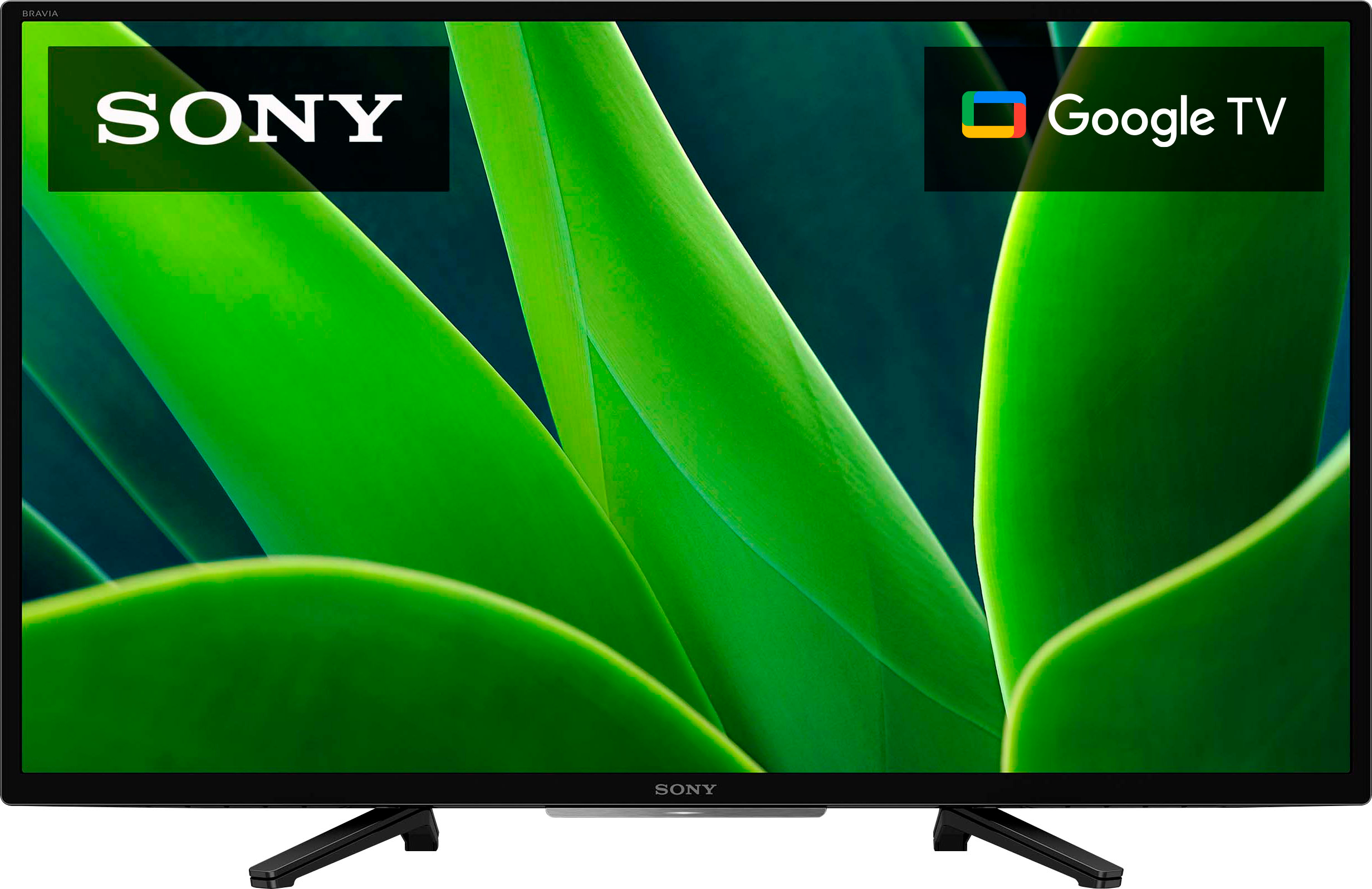
Great question! Yes, the KD-32W830K is an Android TV with Google TV interface. With Google TV, you can browse 700,000+ movies and TV episodes from across your streaming services like Netflix, all in one place and organized into topics and genres based on what interests you. And aside from the pre-installed apps, you can download/install compatible apps from the built-in Google Play Store app of the TV.
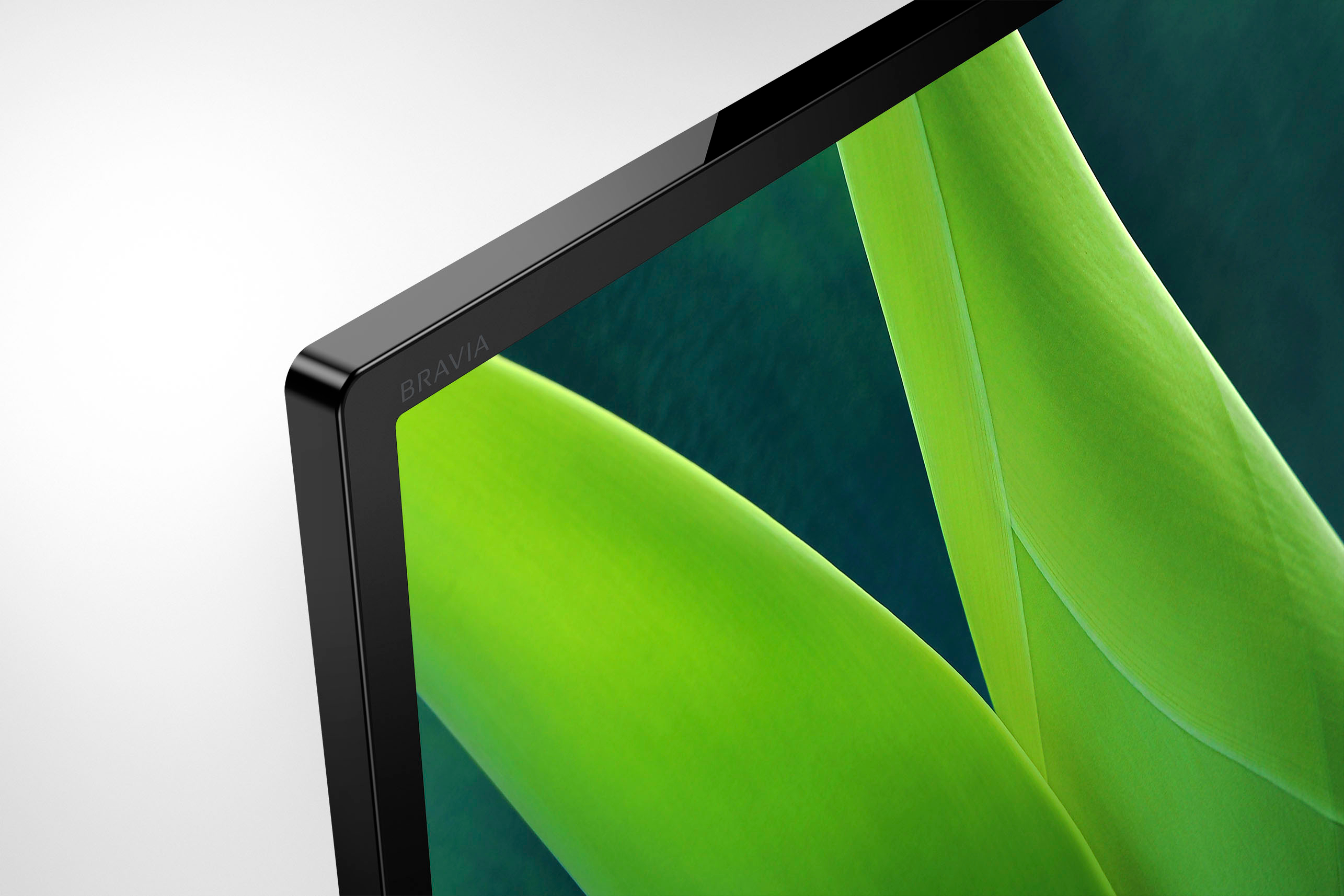
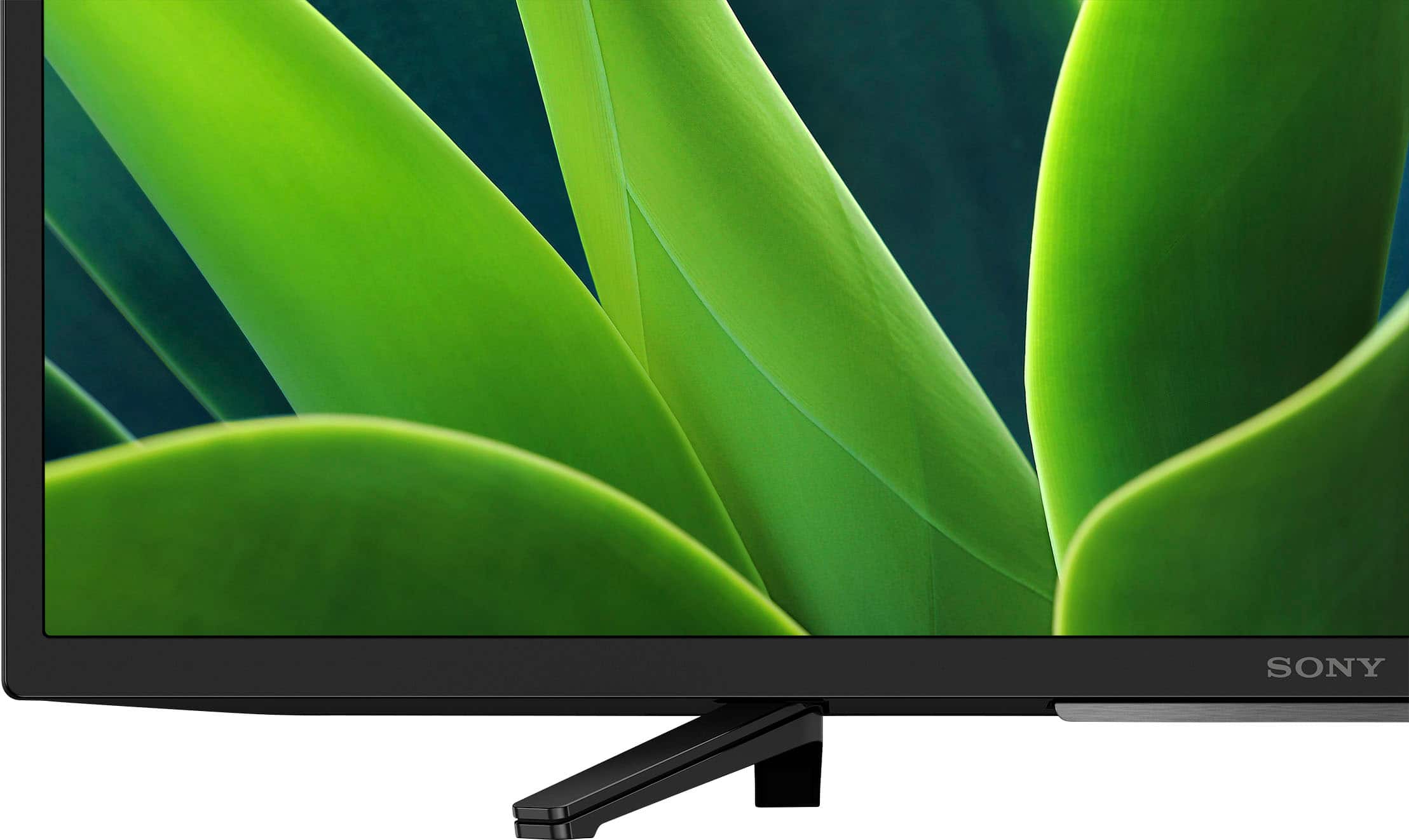
See pictures full of vivid detail and texture on this TV. X-Reality™ PRO upscales every pixel for exceptional clarity, analyzing frames and matching each scene with our unique database to refine images and reduce noise.
Hope this helps you, and thanks again for your inquiry!
- Romeo
A:AnswerHi Will,
Thank you for the question! Unfortunately, no. The Pluto app is not pre-installed on the KD-32W830K. However, it can be downloaded/installed from the built-in Google Play Store app of the TV. See pictures full of vivid detail and texture on this TV. X-Reality™ PRO upscales every pixel for exceptional clarity, analyzing frames and matching each scene with our unique database to refine images and reduce noise.
Hope this helps you, and thank you very much for considering Sony!
- Romeo
A:AnswerHi there,
Thank you for your question! The KD-32W830K USA/Canada model has a power requirement of 120 V AC, 60 Hz. With the use of a power converter/transformer, yes, this TV will work with 220 V 50 Hz.
See pictures full of vivid detail and texture on this TV. X-Reality™ PRO upscales every pixel for exceptional clarity, analyzing frames and matching each scene with our unique database to refine images and reduce noise.
I hope this helps you, and thanks again for your inquiry!
- Romeo
A:AnswerHi there,
Great news! Absolutely, yes. The KD32W830K has a sleep timer. To set the sleep timer settings using the supplied remote control, simply press the quick settings (gear button) on the remote > and select sleep timer (Times: 15,30, 45, 60, 90, 120 min). You can also set the timer using the voice command function. The google command is: "set sleep timer for xx minutes."
See pictures full of vivid detail and texture on this TV. X-Reality™ PRO upscales every pixel for exceptional clarity, analyzing frames and matching each scene with our unique database to refine images and reduce noise.
Hope this helps you, and thanks again for your inquiry!
- Romeo
A:AnswerHi,
Use the 32inch as a computer monitor, and use the computer (such as a Mac with OS12 or newer) to make online purchases. It's much safer; no guarantee though depending on internet provider-- and make sure all security settings are on. Again, Sony 32inch should be able to be used as a monitor only if shopping on the internet. Newer Computers have HDMI to Sony HDMI.
A:AnswerI do not know. The TV set was dented. The installer said he would mke a notatlion and that I could request an exchange. I call Best Buy nd I was told to exchange it Ihad to bring in the store. It has been installed already. I wanted to exchange it for an undented new TV. I am 80 years old and I do not even know how to unscrewed and less to carry it to the store. I asked for a supervisor and I was told in the chat there was no superviso at the chat room. Can you fix this?
A:AnswerHi Jerry,
Great question!
Absolutely, yes. The Paramount Plus and Showtime apps can be installed to our KD32W830K. The compatible apps can be downloaded from the built-in Google Play Store app of the TV.
See pictures full of vivid detail and texture on this TV. X-Reality™ PRO upscales every pixel for exceptional clarity, analyzing frames and matching each scene with our unique database to refine images and reduce noise.
Hope this helps you, and thank you so much for considering Sony!
- Romeo
A:AnswerHi ScubaJoe13,
Thank you for your inquiry! Absolutely, yes. The KD-32W830K features a sleep timer. To set the sleep timer settings using the supplied remote control, simply press the quick settings (gear button) on the remote > and select sleep timer (Times: 15,30, 45, 60, 90, 120 min). You can also set the timer using the voice command. The google command is: "set sleep timer for xx minutes."
See pictures full of vivid detail and texture on this TV. X-Reality™ PRO upscales every pixel for exceptional clarity, analyzing frames and matching each scene with our unique database to refine images and reduce noise.
Hope this helps you, and thanks again for your inquiry!
- Romeo
A:AnswerBest features, but not limited: HDR; X1 Pro Engine; six years newer than 600D. Also, this set has Cinema Motion: auto or off., based on 60HRZ. I set this feature off, but it might befit sports, gaming, or fast action movies?
Again, 2160/24p, 1080/24p is converted to 720/24p. Finally, HDR looks good for UHD movies or streaming movies that benefit from HDR.
I really enjoy this new Sony set -- just have to keep my eye on new software updates though.
A:AnswerHi Cb,
Thank you so much for your interest in our product!
The brand-new KD32W830K comes with a 1-year manufacturer's warranty. Your retailer of choice will have certain offers to cover beyond this if you so choose.
See pictures full of vivid detail and texture on this TV. X-Reality™ PRO upscales every pixel for exceptional clarity, analyzing frames and matching each scene with our unique database to refine images and reduce noise.
Hope this helps, and thanks again for your inquiry!
- Romeo
A:AnswerThank you for your question, Bobo! Absolutely, yes. The KD-32W830K has a built-in Google Play Store app where you can download and install compatible apps.
See pictures full of vivid detail and texture on this TV. X-Reality™ PRO upscales every pixel for exceptional clarity, analyzing frames and matching each scene with our unique database to refine images and reduce noise.
Hope this helps you, and thanks again for your inquiry!
- Romeo