









Questions & Answers
- Model:
- K43S30
- |
- SKU:
- 6578580
Highly rated by customers for: Picture Quality, Ease of use, Color
$419.99Your price for this item is $419.99
Comp. Value: $499.99
The comparable value price is $499.99
Page Showing 1-20 of 101 questions
Q: QuestionHow do I remove the Sony TV from its packaging?
- A:Answer To remove the TV from its packaging, carefully lift it out of the box from below while supporting and balancing it from above. Make sure not to pinch the screen.
This question and answer was generated by AI based on customer and product data.Q: QuestionCan I connect this Sony TV to a soundbar?
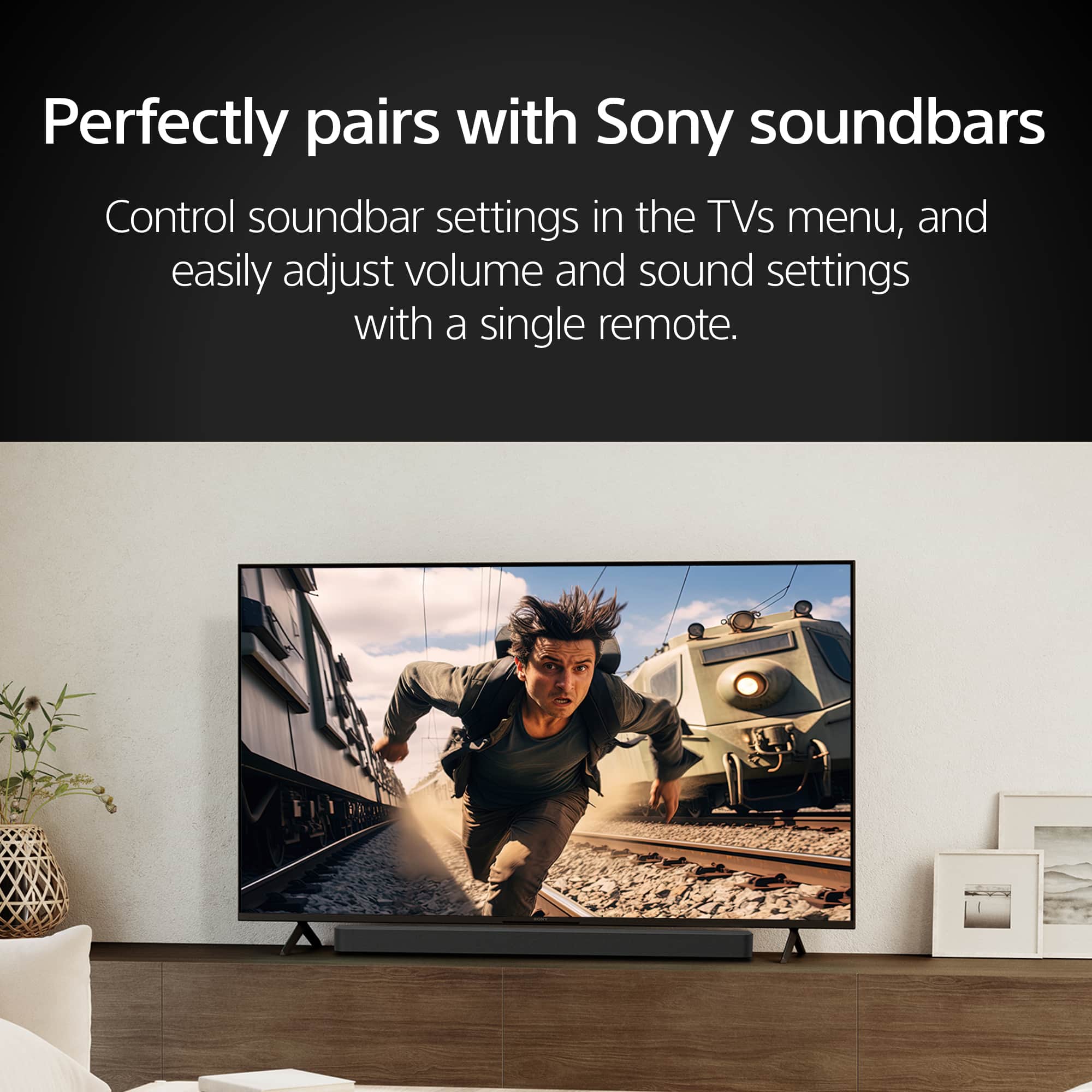
- A:Answer Yes, you can pair this Sony TV with compatible Sony soundbars for an enhanced audio experience.
This question and answer was generated by AI based on customer and product data.Q: QuestionWhat is the resolution of this Sony TV?
- A:Answer This Sony TV has a 4K (2160p) resolution.
This question and answer was generated by AI based on customer and product data.Q: QuestionDoes this Sony TV support Dolby Atmos?
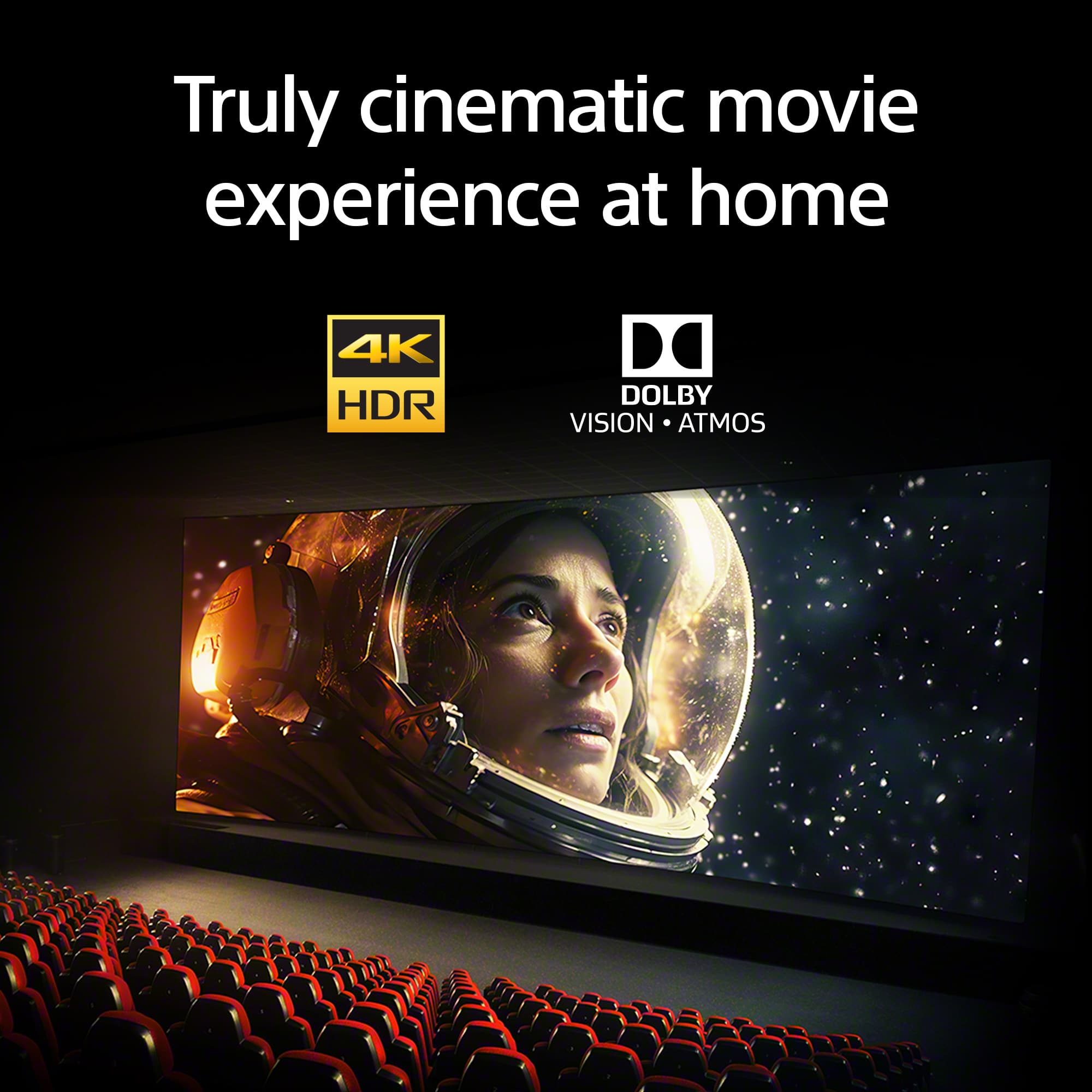
- A:Answer Yes, this Sony TV supports Dolby Atmos for an immersive movie experience.
This question and answer was generated by AI based on customer and product data.Q: QuestionWhat is the screen size of this Sony TV?
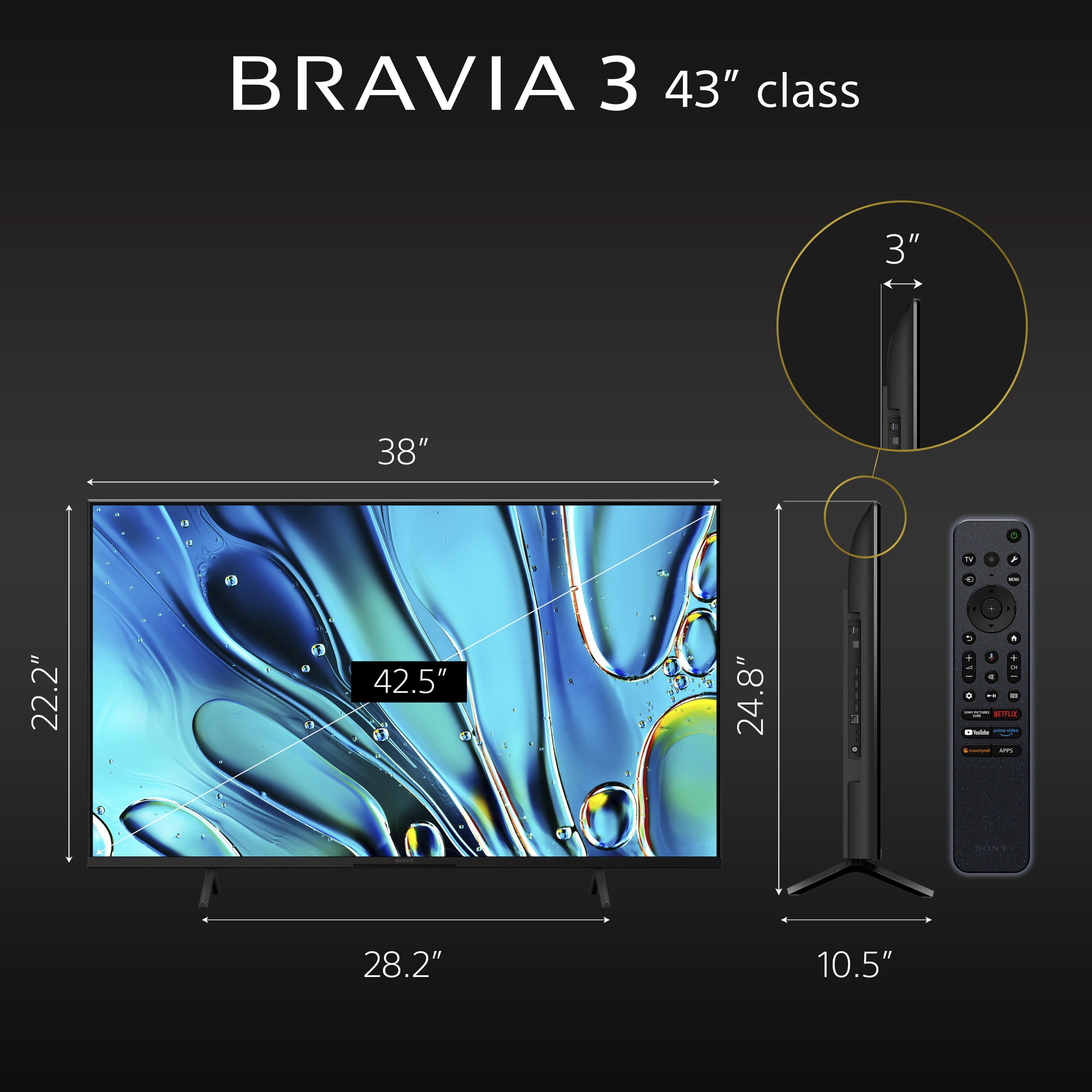
- A:Answer This Sony TV has a screen size of 42.5 inches.
This question and answer was generated by AI based on customer and product data.Q: QuestionDoes this Sony TV come with built-in speakers?
- A:Answer Yes, this Sony TV has built-in speakers.
This question and answer was generated by AI based on customer and product data.Q: QuestionHow are the speaker? In order to have good sound is it going to need a sound bar?
Asked by DannyT.
- A:Answer I love the sound.. Feels like I am in a movie theater when watching my shows. Not sure what your definition of 'good sound' is, and I never had a sound bar experience before.. but I think the sound from this tv is awesome.
Answered by ZeeMan
Q: QuestionDoes this tv have an HDMI-ARC port? Does it support an optical cable for a soundbar?
Asked by CPHMA.
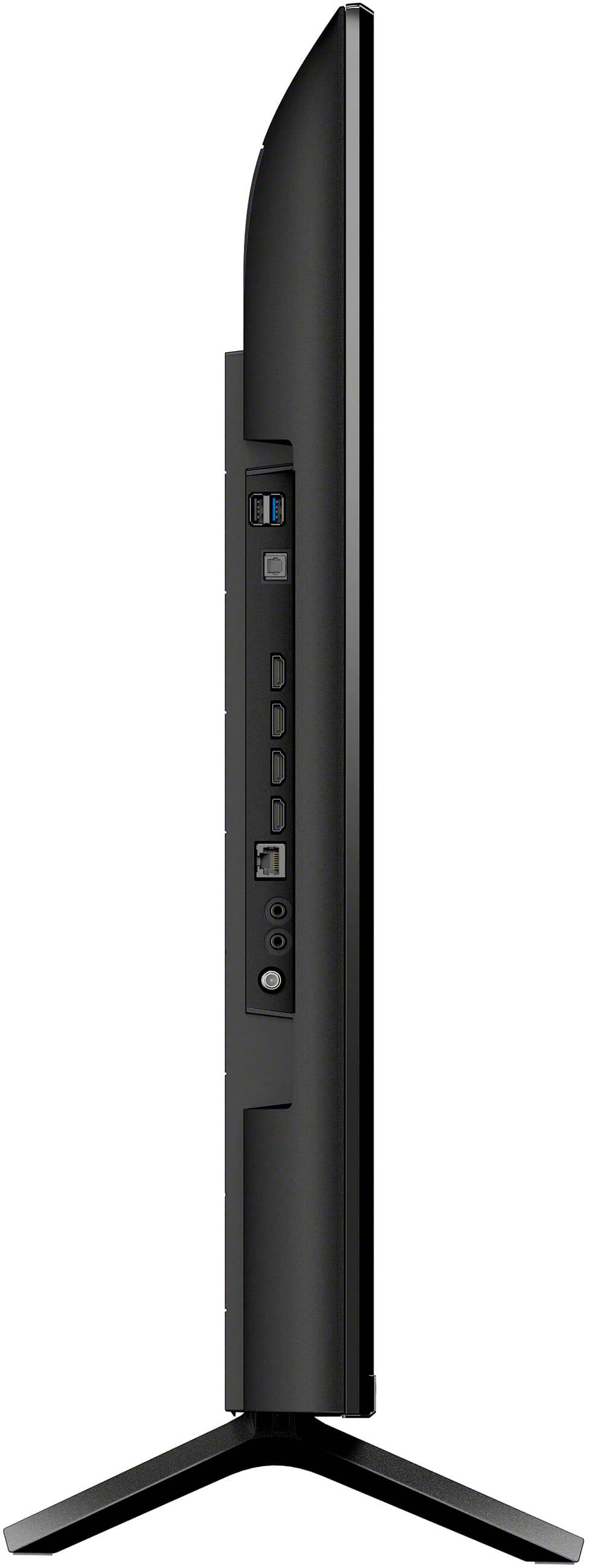
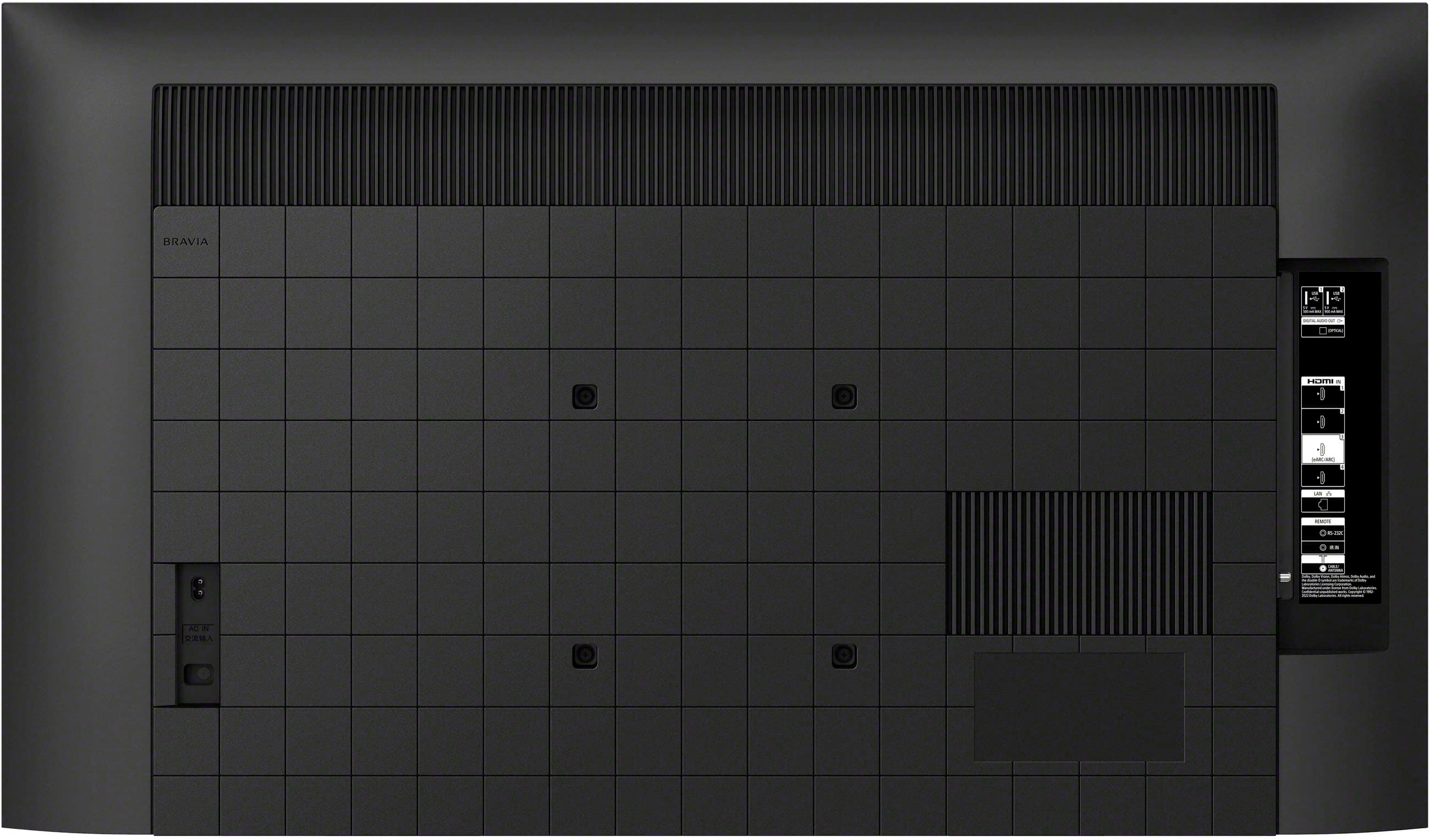
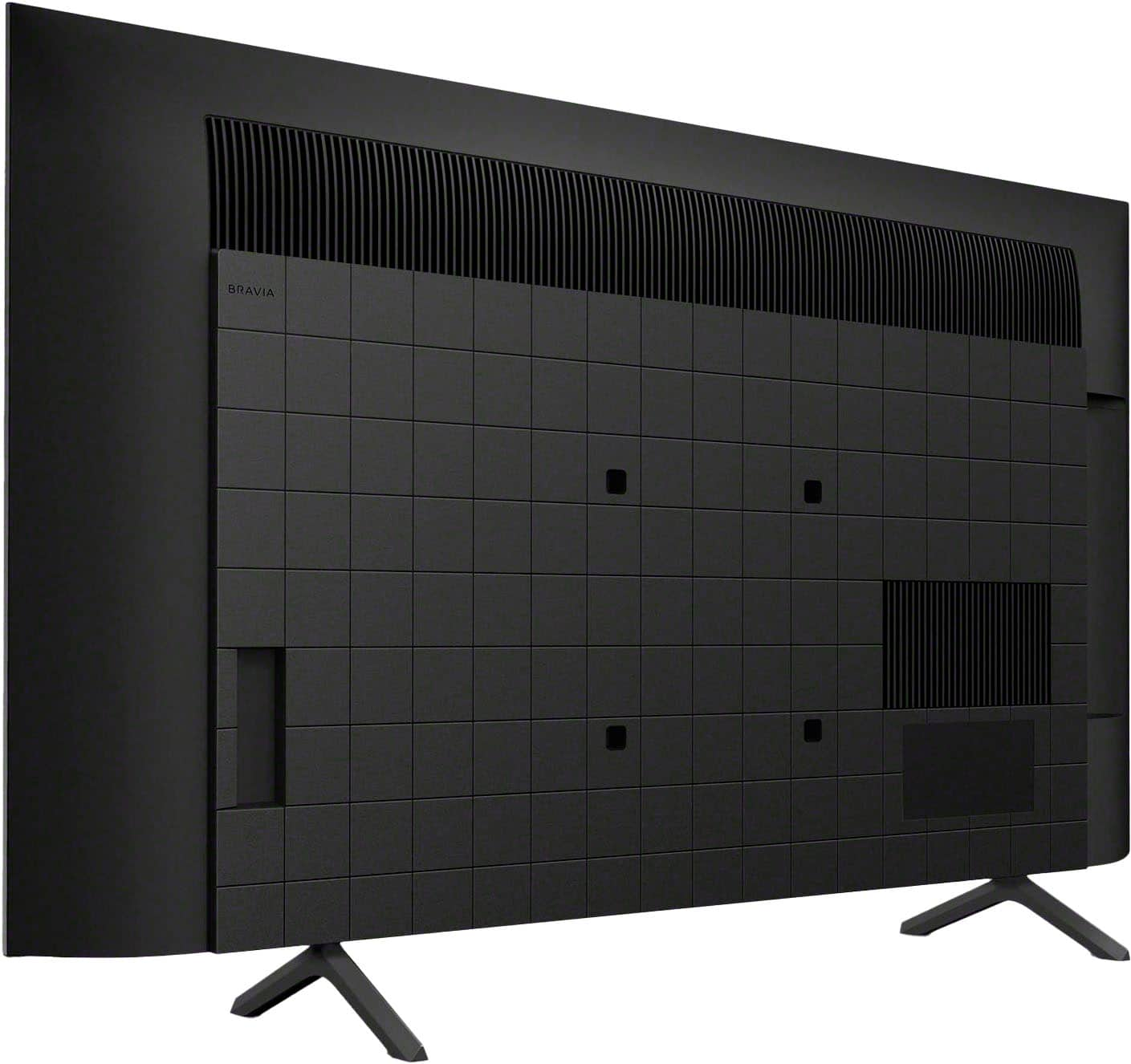
- A:Answer Hi CPHMA, Great question! Yes, the K-43S30 / BRAVIA 3 does have an eARC/ARC (Enhanced Audio Return Channel/Audio Return Channel) and digital optical cable connection for audio devices. Additional information: The HDMI ARC (Audio Return Channel) port of the BRAVIA 3 allows you to connect compatible audio devices, such as soundbars, using a single HDMI cable for both audio and video signals. Additionally, the K43S30 TV supports the use of a digital optical cable for connecting a soundbar. You can connect a digital optical audio cable from the TV's digital optical audio out jack to the OPTICAL IN jack on your soundbar. This setup is necessary to hear the TV audio if you are not using the HDMI-ARC connection. Smart TV for everything you watch. The BRAVIA 3 Smart TV is exceptionally easy to use with a variety of all-in-one smart features for stress-free viewing. With a large screen, detailed pictures full of color and dynamic sound, everything you love feels so much more exciting. I hope this helps! Best regards, Romeo
Answered by SonyListens

Q: QuestionWhat is the width in inches between the stand?
Asked by Anonymous.
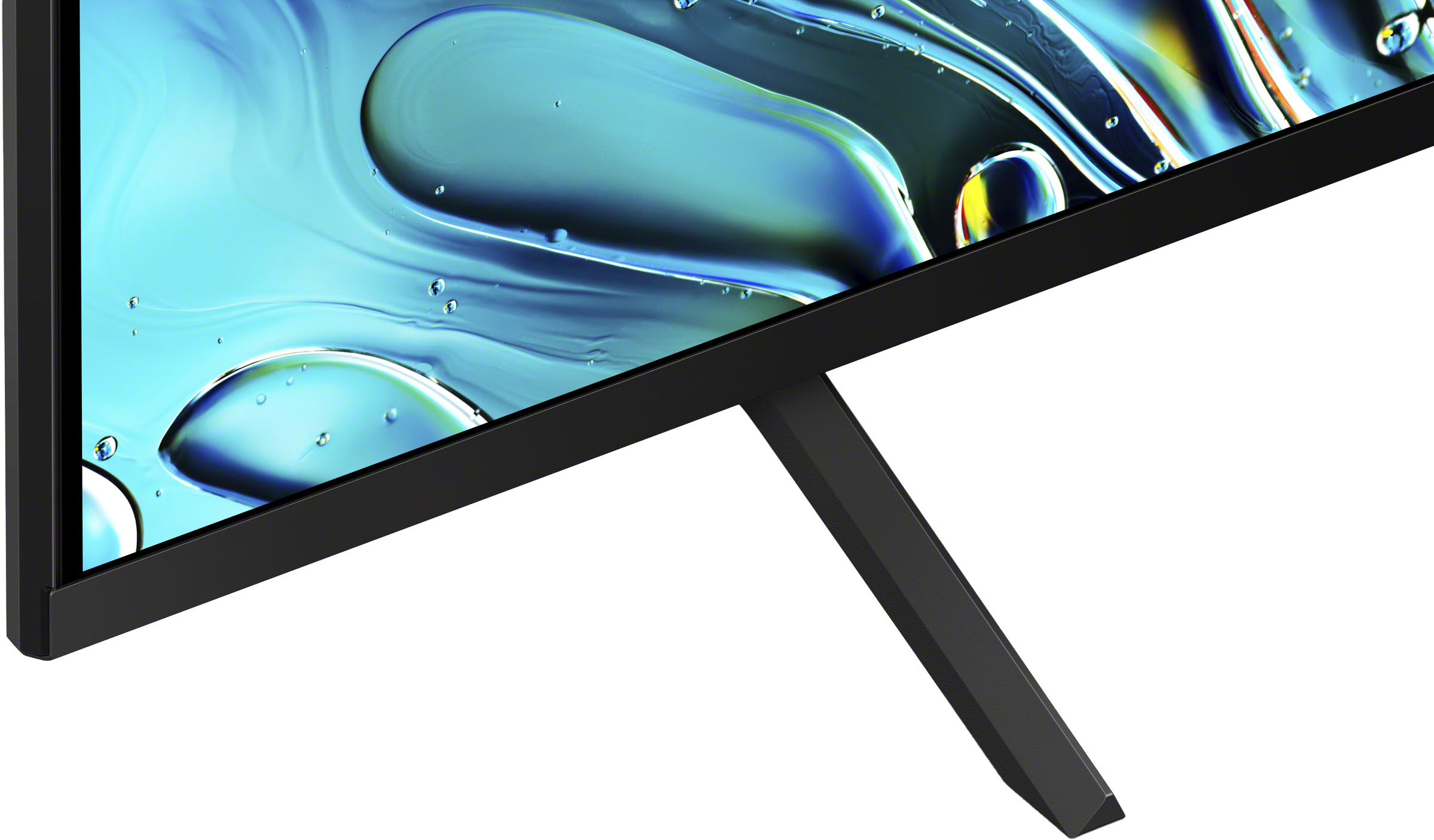
- A:Answer Hi there, Thank you so much for your question! The K-43S30 / BRAVIA 3 TV stand width is 28.25 inches (715 mm). I hope this helps! Smart TV for everything you watch. The BRAVIA 3 Smart TV is exceptionally easy to use with a variety of all-in-one smart features for stress-free viewing. With a large screen, detailed pictures full of color and dynamic sound, everything you love feels so much more exciting. Best regards, Romeo
Answered by SonyListens

Q: QuestionHow to set up Bluetooth
Asked by Anonymous.
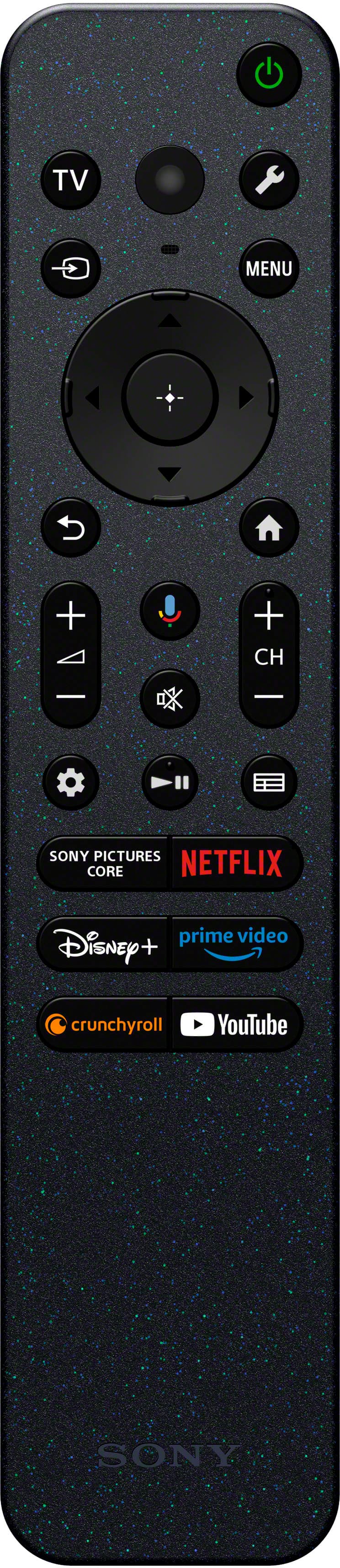
- A:Answer Hi there, Thank you very much for your interest in Sony's K-43S30! To pair the TV with a Bluetooth device, please refer to the steps below: 1. Turn the Bluetooth device on and put it in pairing mode. To put your Bluetooth device in pairing mode, refer to the instruction manual of the device. 2. Press the wrench button (Quick Settings) on the remote control, then select [Settings] — [Remotes & accessories] — [Pair accessory] to put the TV in pairing mode. Available Bluetooth devices will be displayed. 3. Select the desired device, then follow the on-screen instructions. If you are prompted to enter a passcode, refer to the instruction manual of the device. After pairing is completed, the device connects to the TV. And to connect to a paired Bluetooth device, press the wrench button (Quick Settings) on the remote control, then select [Settings] — [Remotes & accessories] — Select a paired but unconnected device — Select [Connect]. Smart TV for everything you watch. The BRAVIA 3 Smart TV is exceptionally easy to use with a variety of all-in-one smart features for stress-free viewing. With a large screen, detailed pictures full of color and dynamic sound, everything you love feels so much more exciting. I hope this helps! Best regards, Romeo
Answered by SonyListens

Q: QuestionI have antenna only. will I be able to get antenna channels?
Asked by guy.
- A:Answer Hi Guy, thank you for your interest in the Sony - 43" Class BRAVIA 3! Yes, you can absolutely get the antenna channels with this model. The TV has a Cable/Antenna input at the back where you can screw the coaxial cable of your antenna, and then during the initial setup of your TV you will be prompted to run an auto program to scan for channels and there you should have them! We hope this answers your question, and thank you for considering Sony. Best regards, -Dominick
Answered by SonyListens

Q: QuestionWhat does open box mean….have you run it forever in your store ?
Asked by Birdie.
- A:Answer Open-Box most of the time means it was a RETURNED item. However, it can also be an item that was a previous FLOOR MODEL/Shelf display or an item that was repaired or refurbished & sent back from our Service Center. NEVER buy Open Box online SIGHT UNSEEN. Go to the store and look at it first. It can be missing necessary components & original box/packaging. Open Box is either HIT or MISS! Everything is fine or it is a complete disaster.
Answered by DeannaA
Q: QuestionIs this TV compatible with interactive movies on Netflix?
Asked by Anonymous.
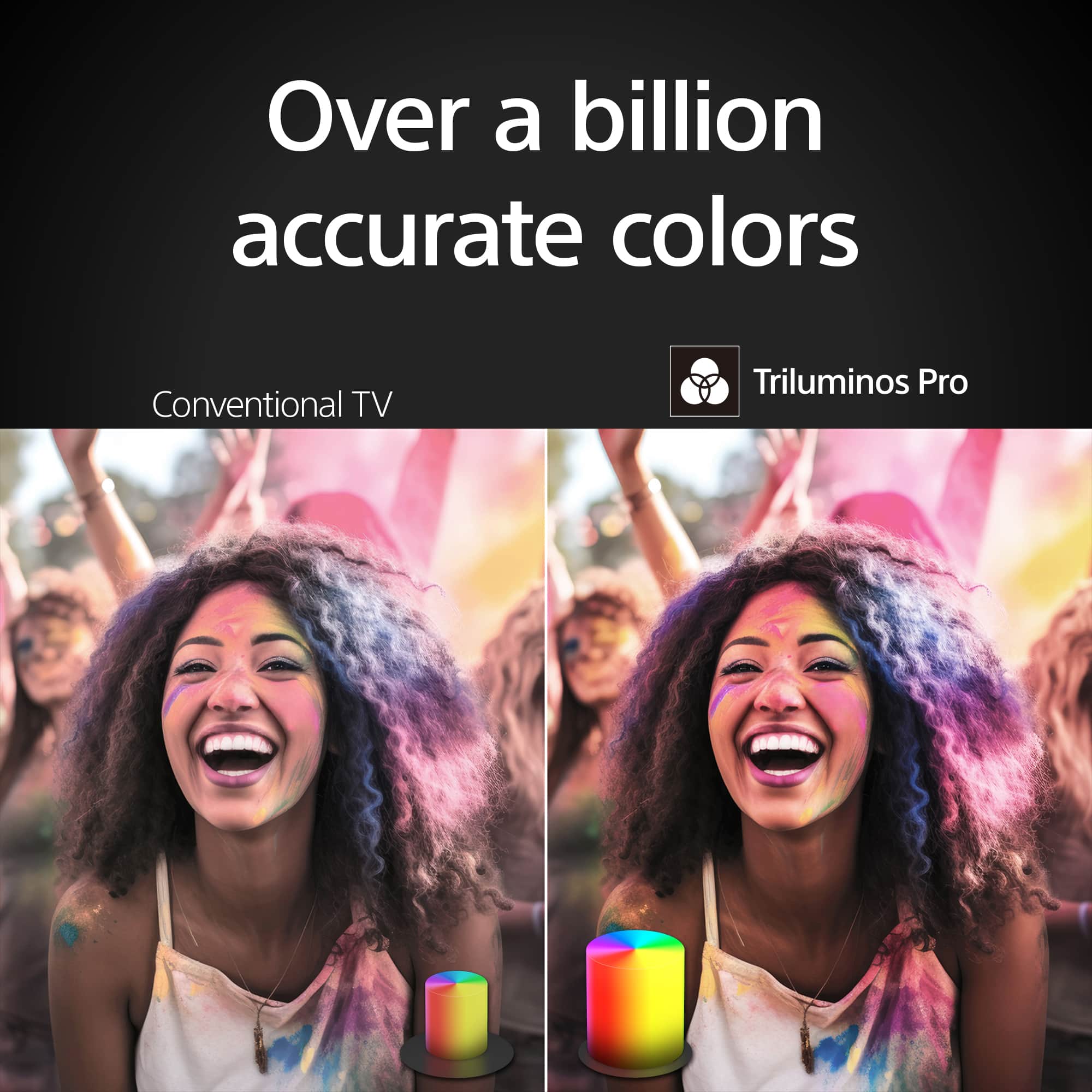
- A:Answer Hi there, Thank you for your interest in the Sony Bravia 3! Yes this TV has a built-in Netflix app, allowing you to control the interactive scenes using the supplied TV remote. Hope this helps! Wit the Bravia 3's incredibly vibrant picture and easy-to-use smart features. Everything you watch is enhanced with over a billion accurate colors with lifelike clarity and contrast that reveals every detail. Google TV™ brings together movies, shows, and more from across your apps and organizes them just for you. Regards, Sam
Answered by SonyListens

Q: QuestionCan I turn off the picture with the remote and still listen to the TV?
Asked by Carol.
- A:Answer Hi Carol, thanks for the great question! You can absolutely turn off the picture while still listening to audio on your Bravia 3. Just press the Quick Settings button (it looks like a gear/wrench icon) on your remote. If "Picture Off" isn't immediately visible, you can add it by going into the Edit option within Quick Settings. May you need more assistance you can check the help guide website https://helpguide.sony.net/tv/lusltn2/v1/en-003/01-03_12.html?hl=picture+off or contacting our support team directly at https://us.esupport.sony.com/support/s/support-contact?language=en_US&category=tv Hope this helps! Thanks for choosing Sony. Sincerely, Jenn.
Answered by SonyListens

Q: QuestionWhat app come installed
Asked by Termite.
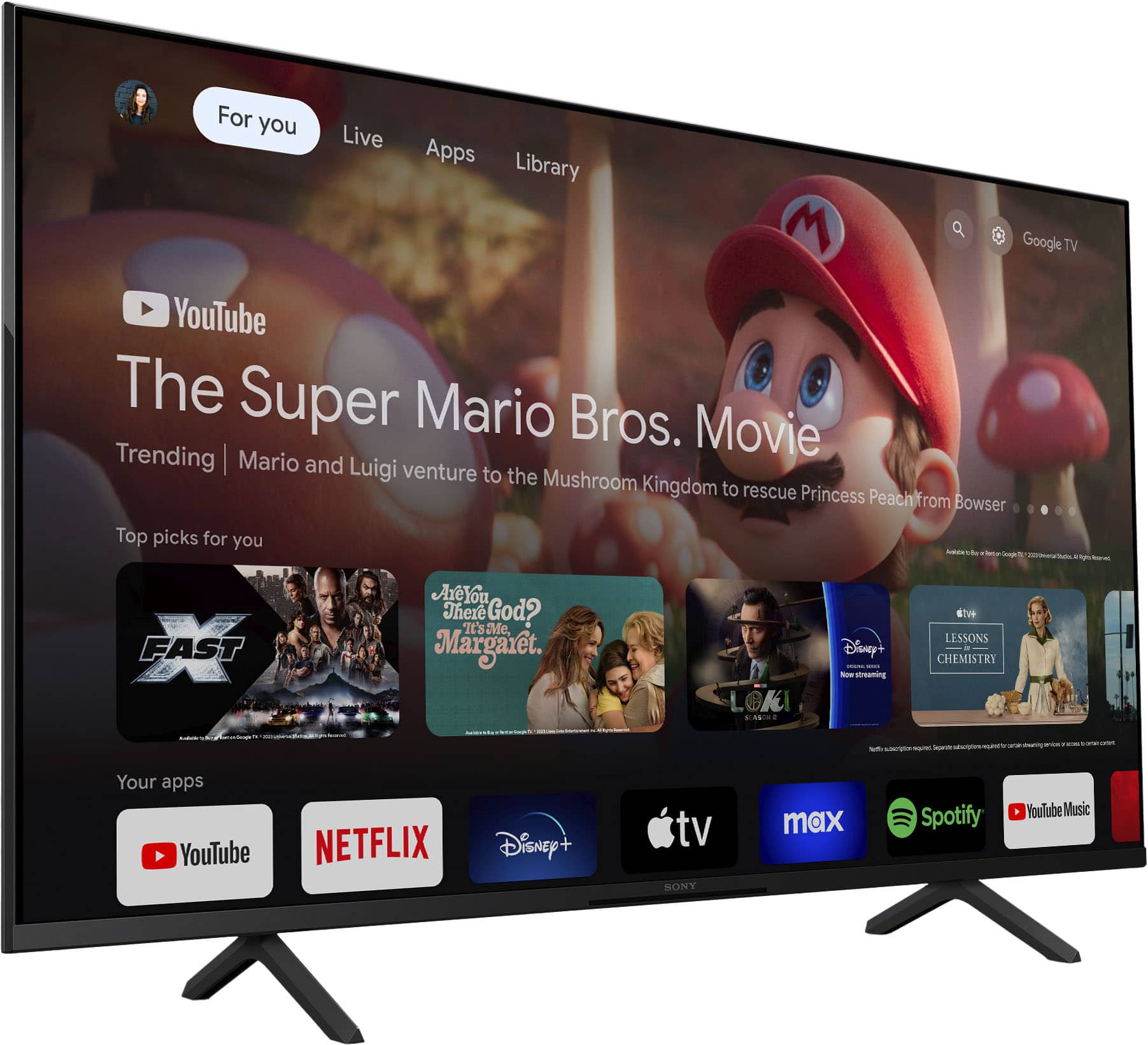
- A:Answer Hi Termite, The Bravia 3 comes with popular apps like Netflix, Prime Video, Disney+, YouTube and Apple TV pre-installed. Plus, with Google TV, you can download many more from the Play Store. -Aldair
Answered by SonyListens

Q: QuestionCan I turn off the smart features on this tv, such as voice activation?
Asked by Anonymous.
- A:Answer Hello, thanks for your questing. Yes, you can turn off the voice activation: Press the HOME button on the remote control. Go to Settings. Select Device Preferences. Select Google Assistant. Turn off the microphone or deactivate the feature. Hope this helps. ~Earl
Answered by SonyListens

Q: QuestionWill this tv fit on a TV stand that is 40.5 inches long?
Asked by 808geek.
- A:Answer Hi 808geek, thanks for your question. The supplied stand width for this TV is approximately 28.25 inches (715 mm). It will surely fit your table-top setup. Please take note that we do not recommend using a stand other than the one that is supplied to secure the TV and prevent it from toppling. Hope this helps. Our BRAVIA 3 Smart TV is exceptionally easy to use with a variety of all-in-one smart features for stress-free viewing. With a large screen, detailed pictures full of color and dynamic sound, everything you love feels so much more exciting. ~Earl
Answered by SonyListens

Q: QuestionCan I use this tv as a monitor?
Asked by Snake.
- A:Answer Hi Snake, Thank you for your interest in the Sony K43S30 BRAVIA 3! Yes, you can indeed use this TV as a monitor. It supports a variety of external inputs, including HDMI, which is typically used to connect computers and other devices. This means you can easily connect your computer to the TV using an HDMI cable and utilize it as a monitor. Here are some additional details: Features specified in HDMI 2.1, such as ALLM (HDMI 1/2/3/4) and eARC (HDMI 3), are supported on this TV. The Sony BRAVIA 3 combines HDR color support with Sony's intelligent picture processing to analyze and enhance every scene with accurate, lifelike color. Connect HD and UHD devices via HDMI 2.1 inputs with advanced features like ALLM and eARC. For streaming, the built-in Google TV OS provides a plethora of apps and options, with your favorite and frequently watched shows brought together on one convenient home screen. I hope you find this answer helpful, and thank you for considering Sony! Best regards, Romeo
Answered by SonyListens

Q: QuestionDoes this TV come with an HDMI cable?
Asked by Danny.
- A:Answer Hi Danny, Thank you for reaching out with your question. Unfortunately, the K-43S30 (BRAVIA 3) TV does not include an HDMI cable in the package. HDMI cables are usually sold separately, so you will need to purchase one if you don't already have it. The Sony BRAVIA 3 combines HDR color support with Sony's intelligent picture processing to analyze and enhance every scene with accurate, lifelike color. Connect HD and UHD devices via HDMI 2.1 inputs with advanced features like ALLM and eARC. For streaming, the built-in Google TV OS provides a plethora of apps and options, with your favorite and frequently watched shows brought together on one convenient home screen. I hope this information is helpful! Best regards, Romeo
Answered by SonyListens

Q: QuestionIs this tv good for in a bright room?
Asked by Charlie.
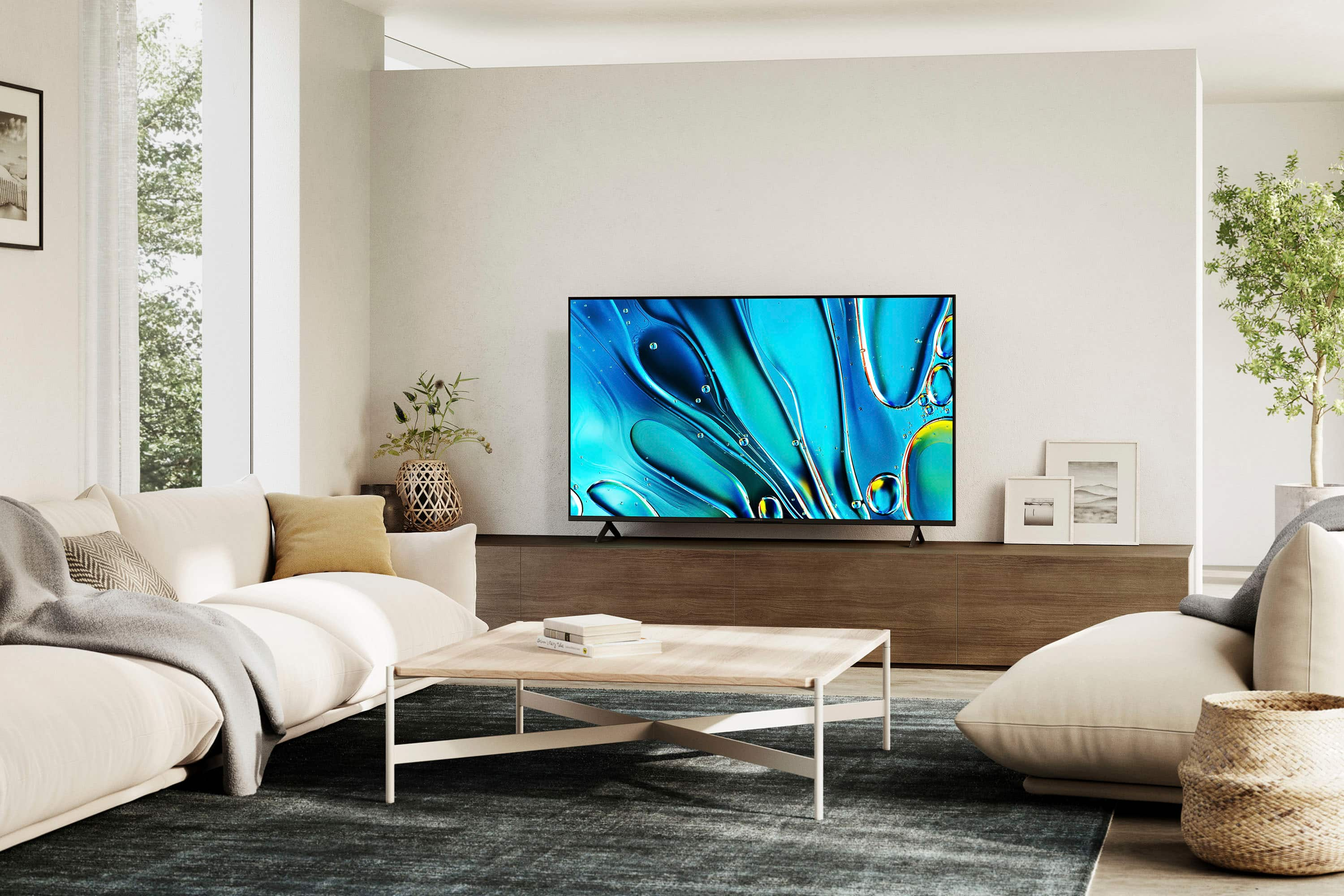
- A:Answer Hi Charlie, Thank you very much for your question! The Sony BRAVIA 3 (K43S30) TV is a good option for bright rooms. This model is designed to handle various lighting conditions, including bright environments. It features advanced technologies that enhance picture quality and brightness, ensuring a clear and vibrant viewing experience even in well-lit spaces. Additionally, the BRAVIA 3 features various settings related to the TV display such as Brightness, Color, Hue, etc. for picture quality that will help improve your overall viewing experience. Smart TV for everything you watch. The BRAVIA 3 Smart TV is exceptionally easy to use with a variety of all-in-one smart features for stress-free viewing. With a large screen, detailed pictures full of color and dynamic sound, everything you love feels so much more exciting. I hope this helps! Best regards, Romeo
Answered by SonyListens

Best-selling TVs
- Black Friday Deal$189.99Your price for this item is $189.99
- $129.99Your price for this item is $129.99$149.99The comparable value for this item is $149.99
- Black Friday Deal$74.99Your price for this item is $74.99
- $249.99Your price for this item is $249.99$379.99The comparable value for this item is $379.99
- $459.99Your price for this item is $459.99$549.99The comparable value for this item is $549.99
- Black Friday Deal$329.99Your price for this item is $329.99
- Black Friday Deal$229.99Your price for this item is $229.99
- $169.99Your price for this item is $169.99$299.99The comparable value for this item is $299.99
- Black Friday Deal$399.99Your price for this item is $399.99
- $99.99Your price for this item is $99.99$229.99The comparable value for this item is $229.99
- Black Friday Deal$129.99Your price for this item is $129.99
- Black Friday Deal$329.99Your price for this item is $329.99
- Black Friday Deal$499.99Your price for this item is $499.99
- Black Friday Deal$1,399.99Your price for this item is $1,399.99
- Black Friday Deal$449.99Your price for this item is $449.99
- Black Friday Deal$999.99Your price for this item is $999.99
- $599.99Your price for this item is $599.99$1,299.99The comparable value for this item is $1,299.99
- $199.99Your price for this item is $199.99$259.99The comparable value for this item is $259.99
- Black Friday Deal$399.99Your price for this item is $399.99
- $949.99Your price for this item is $949.99$1,999.99The comparable value for this item is $1,999.99


















