Black Friday is hereShop new DoorbustersShop now

Main Content

Questions & Answers

Your price for this item is $509.99
Clearance
The comparable value price is $599.99
Page Showing 141-160 of 399 questions
  • QuestionWhat sound bar is recommened for this TV?

    Asked by Bob.

    • Answer If I was you I would listen to a bunch of them and pick the one I would like and could afford the best. Any sound bar would work but the right one is up to you. In most cases you get what you pay for.

      Answered by Enrique

  • QuestionDo all 43" smart TVs have the same bolt pattern for mounts ?

    Asked by Cowboy.

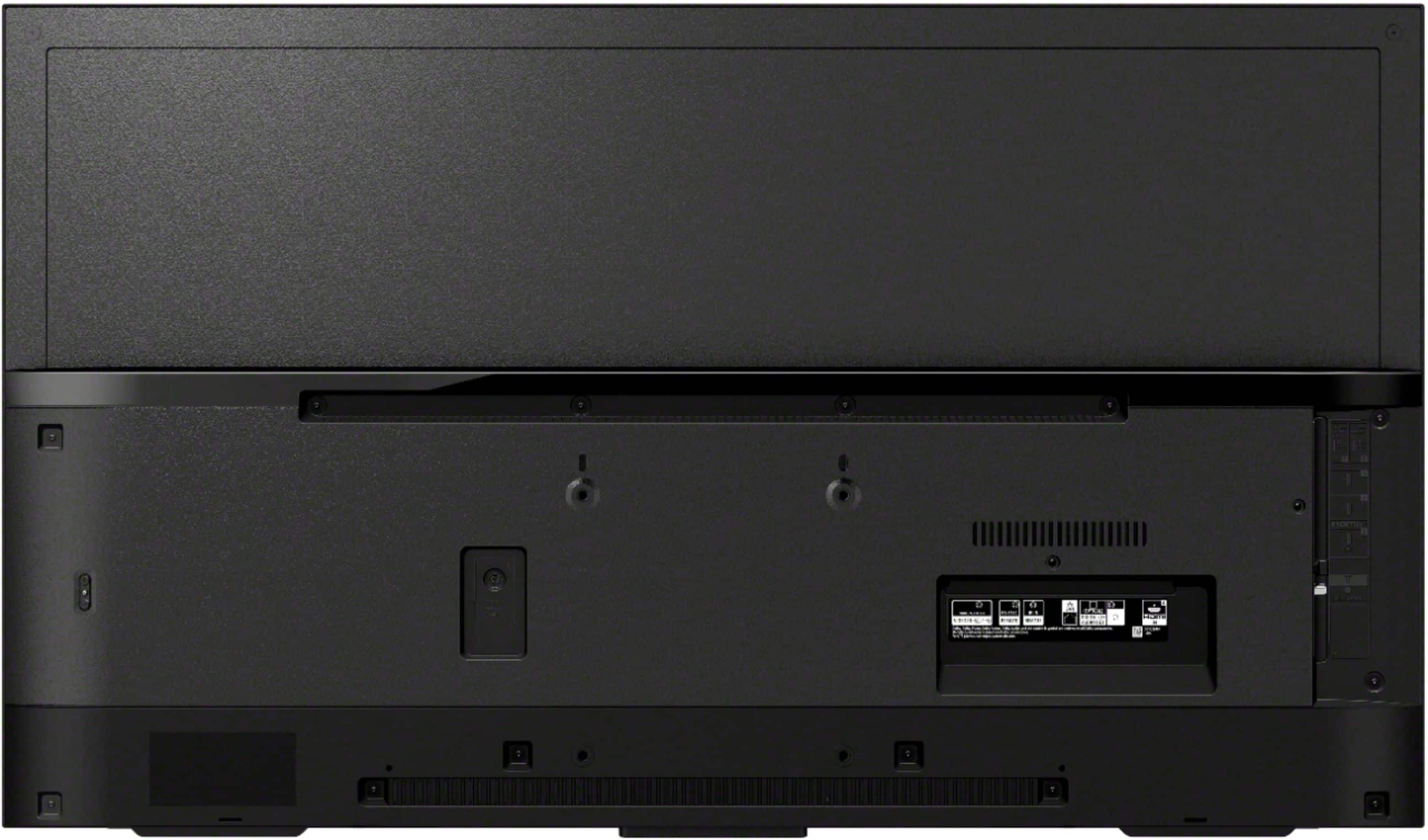
    • Answer Hi Cowboy, VESA has developed a set of standards for the manufacturing of flat-screen televisions and monitors. Most manufacturers comply with this standard by adhering to an industry-wide hole pattern on the back of the TV or monitor for mounting purposes. The VESA pattern for this television is 4 x 7 7/8" (100 x 200 mm). For safety and product protection, we recommend that a qualified professional perform the installation of your TV on the wall. More details on the link below. https://www.sony.com/electronics/support/articles/00124300?model=XBR-43X800H/ Hope this helps! David

      Answered by SonyListens

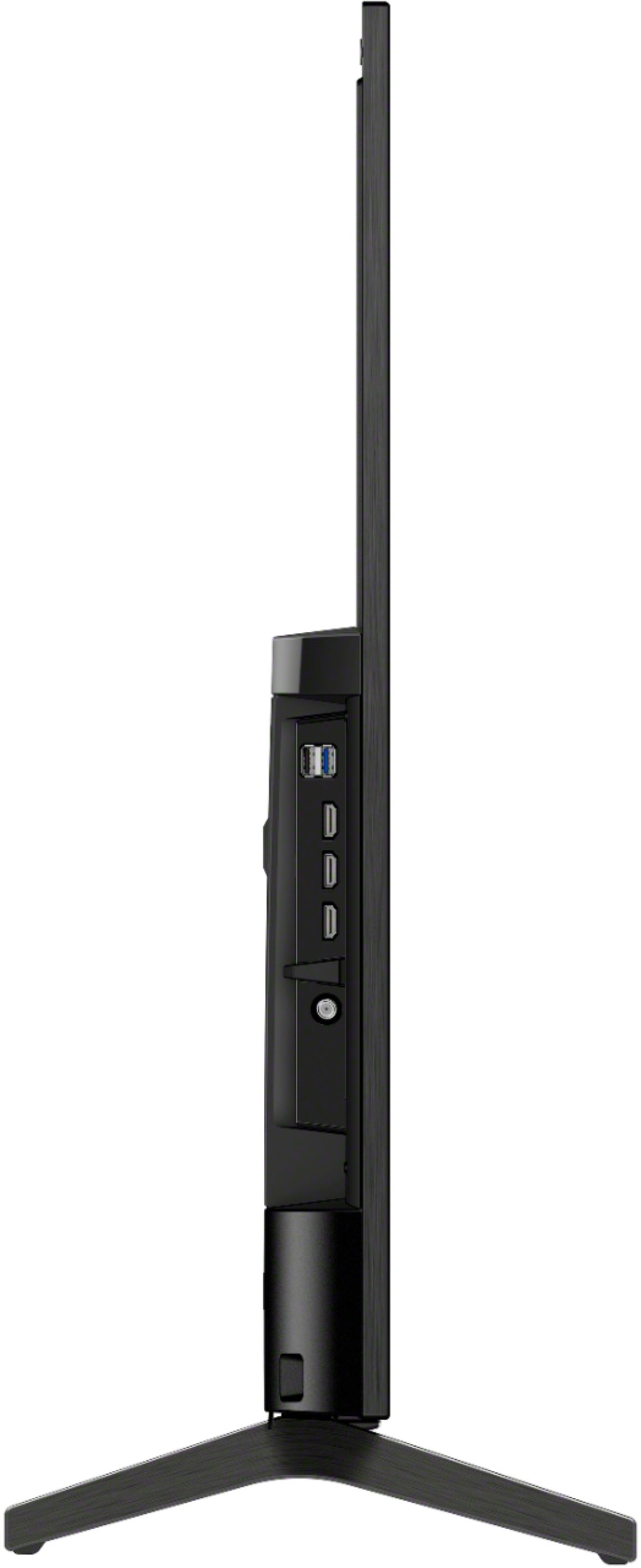
  • QuestionAre the HDMI ports HDMI 2.1 format?

    Asked by Anonymous.

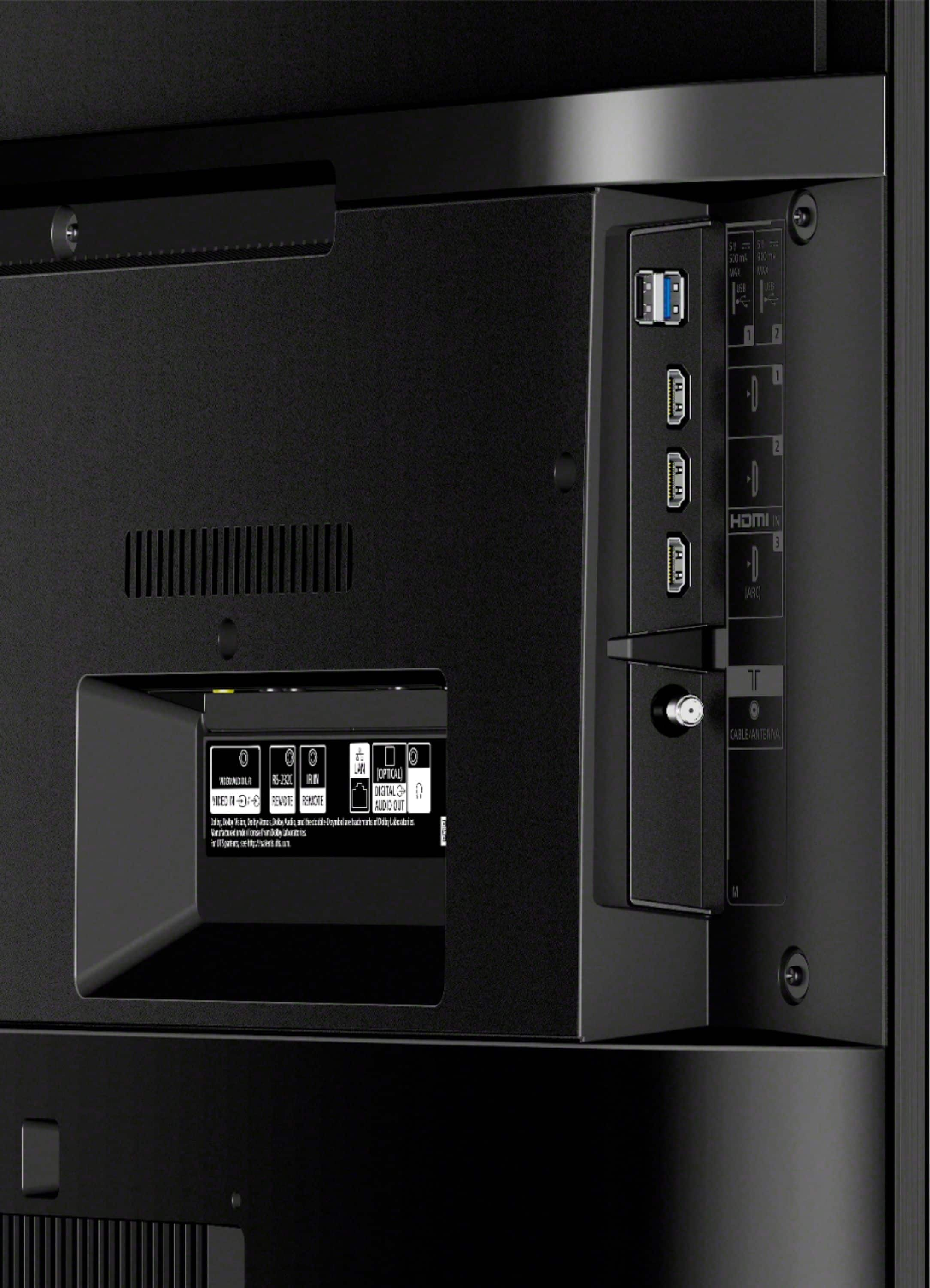
    • Answer Hi Customer, Unfortunately, the X800H doesn't support HDMI 2.1 features. The TVs that will support the HDMI 2.1 features via software update are XBR X900H / 90CH and Z8H. Reference: https://www.sony.com/electronics/support/televisions-projectors-lcd-tvs-android-/xbr-43x800h/articles/00246472 Happy to help, David

      Answered by SonyListens

  • QuestionDoes the sony 43 have those 4 tv screws in the back that supposed to be for 2 holes of home 1 and 2 holes of home 2 ? specific screws didn't come with inside the tv like it did for the Sony - 49". is this a separate purchase to get those specific screws?

    Asked by bikerz.

    • Answer Yes you will have to purchase them if you can’t use the ones on your prior TV.

      Answered by BobF

  • QuestionIs the Sony TV compatible with Discovery Plus without external PC or Stick.

    Asked by Arlo.

    • Answer check your user guide that came with the TV, oh that's right. Sony didn't feel the need to supply one.

      Answered by confused

  • QuestionWhy is it advertised as an android?

    Asked by Lobsters58.

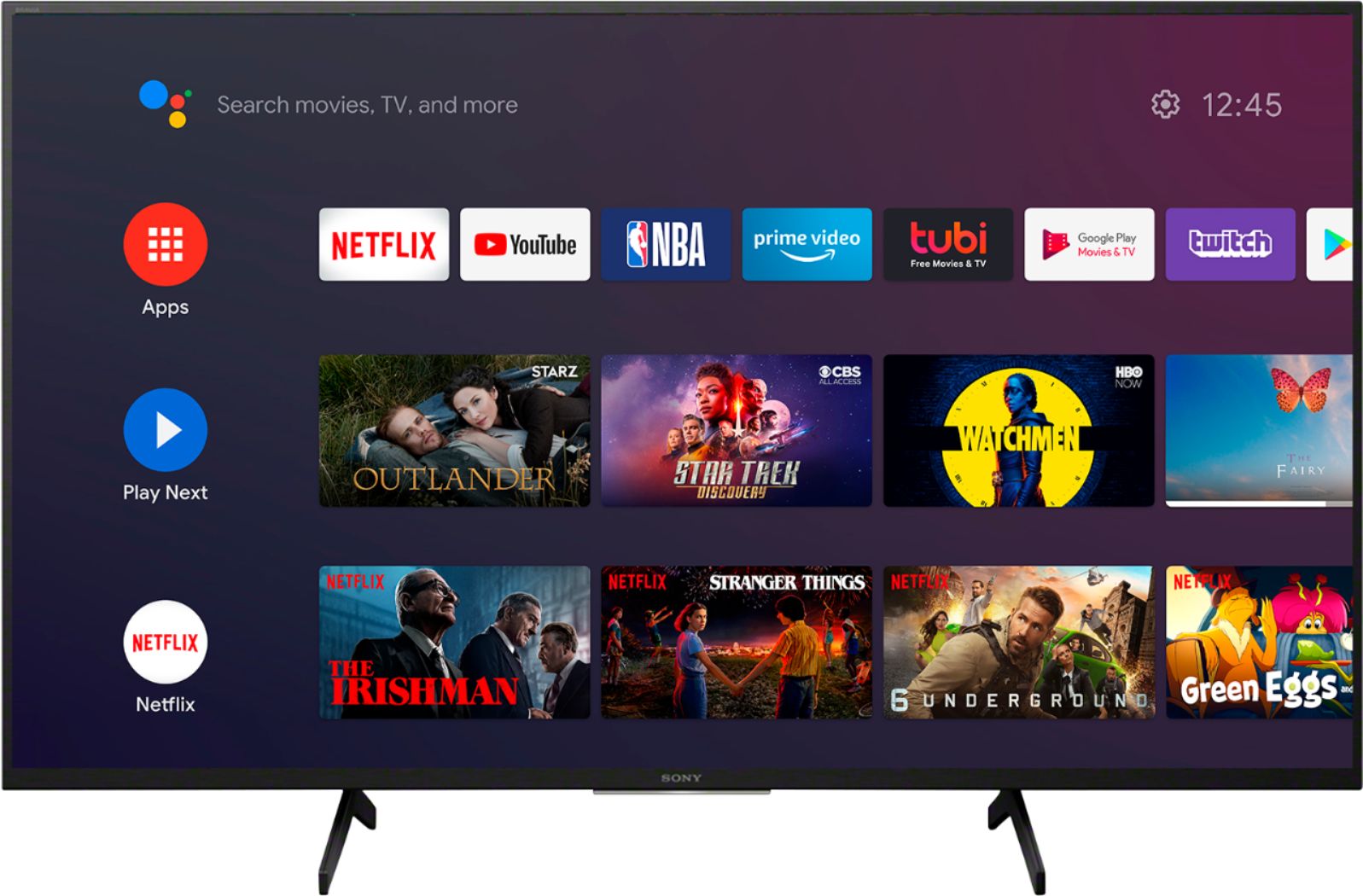
    • Answer Because it has an android server to stream and to add apps

      Answered by Office

  • QuestionDoes this TV have "Multi-Audio" output where it outputs sound from both the TV speakers and an audio device ( like a Bluetooth headphone) at the same time ?

    Asked by stevearino.

    • Answer I believe it is smart phone, (android), capable but I have not as yet set this up. I plan to investigate this in the near future since I now have a Samsung S21 5G phone.

      Answered by Jbeanie

  • QuestionDoes this TV have a timer to turn off

    Asked by boxes.

    • Answer There seem to be a lot of questions about this TV. Its a shame Sony didn't make a user guide with it. I guess you can always Google the information.

      Answered by confused

  • QuestionCan the box lie on its side to transport it from store to home?

    Asked by LIbby.

    • Answer Hi LIbby, As much as possible, we recommend positioning the TV vertically when transporting it to your home. If you're unsure, we recommend contacting our dealers for shipping information. Hope this helps! David

      Answered by SonyListens

  • QuestionHow tall is this TV. I only have a limited space in height to place a TV

    Asked by Aged.

    • Answer Hi Aged, The dimension of TV with Stand (W x H x D) 970x630x286 mm / 38 1/4 x 24 7/8 x 11 3/8 inch. More information on the link below. https://www.sony.com/electronics/support/televisions-projectors-lcd-tvs-android-/xbr-43x800h/articles/00241633 Hope this helps! David

      Answered by SonyListens

  • QuestionI know the stand width is 32" but what is the front to back measurement on the Sony 43" stand/feet?

    Asked by Bern.

    • Answer I do not have the stand but a Sanus wall mount. The dimensions of the set are found on the manufacturers information.

      Answered by Jbeanie

  • QuestionIs there an internal HD antenna for broadcast stations included with this tv?

    Asked by chappy.

    • Answer It is of course wireless capable on Wi-Fi. I don't know about the HD antennae but it is HDMI hooked up via cable networks.

      Answered by Jbeanie

  • QuestionCan the headphone jack of the XBR-43X800H be configured as a line-level analog audio output like on some other Sony TVs (for example the XBR-43X800G), i.e. for connecting to the analog inputs of an external sound system?

    Asked by CarlB.

    • Answer Hi CarlB, No, it cannot be configured. The headphone output of the TV is for connecting headphones only. Regards, David

      Answered by SonyListens

  • QuestionCan I put my Peloton App from my Iphone on this TV?

    Asked by Bdog.

    • Answer Yes, if you cast the iPhone/iPad screen to the TV. We have an iPad, iPhone and Android devices. My wife and easily cast her iPad and phone screen to this TV. Set up AirPlay on the Sony TV first. Then on the Apple device, swipe up or down or from the corner to bring up the command center screen and select the Sony TV. Sony has AirPlay 2 built into the TV. I believe you have to have a newer iOS version with AirPlay 2 on your Apple device. Older iOS versions and devices will not work (no AirPlay?). Here is a video that shows you how to do it. https://www.youtube.com/watch?v=L6UTggVP_9o

      Answered by Tron8888

  • Questionwhat is the actual width of the tv? side to side, and the height, including stand?

    Asked by nannette.

    • Answer The width is 38 1/8”and the height including the stand is 24 3/8”

      Answered by ToTo

  • QuestionI recently purchased a PS5 which uses a 2.1 HDMI wire. Does this TV have a HDMI 2.1 port?

    Asked by Alex.

    • Answer No, this TV does not have HDMI 2.1. I have a PS5 as well it runs beautifully at 60hz though.

      Answered by Steve

  • QuestionMy new Sony Sound Bar requires a Bluetooth connection for on screen information. Will this model work?

    Asked by Printer.

    • Answer Yes... but not through the TV's Bluetooth settings. Very frustrating, Sony!! Have no idea why this so common Bluetooth option is not possible natively on some Sony TVs. You can get Bluetooth audio to work using an app from the Google Play Store. If you go to the Google Play Store FROM THE TV apps section, the app: "Bluetooth Scanner for Android TV" works perfectly for connecting Bluetooth audio devices! (NOTE: I am NOT involved with this app or developer, just worked for me first try.) I connected a Sony SRS-XB20 speaker, an AUVIO PBT200 speaker, and Jabra Sport Pace Wireless Bluetooth Earbuds. Now you can get Bluetooth audio right from the TV. The key is to download this app from the TV's apps section and the Play Store. Then go to the Apps screen on the TV and select the "Bluetooth Scanner" app and run it. Use that app's scan for devices option with your BT device in pairing mode. Select it from the list and complete the pairing. Next, go to the TV's Bluetooth Settings (under the Remotes & Accessories section of Settings). You should the device(s) you paired with the app. Finally, click the paired device and select Connect from the options. Your audio device should now connect! The TV audio drops out and you only have the audio from the Bluetooth device. Not sure what on screen info your soundbar displays, but when you connect an audio device, that device's volume up/down does control the TV's on screen volume display. Pretty cool!
      Answered by Tron8888

  • QuestionI have a Sanus Vuepoint model F107b wall mount. Will that work with this TV

    Asked by Josh.

    • Answer Hi Josh, Thank you for your inquiry. We cannot guarantee the compatibility nor recommend the use of a third-party wall-mount bracket since only the hole pitch and hole sizes of Sony Android TVs meet the VESA standards and an adapter is not available. Please refer to this link for more information about wall-mount brackets and screw hole patterns for TV: https://www.sony.com/electronics/support/televisions-projectors-lcd-tvs-android-/xbr-43x800h/articles/00197971 Regards, Sam

      Answered by SonyListens

  • QuestionDoes this tv have Apple TV+ ?

    Asked by Francis.

    • Answer Hi Francis, Thank you for your inquiry. Unfortunately, no. Apple TV app is available to these select TV model series through a software update: XBR X900H series. However, it’s still possible to use Apple TV app on this TV as long as you have an Apple device that supports a feature called AirPlay 2. You need to install the Apple TV app, which includes Apple TV+, onto your Apple device (iPhone, iPad, or Mac) and then use the AirPlay 2 feature to display (mirror) content playing on the app on your device onto your TV screen. For more information, please refer to this link: https://www.sony.com/electronics/support/televisions-projectors-lcd-tvs-android-/xbr-43x800h/articles/00226446 Regards, Sam

      Answered by SonyListens

  • QuestionWhy is this TV makes noise sometimes when playing a DVD? I paused the DVD player thinking that it was DVD player that was making noise but the noise was coming from the TV.

    Asked by J.

    • Answer Hi J, Thank you for the feedback on your experience with your X800H. This is usually not the case for our TVs nor the experience we want you to have. To resolve this issue, please try to perform a power reset. Turn off the TV. Unplug the television power cord (mains lead) from the electrical outlet. Let the television remain without power for 2 minutes. Plug the power cord (mains lead) back into the electrical outlet. If you are unable to resolve your concern, please email us at [email protected] with the following details: Name: Bestbuy Username: Model Number: Issue: Telephone Number: Sincerely, Sam

      Answered by SonyListens