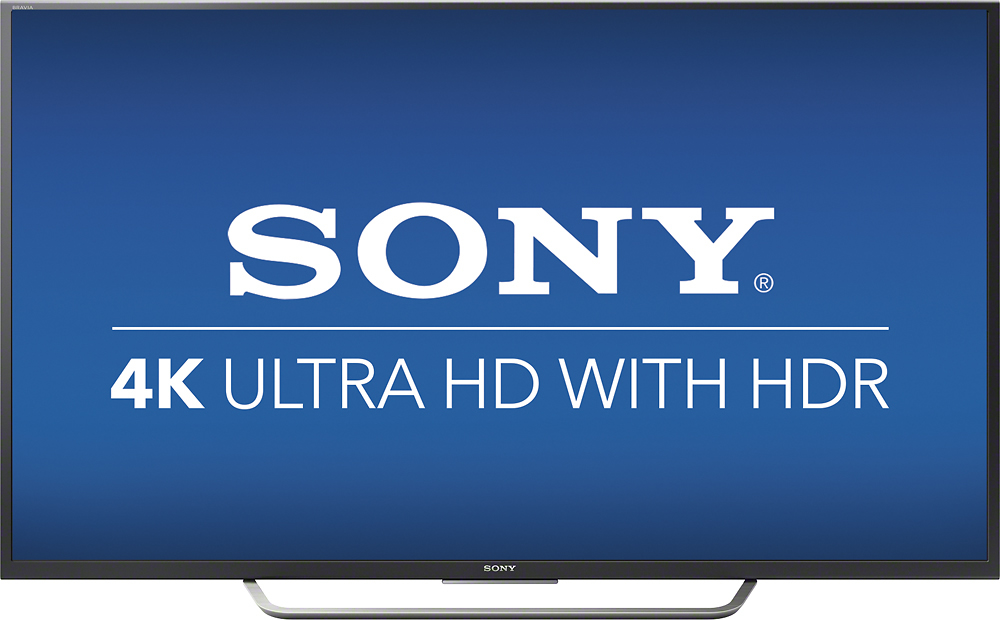
A:AnswerThe 700 model that I purchased last month is direct lit. The 800 model is edge lit. Don't know if an edge lit or direct lit array makes for a better picture, though. The 800 has a triluminous display, which is better to my eye.
A:AnswerHi, AJer, XBR-49X800D has an HDR feature.
To further check their differences, go to these links:
https://docs.sony.com/release//specs/XBR49X800D_mksp.pdf
https://docs.sony.com/release//specs/XBR49X700D_mksp.pdf
Thanks!
-Vincent
A:AnswerHi Bill,
The software update brought this feature to 700D but the remote that comes with this model is old and does not have mic.
The remote with mic is a bluetooth remote which costs around $50-60 in market.
Though you can install Android TV remote app to provide input through voice when required.
A:Answer4 connections: 1 HDMI comes directly out of the back side of the rear panel, and HDMI 2, 3 & 4 come out the left side (as you are facing the front of the TV) of the rear panel.
A:AnswerThe Best Buy info says the following for the Sony XBR49X700D:
High dynamic range (HDR) creates a more realistic picture
HDR technology expands the contrast and color range of the existing pixels on your TV for better, brighter, and more colorful image. The picture quality is noticeably more natural.
A:AnswerI bought a 70 inch base and clearance is about 10" on each side. Base is simple but dont force it. It only fits one way. If wall mounted have best buy do it. Personal experience.
Sounds like wall mount with base under ut to hold peripherals.
I realize many variables exist so plan carefully.
A:AnswerGo to the best buy website. Call up the item you are wanting information about. There is a section called Questions and Answers. People have already submitted these measurements. Just make sure the measurements they are giving are for the model you are looking at. To keep from having to read all the questions, there is a place to narrow down the questions to only those pertaining to your topic. Type in "stand" there and you will find what you need.
A:AnswerHi! Yes. It is located on the side of the TV. For the complete specifications, check this link: https://docs.sony.com/release//specs/XBR49X700D_mksp.pdf. Thanks! -Vincent