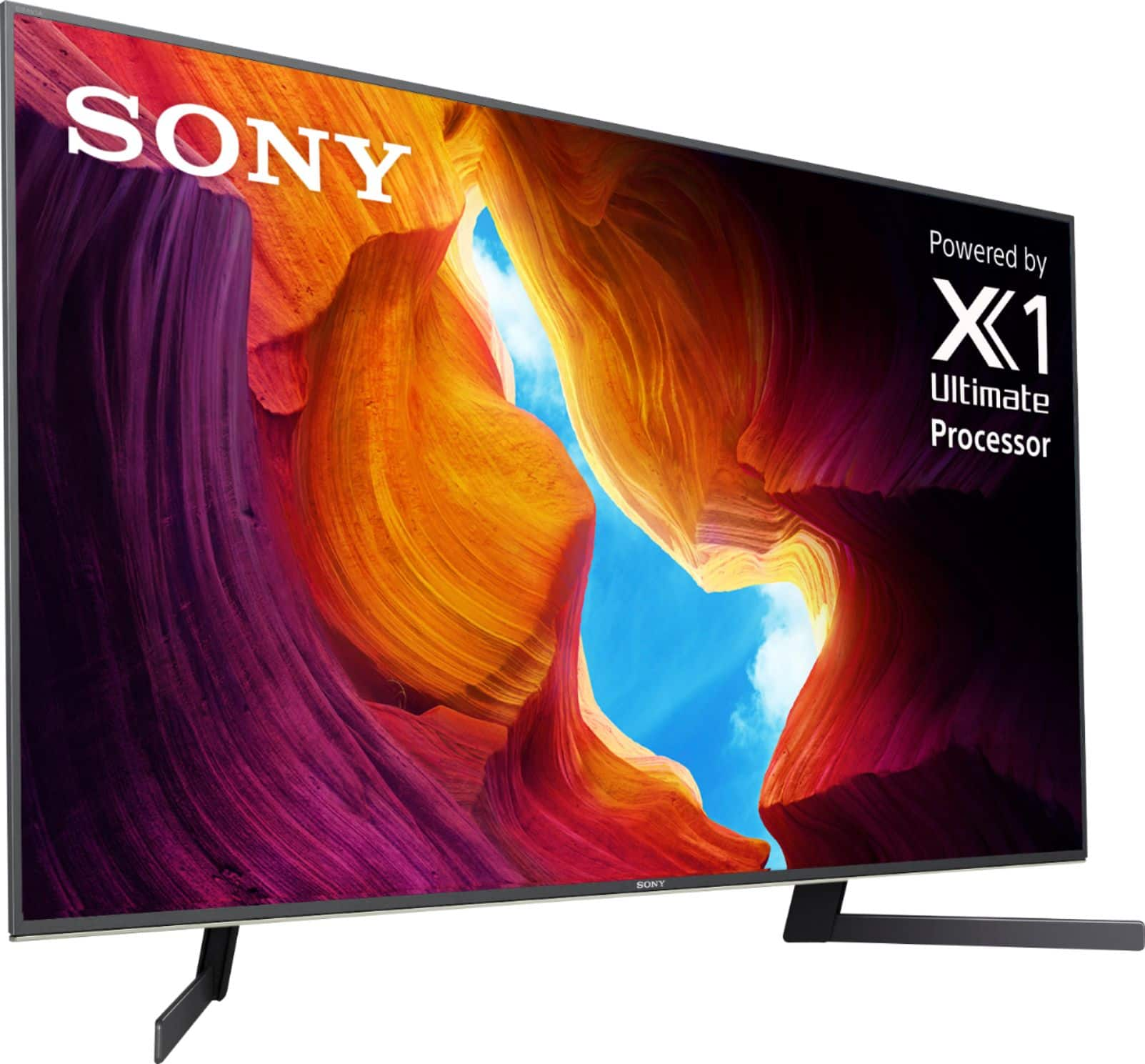
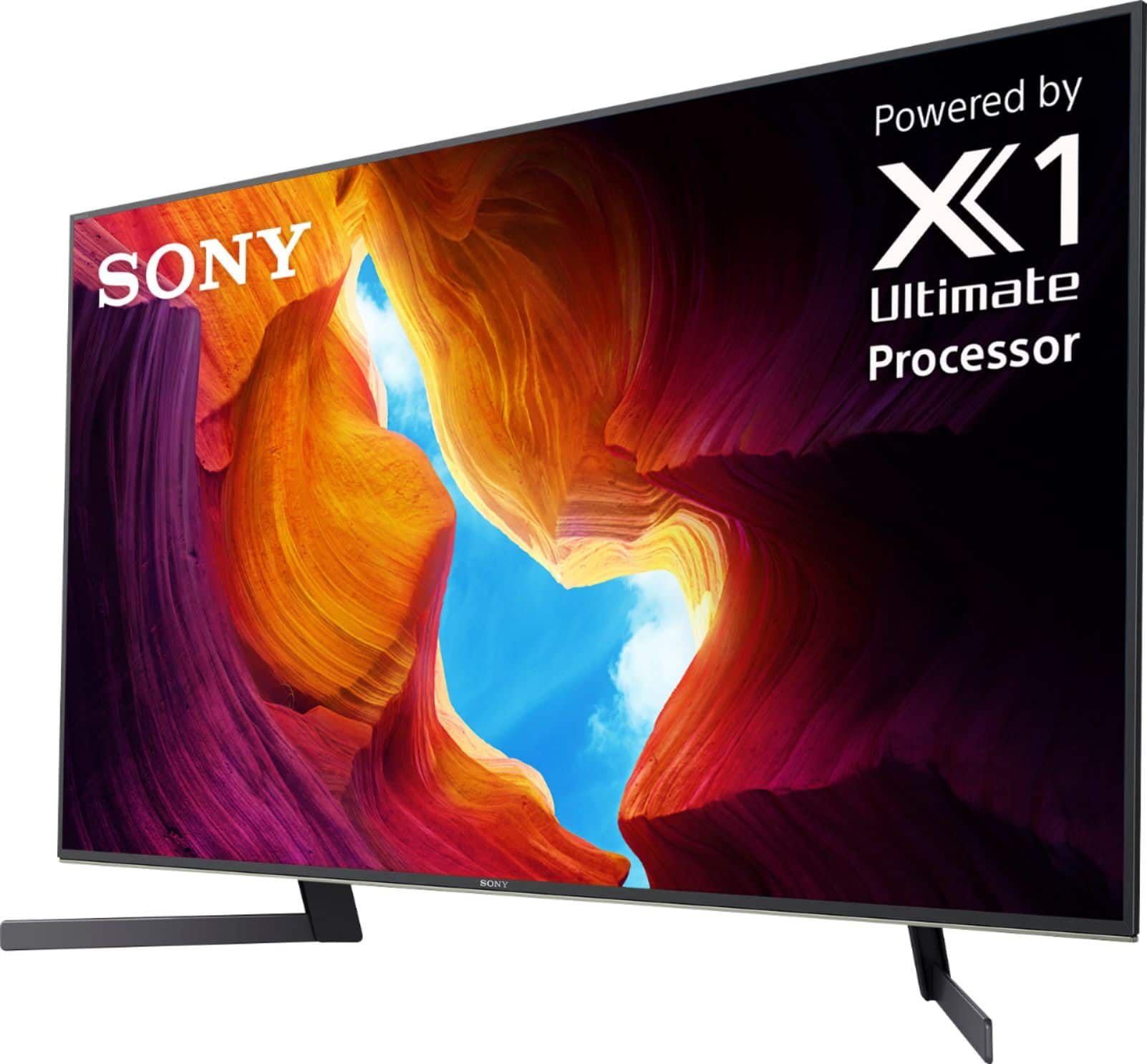
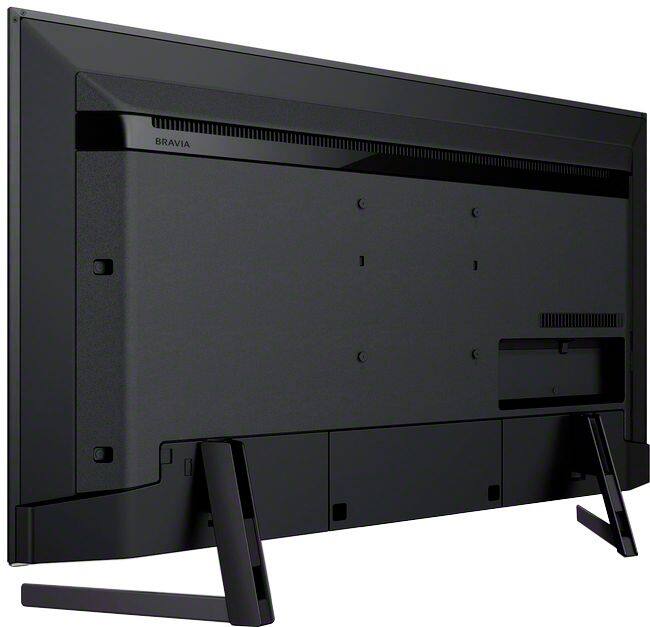
A:AnswerAround 38.5 inches. I replaced the stand that swivels 30 degrees each side and has a width approximately 15.75 inches and a depth of 10.25 inches. The stand cost was $30.
A:AnswerAlso this TV does not support Auto low latency or variable refresh rate. Don't let the Sony tech in the comment section tell you it's only for 8k that's either a lie or they're grossly misinformed. That's probably what they're told to tell people to cover up their mistake of being cheap.
A:AnswerI am not familiar with the 950G, but I can tell the picture quality of the 950h is fabulous. Well worth the money. I had purchased an LG Nano which was $300 less, aprox, and I returned it and picked up the 950G. The picture quality improvement was striking, as agreed by our entire adult family. Love the H.
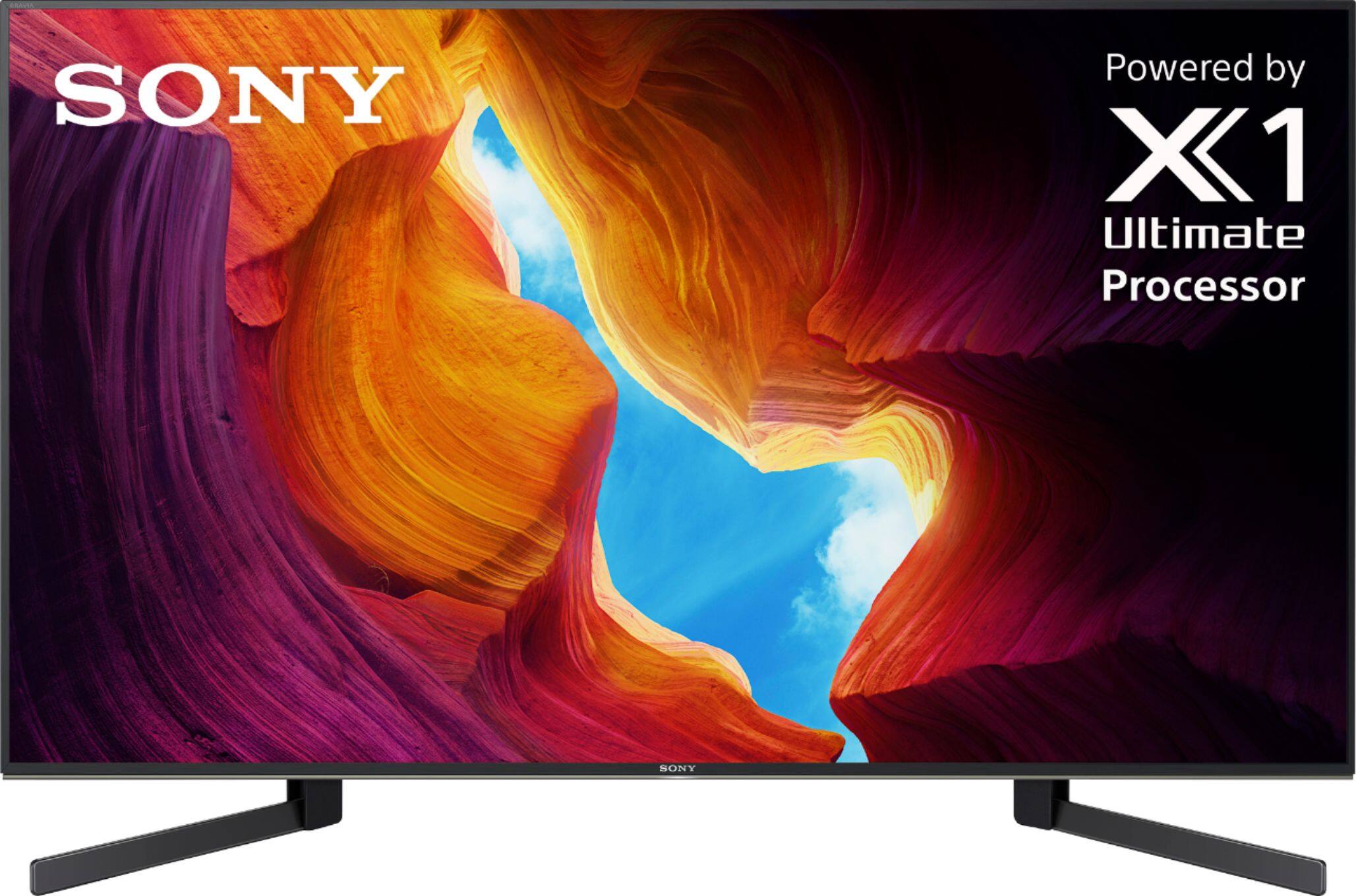
A:AnswerHi, Toes, The height and width of the Bravia XBR49X950H are approximately 24 7/8" and 43 1/8". The dimensions of the 950H are different from 800H:
-XBR49X950H
Dimensions of TV without stand (W x H x D)
Approx. 43 1/8" x 24 7/8" x 2 3/4" (1093 x 629 x 69 mm)
Dimensions of TV with stand (W x H x D)
Approx. 43 1/8" x 27 5/8" x 10 3/8" (1093 x 699 x 261 mm)
-XBR-49X800H
Dimensions of TV without stand (W x H x D)
Approx. 43 3/8" x 25 1/2" x 2 1/4" (1101 x 645 x 57 mm)
Dimensions of TV with stand (W x H x D)
Approx. 43 3/8" x 27 3/4" x 11 3/8" (1101 x 704 x 286 mm)
There is no XBR-49X900H. I hope this helps!
-Vincent
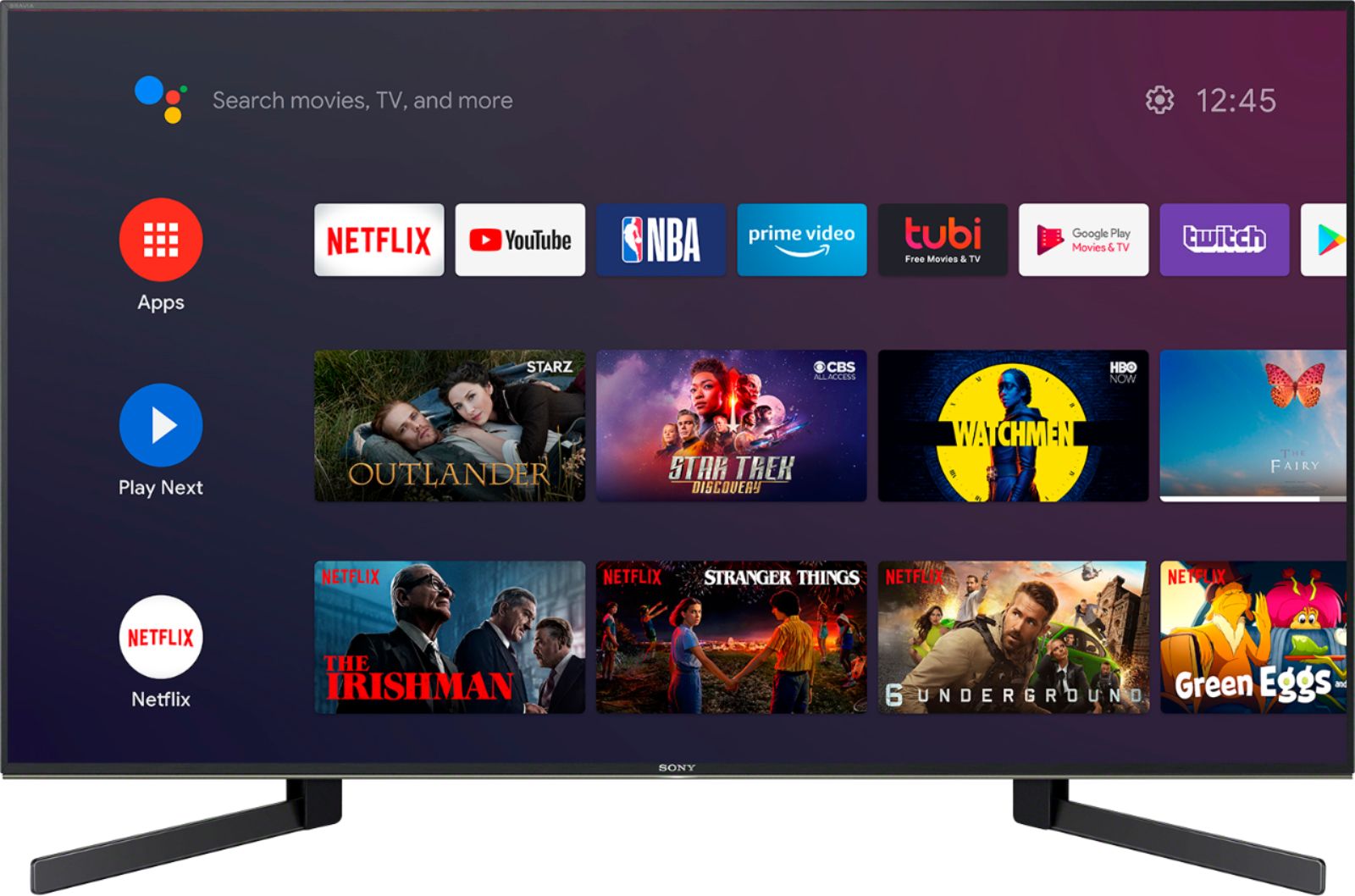
A:AnswerHi Atc, Thanks for your inquiry. The 49X950H doesn't have a built-in microphone. You can use the microphone on the remote control to search for various content. Hope this helps! -Sam
A:AnswerHi Brian, We regret to hear that the TV had to be returned. Yes, Auto local dimming can be turned off, and set to low, medium, or high. But, there are various settings that you can configure in [Picture] settings to match the picture quality or brightness level depending on your personal preference to improve the viewed content on your Android TV. There are also Picture mode settings that provide preset adjustments for the type of picture you are viewing.
You may refer to the link below for more information about the picture adjustment settings of the TV:
https://www.sony.com/electronics/support/televisions-projectors-lcd-tvs-android-/xbr-49x950h/articles/00190409
For future reference, we can also offer assistance on how to set up or operate the features and functions of your Sony TV by visiting our Sony Support website to download the help guide and look for additional information about your product. Also, you can chat with one of our agents who would be glad to help. You may reach our product support team through this link: https://us.esupport.sony.com/support/s/service?language=en_US.
Sincerely,
Sam
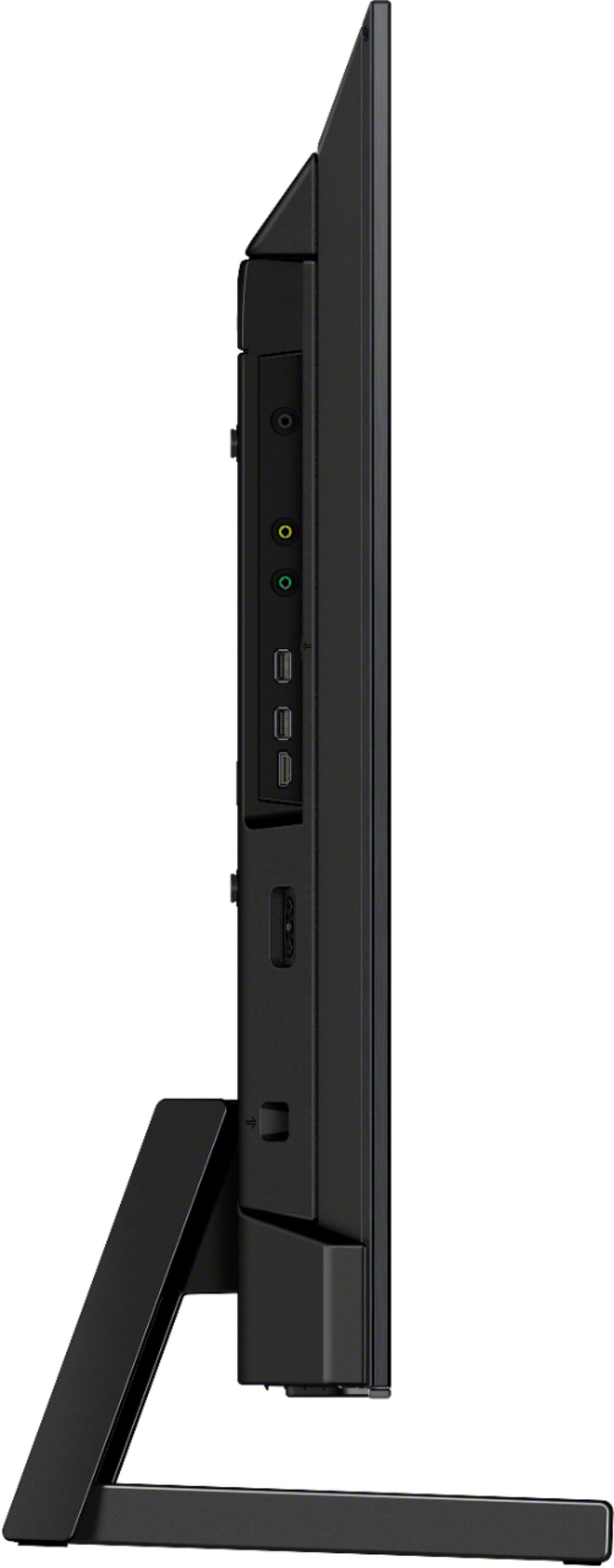
A:AnswerHi p, thank you for your inquiry. This TV can be mounted to a wall using a suitable Wall-Mount Bracket (not supplied). For compatible wall-mount brackets for the 49X950H model, it supports a screw hole pattern of 7 7/8 x 7 7/8 inches (200 × 200 mm). Hope this helps! -Sam
A:AnswerHi ShortDepth, Thank you for the inquiry. The distance between the stand to the front of the TV screen is 3 3/8 inches (85mm). Hope this helps! -Sam
A:AnswerHi KKline, thank you for your interest in the XBR49X950H. As of this moment, we don't have information if these features will be added in future models. If viewing angles and sound quality are most important to you, please check out the Sony XBR48A9S OLED TV, which will be available soon! This TV will have great viewing angles and Acoustic Surface sound quality.
https://www.sony.com/electronics/televisions/xbr-a9s-series
If OLED is not right for you, you may also consider using a full motion wall mount to be able to mount and tilt your TV to your desired viewing angle. We’re so happy and appreciative to hear that you are a long-time Sony Fan! We appreciate your continuous support. Regards, Erin