









Main Content

Questions & Answers

Your price for this item is $549.99
The comparable value price is $599.99
Page Showing 1-20 of 72 questions
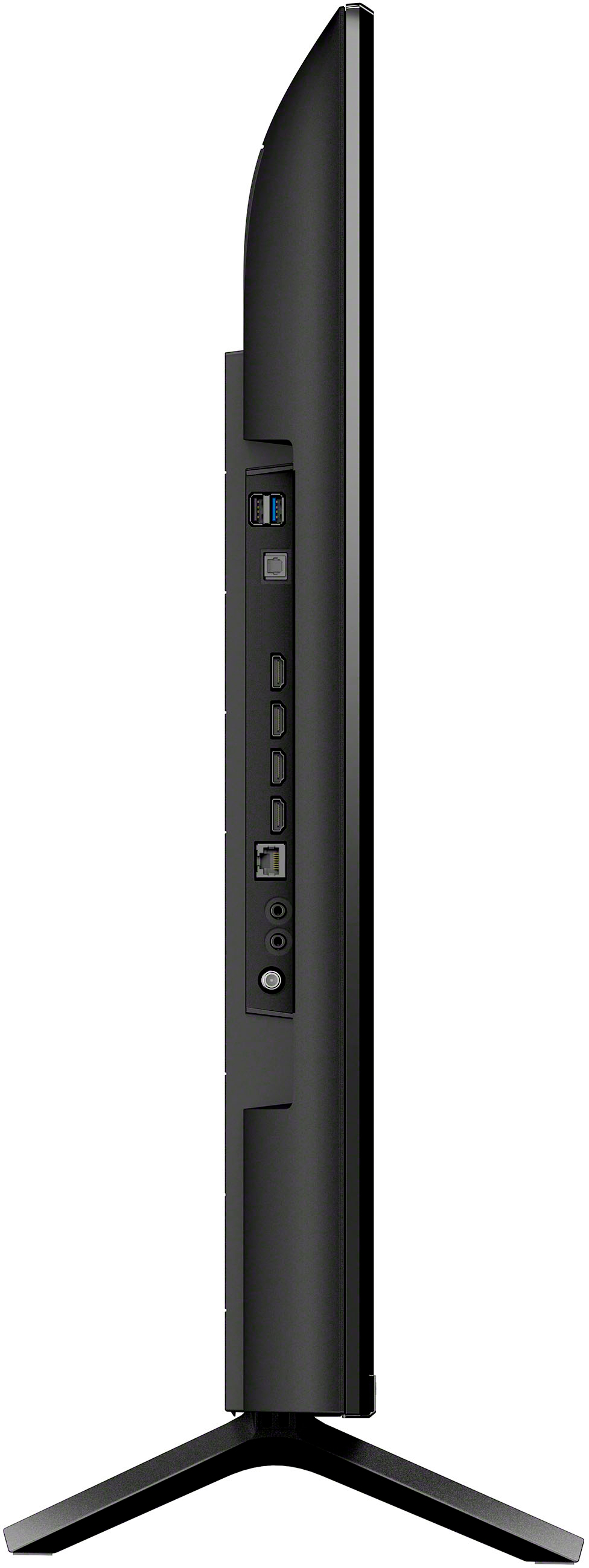
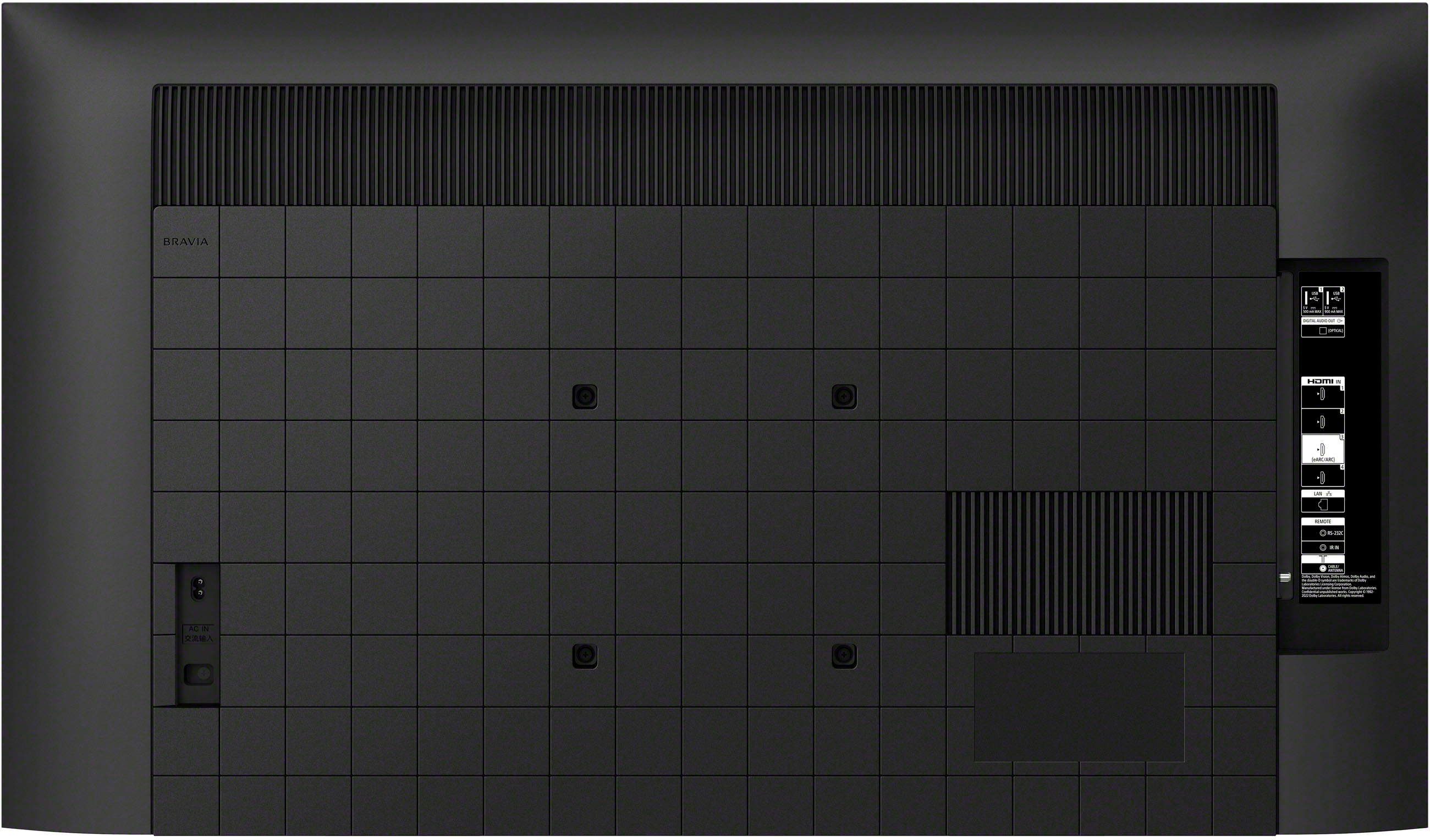
  • QuestionHow many HDMI ports does this Sony TV have?

    • Answer This Sony TV is equipped with 4 HDMI ports.
    This question and answer was generated by AI based on customer and product data.

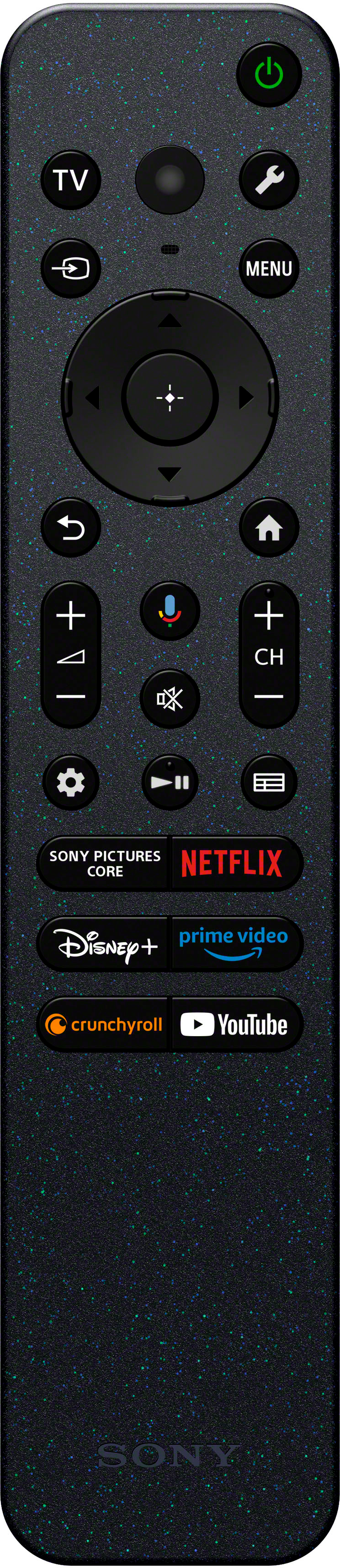
  • QuestionWhich streaming services are featured on this Sony TV?

    • Answer This Sony TV features streaming services such as Netflix.
    This question and answer was generated by AI based on customer and product data.

  • QuestionWhat type of remote control does this Sony TV come with?

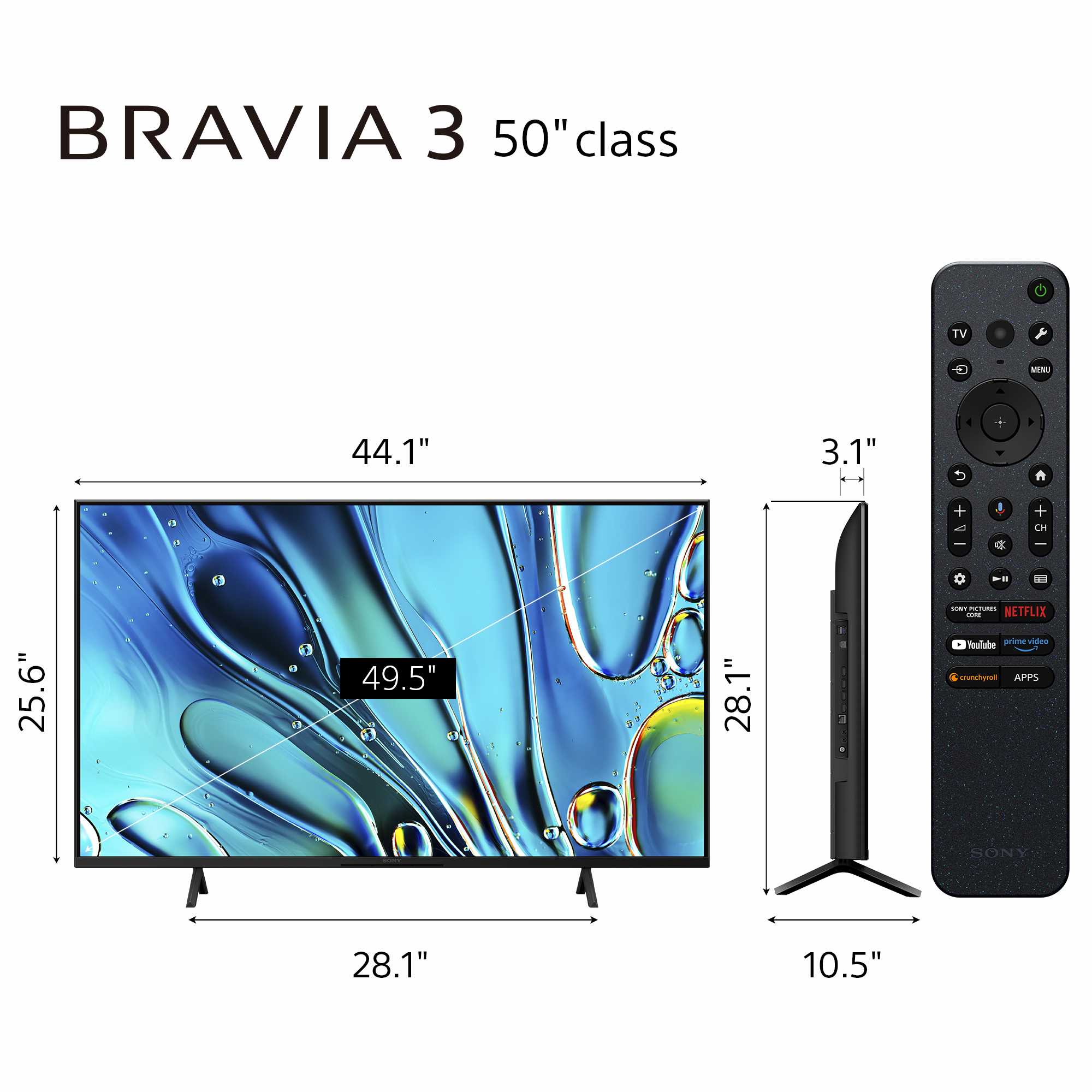
    • Answer This Sony TV comes with a voice control remote.
    This question and answer was generated by AI based on customer and product data.

  • QuestionWhat is the screen size of this Sony TV?

    • Answer The screen size of this Sony TV is 49.5 inches.
    This question and answer was generated by AI based on customer and product data.
  • QuestionDoes this Sony TV come with built-in speakers?

    • Answer Yes, this Sony TV has built-in speakers.
    This question and answer was generated by AI based on customer and product data.
  • QuestionHow long is the power cord?

    Asked by Mabel.

    • Answer 6 feet

      Answered by HenryDrahos

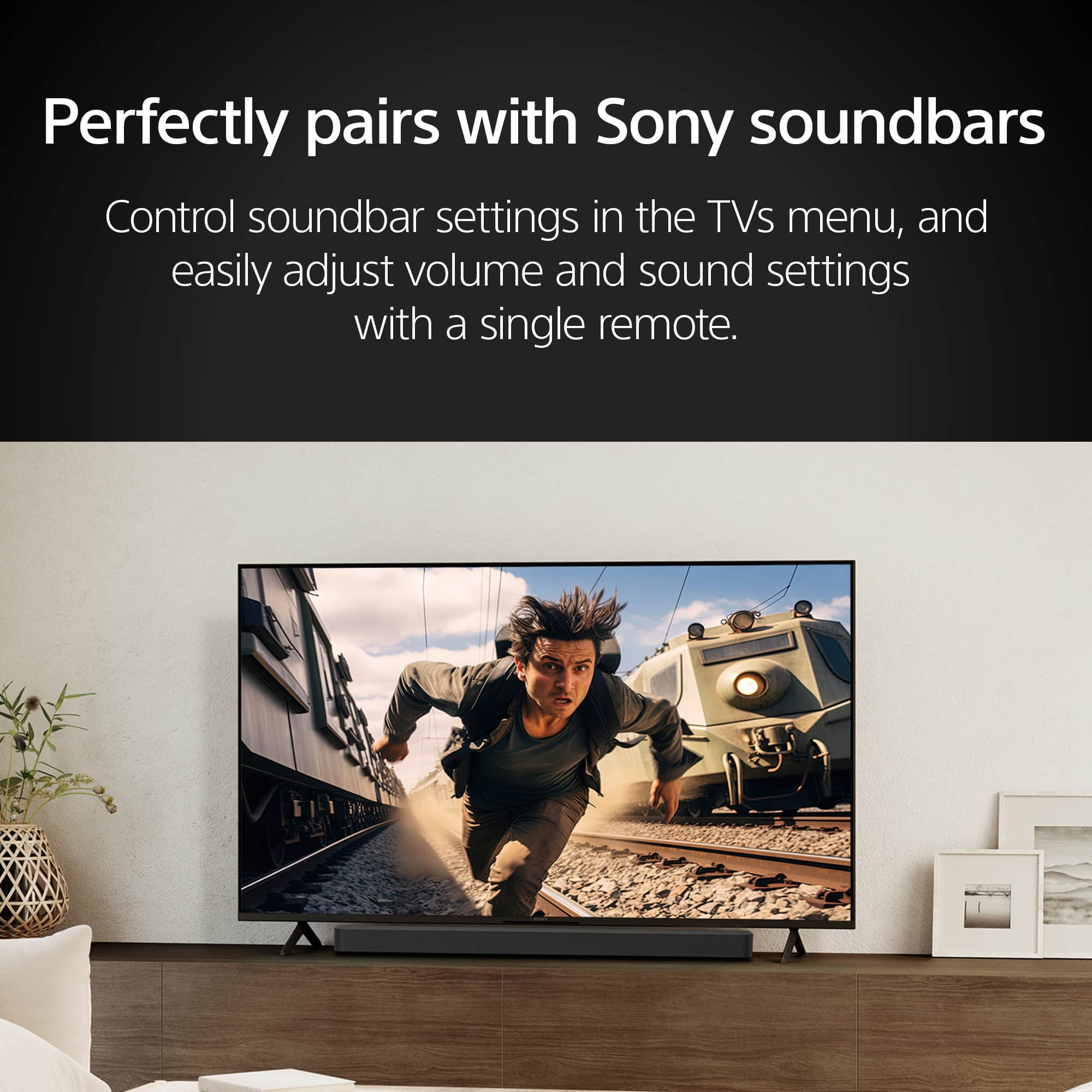
  • QuestionIs it possible to set up the tv to cable and only use the cable remote to turn on the tv??

    Asked by Scarface25.

    • Answer Hi Scarface25, Thank you for your question. If your cable box remote has a setup option for controlling other devices, you may need to program it to recognize your TV. However, we cannot guarantee the full compatibility or functionality of every feature on the cable remote with this TV. We strongly recommend contacting your cable box provider to confirm whether the remote can be used to turn your TV on or off. Hope this helps! The Sony BRAVIA 3 combines HDR color support and Sony's intelligent picture processing to analyze and enhance every scene with accurate, lifelike color. Connect HD and UHD devices via HDMI 2.1 inputs with advanced features like ALLM and eARC. For streaming, the built-in Google TV OS provides a plethora of apps and options with your favorites and frequently watched shows brought together in one convenient home screen. Regards, Sam

      Answered by SonyListens

  • QuestionThe specs say 60hz refresh rate. I want 120hz for watching football and hockey . How good is sports viewing on this TV? Our daughter has it. The picture is outstanding. Maybe it's the 4K resolution ; I don't know the specs of ours.

    Asked by JoeB.

    • Answer the tv is very good for sports which is why I bought it

      Answered by TonyA

  • QuestionWhen setting up my TV, with the remote, how to I enter usernames, passwords or codes for example with WiFi, Netflix, Amazon Prime and etc. Would this be the same as using a remote with number buttons?

    Asked by Lulas.

    • Answer A virtual keyboard shows up when you need to enter the data and you select the key using the remote up, down, left, right, enter.

      Answered by LarryB

  • QuestionCan I use my Roku stick with this tv?

    Asked by txwildflour.

    • Answer Hi txwildflour, Yes, you can use a Roku Stick with your Sony Bravia 3 series television. Simply connect it to one of the HDMI ports. Thanks for considering Sony Products. -Eliab

      Answered by SonyListens

  • QuestionWhat's the TV Voltage?

    Asked by Ralph.

    • Answer Hi Ralph! Thank you for your inquiry about the BRAVIA 3! This TV generally operates with a standard voltage of 100-240V AC, 50/60Hz. This information is typically found in the product specifications section of the user manual or on the label on the back of the TV. If you need more specific details about the voltage requirements, you can check the following link: https://www.sony.com/electronics/support/articles/00024429?utm_source=glean. We hope you find this information helpful. Thank you for considering Sony! Best regards. - Ismael

      Answered by SonyListens

  • QuestionDoes this tv work in rv’s? Can it handle the vibration of traveling?

    Asked by BAR.

    • Answer Hi BAR, Sony TVs, including the BRAVIA 3, are primarily designed for home use and are not specifically built for the unique challenges and conditions of being used in RVs. While it is technically possible to use a Sony TV in an RV, there are a couple of details to keep in mind. Firstly, ensure that the power requirements are met, TV supports a voltage range of 110V to 240V AC at a frequency of 50/60 Hz. Also, ventilation is important as RVs can have enclosed spaces which might affect performance, additionally, it is essential to secure the TV properly to prevent damage during travel due to vibrations or sudden movements typical in RV environments. Thanks for choosing Sony! Regards - Aldair

      Answered by SonyListens

  • QuestionI'm thinking of buying this TV as a Christmas gift for a big-time gamer. Does it work well with platforms other than Play Station 5?

    Asked by Anonymous.

    • Answer Hi there, The K50S30 TV is compatible with various gaming platforms beyond the PlayStation 5. Sony Bravia TVs, including models from the K series, are known for their excellent picture quality, low input lag, and high refresh rates, making them suitable for gaming on different consoles. Users have reported positive experiences using Sony Bravia TVs with other gaming consoles such as the Xbox and Nintendo Switch. Additionally, the Google TV platform on these TVs provides access to a wide range of apps and streaming services, enhancing the overall gaming and entertainment experience. Therefore, the K50S30 should work well for a big-time gamer, regardless of the gaming platform they use. Regards, Carl

      Answered by SonyListens

  • QuestionIs this TV compatible with Apple Sreen Mirroring or Air Drop?

    Asked by dricetea.

    • Answer Hi dricetea, Thank you for your inquiry! The K50S30 Bravia 3 TV supports Chromecast built-in™ or AirPlay allows you to display (cast) your favorite websites and app screens on your mobile device directly to the TV. For more information on this feature, please check out our help guide link: https://helpguide.sony.net/tv/lusltn2/v1/en-003/05_04.html?hl=airplay I hope this helps! Regards, Carl

      Answered by SonyListens

  • QuestionDoes this TV have the IMAX Enhanced picture setting like the X90L?

    Asked by DemetriosC.

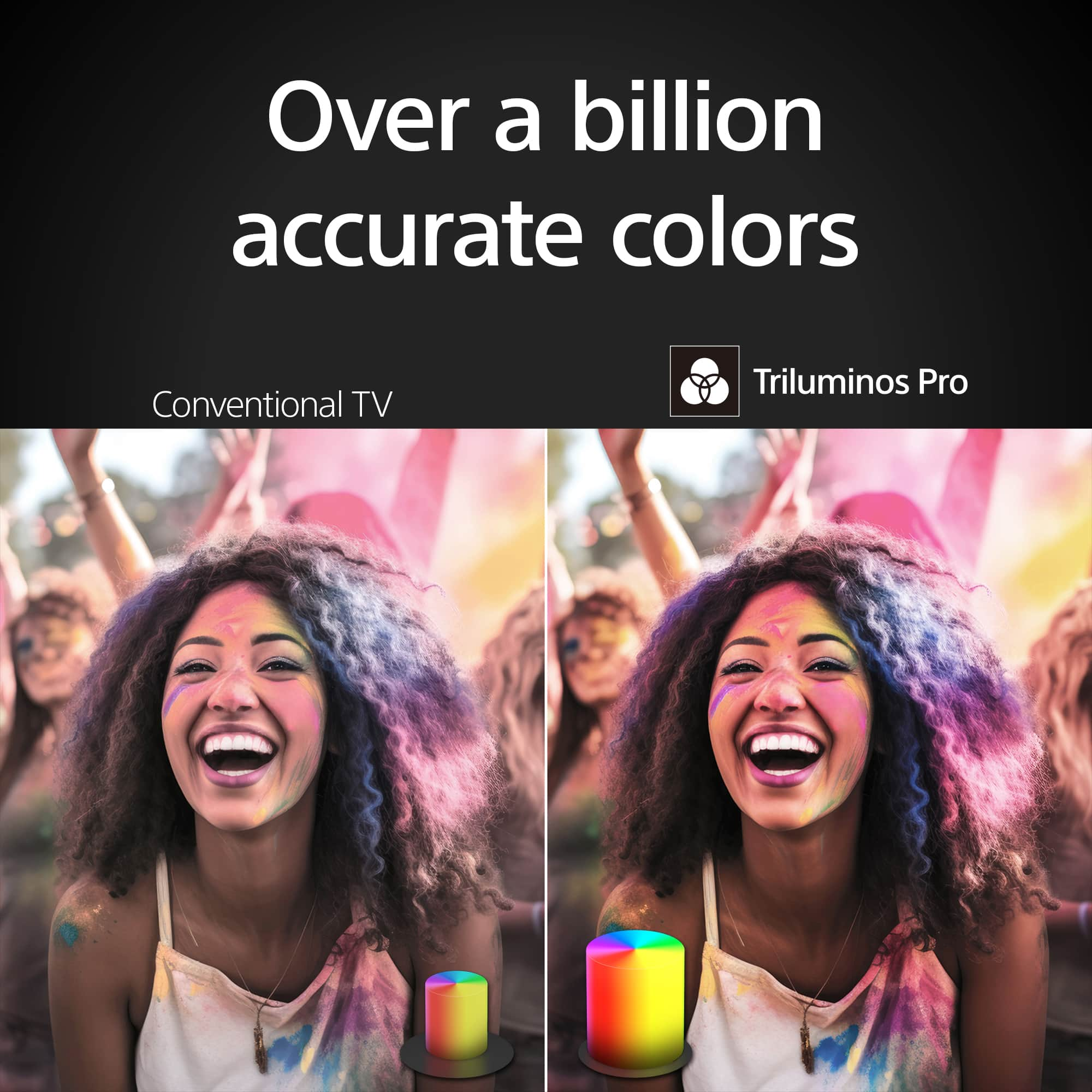
    • Answer Hi DemetriosC, Thank you for your inquiry! Unfortunately, no. The K50S30 does not have the Imax Enhanced picture mode. TV just got more exciting with incredibly vibrant picture and easy-to-use smart features. Everything you watch is enhanced with over a billion accurate colors with lifelike clarity and contrast that reveals every detail. Google TV brings together movies, shows, and more from across your apps and organizes them just for you. I hope this helps. Regards, Carl

      Answered by SonyListens

  • QuestionWhat is the width of the tv stand?

    Asked by ed135.

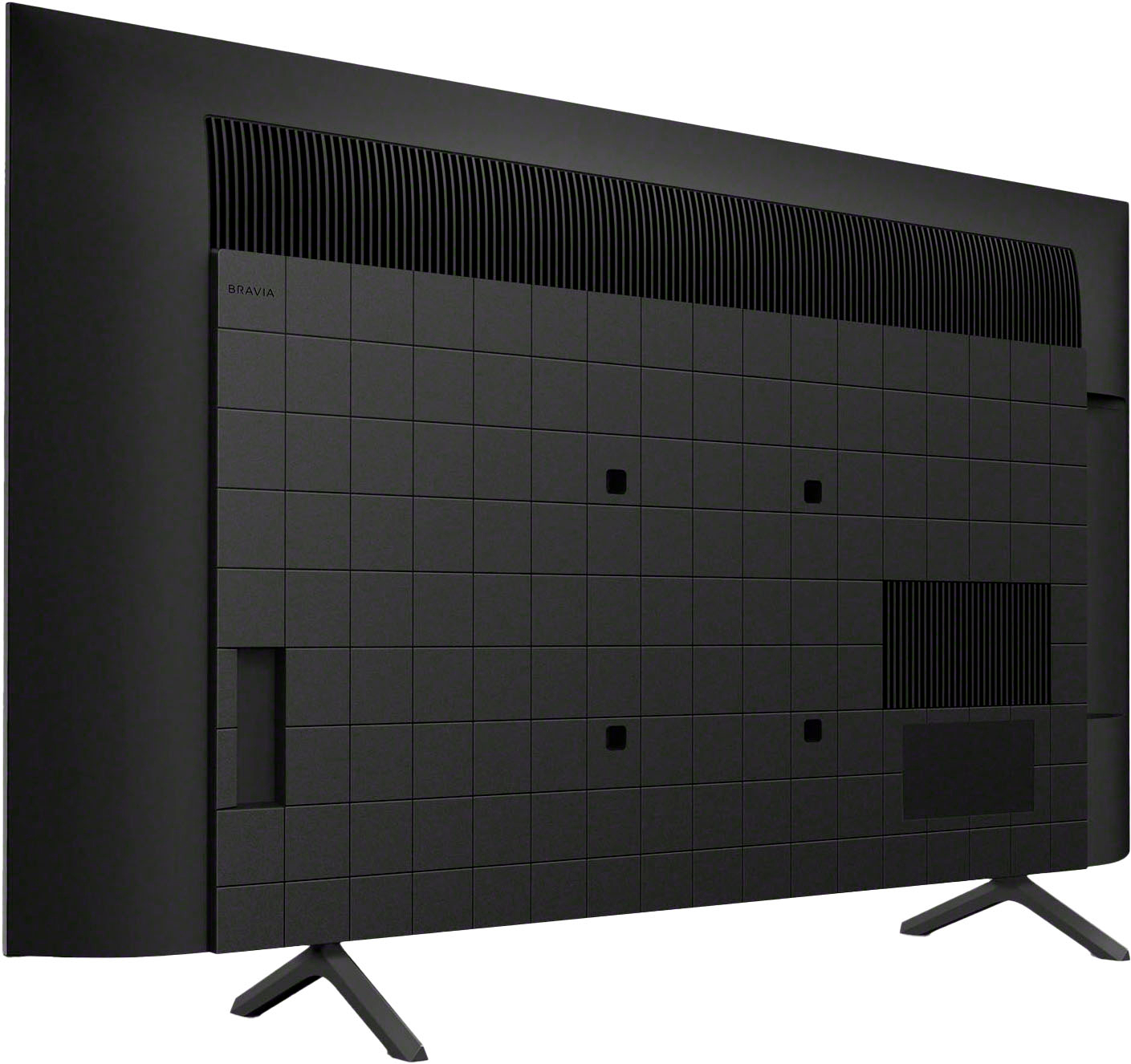
    • Answer Thank you for contacting Sony, Ed135. For the K-50S30, the distance between the two legs is: Stand Width: Approximately 28.25 inches (715 mm). Stand Depth: Approximately 10.63 inches (267 mm). Since the feet are positioned toward the outside of the frame, you'll want to make sure your TV stand or media console is at least 30 inches wide to give it a stable base. We appreciate your interest in Sony products. Should you require any further assistance, please don't hesitate to reach out for support here: https://us.esupport.sony.com/support/s/support-contact?language=en_US&category=tv Best regards, Gus, Sony North America Customer Support

      Answered by SonyListens

  • Questioncan the feet/stand be brought closer together? If I leave them 28" apart they would be right at the edge of the cabinet...

    Asked by mikess.

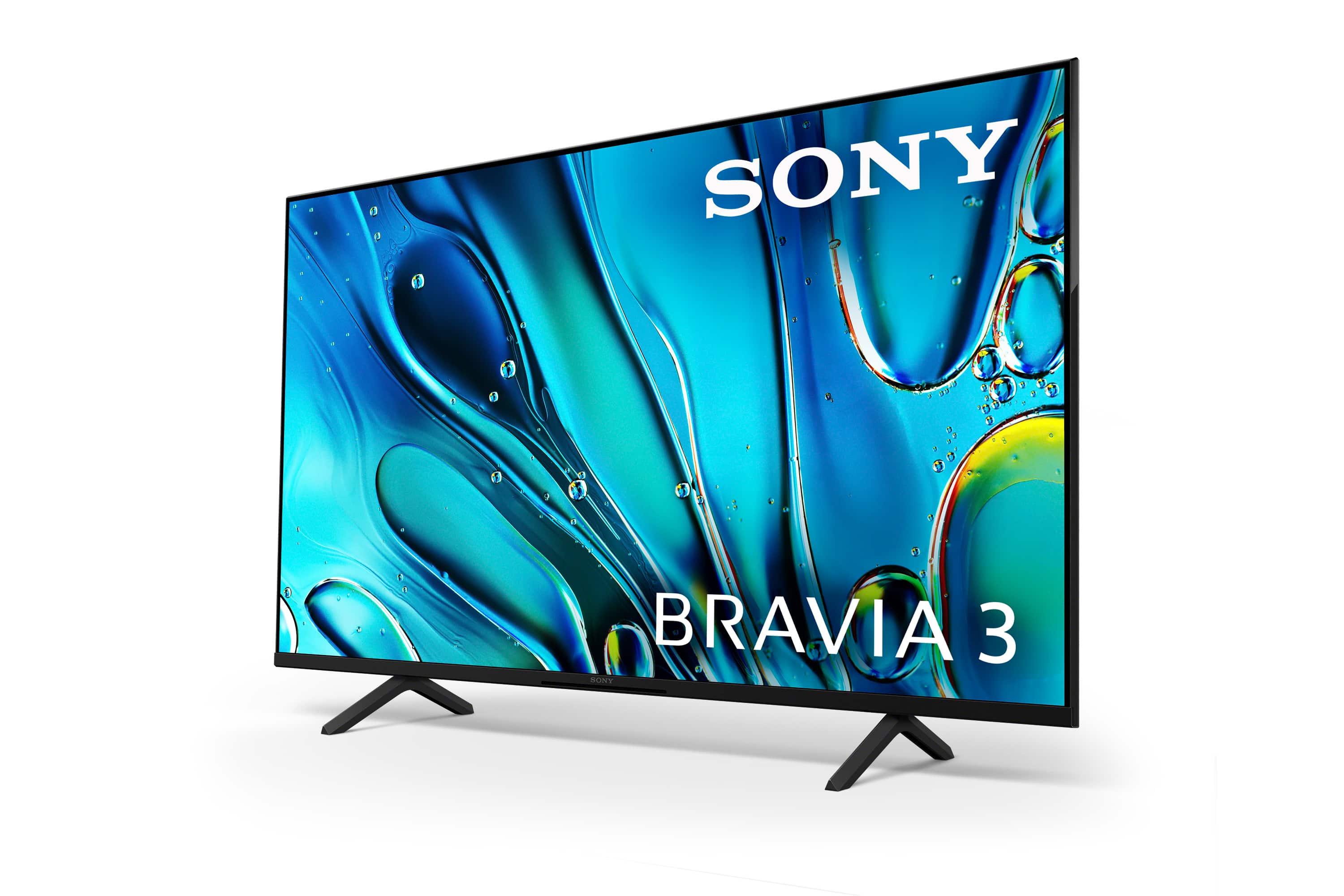
    • Answer Hi Mikess, Thank you for your question! Regarding the Sony BRAVIA 3 (K50S30), the stand is not adjustable. The fixed width is 28 1/4 inches, which would unfortunately be slightly too wide for your 28" cabinet. If you require a model that fits a smaller surface, we recommend the Sony BRAVIA 7 (K55XR70). This model features an adjustable stand with a "Narrow Position" setting, reducing the stand width to 17.25" (436 mm), which would easily fit your setup. We hope you find this helpful, and thanks for considering Sony! Regards, Dominick

      Answered by SonyListens

  • Questionis the stand adjustable? can the feet be brought closer to each other? my cabinet is 28"...too tight for the stand as shown in your ad...m

    Asked by mikess.

    • Answer Hi Mikess, Thank you for your question! Regarding the Sony BRAVIA 3 (K50S30), the stand is not adjustable. The fixed width is 28 1/4 inches, which would unfortunately be slightly too wide for your 28" cabinet. If you require a model that fits a smaller surface, we have other options that offer adjustable stands: Sony BRAVIA 5 (K55XR50): This model features a narrow position setting that reduces the stand width to 16.13" (408 mm), which would fit comfortably on your cabinet. Sony BRAVIA 7 (K55XR70): This model also offers a narrow position setting, reducing the stand width to 17.25" (436 mm). We hope you find this helpful, and thanks for considering Sony! Regards, Dominick

      Answered by SonyListens

  • QuestionHow do you disable channel announcements?

    Asked by Anonymous.

    • Answer Hi there, Thank you for your question. It sounds like an accessibility feature, such as the Screen Reader, may have been accidentally activated, causing your TV to announce channels and other on-screen text. To disable this feature, please use your Sony remote and follow these steps: Navigate to Settings > System > Accessibility. Within the Accessibility menu, please ensure the following options are all set to "Off" or "Disabled": TalkBack Screen Reader Audio Description Once these three features are disabled, the TV will stop announcing channels and reading out menu items. However, if the issue persists, we recommend contacting our technical support team so they can investigate the matter further. You can contact them here: https://us.esupport.sony.com/support/s/support-contact?language=en_US&category=tv Thank you for considering Sony! Regards, Dominick

      Answered by SonyListens

  • QuestionDoes this Sony TV have Bluetooth. So, I can watch My Lap top o

    Asked by stav7.

    • Answer No

      Answered by Rock












