




Main Content

Questions & Answers

$569.99
Save $30
The comparable value is $599.99
Page Showing 1-20 of 55 questions
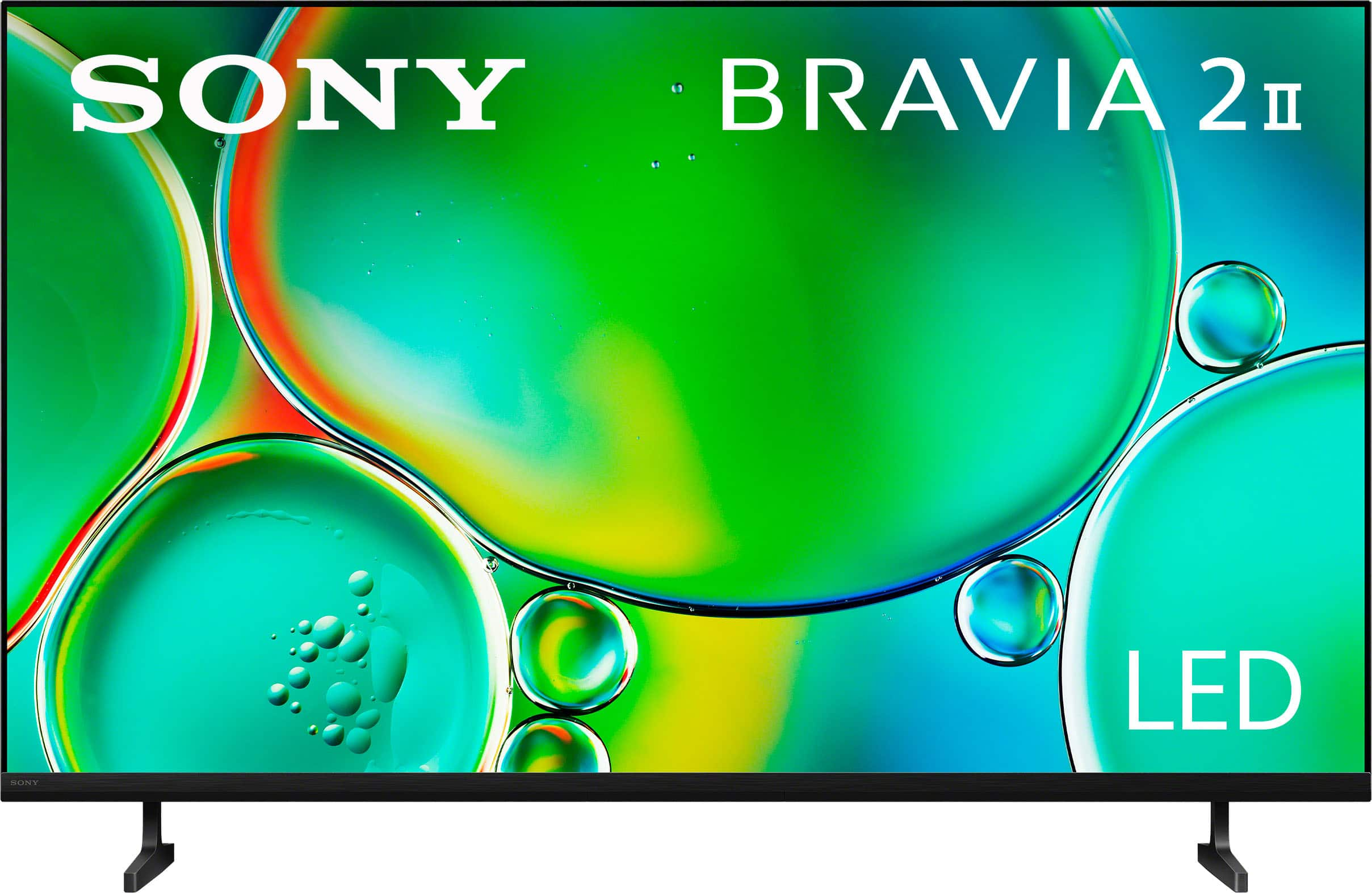
  • QuestionWhat is the resolution of the BRAVIA 2 II?

    • Answer This TV upscales HD content to near 4K resolution using 4K X-Reality Pro.
    This question and answer was generated by AI based on customer and product data.

  • QuestionWhich smart platform does this TV use?

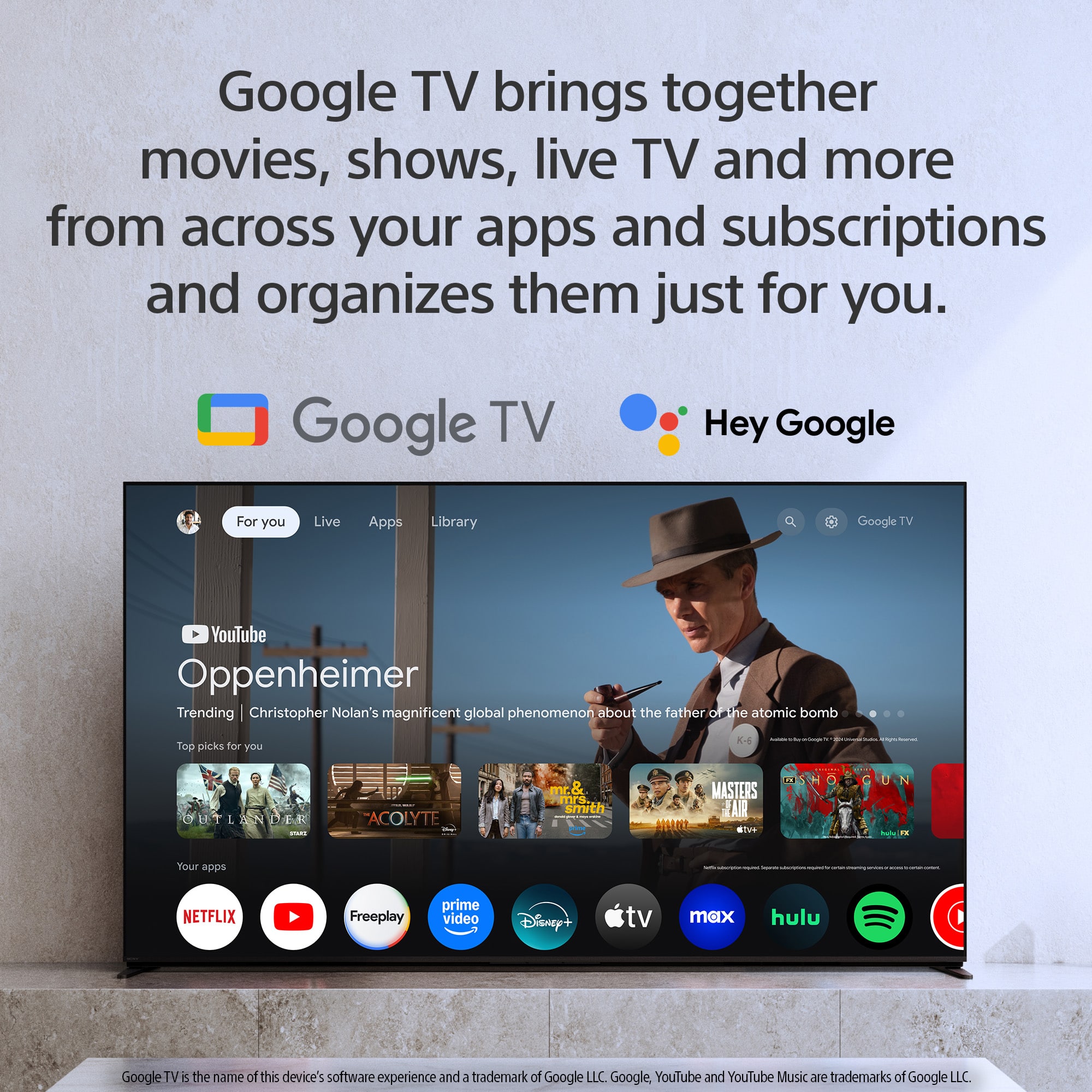
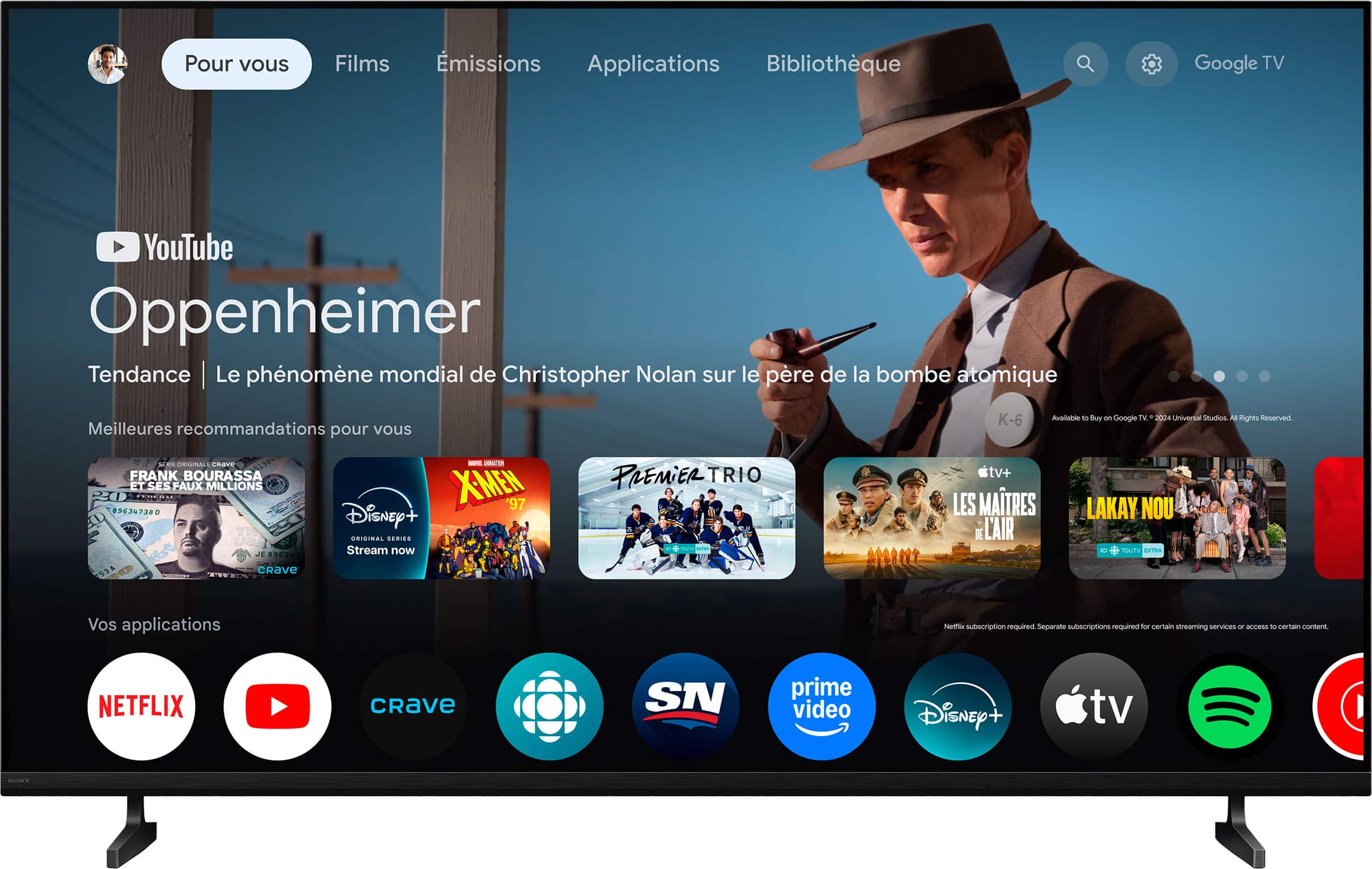
    • Answer This TV uses the Google TV™ platform.
    This question and answer was generated by AI based on customer and product data.

  • QuestionDoes this TV have built-in speakers?

    • Answer Yes, this TV has built-in downward-firing speakers.
    This question and answer was generated by AI based on customer and product data.
  • QuestionWhat processor does this Sony TV use?

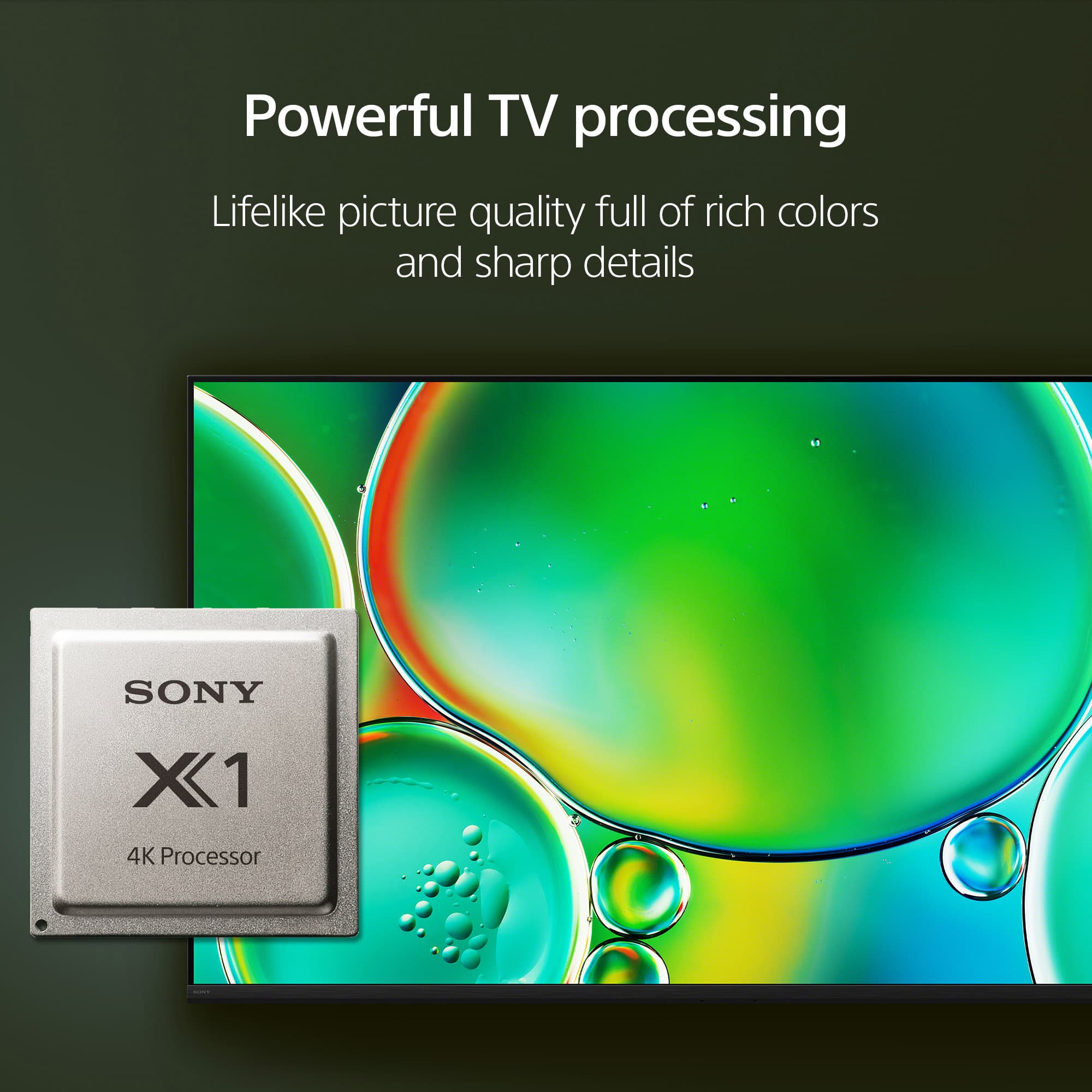
    • Answer This TV uses the 4K Processor X1™.
    This question and answer was generated by AI based on customer and product data.
  • QuestionWhat is the refresh rate of this Sony TV?

    • Answer The refresh rate is 60Hz.
    This question and answer was generated by AI based on customer and product data.
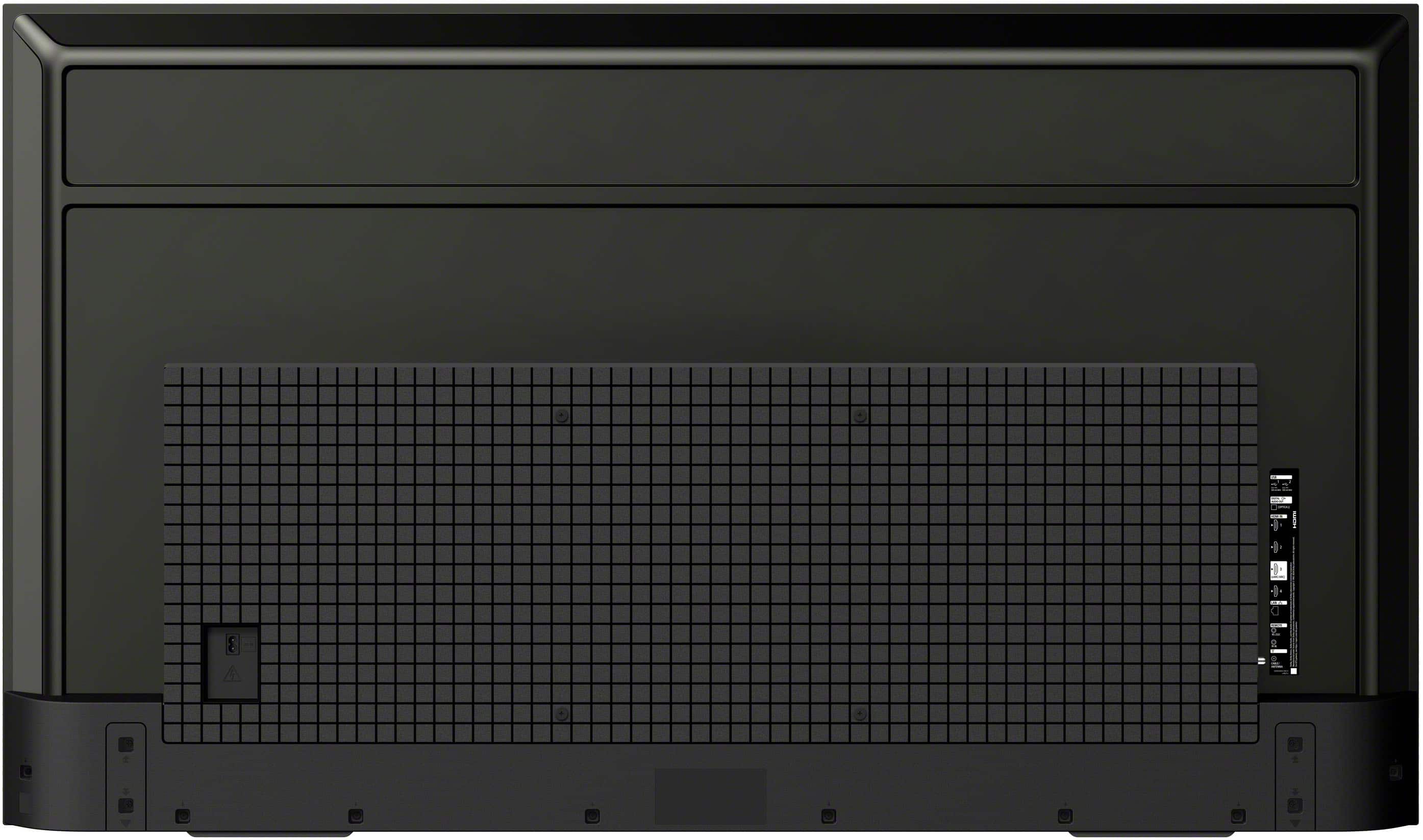
  • QuestionHow many HDMI inputs does the TV have?

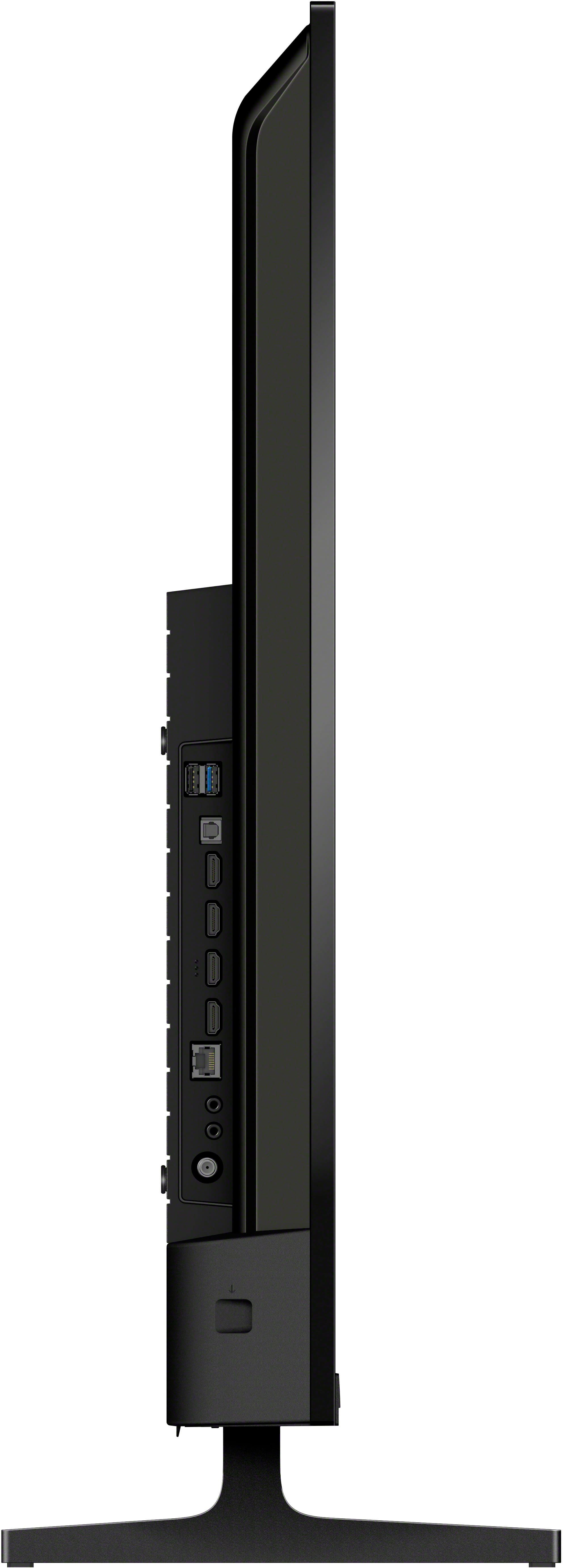
    • Answer The TV has 4 HDMI inputs.
    This question and answer was generated by AI based on customer and product data.

  • QuestionDoes this TV support Apple AirPlay?

    • Answer Yes, this TV supports Apple AirPlay® 2.
    This question and answer was generated by AI based on customer and product data.

  • QuestionWill I need a sound bar with this newer TV?

    Asked by Mike.

    • Answer Hi Mike1943, That's an excellent question! The BRAVIA 2 TV is designed with a high-quality, built-in sound system that delivers clear and immersive audio for everyday viewing. Many customers are very happy with the sound for watching shows, movies, and sports right out of the box. However, a soundbar can take your audio experience to the next level. If you're a movie enthusiast or a gamer who wants more powerful, cinematic sound with deeper bass and true surround sound effects, a soundbar is a great upgrade. For the best experience, we recommend pairing your BRAVIA 2 with a Sony BRAVIA Theater soundbar, as they are designed to work together seamlessly. Ultimately, whether you need a soundbar is a matter of personal preference, but you can feel confident that the TV's built-in sound provides a great foundation. Thanks for your interest in Sony! Sincerely, Jenn | Sony North America.

      Answered by SonyListens

  • Questiondoes the Bravia 2ii have a next gen tuner which is ATSC 3.0?

    Asked by sam.

    • Answer Hi Sam, thanks for your question! The Sony BRAVIA 2 II TV does not have a built-in ATSC 3.0 (NextGen TV) tuner. This model is equipped with a standard ATSC 1.0 tuner for over-the-air broadcasts. To get ATSC 3.0 signals, you would need to purchase a separate external tuner and connect it to the TV via an HDMI port. May you need help while connecting it, you can check this article: How to establish an HDMI connection between a TV and other device [https://www.sony.com/electronics/support/articles/00019675?utm_source=glean] Thanks for your interest in our Sony televisions! Sincerely, Jenn | Sony Social Media Team.

      Answered by SonyListens

  • QuestionCan I start this TV on a particular HDMI input so it defaults to this input every time without going through menus?

    Asked by Bond.

    • Answer Thank you for contacting Sony, Bond. Yes, you can definitely set the TV to bypass the Google TV home screen and go directly to your preferred input upon startup. Go to Quick Settings (gear icon) on your remote, select Power on behavior, and change it to Last used input. This ensures the TV always restarts on the HDMI source you were using when it was turned off. We appreciate your interest in Sony products. Should you require any further assistance, please don't hesitate to reach out for support here: https://us.esupport.sony.com/support/s/support-contact?language=en_US&category=tv Best regards, Gus, Sony North America Customer Support

      Answered by SonyListens

  • QuestionWhat's the difference between Bravia, Bravia 2 & Bravia 3 ?

    Asked by BusyGirl.

    • Answer Hi BusyGirl, thanks for your question, we're happy to assist! The BRAVIA series numbers are generally how we classify our new TV lineups each year, with the higher numbers usually indicating a step up in performance and features. BRAVIA 2 II and BRAVIA 3 are newer models, each with updated processors and features compared to the original BRAVIA line. -BRAVIA (Original/Legacy): Refers to Sony’s earlier smart TV models under the BRAVIA brand. These models use older processors and do not have the latest Google TV features or the most recent HDR and color processing technologies. -BRAVIA 2 II: Features the 4K Processor X1™, supports 4K Ultra HD, High Dynamic Range (HDR), and runs on Google TV (Android TV platform). Represents a step up from the original BRAVIA, with improved processing and smart features. -BRAVIA 3: Uses the 4K HDR Processor X1™, supports 4K Ultra HD, High Dynamic Range (HDR), and also runs on Google TV. Typically, BRAVIA 3 models are the latest generation, offering further refinements in picture processing, color accuracy and smart TV capabilities compared to BRAVIA 2 II. We hope this helps! We sincerely appreciate you considering a Sony product! Best regards, Estefany

      Answered by SonyListens

  • Questionwhat accessories go with this?

    Asked by Manny.

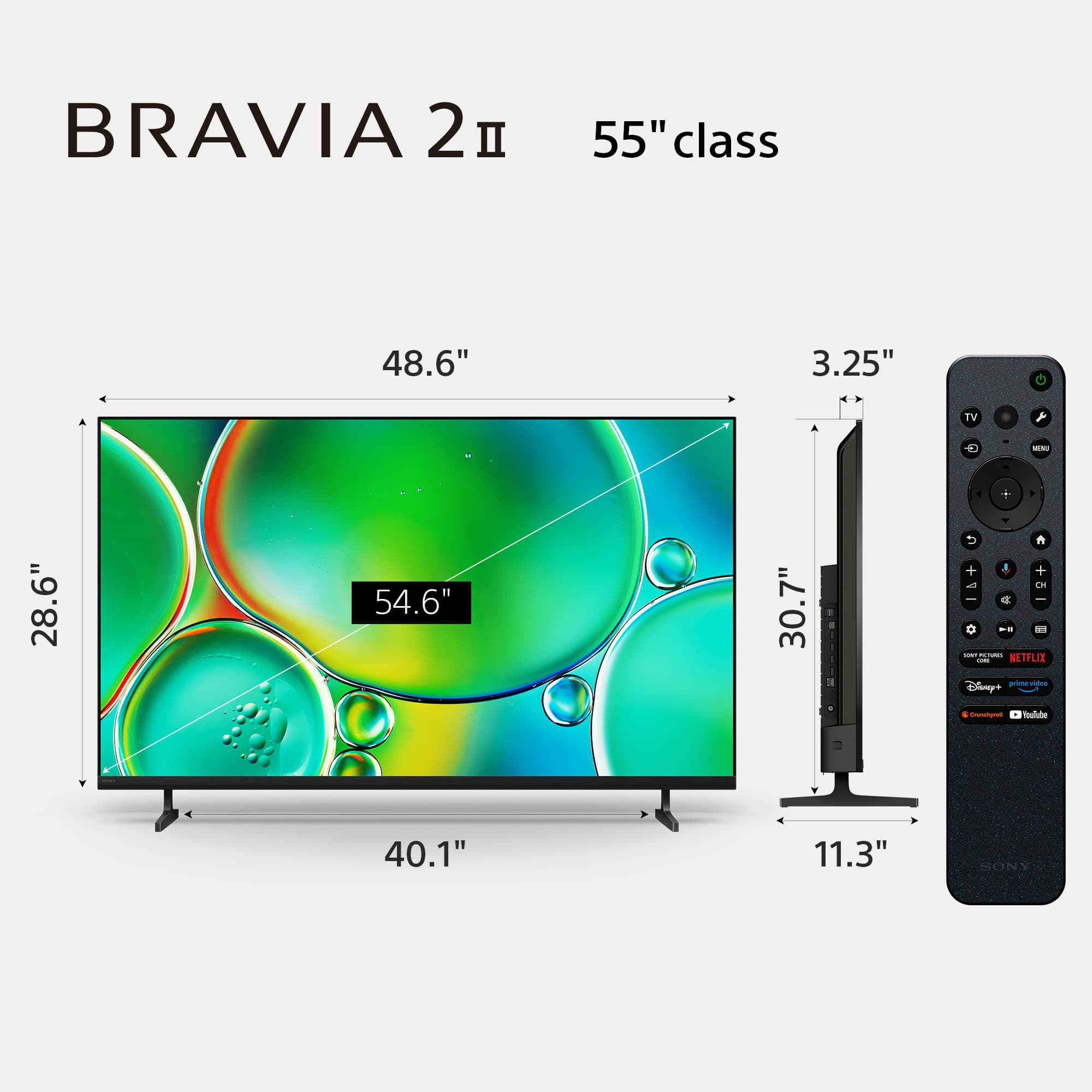
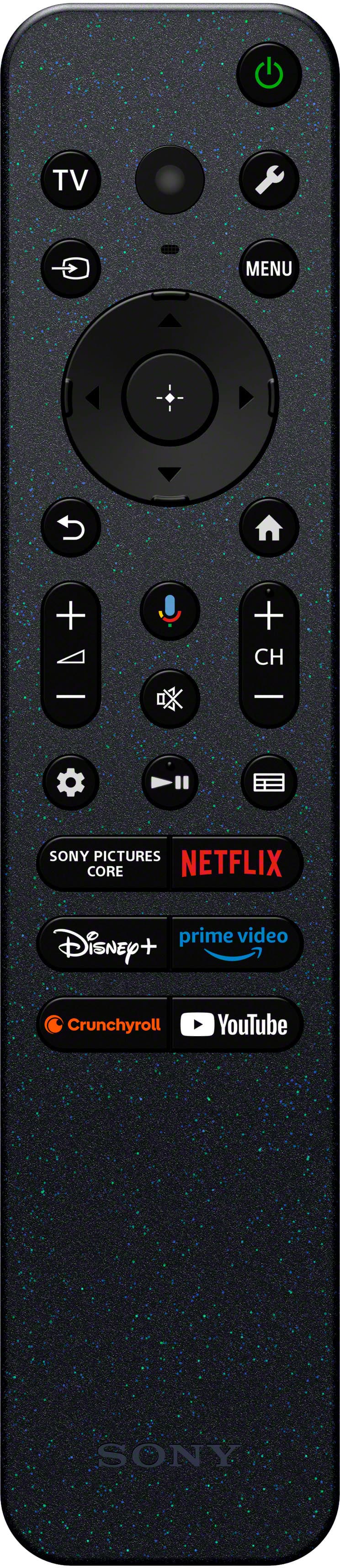
    • Answer Hi Manny, thank you for your question and interest in the Sony - 55" Class BRAVIA 2 II! The included accessories with this TV are: - Table Top Stand - Voice Remote Control - Batteries (for the remote) - AC Power Cord - Operating Instructions - Quick Setup Guide We hope this answers your question and thank you for considering Sony products! Regards, Dominick

      Answered by SonyListens

  • QuestionIs this TV compatible with a Spectrum cable box so that a Spectrum remote can be used instead of the Sony remote?

    Asked by bbart33.

    • Answer Hi bbart33, Yes, this TV is compatible with Spectrum cable boxes. You can connect the box via HDMI, and most Spectrum remotes can be programmed to control the TV's power and volume. Additionally, this model supports BRAVIA Sync (HDMI-CEC), which often allows for seamless control between connected devices. Thanks for choosing Sony. Best regards, Eliab

      Answered by SonyListens

  • QuestionDoes this TV have the Spectrum TV app or do I need a Roku device?

    Asked by KG.

    • Answer Hi KG! Thank you for reaching out with your question. We're happy to assist you! The Spectrum TV app is not available on the Sony K-55S20M2 TV. To access Spectrum TV on your television, you'll need to use an external streaming device, such as a Roku, Fire TV, or Apple TV. These devices support the Spectrum TV app and can be connected to your Sony TV to enjoy your Spectrum services. If you'd like to learn more about this product, please visit the link and click on 'Help Guide' for additional information: https://www.sony.com/electronics/support/televisions-projectors-lcd-tvs-android-/k-55s20m2/manuals Thanks for considering Sony products! Best regards, Estefany

      Answered by SonyListens

  • QuestionWhich HDMI port is best for the PlayStation 5 to be hooked up to?

    Asked by BSPa.

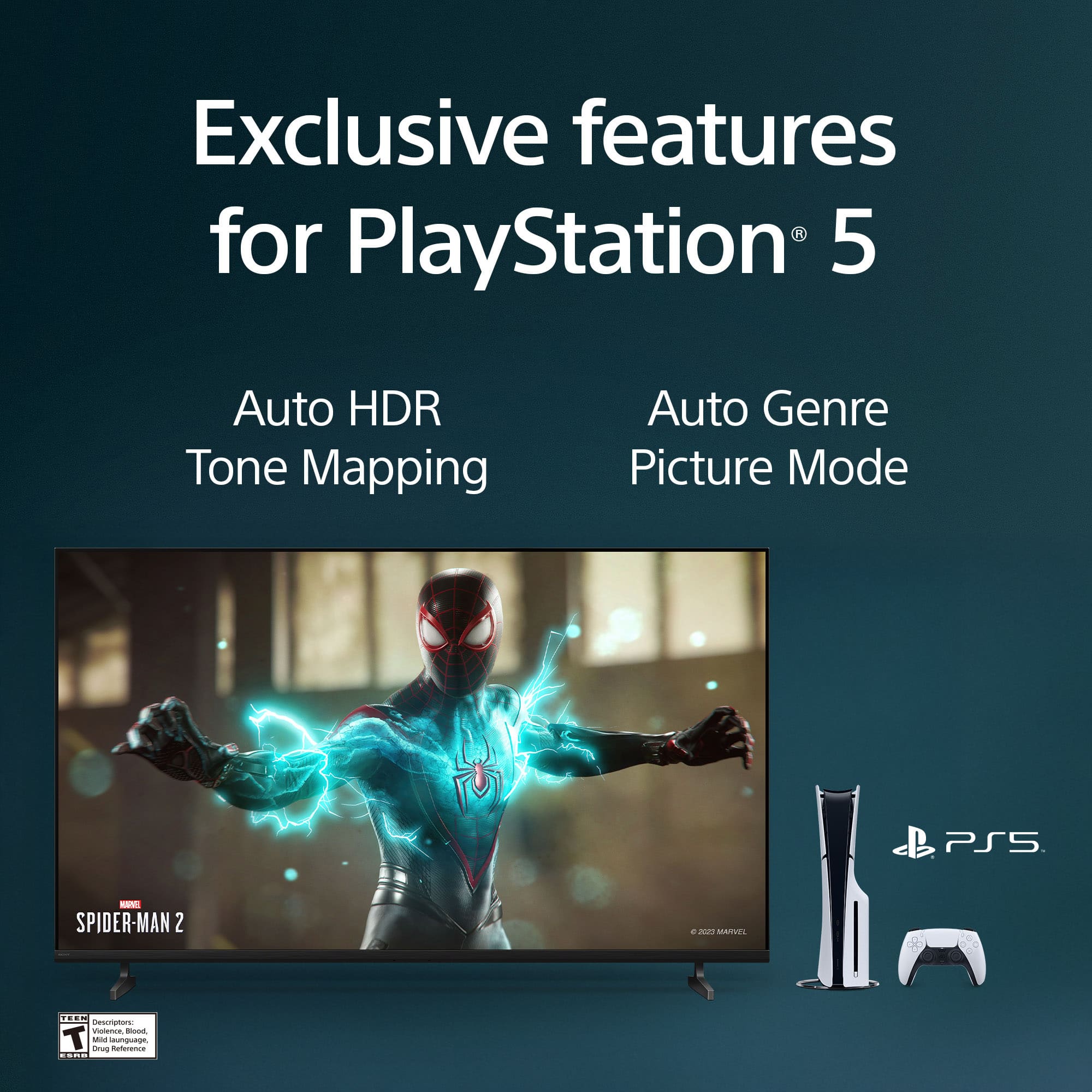
    • Answer Hi Brian, For the best gaming experience with your PlayStation 5, we recommend connecting it to HDMI 4. Both HDMI 4 and HDMI 3 are HDMI 2.1 ports, which are specifically designed to handle the high-performance demands of modern consoles. By using these specific ports, you can take full advantage of Auto Low Latency Mode (ALLM). This feature allows the TV to automatically switch to a specialized gaming mode when it detects the console is active, ensuring smooth and clear movement for highly responsive gameplay. Thank you for considering Sony! Regards, Dominick

      Answered by SonyListens

  • QuestionWhere do I get the instructions

    Asked by Anonymous.

    • Answer Hi there! Thank you for your question! To help you get the most out of your new Sony BRAVIA 2 II, we recommend accessing the Online Help Guide. This digital manual is the most comprehensive resource available. It provides detailed instructions on how to operate your TV, helps you discover new features, and lists all technical specifications in one place. You can access the full guide directly via this link: https://helpguide.sony.net/tv/musltn3/v1/en-003/index.html Thank you for considering Sony! Best regards, Dominick

      Answered by SonyListens

  • QuestionHow do I access Bluetooth?

    Asked by Anonymous.

    • Answer Thank you for contacting Sony. To access Bluetooth on your BRAVIA 2, press the Quick Settings (gear icon) button on your remote and select Settings > Remotes & Accessories > Bluetooth. We appreciate your interest in Sony products. Should you require any further assistance, please don't hesitate to reach out for support here: https://us.esupport.sony.com/support/s/support-contact?language=en_US&category=tv Best regards, Gus, Sony North America Customer Support

      Answered by SonyListens

  • QuestionCan this tv work universal with 220voltage directl

    Asked by Anonymous.

    • Answer Hi there! Thank you for reaching out with your question! Yes, the Sony BRAVIA 2 II is designed to work directly with 220V. This model features a universal power supply that supports a wide range of voltages and frequencies: Voltage Support: 110 V – 240 V AC Frequency Support: 50/60 Hz We hope you find this information useful, and thanks for considering Sony! Regards, Dominick

      Answered by SonyListens

  • QuestionWho makes the processor in this TV?

    Asked by Anonymous.

    • Answer Hello there, Thank you for considering Sony products! We appreciate your inquiry about the processor used in the K55S20M2 TV and are happy to assist you. The K55S20M2 TV is powered by the X1 Processor, which is developed by Sony Electronics. This processor enhances picture quality by delivering sharpness, clarity, and vivid colors, providing an exceptional viewing experience. Best regards, -Fred

      Answered by SonyListens

  • Questiondoes this tv need a sound bar

    Asked by Anonymous.

    • Answer Hi there! Thank you for your inquiry regarding the Sony BRAVIA 2 II. The BRAVIA 2 II comes equipped with integrated speakers that support elevated audio formats such as Dolby Atmos® and DTS:X®, providing a high-quality listening experience right out of the box. You can also customize the sound settings to match your personal preference and room environment. For more details on these adjustments, please refer to our guide here: Adjusting the sound quality https://helpguide.sony.net/tv/musltn3/v1/en-003/01-03-09_02.html While a soundbar is not required, you have the option to further elevate your home theater experience by integrating one of our budget-friendly yet powerful soundbars, such as the HT-S400 or the HT-S40R. Thank you for considering Sony. Best regards, Dominick

      Answered by SonyListens








