
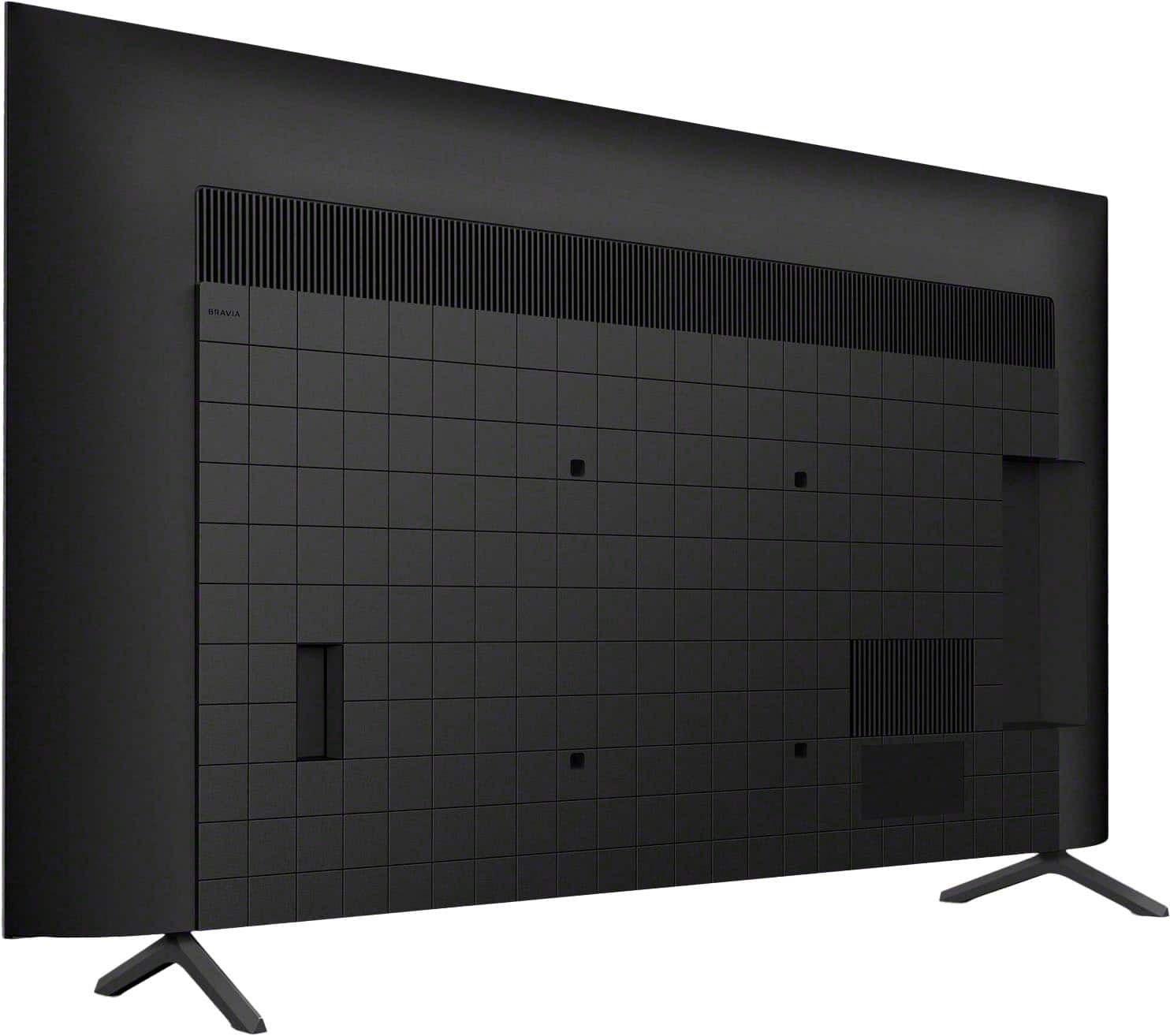








Early Black Friday DealsNew Doorbusters every Friday.Shop now

Main Content

Questions & Answers

Your price for this item is $649.99
The comparable value price is $699.99
Page Showing 1-20 of 88 questions
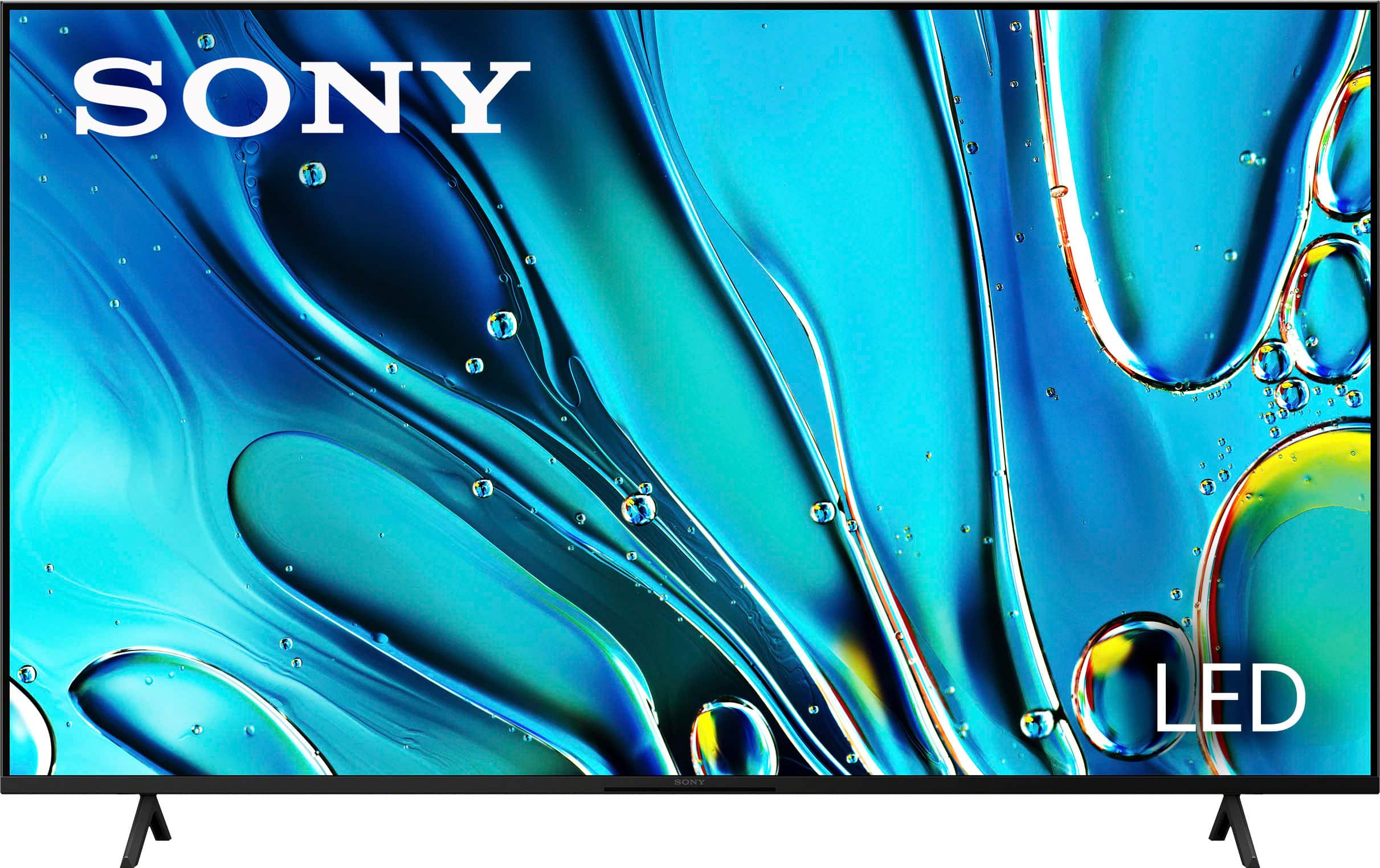
  • QuestionDoes this Sony TV come with a stand?

    • Answer Yes, the TV comes with a stand.
    This question and answer was generated by AI based on customer and product data.

  • QuestionIf I purchase this Sony TV, will I need to buy a mounting kit separately?

    • Answer Yes, you will need to purchase a mounting kit separately if you wish to mount this Sony TV.
    This question and answer was generated by AI based on customer and product data.

  • QuestionWhat is the screen size of this Sony TV?

    • Answer The screen size of this Sony TV is 54.6 inches.
    This question and answer was generated by AI based on customer and product data.

  • QuestionWhat other features does this Sony TV have for gaming?

    • Answer This Sony TV has exclusive features for PlayStation 5 such as Auto HDR Tone Mapping and Auto Genre Picture Mode that optimizes picture quality for gaming and streaming.
    This question and answer was generated by AI based on customer and product data.

  • QuestionHow many HDMI ports does this TV have?

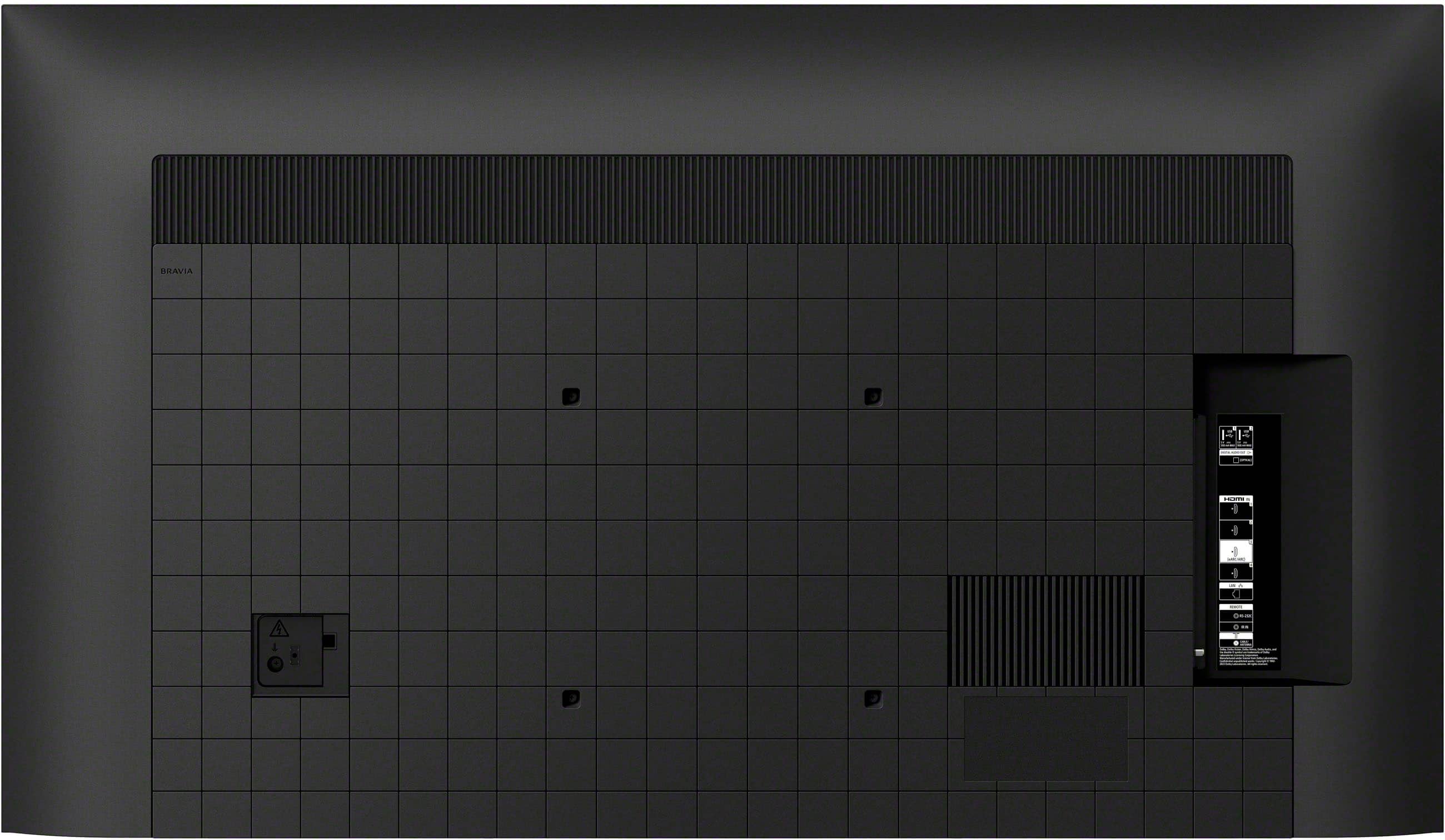
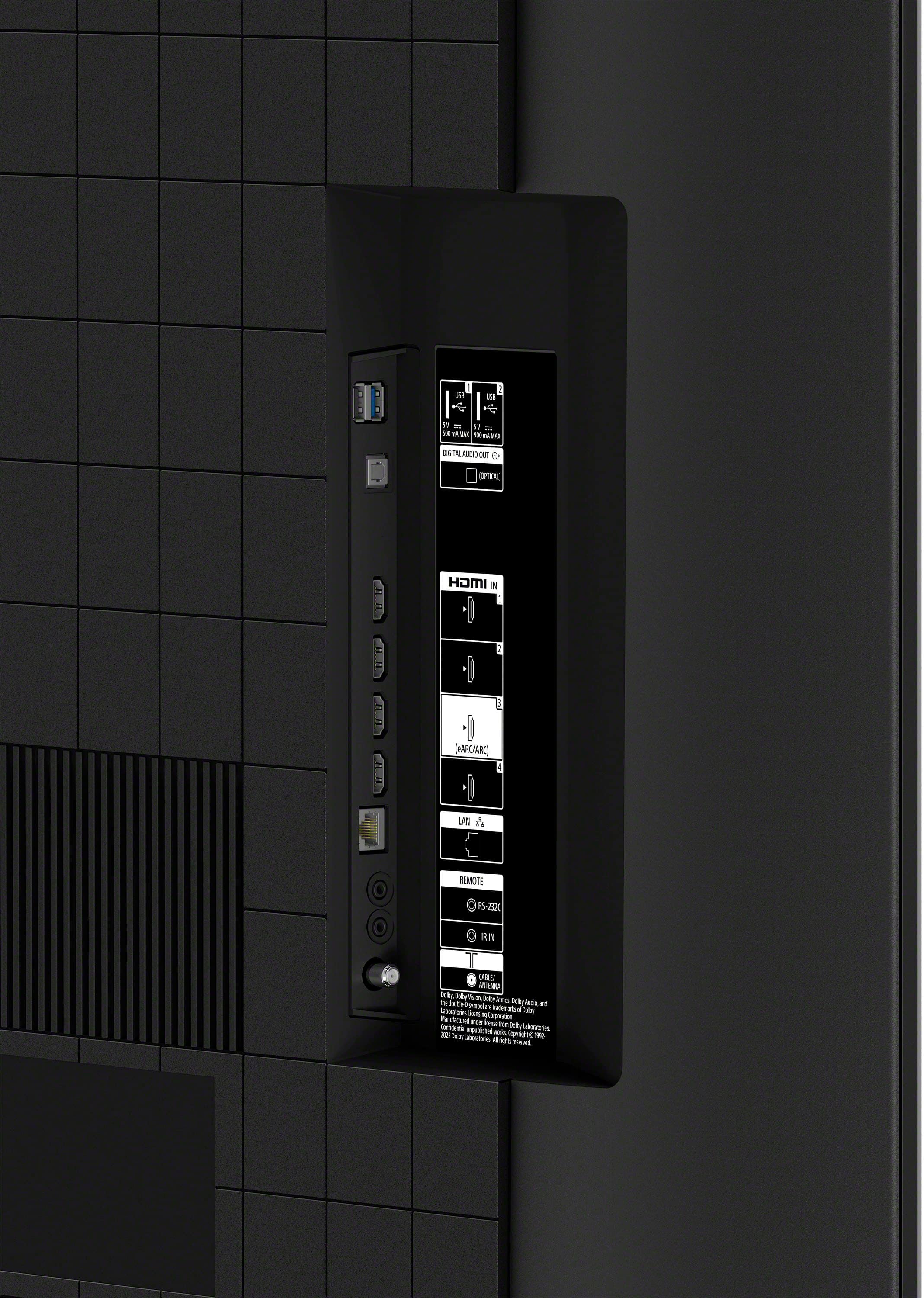
    • Answer This TV has a total of 4 HDMI ports.
    This question and answer was generated by AI based on customer and product data.

  • QuestionWhat is the refresh rate of this Sony TV?

    • Answer This Sony TV has a refresh rate of 60Hz.
    This question and answer was generated by AI based on customer and product data.

  • QuestionDoes this TV support Dolby Atmos?

    • Answer Yes, this Sony TV supports Dolby Atmos for an immersive audio experience.
    This question and answer was generated by AI based on customer and product data.

  • Questionis atsc 3.0 compatible the same as next gen as mfg states

    Asked by frank.

    • Answer Hi frank, Thanks for the question! Unfortunately, the BRAVIA 3 does not have an ATSC 3.0 tuner. If you are looking for TV models that feature ATSC 3.0(NEXTGEN TV), you may want to check our X90L, A80L, X93L, A95L, BRAVIA 7, BRAVIA 8, and BRAVIA 9 Our BRAVIA 3 Smart Google TV is exceptionally easy to use with a variety of all-in-one smart features for stress-free viewing. With a large screen, detailed pictures full of color and dynamic sound, everything you love feels so much more exciting! Hope this helps! - Kris

      Answered by SonyListens

  • QuestionDoes the Bravia 3 pass through lossless Dolby Atmos signals from a Blu Ray player to an attached sound bar, like the Bose Smart Sound Bar 600?

    Asked by Anonymous.

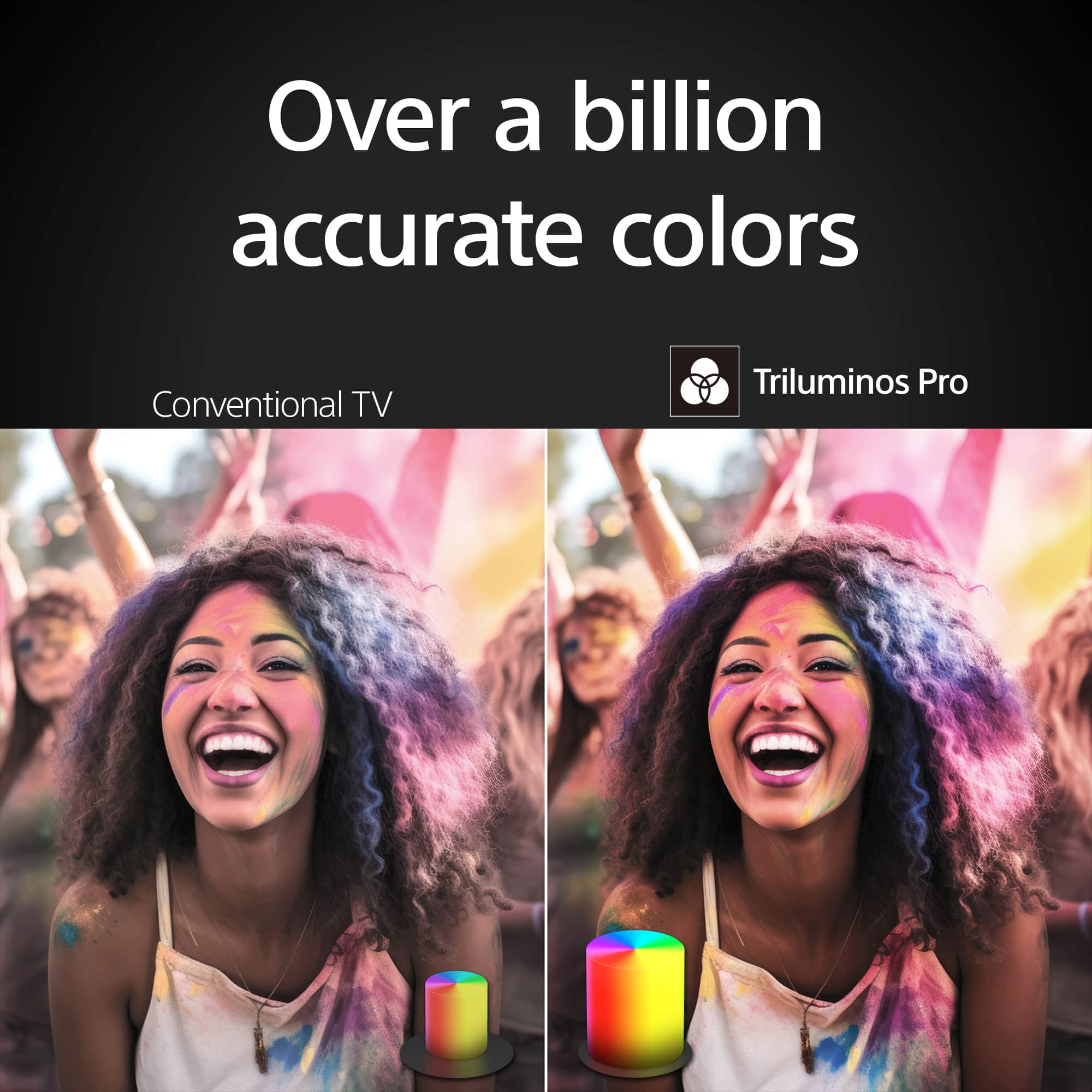
    • Answer Hi there, thanks for your inquiry. Yes, the Bravia 3 TV can pass through lossless Dolby Atmos signals from a Blu-ray player to an attached soundbar. This TV supports Dolby Atmos audio format and has eARC HDMI port for lossless audio passthrough. TV just got more exciting with incredibly vibrant picture and easy-to-use smart features. Everything you watch is enhanced with over a billion accurate colors with lifelike clarity and contrast that reveals every detail. Google TV™ brings together movies, shows, and more from across your apps and organizes them just for you. Hope this helps. Erin

      Answered by SonyListens

  • QuestionWhy no hdmi 2.1 connections?

    Asked by Bill.

    • Answer Hi Bill, Thanks for the question! Our BRAVIA 3 TV does not support all the features associated with HDMI 2.1. This TV supports HDMI eARC/ARC(HDMI 3), Auto Low Latency Mode(HDMI 1/2/3/4) and has a panel refresh rate of 60Hz. For expanded HDMI 2.1 feature support including 4K at 120Hz signal format and VRR, these features are available on our 85" X80K, X85K, X90L, X93L, X95L, A90K, A80L, A95L. X90L, BRAVIA 7 and higher models. Additional information: Our BRAVIA 3 Smart Google TV is exceptionally easy to use with a variety of all-in-one smart features for stress-free viewing. With a large screen, detailed pictures full of color and dynamic sound, everything you love feels so much more exciting! Hope this information helps! - Kris

      Answered by SonyListens

  • QuestionHow can I unfreeze the tv?

    Asked by Anonymous.

    • Answer Hi there, To unfreeze a Sony Bravia 3 TV, first try a soft reset by pointing your remote at the TV and holding its POWER button for about 5 seconds until the TV restarts. If that doesn't work, perform a power cycle: unplug the TV from the wall for at least 2 minutes, then plug it back in and turn it on. For more stubborn freezes where the remote is unresponsive, you can unplug the TV, then press and hold the physical Power button on the TV itself for 10-30 seconds while plugging it back in, releasing the button once the Sony logo or a white LED appears, which should force factory reset. Hope that helps. Thanks for considering Sony products. -Eliab

      Answered by SonyListens

  • QuestionDoes this TV have a RF input?

    Asked by Anonymous.

    • Answer Hi there, Thank you so much for your question! The Sony BRAVIA 3 TV does include a Radio Frequency (RF) input. Hope this information helps! See stunning 4K picture quality rich with real-world detail and texture. 4K X-Reality PRO analyzes and refines every scene using Sony's unique 4K reference database so even content filmed in HD is upscaled to near-4K resolution. Regards, Maria

      Answered by SonyListens

  • QuestionHow does this tv compare to other TV in it class

    Asked by Shotgun.

    • Answer Hi Shotgun, Thank you for your question. If you are pertaining to the difference between BRAVIA 3, 7, and 9, these models have several key distinctions. The BRAVIA 3 features a 4K HDR Processor X1, while the BRAVIA 7 and 9 utilize the XR Processor, which enhances color, contrast, and clarity in real time. In terms of backlighting, the BRAVIA 3 uses a Direct Lit system, whereas the BRAVIA 7 and 9 incorporate a MINI LED backlight system, with the BRAVIA 9 further enhancing brightness with its High Luminance feature. The BRAVIA 3 is equipped with a 60Hz panel and Motionflow technology, while the BRAVIA 7 and 9 offer a 120Hz panel with XR Motion Clarity for smoother motion handling. The BRAVIA 7 and 9 also have two HDMI 2.1 ports (HDMI 3 and 4), which are not available on the BRAVIA 3. In terms of audio, all three models come with X-Balance speakers, but the BRAVIA 7 and 9 include Multi Acoustic Audio for a more immersive sound experience. Design-wise, the BRAVIA 3 has a flush surface bezel, while the BRAVIA 7 and 9 feature a seamless edge. Additionally, the BRAVIA 3 supports only a one-way stand position, whereas the BRAVIA 7 and 9 offer four-way positioning (Outside, Inside, Outside for Soundbar, Inside for Soundbar). For a detailed specification comparison, you can visit Sony’s official website: https://electronics.sony.com/tv-video/televisions/c/all-tvs Experience 4K HDR color and the user-friendly streaming of Google TV with the BRAVIA 3 K55S30 55" 4K HDR Smart LED TV from Sony. The K55S30 combines HDR color support and Sony's intelligent picture processing to analyze and enhance every scene with accurate, lifelike color. Connect HD and UHD devices via HDMI 2.1 inputs with advanced features like ALLM and eARC. For streaming, the built-in Google TV OS provides a plethora of apps and options with your favorites and frequently watched shows brought together in one convenient home screen. Best regards, Maria

      Answered by SonyListens

  • QuestionDo you have to connect to internet to use this tv?

    Asked by Shopping.

    • Answer Hi Shopping, Thank you for question. You don't need an internet connection for basic TV functions like watching cable or satellite TV, playing DVDs or Blu-rays, or using connected devices like gaming consoles. However, to access internet-based features like streaming services (e.g., Netflix, YouTube), downloading apps, or using smart TV functions, an internet connection is required. You can connect your TV to the internet via a wired (Ethernet) connection or a wireless (Wi-Fi) connection. Hope this information helps! Watch everything with lifelike picture quality, powered by the intelligent 4K HDR Processor X1. Every scene is dynamically enhanced with over a billion colors and excellent clarity and contrast. Triluminos Pro reproduces colors with enhanced saturation and hue so everything you watch is vivid and bright. -Maria

      Answered by SonyListens

  • QuestionHow do we set up captions?

    Asked by Marlene.

    • Answer Hi Marlene, Thanks for inquiring about the TV. To display closed captions/subtitles on the TV screen, press the MENU button to access the Control Menu, then select the CC/Subtitle option. Content for which Closed Captions are available is as follows: • TV broadcasts: Closed Captions may not be available for some TV broadcasts. • Cable or satellite box: If you're using a cable or satellite set-top box connected to your TV with an HDMI® or component cable, you must enable closed captioning (CC) from the cable or satellite box menu, not on your TV. Refer to your set-top box manufacturer for instructions. • Streaming services: If you're watching a streaming service, like Netflix, Hulu, YouTube, or another service, you may need to turn on captioning within the service itself. Refer to the service you're watching for instructions. For more information, please refer to the this helpful link: https://www.sony.com/electronics/support/articles/00260887 Regards, Jess

      Answered by SonyListens

  • QuestionWe have Direct TV as our cable provider. Would that work with this TV?

    Asked by Anonymous.

    • Answer Yes I have DIRECT TV also

      Answered by MargaretH

  • Questioncan this be used for a zoom meeting?

    Asked by Anonymous.

    • Answer Hi there, Thanks for the question and the interest in Sony products. Regarding your concern, the BRAVIA 3 can absolutely be used for zoom meetings! For you to do so, we highly recommend to download the latest firmware update on the TV. After that you just need to download the Zoom app from the Google Play Store. For more information and cameras recommendation to ensure the compatibility, please check out the following link: https://www.sony.com/electronics/support/articles/00345447 We hope this information comes in helpful, have a great day! DiegoV

      Answered by SonyListens

  • QuestionDo I need an external antenna to pick up local channels

    Asked by Irish.

    • Answer You can use for local channels…

      Answered by PattyCakes

  • QuestionDoes it have a ATSC 3 tuner

    Asked by myrtle.

    • Answer Hi Myrtle! Thanks for reaching out. We're here to help. To answer your question, the K-55S30 has a built-in ATSC 1.0 tuner, which is the current standard for over-the-air digital TV. It doesn't, however, have the newer ATSC 3.0 (also known as NextGen TV) tuner. If having that NextGen TV capability is important to you for things like 4K broadcasts and enhanced audio, you would need to look at some of our other models, like the BRAVIA 7 or some of our higher-end series, which do include that feature. For additional specifications of the Bravia 3, please visit the following link: https://www.sony.com/electronics/support/televisions-projectors-lcd-tvs-android-/k-55s30/specifications Thanks for considering Sony products! Best regards, Estefany

      Answered by SonyListens

  • QuestionCan we download the paramount+ app on this tv?

    Asked by SueCS.

    • Answer Absolutely…that is one of the reasons why I purchased this Sony TV

      Answered by PattyCakes










