

Appliances Presidents’ Day SaleEnds 2/25. Limited quantities. No rainchecks.Shop now

Main Content

Questions & Answers

Your price for this item is $898.00
The comparable value price is $1,399.99
Page Showing 1-20 of 21 questions
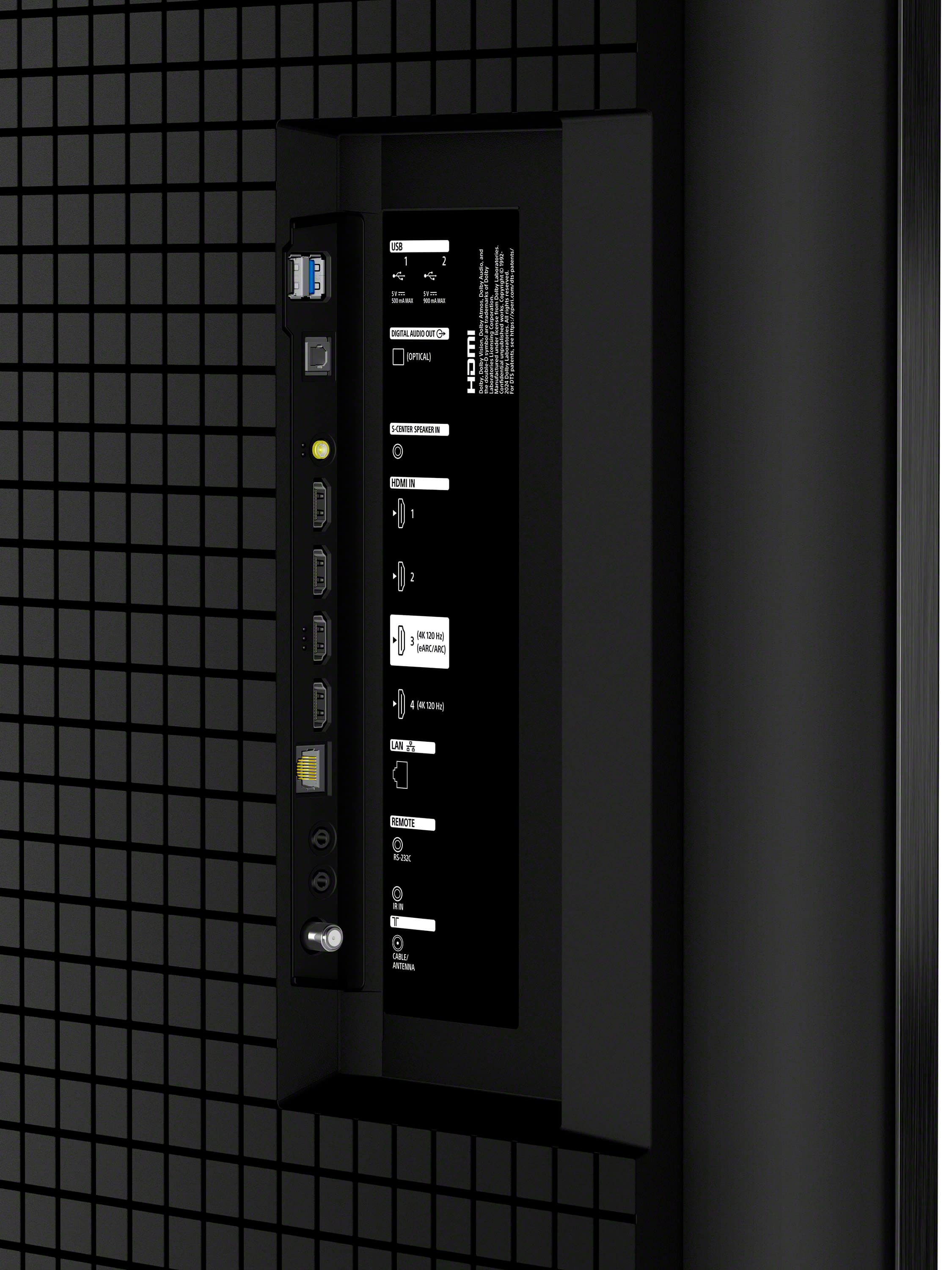
  • QuestionHow many HDMI inputs does the TV have?

    • Answer This TV has a total of 4 HDMI inputs.
    This question and answer was generated by AI based on customer and product data.

  • QuestionWhat is the refresh rate of this Sony TV?

    • Answer The refresh rate is 120Hz.
    This question and answer was generated by AI based on customer and product data.

  • QuestionIs this TV compatible with Dolby Vision and Atmos?

    • Answer Yes, this TV supports Dolby Vision® and Atmos® for a more immersive movie experience.
    This question and answer was generated by AI based on customer and product data.
  • QuestionCan I control this TV with my smartphone?

    • Answer Yes, you can control the TV using the BRAVIA Connect app on your smartphone.
    This question and answer was generated by AI based on customer and product data.
  • QuestionHow does this TV handle motion blur?

    • Answer It uses XR Motion Clarity™ technology to minimize blur in fast-moving scenes.
    This question and answer was generated by AI based on customer and product data.
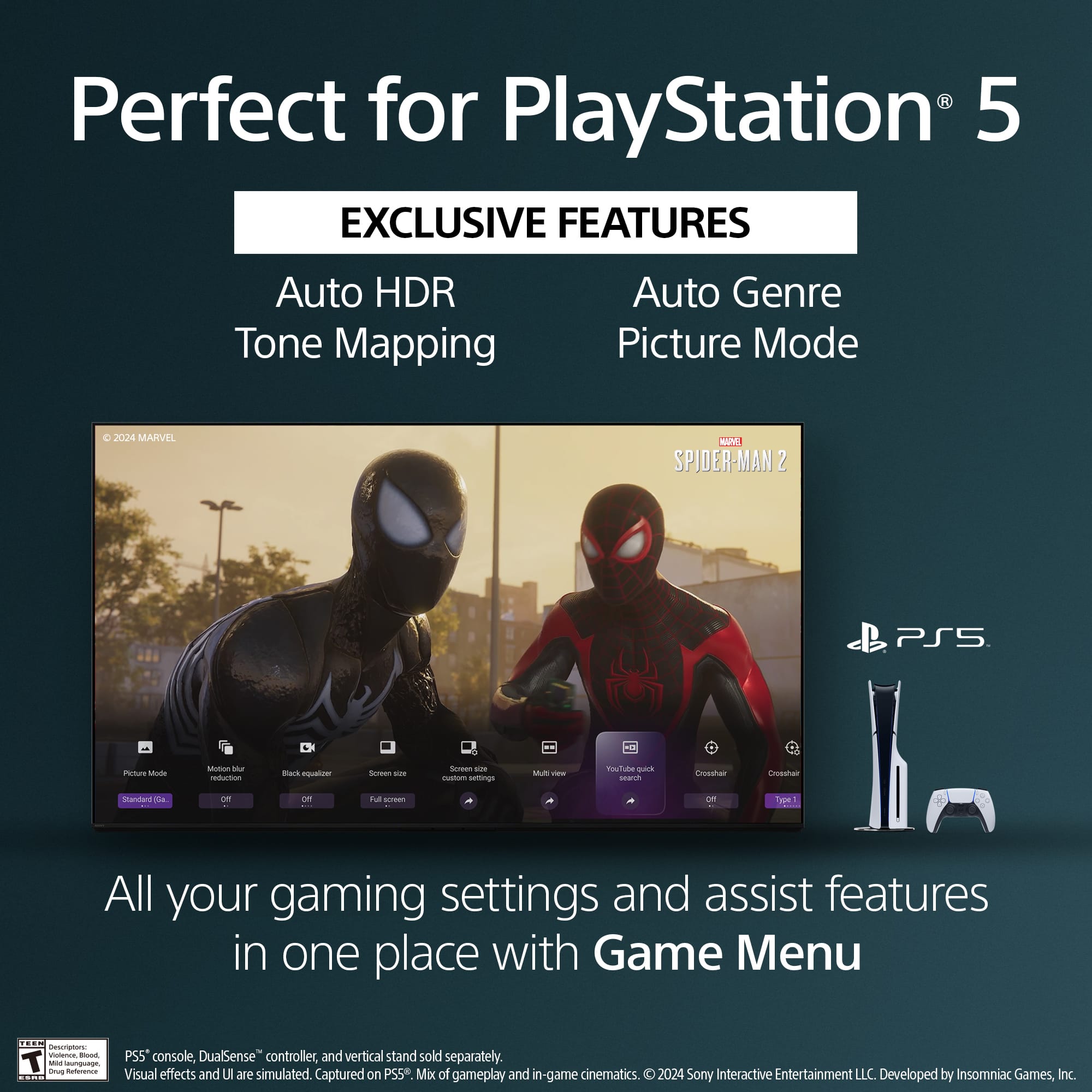
  • QuestionDoes this TV have any special features for gaming?

    • Answer Yes, it has features like Game Menu for settings, Auto HDR Tone Mapping, and Auto Genre Picture Mode, specifically designed for PlayStation® 5.
    This question and answer was generated by AI based on customer and product data.

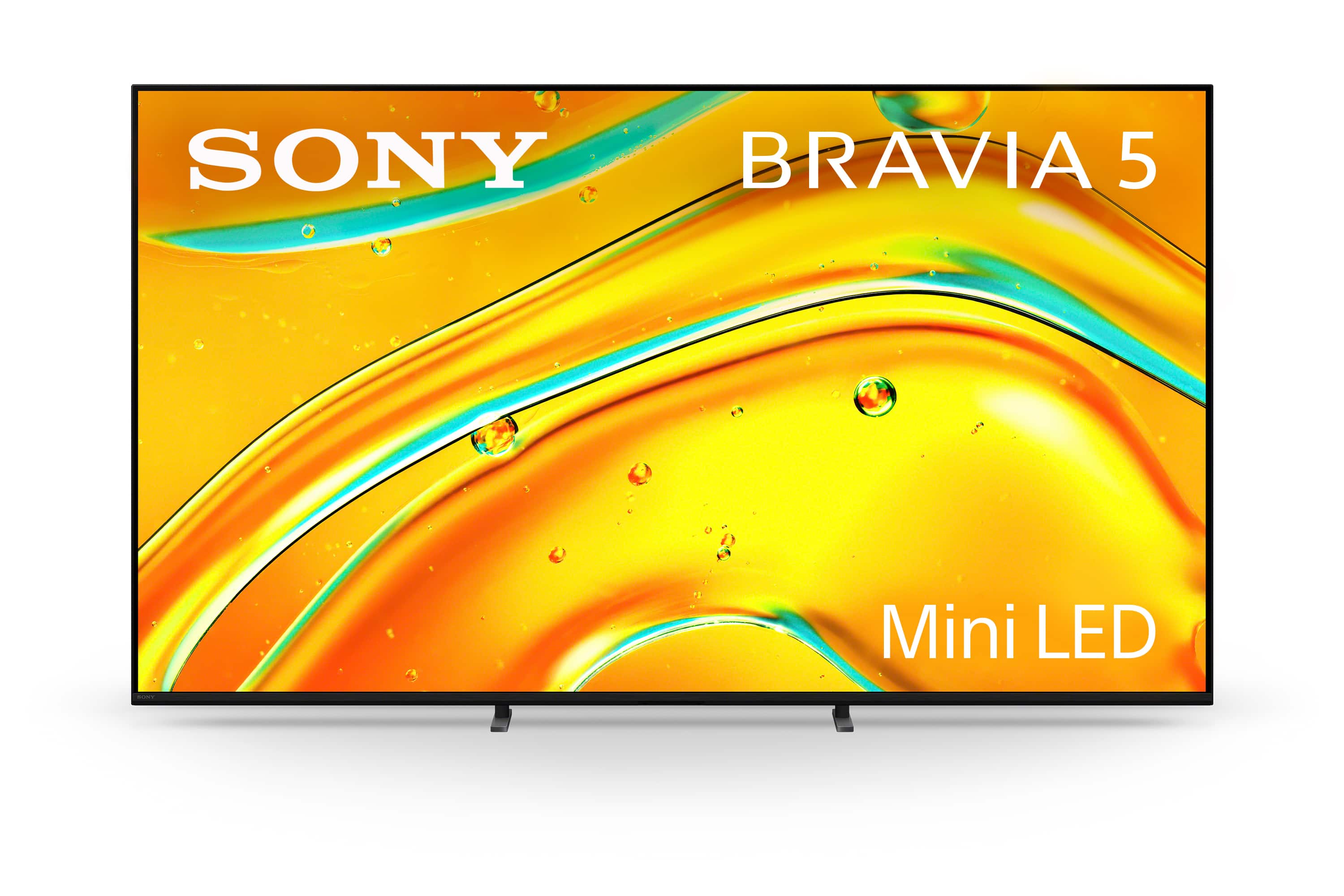
  • QuestionWhat type of backlight does this Sony TV use?

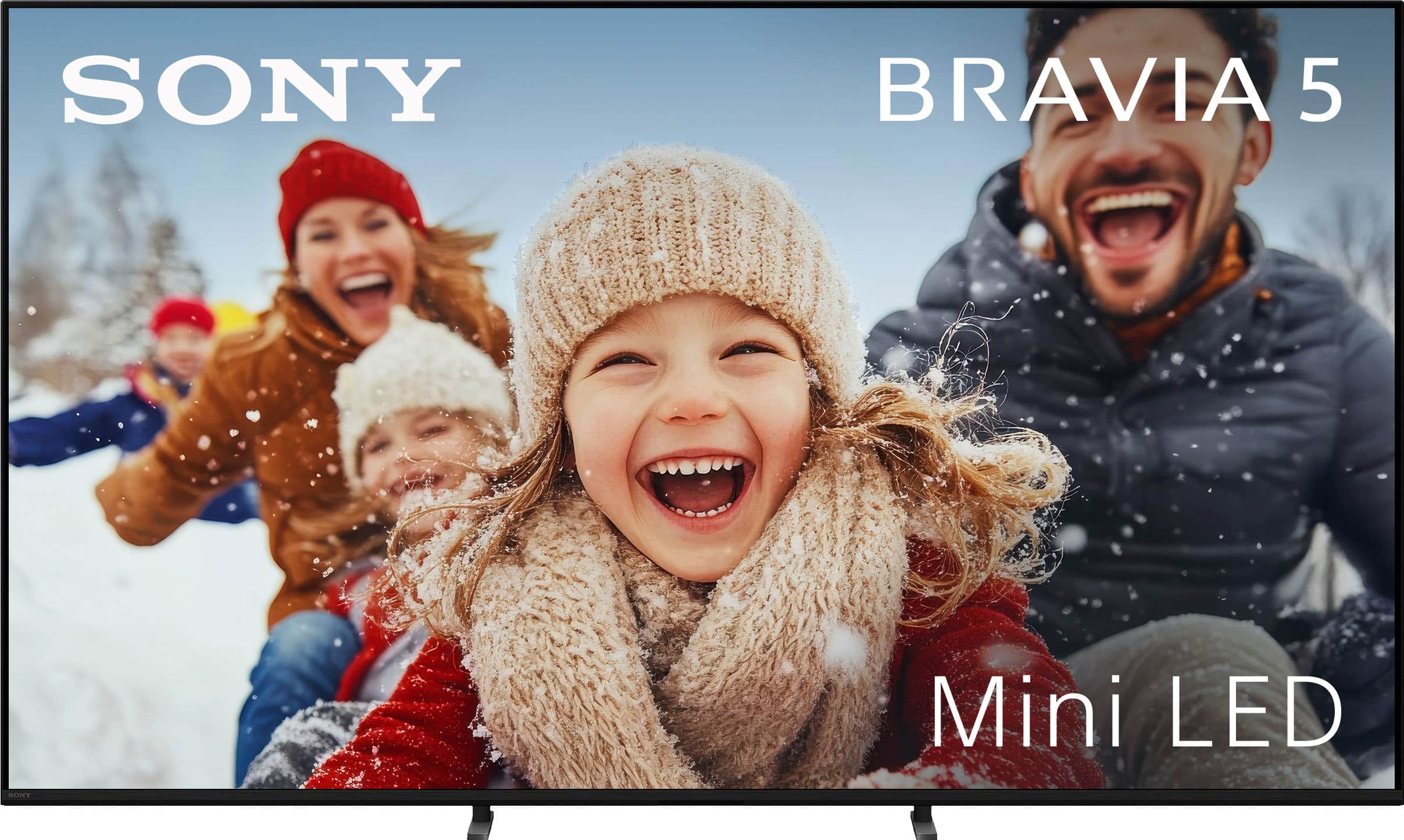
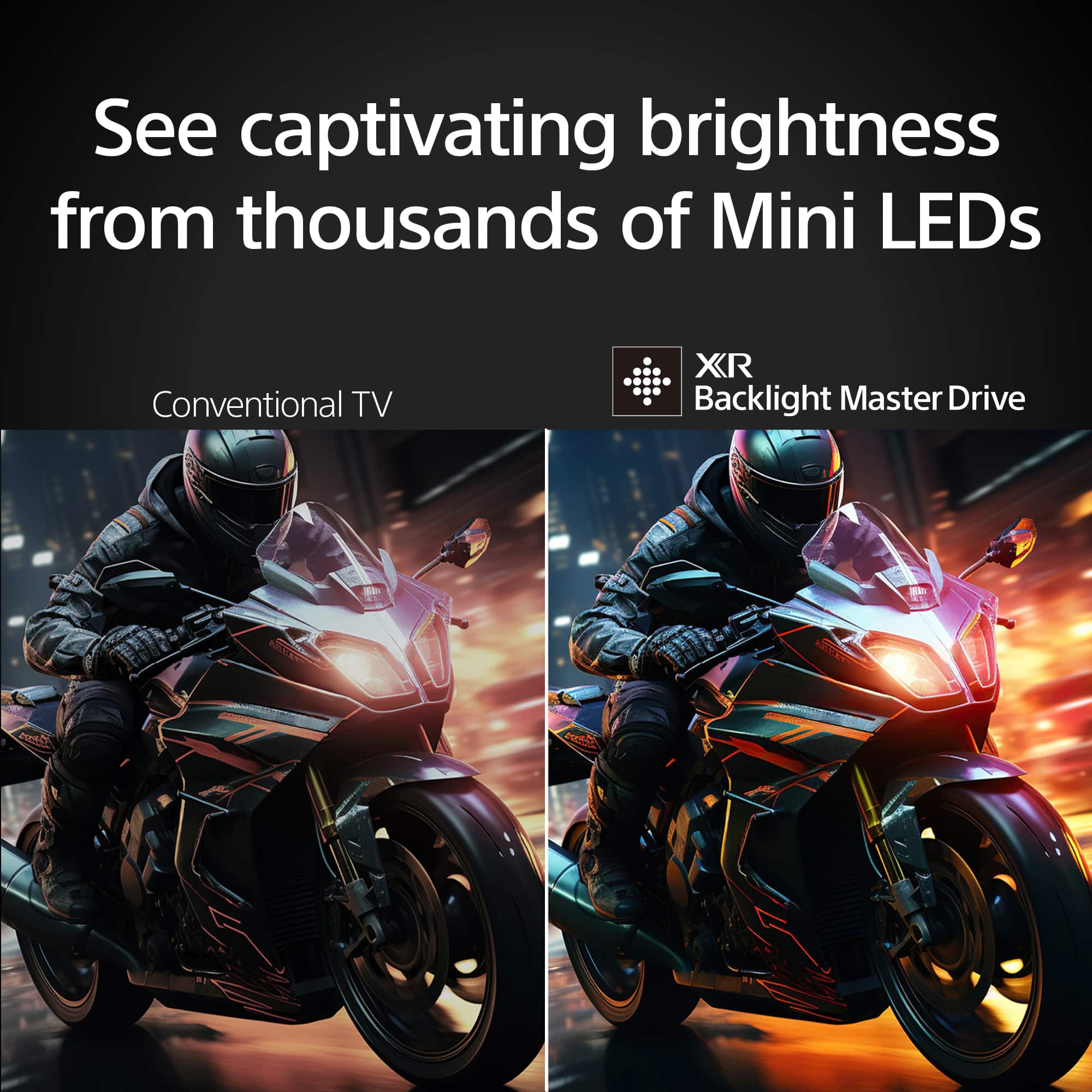
    • Answer This TV uses a Mini LED backlight with thousands of Mini LEDs controlled by XR Backlight Master Drive™.
    This question and answer was generated by AI based on customer and product data.
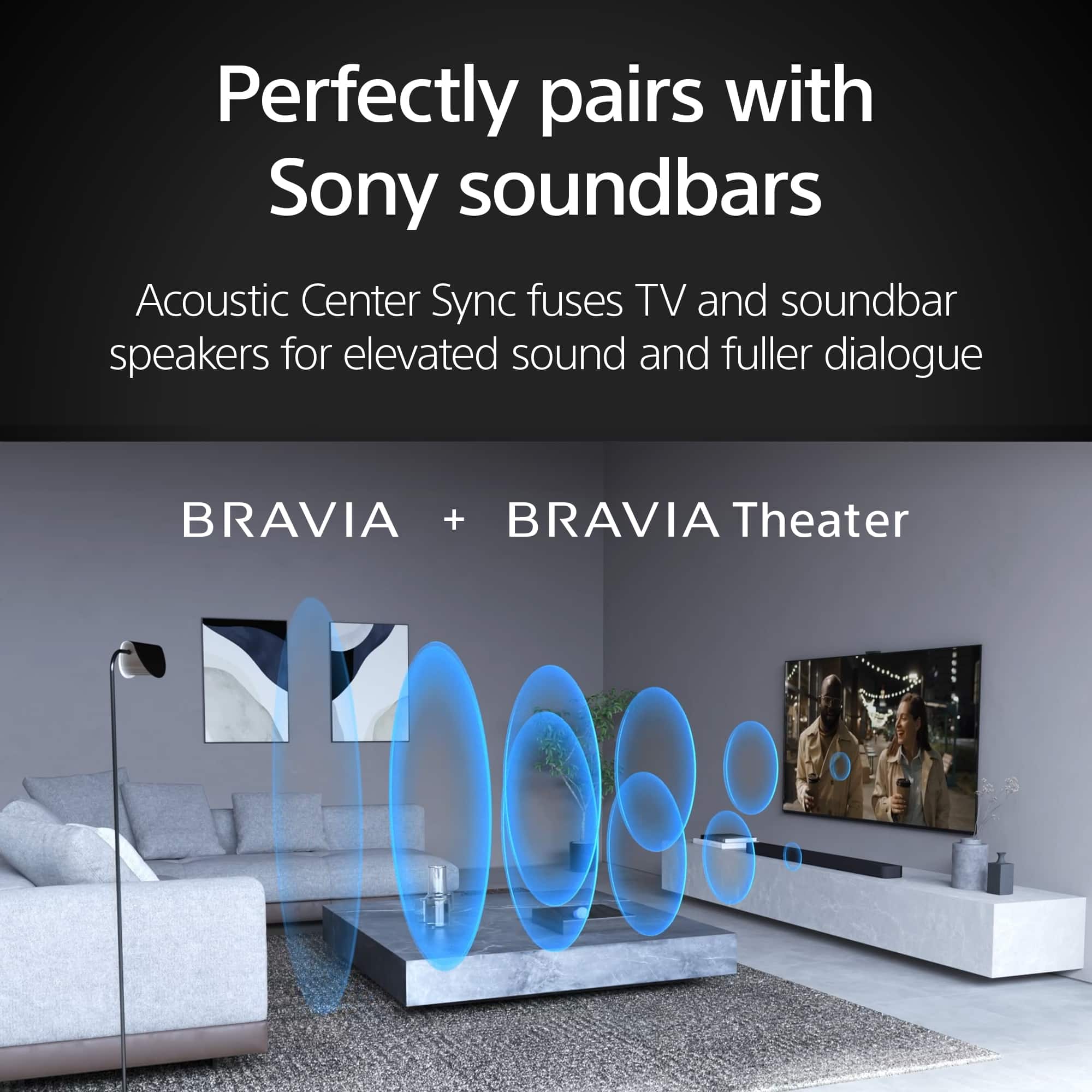
  • QuestionMy old Sony Tv's were easy to add an A/V receiver. How about the Bravia 5?

    Asked by KCDad.

    • Answer Hi KCDad, thanks for your question. We're glad to hear you've had a good experience with your previous Sony TVs! You'll be happy to know that connecting an A/V receiver to the BRAVIA 5 is just as easy, if not easier, than it was with older models, thanks to modern connectivity standards. The easiest and most recommended method is to use a single HDMI cable and the eARC/ARC feature. The BRAVIA 5 has a dedicated HDMI port labeled "eARC/ARC." By connecting your A/V receiver's "HDMI OUT" port to this specific TV port, you can send both video signals to the TV and audio signals from the TV back to the receiver—all with one cable. This is typically the best way to get the highest quality, uncompressed audio formats. The BRAVIA 5 also includes a Digital Audio Out (Optical) port, which is a great alternative if your A/V receiver doesn't support HDMI ARC. This connection is also a simple single-cable solution for high-quality digital audio. In short, you'll find the process very familiar, and the new technologies make the connection cleaner and more powerful than ever before! Thanks for your interest in our Sony televisions. Sincerely, Jenn | Sony Social Media Team.

      Answered by SonyListens

  • QuestionSince the remote does not have a numerical pad on it, does the BRAVIA Connect app have it? If not, what other Sony remote with a numerical pad would be compatible?

    Asked by Anonymous.

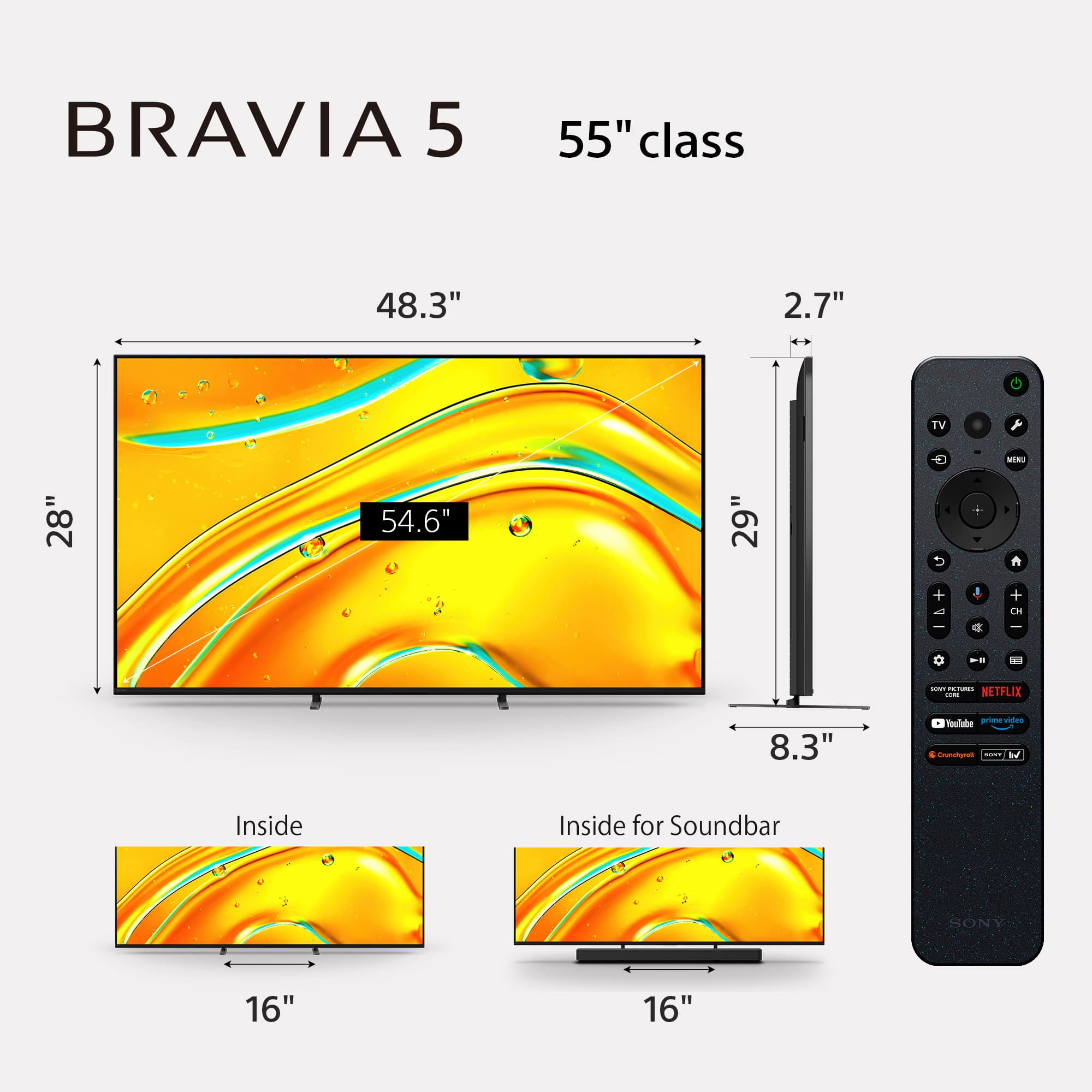
    • Answer Hi there, The BRAVIA Connect app does not currently feature a numerical keypad for direct channel entry. For a remote with a numerical keypad that is compatible with your new 2025 BRAVIA 5, the RMF-TX621U is an excellent choice. This model features a full numerical keypad, is backlit, and offers voice control functionality. Thanks for choosing Sony. -Eliab

      Answered by SonyListens

  • QuestionCan this tv be paired with a Sony portable speaker via Bluetooth?

    Asked by Pairing.

    • Answer Hi Pairing, thanks for your question! From Sony, we are pleased to share that the BRAVIA 5 Mini seamlessly connects to any external speaker via Bluetooth. Just remember to switch from TV speakers to audio system once you've paired your device. Please refer to this article for more information: Can I use Bluetooth headphones, speakers, and soundbars with my Android TV or Google TV? (https://www.sony.com/electronics/support/articles/00159290?utm_source=glean) Thanks for choosing Sony! Sincerely, Jenn.

      Answered by SonyListens

  • QuestionDoes the tv have a fiber optic audio port? I would like to connect tp my sony audio system

    Asked by tvviewer.

    • Answer Thank you for contacting Sony. The BRAVIA 5, 55" does have an optical audio port, you can find it on the left side of the TV and it is above the HDMI IN inputs. For detailed information, please check the manuals by clicking on the link below: https://www.sony.com/electronics/support/televisions-projectors-lcd-tvs-android-/k-55xr50?utm_source=glean We hope this information is helpful as you consider your purchase. If you have any other questions, please feel free to ask. Best regards, Gus, Sony North America Customer Support

      Answered by SonyListens

  • QuestionCan I hook up this tv to my BOSE 3-2-1 entertainment system?

    Asked by James.

    • Answer Thank you for contacting Sony, James. You can definitely connect your BRAVIA 5 to your Bose 3-2-1 system using a Digital Optical Audio Cable. Since that Bose system was designed before modern HDMI ARC standards, the optical connection is the best way to get audio from your new TV to your classic speakers. Just be sure to go into your TV's sound settings and set the Digital Audio Output to PCM to ensure compatibility. We appreciate your interest in Sony products. Should you require any further assistance, please don't hesitate to reach out for support here: https://us.esupport.sony.com/support/s/support-contact?language=en_US&category=tv Best regards, Gus, Sony North America Customer Support

      Answered by SonyListens

  • QuestionHow to connect a Sony Bravia 5 to an older Samsung soundbar HW-J550, to control with the TV remote. Tried HDMI-3(ARC) & digital out, did remote setup, & can't control on/off on the soundbar. Ideas?

    Asked by RichardM.

    • Answer Thank you for sharing your question, RichardM! We are glad you are setting up your new BRAVIA 5 with your soundbar. Getting different brands to sync can sometimes be tricky, but we want to help you get that one-remote convenience. Since the HW-J550 is an older model, the issue is likely with the HDMI-CEC handshake. First, please ensure BRAVIA Sync is active on your TV by going to Settings, then Channels and Inputs, then External Inputs, and finally BRAVIA Sync settings to turn BRAVIA Sync control ON. Next, on your Samsung soundbar, ensure CEC is also enabled. We recommend using a High-Speed HDMI cable connected to the HDMI 3 (ARC) port on the TV and the HDMI OUT (TV-ARC) port on the soundbar. If these steps do not resolve the issue, please contact our support team at https://us.esupport.sony.com/support/s/support-contact?language=en_US&category=tv so we can assist you further. Thank you for choosing Sony. Best regards, Gus, Sony Social Media Team

      Answered by SonyListens

  • QuestionDoes this TV have USB slots?

    Asked by Bill.

    • Answer Hi Bill, Thank you for your question! Yes, the Sony BRAVIA 5 TV features 2 USB ports. For more detailed information about other available ports and full specifications, please visit the following link: https://www.sony.com/electronics/support/televisions-projectors-lcd-tvs-android-/k-55xr50/specifications Thank you for considering Sony! Regards, Dominick

      Answered by SonyListens

  • QuestionWe want to buy a television. Do you no longer do a complete set up? I shows on your website that televisions will be delivered left in boxes. We both have physical limitations and cannot manage an installation of television and receive.

    Asked by Kiki.

    • Answer Installation was a separate charge. The installers were worth the price.

      Answered by TenorLover

  • QuestionDoes the 98 inch model come with a backlit remote?

    Asked by Anonymous.

    • Answer Thank you for contacting Sony. The remote control supplied with the K98xr50 model is not a backlit remote. For comprehensive information regarding Sony's remote control features, including details on backlit remotes and the 'Find My Remote' function, please refer to the official support article: https://www.sony.com/electronics/support/articles/00343536 We appreciate your interest in Sony products. Should you require any further assistance, please don't hesitate to reach out for support here: https://us.esupport.sony.com/support/s/support-contact?language=en_US&category=tv Best regards, Gus, Sony North America Customer Support

      Answered by SonyListens

  • QuestionDoes this TV have VRR if not what tv has just the same or similar specs as this tv does that do have VRR.

    Asked by TrevonH.

    • Answer Hi Trey, Thanks for reaching out about the K-55XR50. We can certainly help you with that! The K-55XR50 does have VRR support! It's one of the great features included on this model to ensure a super smooth gaming experience, along with its 120Hz native refresh rate. You'll find it on two of the HDMI ports. For a full breakdown of all the K-55XR50's features and specifications, you can visit this link: https://www.sony.com/electronics/support/televisions-projectors-lcd-tvs-android-/k-55xr50/specifications We sincerely appreciate you considering a Sony product! Best regards, Estefany

      Answered by SonyListens

  • QuestionCan you download the Xfinity Stream App my old Sony would not.

    Asked by SonyCus.

    • Answer Yes, i did unknowingly. Works great

      Answered by ConnieM

  • QuestionWhat should the seating distance be from the TV?

    Asked by TX2427.

    • Answer You should have not more than 15 feet . otherwise you may see some glare .

      Answered by RavishankarV











