Questions & Answers
- Model:
- K55XR80
- |
- SKU:
- 6578569
Q: QuestionDoes it upscale 480p and 720p Over The Air content?????
Asked by Charlie.
- A:Answer Hello Charlie33, Thanks for your question regarding the BRAVIA 8. The Sony BRAVIA 8, powered by our cutting-edge Cognitive Processor XR, is designed to intelligently upscale lower resolution content, including 480p and 720p Over-The-Air (OTA) broadcasts, to stunning near-4K quality on your screen. Our advanced processor analyzes every scene to enhance details, colors, and contrast, working to fill in missing information and reduce noise. This means even standard definition and high definition OTA content will look significantly better, optimized for the incredible resolution of your 4K OLED display. You can expect a noticeably clearer and more detailed picture, providing an excellent viewing experience for all your content sources. Thanks for your interest in our Sony televisions! Sincerely, Jenn | Sony Social Media Team.

Answered by SonyListens
Q: QuestionWill this TV work in Europe?
Asked by JT.
- A:Answer Hi JT, While the 4K OLED picture quality is universal, a North American Sony TV isn't fully compatible with European broadcasting standards (DVB-T/S/C), meaning the built-in tuner won't work, but you always have broadcast over internet as an alternative. App compatibility can also vary by region, and while the TV typically supports 110-240V, you'll need a physical plug adapter for Europe. Thanks for considering Sony. -Eliab
Answered by SonyListens

Q: QuestionIs this a true tv mirror As it will be a legit mirror when it’s off? Once you turn it on it’s a tv!?
Asked by KDB0.
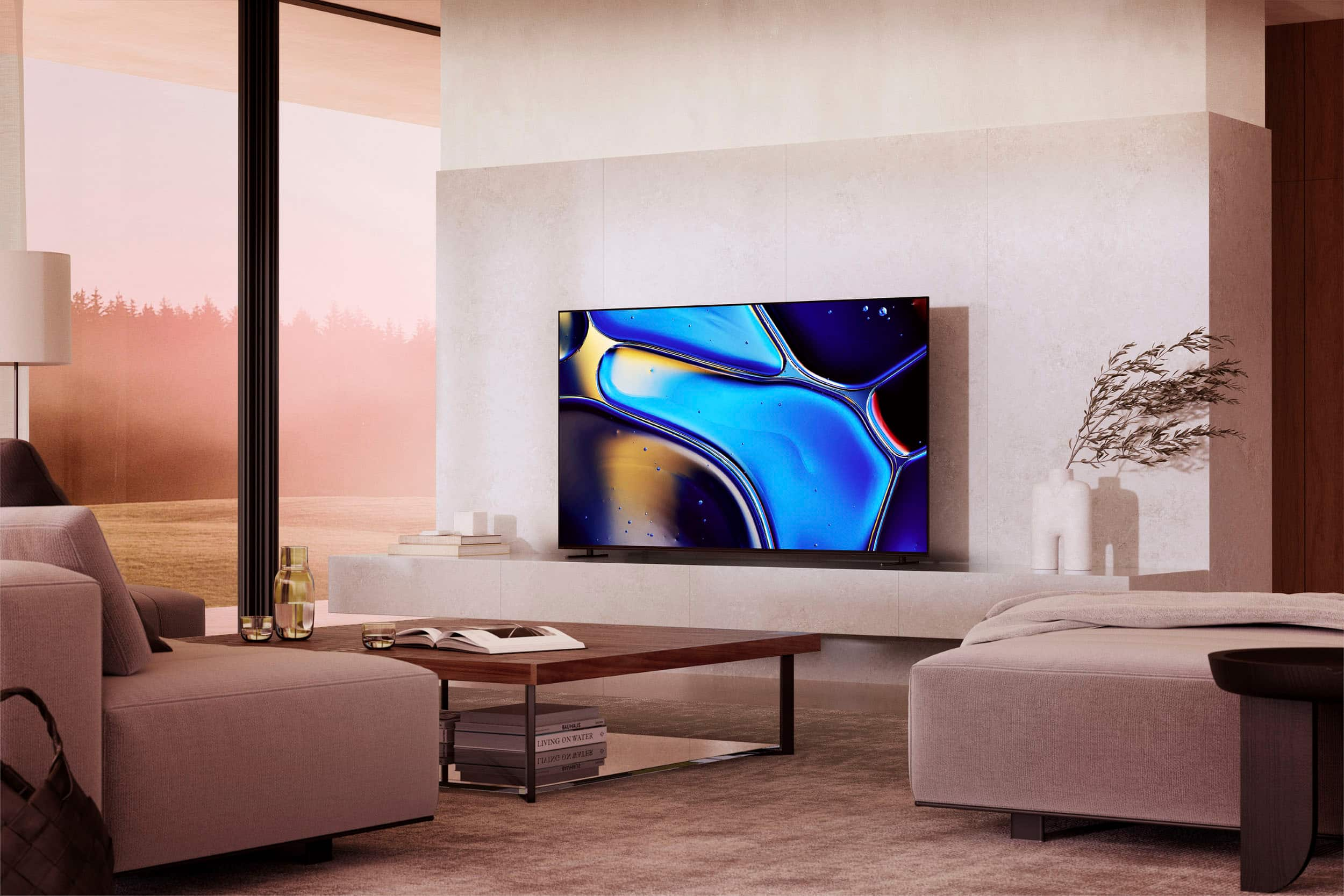
- A:Answer HI KDB0, The BRAVIA 8 TV is not designed to be a "true mirror TV" that functions as a literal mirror when off. When the TV is off, it will appear as a dark, reflective screen, similar to other OLED TVs, which can reflect the room to some extent. However, it's not engineered with specialized mirror technology to provide a perfect, distortion-free reflection like a dedicated mirror. Its primary function is to deliver stunning 4K OLED picture quality when turned on. Thanks for considering Sony. -Eliab
Answered by SonyListens

Q: QuestionDoes Sony - 55" Class BRAVIA 8 OLED 4K UHD Smart Google TV (2024) have an earc connection?
Asked by Moe.
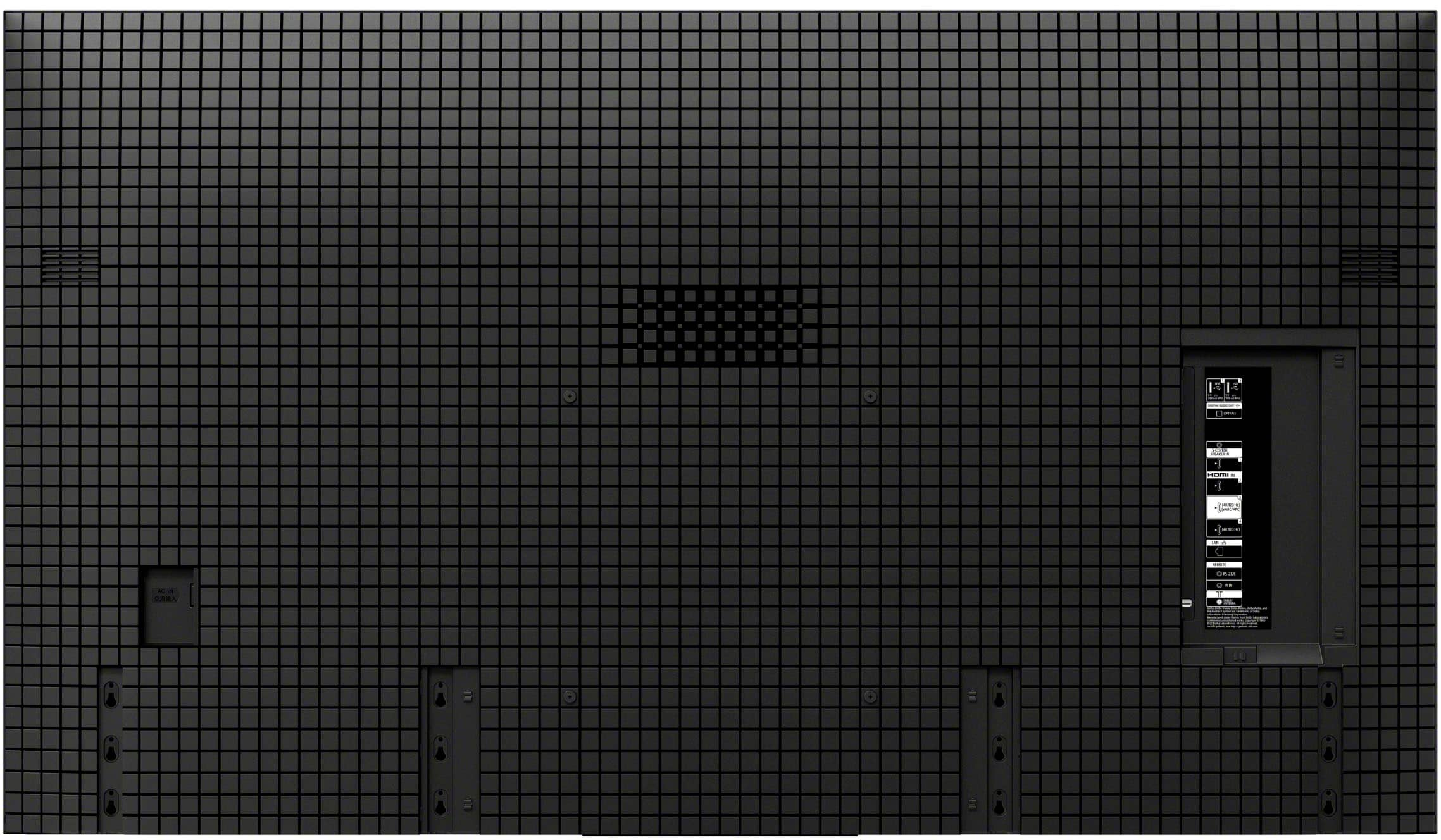
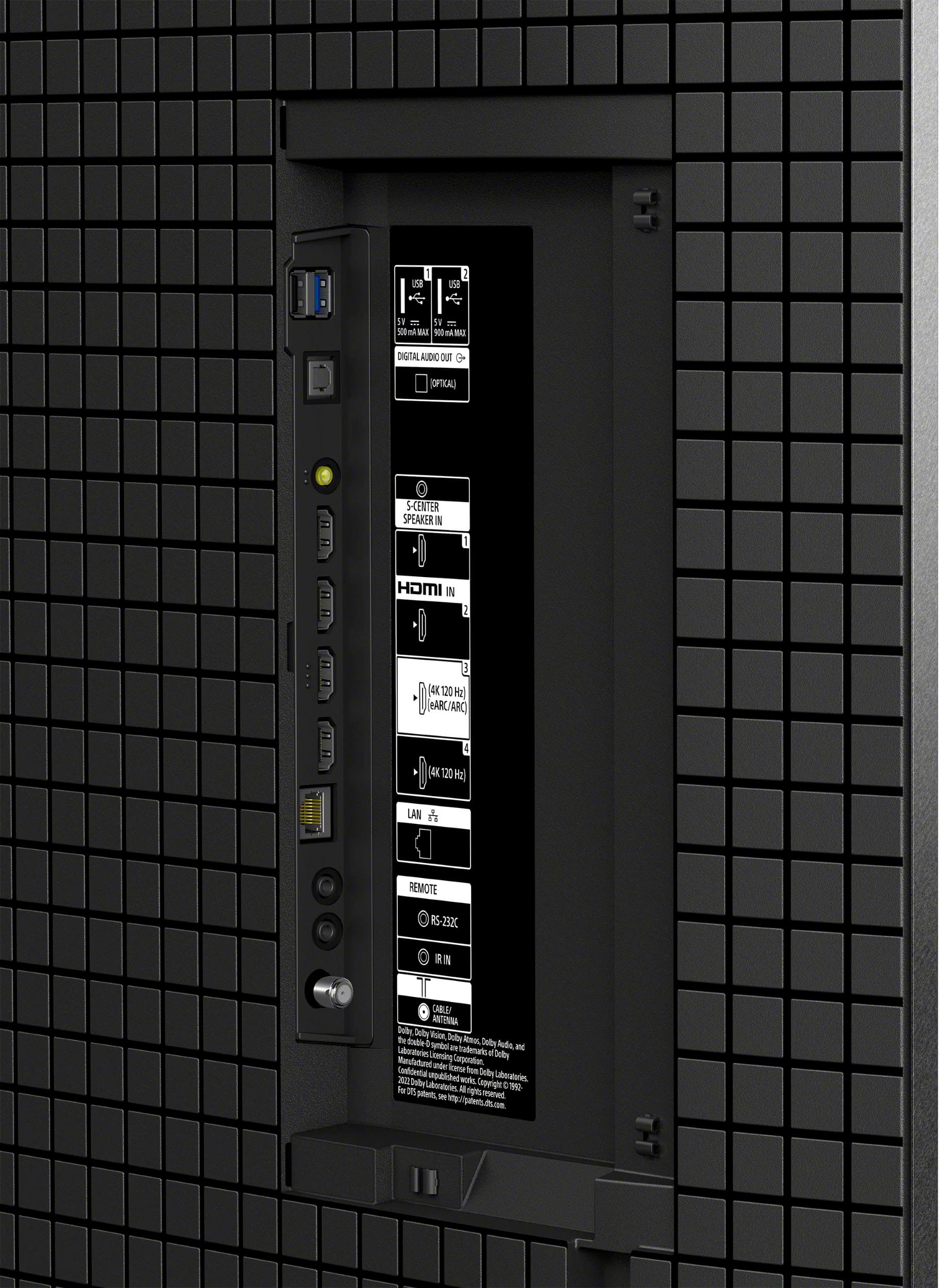
- A:Answer Hi Moe, we are pleased to assist you with your inquiry regarding the BRAVIA 8 television! The Sony 55" BRAVIA 8 TV does have an eARC (enhanced Audio Return Channel) connection. You'll typically find the eARC port clearly labeled among the HDMI inputs on the back of your TV. For detailed information regarding the various ports available on this television, please visit the following link: https://helpguide.sony.net/tv/musltn1/v1/en-003/contents/TP1001691231.html Thanks for considering Sony products! Best regards, Estefany
Answered by SonyListens

Q: QuestionWhat is the distance between the two feet of the stand?
Asked by Standspecs.
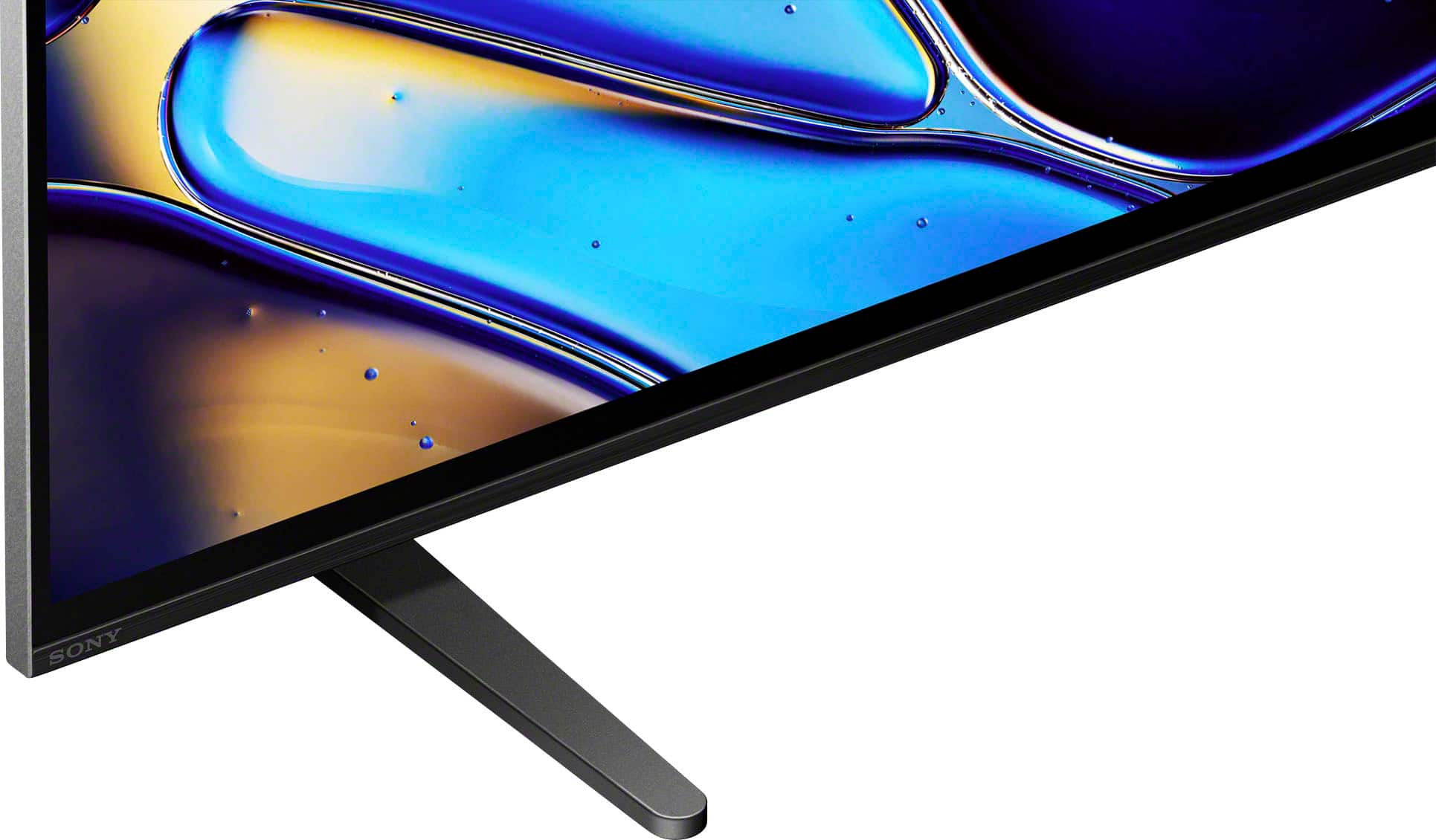
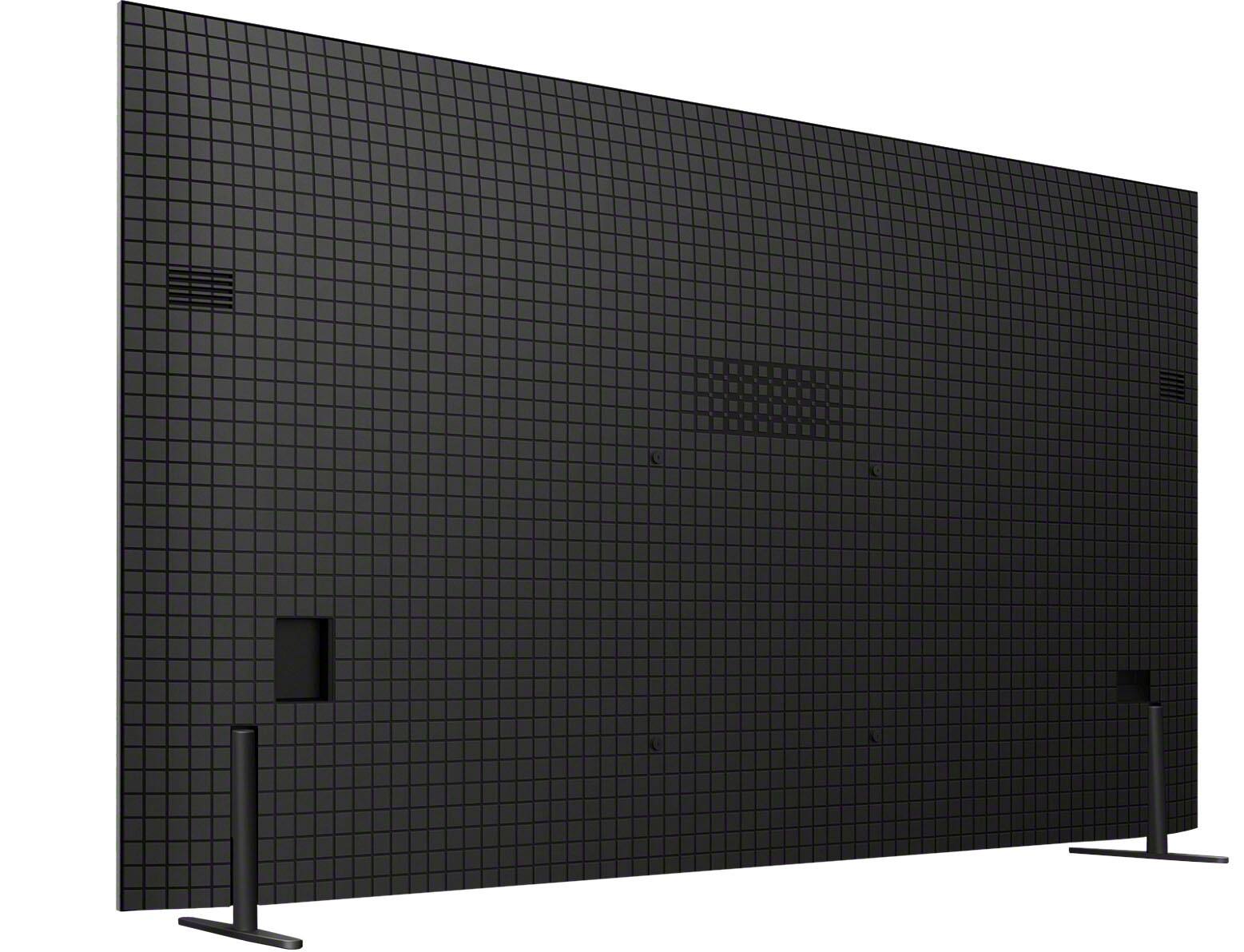
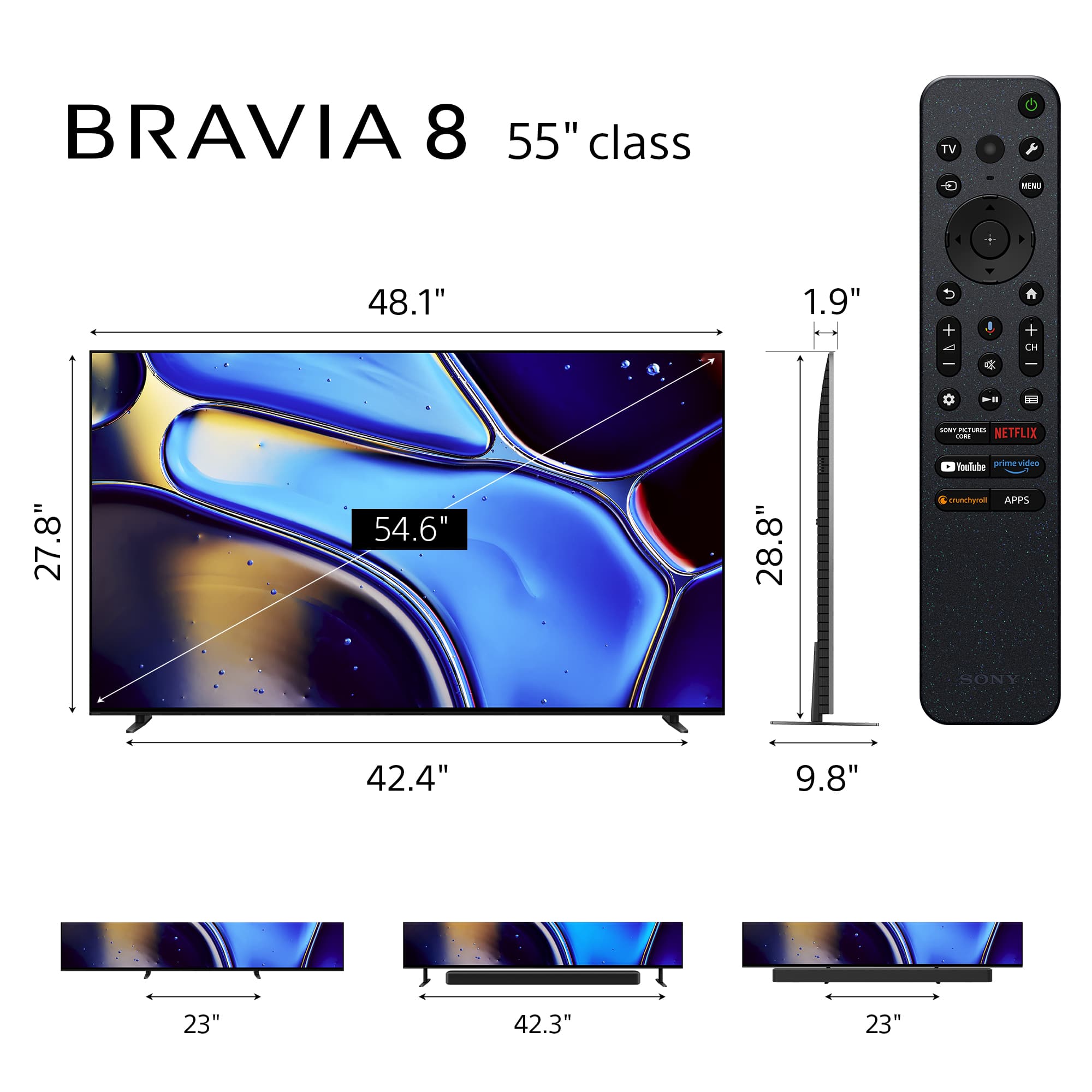
- A:Answer Hi Standspecs, thanks for your question and interest in the Sony - K55XR80! This TV comes with an adjustable stand, so here are the measurements with its main positions: Stand width using the Standard Position: 42.38" (1075 mm) Stand width using the Narrow Position: 23" (584 mm) We hope this answers your question, and thank you for considering Sony products! Best regards, Dominick
Answered by SonyListens

Q: QuestionDoes this tv have picture-in-picture? Can you watch a video input while watching the tuner?
Asked by Prince.
- A:Answer Hi Prince, thanks for your question and interest in the Sony - Bravia 8! The Picture-in-Picture (PIP) is a feature many people find incredibly convenient for multitasking. While the Sony BRAVIA 8 offers an incredible viewing experience with its stunning OLED picture and smart features, it does not have the traditional Picture-in-Picture functionality that allows you to simultaneously watch two different video inputs, such as the one from a game console or Blu-ray player and the TV's built-in tuner at the same time. We hope this answers your question, and thank you for considering Sony! Best regards, -Dominick
Answered by SonyListens

Q: QuestionThe Specifications say this TV has 4 HDMI 2.1 inputs, and the Features say that HDMI 2.1 allows for 4K/120, VRR, ALLM, and SBTM. However, my TV tells me that only 2 of the HDMI ports support these features. Why is that?
Asked by Umpossible.
- A:Answer Hi Umpossible, thank you for your question and for choosing the Sony - BRAVIA 8! We understand this can be a bit confusing. The TV does have 4 inputs, but only HDMI ports 3 and 4 support the Full HDMI 2.1 capability, including the 4K/120Hz, Variable Refresh Rate (VRR) and Auto Low Latency Mode (ALLM). We appreciate your understanding, and if you have any other questions about your TV's features, we're happy to help! Regards, Dominick
Answered by SonyListens

Q: QuestionWith a Ps5 or Ps5 Pro, am I able to play in 4k at 120z?
Asked by Naviss.
- A:Answer Hi Naviss, thank you for your question! Yes, you will be able to play with a 4K resolution and 120 Hz using your PlayStation 5 or PlayStation 5 pro with the Sony - BRAVIA 8. You simply need to make sure to use a high-speed HDMI cable that supports HDMI 2.1 or later standards. For further details on how to do the setup on the TV visit: https://www.sony.com/electronics/support/articles/00254067 Thank you for considering Sony products! Best regards, -Dominick
Answered by SonyListens

Q: Questioncan you download the Apple TV app on it?
Asked by Lisa.
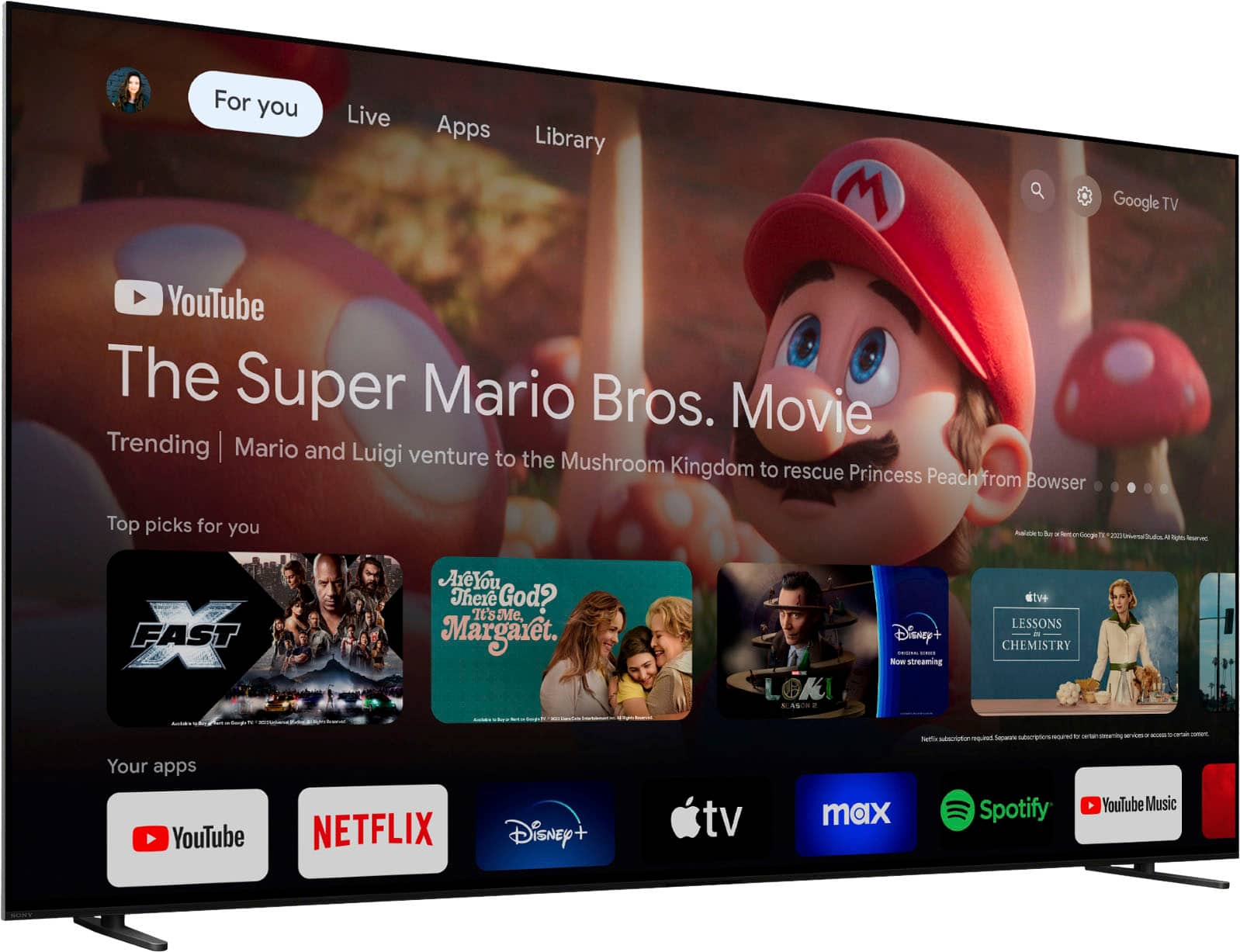
- A:Answer Hi Lisa, thanks for your question and interest in the Sony - 55" Class BRAVIA 8! Yes, you can download the Apple TV app on this Television, all you need to do is making sure you set it up as a Google TV and it'll grant you access to over 10,000 apps and games, straight to your TV. Here is a guide on how to download apps on the Sony Bravia 8: https://www.sony.com/electronics/support/articles/00147386?utm_source=glean We hope you find this information useful, and thank you for considering Sony products! Regards, -Dominick
Answered by SonyListens

Q: QuestionDoes this TV have the Twitch app?
Asked by Skimy.
- A:Answer Hi Skimy, Yes, Twitch is available on the Bravia 8 TV. You can download it through the Google Play store. Best regards, Eliab
Answered by SonyListens

Q: QuestionI have DirecTV. How easy is it to connect?
Asked by Rob.
- A:Answer Hi Rob, Thank you for your question! The BRAVIA 8 features HDMI 2.1 ports, which support 4K display capabilities. Setting it up is a breeze! Simply connect an HDMI cable from the back of your TV to your DirecTV box, switch the TV input to the corresponding port, and you’re all set to enjoy your movies! For more detailed information, please visit: https://www.sony.com/electronics/support/articles/00231124 Thank you for choosing Sony! Best, Gus
Answered by SonyListens

Q: QuestionWhat is the tv width between the stand legs?
Asked by TVwidth.
- A:Answer Hi TVwidth, thanks for your question and interest in the Sony - 55" Class BRAVIA 8! Based on the specifications of the TV, it supports two stand positions. The stand width using the Narrow position is 23" (584 mm), and using the Soundbar Position is 42.38" (1,075 mm). Reference: https://www.sony.com/electronics/support/televisions-projectors-oled-tvs-android-/k-55xr80/specifications Thanks for considering Sony products! Best regards, -Dominick
Answered by SonyListens

Q: QuestionWhat are the dimensions of the box the tv comes in? Trying to determine if it will fit in my car.
Asked by Anonymous.
- A:Answer Hello! Thank you for reaching out! The dimensions of the package carton are as follows: Width x Height x Depth - 53.63 x 33.13 x 7.13 inches (1,359 x 841 x 180 mm). For further information and detailed specifications about the TV, please visit the following link: https://www.sony.com/electronics/support/televisions-projectors-oled-tvs-android-/k-55xr80/specifications. We appreciate your interest in Sony! Best regards, Gus
Answered by SonyListens

Q: QuestionCan I stream Spectrum on this TV
Asked by KrisB.
- A:Answer I have problems with my cable company. I do not stream. Sorry.

Answered by DonaldR
Q: Questionhow do you operate the sleep timer ?
Asked by curious.
- A:Answer Hey, Curious, that is a good question! You can find detailed information about timers and time functions on the links below: Use the TV as an alarm clock using the On Timer function https://www.sony.com/electronics/support/articles/00173692 Turn off your TV automatically using the Idle TV power off, Idle TV Standby, or Turn off TV after feature https://www.sony.com/electronics/support/articles/00282671 Thanks for considering Sony! Gus
Answered by SonyListens

Q: QuestionWhat type of external speakers can I use on this TV?
Asked by Papa8541.
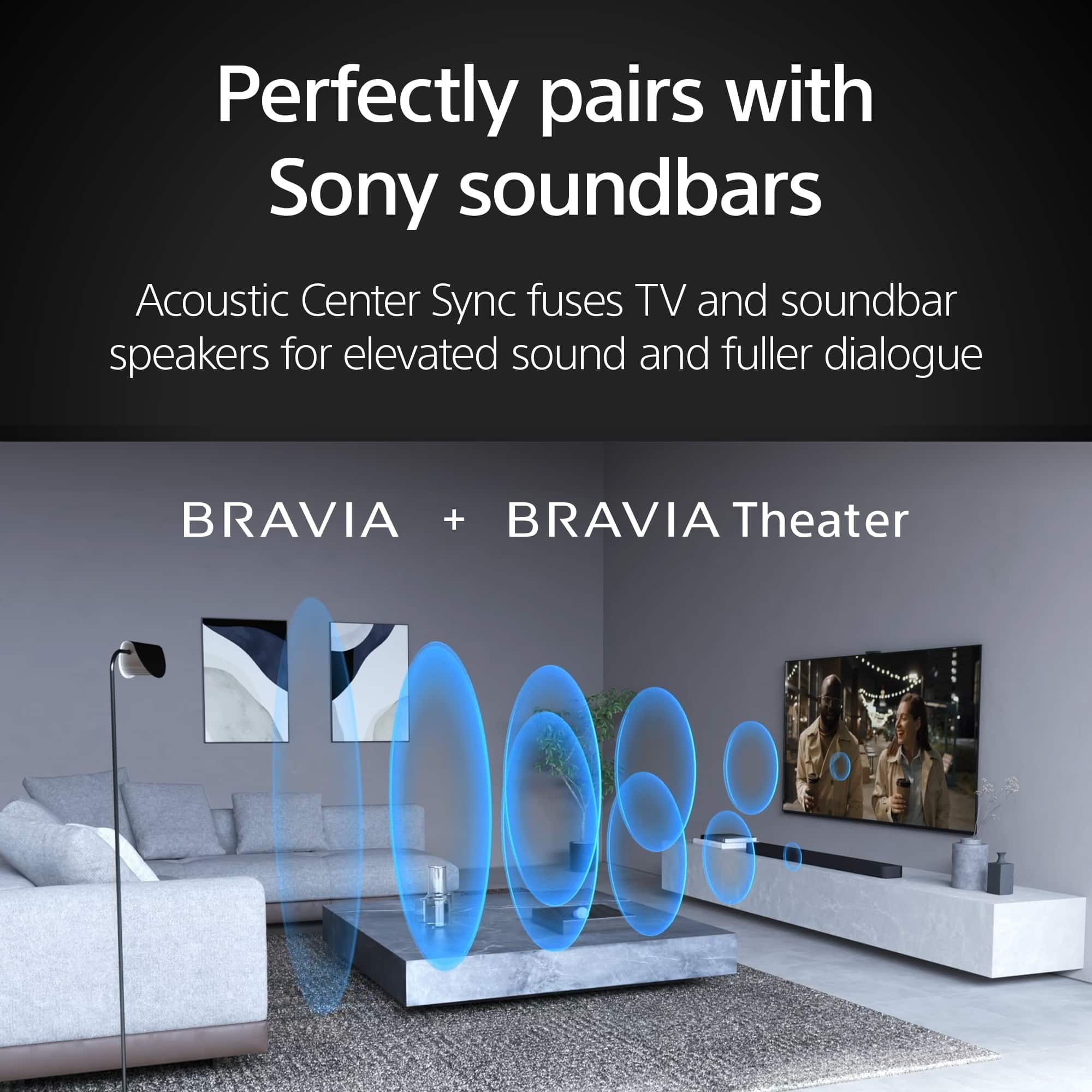
- A:Answer Hi Papa8541, thanks for your question! About the external speakers, the BRAVIA can use 3 connection types: 1. Bluetooth, it comes with A2DP Bluetooth profile, meaning that you can connect wireless speakers or sound bars. 2. ARC/eARC, the HDMI 3 on the TV is the ARC/eARC that can handle wired HDMI connections for you to use sound bars, receivers, etc. 3. Optical, the BRAVIA 8 can use optical connection, in the box, there is a small adapter that you have to connect to the port behind your TV and then just connect the optical cable. If you need more details, you can check https://www.sony.com/electronics/support/televisions-projectors-oled-tvs-android-/k-55xr80 Thanks for choosing Sony! Gus
Answered by SonyListens

Q: QuestionCan you show your own photos on this TV as you can with the Frame?
Asked by Karnak.
- A:Answer There are usb ports in the back that work with thumb drives so you can show pictures on it but i am not sure that it will work exactly like a "Frame".
Answered by WilliamJ
Q: QuestionWould you say this TV performs well with the current gen gaming consoles (PS5 Pro, Xbox Series) In particular?
Asked by TheAntGuy5.
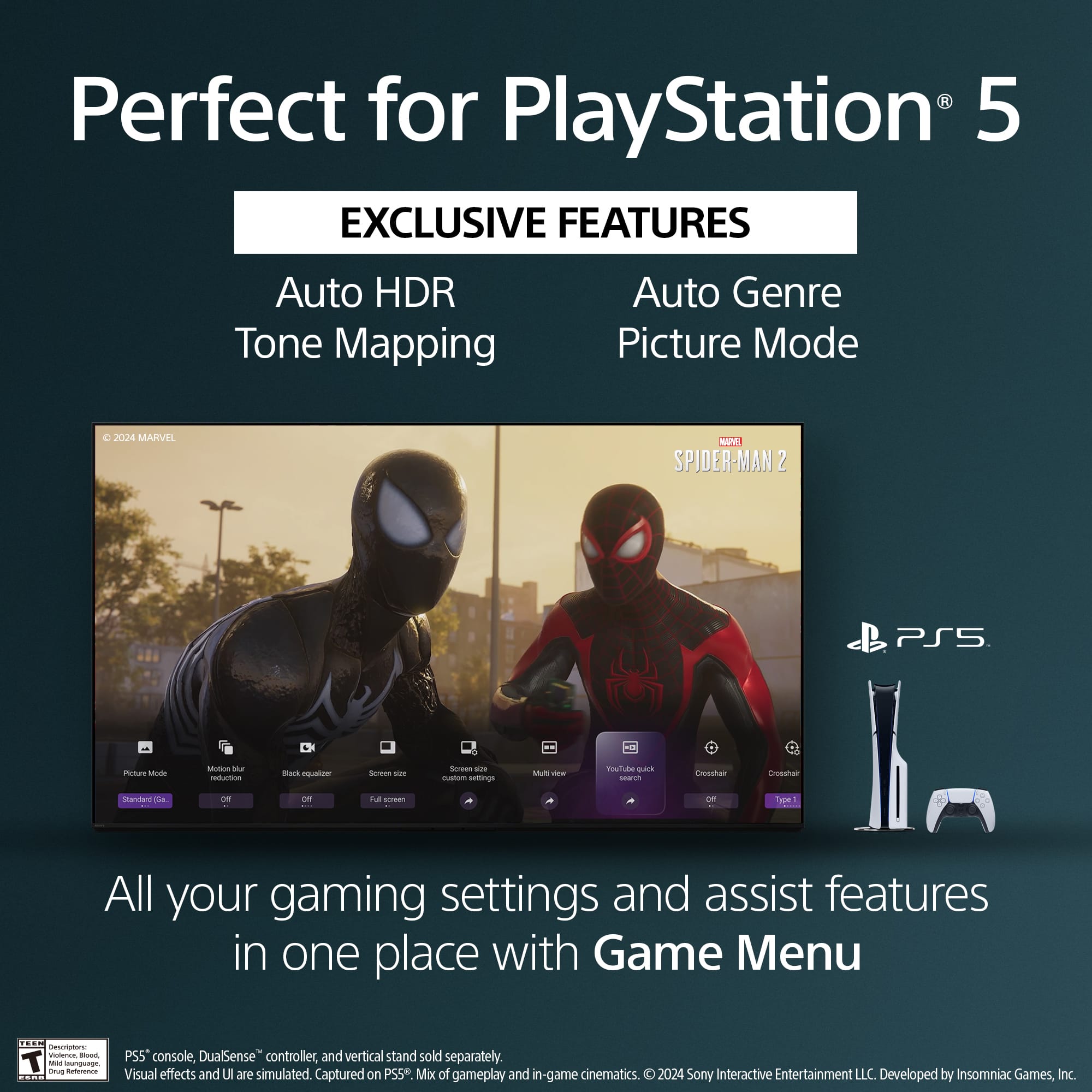
- A:Answer Hi TheAntGuy5, Thank you for your question. Yes! The Sony BRAVIA 8 TV is a fantastic choice for current-gen gaming consoles like the PS5 Pro and Xbox Series X. With Auto HDR Tone Mapping, the TV optimizes HDR settings during the PS5® initial setup, ensuring deep contrast and vibrant colors in both bright and dark scenes. Auto Genre Picture Mode seamlessly switches to Game Mode when gaming for lower input lag and smoother performance, then reverts to Standard Mode for a more cinematic experience when watching movies. Gaming visuals are further enhanced with Dolby Vision®, bringing lifelike contrast, rich colors, and intense brightness for a more immersive experience. The HDMI 2.1 features, including 4K/120Hz, Variable Refresh Rate (VRR), and Auto Low Latency Mode (ALLM), provide ultra-smooth motion and fast response times, crucial for competitive gaming. Additionally, PS Remote Play allows you to control your PS5® or PS4™ remotely, making it even more versatile. Overall, with its combination of high refresh rates, stunning visuals, and gaming-optimized features, the BRAVIA 8 OLED is built to deliver an outstanding next-gen gaming experience. Let us know if you have any specific questions! Hope this information helps! Best, Maria
Answered by SonyListens

Q: QuestionCan this TV be used with Direct TV
Asked by Jann.
- A:Answer Yes as i currently do.
Answered by WilliamJ
Q: QuestionWhat is the height between the bottom of the stand and the bottom of the tv on the bravia 8
Asked by Tbone.
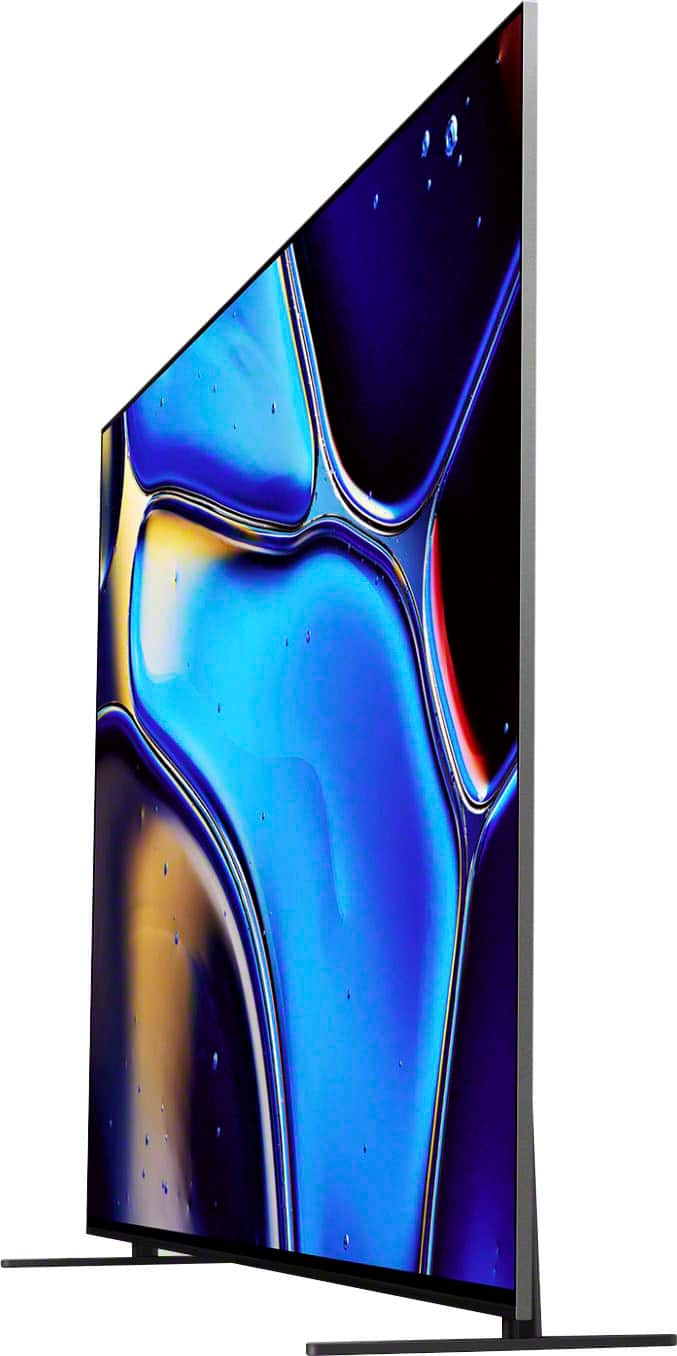
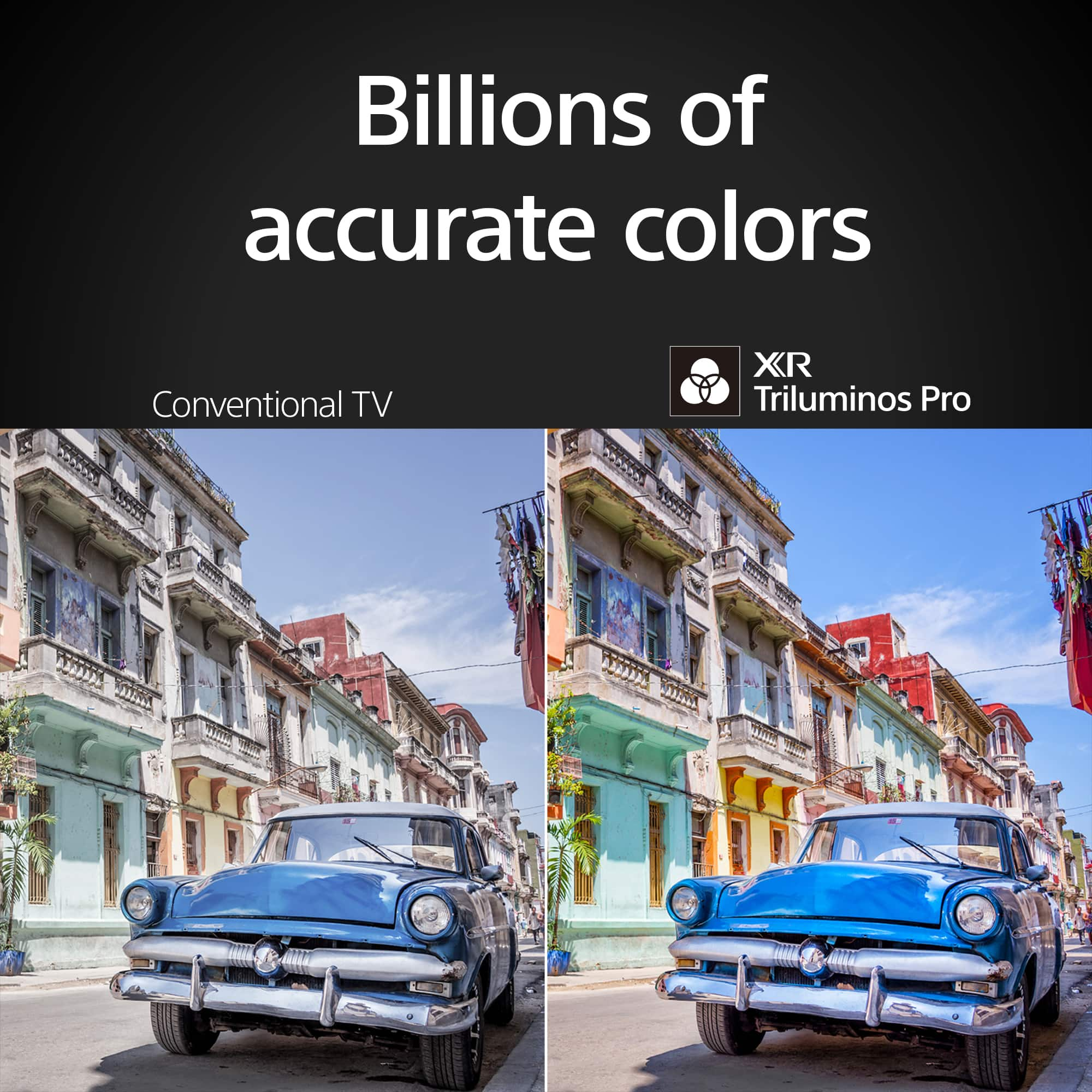
- A:Answer Hi Tbone, Thank you for the inquiry! The measurement of TV with Stand (W x H x D) 1223 x 786 x 248 mm / 48 1/4 x 31 x 9 7/8 inch. With a sleek design, cinematic audio, and stunning visuals, the Sony BRAVIA 8 K55XR80 55" 4K HDR Smart OLED TV makes the perfect centerpiece for your main TV viewing area. An incredibly accurate picture is created by millions of self-lit pixels, precisely controlled to produce pure black, with high brightness, and billions of shades of color. -David
Answered by SonyListens

Top Rated
- Limited Time Deal$159.99