A:AnswerHi Joanie, Yes it does. You may refer to this link for more information:
https://www.sony.com/electronics/support/televisions-projectors-lcd-tvs-android-/xbr-43x800e/articles/00178845
~Ralph
A:AnswerHi Craig, try changing the [Picture Mode] to [Sports] when watching sports to isolate this issue. Also, you may visit the link below for additional troubleshooting steps to fix this issue. I hope it helps. Regards, ^Ron
http://helpguide.sony.net/tv/eusltn3/v1/en-003/08-04_03.html
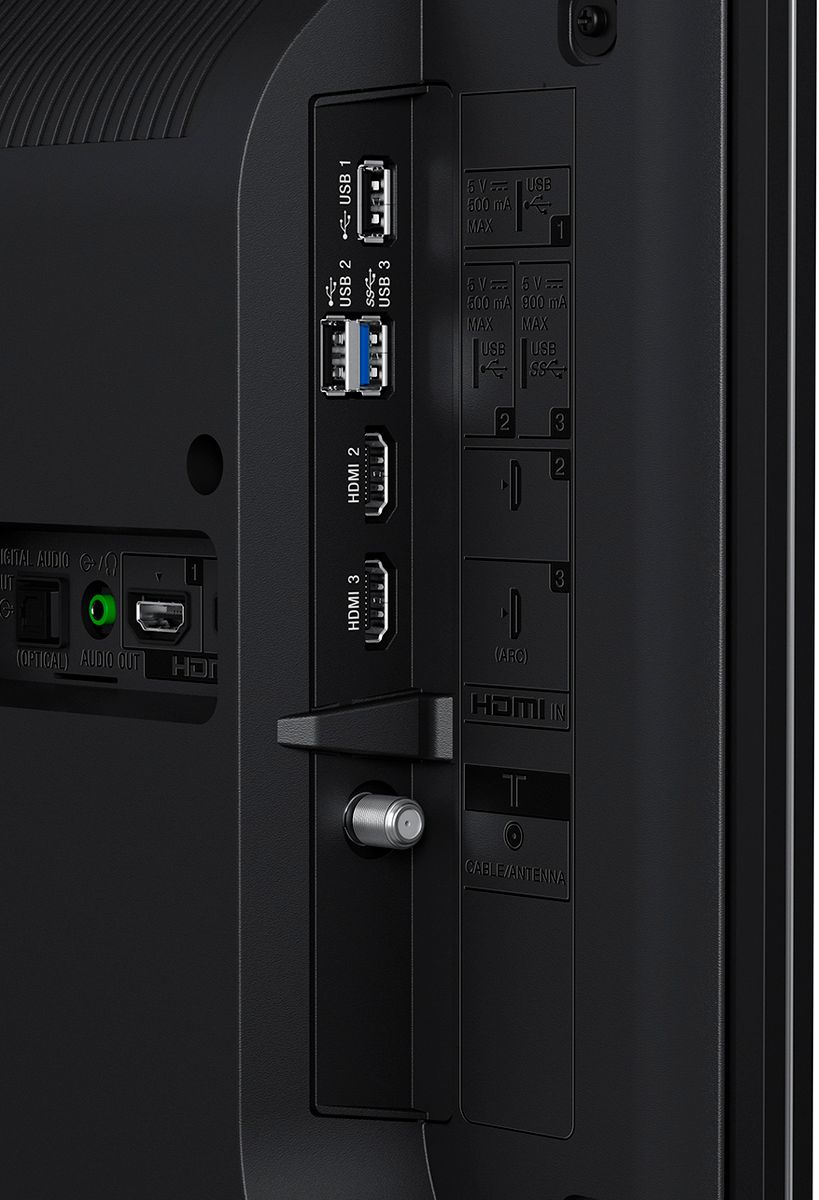
A:AnswerAccording to the manual on the back of the TV there is a IR BLASTER socket on the back. hopefully your tv is not already mounted on the wall because is going to be very hard to get your hand back there to install that plug BUT, if your tv is mounted on the wall and you are facing your TV and happen to wiggle your hand back there it should be the first socket all the way to the left.. good luck!
A:AnswerYes in my opinion. I watched three football games and I was intentionally looking for some kind of motion blurr but I did't see any. I turned all motion settings off since reviews I read suggested doing so for the best results and it seems to have worked.
A:AnswerWe had this same problem. Worked for hours trying to get sound out of the sound bar/sub-woofer. Went back to Best Buy for a recommendation and he told us it could be our DVD player was not compatible. We purchased the recommended Sony Blu-ray and now it has all the sound you could wish for!! You do have to have the large cables connected to the correct places.
A:AnswerHi Kylepohsib, Yes, this TV supports file sharing via the home network. You may refer to the link below for more information. Thanks! ^Ron
https://us.en.kb.sony.com/app/answers/detail/a_id/35227/
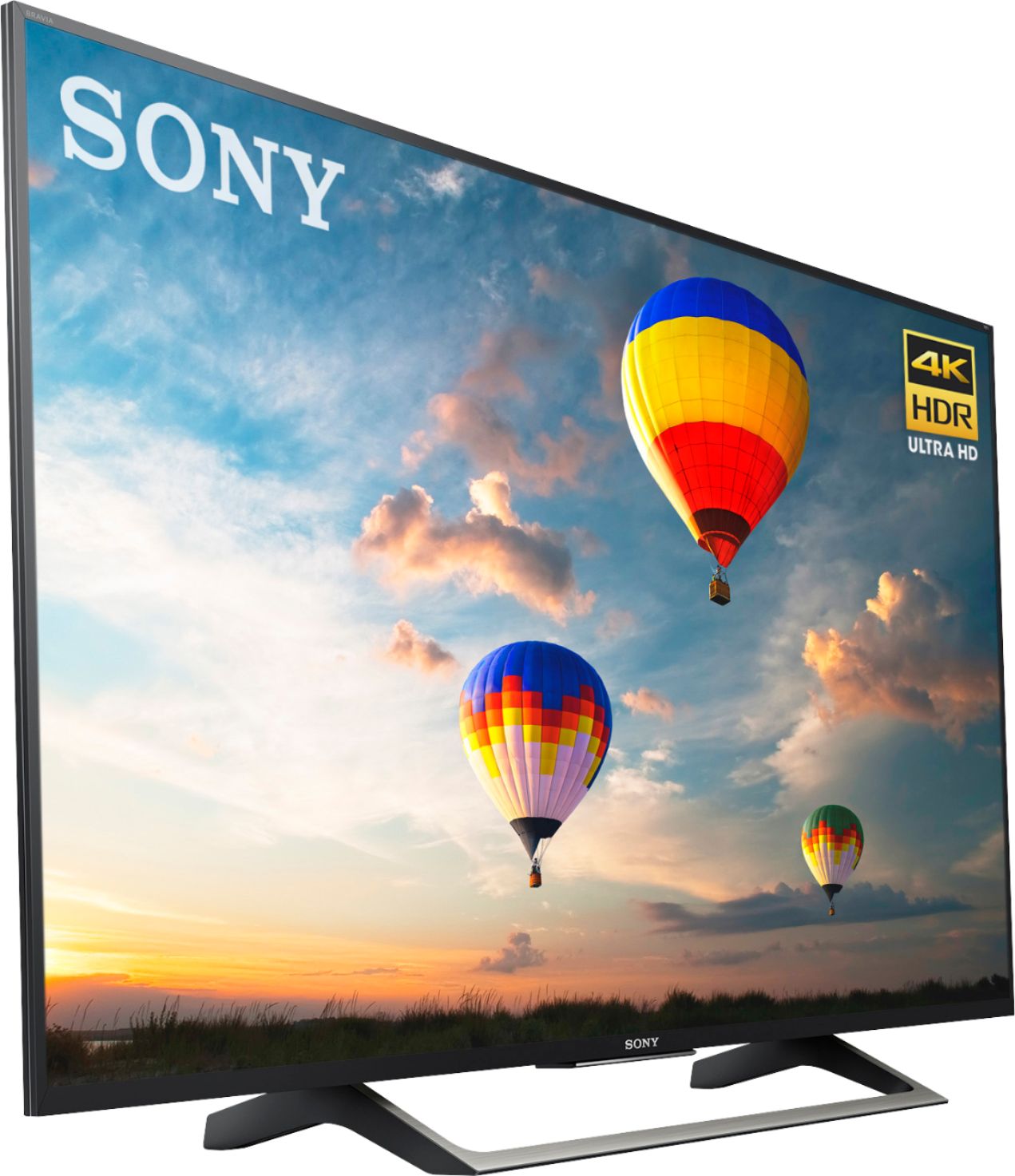
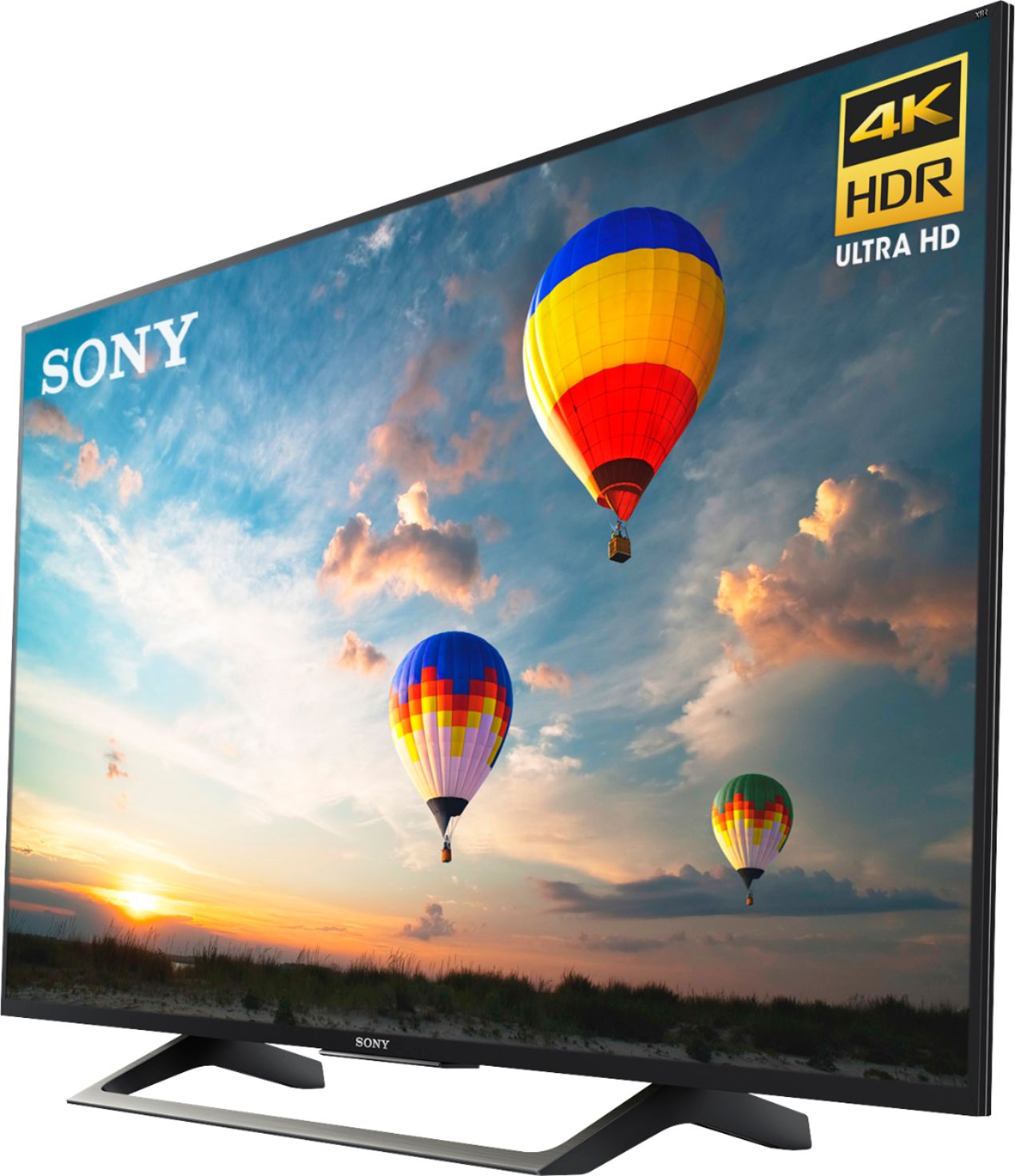
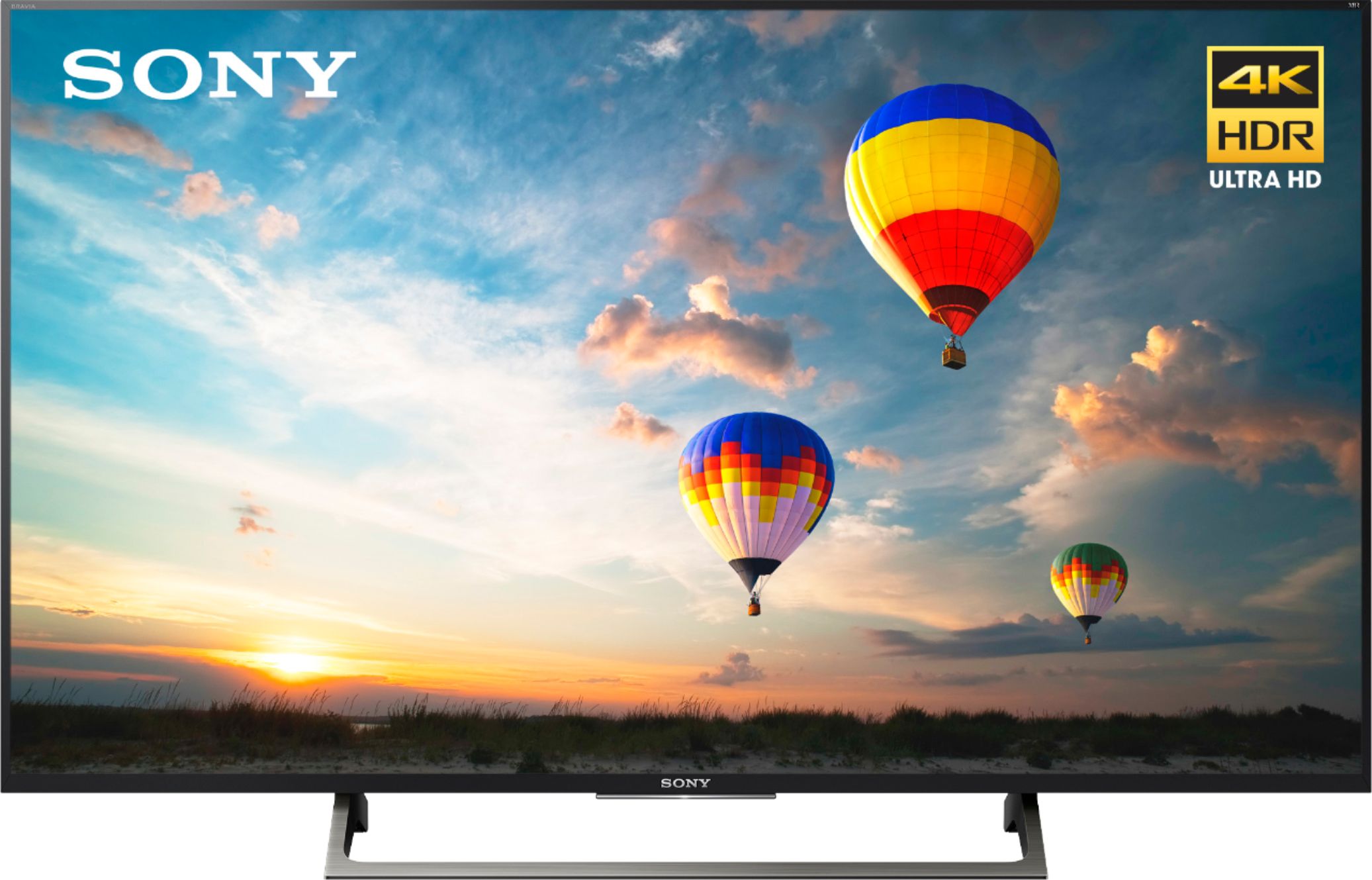
A:AnswerHi Bugz, The height and width of the TV are 28 1/4 and 48 5/8 inches (716 mm and 1232 mm). You may check the link below for more information:
https://docs.sony.com/release//specs/XBR55X800E_mksp.pdf
~Ralph