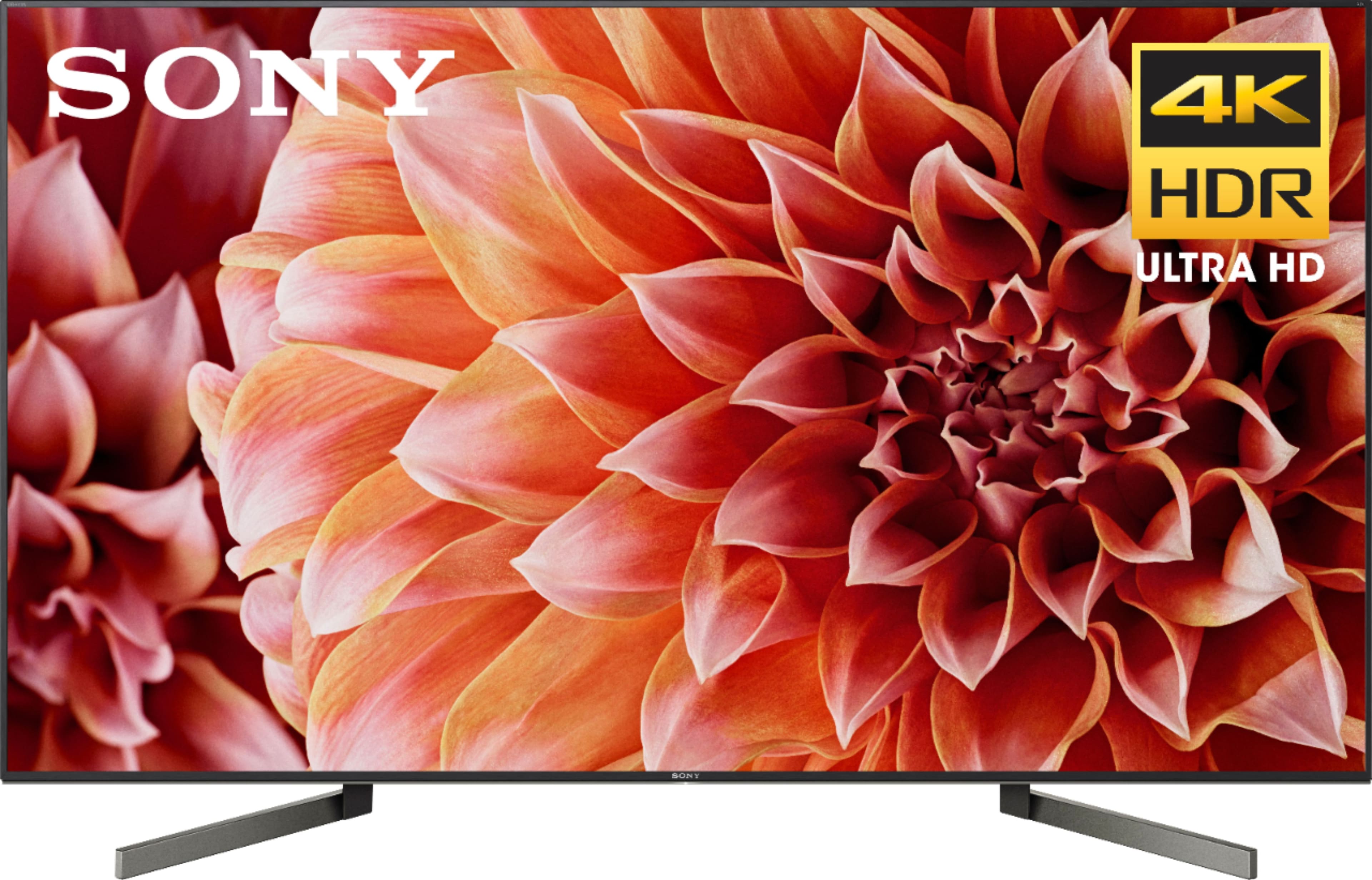
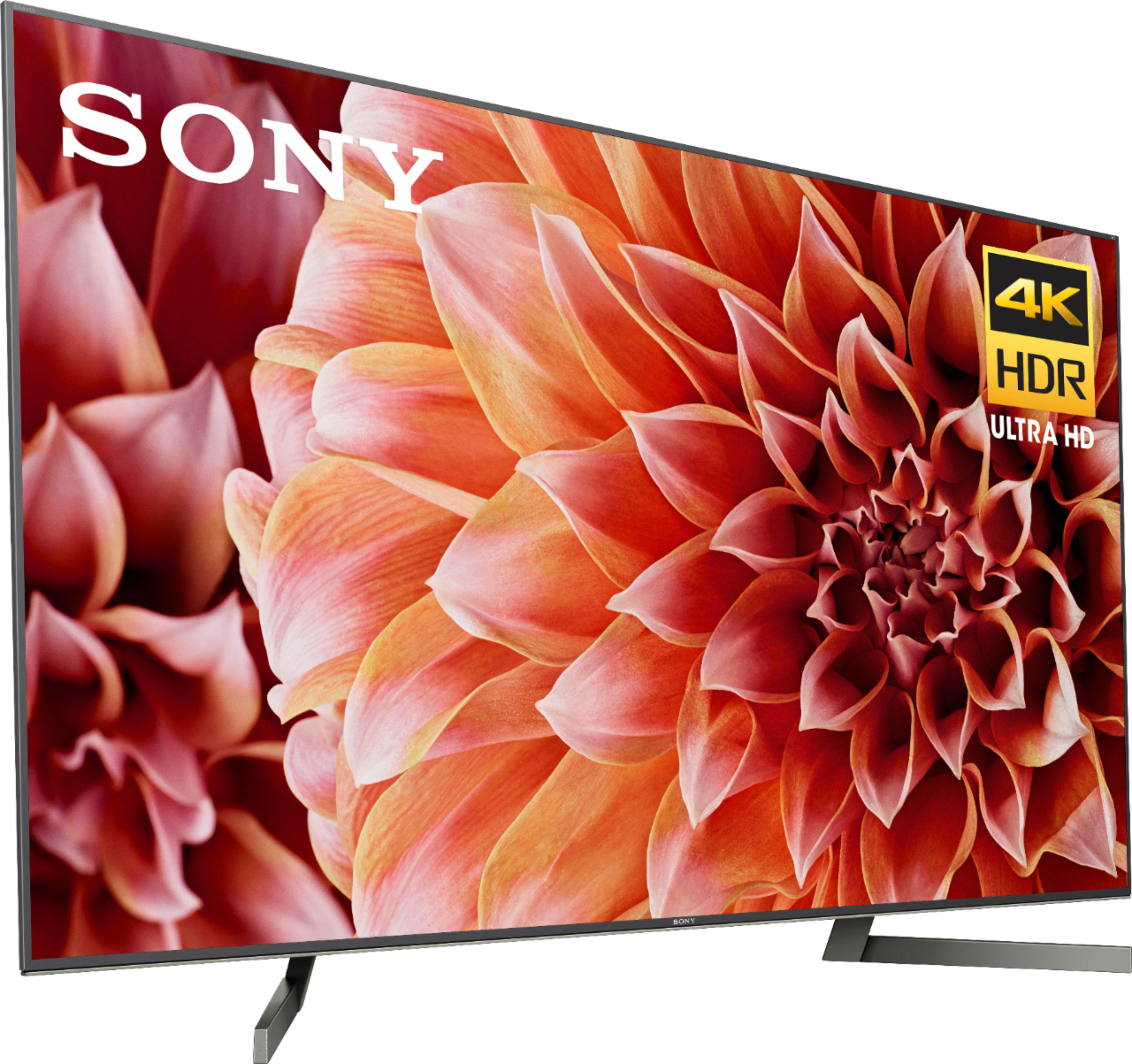
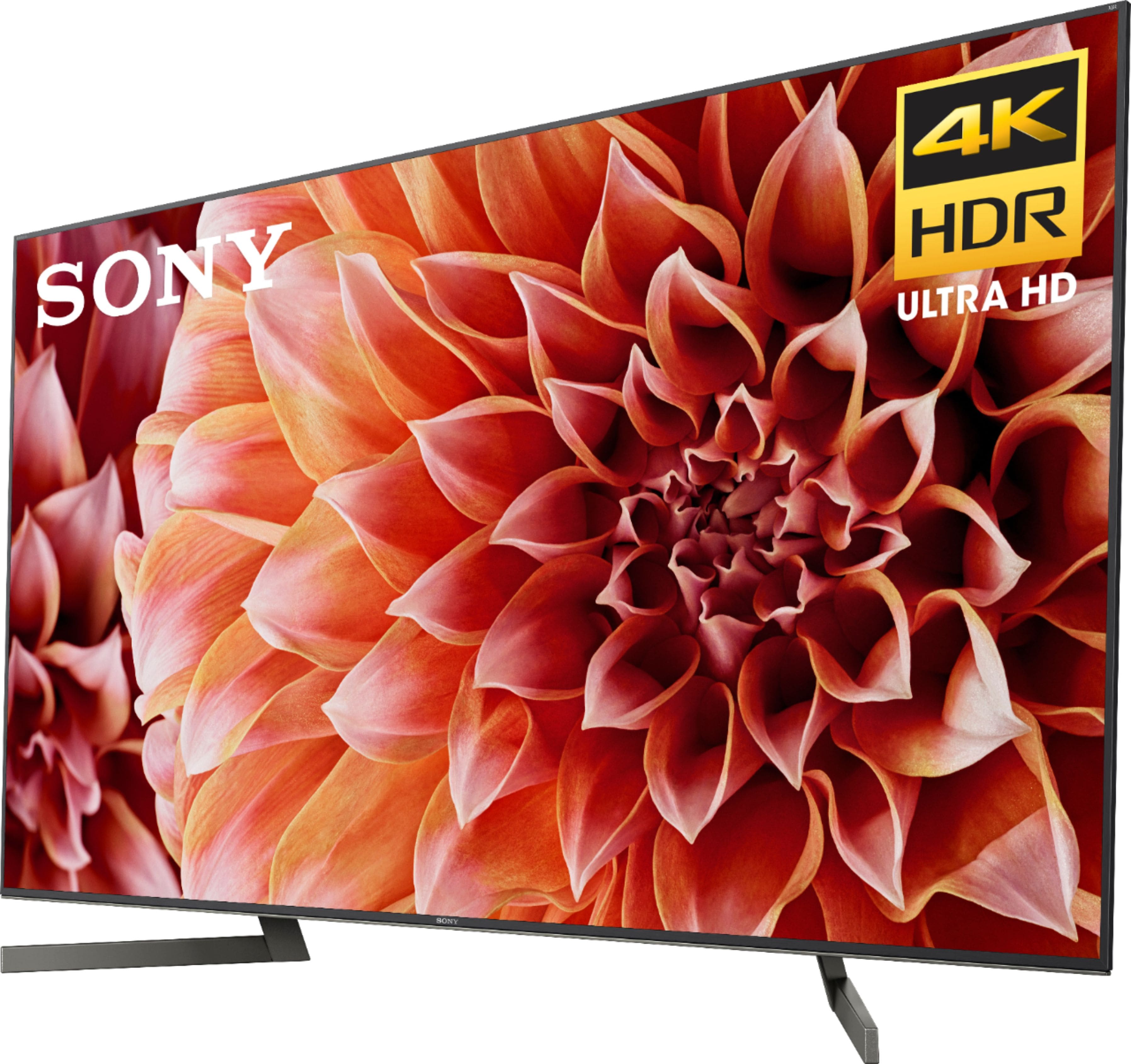
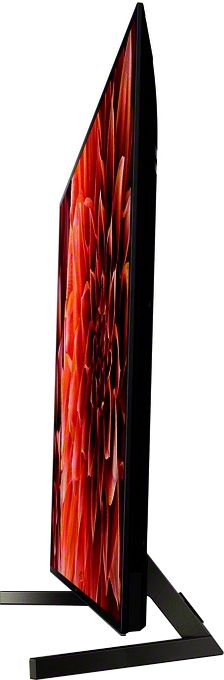
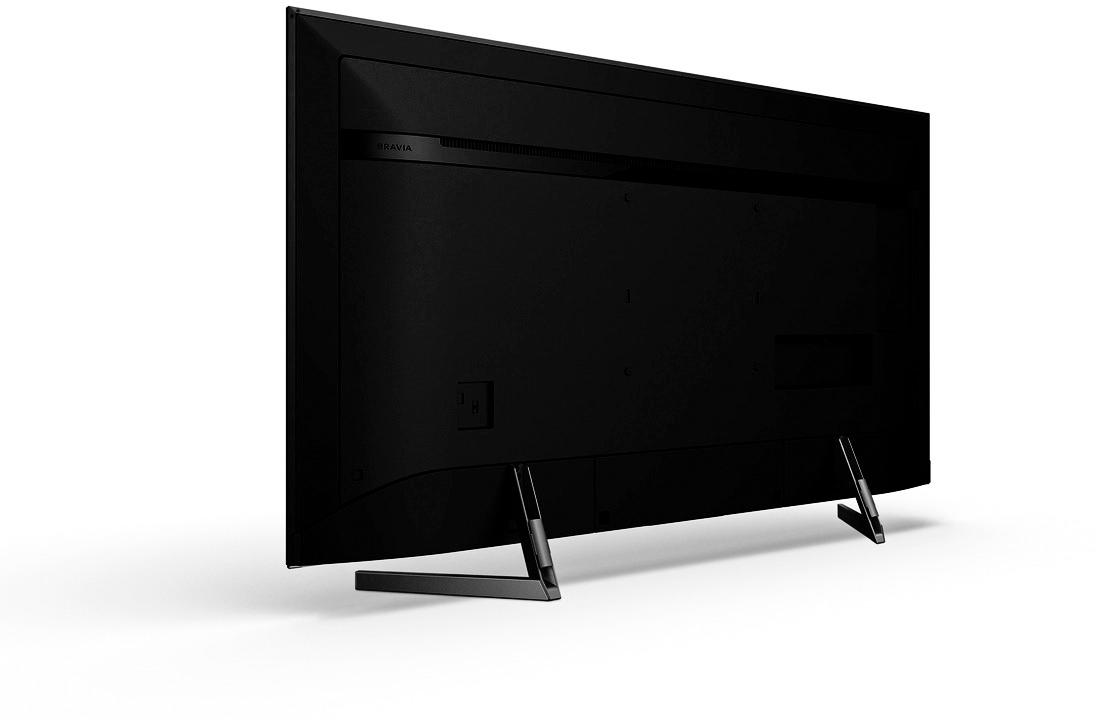
A:Answerthis is an important question that best buy should always inform buyers of on every tv, because they always display mounted on the wall. i too had this problem without noticing it. all previous tv's had been single pedestal that fit on my stand. i solved this by simply buying a black 4 foot pre-made shelf at lowe's and placed it on the stand and under the tv. it works fine for me and is quite stable. the legs sit at an angle just under 40 inches at the front to 26 inches at the back. by the way, you will love this tv.
A:AnswerThis is very subjective to your liking. Out of the box the tv is nice and you’l notice most movies pop you can simply turn on HDR10 for anything on the screen, or you can go into setting and make minor adjustments. I personally followed these instructions and made my own adjustments thereafter to my liking.
https://www.rtings.com/tv/reviews/sony/x900f/settings
But for the best vibrant settings start off with HDR10 enabled and go from there. You’ll notice the colors are saturated but once fixed it’s an amazing tv. I almost went for an OLED but the burn image really held me back. I’m glad I purchased this tv instead.
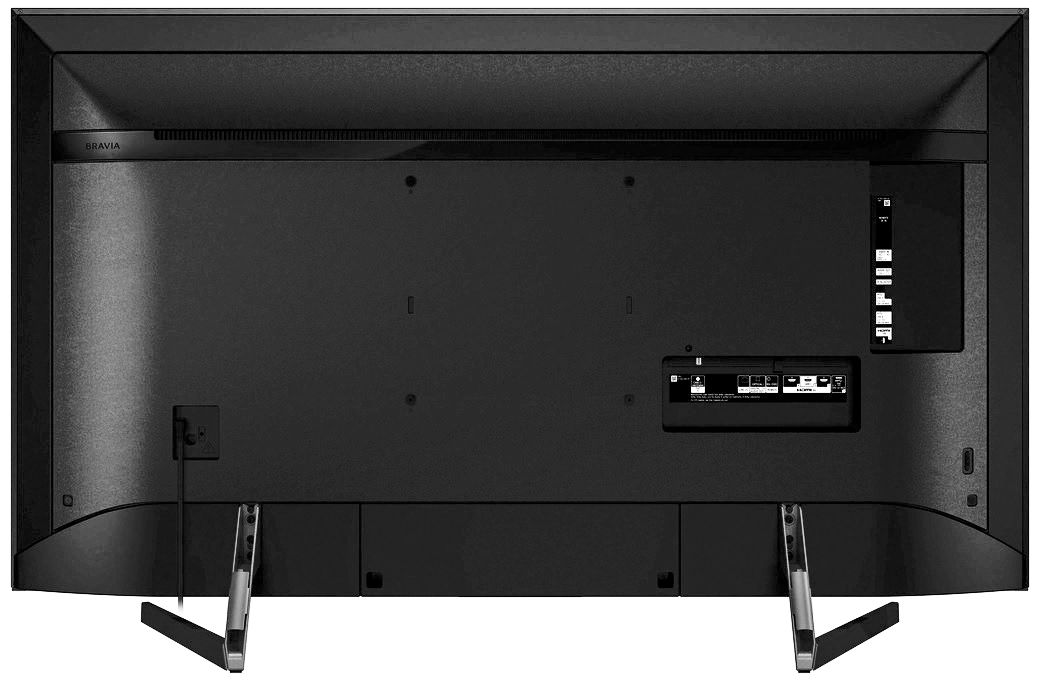
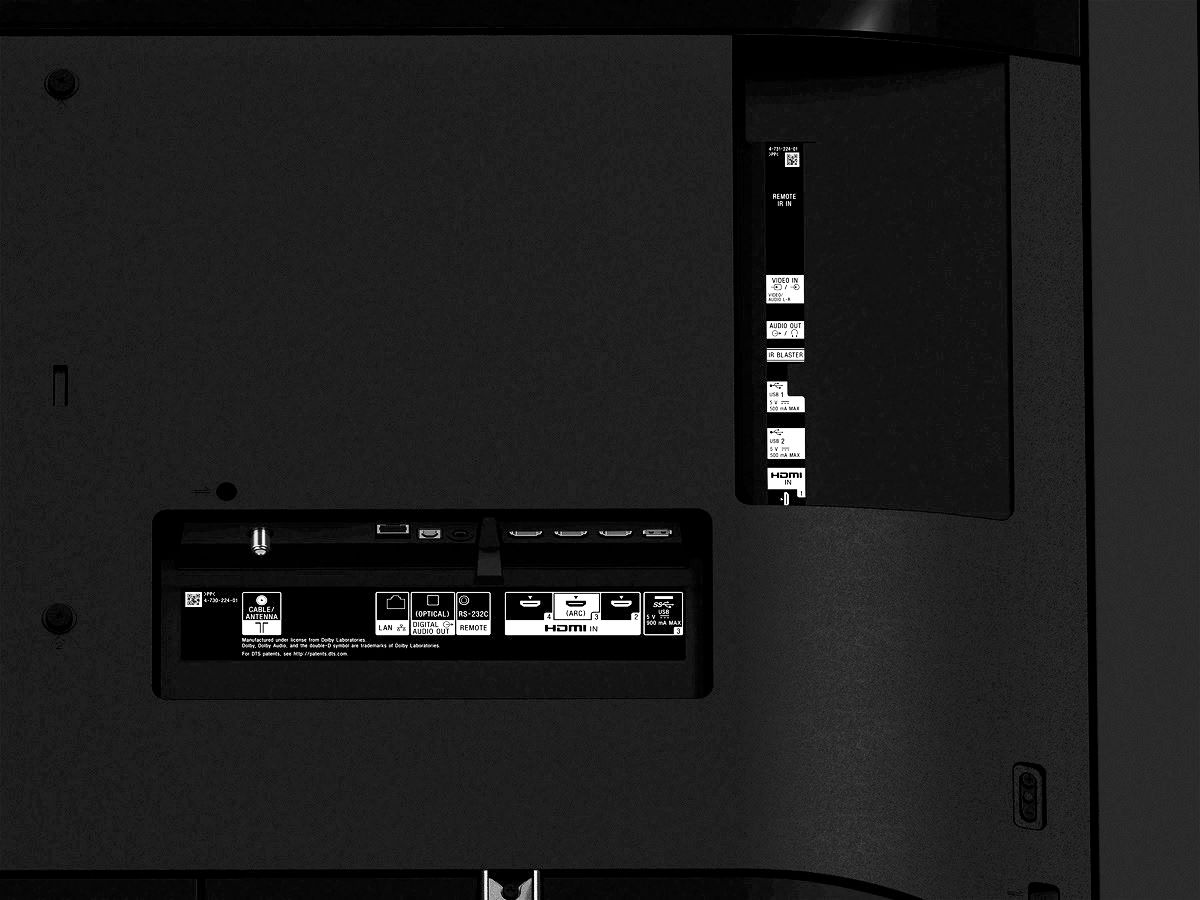
By the way, if you want to use 4K devices make sure you’re using HDMI input 2/3. If you are using a sound bar, use HDMI input 3 (ARC) for the soundbar. And don’t forget to go to the “home” menu and enable 4K on the input (will only work with 2/3 for full 4K and will only get 2k from other inputs. Some of these things aren’t mentioned in the website so just wanted to clarify.
A:AnswerI asked in my local BB and was told Sony are holding back the X900F so they can get rid of X900E stock. There are no tvs on display in any BB store as far as I know.
A:AnswerAs a newer model, Sony X900F comes with some improvement in design and technology than the predecessor X900E. In term of design, the striking difference is on their stand where the stand of X900F is much wider than X900E. In term of technologies, the striking improvement is on their picture engine where X900F now is powered by 4K HDR X1 Extreme Engine while X900E is powered by X900E. Additionally, X900F now is powered by X-tended Dynamic Range Pro 6X while X900E X-tended Dynamic Range Pro 5X. The other improvement brought by X900F, now with an upcoming firmware update, it can be updated to support Dolby Vision. Meanwhile, in term of performance and picture quality, X900F may offer a bit brighter peak brightness and a bit better performance of other features, but the improvement is not too significant.
So, which is a better choice between them? Actually, X900E has been discontinued by the manufacturer, but some merchants still sold it, so you still can buy it and of course its price has dropped. On other hand, Sony X900F is recently launched that course make its price is still high, so it is not surprising if with the same screen, X900F is priced hundreds dollar more expensive than X900E. Now the decision comes back to you according to your preferences. If you don’t mind to spend hundreds more dollar of your money, X900F might be a better choice for you. In addition it is a newer model, it also offers a bit better picture quality and some additional features than X900E. But even so, if you want cheaper TV, Sony X900E also not a bad choice since its performance is not far behind X900F.
A:AnswerAs long as the HDMI cable is 2.0 with 18GIgs of bandwidth, the brand doesn't really matter. This TV takes full advantage of HDMI cables with 18gigs bandwidth and those are the cables required for HDR and full 4:4:4 chroma.
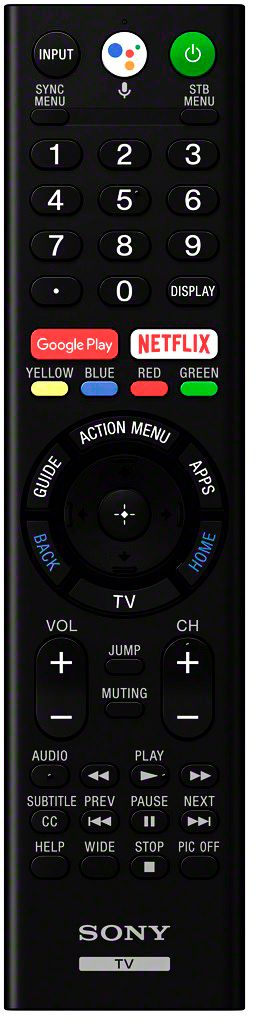
A:AnswerHi SHEMA, Yes, you can turn the ECO or TV stand by function OFF. On your remote, just press HOME, go down to SETTINGS, then go to POWER, click Eco and then select Idle TV stand by, set it to OFF. Regards, Zac
A:AnswerThe input lag in game mode has been reported to be 41ms for 1080p gaming, and 25ms for 4K gaming. Very similar figures to last years models that also uses the same X1 Extreme processor.
A:AnswerSony has not confirmed anything in this regard at conventions, however based on speculation and last years models, the 900f and higher models will have a VA panel. The 850f and below may use IPS, as they have done in their 2017 Models.
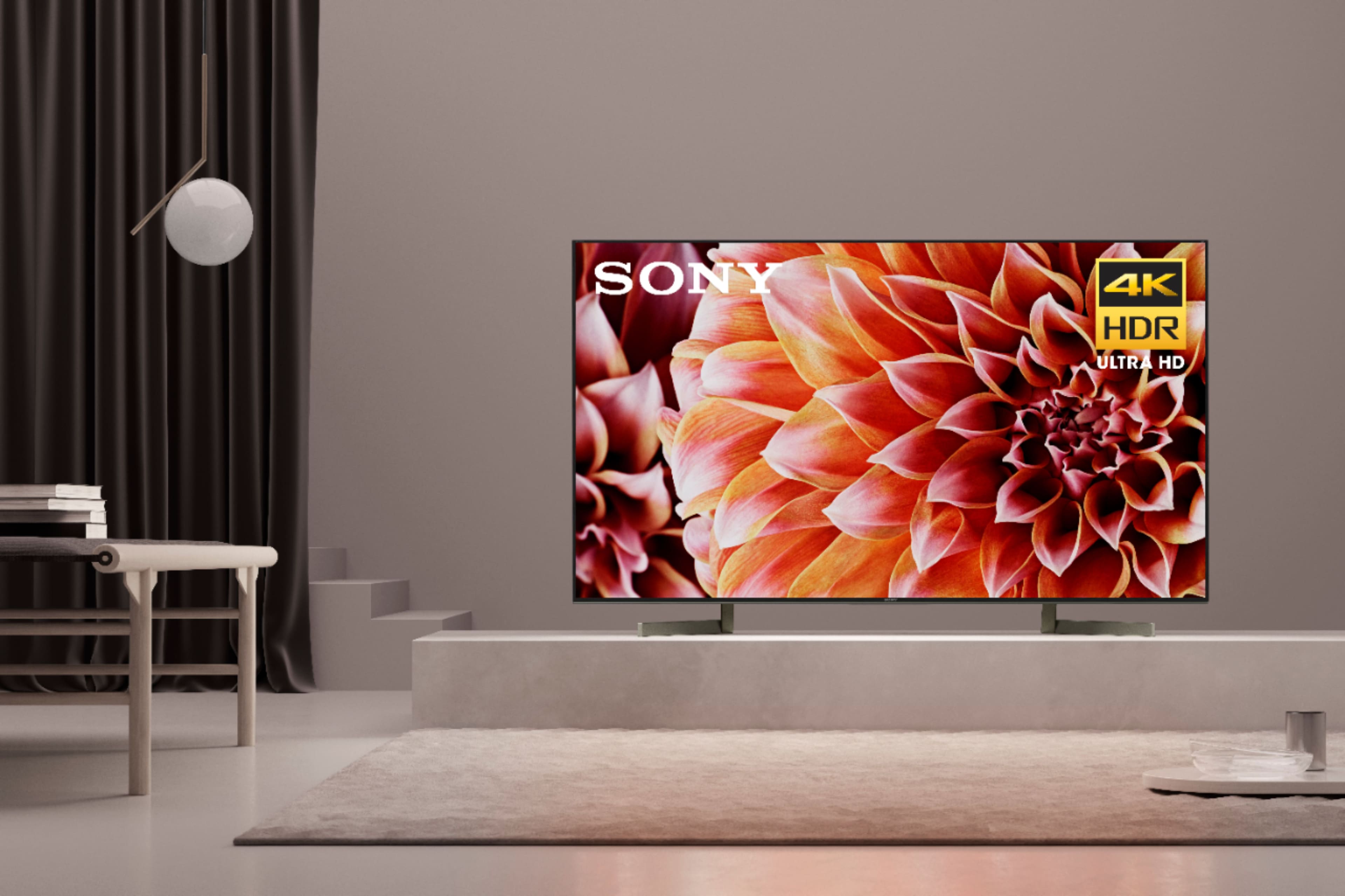
A:AnswerThese are 13" from front to back. They're mounted at an angle approximately 24.5" apart. The base would have a width of about 39" in front of the TV and 26" at the rear.
A:AnswerClick on the ‘Apps’ button on the remote.
Scroll down until you see the ‘Video’ button and click on that.
It should open your movies from the USB.
Easy Peasy
Cheers!
A:AnswerHard to say since you didn't list inputs for your stereo. 2001 was a long time ago... best bet would be the optical (S/PDIF) out for audio off the TV. The TV support HDMI ARC however I doubt that would be applicable to your setup.
A:AnswerI have a Sony sound bar that is 31-1/2" x 2-5/8 high. The legs on the TV are slanted outward and my sound bar fits perfectly between the legs and just the same as the height of the TV off of the table.
A:AnswerIt depends. If it's going in a bedroom, then any cheap sound bar should do. If it's going in a big space room, then you need to account for a decent sound system. The built-in speakers are BAD! I have to have the volume over 60 just to hear everything, and then it's not even loud-- and my X900F is in a standard size bedroom. I use a cheap Vizio soundbar I already had (it was around $80 like 3 years ago) and it sounds GREAT in my bedroom! Bass isn't so important to me, so I don't have a subwoofer. You may want one.
And yeah, just get a Logitech Harmony all-in-one remote. It'll simplify EVERYTHING for $50-ish bucks.
A:AnswerDV not supported out of box need to wait for firmware and rumored it will be this summer. And like 930e it probably wont work over HDMI unless device manufacturer update their device to work with Sony TV. Think it has to do with because Sony uses image processer *X1*.hopefully this changes in future because as is on 930e it bummer I cant get DV support on my PC games ATV
A:AnswerHighly recommend avoiding putting conversion devices in the signal path, shouldn't need to, and it will only confuse where the pure surround signal may be compromised.
If you are not interested in directly patching from set-top boxes or DVD/Blu/4k players to the ES, and you can manage through configuring the native audio pass thru on the 55", definitely use "any" Toslink optical cable between the two. Don't settle for "PCM" at the ES when your actual Dolby/DTS... content is playing (trailers aren't always 5.1+)
A $10 cable can be just as good as a $50 cable because it's light-piped digital and there's no improvement on "if it works, it works". Any toslink cable from Walmart will do if you're looking for immediate gratification (although that budget cable company that rhymes with "fawn" is not high on my suggestion list). Still the toslink will work if the optical signal is at all connected.
Best of Luck!
A:AnswerYes, there is a video source listed in the input settings menu from remote. It also has a picture of the yellow connector. See attached for pic. Hope that helps answer your question.