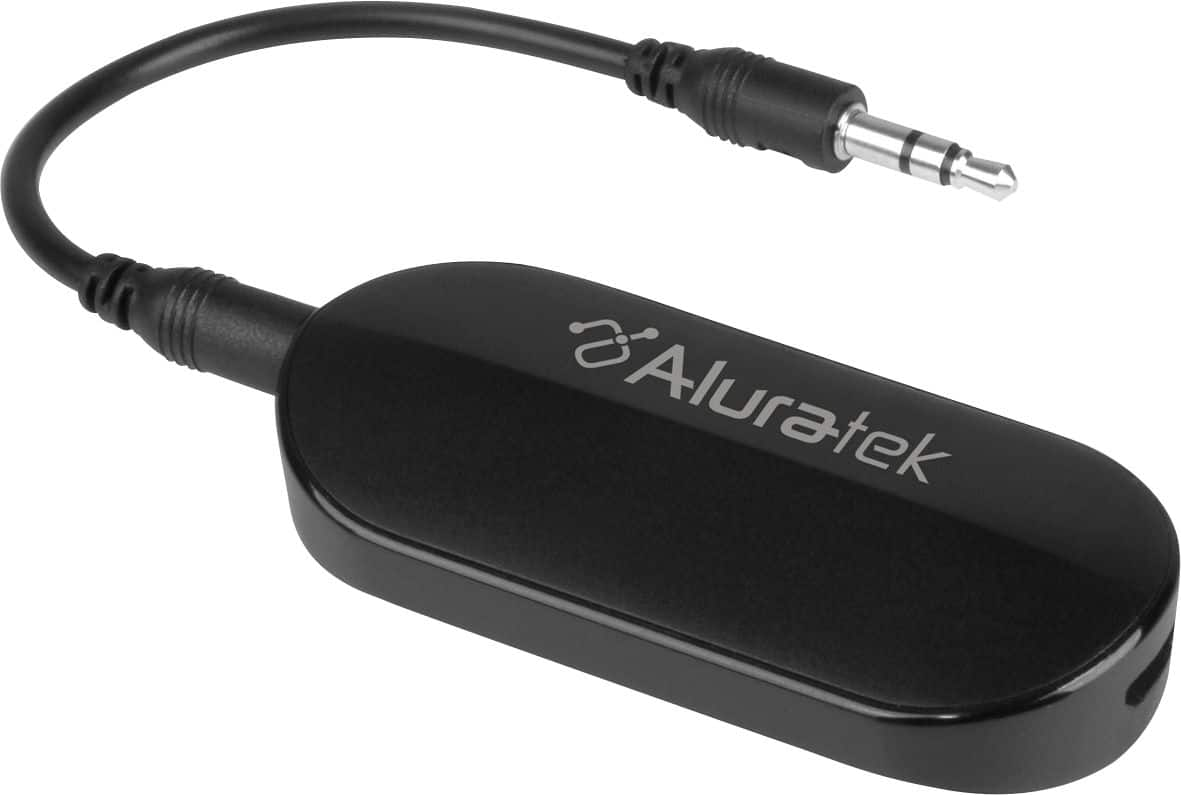
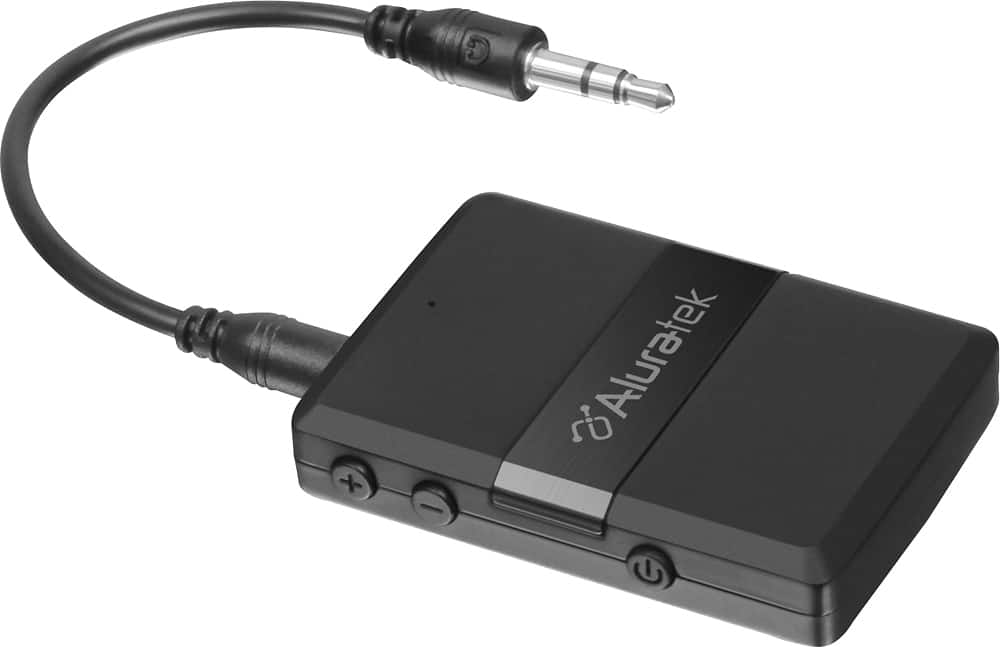
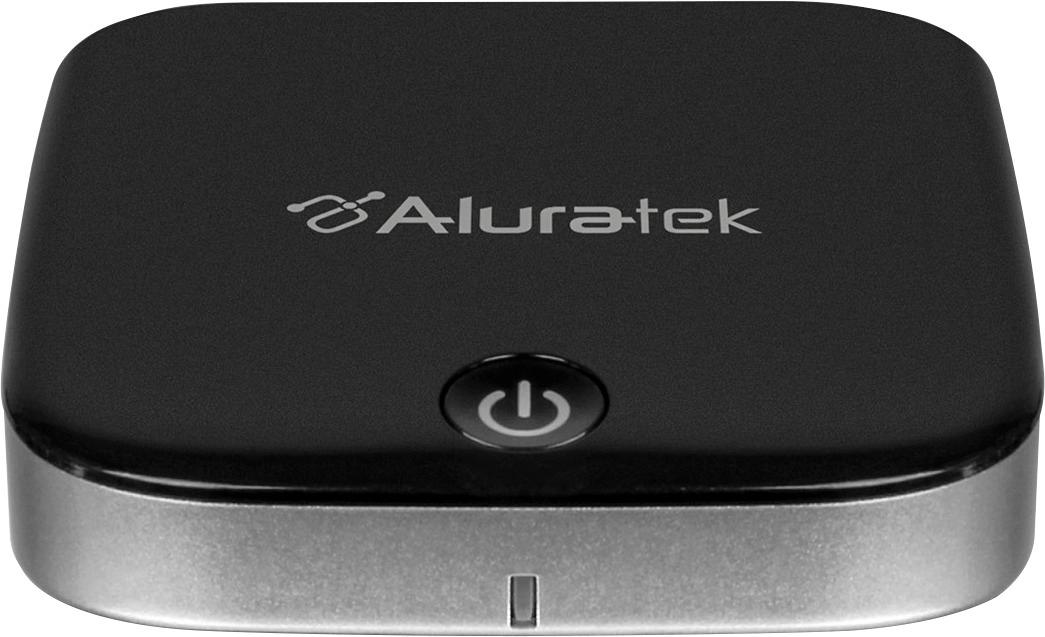
A:AnswerHi tvaudiofreak, Thank you for inquiring about the Bluetooth function on the XBR X800H series TVs. The TV does not natively support Bluetooth audio out. This feature may work with a compatible external USB Bluetooth Adapter or 3rd party Bluetooth applications that can be downloaded from the Google Play Store. Thanks. Jay
A:AnswerHi Derek, We apologize for the inconvenience if you encounter this issue. For your reference for connecting this TV to the internet, please check the link below for more details.
https://www.sony.com/electronics/support/televisions-projectors-lcd-tvs-android-/xbr-55x800h/articles/00180255
Thank you for the inquiry. Jay
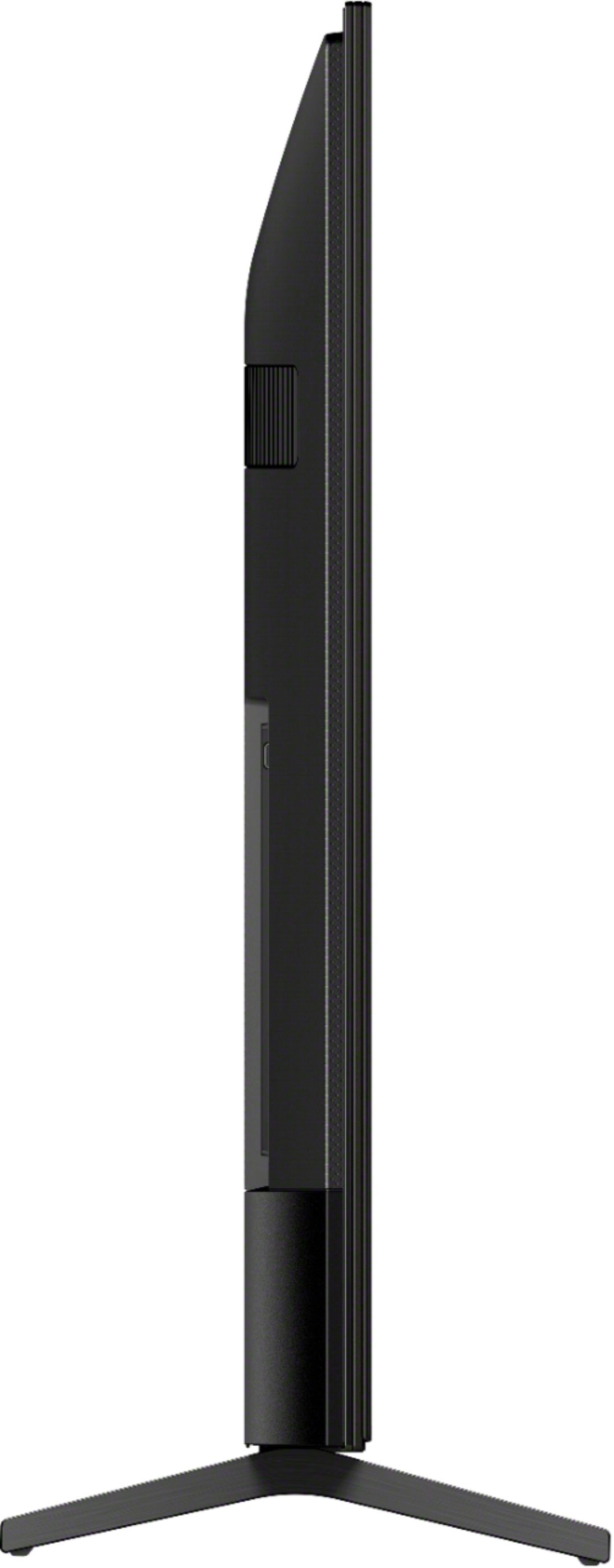
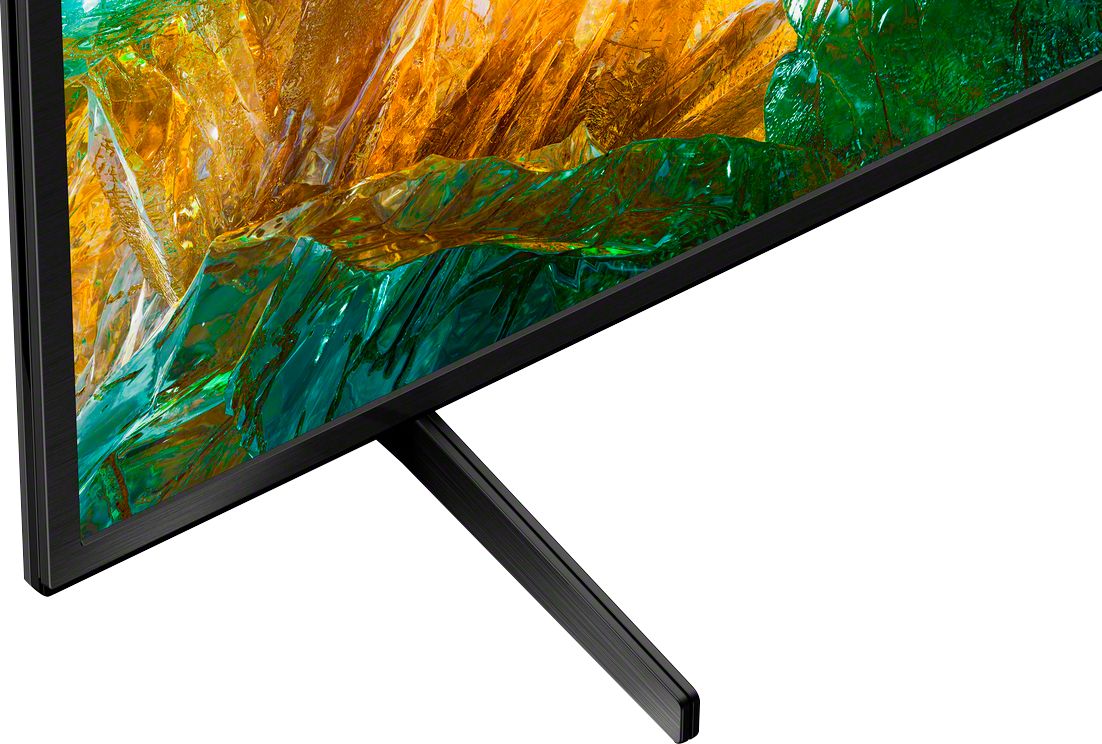
A:AnswerIt is fairly thin except if you use the stand. Mine is wedged in pretty tight, so I can't measure. I would estimate the stand is about 12" in depth and raises the TV about 1 1/2".
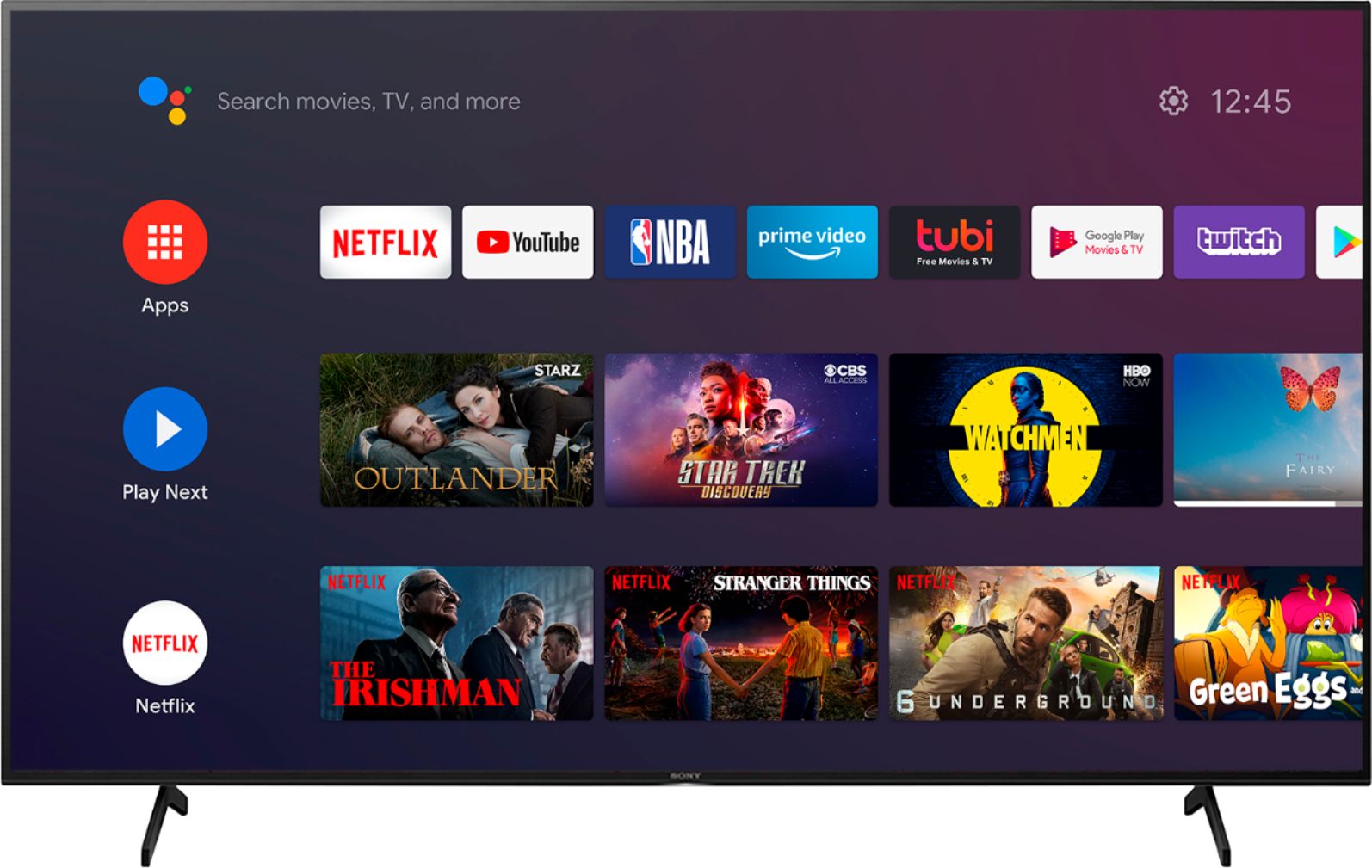
A:AnswerHi, Workouts, Yes, it is available. You can search the compatible applications in the Google Play Store, such as Les Mills. Thank you for your inquiry. Jay
A:AnswerHi. I'd be glad to try and help you, please understand I am not a technical person. I go to websites that sell the TV's and read through their spec's and through the reviews.
My guess (by the spec's I've read) is that the 800H has Dolby Vision and Dolby Atmos and the 750H says it has Dolby audio..
My understanding is Dolby Vision optimizes the HDR picture, and color gamut. The Dolby Atmos enhances the sound. I do not have a nice soundbar to give a review about the sound. I do have a 4K Blu Ray player hooked up and the picture is really good, but I thought it looked good on my old TV too and it didn't have the Dolby Vision. Looks like both TV's have good reviews.
Another thing I noticed is that the 750H says its has an estimated annual energy cost $33 and the 800H is $20 , sounds like the 750H is more costly as far as paying electrical bill. Thanks, hope it helps you.
A:AnswerNot sure what your asking but I use 120 volts as far as what socket I plug the TV into. A little more specific info and I could help you better.
A:AnswerHi. I sent a response a little earlier to your question. I wanted to add to that. When the guys from Best Buy was hooking up the DVD player to new TV, it didn't work. They asked me if I had any problems with the DVD Player. I told them I was watching the DVD player the day my old TV quit working. They said maybe the HDMI cable isn't any good and put a new one on and the DVD player worked fine after that. ( I bought a high speed cable at Walmart probably 2-3 years ago. I would never have thought about the cable not working. My first thought would be something was wrong with the DVD player.)
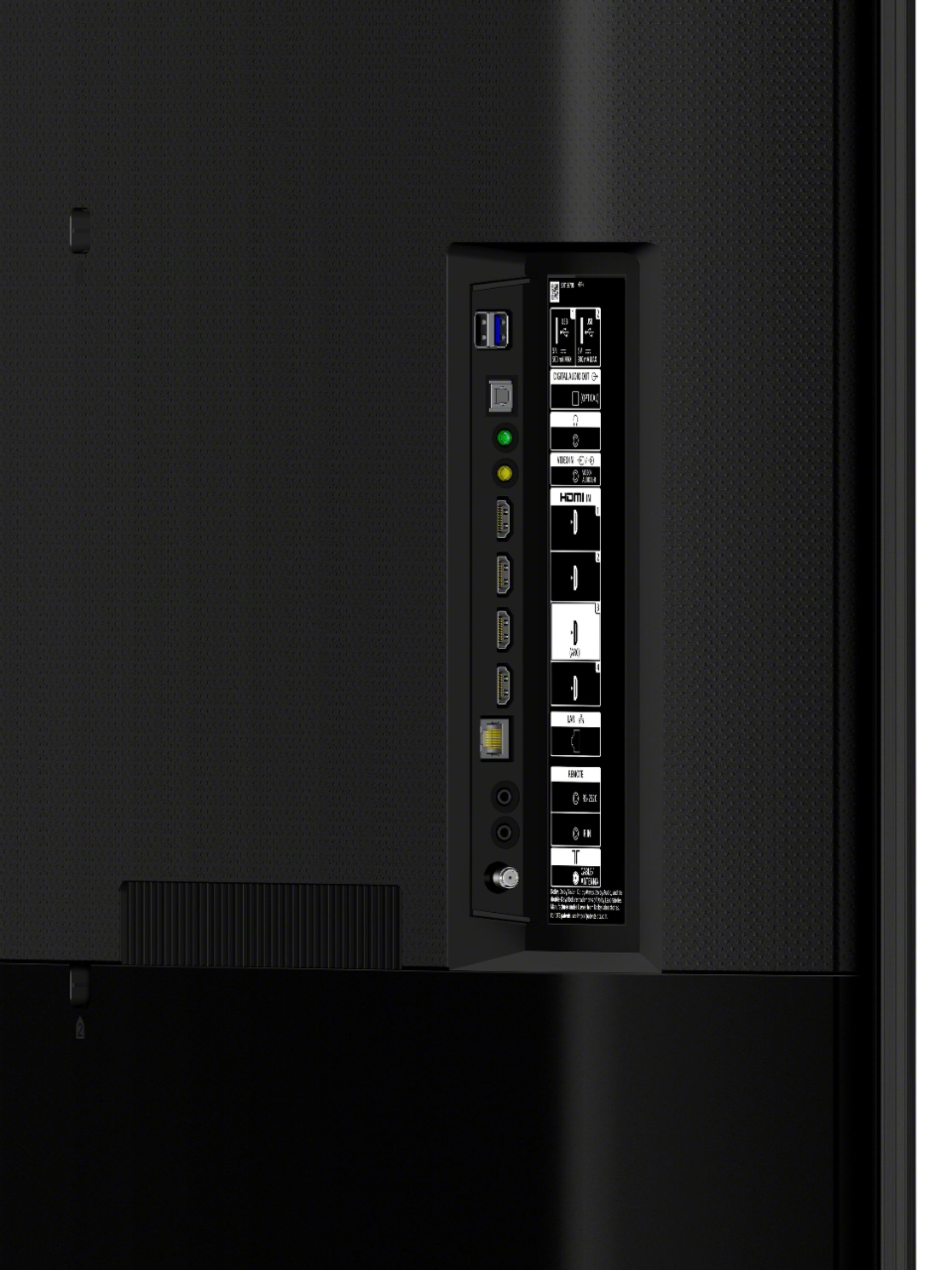
You might try another HDMI port on TV to see if its working properly. If that doesn't make any difference, you might try a new cable. I read that you should use the "high speed" cables. I just turned the DVD player on and watched it for a little while. It's working OK, I hope that helps you.
A:AnswerI think it can connect to wireless headphones and speakers but not via bluetooth. I had the sound coming from my echo at one point. I didn't intend to do that but you can. I tried connecting my Sony WH-CH700N bluetooth headphones and it couldn't find them. I don't think it has the right bluetooth profiles. You could purchase a bluetooth transmitter and do it that way. Best Buy sells 10 or more bluetooth transmitter/receiver products.