A:AnswerHi Scrappydog, thank you for your inquiry. The main differences between the X80J and X750H/X75CH series are as follows:
The X80J supports Dolby Vision & Dolby Atmos while the X750H does not.
The X80J supports ATSC 3.0 while the X750H supports ATSC 1.0.
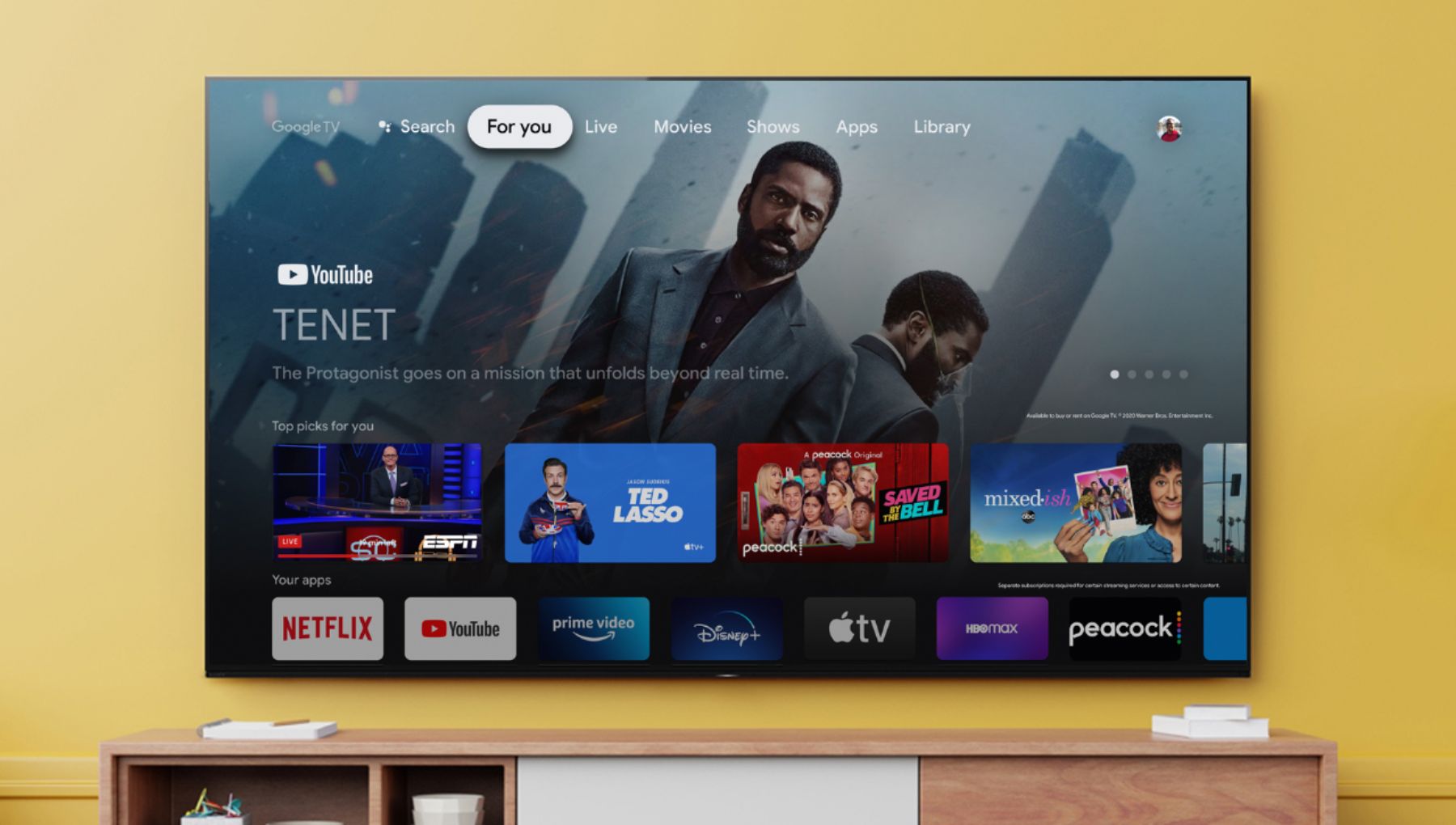
The X80J has an upgraded operating system in Google TV.
The X80J supports Bluetooth for connecting headphones, sound bars or any A2DP capable device.
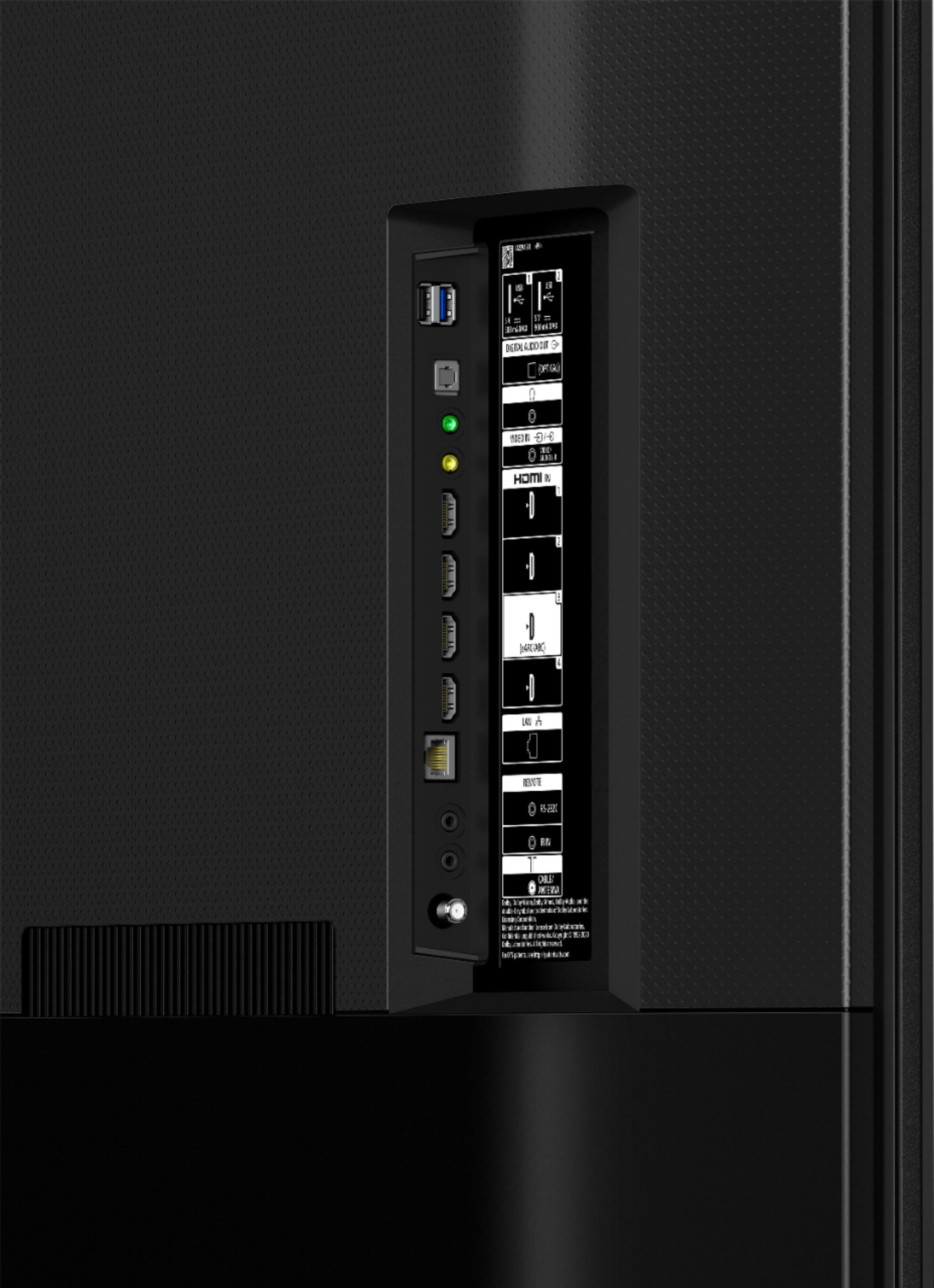
And the X80J has 4 HDMI ports in total while the X750H has 3.
For a more detailed comparison, you may visit our website at https://electronics.sony.com/ or refer to the link below:
https://www.sony.com/electronics/support/televisions-projectors-lcd-tvs-android-/kd-55x80j/specifications
https://www.sony.com/electronics/support/televisions-projectors-lcd-tvs-android-/kd-55x750h/specifications
Hope this helps!
Regards,
Sam
A:AnswerHi Ps5Fanatic,
Thank you for your inquiry. Unfortunately, the X80J does not support all the features associated with HDMI 2.1. This TV supports HDMI eARC/ARC and has a panel refresh rate of 60Hz. To get the most out of your PlayStation 5, we recommend TV that supports HDMI 2.1 4k120hz/VRR/ALLM such as X900H/X90H series, Z8H series ,X85J, X90J series and up for 2021 Sony TV models. Variable Refresh Rate (VRR) and ALLM will be added via a future firmware update. Please check the link below for more details about the TV models support features that are specified in the HDMI 2.1 standard: https://www.sony.com/electronics/support/articles/00246472. You may also visit sony.com for more details of our Sony Products. Thanks! -Kris
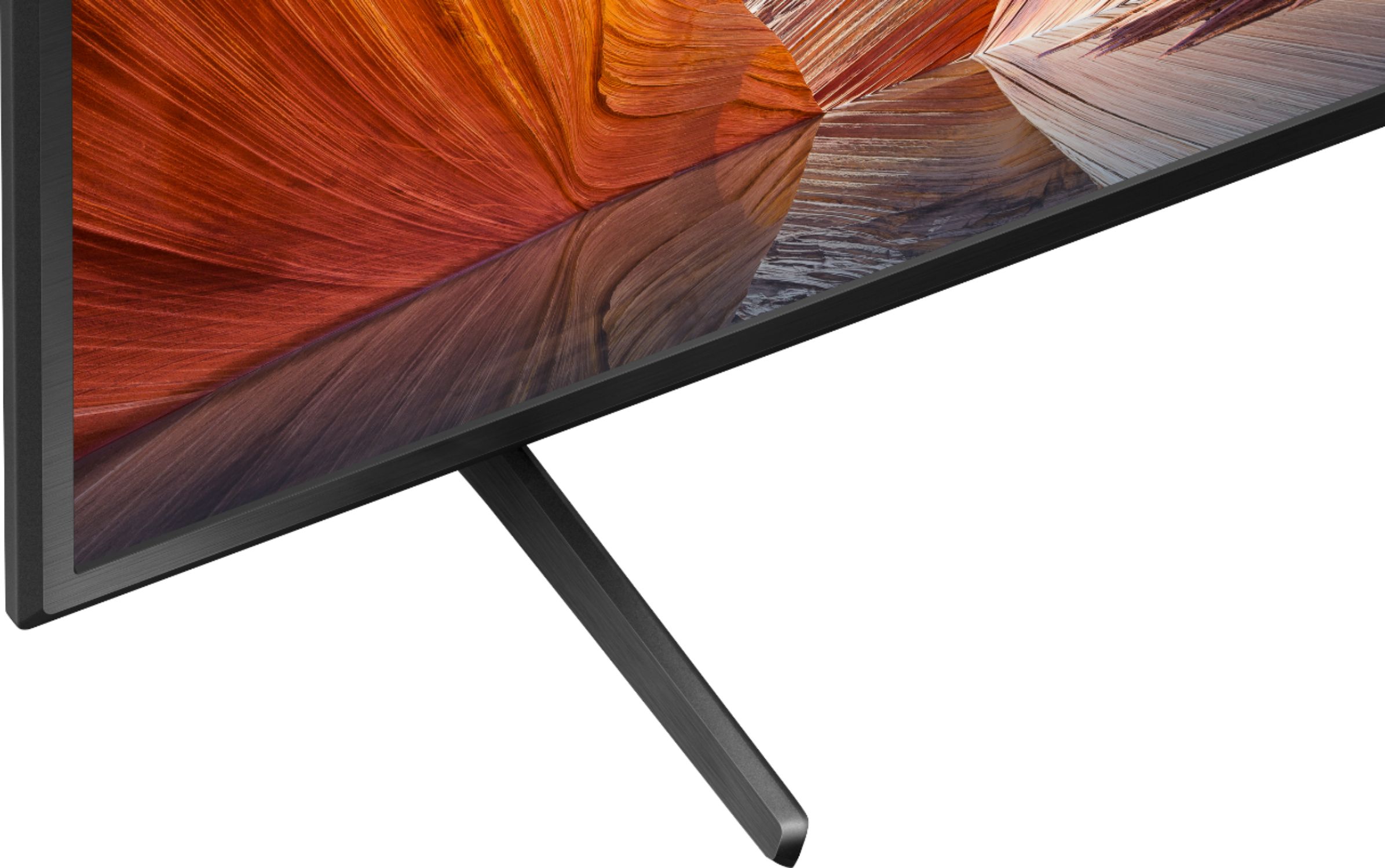
A:AnswerNot in my case. They brought it into the house is all. Assembling it is up to you. Don't count on any help from a manual, just a fold out showing some hints on assembling it. No actual manual is included. Do really like the TV though.
A:AnswerHi lete,
Thank you for your inquiry. The X80J features a 4K HDR processor X1™ for full of lifelike color and contrast, TRILUMINOS PRO™ which allows you to enjoy colors that are closer to those seen in the real world, and 4K X-Reality™ PRO for glorious 4K pictures, rich with real-world detail and texture. Unfortunately, wide viewing angle is a feature not available on the X80J TV. However, this TV includes a light sensor that optimizes picture brightness to room conditions, boosting brightness in light rooms and reducing it in dark ones so you get the perfect view.
The best viewing distance also depends on the size and the display resolution of the TV. The recommended distance for comfortable viewing depends on the video or program you are watching, the viewing environment, and the physical conditions of the person watching it. Please refer to this link about recommended viewing distance for watching TV. https://www.sony.com/electronics/support/televisions-projectors-lcd-tvs-android-/kd-55x80j/articles/00008601
For LED model with X-Wide viewing angles is the X95J and the Anti-reflective is offered in the 75X95J and the 85X95J whereas the 65X95J has X-wide viewing only. With this TV, every seat in the room is now the best seat in the room with enhanced viewing angles that preserves color when watching from the side and an anti-reflective screen that reduce glare in bright rooms. Both OLED models, A80J and A90J will also give you outstanding viewing angles. For more details, you may visit our website at https://www.sony.com/all-electronics. Hope this information helps. - Kris
A:AnswerPretty much any major app you want - Hulu, Apple, Netflix, etc. - require a paid subscription to access. There are some free ones like Crackle that are ad supported, but I don't know if you need to sign up for them or not. There is an app store to download anything you need. You also have the option of purchasing a digital antenna for local channels. As far as disposal, just Google e-waste disposal in your area - a lot of places will take those off your hands for charity.
A:AnswerHi ThuyT,
Thank you for your inquiry. Yes, the X80J TV have Chromecast built- in to display your favorite websites, program and app screens on your mobile device directly to the TV. You may use these links below for reference:
https://helpguide.sony.net/tv/iusltn1/v1/en-003/05_04.html
https://www.sony.com/electronics/support/televisions-projectors-lcd-tvs-android-/kd-55x80j/articles/00135368
Hope this information helps! - Kris
A:AnswerAs noted in the Banner for the Sony X80J the Smart TV platform is Google TV. If you want to use an Amazon Fire stick get one and stick it into one of the HDMI ports.
A:AnswerHi Curious,
Thank you for your inquiry. You can only download apps that are compatible with the TV. These apps may differ from apps for mobile devices. The Google Play on the Android TV or Search for apps on the Google TV, only display apps that are supported by the TV. To install apps, make sure your TV is connected to the internet. Press the HOME button of the supplied remote control. Under Apps, select the Google Play Store then select the Search icon. You can search the name of apps by using the Voice search feature of your TV or the on-screen keyboard by press the right arrow button to display it. Select the app then Install. For reference: https://www.sony.com/electronics/support/televisions-projectors-lcd-tvs-android-/kd-55x80j/articles/00147386
Should you need further assistance, please email the below information to [email protected].
Name:
Best Buy Username:
Telephone Number:
Model Number:
Issue:
Regards,
Kris
A:AnswerHi Herbie,
We're sorry to hear the issue that you are having with the TV. If the Home screen always displayed when you turn on the TV, this is because the Power on behavior settings is set to Home screen. You can change the TV startup behavior to Last input if you prefer your TV to power on with the last watched TV channel or external input instead. Please follow the steps on this link to resolve the issue: https://www.sony.com/electronics/support/televisions-projectors/articles/00257833
May we contact you to help? If so, please email the below information to [email protected] Apologies if you disclosed some of this information in your review and to customer service, we just want to ensure that we have your accurate details at the time of communication.
Name:
Best Buy Username:
Telephone Number:
Model Number:
Issue:
Regards,
Kris
A:AnswerHi Galveston,
Thanks for your inquiry. Yes, it does. The X80J TV works with Apple Airplay& Apple HomeKit where you can stream video and audio to the TV right from your iPhone, iPad or MAC. For more details on how to display content or the screen of a mobile device to the TV, please refer to this link: https://www.sony.com/electronics/support/televisions-projectors-lcd-tvs-android-/kd-55x80j/articles/00044409
Support for Apple TV app is also now available on the X80J with a Google sign-in on the Google TV. The Apple TV app on Sony smart TVs let you access Apple TV+, premium Apple TV channels, and buy or rent over 100,000 movies and TV shows. For reference: https://www.sony.com/electronics/support/televisions-projectors-lcd-tvs-android-/kd-55x80j/articles/00226446
Hope this information helps! - Kris

A:AnswerIt is a sony TV in the literal since, the physical components of the TV are sony made. The software that help you interact with the tv is made by Sony and utilizes the Google TV platform. This platform communicates with Google and allows you to take advantage of other google services like Google Home, and the Andriod Marketplace of apps. Other TV's can offer the same platform but the physical display might be completely different.

A:AnswerHi Ben, BRAVIA TVs are contributing to the protection of the environment. Our unique recyclable plastic, SORPLAS with an industry-leading recycle rate of 89%, is used in the components of this TV. For more details, please check the link below:
https://www.sony.com/electronics/eco-tv?cpint=SG_PRODUCT_DETAILS_PRI-TOUT-PDP-X80J_SERIES-EN_GL-2020-11-M08-RECYCLERENEW
Thank you for your understanding. Jay