A:AnswerHi Gwen,
Thank you for your inquiry. The X80J does not have pre-installed web browser app. However, you can download and install third-party apps that function as a web browser through the Google Play™ store. For reference, please refer to this link: https://www.sony.com/electronics/support/televisions-projectors-lcd-tvs-android-/kd-55x80j/articles/00121075
Regards,
Kris
A:AnswerHi Alsy,
Thank you for your inquiry The ON-BOARD STORAGE of the X80J TV is 16 GB. The on-board storage consists of two parts, the internal storage that's used to store the operating system and system files, and the user accessible storage used to store the apps and user data. For more information about the storage capacity the TV, please refer to this link: https://www.sony.com/electronics/support/televisions-projectors-lcd-tvs-android-/kd-55x80j/articles/00223285
Regards,
Kris
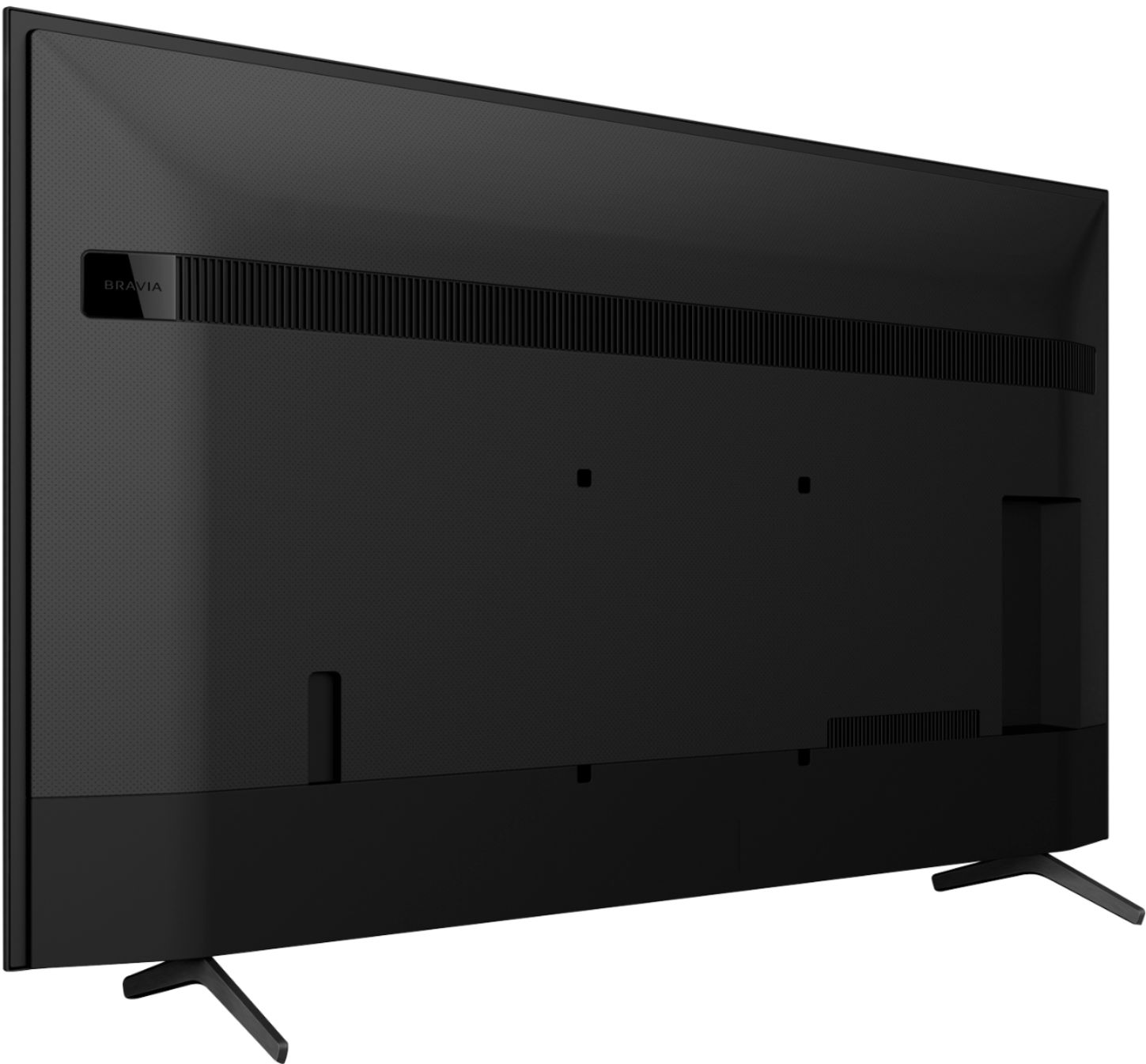
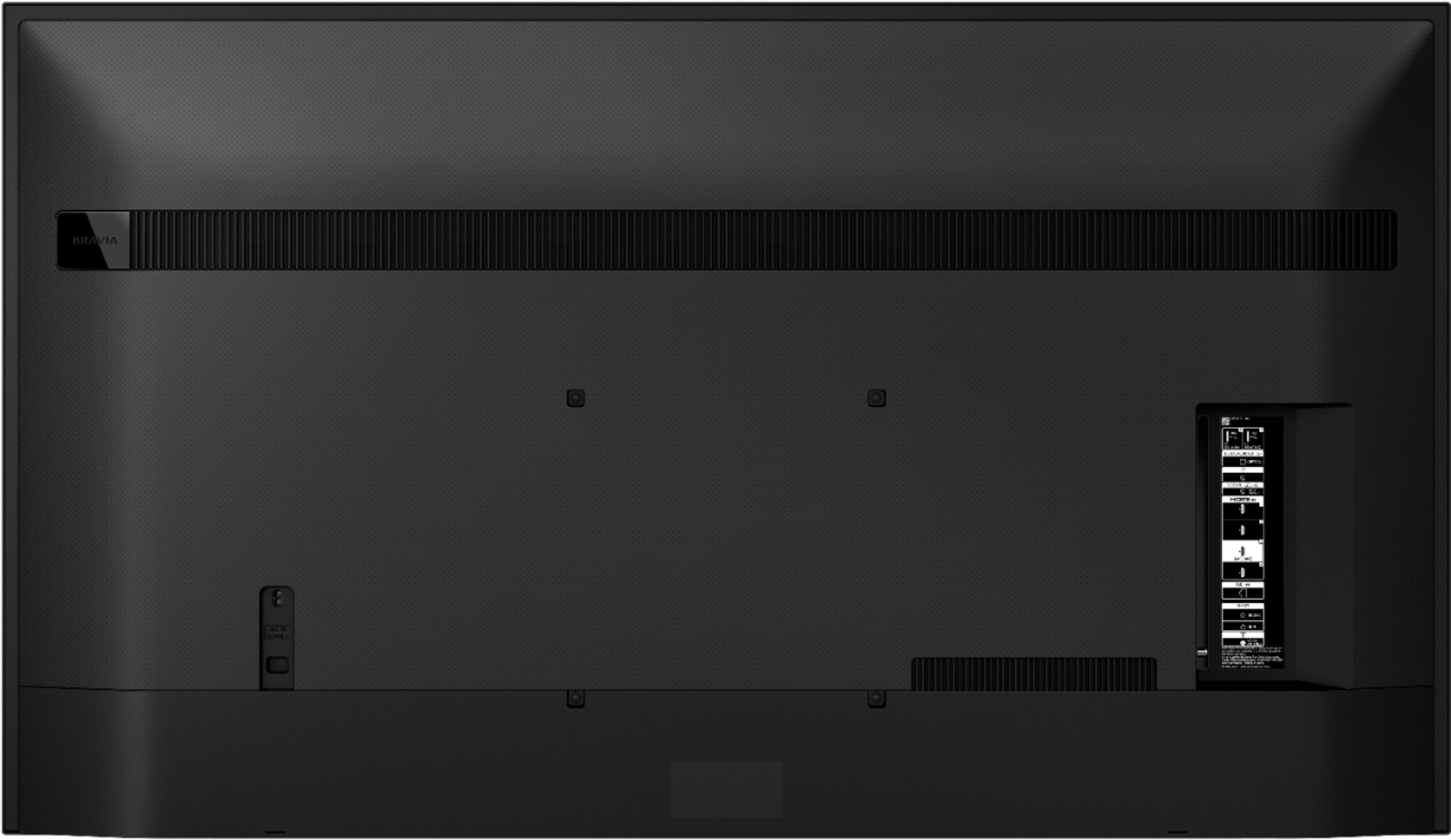
A:AnswerHi there, Thanks for reaching out. There are third party mounting solutions that can mount to the TV using the VESA hole pitch 300mm x 300mm. You may contact your retailers to inquire on this mounts. Regards, Kris
A:AnswerHi Noone,
Thank you for your inquiry. These TVs should work with any VESA Complaint wall mount bracket with a screw hole pattern 300 × 300 mm. We also recommend the SU-WL855 wall-mount bracket that works with any 55” up to 77” TVs. For product protection and safety reasons, Sony strongly recommends that the installation of your TV on a wall be performed by qualified professionals. You may also open this link below for more detailed wall mount specifications and Sony recommended wall mounts: https://www.sony.com/electronics/support/televisions-projectors-lcd-tvs-android-/kd-55x80j/articles/00124300
Regards,
Kris
A:AnswerHi subdude,
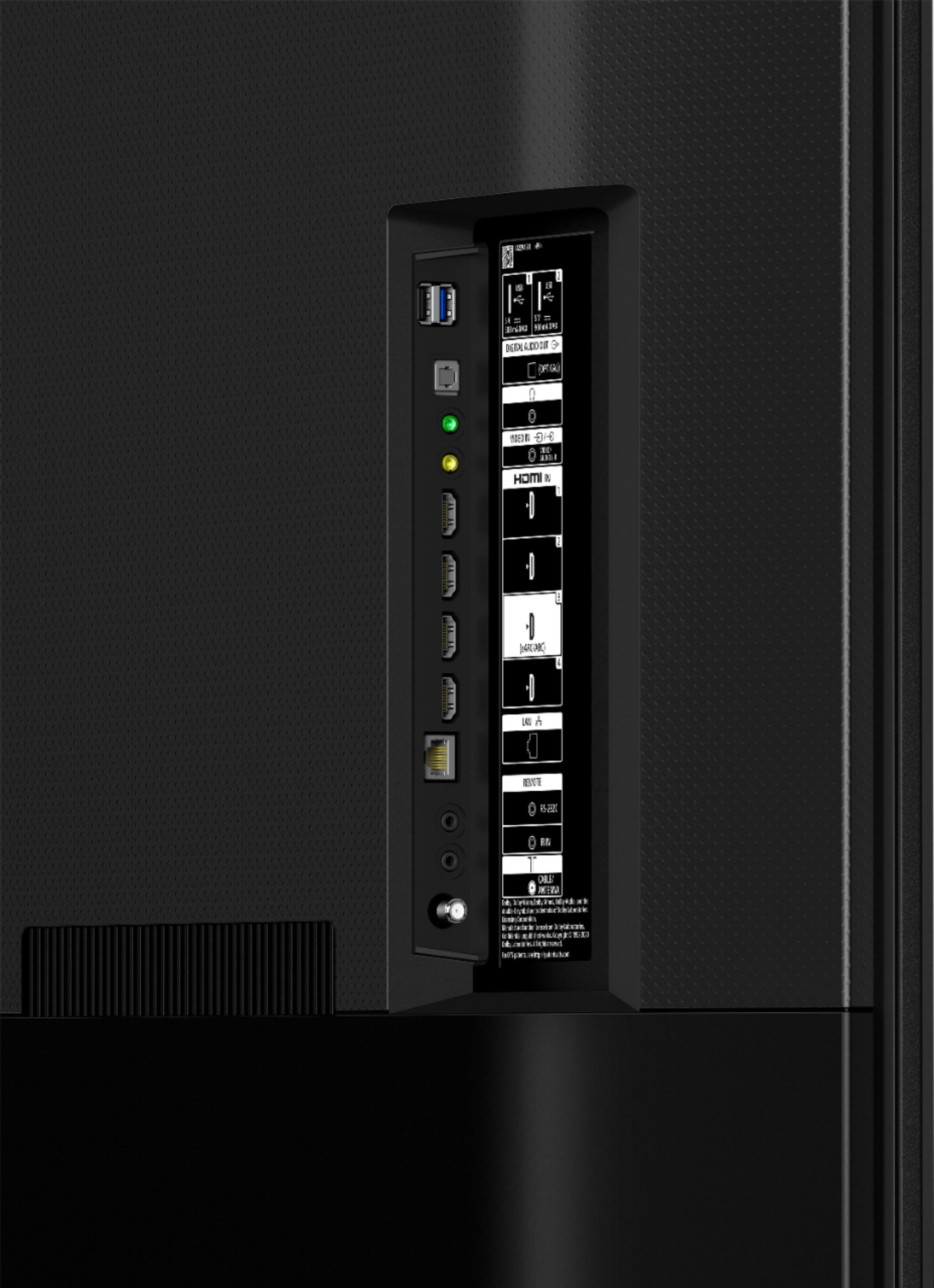
Thanks for your inquiry. Yes, the KD55X80J is designed to work well with Apple TV or HDMI devices. The TV has 4 HDMI ports for connecting those devices.
Regards,
-Ralph
A:AnswerHi Mamabear,
Thank you for your inquiry. Yes, the X80J TV does support Amazon Alexa and Ring app. You will just need to download the Alexa app in the playstore. There is also Google Assistant built-in, you can ask your Google Assistant to check the score of your favorite team, control your TV, dim the lights, and more using just your voice. I hope this helps. -Kris
A:AnswerHi Sammers40, Thanks for the inquiry. It seems that the Beach Body on Demand app doesn’t appear in Google Playstore at this time but it can be casted from another device. You can also download a web browser and access the site through the web browser. I hope this helps. Regards, -Jay
A:AnswerHi ElBobo,
Thank you for your interest with our X80J TV. Yes, it will work. You may connect a Roku device on one of the HDMI ports of the TV. We are looking forward to your purchase. Thank you for choosing Sony! - Kris
A:AnswerHi WB, Unfortunately, the X80J doesn't have screen mirroring. However, the X80J has a built-in Chromecast. Chromecast lets you cast your favorite videos, games, and apps from your mobile device in full quality to your Chromecast built-in TV. Just one tap of the Cast button on your Android or iOS screen is all you need to supersize the things you love. Cast your content, then continue browsing on your phone or tablet.
For more details about the Chromecast Built-In, please check the link below:
https://helpguide.sony.net/tv/iusltn1/v1/en-003/05_04.html
Also, this TV supports Apple AirPlay and Apple Homekit. Use Apple AirPlay to mirror the display or stream content from your Apple devices to your Android TV.
https://www.sony.com/electronics/support/articles/00240540
I hope this helps! Jay
A:AnswerHi Sandy, thank you for your question. Yes, it does. Youtube TV app can be installed and have its updates using the built-in Google Playstore on this TV. ~Earl
A:AnswerHi Nick, We regret to hear that you're having a picture issue with this TV. This is definitely not the experience we wanted you to have on our products. We apologize for the inconvenience. The picture is cut-off, stretched, zoomed, or doesn't fit the screen due to the type of signal the input or source sent to your TV. Some TVs and other devices don't have the capability to change the aspect ratio of a picture when they receive a 720p or 1080i/1080p signal.
Check the aspect ratio of the program or movie that you're watching.- Some programs aren't on full screen when produced. Some movies are in a 21:9 cinema format which will show black bars on the top and bottom when you view them on a widescreen (16:9) TV.
You can configure various settings related to the TV display such as color and brightness for picture quality, or screen size. Press the (Quick Settings) button on the remote control, then select [Settings] — [Display & Sound] — the desired option. Please check the link below for more details:
https://helpguide.sony.net/tv/iusltn1/v1/en-003/01-03-09_01.html
I hope this helps! Jay
A:AnswerHi DR,
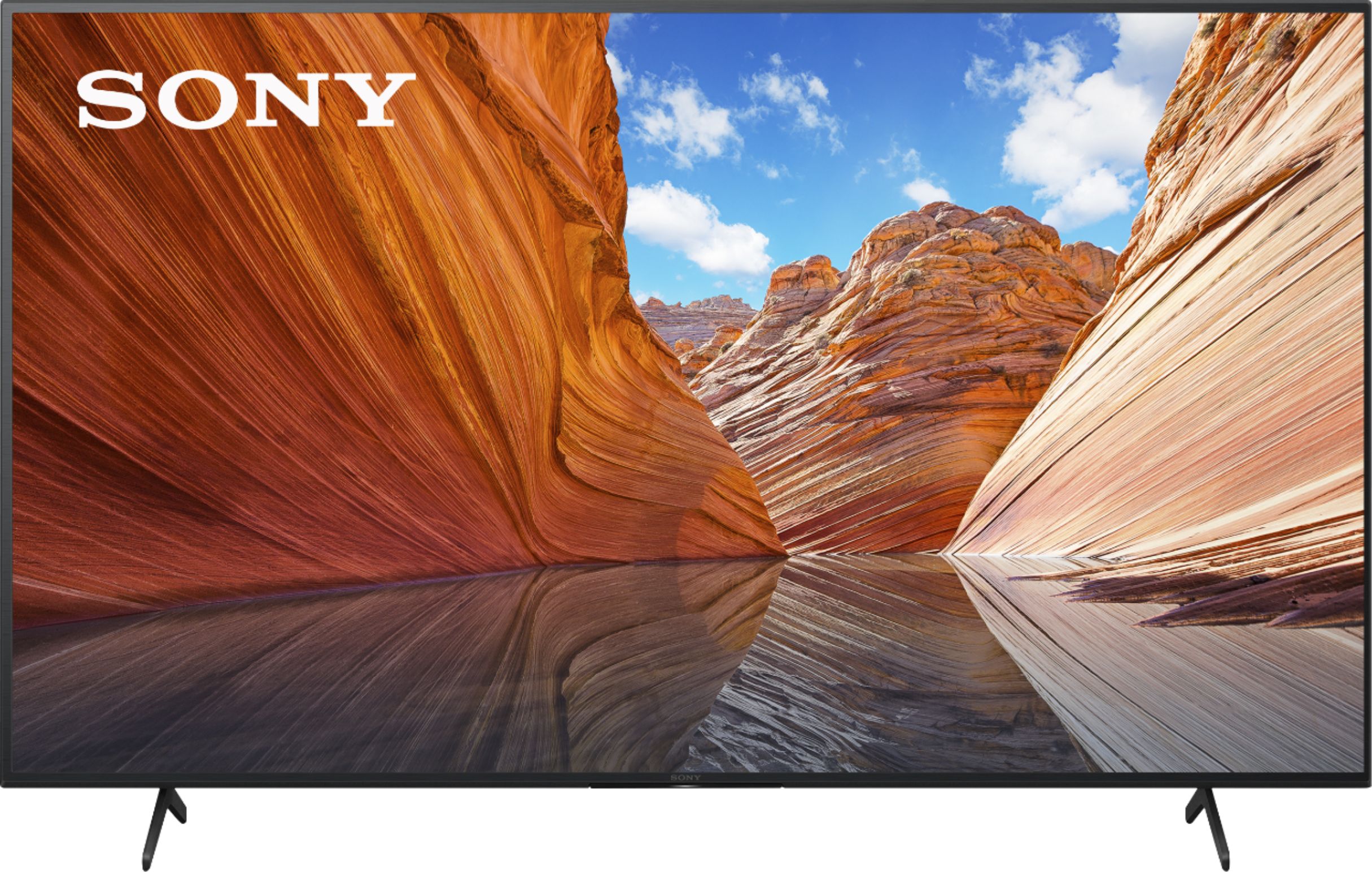
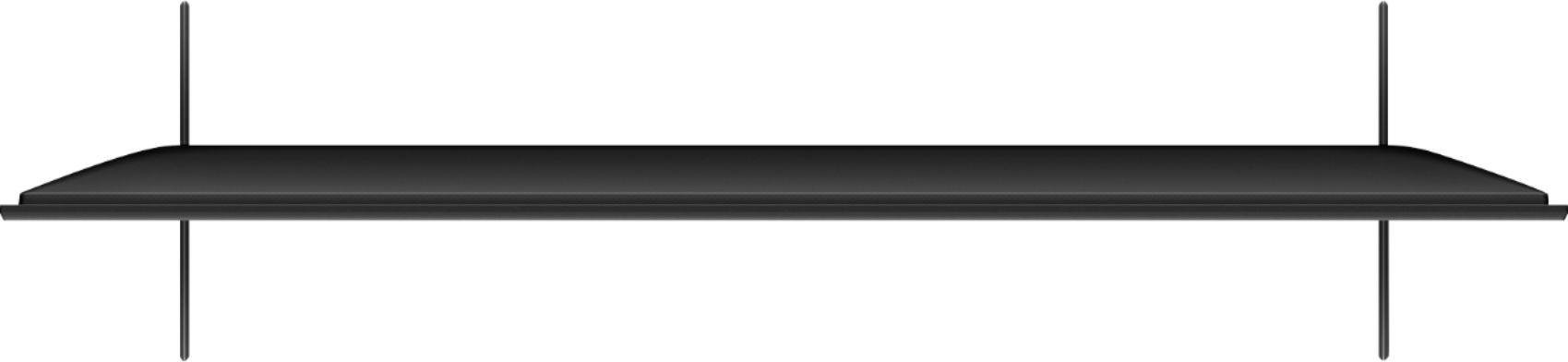
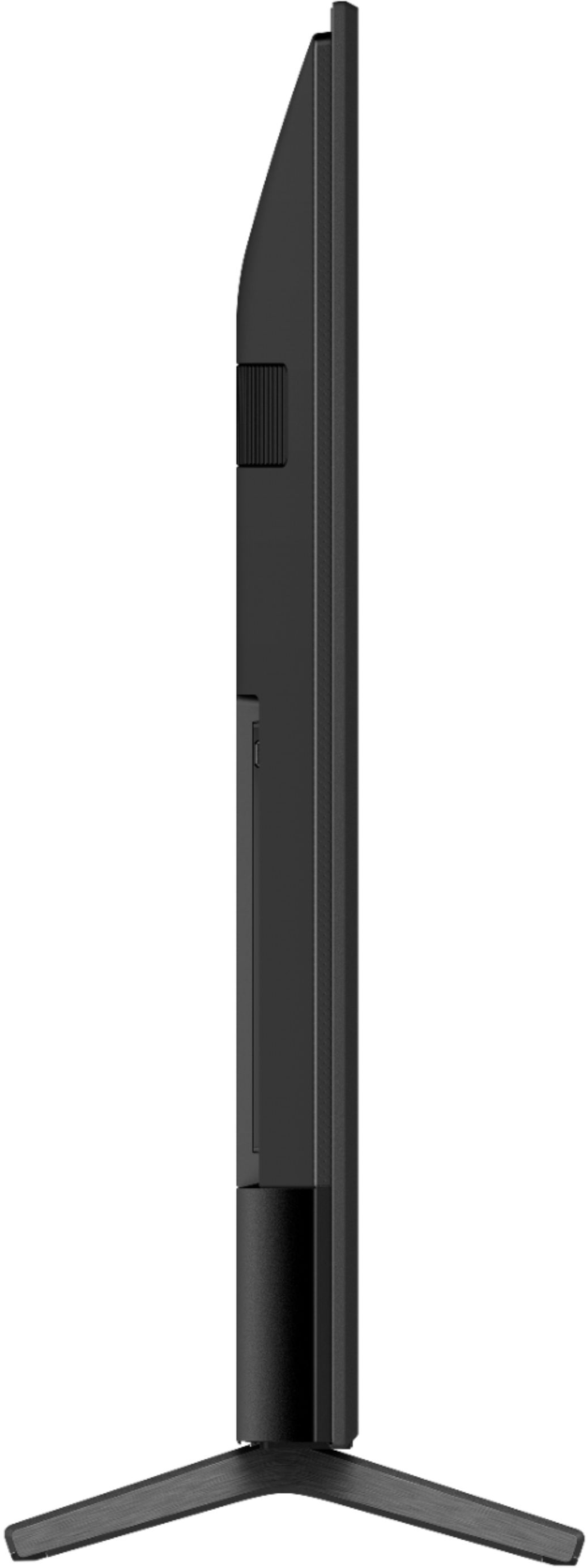
Thank for your inquiry. The dimension of KD65X80J TV without stand is 57-5/8 x 33-1/4 x 2-7/8 inch (1,462 x 842 x 71 mm) (W X H X D) - Kris
A:AnswerThanks for reaching out Sony. We're sorry to hear that we were not able to meet your expectations with HDR features of the TV. May we know what is the issue that you are having with TV when playing HDR content? We'd like to troubleshoot and isolate the issue. May we know what are you watching? Is this an app from the TV or from an external device? Streaming services such as Netflix, YouTube™, and Prime Video provide a huge amount of 4K and HDR supported content. Same goes with external device that supports HDR. The X80J TV supports 4K and HDR however it will depend on the content source. You may try to change some settings on the TV if you don't want to enjoy HDR.
For HDR via HDMI
On the supplied remote, press the HOME button.
Select Settings or the Gear icon.
Select Channels & Inputs
Select External inputs in the TV category.
Select HDMI signal format and set to Standard Format
Please open this link with to know more about HDR of your TV.
https://www.sony.com/electronics/support/televisions-projectors/articles/00245141
You may also set the video signal such as HDR mode that allows you to select picture that is suitable for a High dynamic range signal and HDMI video range to select signal range for HDMI input. For reference, please refer through this link. https://helpguide.sony.net/tv/iusltn1/v1/en-003/01-03-09_01.html
As far as your experience with the soap opera TV effect, you can configure various settings related to the TV display. The TV have picture settings that are adjustable for the types of content viewed such as streaming video, DVD/Blu-ray Disc™, USB drive, and composite/component video content. Also, it has picture mode which is an image quality setting that is preset to be suitable for the genre of the program and the type of image. You may select the setting on the TV on how you can enhance your viewing experience. For reference, refer through this link: https://www.sony.com/electronics/support/televisions-projectors/articles/00190409
May we contact to help and get more information? If so, please email the below information to socialsupport@am.sony.com.
Apologies if you disclosed some of this information in your review and to customer service, we just want to ensure that we have your accurate details at the time of communication.
Full Name:
Best Buy Username:
Telephone Number:
Sony TV Model Number:
Additional Information regarding your experience with the X80J:
We are sorry for the inconvenience and hope to speak to you to resolve this matter.
We appreciate you and thanks again for shopping Sony!
Sincerely,
Kris
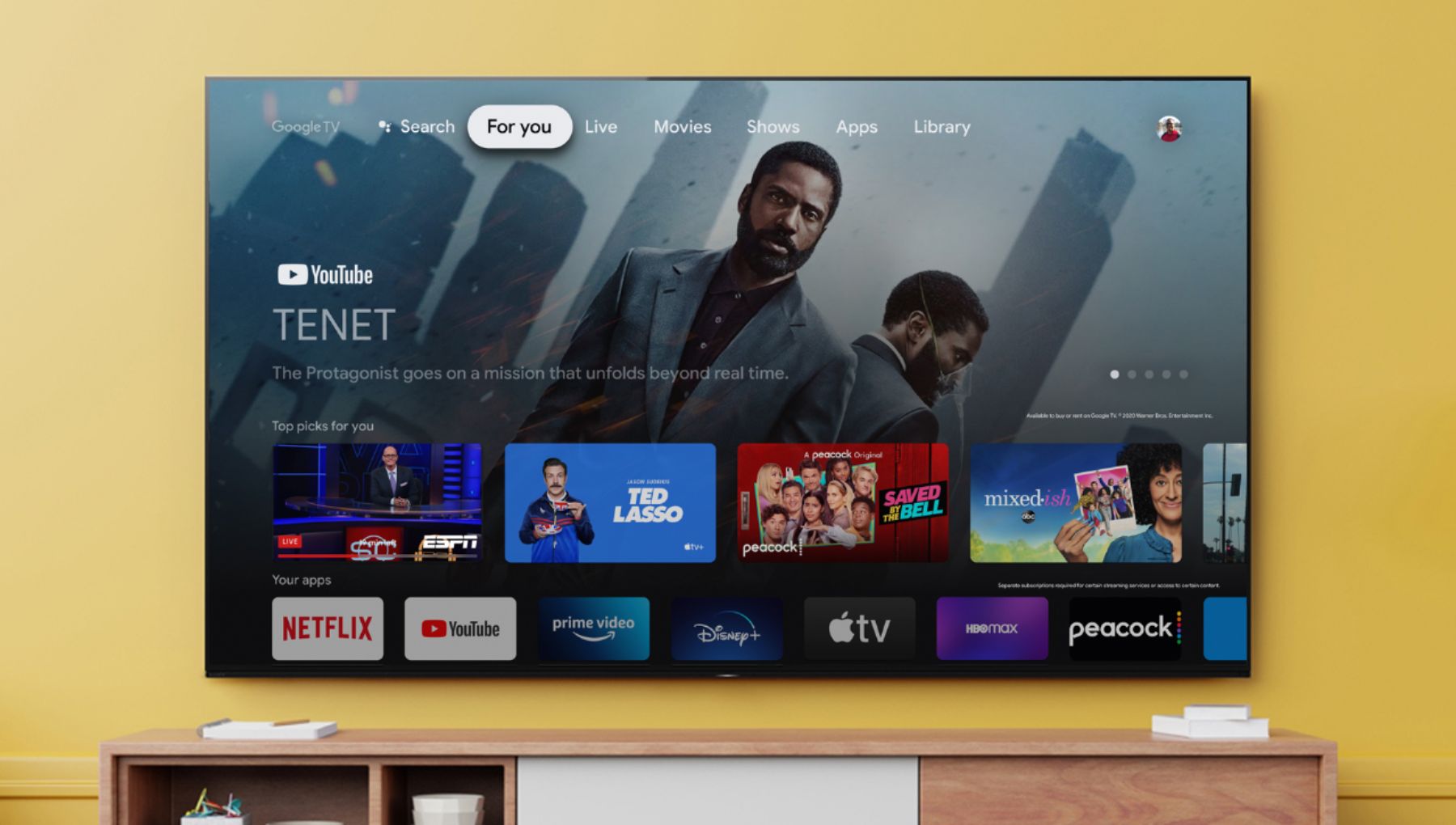
A:AnswerHi JP, Thanks for the inquiry. The X80J comes with Google TV which has the same Play Store as Android TV. The X80J also Has 4 HDMI inputs that you can plug in external devices that also support HDMI. Hope this helps. Regards, -Jay
A:AnswerYes, the standoffs of the back for mounting to a wall double as anchor points for a security cable to the wall. The instruction manual even includes what size bolts you'll need or you can use the included ones. It's not as elegant as the old stands that screwed the base into the TV stand, but it is a viable option.