A:AnswerIf the fuzzies are around players that are on the digitally layed first down markers or any digitally laid image, they will be fuzzie. That's not the TV fault but the broadcast.
A:AnswerThis TV is like 40 some pounds and I have mine on a TV stand as well it works great check the weight capacity of your stands mount most are for like 100 to 150lbs they can hold.
You should be fine.
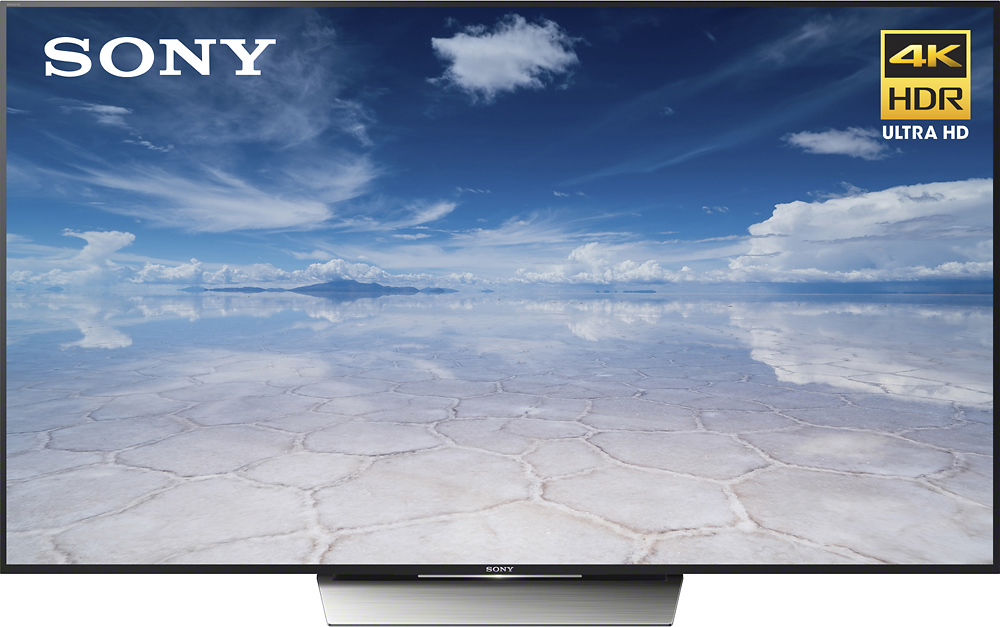
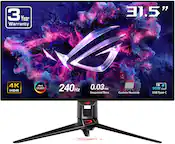
A:AnswerThe base of the stand is small. Its about 21 inches wide and about 12 inches deep. This was something important to us also when we bought it, as we did not want to purchase a new cabinet.
A:AnswerNo matter where you sit you can see this tv well. I find myself sometimes standing right in front of it and you feel like you are where the event is you are watching. My living room is not huge and I can see well sitting 10 or 12 feet away.
A:AnswerI have several lamps in my room as well as some windows etc and I don't have any issues with glare. I think it has slightly less than on glossy screens that some other manufacturers use.
A:AnswerThis High Speed HDMI Cable supports the following general features:
• 10.2Gbps data throughput
• Ferrite cores help protect against electromagnetic and radio frequency interference
• 28AWG copper conductors
• Gold plated connectors
It supports the following HDMI features:
• 1080p resolution at 60Hz
• 4K resolution at 24Hz
• 3D video
• Audio Return Channel
• Deep Color up to 16-bits per channel
• x.v.Color™
• High Definition Audio, including SA-CD, DVD-Audio, DTS-HD Master Audio™, and Dolby TrueHD™
Here are the renaming of HDMI cables which use to be like 1.0, 1.1, 1.2, 1.3 etc.
Standard HDMI Cable - The Standard HDMI cable is designed to handle most home applications, and is tested to reliably transmit 1080i or 720p high definition (HD) video resolutions that are currently associated with most cable and satellite television, digital broadcast HD, and DVD players.
•Standard HDMI Cable with Ethernet - This cable type offers the same video performance as the Standard HDMI Cable, including 720p or 1080i video resolutions, plus an additional, dedicated data channel, known as the HDMI Ethernet Channel (HEC), for device networking. HEC functionality is only available if both the source and sink devices are equipped with HEC functionality.
•High Speed HDMI Cable - The High Speed HDMI cable is designed and tested to support advanced video resolutions such as 1080p and beyond. In addition, the High Speed HDMI Cables will support advanced display technologies such as 4K, 3D, and Deep Color. This is the recommended cable type to use for these advanced technologies and for 1080p devices, such as Blu-ray disc players.
•High Speed HDMI Cable with Ethernet - This cable type offers the same performance (1080p and greater resolutions) as the High Speed HDMI Cable, plus an additional, dedicated data channel, known as the HDMI Ethernet Channel (HEC), for device networking. HEC functionality is only available if both the source and sink devices are equipped with HEC functionality. HEC connected devices that include this feature can send and receive data via 100 Mb/sec Ethernet, making them instantly ready for any IP-based application. The HDMI Ethernet Channel allows internet-enabled HDMI devices to share an internet connection via the HDMI link, with no need for a separate Ethernet cable. It also provides the connection platform that will allow HDMI-enabled components to share content between devices.
A:AnswerSince the bezel is very small so is the IR eye. If there is anything in front of the TV particularly on the bottom edge it will block the sensor. I had to move my sound bar t make sure the remote would work. After that it is fine.
A:AnswerI haven't had this happen and how its possible to just hack the TV. Typically you have to be on the same network to be able to send streaming or connect to the TV. I would check your wireless network security and see if someone is on your wireless. If you go to the home and settings you can run a initial set-up which should reset everything.
A:AnswerMost likely its your cable box. The quality setting is automatically set by the incoming signal. Cable boxes default to 480p, you have to go and manually set their output to 1080p or 1080i.