







Deals Worth GiftingShop now

Main Content

Questions & Answers

Your price for this item is $649.99
The comparable value price is $799.99
Page Showing 1-20 of 57 questions
  • QuestionWhat type of speakers does this Sony TV have?

    • Answer This Sony TV has X-Balanced Speakers that provide clear and natural sound.
    This question and answer was generated by AI based on customer and product data.

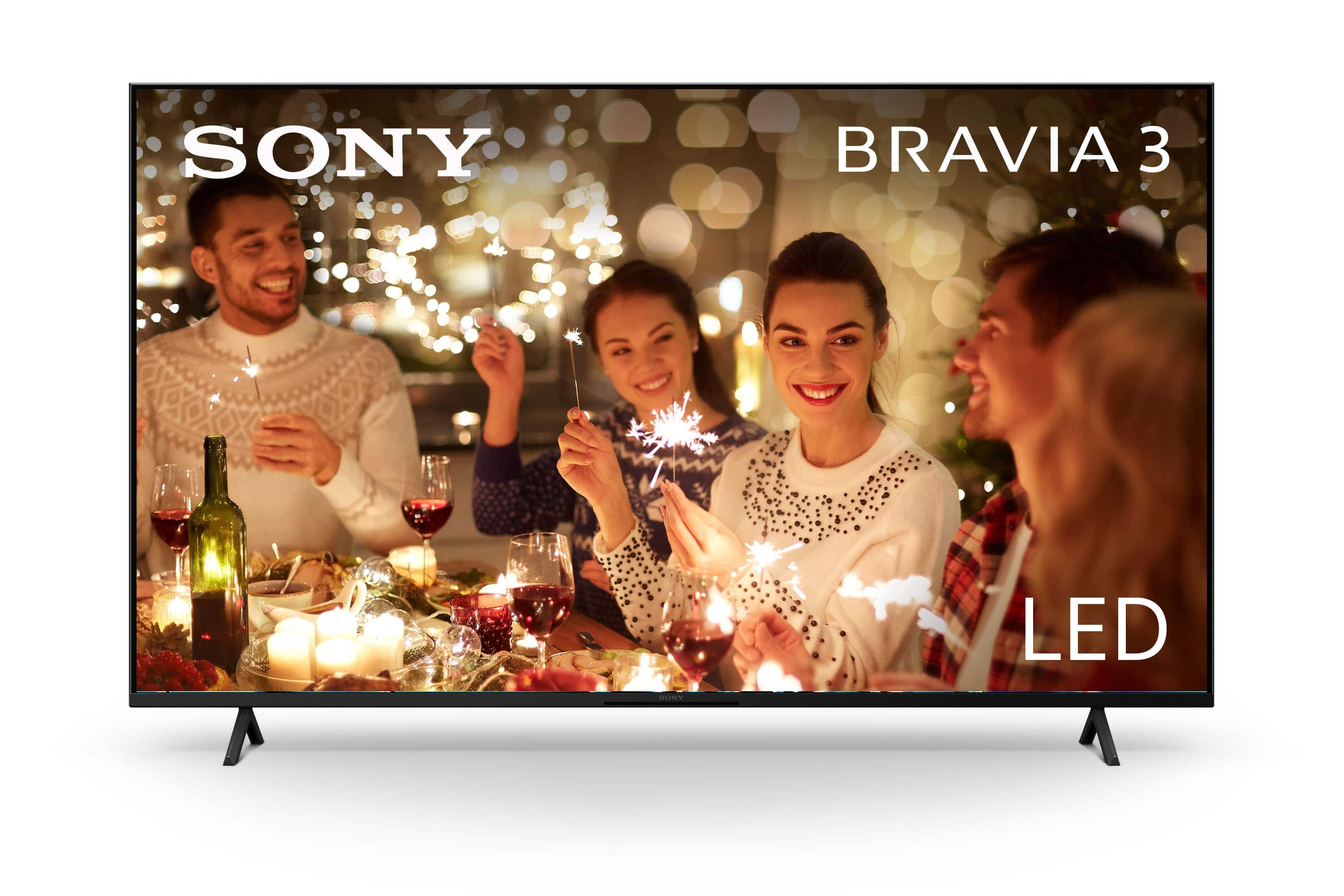
  • QuestionWhat is the screen size of this Sony TV?

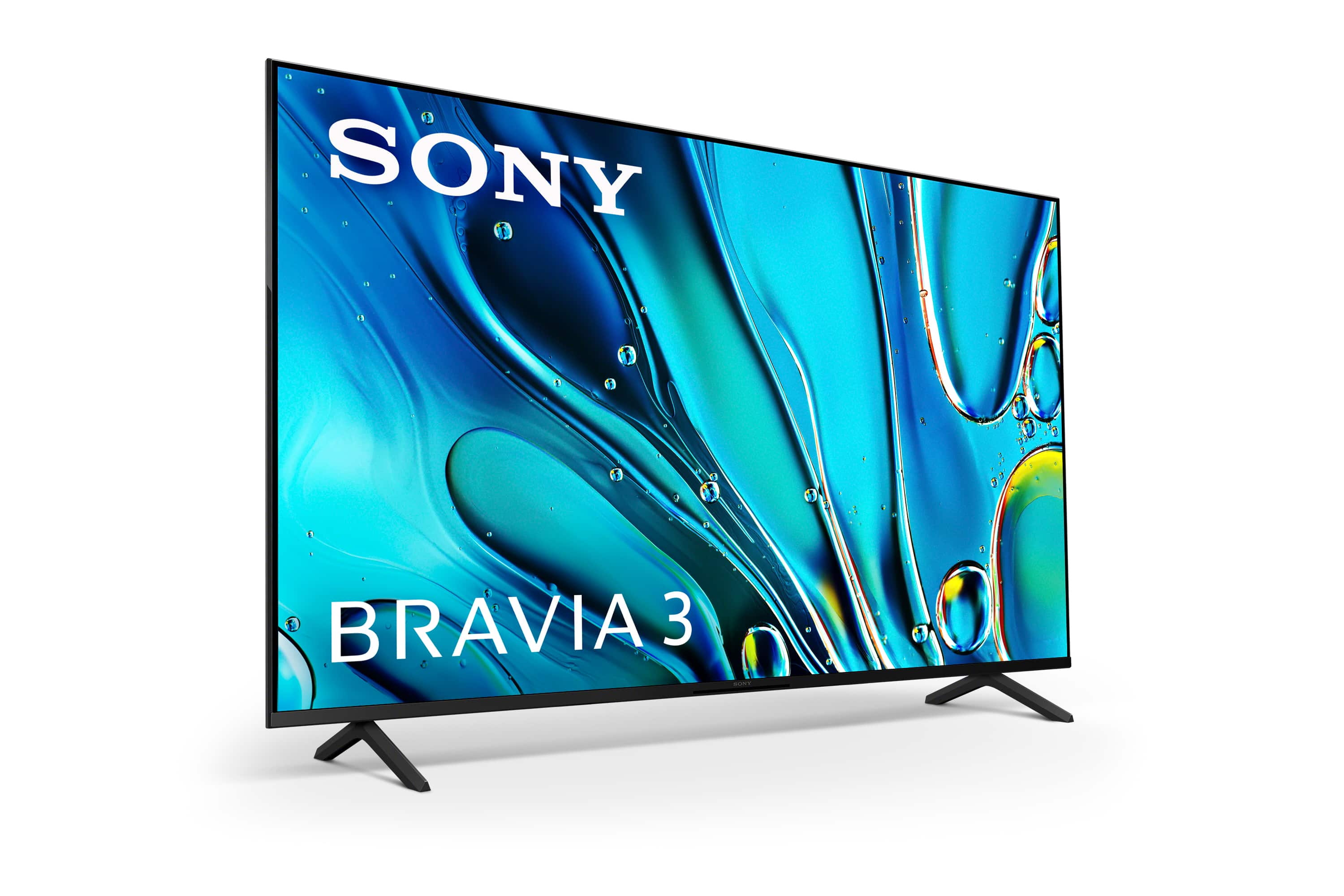
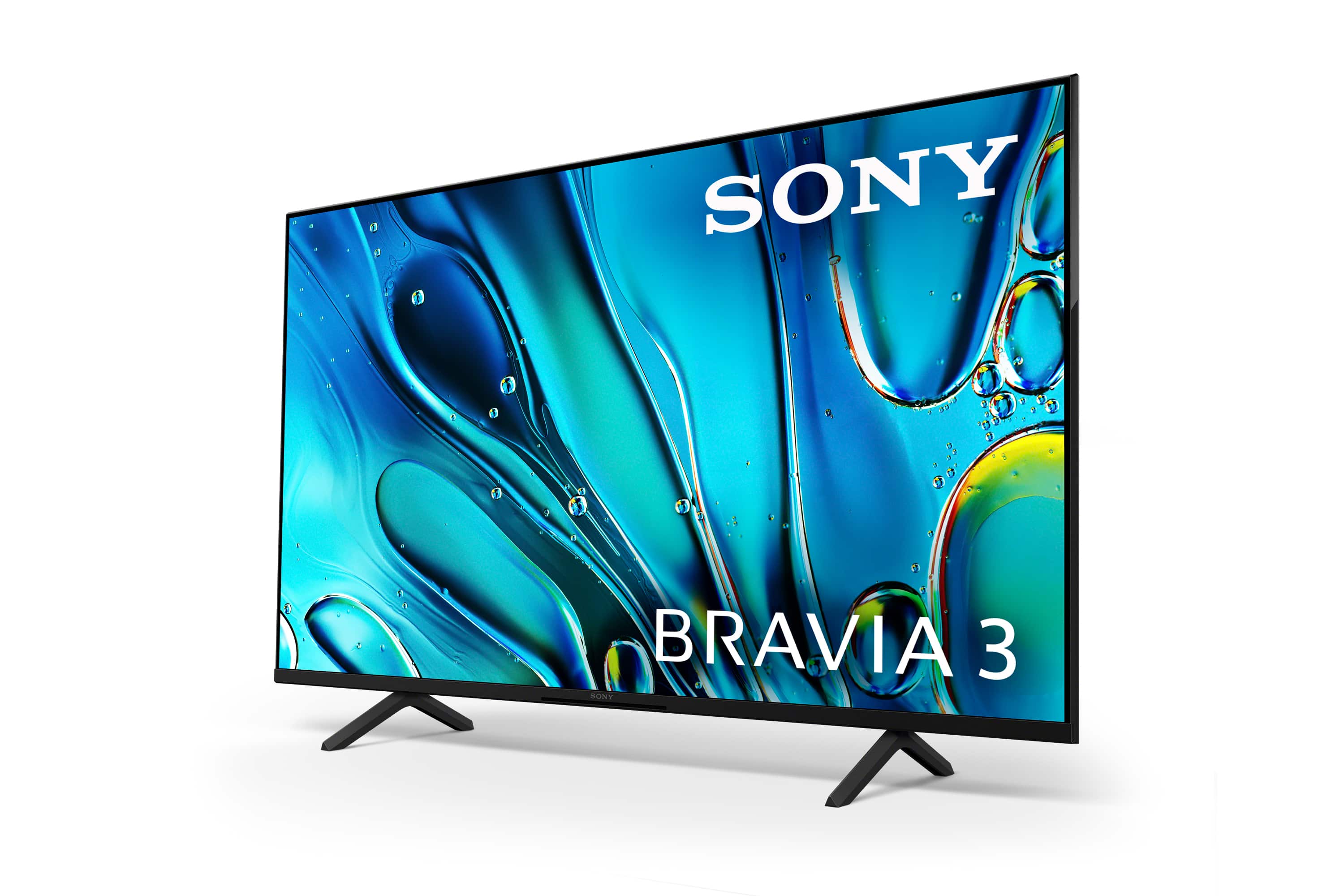
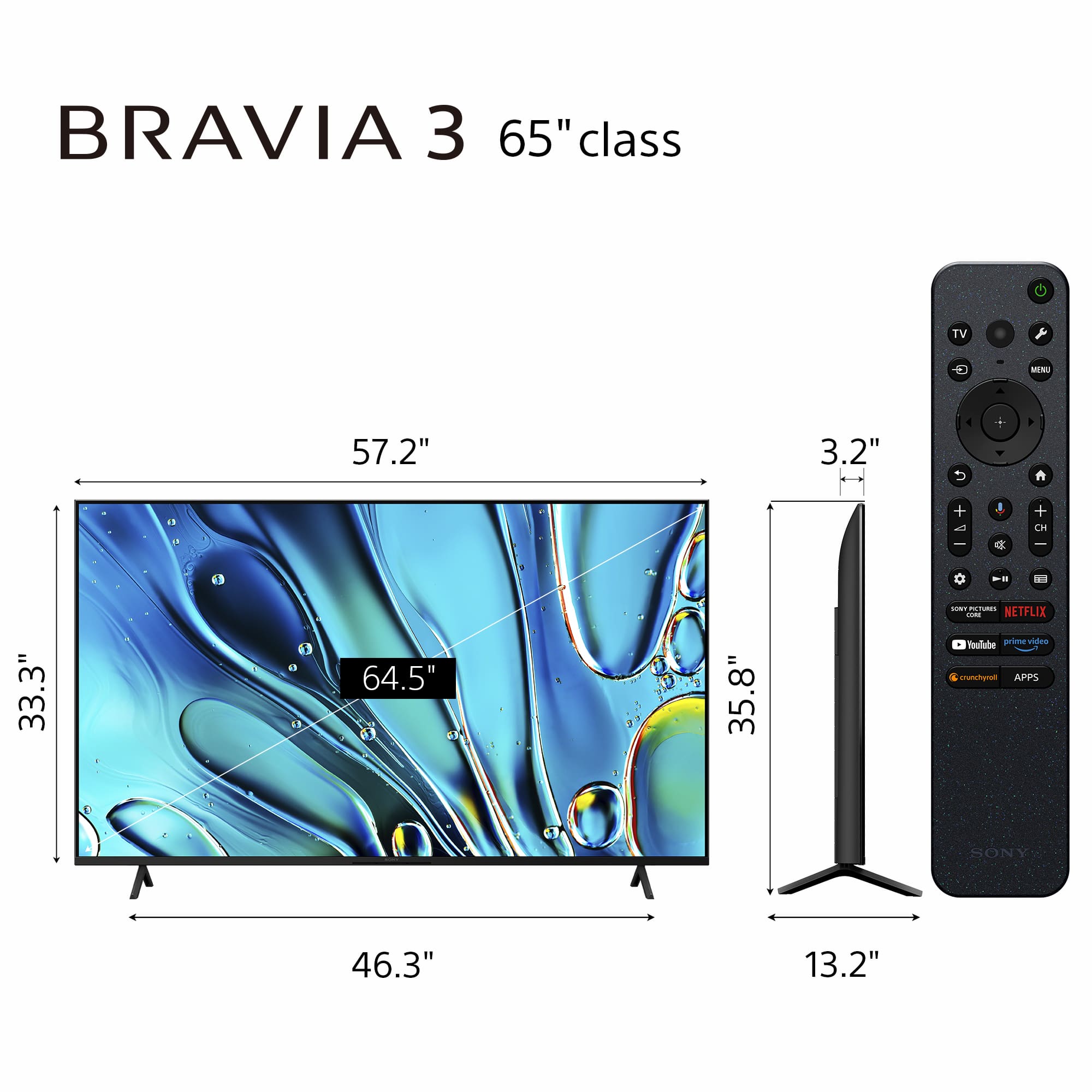
    • Answer The screen size of this Sony TV is 64.5 inches.
    This question and answer was generated by AI based on customer and product data.

  • QuestionIf I decide I'd like some expert help with unboxing, setting up, or mounting my new TV, is there an option available?

    • Answer Yes, Geek Squad is available to help with unboxing, setting up, or mounting your new TV.
    This question and answer was generated by AI based on customer and product data.
  • QuestionDoes this Sony TV have Dolby Vision?

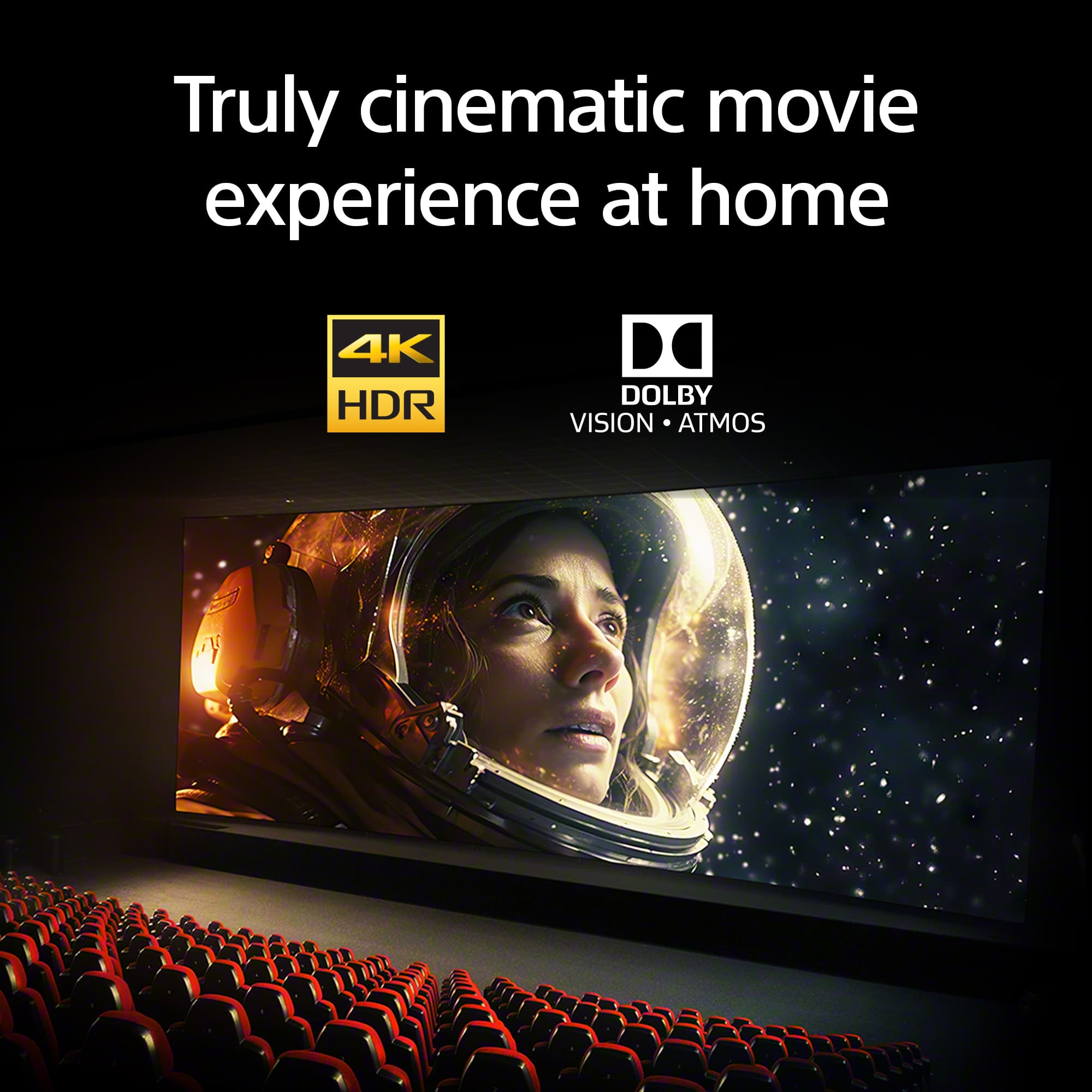
    • Answer Yes, this Sony TV supports Dolby Vision for a more immersive movie experience.
    This question and answer was generated by AI based on customer and product data.
  • QuestionCan I stream content from my phone to this Sony TV?

    • Answer Yes, you can easily stream content to your TV with support for AirPlay 2 and Chromecast built-in.
    This question and answer was generated by AI based on customer and product data.

  • QuestionWhat is the benefit of using the Eco Dashboard on this TV?

    • Answer The Eco Dashboard keeps all your energy efficiency settings in one place, making it easier to change them individually or in one go.
    This question and answer was generated by AI based on customer and product data.

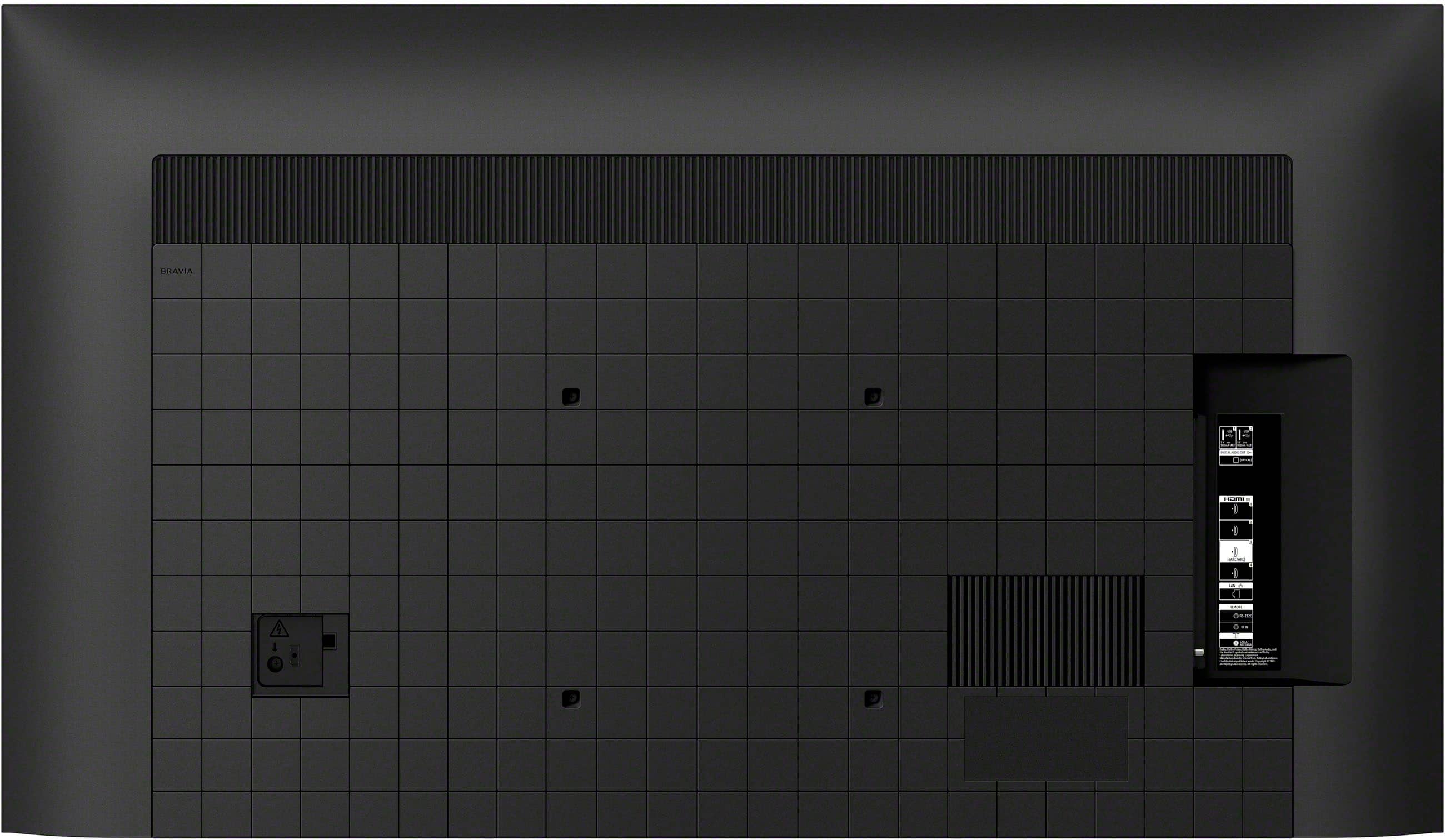
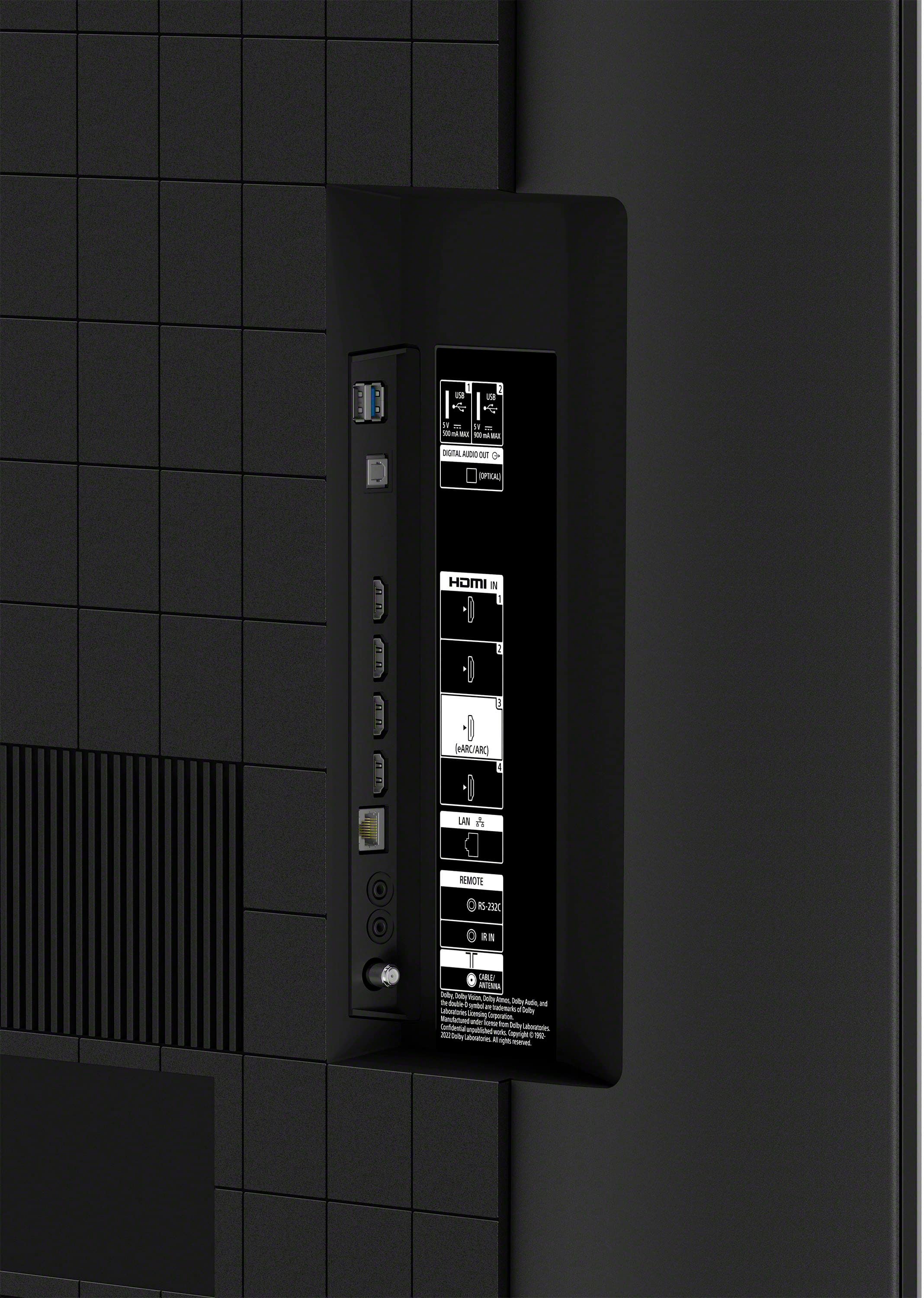
  • QuestionHow many HDMI ports does this TV have?

    • Answer This Sony TV has a total of 4 HDMI ports.
    This question and answer was generated by AI based on customer and product data.
  • QuestionWhat is the difference between the 65-inch X80K and the 65-inch Bravia 3 besides the year it was released?

    Asked by Dizzy.

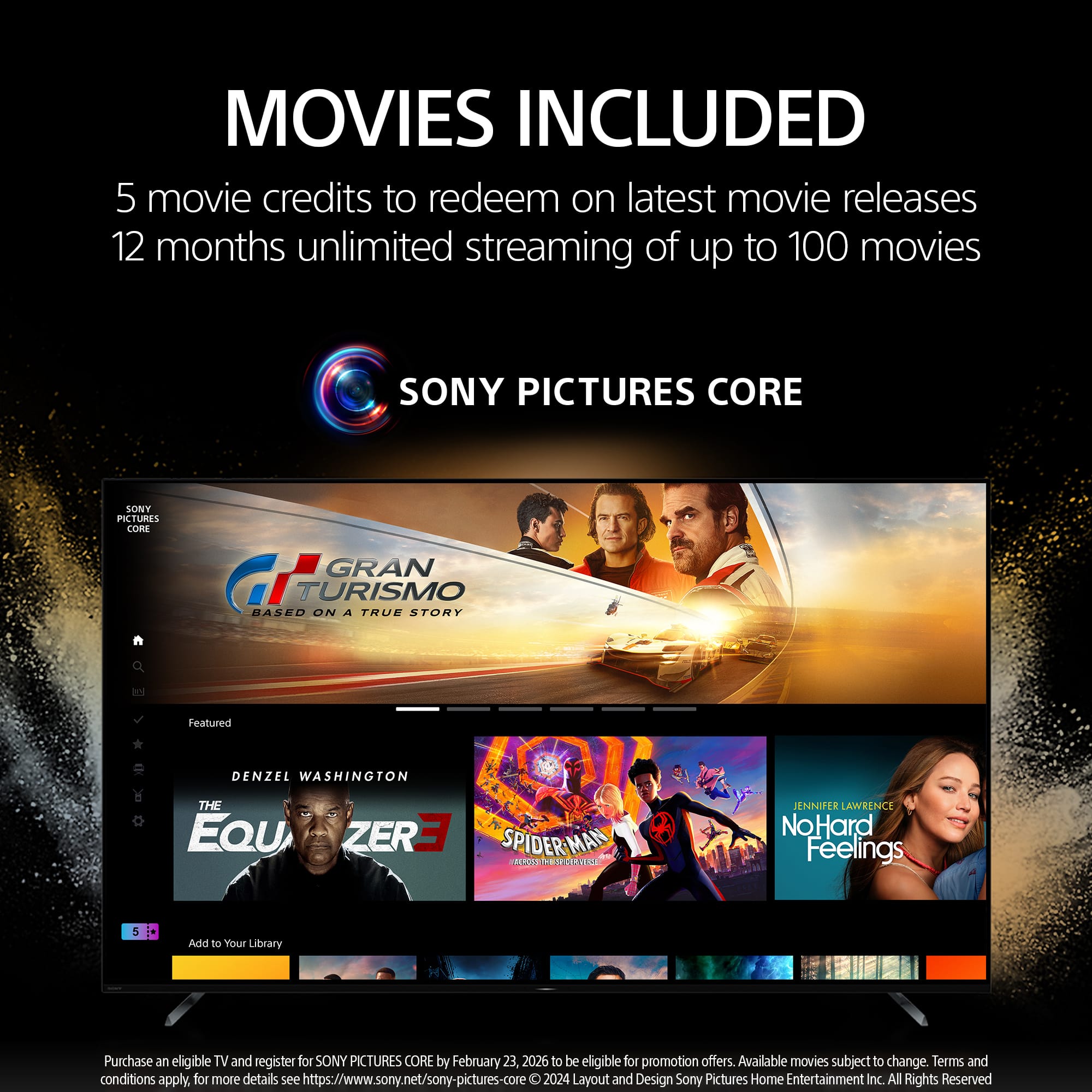
    • Answer Hi Dizzy, thanks for your question. There are few notable differences between the new BRAVIA 3 and X80K. The BRAVIA 3 has improved contrast compared to the X80K. You can get movies included with the SONY PICTURES CORE app (formerly BRAVIA CORE) with BRAVIA 3. The BRAVIA 3 comes with Eco Remote. Our compact Eco Remote uses approximately 79.7% recycled plastic. Yet it's easy to clean with a flush surface and polyurethane coating, and controls your connected devices. The X80K supports ATSC 3.0(NEXTGEN TV) which is not present on the new BRAVIA 3 model. Our BRAVIA 3 Smart TV is exceptionally easy to use with a variety of all-in-one smart features for stress-free viewing. With a large screen, detailed pictures full of color and dynamic sound, everything you love feels so much more exciting. ~Earl

      Answered by SonyListens

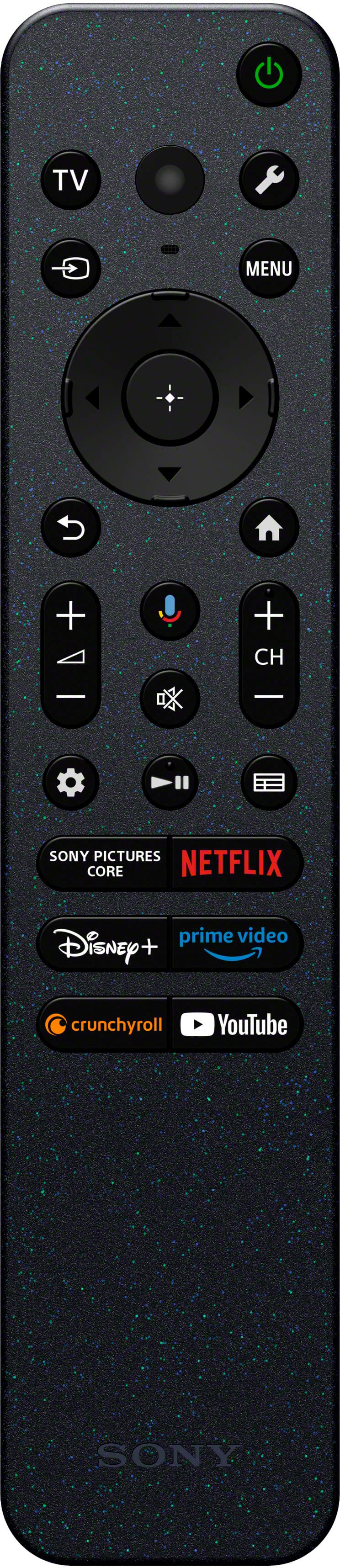
  • QuestionDoes the remote control have numerals for channel changing?

    Asked by Deela.

    • Answer No, just up and down, but you can "save" channels as "favorites" to save time.

      Answered by catanddogfamily

  • QuestionCan this TV be setup to play audio as center channel speaker in a surround set (with the audio receiver)?

    Asked by Sonylongtimer.

    • Answer Hi Sonylongtimer, thanks for your question. No, the K65S30 TV can't be set up to play audio as a center channel speaker in a surround sound setup. This TV does not have an S-center speaker input. You may check our newer models like XR70, XR80 or XR90 as they have the said input so you can use the TV as a center speaker for your surround setup. Hope this helps. Our BRAVIA 3 Smart TV is exceptionally easy to use with a variety of all-in-one smart features for stress-free viewing. With a large screen, detailed pictures full of color and dynamic sound, everything you love feels so much more exciting. ~Earl

      Answered by SonyListens

  • QuestionCan you turn the picture off and still have audio ?

    Asked by Anonymous.

    • Answer Hello, thanks for your question. Yes, you can turn off the picture on your K-65S30 TV while still having audio. This can be done using the "Picture Off" feature. If you press the (Quick Settings) button on the supplied remote, you can quickly access features such as [Picture mode], [Sleep timer], and [Picture off] on the current screen. Please check this link for more details: https://helpguide.sony.net/tv/lusltn2/v1/en-003/01-03_12.html?hl=picture+off Our BRAVIA 3 Smart TV is exceptionally easy to use with a variety of all-in-one smart features for stress-free viewing. With a large screen, detailed pictures full of color and dynamic sound, everything you love feels so much more exciting. ~Earl

      Answered by SonyListens

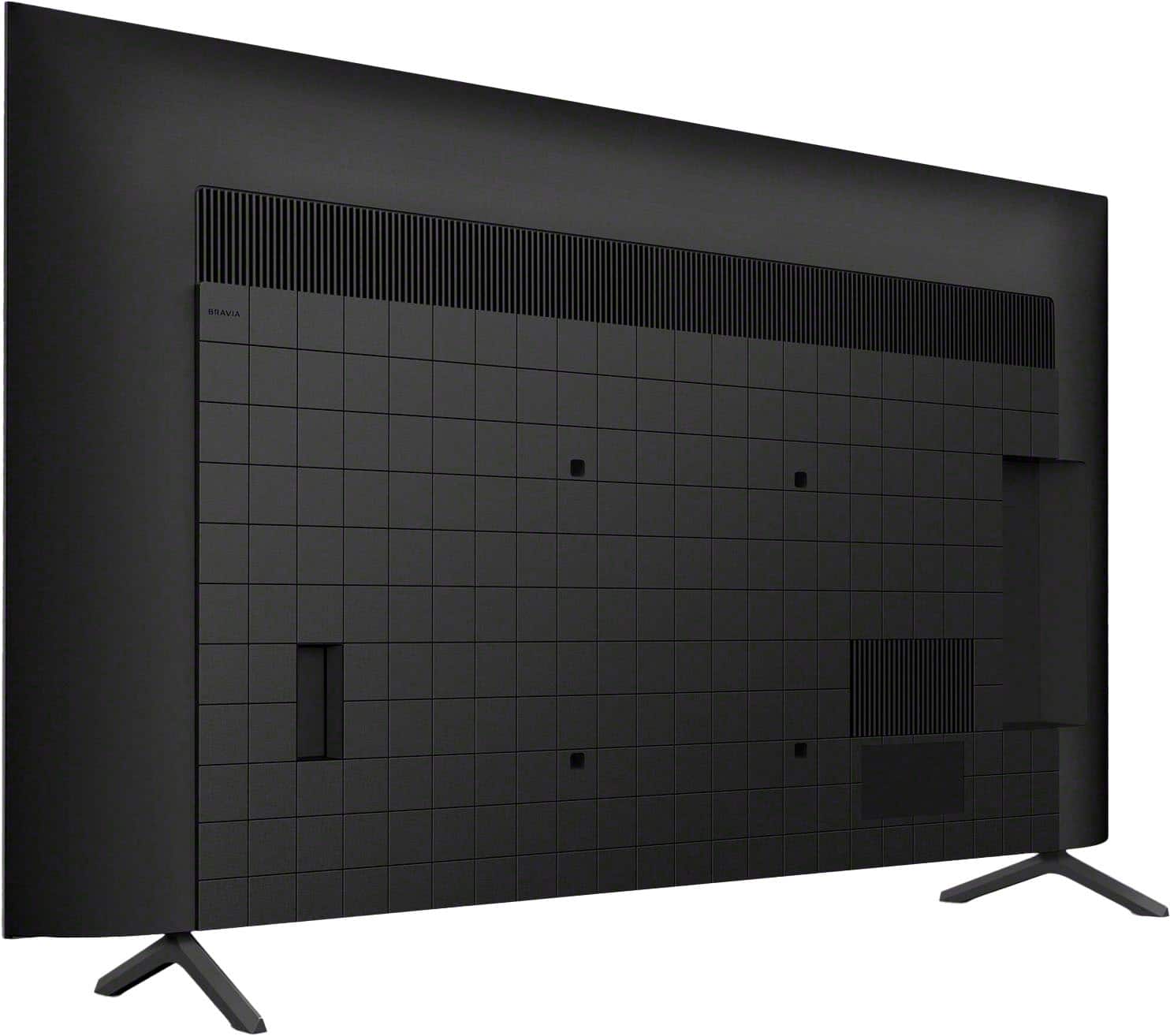
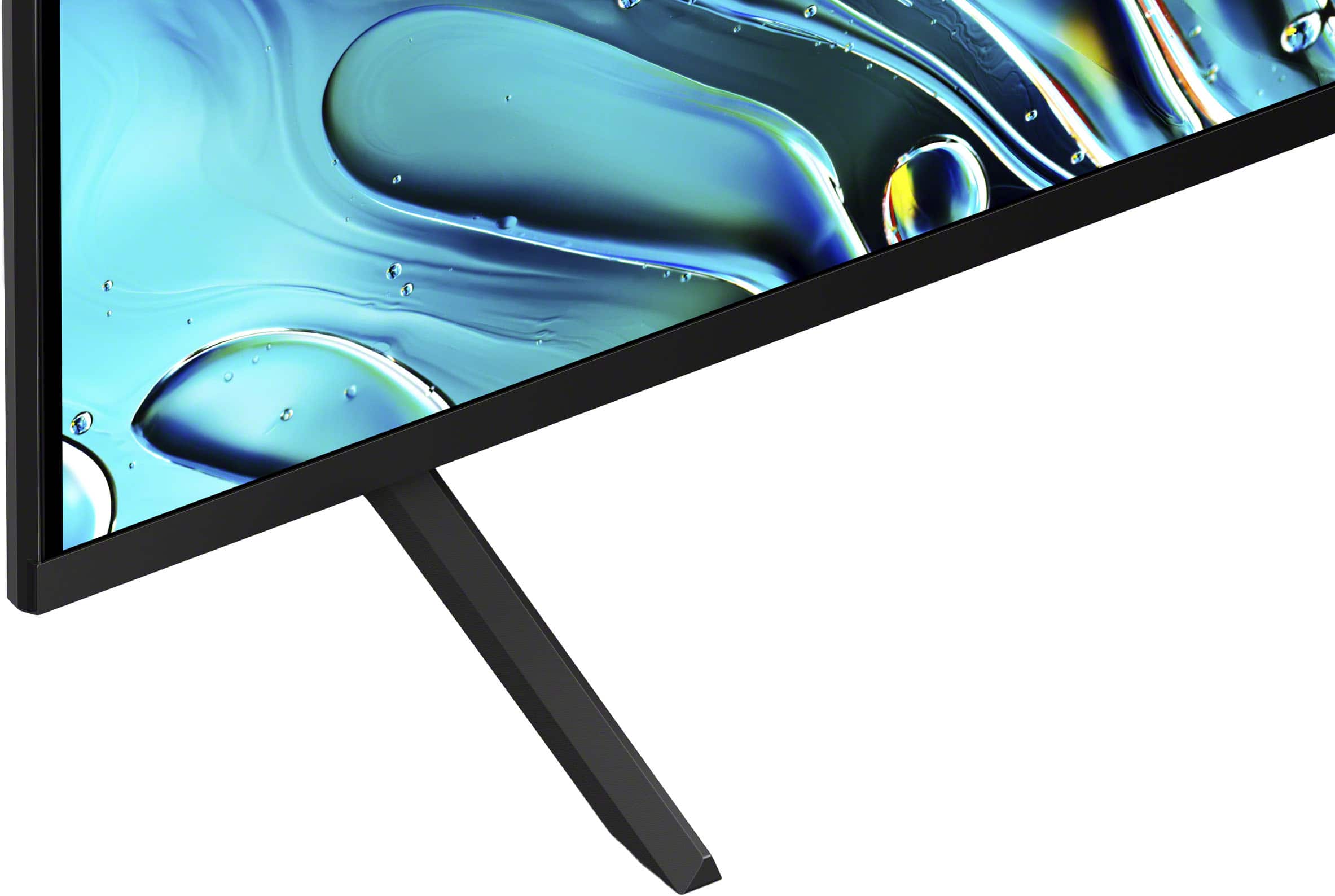
  • QuestionAre Support stands included with the TV so I can Place it on a TV Credentia?

    Asked by Buddy.

    • Answer They are but the stand on which the set is placed required another stand-set which, fortunately, the tech had on his vehicle. An extra charge was required.

      Answered by OutdoorSecurity

  • QuestionDoes this TV have an auto shut off after it's on for a certain length of time?

    Asked by Tippy.

    • Answer Hi Tippy, Thanks for the question! Yes, the BRAVIA 3 TV has auto shut-off function. There is an option on the settings to set it to off or never. Select Auto turn-off → Turn-off when inactive or Turn-off when watching, then set it to Never. Note: If Turn-off when inactive is enabled, the TV will turn off when there is no user activity, but it will remain on while you're watching content. If Turn-off when watching is enabled, the TV will turn off when there is no user activity, even if you're watching content. To prevent unintended power-offs, set both Turn-off when inactive and Turn-off when watching to Never. If there is a Shut-off timer option: Select Shut-off timer → When watching or When inactive, then set it to Never. Our BRAVIA 3 Smart TV is exceptionally easy to use with a variety of all-in-one smart features for stress-free viewing. With a large screen, detailed pictures full of color and dynamic sound, everything you love feels so much more exciting. Hope this helps! - Kris

      Answered by SonyListens

  • Questionon Sony Bravia 3 65inch what is the distance between the legs?

    Asked by SA.

    • Answer Hi SA, thanks for your question. The distance between each leg of the supplied stand for 65-inch BRAVIA 3 is 46.38 inches (1,175 mm). Our BRAVIA 3 Smart TV is exceptionally easy to use with a variety of all-in-one smart features for stress-free viewing. With a large screen, detailed pictures full of color and dynamic sound, everything you love feels so much more exciting. ~Earl

      Answered by SonyListens

  • QuestionJust bought the Sony K65S30 65" BRAVIA 3 (2024), but the white standby light stays on when I turn off the TV with the remote. Is this normal, and is there a way to turn it off ? The first time we turned the tv off, the light was off, but now it doesn’t.

    Asked by Suzette.

    • Answer Hi Suzette, The white standby light staying on when you turn off the TV with the remote is normal operation for most Sony BRAVIA models, as it indicates the TV is in a low-power standby mode, allowing it to perform background tasks like network updates. However, since it initially turned off and now stays on, there may be a setting change. To manually disable this light, press the HOME button on your remote, go to Settings, select System, then LED Indicator, and set Illumination LED to Off. If the issue persists, we recommend unplugging the TV for two minutes to clear any temporary glitches, as this often resets the standby behavior. Thanks for choosing Sony. Best regards, Eliab

      Answered by SonyListens

  • QuestionIs this TV compatible with Vizio SV510X-0806 soundbar

    Asked by JeffPrice.

  • QuestionI notice light black spots and areas on the screen especially when the screen is white or blue or green. ( while watching golf). Very noticeable when the action onnscreen is moving. And all 4 corners on the screen. Sony Bravia 3

    Asked by Kb.

    • Answer Thank you for contacting Sony, Kb. We are very sorry to hear about the issues you are experiencing with your BRAVIA 3 television, specifically the light black spots and areas you are noticing across the screen, especially in the corners and when viewing uniform colors like white, blue, or green. This certainly is not the clear, uniform picture quality we intend to deliver. We strongly recommend that you contact our dedicated support specialists directly so they can professionally diagnose the cause and explore the best path to resolution. They can guide you through specific troubleshooting steps, such as adjusting picture settings, running a panel self-diagnosis, or checking for the latest firmware updates, which can sometimes mitigate these effects. Please reach out to our team here: Sony Support Contact: https://us.esupport.sony.com/support/s/support-contact?language=en_US&category=tv We apologize that your new television is not meeting your expectations for picture quality, and we appreciate you bringing this to our attention. Best regards, Gus, Sony Social Media Team

      Answered by SonyListens

  • QuestionKeep reading reviews the TV control is not great. Will I be able to set up my direct tv controller & use that instead? Need Numbers, fast forward & rewind buttons. Thanks!

    Asked by Sue.

    • Answer Hi Sue, Thank you for considering Sony products! We appreciate your question and are happy to assist you. Yes, you should be able to program your DIRECTV remote to control the essential functions of your K65S30 TV, including power, volume, and input selection, which should make your experience more convenient. The setup typically involves using the remote’s programming mode to enter the correct code for your Sony TV model. For detailed instructions or if you encounter any difficulties, we recommend consulting your DIRECTV remote manual or contacting DIRECTV customer support. If you have any questions specific to your Sony TV, please don’t hesitate to reach out to us—we’re here to help! Best regards, -Fred

      Answered by SonyListens

  • QuestionNew tv. I need to turn the volume up to 70 for normal listening. Any ideas?

    Asked by Meme.

    • Answer Hi Meme, We apologize for the unexpected low volume requiring a level of 70 on your 65" BRAVIA 3. A possible fix is to check the Sound Mode settings, as some modes, like Standard, prioritize clarity over loudness. We suggest switching to a mode like Dynamic or Cinema. Also, try disabling Advanced Auto Volume or similar features, as they can sometimes reduce the overall sound level. If neither of these helps, a full power reset (unplugging the TV for 60 seconds) can clear any temporary audio glitches. Thanks for choosing Sony. Best regards, Eliab

      Answered by SonyListens

  • QuestionDoes the tv have a Android operating system?

    Asked by Anonymous.

    • Answer Hi there, Yes, the BRAVIA 3 utilizes the Google TV smart platform, which is built on the Android operating system. Thanks for considering Sony products. -Eliab

      Answered by SonyListens








