







Black Friday is hereShop new DoorbustersShop now

Main Content

Questions & Answers

Your price for this item is $1,299.99
The comparable value price is $1,899.99
Page Showing 1-20 of 51 questions
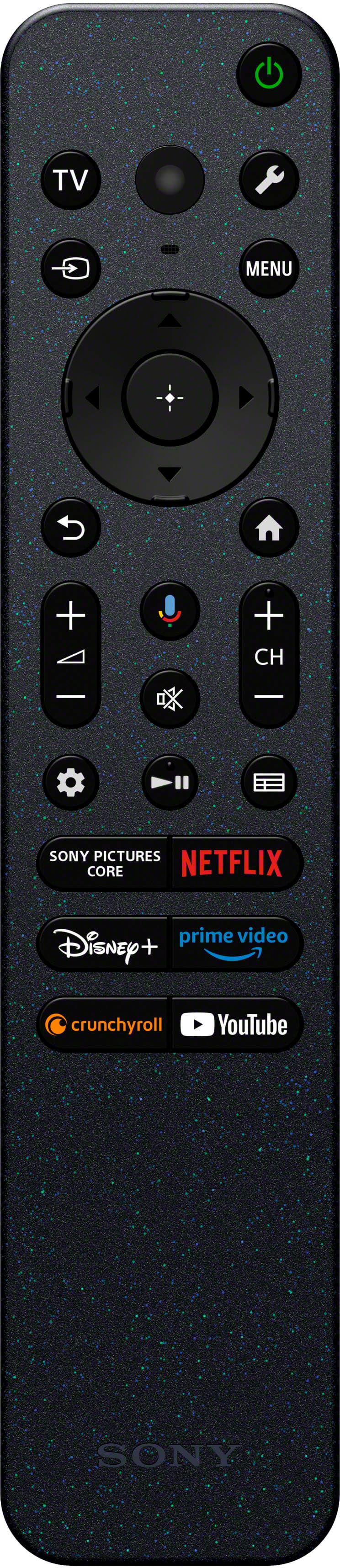
  • QuestionCan I use voice control with this TV?

    • Answer Yes, this TV supports voice control and uses Google Assistant.
    This question and answer was generated by AI based on customer and product data.

  • QuestionIf I want expert help setting up my new Sony TV, is that an option?

    • Answer Yes, Geek Squad can help with unboxing, setting up, or mounting your new TV.
    This question and answer was generated by AI based on customer and product data.

  • QuestionDoes this Sony TV come with built-in speakers?

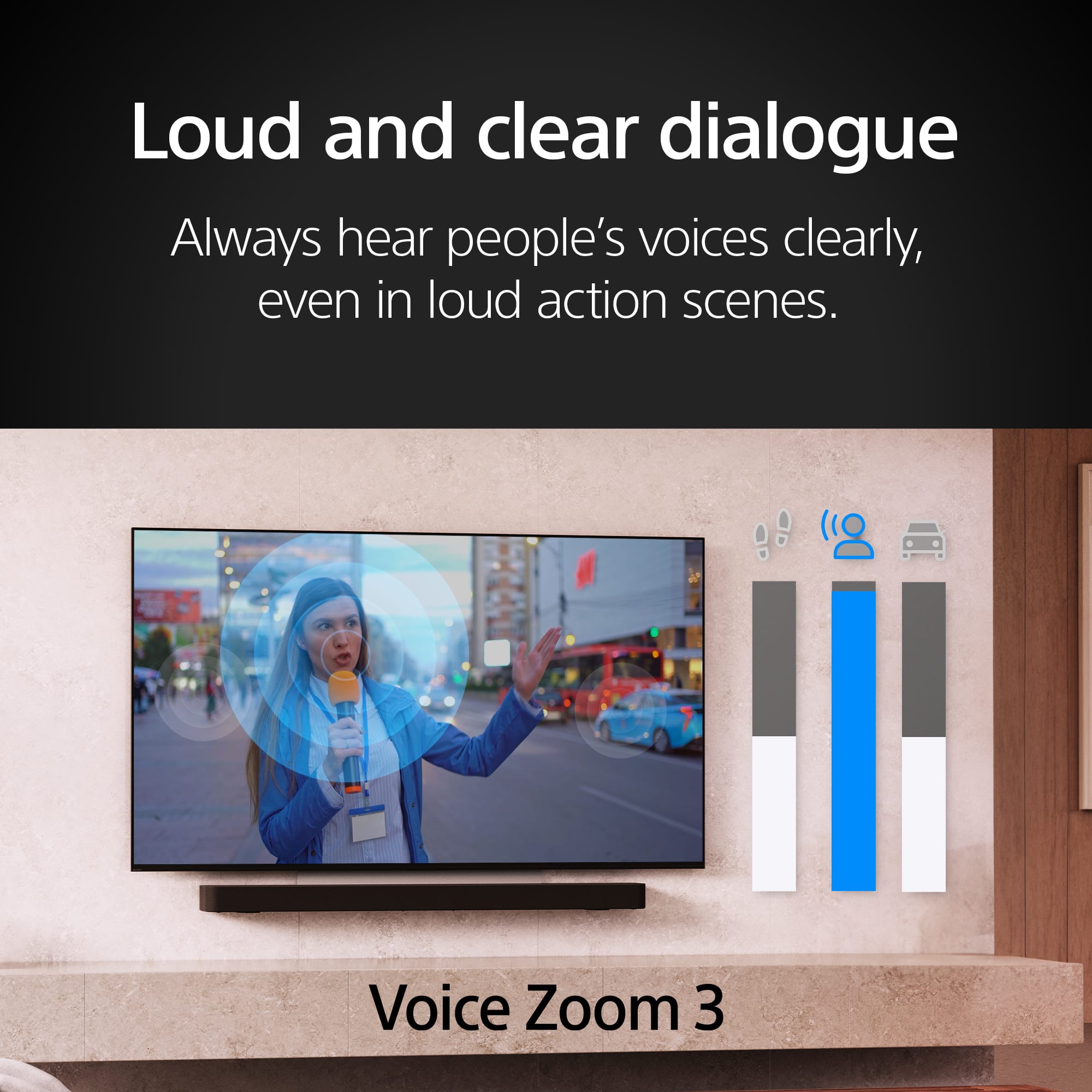
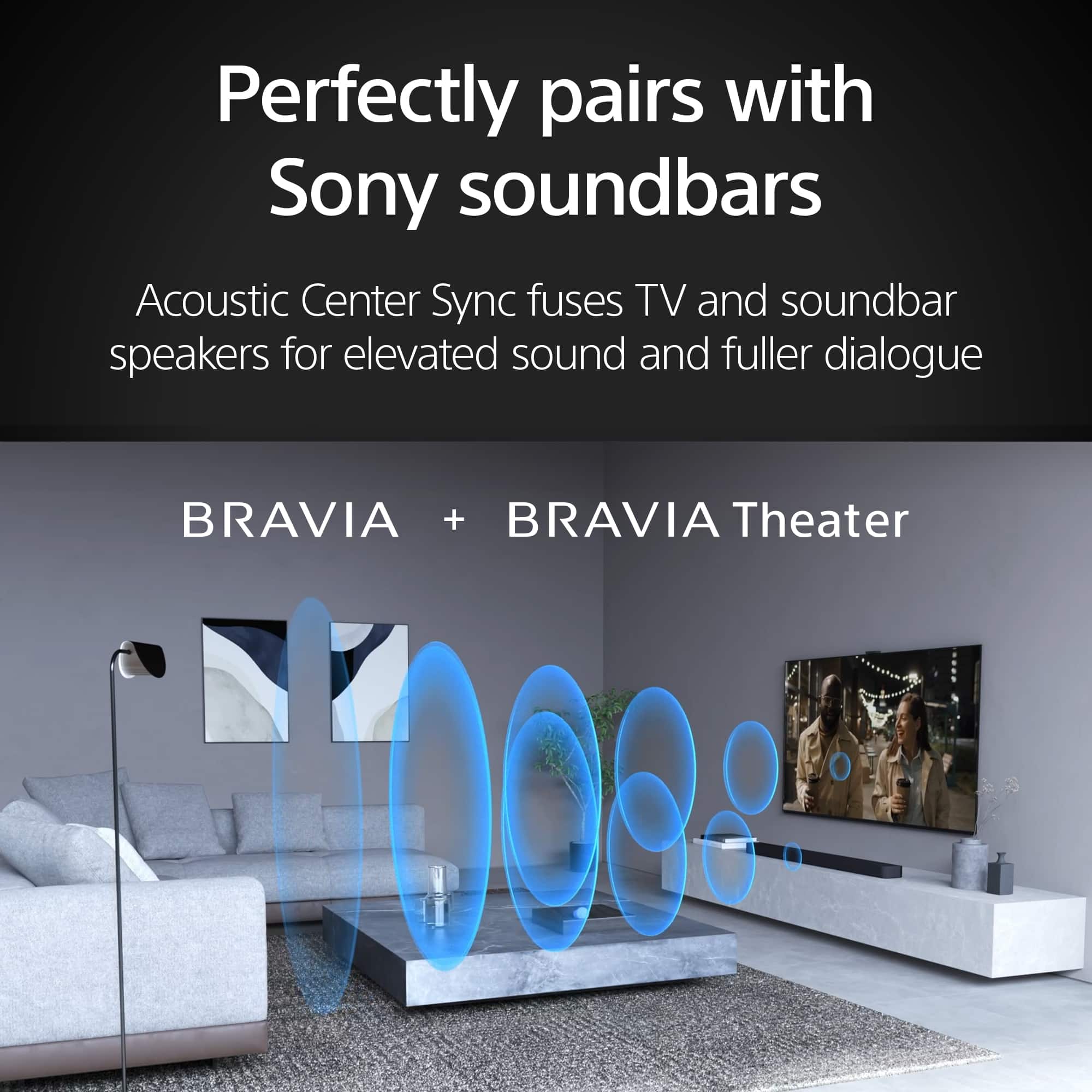
    • Answer Yes, this Sony TV has built-in speakers.
    This question and answer was generated by AI based on customer and product data.
  • QuestionWhat is the refresh rate of this Sony TV?

    • Answer This Sony TV has a refresh rate of 120Hz.
    This question and answer was generated by AI based on customer and product data.

  • QuestionWhat is the screen size of this Sony TV?

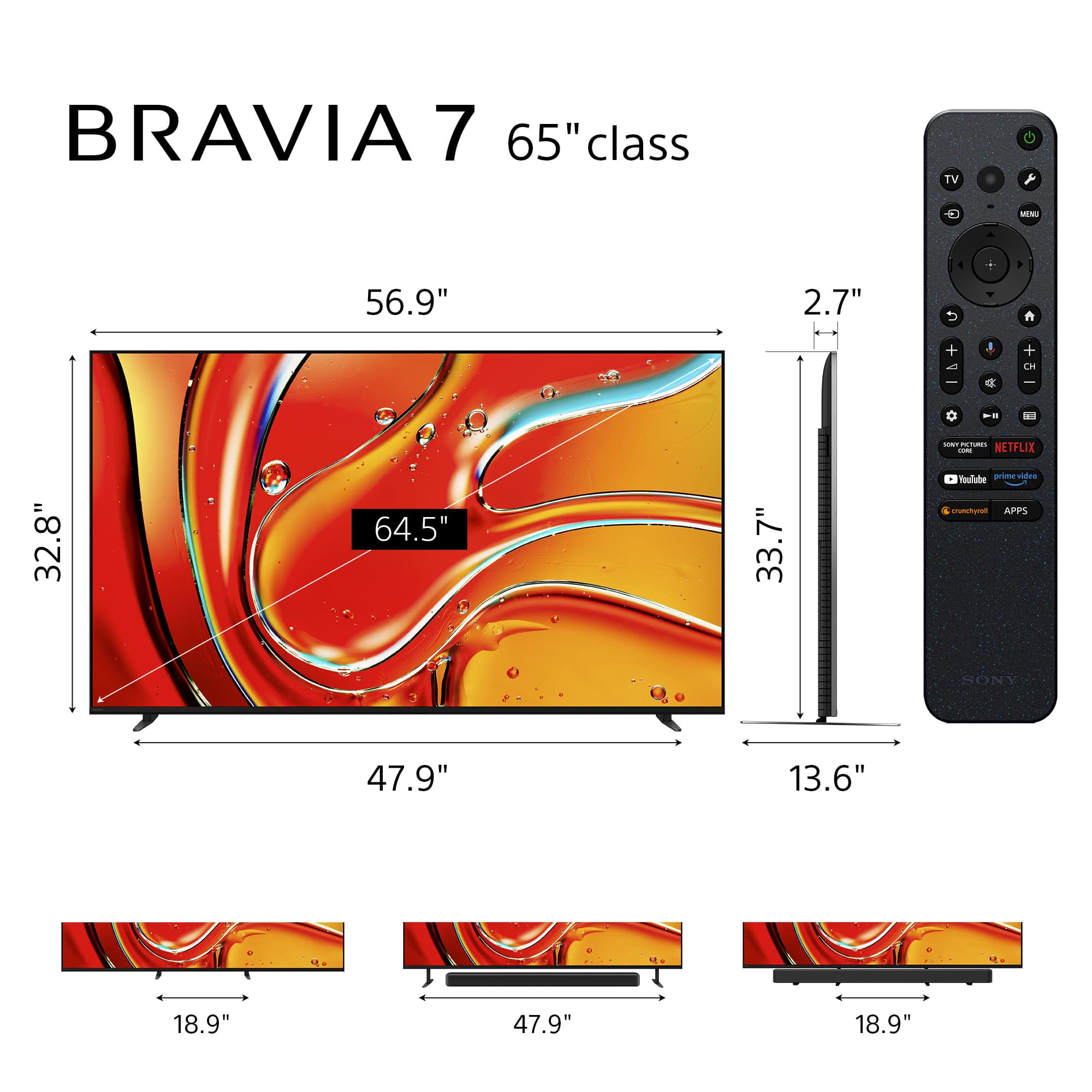
    • Answer The screen size of this Sony TV is 64.5 inches.
    This question and answer was generated by AI based on customer and product data.
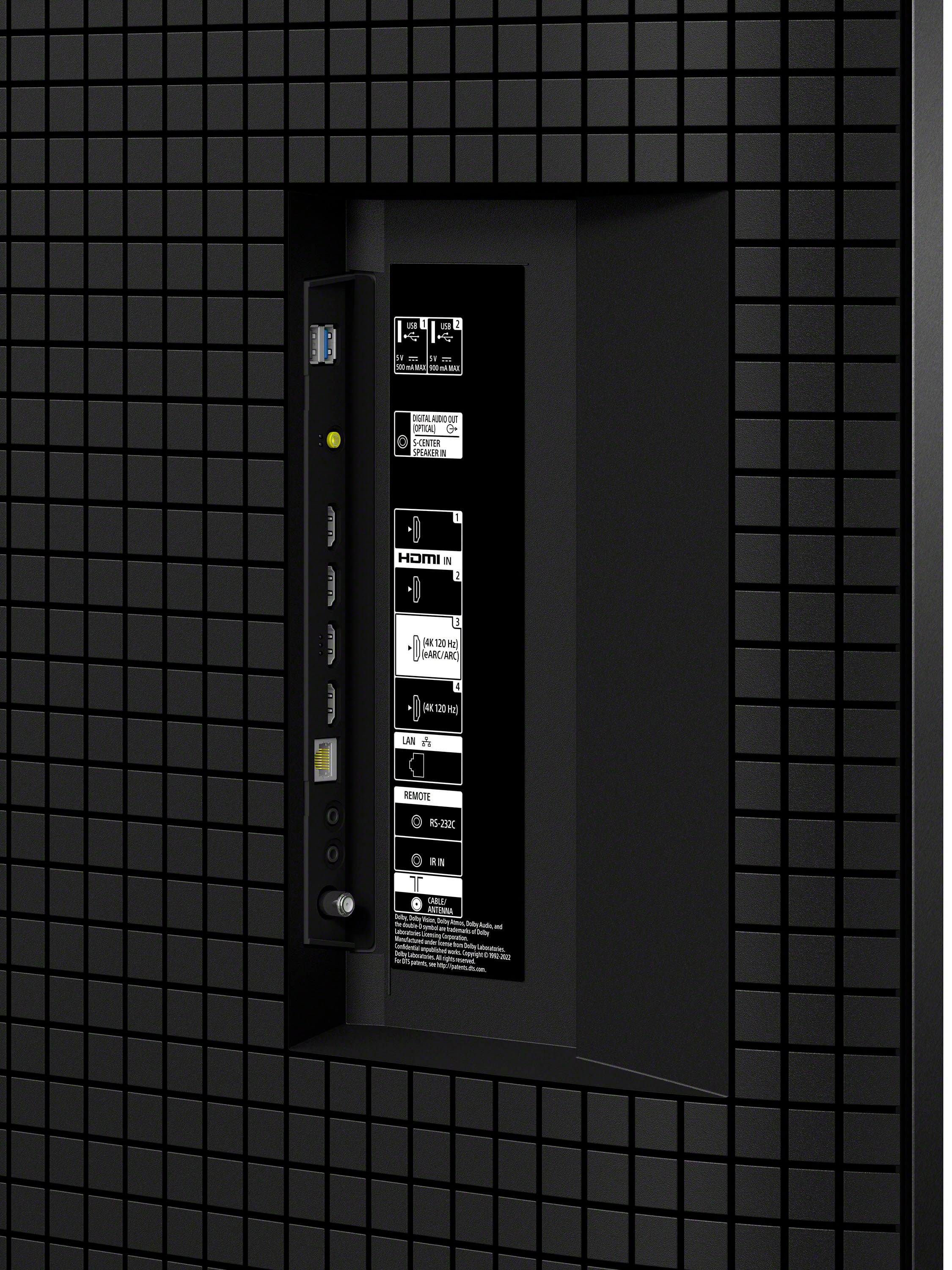
  • QuestionHow many HDMI 2.1 inputs does this TV have?

    • Answer This Sony TV is equipped with 2 HDMI 2.1 inputs.
    This question and answer was generated by AI based on customer and product data.

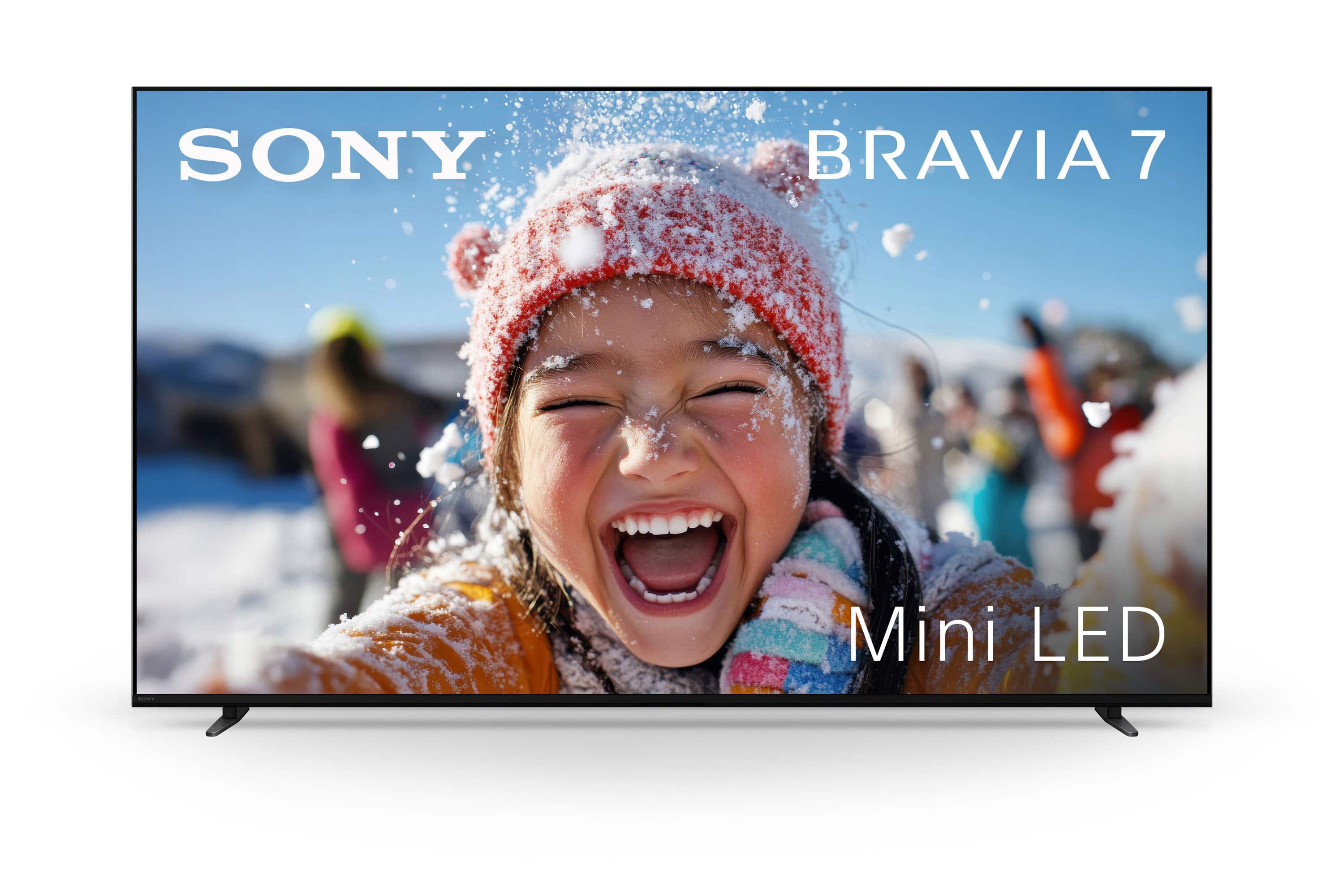
  • QuestionWhat type of display panel does this TV have?

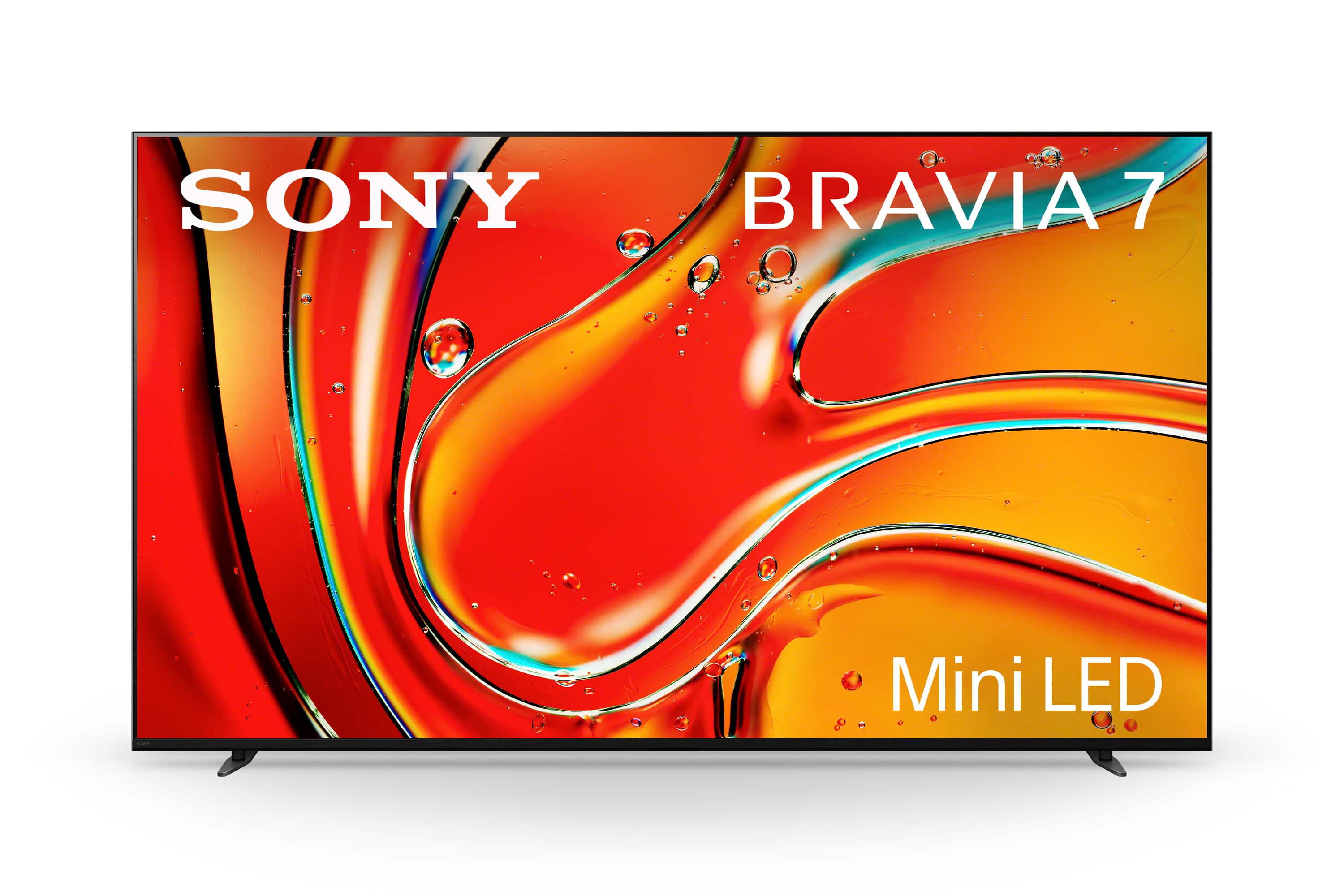
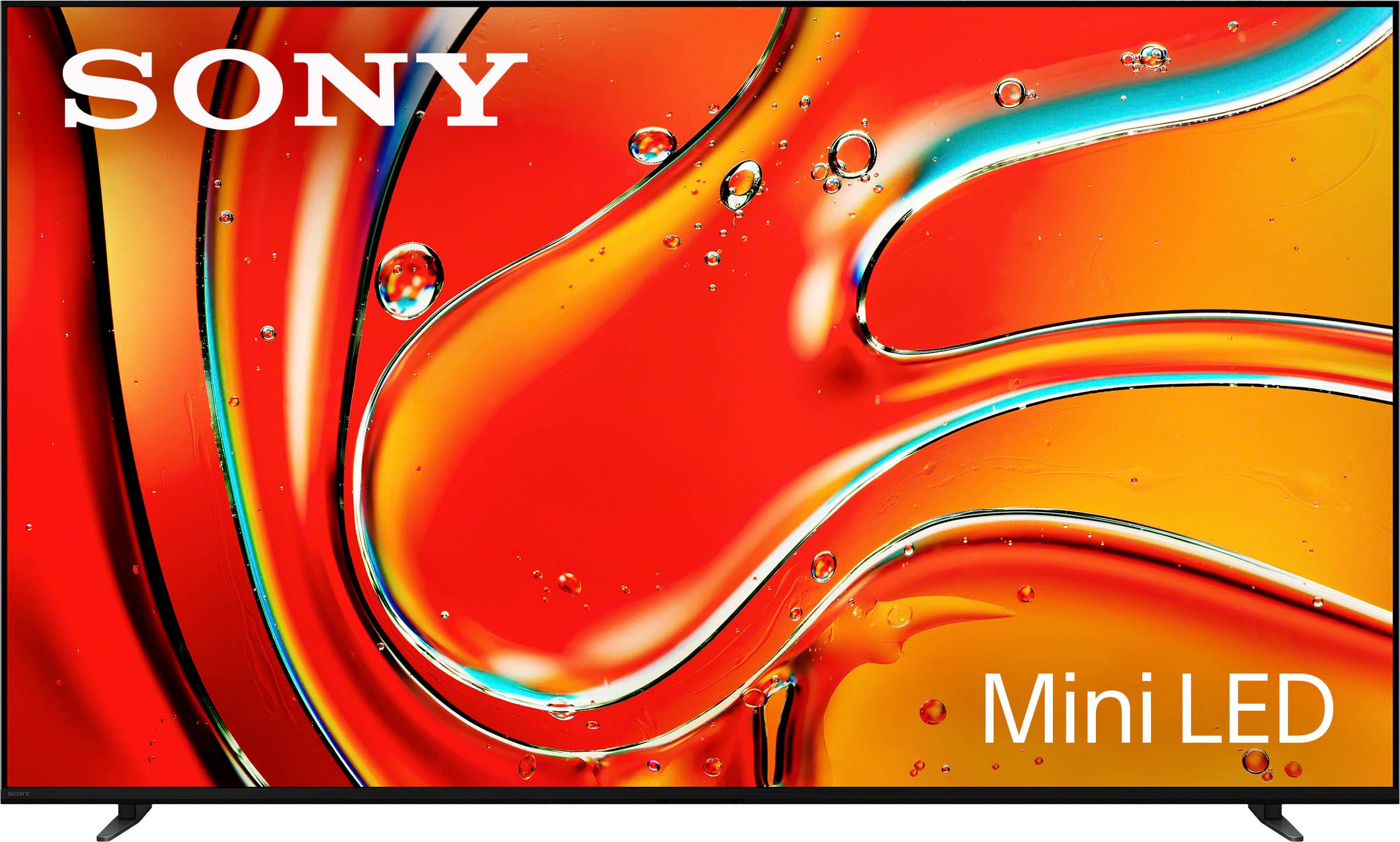
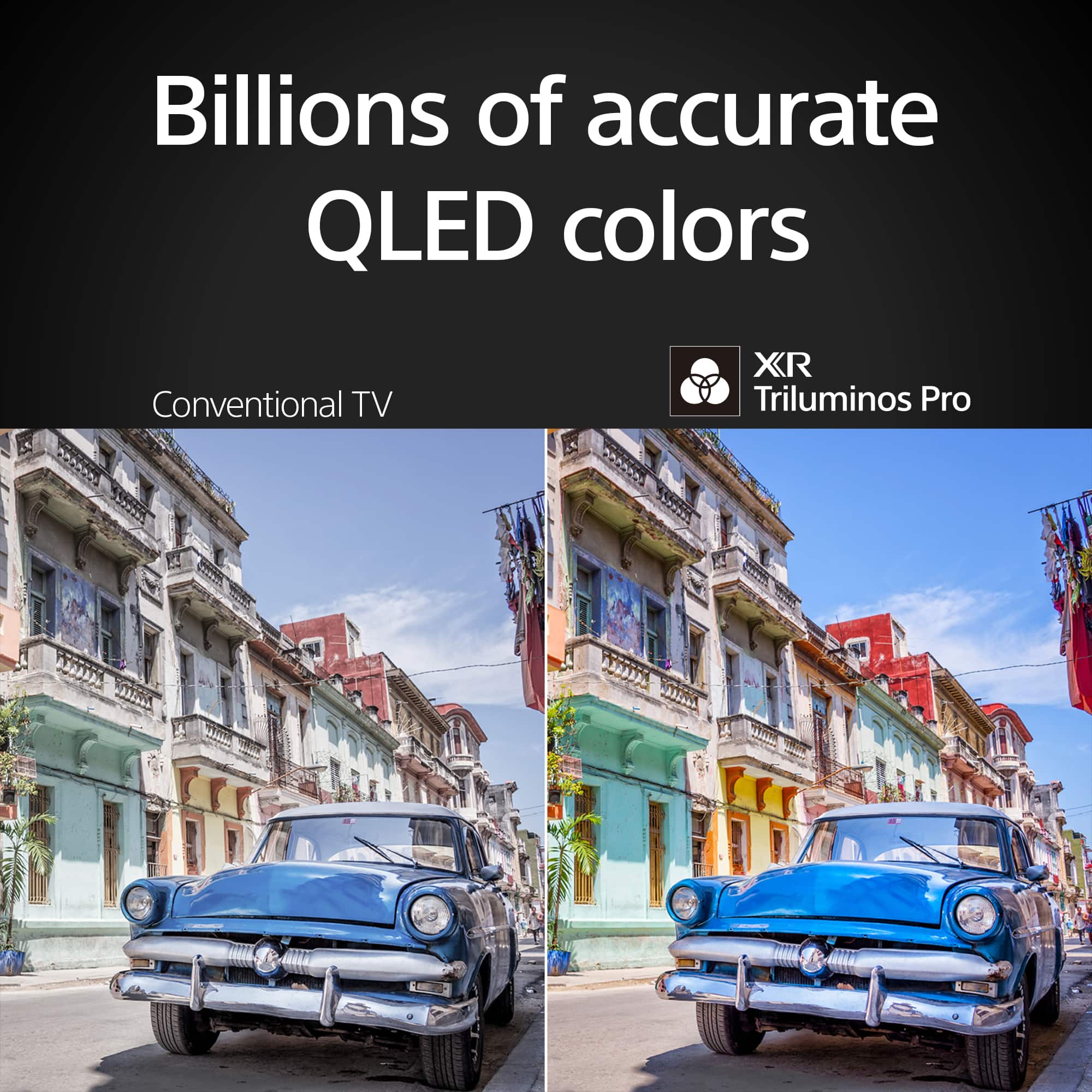
    • Answer This TV has a Mini-LED QLED display panel.
    This question and answer was generated by AI based on customer and product data.

  • QuestionDoes stand have height adjustment?

    Asked by B.

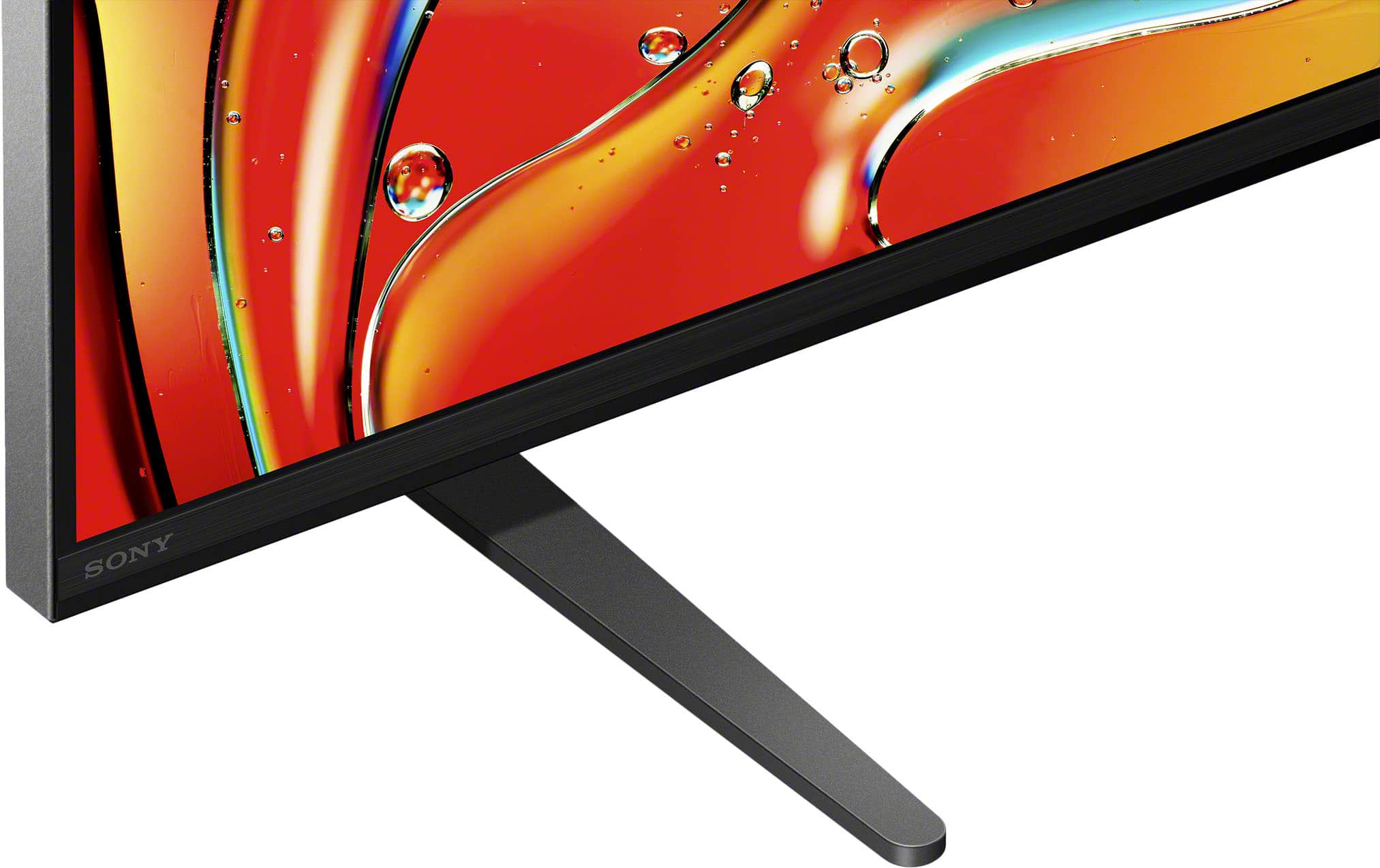
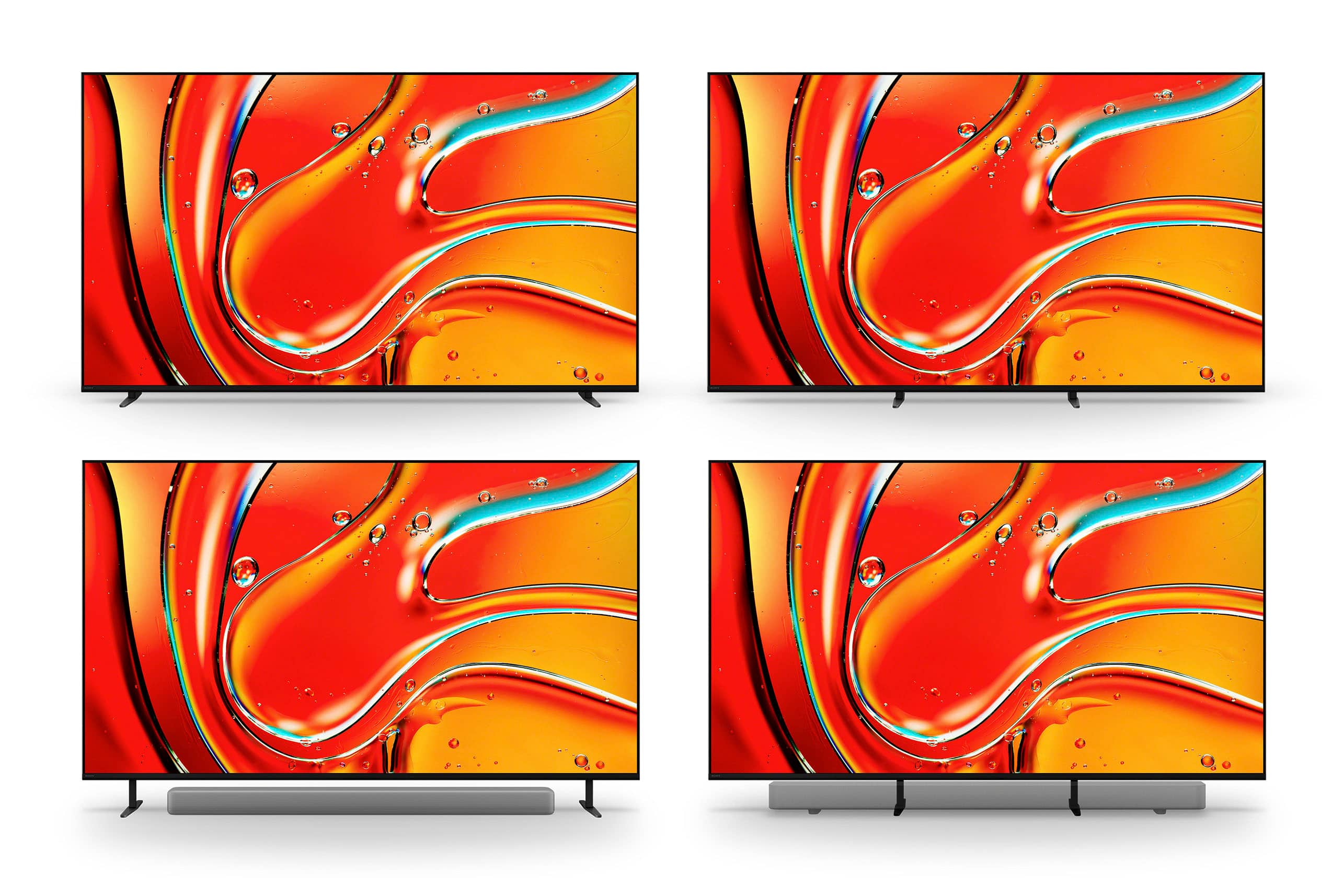
    • Answer This is from HomeTheaterReview: "A standout feature is the adjustable feet, which can be configured in multiple positions. For the 65-inch model, the footprint in the narrow, low position measures 18.8" x 13.6" x 1.7", while the wide position extends to 47.8 inches. The high position provides 3.8 inches of clearance for soundbar placement. This flexibility is a significant advantage for those with specific space constraints or aesthetic preferences." HTH!

      Answered by Doobiewah

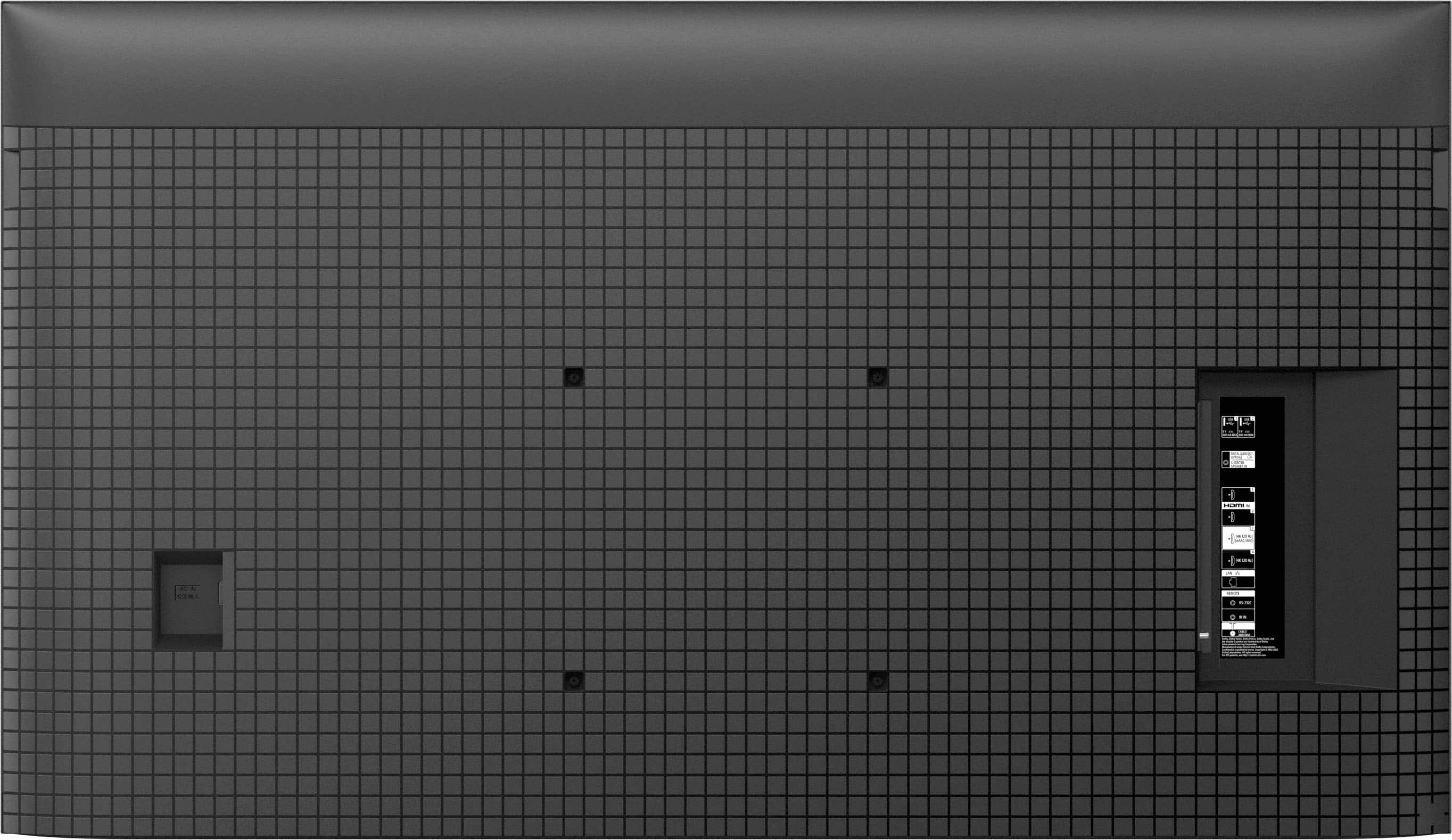
  • QuestionWhere is the Optical output located? I don’t see it on the back left side where the HDMI inputs are located? The tv is mounted, so it’s hard to find. Thanks!

    Asked by Frasier.

    • Answer Hi Frasier, Thank you for your question! The Sony - BRAVIA 7 does not have a traditional optical output on the back panel. Instead, it requires a special adapter that's included with your TV. This adapter connects to the S-Center Speaker In port, allowing you to connect an optical cable. For a visual guide on where this port is located and how the adapter looks like, please check the link below: https://www.sony.com/electronics/support/res/manuals/5057/be8adc7cf9a46dfeb878210e99e89373/50578571M.pdf Thank you for choosing Sony! Best regards, Dominick

      Answered by SonyListens

  • QuestionDoes this TV have VRR? Seems like Bestbuy doesn’t list VRR on any tvs.

    Asked by MikeS.

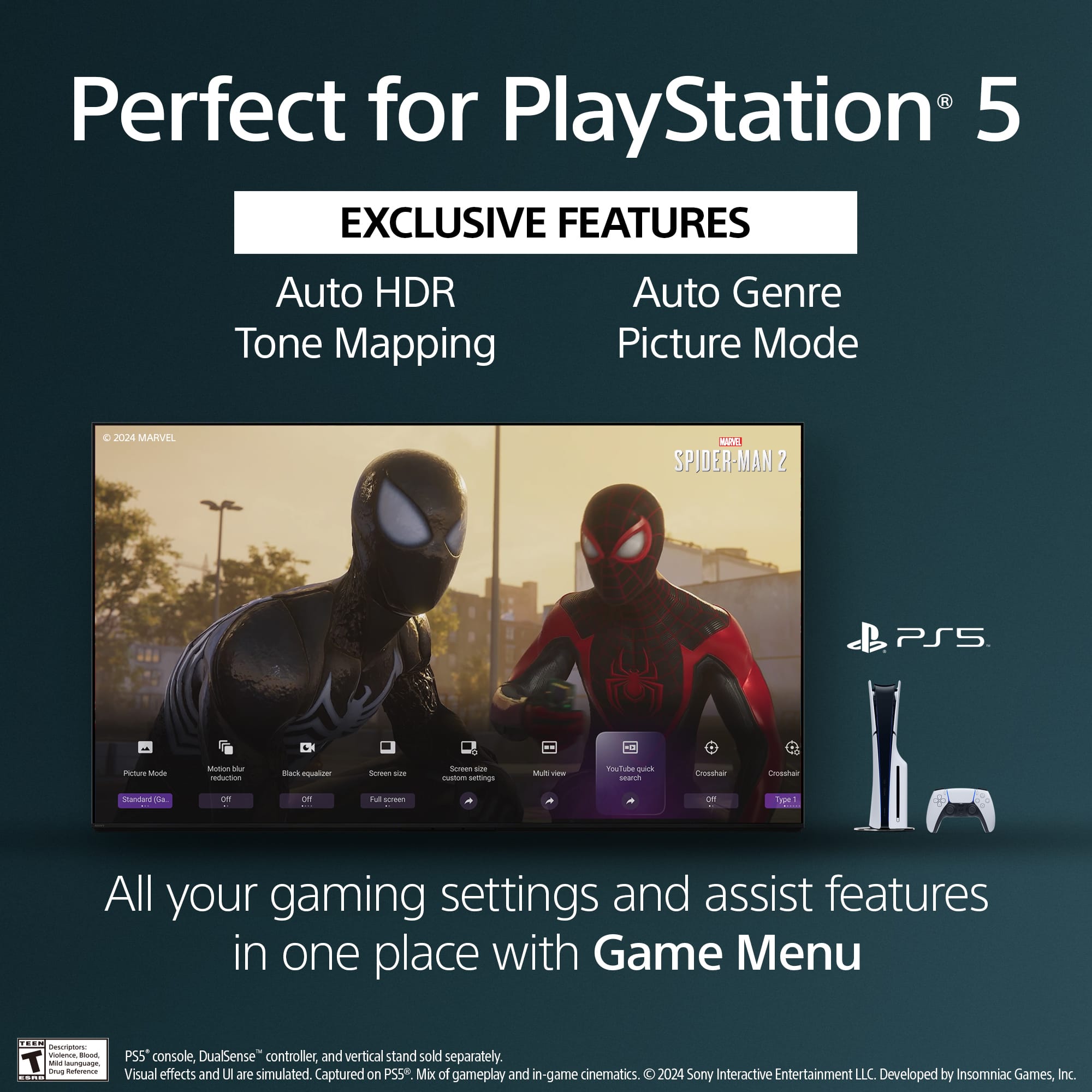
    • Answer Hello MichaelS, Thank you for reaching out with your question! Yes, the K65XR70 (BRAVIA 7) TV supports Variable Refresh Rate (VRR) on HDMI ports 3 and 4. Experience stunning depth and clarity in every scene. With exceptional brightness and remarkable contrast, our TV provides breathtaking visuals that are designed to entertain and captivate. Enjoy sound that appears to come directly from the screen itself, thanks to Acoustic Multi-Audio™ technology, creating a perfectly synchronized audio-visual experience. With capabilities like 4K/120fps, Variable Refresh Rate (VRR), and Auto Low Latency Mode (ALLM), our TVs ensure smooth, clear motion for an incredibly responsive gaming experience. I hope this information is helpful! Best regards, Romeo

      Answered by SonyListens

  • QuestionDoes this tv have a headphone jack?

    Asked by Anonymous.

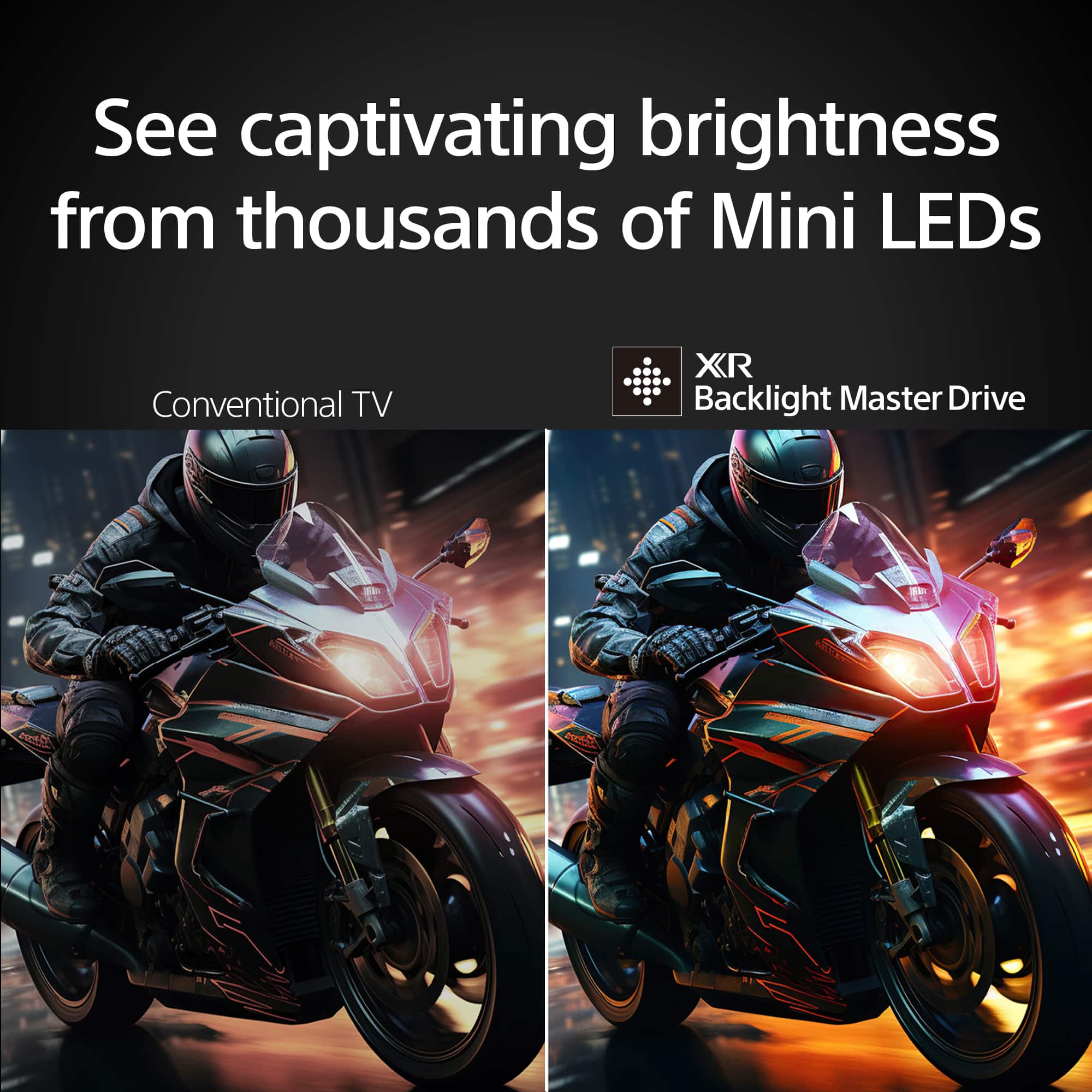
    • Answer Hi there, Thank you for your interest in the Sony BRAVIA 7 TV! While this TV does not have a headphone jack, you can easily use wireless headphones by connecting them via Bluetooth. This allows you to enjoy your content without disturbing others in the room. Additionally, if you have an audio system with optical audio input, you can use the DIGITAL AUDIO OUT (OPTICAL) port to connect it for enhanced sound. Hope this information helps! Sony's XR Backlight Master Drive controls thousands of Mini-LEDs with precision to deliver high brightness. Enhanced by XR Contrast Booster 20, the K65XR70 displays incredible contrast with deep, detailed blacks and dazzling highlights. Best regards, Maria

      Answered by SonyListens

  • QuestionI purchased the toslink digital optical cables but there is no input for them. Does this tv use the mini toslink? I found an adapter to mini toslink on the best buy website but want to make sure it will work. It looks like a standard 3.5 mm jack.

    Asked by jason.

    • Answer Hi Jason, Thank you for your inquiry. Sony BRAVIA 7 does support a digital optical audio connection. The DIGITAL AUDIO OUT (OPTICAL) port is shared with the S-CENTER SPEAKER IN port. You’ll need to use the Digital Audio Connector Adapter that comes with the TV to enable optical output. If you’re using a mini TOSLINK adapter, it should work, as mini TOSLINK connections. Just ensure it’s securely connected. For further clarification, refer to this link for the settings for audio output: https://helpguide.sony.net/tv/lusltn1/v1/en-003/01_10.html Hope this information helps! Sony's XR Backlight Master Drive controls thousands of Mini-LEDs with precision to deliver high brightness. Enhanced by XR Contrast Booster 20, the K65XR70 displays incredible contrast with deep, detailed blacks and dazzling highlights. Best regards, Maria

      Answered by SonyListens

  • QuestionAre Max and Spotify available on this TV?

    Asked by BruceP.

    • Answer Great question, BruceP! Yes, you can install the Max and Spotify apps on our BRAVIA 7. The compatible apps can be downloaded from the built-in Google Play Store app of the TV. Bring out the depth and detail in every scene. With extreme brightness and astonishing contrast, our TV delivers truly exhilarating pictures that are sure to entertain and delight all. Hear sound from exactly the right place. Not from beneath the screen but seemingly straight from the screen itself. With Acoustic Multi-Audio™, what you see and what you hear are perfectly matched. With 4K/120fps, a Variable Refresh Rate (VRR) and Auto Low Latency Mode (ALLM), our TVs give you smooth and clear movement for responsive gameplay. I hope this helps you, and thanks for considering Sony! Best regards, Romeo

      Answered by SonyListens

  • QuestionWhat is the height of the Bravia 7 when the adjustable stand is in it's highest position? My guess is about 38" but i need to know the exact amount. Thank you. I don't think the TV size matters but i'm looking to buy the 65"

    Asked by Casey.

    • Answer Thank you for contacting Sony, Casey. The height measurement for the 65" BRAVIA 7 when the adjustable stand is set to its highest position is 35 7/8 inches. This raised height is specifically designed to provide clear space underneath the screen for a soundbar without obstructing the picture. We appreciate your interest in Sony products. Should you require any further assistance, please don't hesitate to reach out for support here: https://us.esupport.sony.com/support/s/support-contact?language=en_US&category=tv Best regards, Gus, Sony North America Customer Support

      Answered by SonyListens

  • Questiondoes the screen reflect light if viewed at an angle

    Asked by Anonymous.

    • Answer No.

      Answered by Bungee

  • QuestionAfter the latest update (04Aug2025), the picture quality has significantly degraded. Titles in Dolby Vision on Disney+ or other streaming services look terrible, grainy, and darker. Apps are not working properly, either. Does anyone have a solution?

    Asked by SonyBravia.

    • Answer Hi SonyBravia, we're really sorry to hear that you're experiencing issues with your Sony - BRAVIA 7 after the recent update, we understand how frustrating that can be. For the best picture quality and app performance issues you're seeing, we'd recommend trying the following steps: 1- Restart your TV - Sometimes a simple reboot can help clear out temporary glitches. You can restart the TV by pressing the power button on the Sony remote control for 10 seconds and then select "restart". Or if you prefer, you can also unplug the TV from the electrical outlet for 2 minutes and then plug it back in. 2- Clear the cache and data for the affected apps - Go to settings > apps > see all apps, select the affected app, then choose clear cache and clear data. 3- Reset picture settings - Navigate to Settings > Display and sound > picture > reset picture settings to bring everything back to default. 4- Ensure all apps are updated - Open the Google Play Store on your TV for any pending app updates. If the issue persists, you can contact our technical support team through the link below: https://us.esupport.sony.com/support/s/support-contact?language=en_US&category=tv Thank you for considering Sony products! Best regards, Dominick

      Answered by SonyListens

  • QuestionThis tv has the new tuning

    Asked by Me.

    • Answer This tv does have a tuner

      Answered by Nature4k

  • QuestionHow do you view your ring camera system on my Bravia 7

    Asked by Terry.

    • Answer Did not try yet, but might be an option. I just had it for 3 weeks now.

      Answered by Bungee

  • Questionis this tv anti glare

    Asked by Anonymous.

    • Answer Hello, Thank you for your interest in the BRAVIA 7 65"! Regrettably, this model does not include an anti-glare feature. For a comprehensive list of specifications, please visit: https://www.sony.com/electronics/support/televisions-projectors-lcd-tvs-android-/k-65xr70/specifications If having anti-glare technology is a priority for you, we recommend considering the BRAVIA 9 65", which does offer this feature. You can find its specifications here: https://www.sony.com/electronics/support/televisions-projectors-lcd-tvs-android-/k-65xr90/specifications Thank you for exploring our BRAVIA lineup. We hope this information proves helpful! Best regards, Gus

      Answered by SonyListens