








Black Friday is hereShop new DoorbustersShop now

Main Content

Questions & Answers

Your price for this item is $1,299.99
The comparable value price is $1,499.99
Page Showing 1-20 of 76 questions
  • QuestionDoes this Sony TV have Dolby Vision?

    • Answer Yes, this Sony TV supports Dolby Vision for an enhanced entertainment experience.
    This question and answer was generated by AI based on customer and product data.
  • QuestionWhat type of smart TV features does this Sony TV offer?

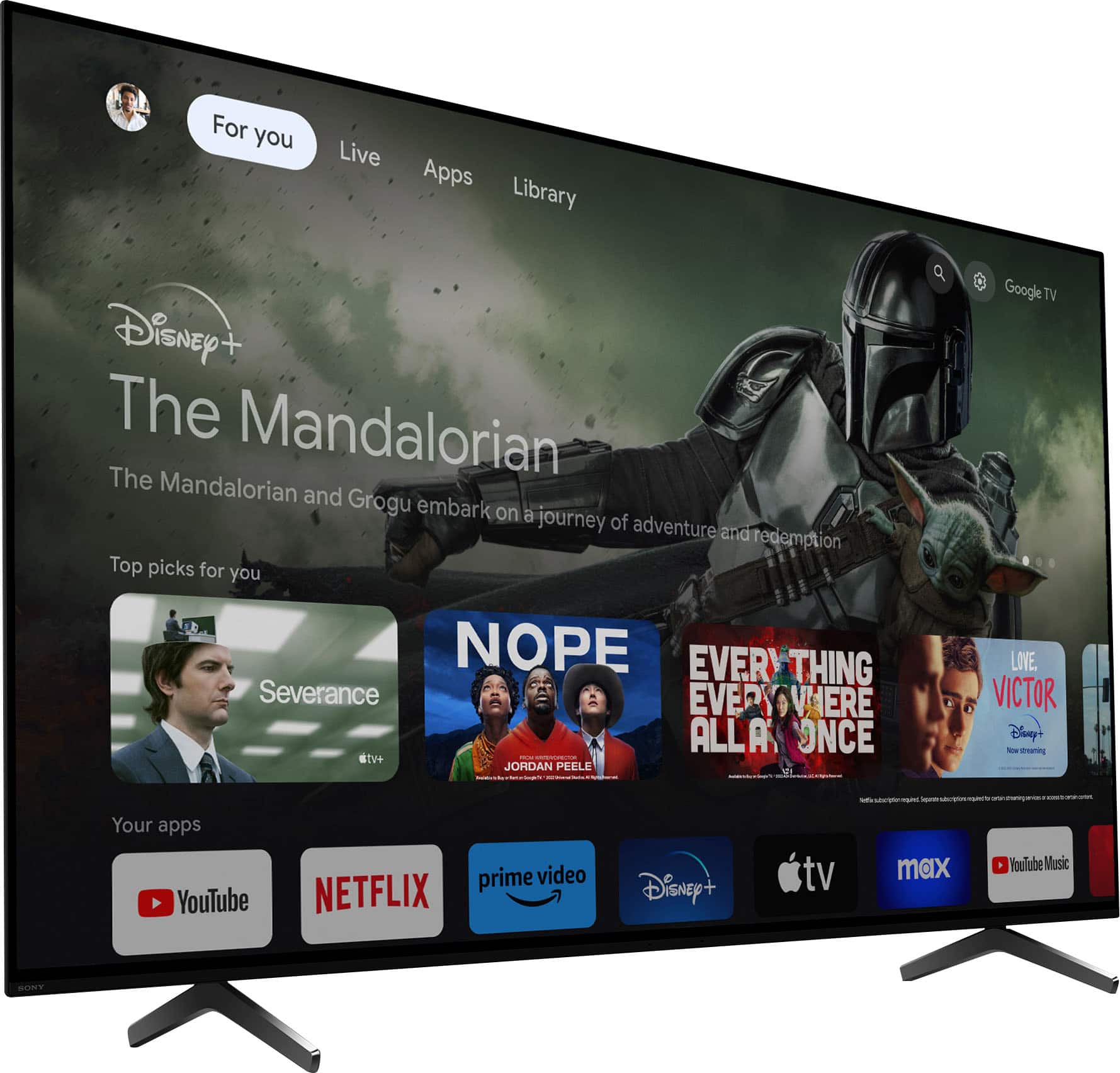
    • Answer This Sony TV features Google TV, giving you access to your favorite streaming apps and Google Assistant.
    This question and answer was generated by AI based on customer and product data.
  • QuestionWhat is the refresh rate of this Sony TV?

    • Answer This Sony TV has a refresh rate of 120Hz.
    This question and answer was generated by AI based on customer and product data.
  • QuestionIs this Sony TV compatible with a soundbar?

    • Answer This Sony TV pairs perfectly with Sony soundbars using Acoustic Center Sync technology.
    This question and answer was generated by AI based on customer and product data.
  • QuestionHow does this Sony TV handle motion blur?

    • Answer This TV uses XR OLED Motion technology for blur-free picture quality during fast-moving scenes.
    This question and answer was generated by AI based on customer and product data.
  • QuestionWhat is the screen size of this Sony TV?

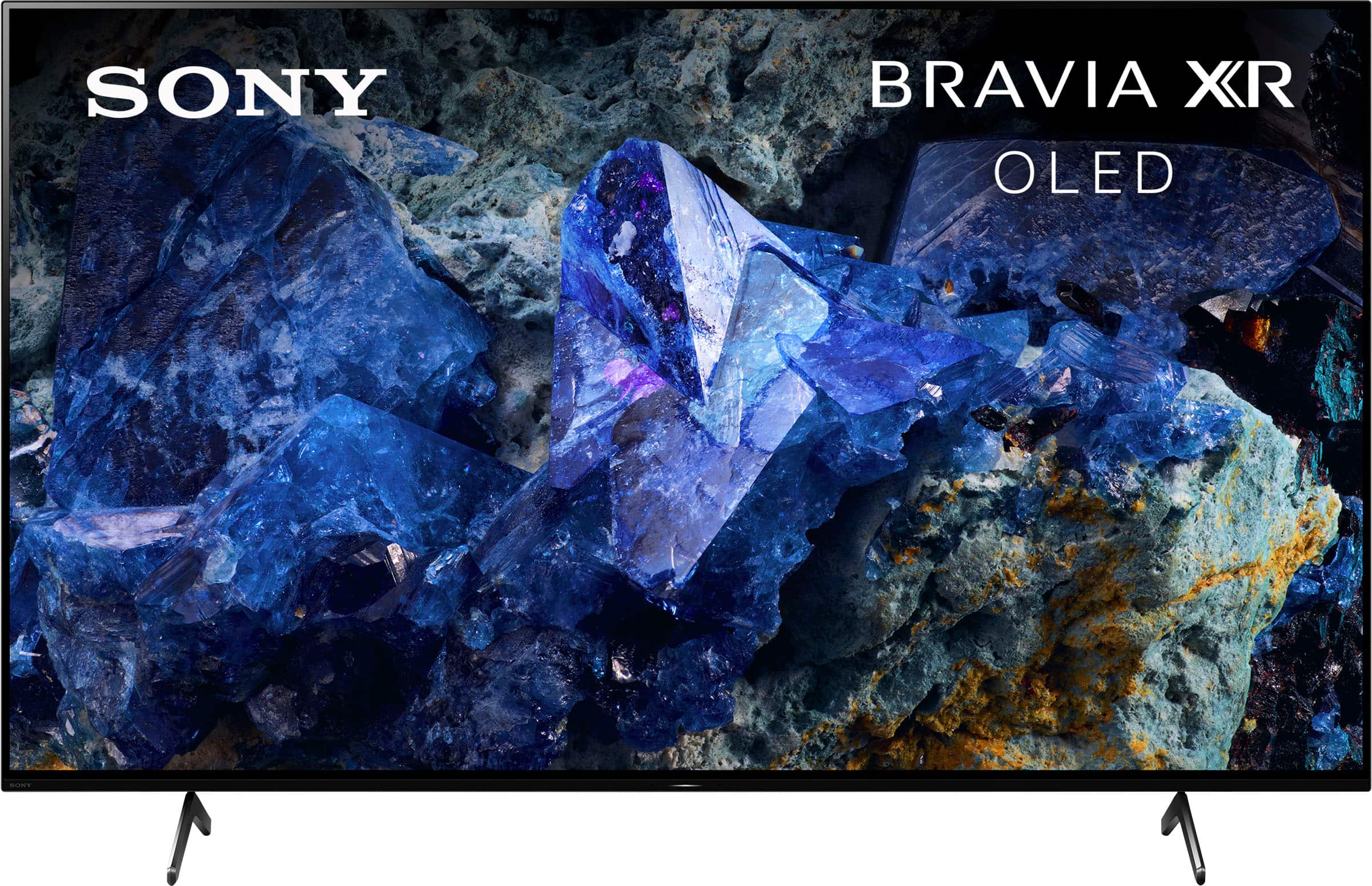
    • Answer This Sony TV has a screen size of 65 inches.
    This question and answer was generated by AI based on customer and product data.
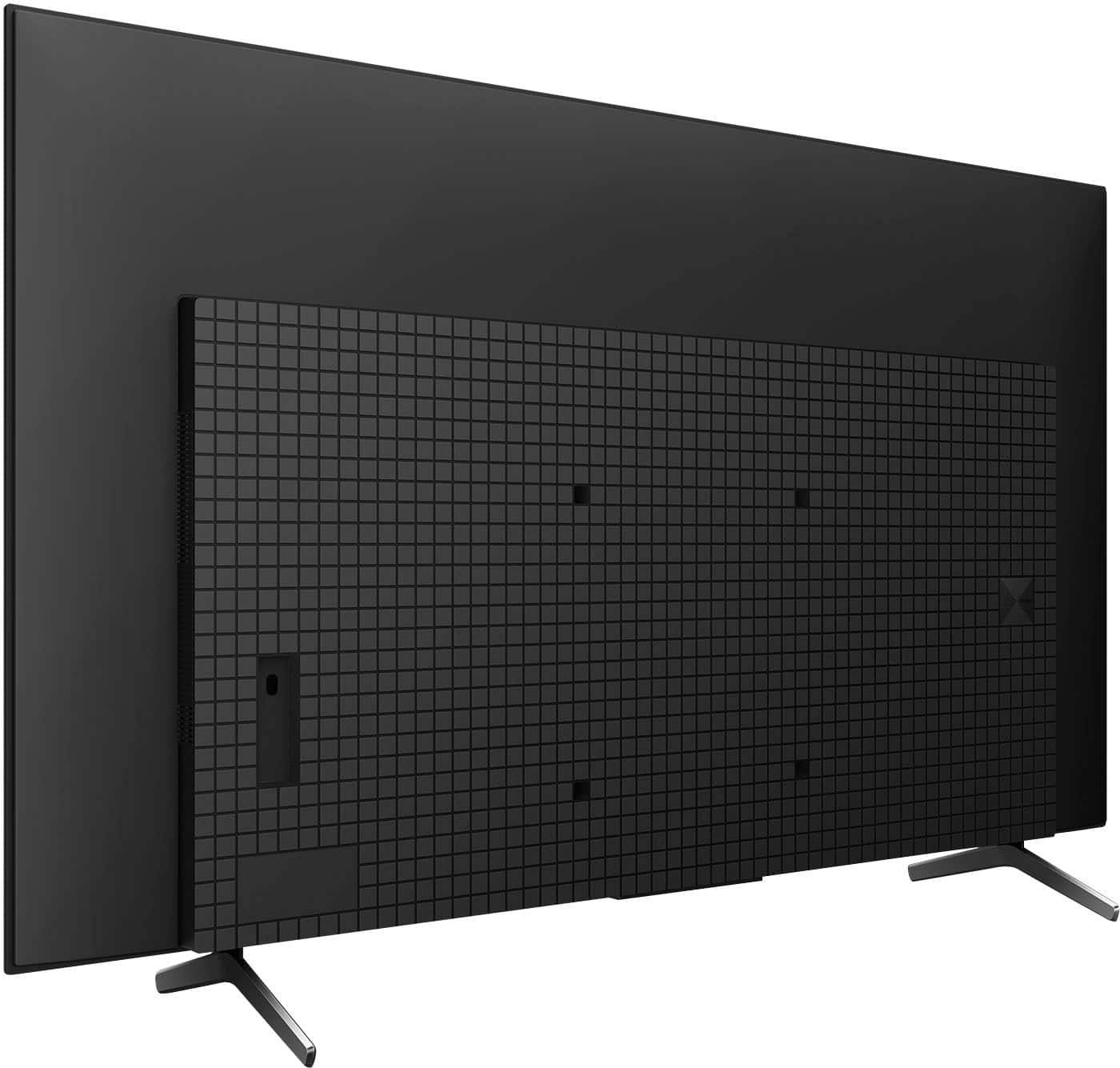
  • QuestionWhat is minimum tv stand length to support the legs on this model, my stand is 48” length

    Asked by Miljim.

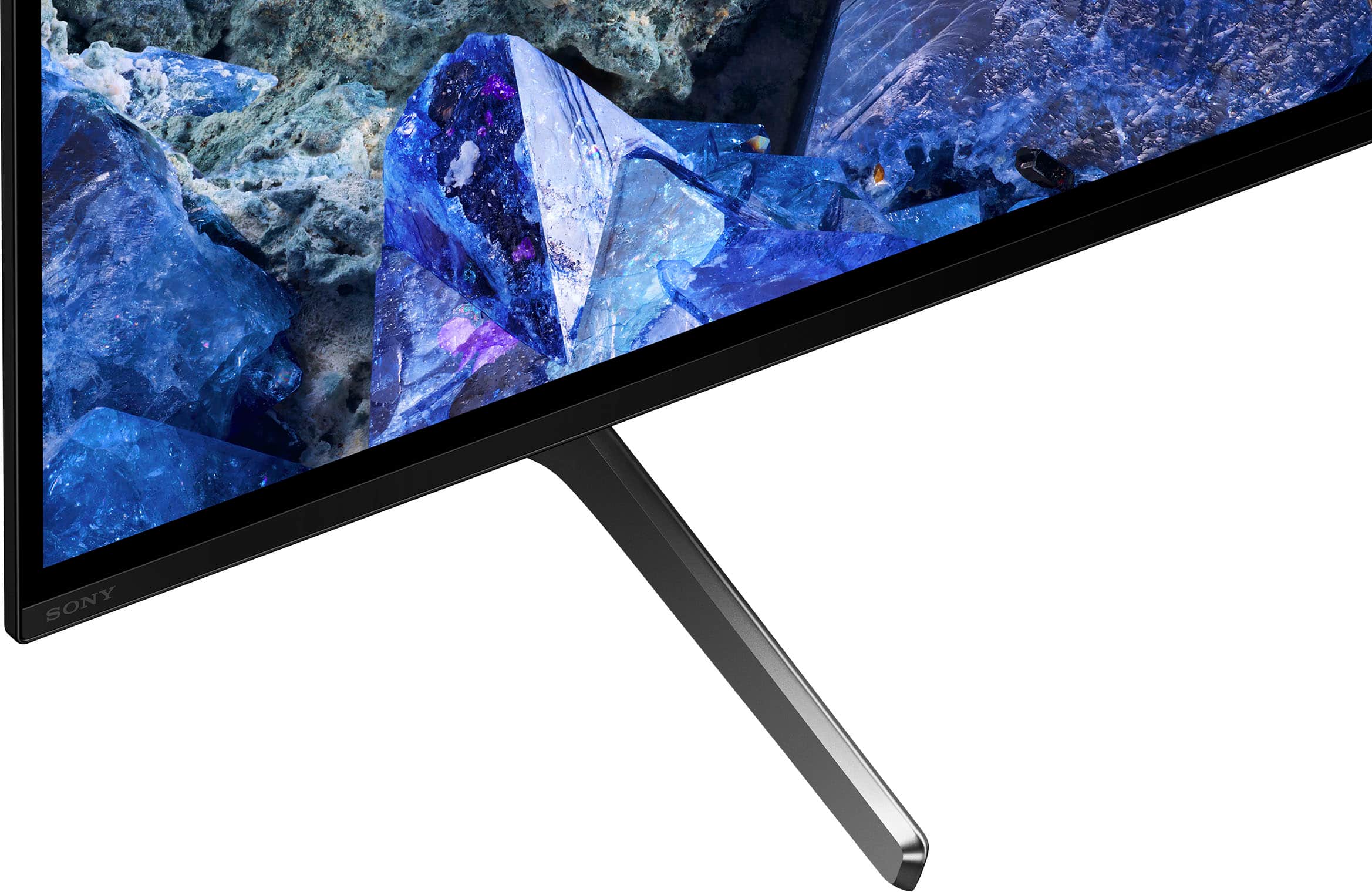
    • Answer Hi Jb9044, Thank you for your question. The width of the (legs) TV stand measures 41 1/2 inches (1052 mm). The depth is 13 3/8 inches deep. A 48” base should work well with the TV. Make sure that base is stable. The (legs) supplied stand is designed to provide stability to the TV. Experience unparalleled entertainment with pure OLED black and vibrant color, powered by the Cognitive Processor XR. Immerse yourself in the detailed shadows and real-world hues that bring shows, movies, sports, and games to life in stunning detail. Hear all the nuances and clear dialogue in everything you watch with sound coming directly from the screen. -Ralph

      Answered by SonyListens

  • QuestionWhy is the A75L more expensive than the A80L, if it is a stripped down version?

    Asked by Junior.

    • Answer It’s less expensive. For example, the 65 inch was $200 less than the A80L on sale. Believe me. I bought it because of the price difference. It’s not really a stripped down version if you are referring to the internal speakers. Other than that, everything is the same except for the tv feet and google assistant on the tv.

      Answered by Pads

  • QuestionDoes this model support VRR?

    Asked by Anonymous.

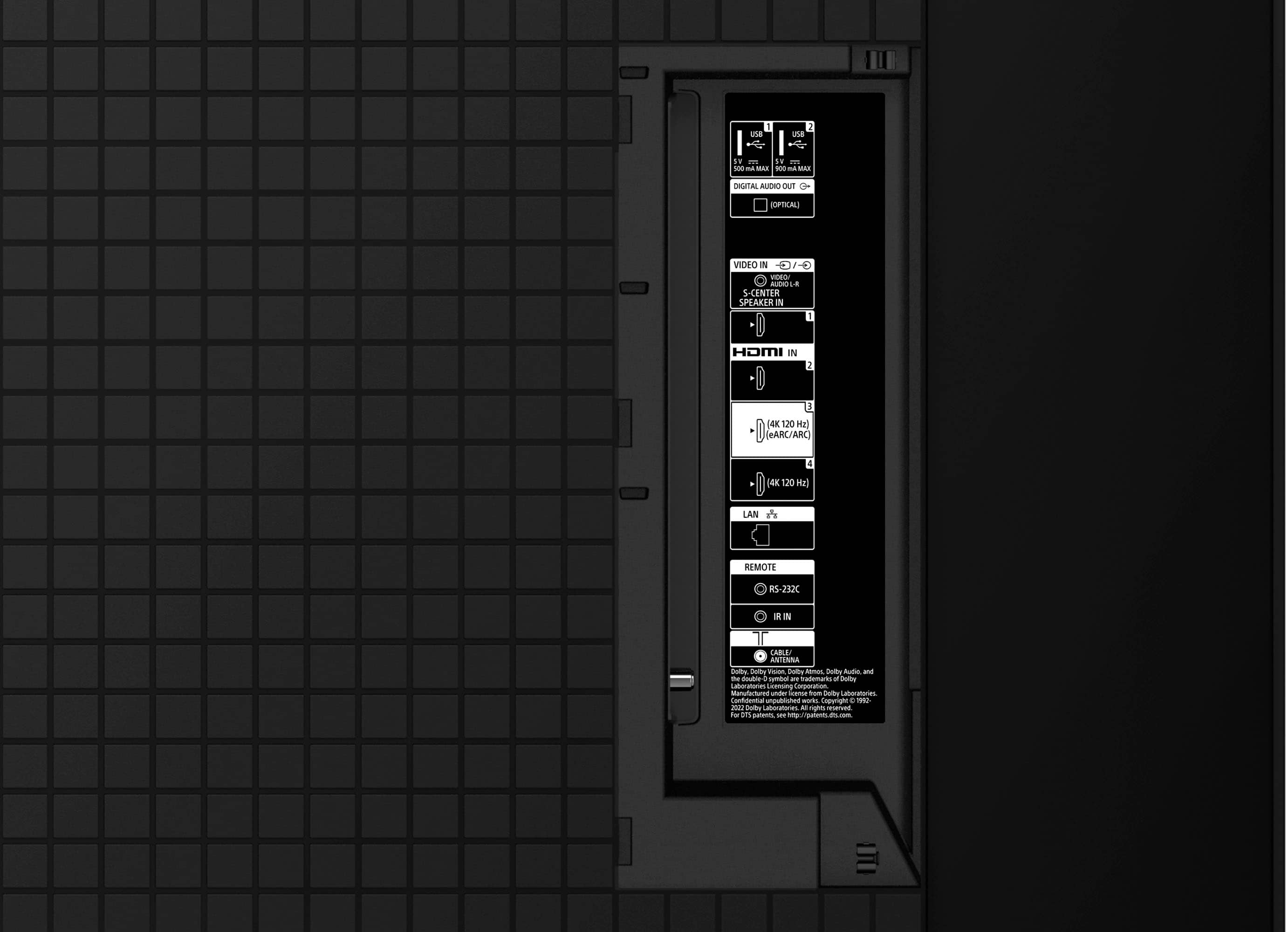
    • Answer Hi there, Thank you for your question. Great news! The TV supports VRR. It is supported on HDMI 3 and 4. Experience unparalleled entertainment with pure OLED black and vibrant color, powered by the Cognitive Processor XR. Immerse yourself in the detailed shadows and real-world hues that bring shows, movies, sports, and games to life in stunning detail. Hear all the nuances and clear dialogue in everything you watch with sound coming directly from the screen. -Ralph

      Answered by SonyListens

  • QuestionIs this a Full-Array TV?

    Asked by Question.

    • Answer This is as full array as you can get ha ha. Each pixel acts independently. You can't get a better tv currently than OLED. Once you go OLED you don't go back.

      Answered by Doug

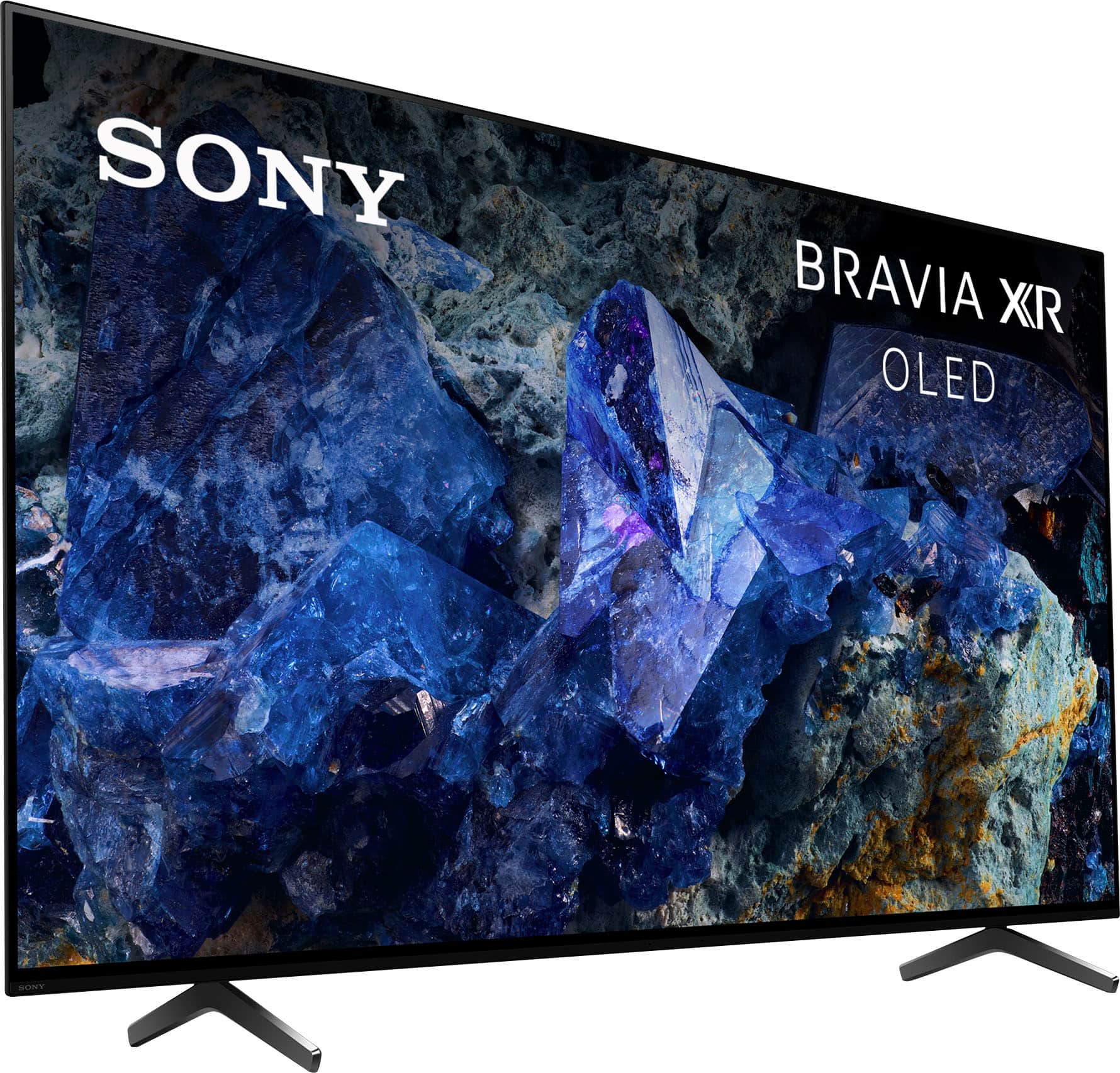
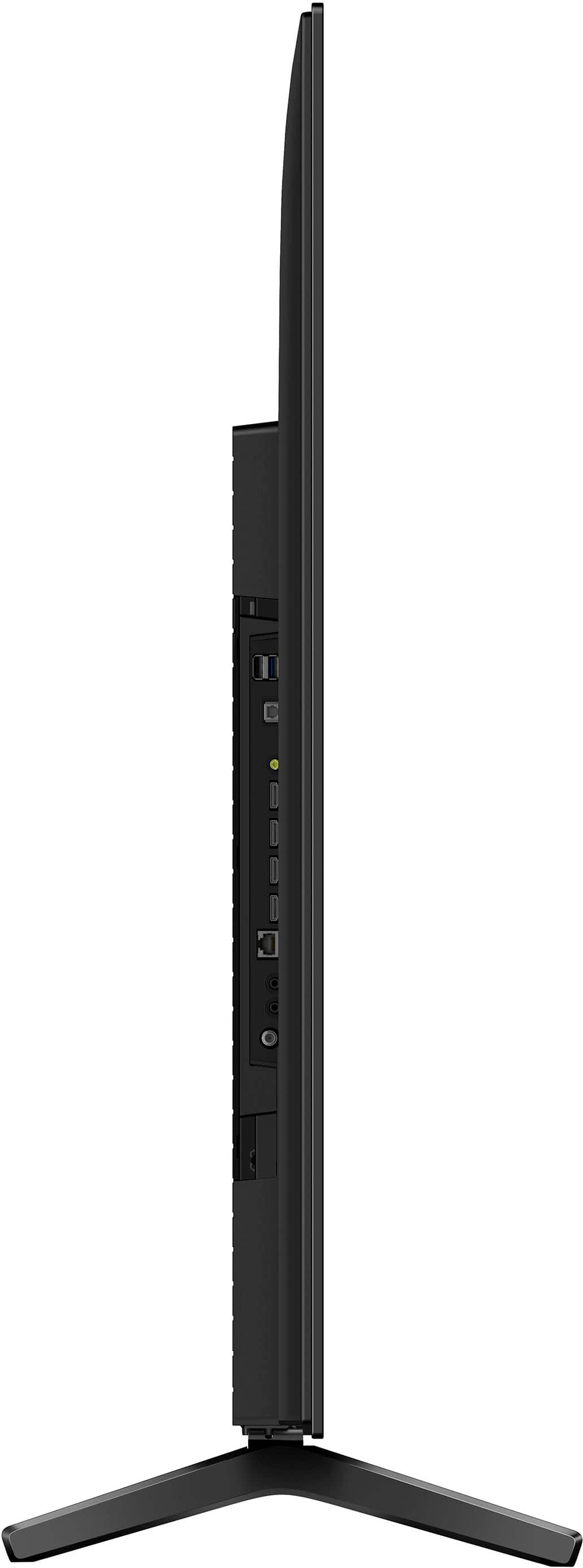
  • QuestionI read that this model's stand is fixed. Is there enough clearance under the TV for a soundbar? If so how much?

    Asked by JackD.

    • Answer Hi Jack, The XR65A75L has a clearance of 2 7/8 inches from the base to bottom of screen and the width between the feet is 41 inches. Experience unparalleled entertainment with pure OLED black and vibrant color, powered by the Cognitive Processor XR. Immerse yourself in the detailed shadows and real-world hues that bring shows, movies, sports, and games to life in stunning detail. Hear all the nuances and clear dialogue in everything you watch with sound coming directly from the screen. -Ralph

      Answered by SonyListens

  • QuestionI use an "optical" out for sound to my amp, Does this have one? Thanks!

    Asked by Anonymous.

    • Answer Hi there, thanks for your question! Yes, the BRAVIA A75L has a digital optical audio output. This means you can connect it directly to your amplifier using an optical cable to get sound. Once is connected, you will need to go to your TV's sound settings and select the optical output as your audio source. You also need to adjust the "Digital Audio Out" format to match what your amp can decode (e.g., PCM, Dolby Digital). If you need assistance to set your amp with the A75L properly, you can always contact our dedicated Sony Support team at https://us.esupport.sony.com/support/s/support-contact?language=en_US&category=tv Thanks for your interest on our Sony televisions! Sincerely, Jenn | Sony Social Media Team.

      Answered by SonyListens

  • QuestionWill roku unit work on this TV ?

    Asked by Eddie.

    • Answer Hi Eddie, Thank you for your question. Yes, you can connect a Roku streaming device to one of the 4 HDMI ports of the TV. Note: You can also enjoy the built-in streaming apps such as Netflix, Apple TV+, Prime Video, YouTube, etc. and download additional apps through Google Play Store on this TV. Experience unparalleled entertainment with pure OLED black and vibrant color, powered by the Cognitive Processor XR. Immerse yourself in the detailed shadows and real-world hues that bring shows, movies, sports, and games to life in stunning detail. Hear all the nuances and clear dialogue in everything you watch with sound coming directly from the screen. -Ralph

      Answered by SonyListens

  • QuestionIs the Bravia XR A75L OLED 4K UHD TV compatible with my current wired sound system? My system is a SonyE300 Blu-ray disc BD/DVD Home Theatre System model number BVD-E300. Currently I am using 3 wired forward speakers and wired subwoofer with the system.

    Asked by Anonymous.

    • Answer Hi there, Thank you for your question. Yes, you can connect the BDV-E300 with just the HDMI cable to playback Blu-Ray disc from the Blu-Ray disc tray. You would need to connect the video cable to a composite adapter (not supplied) to view from the Digital Media Port (located on the back of the unit). Experience unparalleled entertainment with pure OLED black and vibrant color, powered by the Cognitive Processor XR. Immerse yourself in the detailed shadows and real-world hues that bring shows, movies, sports, and games to life in stunning detail. Hear all the nuances and clear dialogue in everything you watch with sound coming directly from the screen. -Ralph

      Answered by SonyListens

  • QuestionWhat is the difference in this init compared to the a80l? And also is a 70 or 75 inch unit available??

    Asked by Bruce.

    • Answer Hi Bruce, Thank you for your question. Here are the differences between both models: 1. Only one position on the A75L stand while the A80L has multiple stand position. 2. The A75L comes with the Acoustic Surface panel while the A80L use the Acoustic Surface panel plus delivering more accurate sound from the TV 3. The A75L does not have a built-in mic for Google voice searching while the A80L does. The A75L is only available in 55" and 65" while the A80L is available in 55", 65", 77", and 83". For more information about these TVs, please refer to our official website. Experience unparalleled entertainment with pure OLED black and vibrant color, powered by the Cognitive Processor XR. Immerse yourself in the detailed shadows and real-world hues that bring shows, movies, sports, and games to life in stunning detail. Hear all the nuances and clear dialogue in everything you watch with sound coming directly from the screen. -Ralph

      Answered by SonyListens

  • QuestionDoes tthis T.V. work well in brightly lit rooms??

    Asked by Tom.

    • Answer We have had few issues with that, but we watch mostly at night. We have had to shut a few extra blinds for daytime viewing. Got to see clearly KC Chiefs football and KU Jayhawk basketball.

      Answered by DierkM

  • QuestionCan speakers be hooked into it ?

    Asked by nick.

    • Answer Hi nick, Thank you for your question. You can connect external speakers or an audio system such as soundbars or A/V receivers to the TV via HDMI eARC/ARC or optical connection. The TV also supports speakers via Bluetooth. Please note that standalone speakers (connected via bare wire) can't be connected directly to the TV. You'll need an A/V receiver to support these speakers. Experience unparalleled entertainment with pure OLED black and vibrant color, powered by the Cognitive Processor XR. Immerse yourself in the detailed shadows and real-world hues that bring shows, movies, sports, and games to life in stunning detail. Hear all the nuances and clear dialogue in everything you watch with sound coming directly from the screen. -Ralph

      Answered by SonyListens

  • QuestionOur Sony abruptly unsynched from home internet which remains active on all other devices. What is the fix?

    Asked by RonY.

    • Answer Hi RonY, We understand how frustrating it is when a device suddenly loses its internet connection while all your other devices are fine. This often indicates a temporary conflict between the TV and the router. For your BRAVIA XR A75L Google TV, the quickest fix is a Power Reset. Please unplug the TV's power cord from the wall outlet for at least two minutes, then plug it back in. We also recommend briefly unplugging your Wi-Fi router for about one minute and plugging it back in as well. This process clears the TV's temporary data and re-establishes a fresh connection to your network. If the connection issue persists after these steps, please check your network status in the TV's settings or try reconnecting manually. Thanks for choosing Sony. Best regards, Eliab

      Answered by SonyListens

  • QuestionIs there an energy star Sony, over 400 watts is terrible, my current Sony Bravia, 20 years old is 300 watts. I want less...thank you

    Asked by Jlo1.

    • Answer Hi Jlo1, thanks for your question! While modern TVs have larger screens and more advanced features than models from 20 years ago, they are also designed with much more energy-efficient technology The Bravia XR A75L features an Eco Dashboard that allows you to easily manage and optimize energy-saving settings. Features like ambient light sensors automatically adjust the screen brightness to your room's lighting, which can significantly reduce power consumption. Many of our newer models, including some in the BRAVIA lineup, are indeed ENERGY STAR® certified, which means they meet strict energy efficiency guidelines set by the U.S. Environmental Protection Agency. Thank you again for your question, and we hope this helps you with your decision! Sincerely, Jenn | Sony Social Media Team.

      Answered by SonyListens

  • QuestionI would like at times to have the TV display what is on my laptop. Can this be done via bluetooth or do I need hard wires for it?

    Asked by Jim.

    • Answer Hi Jim, That's a great question! For connecting your laptop to the BRAVIA XR A75L TV, the best way to do so is wirelessly. While the TV has Bluetooth, that is primarily for connecting accessories like headphones or a keyboard, not for mirroring your screen. You can use the built-in Chromecast feature on the Google TV, or if you have an Apple laptop, you can use Apple AirPlay. For Windows laptops, you can use the wireless display feature. If you prefer a wired connection, you can also connect your laptop to the TV using an HDMI cable. Thanks for choosing Sony. Best regards, Eliab

      Answered by SonyListens













