A:AnswerHi RonY,
We understand how frustrating it is when a device suddenly loses its internet connection while all your other devices are fine. This often indicates a temporary conflict between the TV and the router. For your BRAVIA XR A75L Google TV, the quickest fix is a Power Reset. Please unplug the TV's power cord from the wall outlet for at least two minutes, then plug it back in. We also recommend briefly unplugging your Wi-Fi router for about one minute and plugging it back in as well. This process clears the TV's temporary data and re-establishes a fresh connection to your network. If the connection issue persists after these steps, please check your network status in the TV's settings or try reconnecting manually.
Thanks for choosing Sony.
Best regards, Eliab
A:AnswerHi Jlo1, thanks for your question!
While modern TVs have larger screens and more advanced features than models from 20 years ago, they are also designed with much more energy-efficient technology
The Bravia XR A75L features an Eco Dashboard that allows you to easily manage and optimize energy-saving settings. Features like ambient light sensors automatically adjust the screen brightness to your room's lighting, which can significantly reduce power consumption.
Many of our newer models, including some in the BRAVIA lineup, are indeed ENERGY STAR® certified, which means they meet strict energy efficiency guidelines set by the U.S. Environmental Protection Agency.
Thank you again for your question, and we hope this helps you with your decision!
Sincerely,
Jenn | Sony Social Media Team.
A:AnswerHi Jim,
That's a great question! For connecting your laptop to the BRAVIA XR A75L TV, the best way to do so is wirelessly. While the TV has Bluetooth, that is primarily for connecting accessories like headphones or a keyboard, not for mirroring your screen.
You can use the built-in Chromecast feature on the Google TV, or if you have an Apple laptop, you can use Apple AirPlay. For Windows laptops, you can use the wireless display feature. If you prefer a wired connection, you can also connect your laptop to the TV using an HDMI cable.
Thanks for choosing Sony.
Best regards,
Eliab
A:AnswerHi Jlo1,
The rated power consumption for the XR-65A75L is 438W, but the actual power draw during typical viewing is often lower. This is because OLED TVs, unlike traditional LED TVs, can completely turn off individual pixels to display pure black, which significantly reduces power usage during dark scenes. For more detail on energy consumption, you can refer to the official product specifications.
Thanks for choosing Sony.
Best regards,
Eliab
A:AnswerHi there Hdmi,
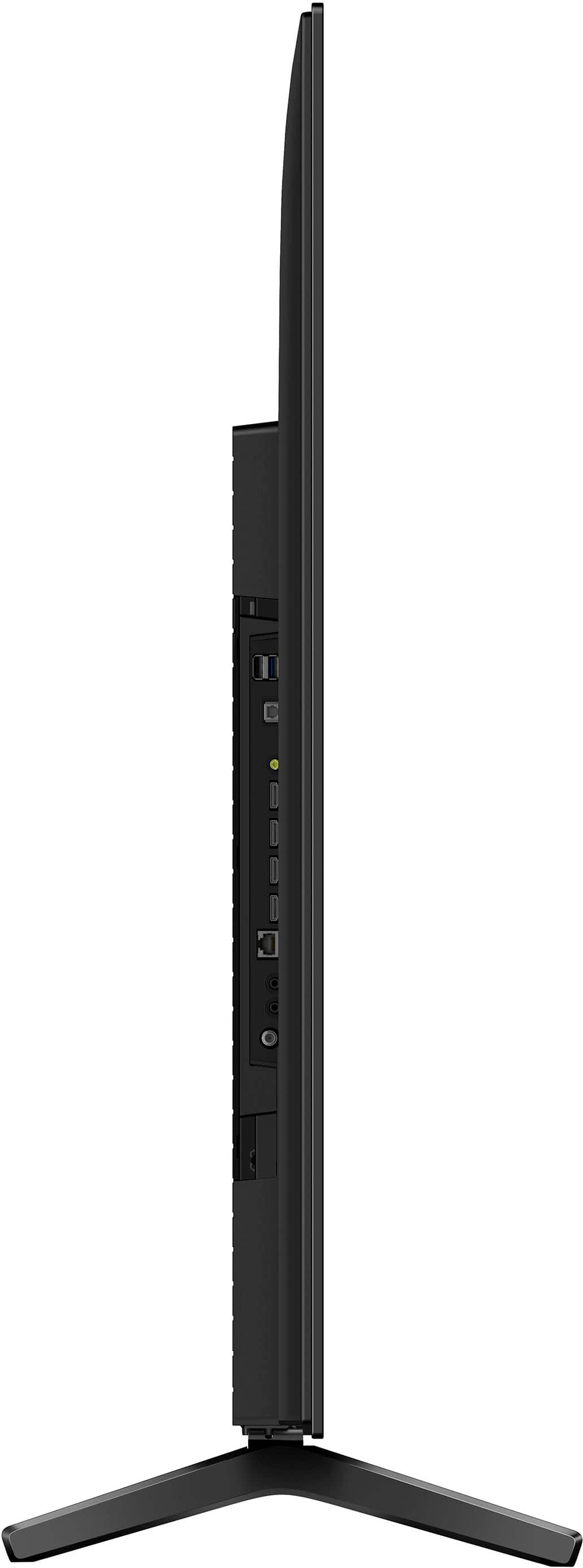
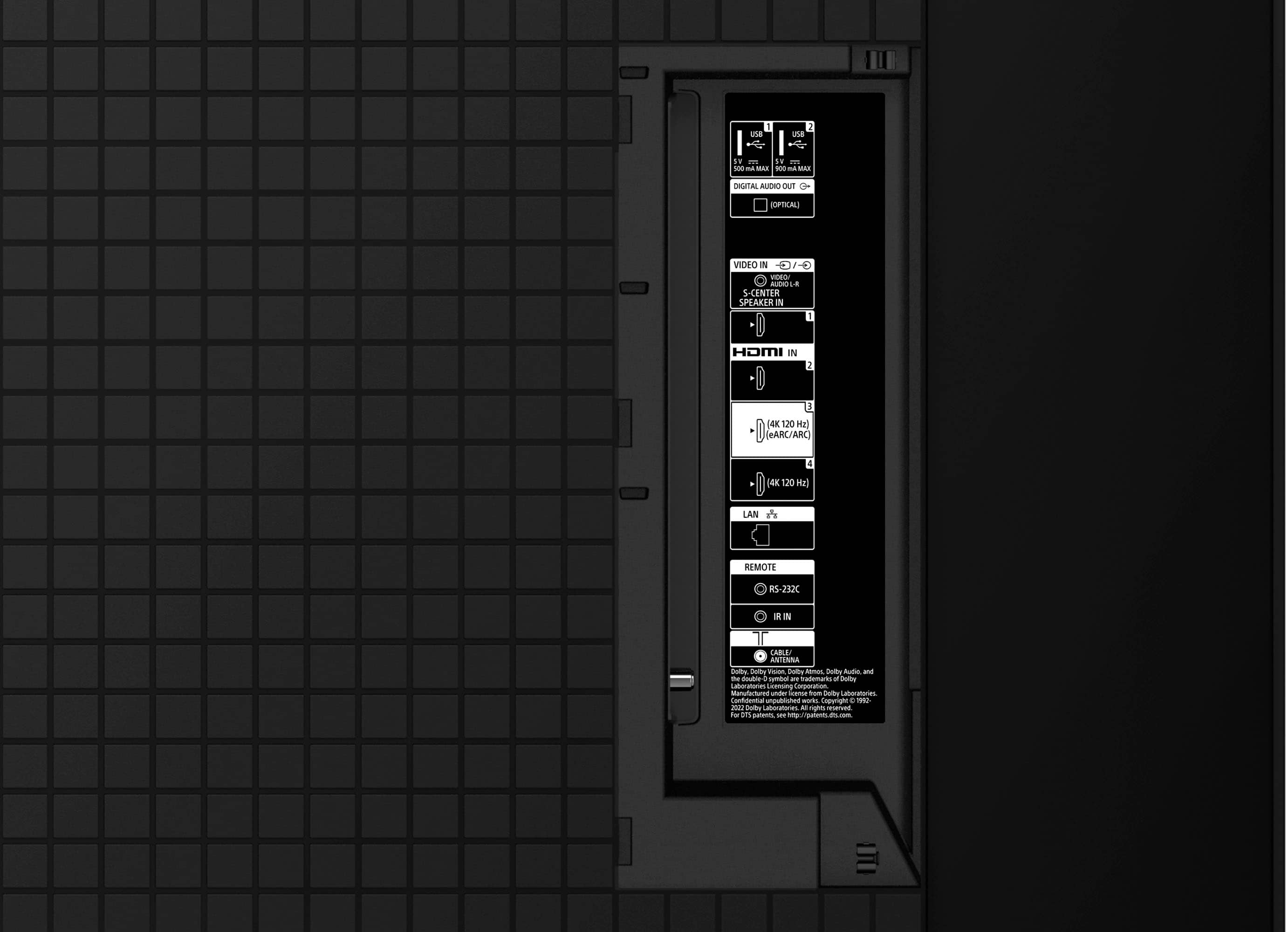
Thanks for the question. Regarding to your concern, the XR65A75L comes with 4 HDMI ports, in which the HDMI 3 and 4 are the ones compatible with 4k, 120 Hz resolution. We hope this information comes in helpful!
Thanks for your interest in Sony products, have a great day!
DiegoV
A:AnswerHi there,
Thanks for the question! The answer is yes, your Alexa can change the channels without the remote control, just using the voice commands. Make sure to connect your Alexa to your TV by following the steps on the next article: https://www.sony.com/electronics/support/articles/00178939.
Once you are connected, you can check this link and you will be able to find all the features and functions your Sony BRAVIA TV will have with the Alexa: https://www.sony.com/electronics/support/articles/S1F1709?utm_source=glean
We hope this information comes in handy! Thanks for considering Sony products, have a great day!
DiegoV
A:AnswerHi Mike, thank you for your interest in the Sony - 65" class BRAVIA XR A75L! Here are the dimensions of the Package Carton:
Width = 64 1/8 inches (1628 mm)
Height = 38 inches (965mm)
Depth = 7 1/8 inches (180mm)
We hope you find this information helpful, and thank you for considering Sony products!
Best regards,
Dominick
A:AnswerHi Donc, thanks for your question!
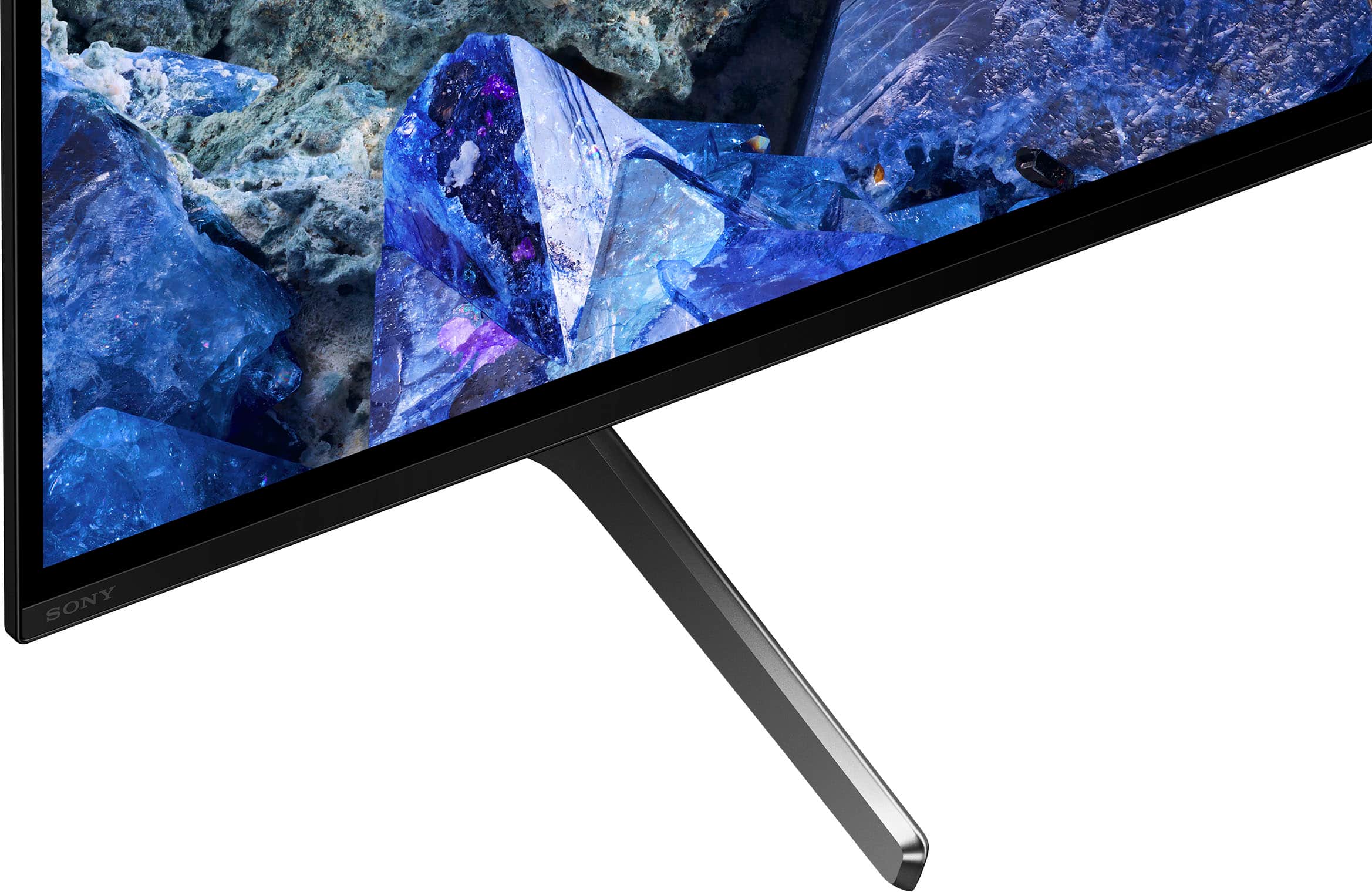
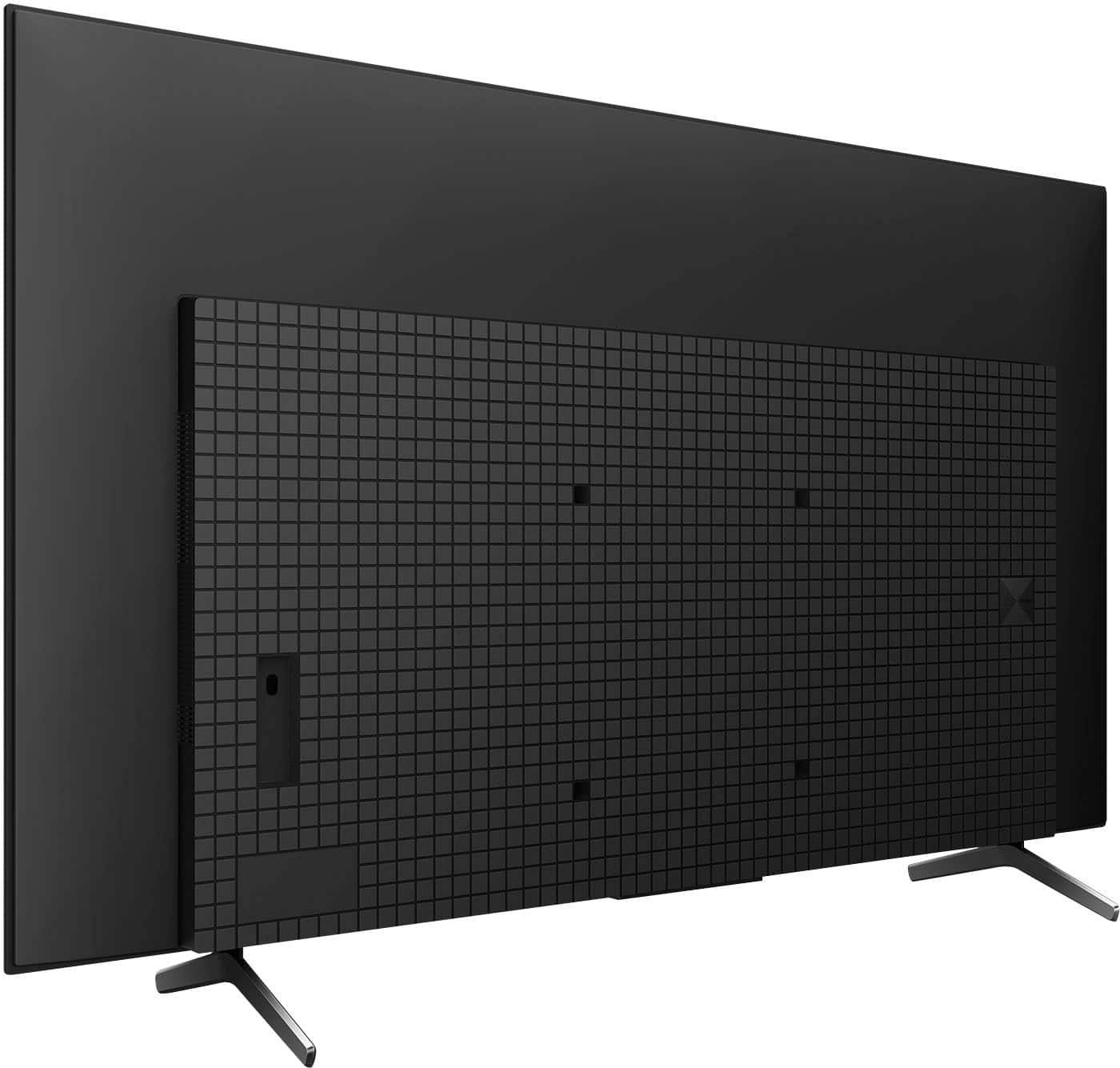
The legs on the 65-inch A75L TV are 33.8 cm (13 3/8 inches) apart. For measurements of other screen sizes, please refer to the product manual at https://www.sony.com/electronics/support/res/manuals/5048/e3f22eae0e439ed78de9065697362eb8/50481191M.pdf
Thanks for choosing Sony!
Sincerely,
Jenn.
A:AnswerDelivery as shipping from store for myself was but setup no. We had to pay for them to come out and mount it on the wall for us. Setup was easy though
A:AnswerI have not noticed any noticeable glare. Ours is mounted in our great room which gets very little outside light, so it’s a very dark room. But with our ceiling lights as well as various lamps we have no glare.
A:AnswerHi Buzz,
The XR A75L is equipped with high-quality built-in speakers designed to enhance the viewing experience. The TV features sound positioning tweeters, positioned at the top of the screen. These tweeters handle the high-frequency components and are designed to create an optimum sound position that aligns with the visual content on the screen for a truly immersive experience. One of the best built-in speakers.
Thanks for choosing Sony.
-Aldair
A:AnswerHi JD,
Yes, the Sony A75L does have an ATSC 3.0 NextGen Tuner. This tuner allows for improved over-the-air TV reception, including capabilities such as up to 4K Ultra HDTV video, enhanced sound quality, more channels, mobile viewing, on-demand internet content, and more.
-Aldair
A:AnswerHi there, thank you for your interest in the Sony - 65" class BRAVIA XR A75L, based on the specifications of this TV it does have the A2DP audio profile for Bluetooth connection, which means you can connect your AirPods with no problem to the TV via Bluetooth and enjoy your favorite shows and music! Thanks for your preference in Sony. Regards, Dominick
A:AnswerHello Denny,
Thank you for reaching out with your question!
The XR65A75L, like other OLED televisions, may be susceptible to image retention, often referred to as "burn-in," if static images are displayed for extended periods. However, Sony has incorporated several features to mitigate this risk and safeguard the screen. These include:
1. Pixel Shift: This feature subtly shifts the image to prevent static visuals from causing burn-in.
2. Panel Refresh: This can be performed automatically or manually to enhance the uniformity of the TV screen and minimize image retention after prolonged use. It’s advisable to run this manually only when necessary and not more than once a year to preserve the panel's lifespan.
3. Screen Saver: This activates when the TV is idle, providing additional protection for the panel.
4. Content Recommendations: To further reduce the risk of burn-in, it’s best to avoid displaying static content, such as black bars, static images, on-screen menus, and channel logos for extended durations.
These precautions significantly reduce the potential for burn-in and contribute to the display's longevity.
Prepare to immerse yourself in an extraordinary entertainment experience with the stunning contrast of pure OLED blacks and vibrant colors, all powered by the Cognitive Processor XR. Enjoy the intricate details in shadows and lifelike hues that bring your favorite shows, movies, sports, and games to vivid life. You'll also appreciate the clarity of sound that emanates directly from the screen, ensuring you catch every nuance and hear every dialogue perfectly.
I hope you find this information helpful!
Best regards,
Romeo
A:AnswerHello there,
Thank you for bringing this to our attention, and we sincerely apologize for the inconvenience. It is unfortunate to know that you're experiencing a power issue with your XR65A75L. Let's try to isolate and fix this problem by following the troubleshooting steps below:
• Power Reset:
- Unplug the TV power cord from the wall outlet (or from the back of the TV if the power cord is detachable).
- Wait for two minutes.
- Plug the power cord back in and try turning on the TV.
• Disconnect External Devices:
- Turn off the TV.
- Disconnect all external devices (USB devices, hard drives, HDMI-connected devices).
- Turn on the TV to see if the issue persists. If the TV works, reconnect the devices one at a time to identify if any of them are causing the issue.
• Check Power Cord and Adapter:
- Ensure the TV power cord and AC adapter (if applicable) are not loose or disconnected.
- Press the power switch on the TV to see if it turns on.
ref: https://www.sony.com/electronics/support/articles/00153674
If the steps provided do not resolve your issue, please reach out to us by following the instructions below so we can assist you more effectively.
Due to our current phishing protection protocol at Best Buy, we are unable to provide a direct email address or phone number for customer support at this time. However, you can find the support information for Sony Electronics by visiting our support website. Once there, click on "Support," scroll down to "Contact Support," select "Television," and you will discover various ways to get in touch with us.
We apologize if you have already shared some of this information in your review or with customer service; we simply want to ensure we have your accurate details for effective communication.
Please provide the following information:
- Name:
- Best Buy Username:
- Sony TV Model Number:
- Question/Concern:
- Telephone Number:
We hope this information is helpful, and we appreciate your choice of Sony!
Best regards,
Romeo
A:AnswerHi Bill,
Thank you for your question. Sound quality on the A75L is great! The screen vibrates, turning every part of it into a speaker for powerful acoustics that move with the picture. It has Full Range (Bass Reflex) (x2) speakers and Actuator (x2) speakers. It also features the Acoustic Surface Audio.
The Acoustic Surface Audio+ is available on the A80L, A95L, and BRAVIA 8.
Experience unparalleled entertainment with pure OLED black and vibrant color, powered by the Cognitive Processor XR. Immerse yourself in the detailed shadows and real-world hues that bring shows, movies, sports, and games to life in stunning detail. Hear all the nuances and clear dialogue in everything you watch with sound coming directly from the screen.
-Ralph
A:AnswerHi DK,
This is not the experience that we want you to have. Performing a power reset may resolve this issue if it's caused by a temporary malfunction:
-Unplug the TV power cord from the wall outlet (or from the back of the TV or power adapter if the power cord is detachable and accessible), wait two minutes, then plug the power cord back in.
Note: If your TV power cord is completely inaccessible, you may be able to disconnect the power by temporarily turning off the circuit breaker switch to the power outlet used by your TV.
Check if any devices connected to your TV are causing an issue (such as a malfunctioning device or a data communication issue):
1. Turn off the TV.
2. Disconnect all devices (including any external USB devices, hard drives, and all HDMI-connected devices) from the TV.
3. Turn on the TV and check if the issue goes away (which means the TV is not the cause). If the TV is working, continue with the steps to help identify the cause.
4. Reconnect your devices one at a time to your TV, testing the TV after connecting each device.
5. If the indicator starts blinking after a certain device is connected, check that device for an issue.
If still not resolved, the TV requires service. Unfortunately, due to the current Best Buy phishing protocol for your protection, we cannot provide a direct email or phone number for customer support as of now. Please find Sony Electronics' Support information: Go to our support website > click on “Support” > scroll down click on “Contact Support” > click on "Electronics Product Support" > click on "TV & Projectors" and from there you'll see different ways to reach us.
-Ralph