Early Black Friday DealsNew Doorbusters every Friday.Shop now

Main Content

Questions & Answers

Your price for this item is $1,299.99
The comparable value price is $1,499.99
Page Showing 41-60 of 75 questions
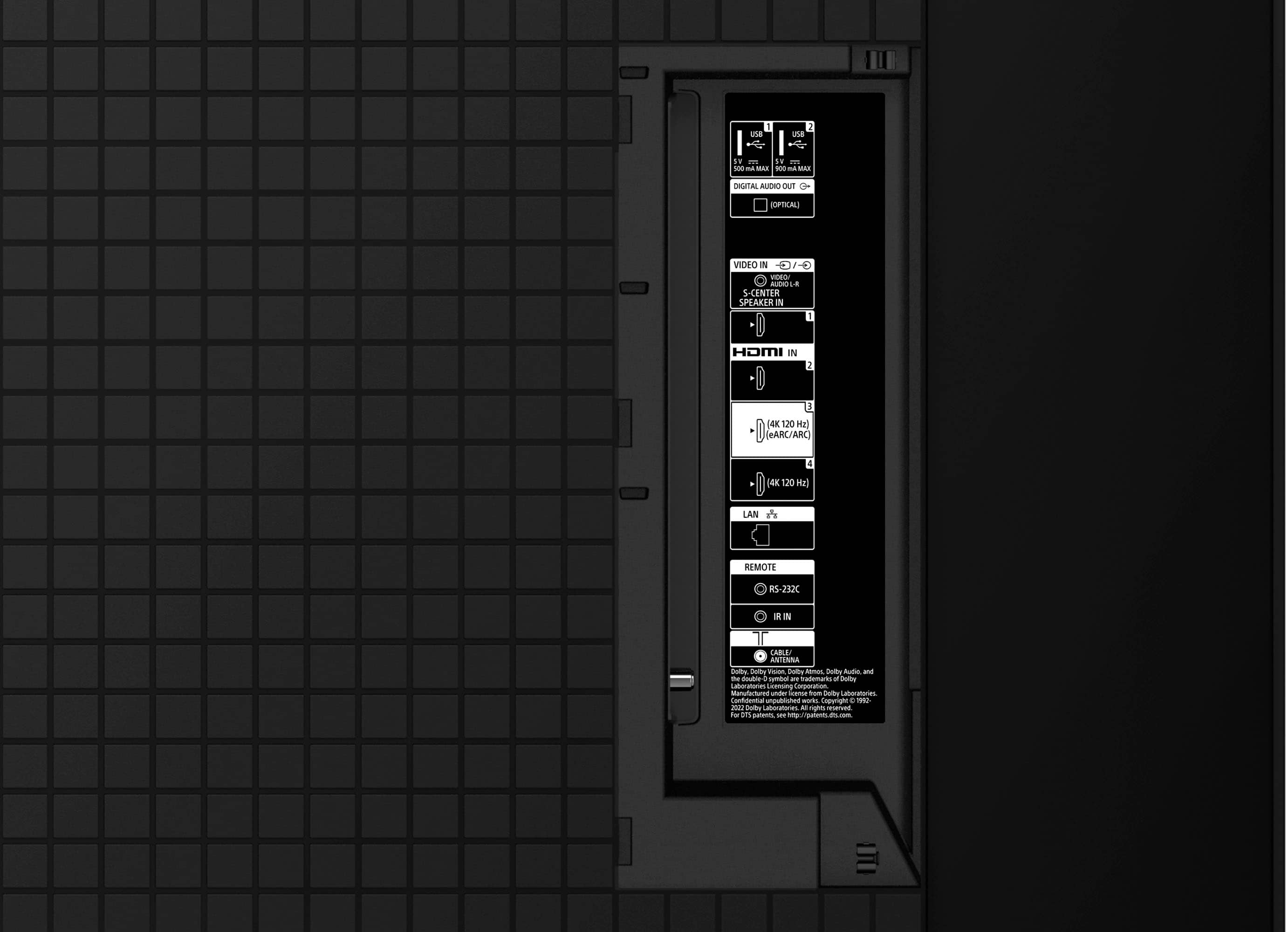
  • QuestionHow do I obtain a composite adapter? And what exactly does it do? According to a question I asked earlier. The Bravia TV I want with my current wired speaker system and Blu-ray stereo player will need this device to hook up my current speaker system.

    Asked by Anonymous.

    • Answer If your TV did not come with the adapter you will have to purchase one yourself. What you'll need is a "3.5mm to 3 RCA AV input adapter" This may be available at your local Best Buy, but I did confirm you can purchase this on Amazon.

      Answered by Benj

  • QuestionMy Sony 65inch A75L Bravia OLED weighs how much?? Please text me 860 4810829

    Asked by Dennis.

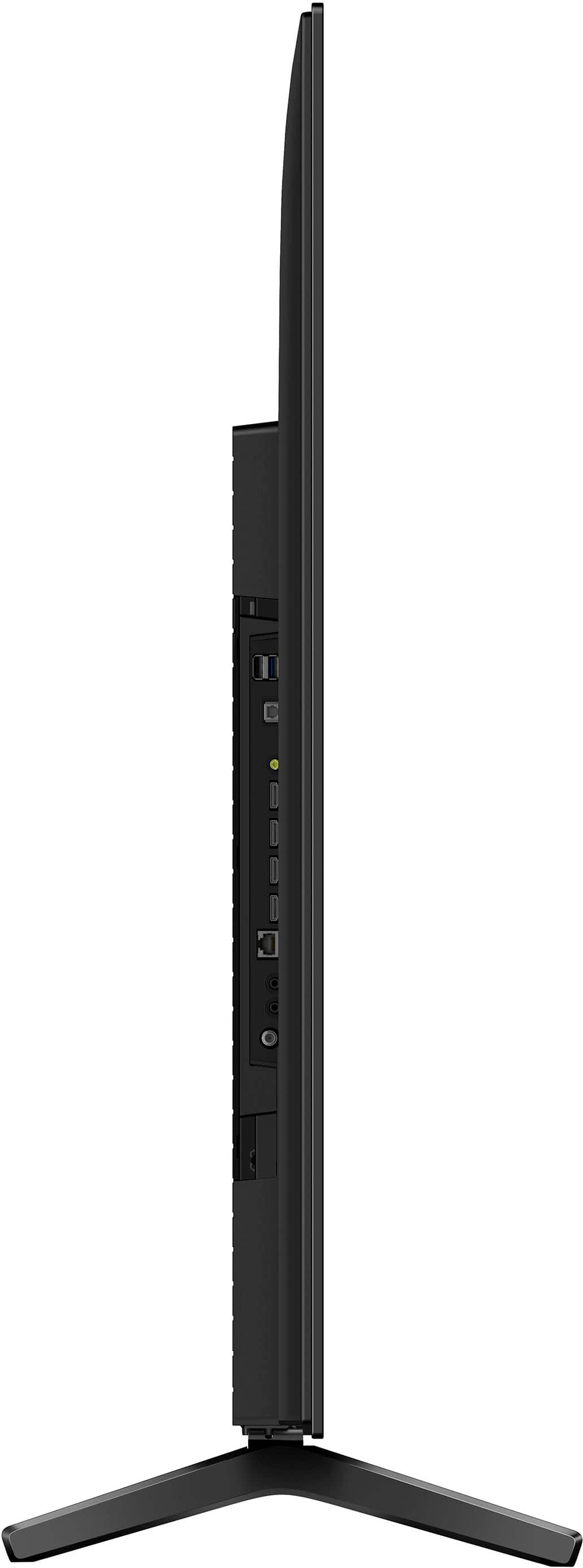
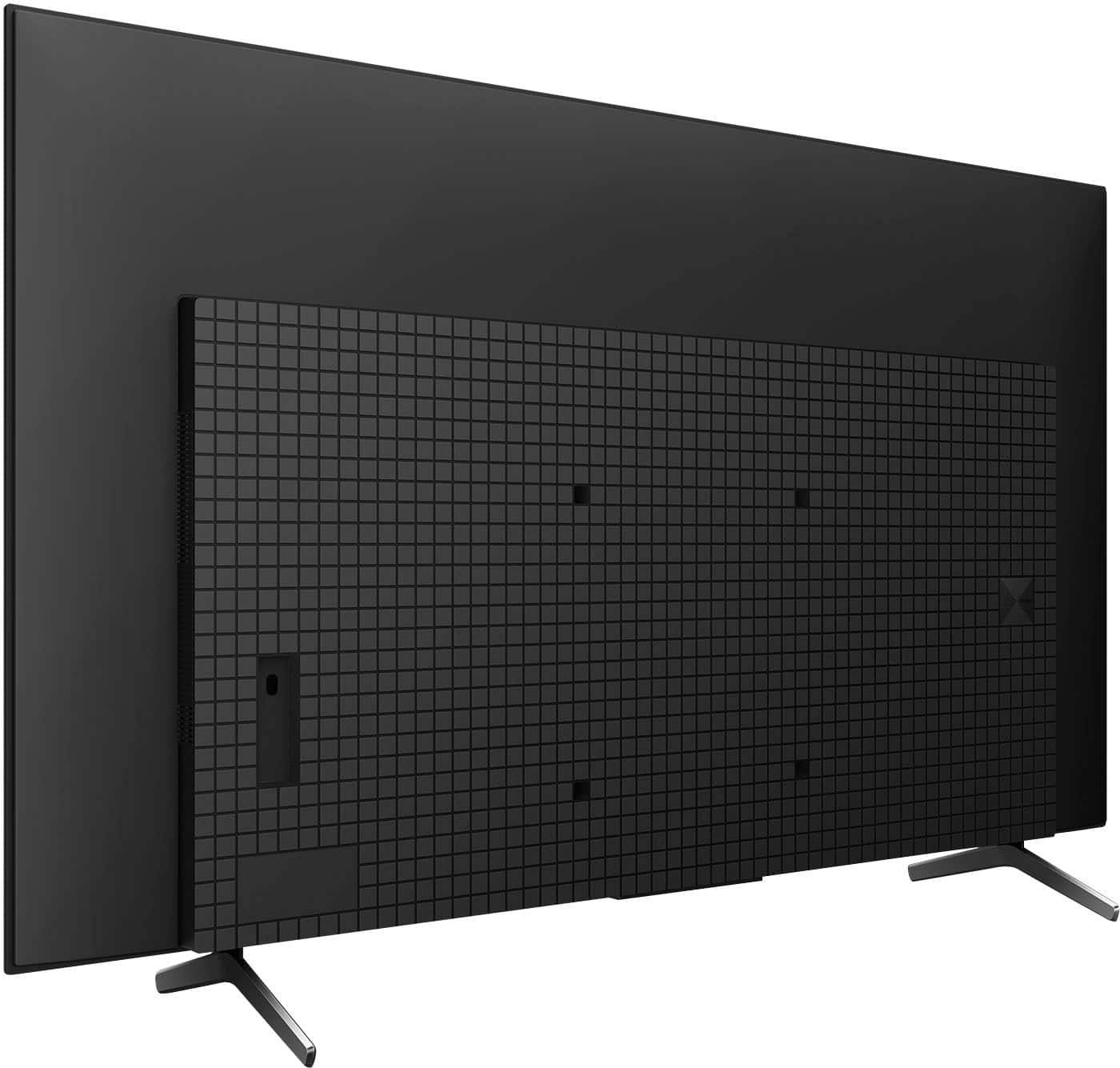
    • Answer Hi Dennis, Thank you for your question. Please refer to the information below: -Weight of TV without Stand - 22.9 kg / 50.5 lb -Weight of Package Carton(Gross) - 33 kg / 72.7lb -TV with Stand (Standard position) - 24.2 kg / 53.4 lb For more information, please refer to our official website. Experience unparalleled entertainment with pure OLED black and vibrant color, powered by the Cognitive Processor XR. Immerse yourself in the detailed shadows and real-world hues that bring shows, movies, sports, and games to life in stunning detail. Hear all the nuances and clear dialogue in everything you watch with sound coming directly from the screen. -Ralph

      Answered by SonyListens

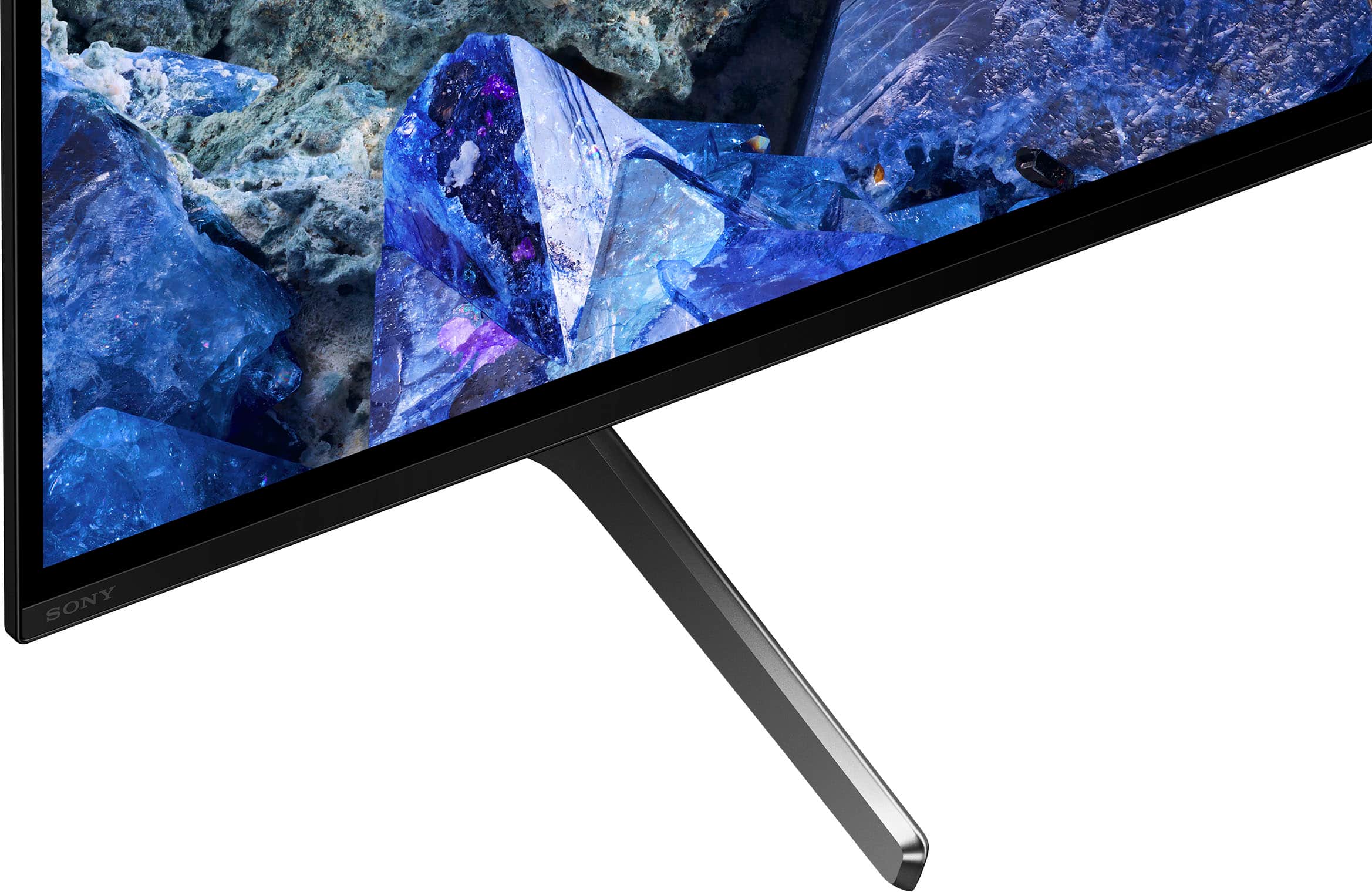
  • QuestionHow wide is the stand?

    Asked by Anonymous.

    • Answer Hi there, Thank you for your question. The width of the TV stand measures 41 1/2 inches (1052 mm). Experience unparalleled entertainment with pure OLED black and vibrant color, powered by the Cognitive Processor XR. Immerse yourself in the detailed shadows and real-world hues that bring shows, movies, sports, and games to life in stunning detail. Hear all the nuances and clear dialogue in everything you watch with sound coming directly from the screen. -Ralph

      Answered by SonyListens

  • QuestionWhat is the actual width and height of the 65OLED?

    Asked by Champ.

    • Answer Hi Champ, Thank you for your question. Here are the dimensions of the TV: Dimension of the TV without Stand (W x H x D) -1448 x 836 x 53 (26.2) mm / 57 1/8 x 33 x 2 1/8 (1 1/16) inches Dimension of the TV with Stand (Standard position) (W x H x D) -1448 x 910 x 338 mm / 57 1/8 x 35 7/8 x 13 3/8 inches For more information about the A75L, please to our official website. Experience unparalleled entertainment with pure OLED black and vibrant color, powered by the Cognitive Processor XR. Immerse yourself in the detailed shadows and real-world hues that bring shows, movies, sports, and games to life in stunning detail. Hear all the nuances and clear dialogue in everything you watch with sound coming directly from the screen. -Ralph

      Answered by SonyListens

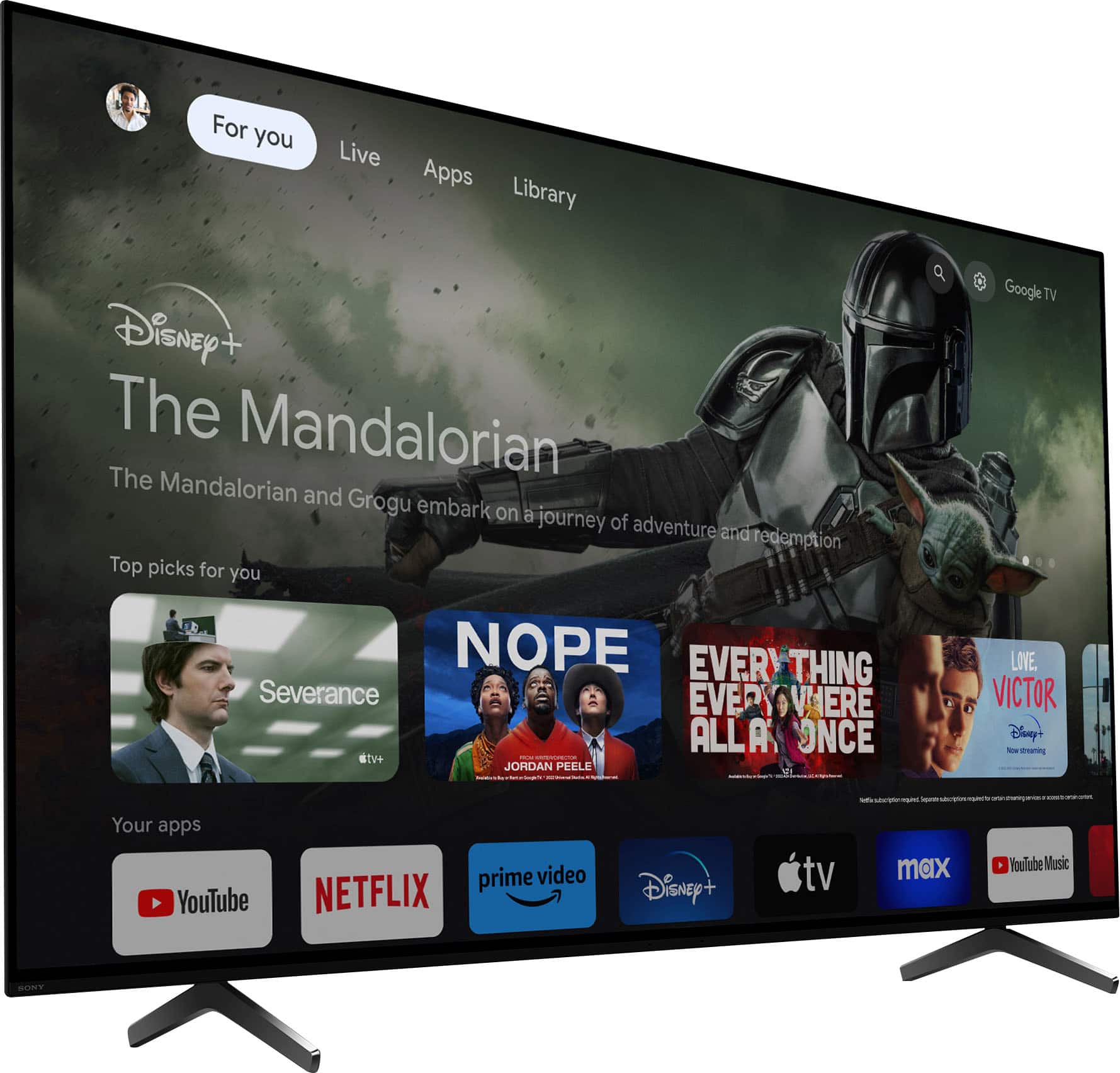
  • QuestionIs Spotify preloaded?

    Asked by gagge.

    • Answer Yes!

      Answered by Anonymous

  • QuestionThe tv doesn’t support hdmi 2.1

    Asked by Poseidon.

    • Answer It absolutely supports HDMI 2.1, as well as VRR on HDMI inputs 3 and 4

      Answered by Josh

  • QuestionHello I recently purchased A75L noticed there is a narrow black bar at the bottom of screen the top and sides are filled edge to edge except for the bottom of the screen is this normal ?

    Asked by Sonylover.

    • Answer Hi Sonylover, Thank you for your message. We understand you are concern about the TV screen. We would like to know more about the issue so we can help you out. In the meantime, perform a power reset on the TV. Please refer to the steps on this link: https://www.sony.com/electronics/support/articles/00114591 For further assistance, please email us at [email protected] with the following details: Name: Username: Model Number: Issue: Telephone Number: Sincerely, -Ralph

      Answered by SonyListens

  • QuestionWould the legs of a 65" A80L fit into a 65" A75L? I like the A80L legs better than the A75L legs.

    Asked by Jacob.

    • Answer Yes

      Answered by RayhanK

  • QuestionDoes the A75l support Sony's Bravia webcam?

    Asked by Junk.

    • Answer Hi Neal, Thank you for your question. Great news! The A75L supports the Sony BRAVIA CAM (CMUBC1). Experience unparalleled entertainment with pure OLED black and vibrant color, powered by the Cognitive Processor XR. Immerse yourself in the detailed shadows and real-world hues that bring shows, movies, sports, and games to life in stunning detail. Hear all the nuances and clear dialogue in everything you watch with sound coming directly from the screen. -Ralph

      Answered by SonyListens

  • Questioncan the legs be removed? We have a stand it will be attached to. And how many inches is the screen up and down. Thank you!!

    Asked by Terrie.

    • Answer Yes, the legs can be removed. The screen itself is 33in tall.

      Answered by Benj

  • QuestionFor the 65 inch A75L model, how many inches are between the two TV legs? Trying to figure out if I need a new stand.

    Asked by AustinE.

    • Answer Hi Austin, Thank you for your question. The width of the (legs) TV stand measures 41 1/2 inches (1052 mm). Experience unparalleled entertainment with pure OLED black and vibrant color, powered by the Cognitive Processor XR. Immerse yourself in the detailed shadows and real-world hues that bring shows, movies, sports, and games to life in stunning detail. Hear all the nuances and clear dialogue in everything you watch with sound coming directly from the screen. -Ralph

      Answered by SonyListens

  • QuestionTV purchased about 3 weeks ago. Picture flickers and distorts. This is on every channel. Cable provider (Comcast) said everything is working. Please advise us on next steps. TV not working properly. I have a video that I can send support.

    Asked by Susan.

    • Answer Hi Susan, We regret to hear that you are having picture issues with the TV. For optimum performance, make sure that the software version of the TV is up-to-date. These steps may also help resolve those issues: Check the connection and position of the antenna and peripheral devices -Check the antenna/cable connection. -Keep the antenna/cable away from other connecting cables. -When installing an optional device, leave some space between the device and the TV. -Make sure that the antenna is connected using a high quality 75-ohm coaxial cable. Check the [Motion] setting -Press the (Quick Settings) button on the remote control, and select [Settings] — [Display & Sound] — [Picture] — [Motion] — [Motionflow] — [Off]. -Change the current setting of [CineMotion] to [Off]. Press the (Quick Settings) button on the remote control, and select [Settings] — [Display & Sound] — [Picture] — [Motion] — [CineMotion]. Perform a power reset -Turn off the TV. -Unplug the television power cord (mains lead) from the electrical outlet. -Let the television remain without power for 2 minutes. -Plug the power cord (mains lead) back into the electrical outlet. Hope this helps. If still not resolved or you need further assistance, please email us at [email protected] with the following details: Name: Username: Model Number: Issue: Telephone Number: Or contact our product support team via phone call or chat through this link: https://us.esupport.sony.com/support/s/support-contact?language=en_US&category=tv Sincerely, -Ralph
      Answered by SonyListens

  • QuestionWhat HDMI port is best for watching Sports and movies? Any suggestions for the best setting for this TV?

    Asked by Jimbo.

    • Answer Www.Rtings.com has some good advice on settings and calibration. Just go in there and search for the TV. Yes it’s Rtings not ratings

      Answered by Bazookahead

  • QuestionI have a Bose Soundbar 900 that i connnected through the eARC HDMI output. Can I add a SONY subwoofer (SA-SW3) wirelessly to the TV? Will the sound work through both the Bose soundbar and the subwoofer and sync without issues? Would an AV receiver help?

    Asked by Cay.

    • Answer Hi Cay, Thank you for your question. Unfortunately, the subwoofer can't be connected directly to the TV. You'll need a compatible Sony audio system (HT-A9/HT-A7000/HT-A5000/HT-A3000/HT-S2000) to use the subwoofer with a TV. The subwoofer is not designed for third-party soundbars. It is also recommended to use only one audio system at a time (either a soundbar or an A/V receiver). Experience unparalleled entertainment with pure OLED black and vibrant color, powered by the Cognitive Processor XR. Immerse yourself in the detailed shadows and real-world hues that bring shows, movies, sports, and games to life in stunning detail. Hear all the nuances and clear dialogue in everything you watch with sound coming directly from the screen. -Ralph

      Answered by SonyListens

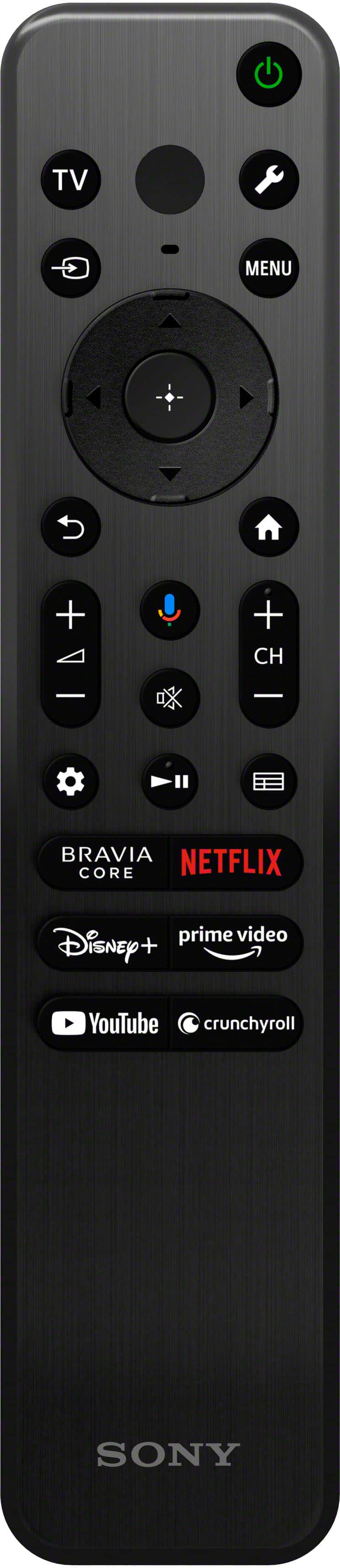
  • QuestionIs the remote control backlit?

    Asked by John.

    • Answer No

      Answered by NicholasT

  • QuestionI have this TV for about a month and I see that the tv sometimes does not fill the screen completely on the right side. Does anyone it's having this issue too?

    Asked by RobertB.

    • Answer Hi RobertB, This is not the experience that we want you to have. Is the issue happening to multiple sources or a specific source? Performing a power reset may help resolve the issue: 1. Turn off the TV. 2. Unplug the television power cord (mains lead) from the electrical outlet. 3. Let the television remain without power for 2 minutes. 4. Plug the power cord (mains lead) back into the electrical outlet. If still not resolved, please let us know. You can email us at [email protected] with the following details: Name: Username: Model Number: Issue: Telephone Number: Or contact our product support team via phone call or chat through this link: https://us.esupport.sony.com/support/s/support-contact?language=en_US&category=tv Sincerely, -Ralph
      Answered by SonyListens

  • QuestionCan this Tv be used in portrait mode?

    Asked by Anonymous.

    • Answer Hi there, Thank you for your question. Unfortunately, the A75L TV does not have portrait mode on the picture settings. However, you can adjust the vertical and horizontal screen position. To check the picture settings, please press the (Quick Settings) button on the remote control, then select [Settings] — [Display & Sound] — [Screen] — [Screen position] Experience unparalleled entertainment with pure OLED black and vibrant color, powered by the Cognitive Processor XR. Immerse yourself in the detailed shadows and real-world hues that bring shows, movies, sports, and games to life in stunning detail. Hear all the nuances and clear dialogue in everything you watch with sound coming directly from the screen. -Ralph

      Answered by SonyListens

  • QuestionI am searching for A Sony TV OLED A95L. Can you help me??

    Asked by Den.

    • Answer Hi Den, We appreciate your interest in the Sony A95L. For availability, please contact Best Buy or your dealer. You may also find this link helpful: https://www.bestbuy.com/site/sony-65-class-bravia-xr-a95l-oled-4k-uhd-smart-google-tv/6553383.p?skuId=6553383 The A95L has the best color, powered by our most powerful processor! Our brightest and widest range of shades and hues, complimented by pure black, all beautifully displayed on a QD-OLED screen powered by Cognitive Processor XR! The A95L is also equipped with true immersive cinematic audio with sound produced from the entire screen delivering an elevated sound stage and clear dialogue! -Ralph

      Answered by SonyListens

  • QuestionDoes the a75l have a QD-OLED panel?

    Asked by Junior.

    • Answer Some of their higher level models use QD-OLED panel, but in XR A75L they are actually using LG's WOLED panel similar to the LG C3, but I don't know if it's the new EVO version. It took a lot of digging on Sony's website to find this info.

      Answered by DrNik

  • QuestionCan Bluetooth headphones be used with this tv?

    Asked by JB.

    • Answer This TV has Bluetooth built-in and should be able to connect to headphones and other BT devices, but I haven't tried it yet.

      Answered by DrNik