A:AnswerHi Betiwin, Yes, this TV is compatible with SWF-BR100. For more information on how to establish a connection, please visit the link below. Thanks! ^Ron
http://helpguide.sony.net/tv/eusltn3/v1/en-003/04-05_01.html
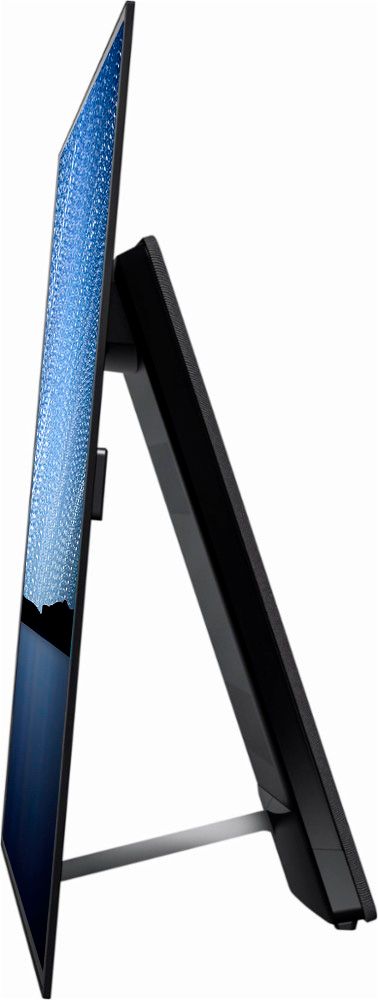
A:AnswerThe cabinet we have looks GREAT with the TV and is 65 inches so the entire TV rests on the cabinet - based on what I see I would say that if you are not mounting on the wall or a mount that is part of the stand if the base speaker which is in the piece that flips back and holds the TV ALMOST vertically (it does tilt back a bit) is on the stand and it is about 24 inches it will work fine - the TV is a little heavy so you need to make sure your stand can hold the weight otherwise I think it will be fine. I would say the biggest concern would be if the stand can handle the weight - the width is not a BIG deal but then again you do not want a child running around the left or right side and hooking a piece of clothing and pulling the TV off the stand either. The more the TV rests on the stand the more STABLE it will be.
A:AnswerBest Buy offers financing via their Best Buy credit cards, so you'll have to apply and be approved for one which you can do in store or online. If you already have one, then you'll need enough credit available on the card to make your purchase for a given offer. For instance, if the offer is for any purchases $499 and up and you wish to purchase an item priced at $499, you'll need $499 + tax in available credit to receive the offer. You'll have to make minimum payments and most offers have deferred interest based on the term length: 6 months, 18 months, etc. If you skip a minimum payment or do not pay off the full amount by terms end, the deferred interest is applied and you'll have to pay it.
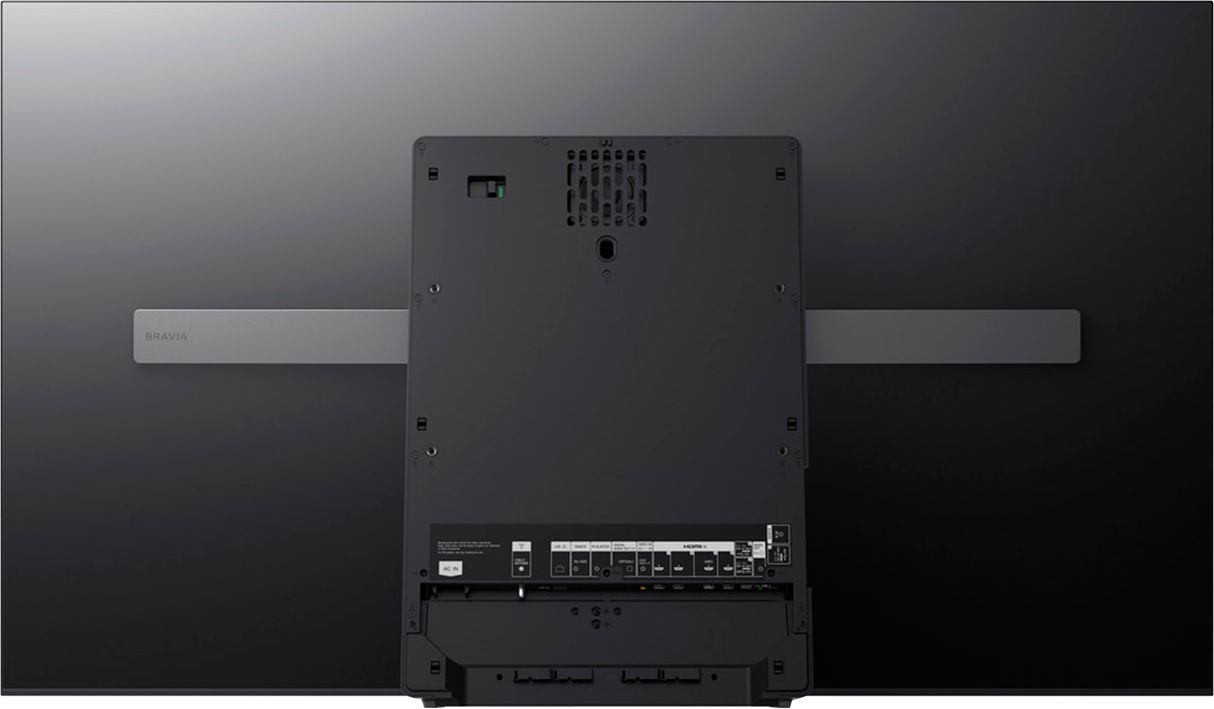
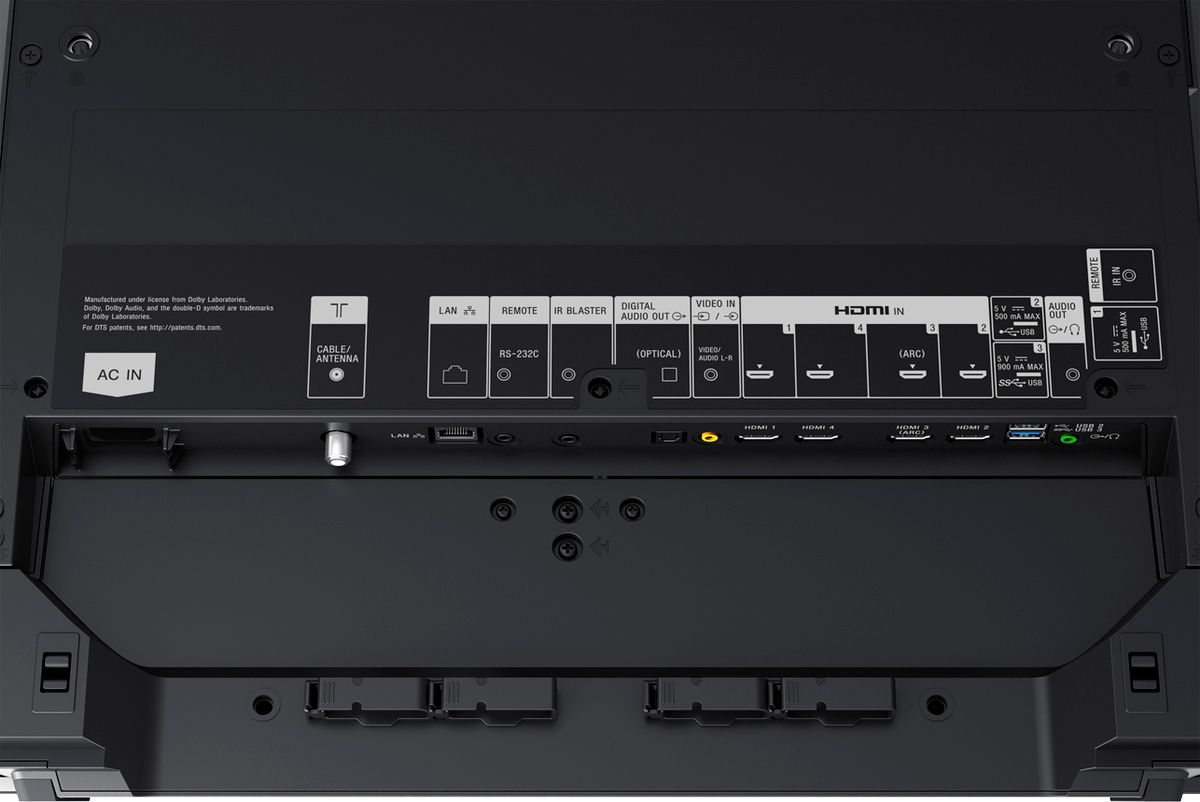
A:AnswerThe tv does actually have the capibility to run any traditional subwoofer using the hybrid port on the back of the tv, then a setting option to turn the freq range to low, use the dynamo 700 with the stw2s for a wireless option.
A:AnswerAs of yet, no it does not, BUT it would appear that HDMI 2.1 may be enabled at a later time via a firmware update. Keep in mind that this is only a possibility and there is no official word from Sony as to whether or not this will be done.
A:Answernot without needing a really advanced avr that could strip all the other channels out. and even then, sync issues would be hard to solve. plus, the center is important, and i wouldnt rely on this tech to be better than a conventional speaker.

A:AnswerHi toochi, please visit the link below for more information on how to connect sub-woofer to this TV. I hope it helps. Regards, ^Ron
http://helpguide.sony.net/tv/eusltn3/v1/en-003/04-05_01.html
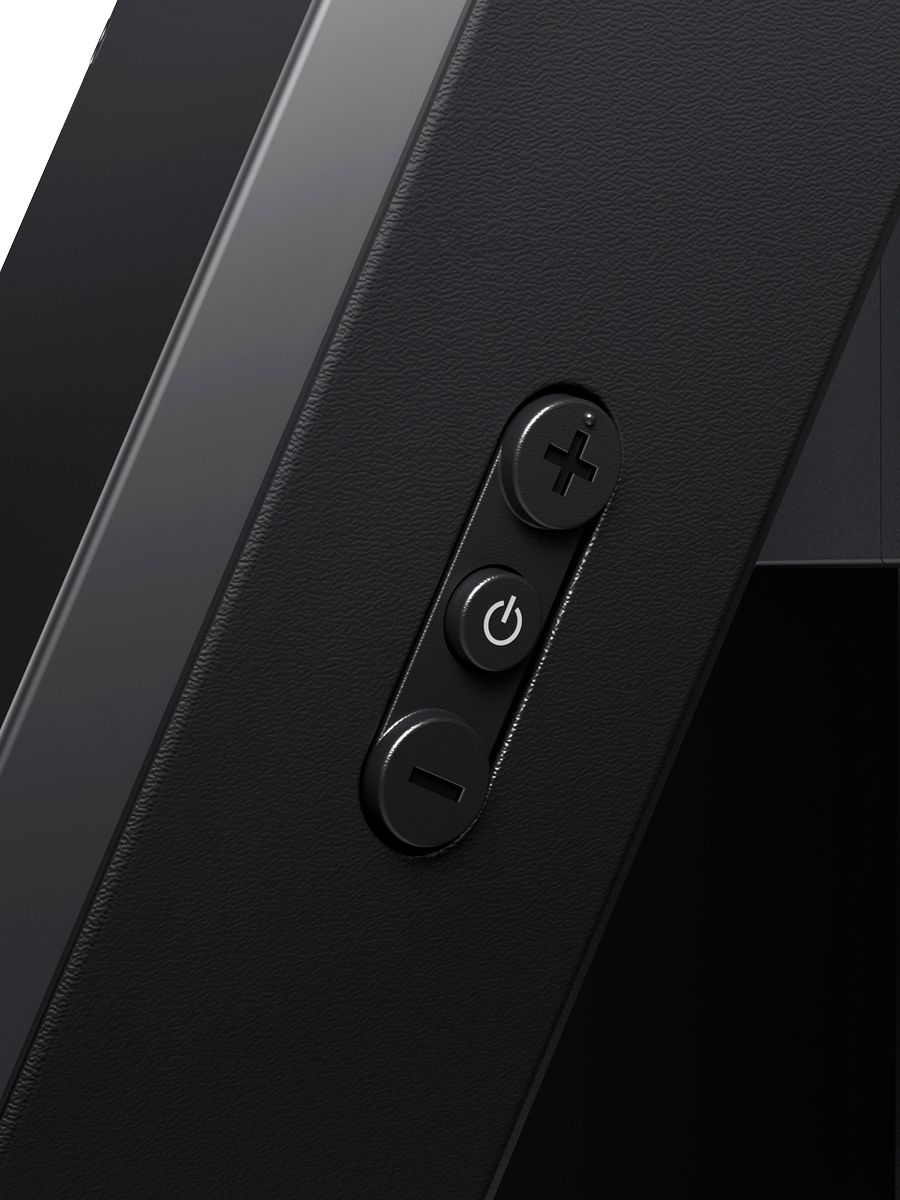
A:AnswerHi Hopefulinsa, yes, there is a power button on the TV itself. Kindly refer to page 8 of this link for more information:
https://docs.sony.com/release//Ref_4693661121.pdf
~Ralph