Black Friday is hereShop new DoorbustersShop now

Main Content

Questions & Answers

Your price for this item is $949.99
Clearance
The comparable value price is $999.99
Page Showing 21-40 of 149 questions
  • QuestionCan this TV transmit Bluetooth audio?

    Asked by Rusty.

    • Answer Hi Rusty, thank you for your question. Unfortunately, this unit does not support the A2DP Bluetooth profile for Bluetooth audio. You may check this link instead for the list of TVs that support that said function: https://www.sony.com/electronics/support/televisions-projectors/articles/00159290 Hope this helps. ~Earl

      Answered by SonyListens

  • QuestionCan I run HDMI arc to Klipsch The Fives and still run optical digital to my non HDMI receiver?

    Asked by JimR.

    • Answer Hi JimR, thank you for your question. Unfortunately, you may only need to choose which audio cable (HDMI/optical) you want to use if you have both of them plugged in. Hope this helps. ~Earl

      Answered by SonyListens

  • Questionhow many HZ does this tv have ?

    Asked by mason.

    • Answer Hi mason, thank you so much for your question. This TV has a panel refresh rate of 60Hz. The XBR65X800H also features Motionflow XR 240 which keeps the movement smooth and clear, allowing fast fast-moving sequences in sports and movies to be seen with lifelike clarity. I hope this helps! - Romeo

      Answered by SonyListens

  • Questioncan tv be configured to support dual audio allowing sound from tv speakers an headphone jack at the same time?

    Asked by slim.

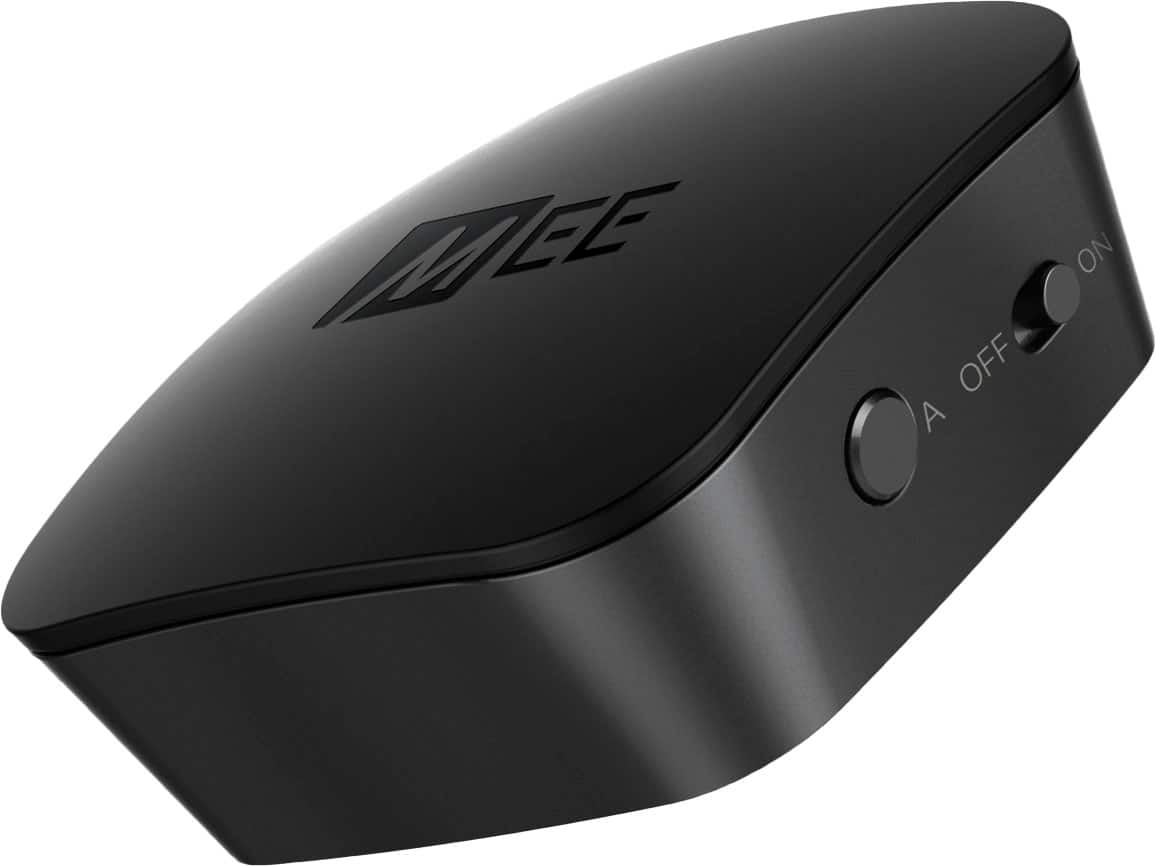
    • Answer I was disappointed I couldn't connect my Bluetooth speakers directly to the TV, but I found a workaround which allowed me to use the headphones independent of the TV speakers/soundbar. I purchased a Bluetooth transmitter with one input and two outputs (got the MEE audio Connect universal Bluetooth wireless audio transmitter), and an optical splitter (got the ZEXMTE Optical Fiber Splitter 1 in 2 Out Toslink Splitter) and it works great. TV sound can be turned up or down, and I can control the sound level of my headphones independently. Very slight latency issue, but not to the point of being a problem. Both are very small and very light, and I used 2-sided foam tape to stick them to the back of the TV.
      I would recommend:

      Answered by Paul

  • Questionset up remote to tv

    Asked by Moe1345.

    • Answer Hi Moe1345, thank you for your inquiry. You may check this link on how to use the supplied remote of the TV: https://helpguide.sony.net/tv/husltn1/v1/en-003/01-07_01.html We would like to know if you are trying to set up a different remote so we can further assist you. Please email us at [email protected] with the following details: Name: Username: Model Number: Issue: Telephone Number: ~Earl

      Answered by SonyListens

  • Questiontv will suddenly just turn off

    Asked by Moe1345.

    • Answer Hi Moe1345, Thank you or choosing and purchasing our X800H 4K HDR LED TV. We are sorry to hear that the TV suddenly turns off . This is usually not the case for our premium TVs nor the experience we want you to have. We'd love to help you troubleshoot your problem by isolating your sources and understanding your connections. In the meantime, please check the following: If your TV turns on or off at regular intervals, such as 30 minutes to an hour, it's likely caused by power saving functions such as Idle TV Standby, On Timer, and Sleep Timer. If the TV turns on or off when an HDMI-connected device is powered on or off, check the Bravia Sync settings. Reference: https://www.sony.com/electronics/support/televisions-projectors-lcd-tvs-android-/xbr-65x800h/articles/00032613 May we also contact you for help and get more information? If, please email the below information to [email protected]. Apologies if you disclosed some of this information in your review and to customer service, we just want to ensure that we have your accurate details at the time of communication. Full Name: Best Buy Username: Telephone Number: Sony TV Model Number: Case Number: Additional Information regarding your experience with the X800H We are sorry for the inconvenience and hope to speak to you to resolve this matter. We appreciate you and thanks again for shopping Sony! Sincerely, Erin

      Answered by SonyListens

  • QuestionDoes this tv has discovery plus?

    Asked by Dance34.

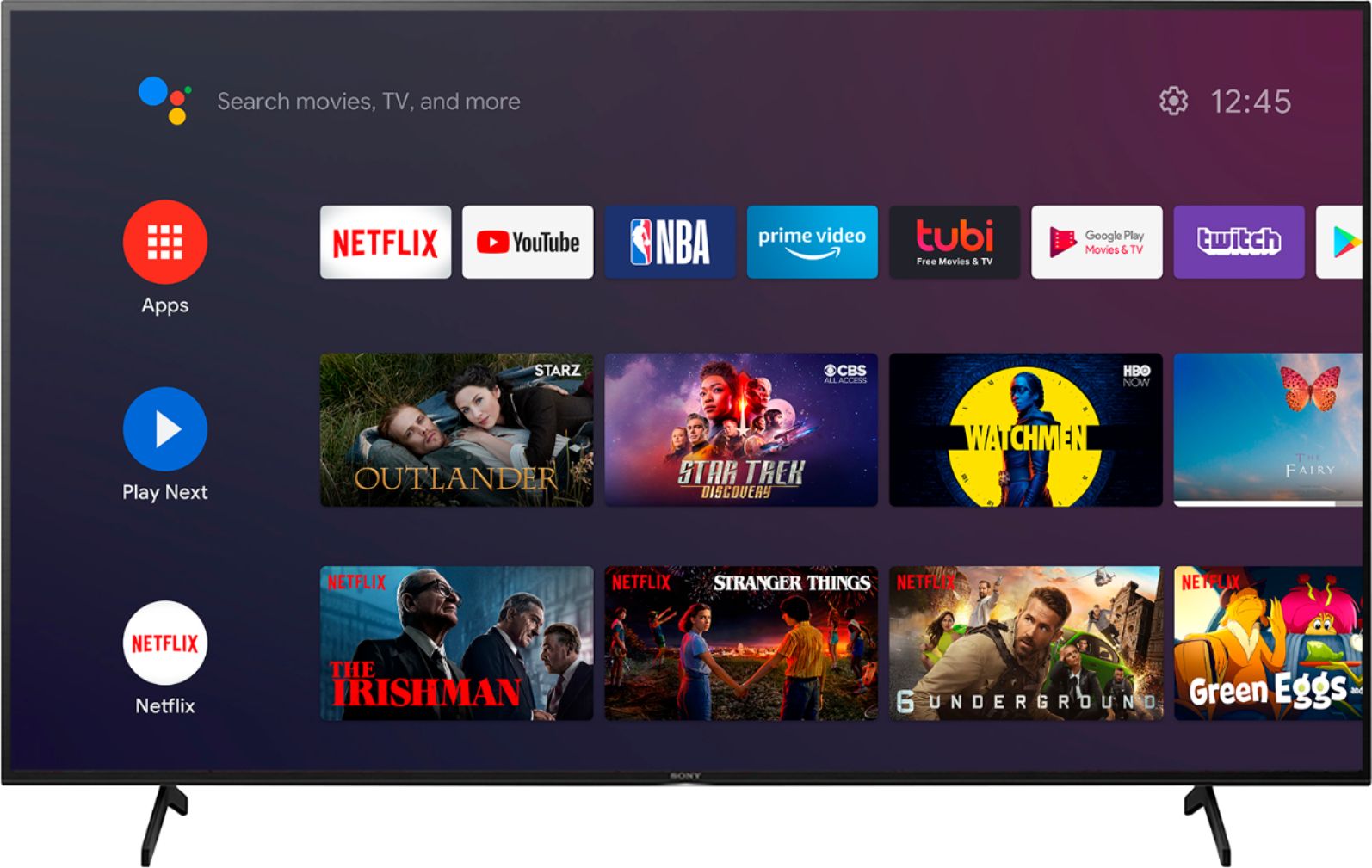
    • Answer Hi Dance34, thank you for your question. Yes, the Discovery+ is available on the X800H. You may download and install the said app using the built-in Google Playstore on this TV. Please take note that the availability of Android TV apps is different depending on the country or region where the TV is being used. ~Earl

      Answered by SonyListens

  • QuestionDoes this tv work well outside? In the sunlight?

    Asked by Brant.

    • Answer Our TV is not outside, but our room has a wall of floor to ceiling windows. The sun enters from right side and the TV does not have glare.

      Answered by PJRent

  • QuestionHow wide a 65” tv

    Asked by Bb.

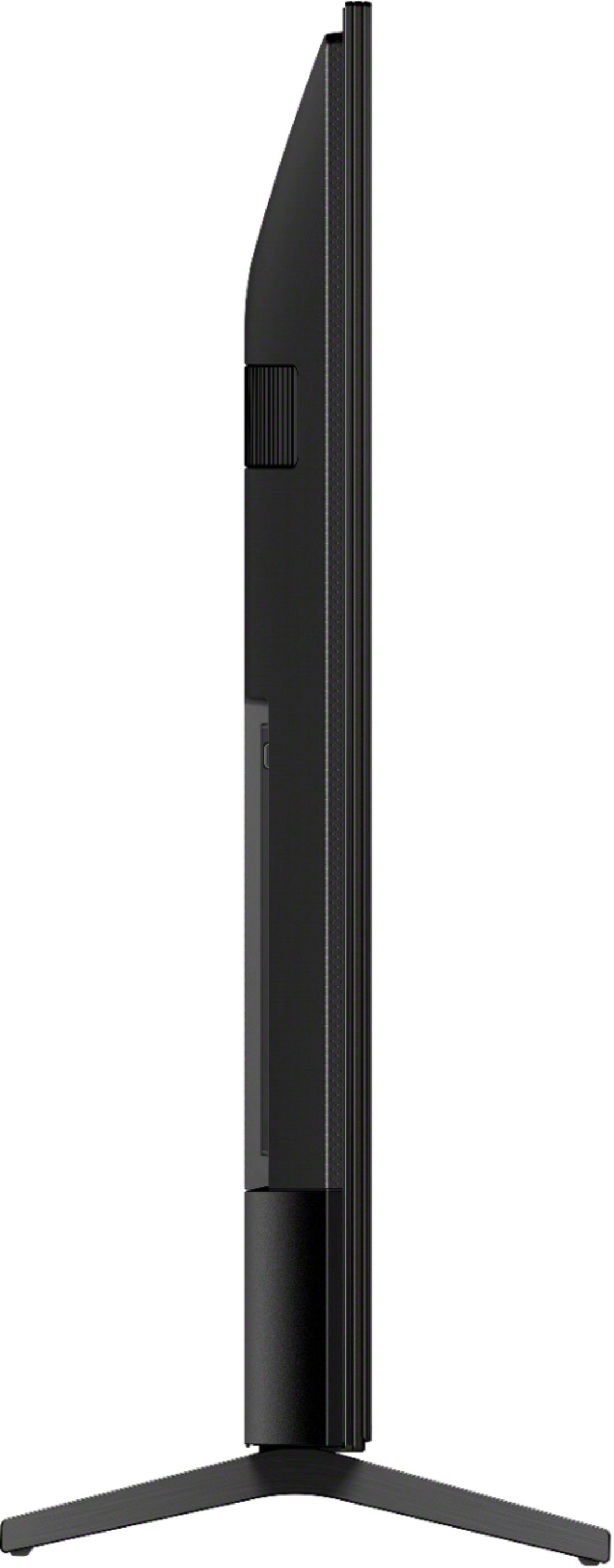
    • Answer Hi Bb, thank you for your inquiry. Are you referring to how wide the TV screen or the entire TV measurement? If so, please check the below information: Screen size is measured diagonally in centimeter is 164 cm; in inches is 65" (64.5") Screen size, when measured from Left to Right, is 57 5/8 inches DIMENSION OF TV WITHOUT STAND (W X H X D): Approx. 57 5/8" x 33 1/8" x 2 7/8" (1462 x 841 x 71 mm) DIMENSION OF TV WITH STAND (W X H X D): Approx. 57 5/8" x 35 3/8" x 13 1/2" (1462 x 905 x 340 mm) I hope this helps. Regards, Erin

      Answered by SonyListens

  • QuestionCan i put this tv on the wall?

    Asked by Wonderdul.

    • Answer yes, works well, set the wires in the wall, hide them.

      Answered by pilot

  • QuestionIs this tv easy to connect yourself?

    Asked by Sony890.

    • Answer Hi, thank you for inquiring about the TV. Yes, you can easily connect your TV by following the Setup Guide Booklet. For safety precaution, we recommend installing the TV with one or more people. I hope this helps. Regards, Erin

      Answered by SonyListens

  • QuestionOwn this TV and love it. The question: can I set this up so that I can have the sound going to the speakers and, simultaneously, to a set of headphones for my husband. He is hard of hearing and I can't stand the volume up too high.

    Asked by LisaLisa.

    • Answer Hi LisaLisa, thank you for purchasing our product. We're glad you love our TV. Yes, you can hear sound from the TV speakers and your headphones at the same time. Please check the link below for more information: https://www.sony.com/electronics/support/televisions-projectors-lcd-tvs-android-/xbr-65x800h/articles/00201347?model=XBR-65X800H&category=televisions-projectors-lcd-tvs-android- ~Earl

      Answered by SonyListens

  • QuestionDoes this tv support hulu plus live?

    Asked by Anonymous.

    • Answer Hi Anonymous, thank you for your question. Yes, you may download/install the app using the built-in Google Playstore on the X800H. Please take note that the availability of Android TV apps is different depending on the country or region where the TV is being used. ~Earl

      Answered by SonyListens

  • QuestionSo what if you’re Mac? Is it the same as Android?

    Asked by Bamm220.

    • Answer Hi Bamm220, thank you for your question. This unit is compatible with Apple® iMac® computer. If you're trying to use this unit as a monitor, a Thunderbolt adapter may be required to output an HDMI or DVI connection. Visit the Apple website or contact Apple support for further assistance if needed. You may follow this link for more information: https://www.sony.com/electronics/support/televisions-projectors-lcd-tvs-android-/xbr-65x800h/articles/00032283 ~Earl

      Answered by SonyListens

  • QuestionDoes this TV have an internet browser that I can use like I do my LapTop to access different websites???

    Asked by bigEy.

    • Answer Hi bigEy, we appreciate your interest in our product. No, X800H does not come with an internet browser from the factory. You can download a 3rd party browser using the built-in Google play store of this unit. Thank you. ~Earl Thank you,

      Answered by SonyListens

  • Questiondo you have to have an android phone or i phone will do

    Asked by nada.

    • Answer Hi nada, we appreciate your interest in our product. No, in terms of displaying content from smartphones to this TV, both Android phones and iPhones are compatible. Thank you. ~Earl

      Answered by SonyListens

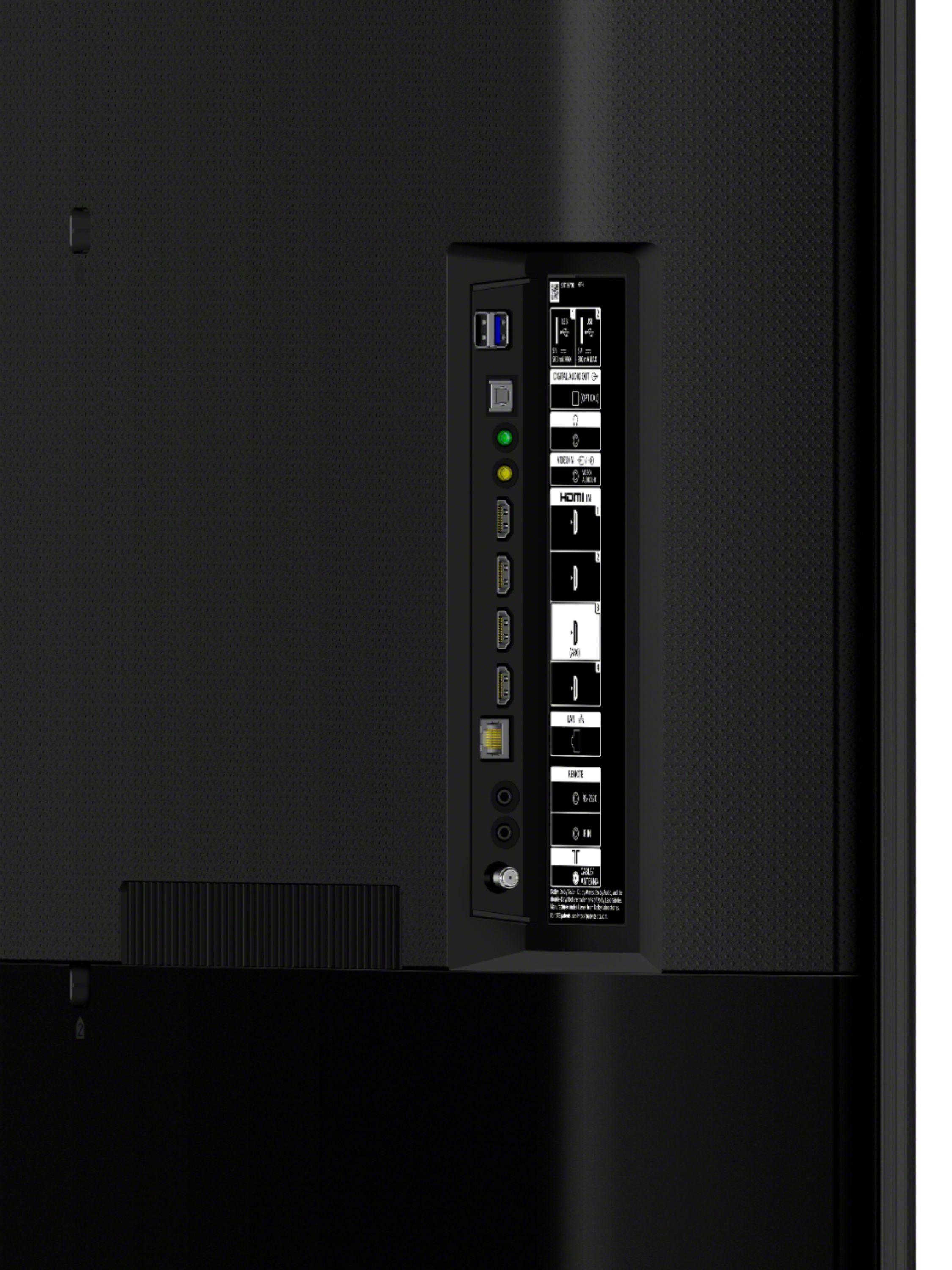
  • QuestionTo get surround sound from the tv, do I connect the ARC HDMI to my Denon receiver's input?

    Asked by knowles.

    • Answer Hi knowles, thank you for your question. Yes, you can get surround sound from the TV through your receiver using an HDMI ARC connection using a high speed HDMI(ARC or eARC compatible cable) for best results. Please refer to your owner's manual for your receiver for proper setup. ~Earl

      Answered by SonyListens

  • QuestionDoes the 800h use a VA or IPS panel?

    Asked by Mg.

    • Answer Ips panel. Not the best viewing in dark rooms. It’s ok in dark rooms.

      Answered by RobP

  • Questionhi does this tv X800H have a E ARC connection

    Asked by downhill.

    • Answer yes it does

      Answered by zbone