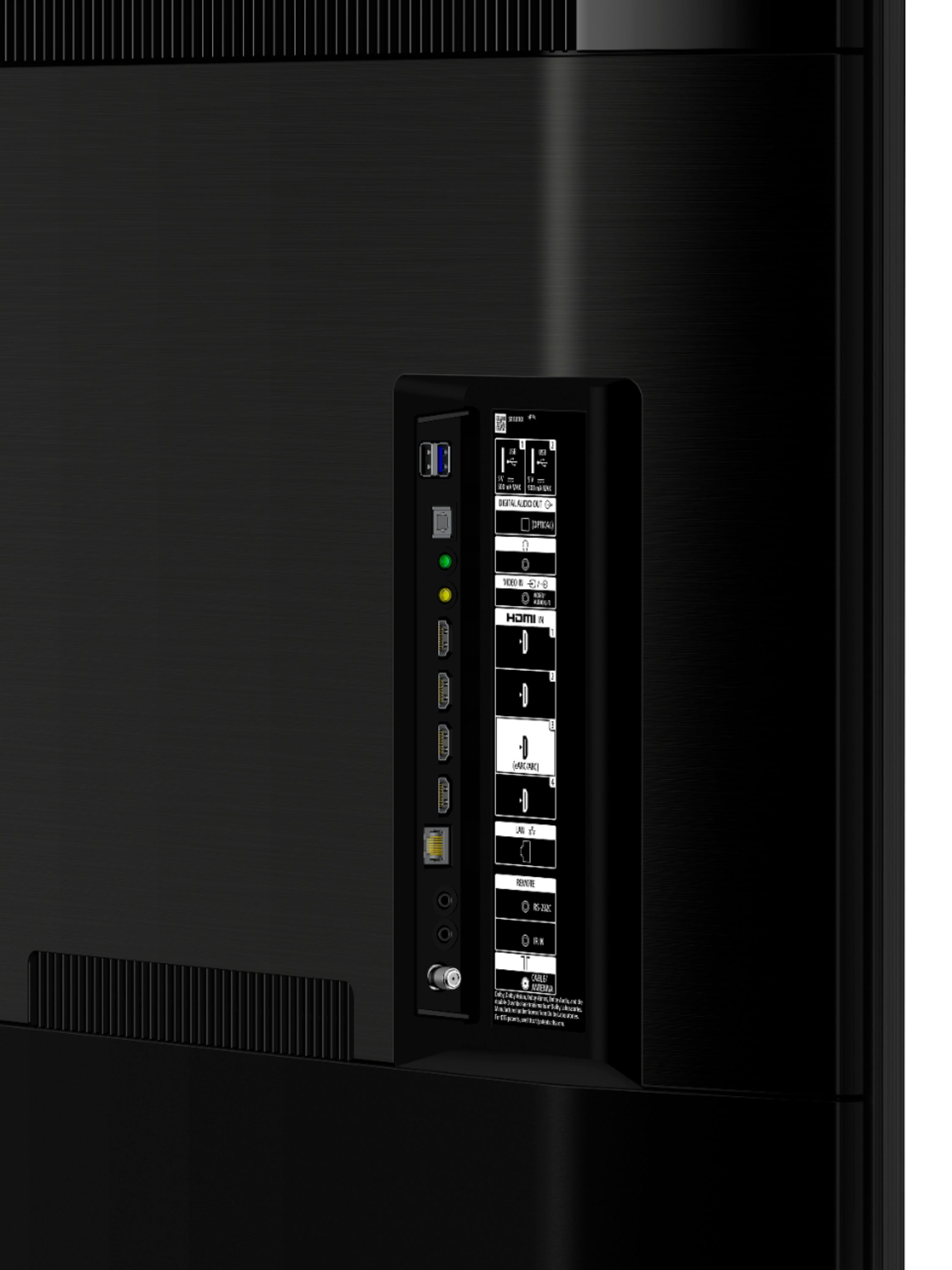
A:AnswerNo it does not have 2.1 hardware and unfortunately, the processor does not support 2.1 either. Best you will get is 2.0b which is still capable of 4k @ 60hz. Of you are looking for 2.1 then go with the x900h as that tv does have 2.1 hardware and that processor does support 4k @ 120hz.
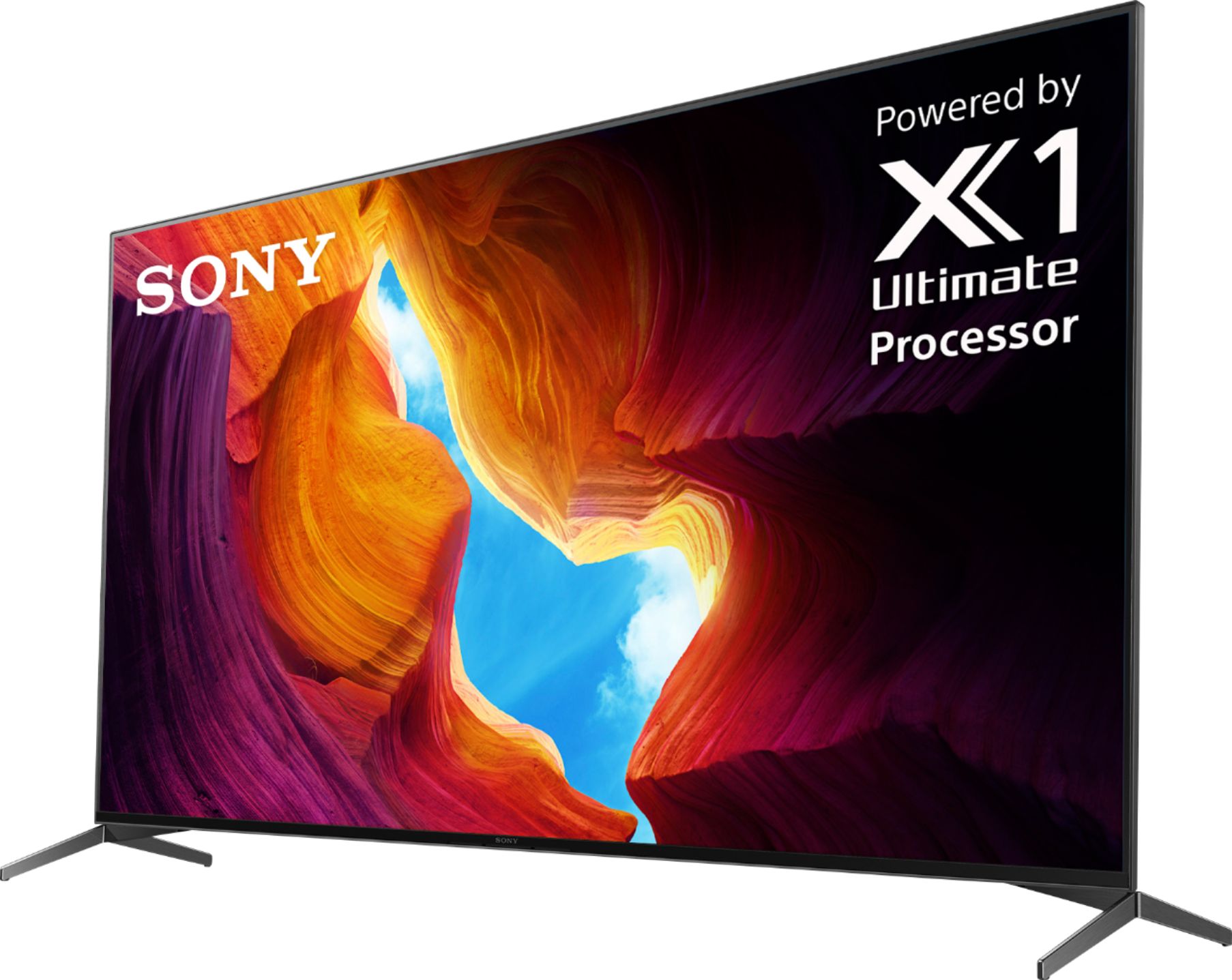
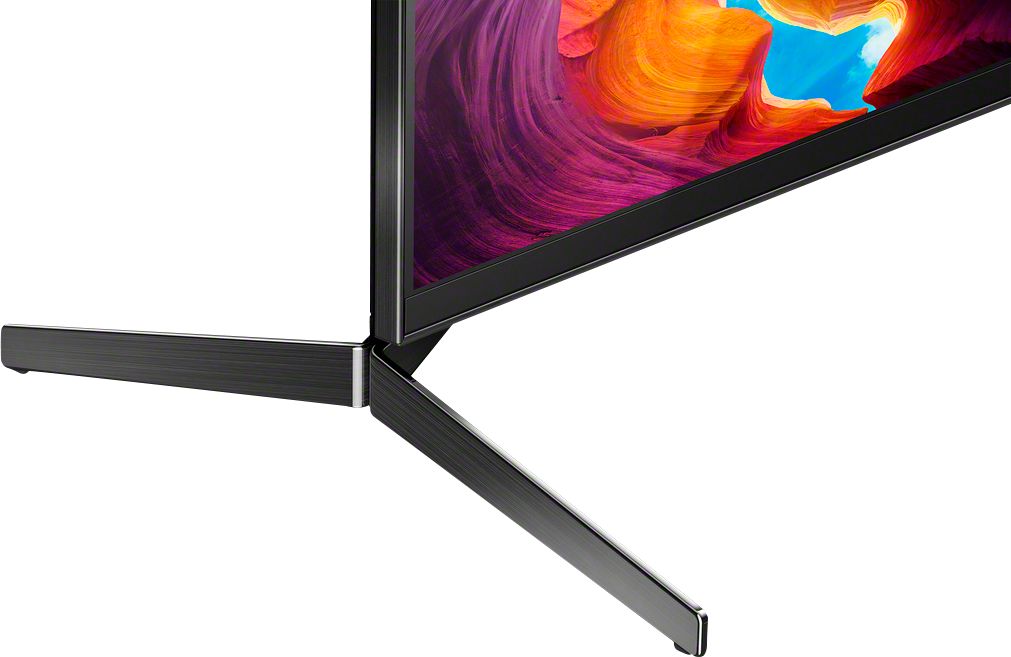
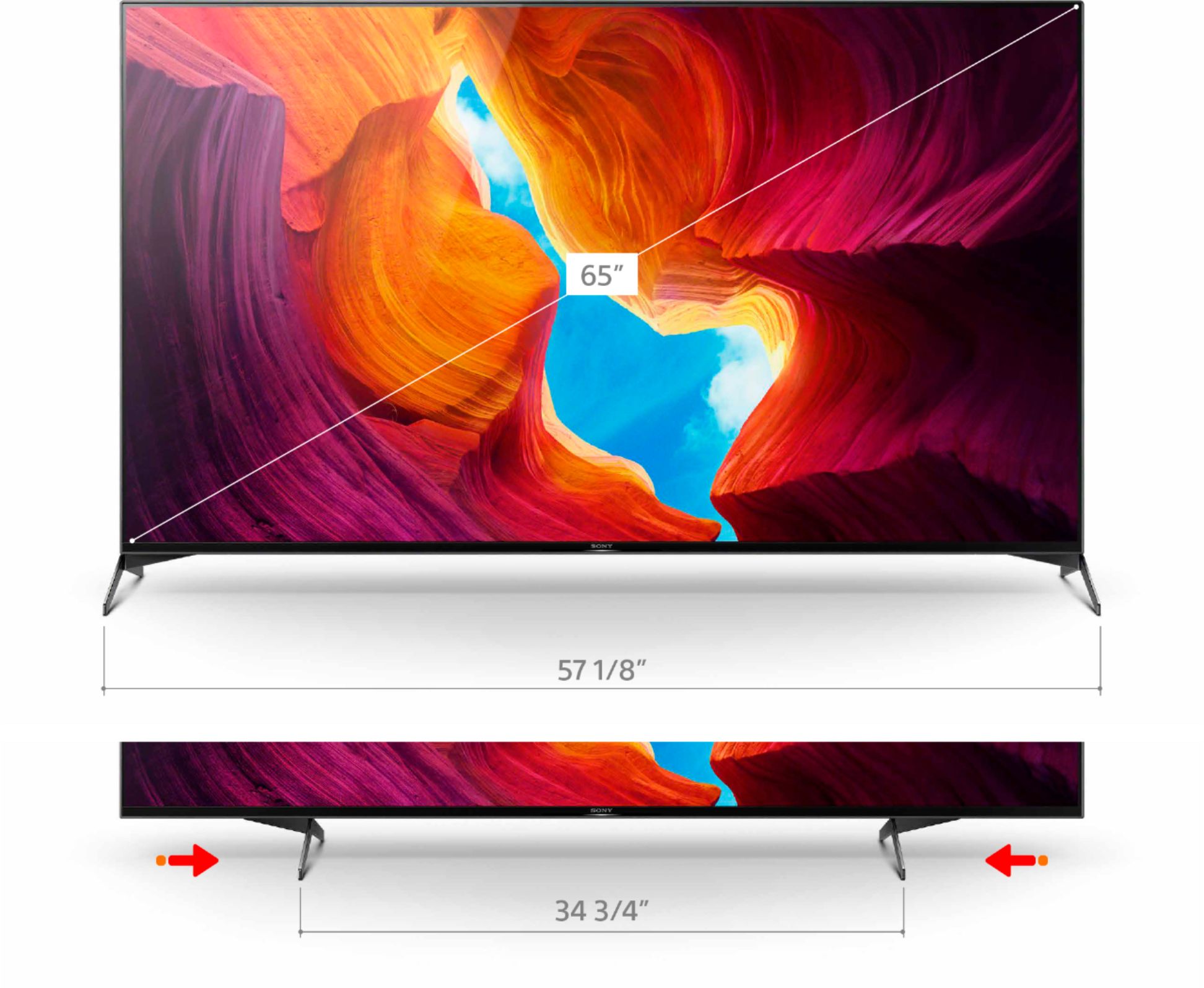
A:AnswerHi Titangirl, thank you for inquiring about the XBR65X950H. Yes, you can adjust the position of the legs in both narrow and wide position. Regards, Erin
A:AnswerMine does the same thing. To clear it unplug the tv for a minute and then turn it back on, it should go away. I turned my google assistant off for this reason. Why Sony does irritating things like this is a mystery.
A:AnswerWe've had ours for about a month now and really love it. It does click when you turn it on or off so I think that's normal.
This is the first TV we've brought home and loved it the minute we set it up.
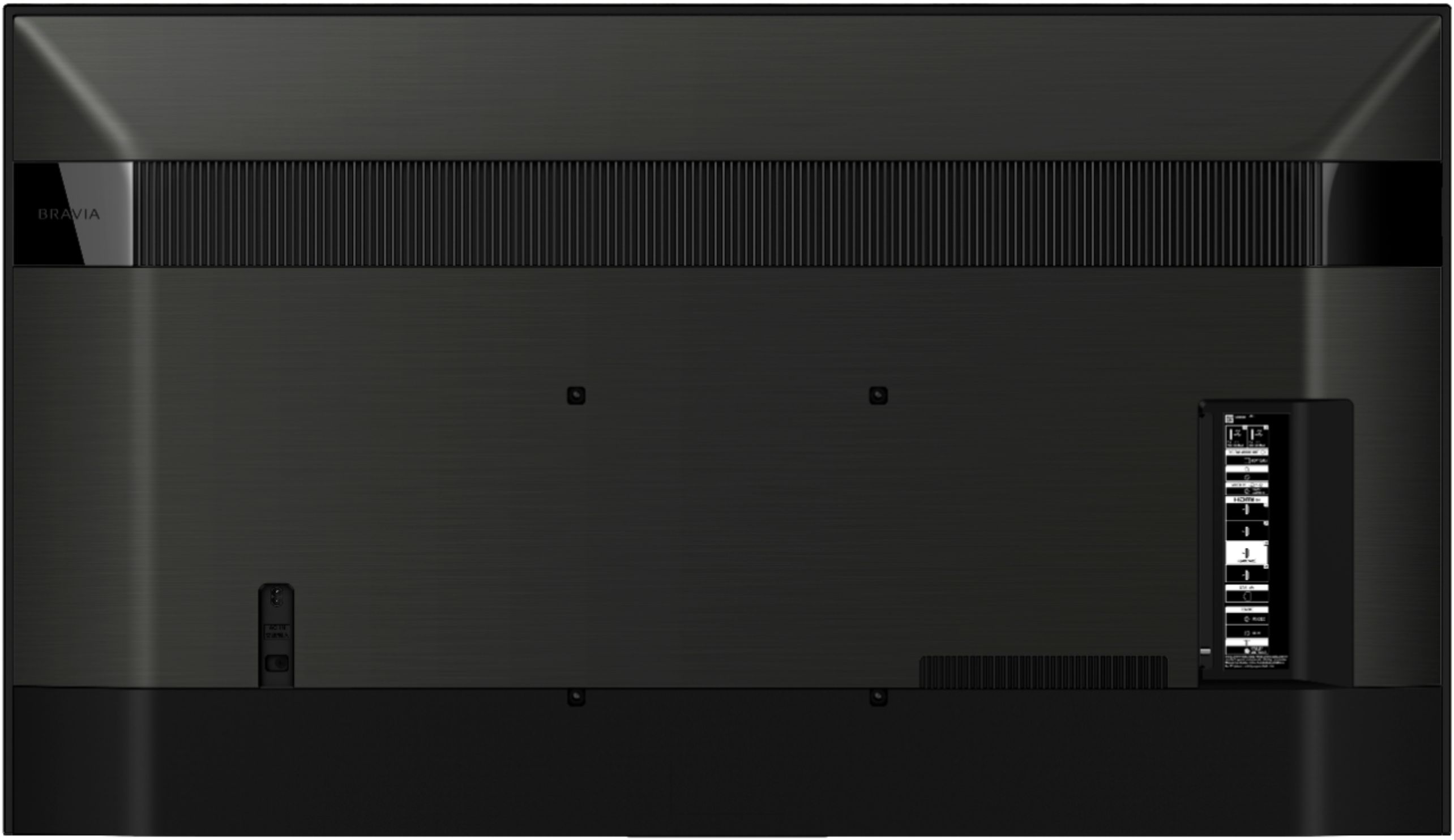
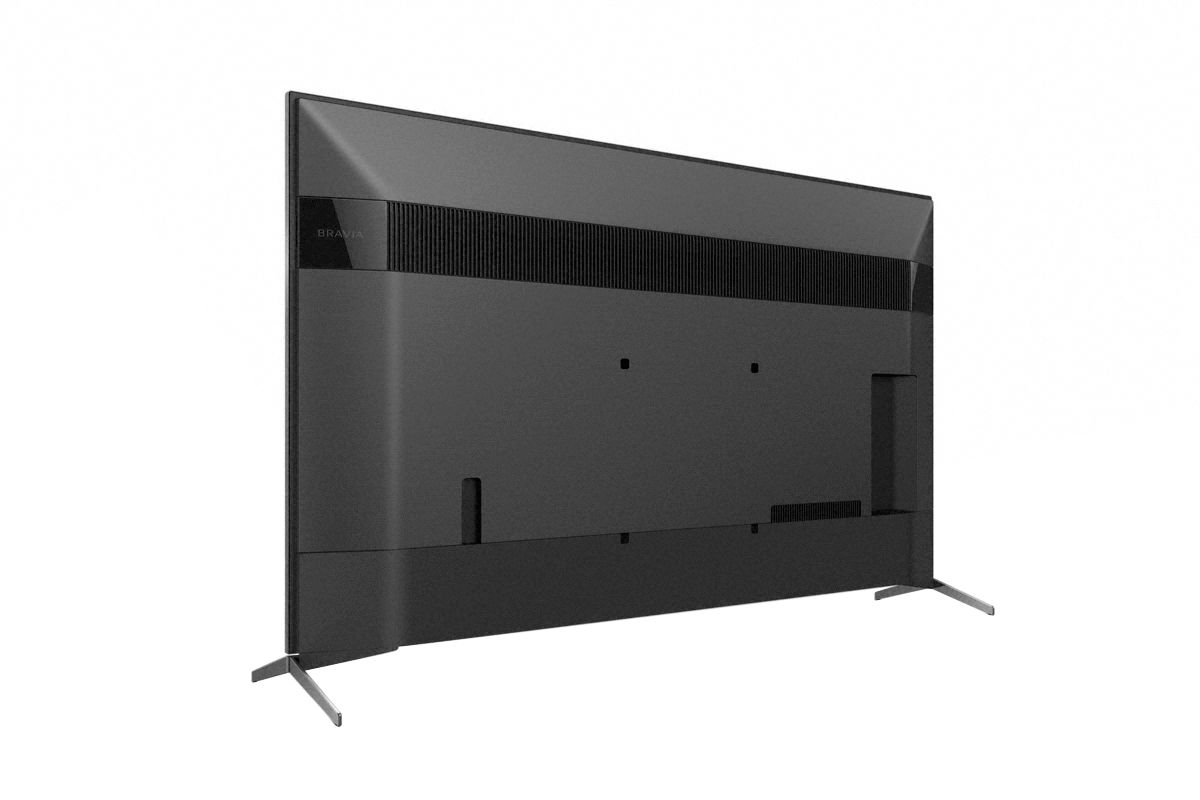
A:AnswerHi Tyler, We highly recommend using the Sony SU-WL855 wall-mount bracket for XBR-65X950H. You can also use any VESA compliant wall-mount with a hole pattern of 300x300 mm for this TV. I hope this helps. Thanks! -Vincent
A:AnswerYap, I called Sony about that. They said it was designed that way. People that put the TV on a low profile stand need it to tilt up when viewed from a chair. Weird! I told them they should have given us two sets of stands or and option to replace it with a flat stand that would keep the TV straight. To fix it I places a couple of quarters under each back leg.
A:AnswerHello RonF, If the same image is displayed repeatedly or for long periods of time, image retention may occur usually with OLED TVs. The X950H is not an OLED and you should not experience this issue under normal usage. Thanks! -Vincent
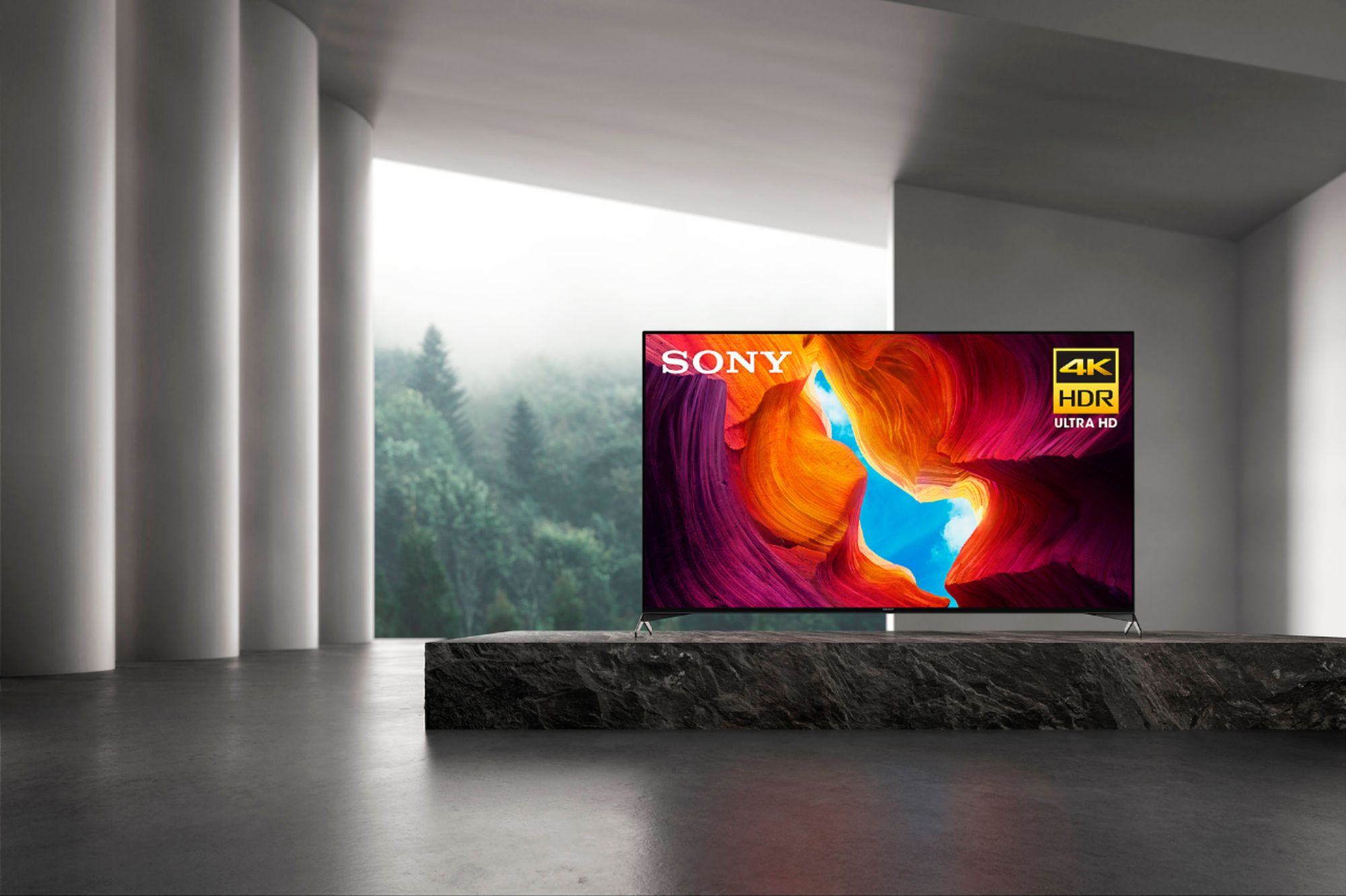
A:AnswerYes there's an anti reflective coating on this TV. Mine is in a room with a lot of windows and between the coating reducing the reflection intensity and the brightness of the TV, I don't notice the reflections unless it's a dark scene
A:AnswerIf you are attempting to utilize a cable box, then you will need to use an HDMI. however if you are streaming from the smart features on the tv, you will not need any additional cables, only a reliable internet connection & the application you choose to stream from.
A:Answer950H is the better for standard use. This TV has a better processing chip and a better picture and motion. 900H is better for gaming with a 2-1 Hdmi input.
A:AnswerHello Bob, Mobile devices (smartphones or tablets) can't connect to your TV using a Bluetooth connection. The X950H supports both Apple AirPlay and Apple HomeKit that can be used to connect Apple devices to the TV. I hope this helps! -Vincent
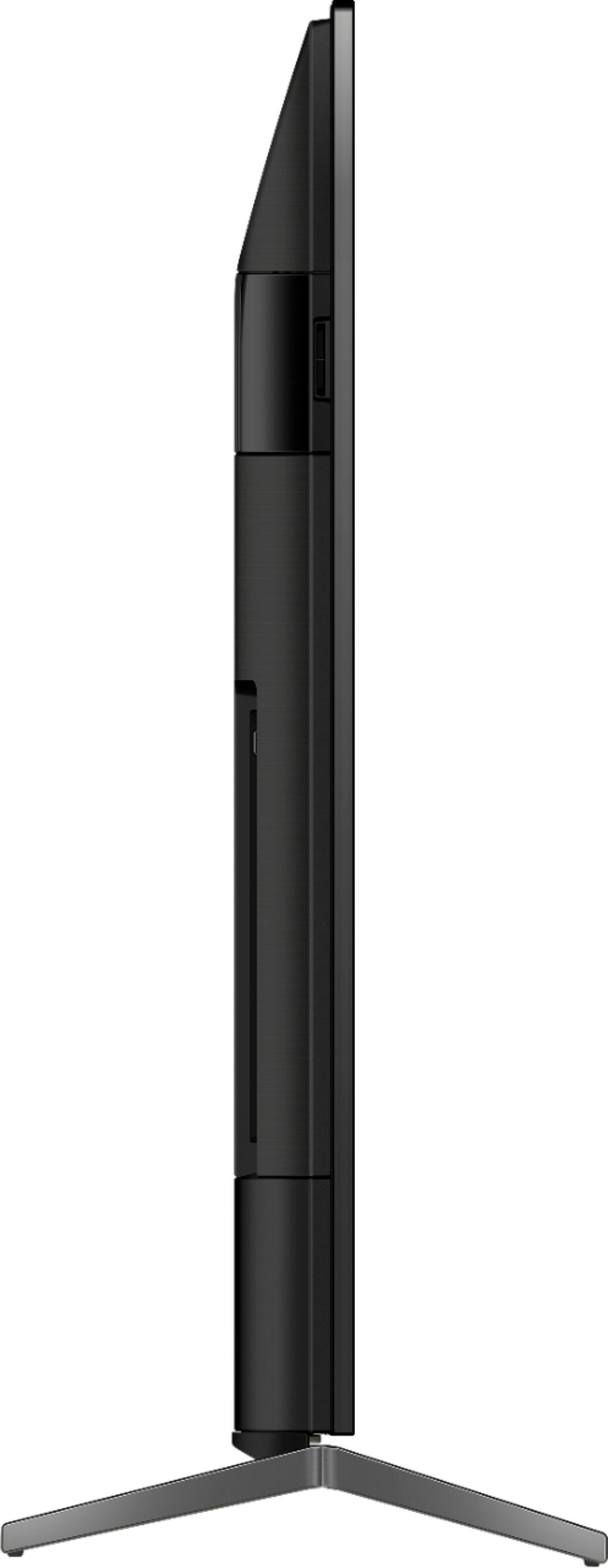
A:AnswerHi Eric, Thanks for inquiring about the TV. The XBR65X950H weights of Approx. 49.2 lb (22.3 kg) without the TV stand and Approx. 52.3 lb (23.7 kg) with the TV stand. I hope this helps! -Jess
A:AnswerBuy a TV that has AppleTV+ integrated I'm assuming is the answer you need.
I use the airplay feature quite a bit with my MAC and the wife / kids project all the time from their iPhones.
While I don't have an AppleTV+ subscription any longer, I imagine I'd just cast it from my Mac if I wanted to watch the 1 or 2 shows that I consider decent on it :)
A:AnswerHi Rabbie, Thank you for your inquiry! The TV's dimensions without the TV Stand are (W X H X D) approx. 57-1/8 x 32-7/8 x 2-7/8 inch (1,448 x 833 x 70 mm) and with the TV stand it is approx. 57-1/8 x 35-3/4 x 14 inch (1,449 x 906 x 353 mm). I hope this helps! -Carl

A:AnswerHi Davaa, thank you for your question. The X950H US model has a power requirement of 120 V AC, 60 Hz. With the use of a power converter and a cable adaptor for the wall plug, 240v could be used. Should you need more assistance or information, please email us at [email protected] with the following details: Name: Username: Model Number: Issue: Telephone Number: ~Earl