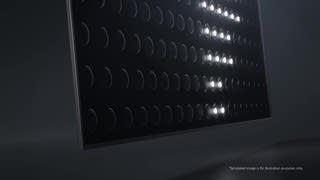
A:AnswerI can not answer that question but I was told this was the better choice for me. I have some glare issues I was trying to address from windows on the wall directly across from the TV. I can say it has helped with my problem. Still not gone but definitely better. I am, overall, very happy with the tv so far.
A:AnswerNot sure what you mean by “ lean back”? Ours sits flat on our TV console. We also got a wall mount to secure it to the wall( grandkids like to play).
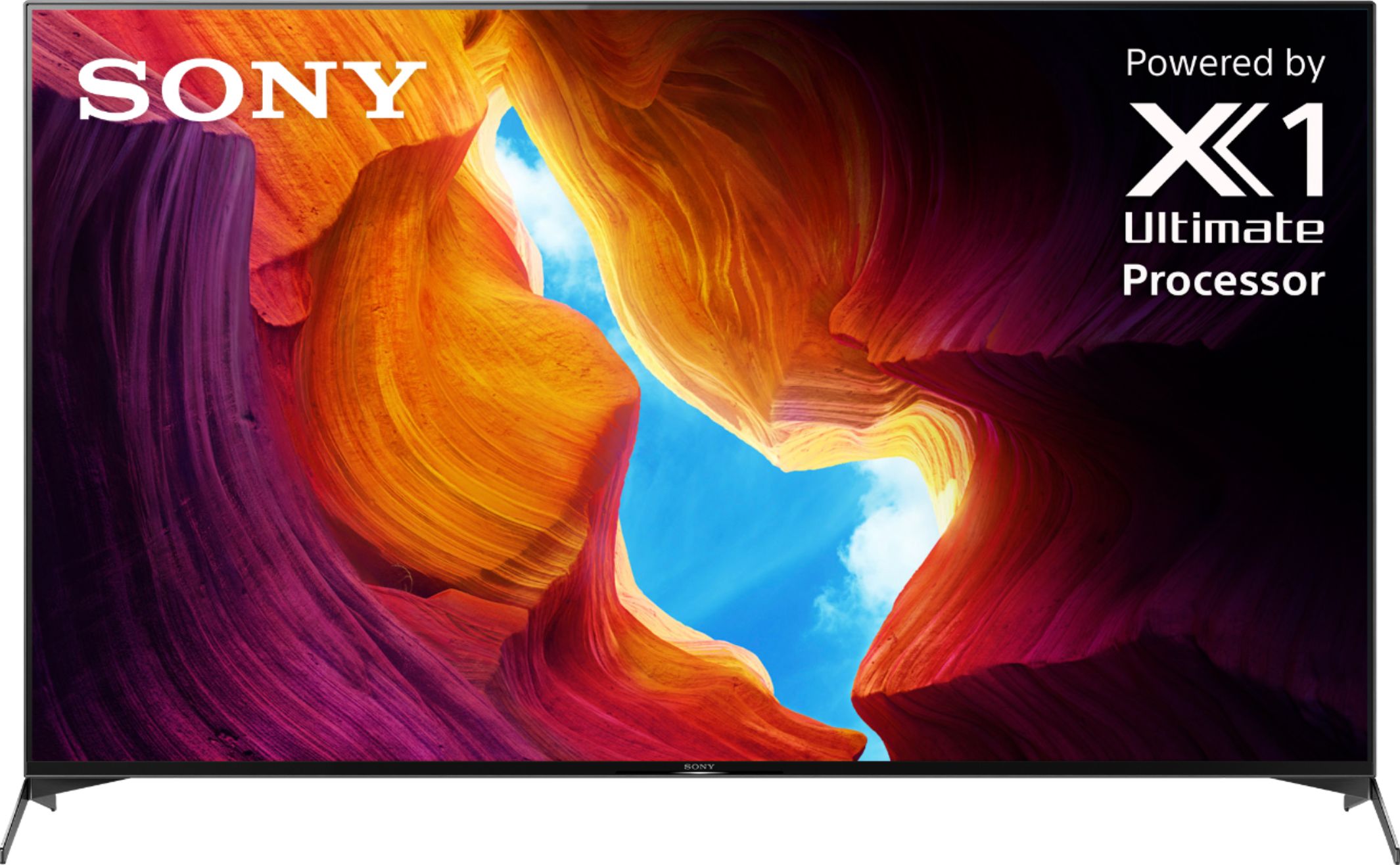
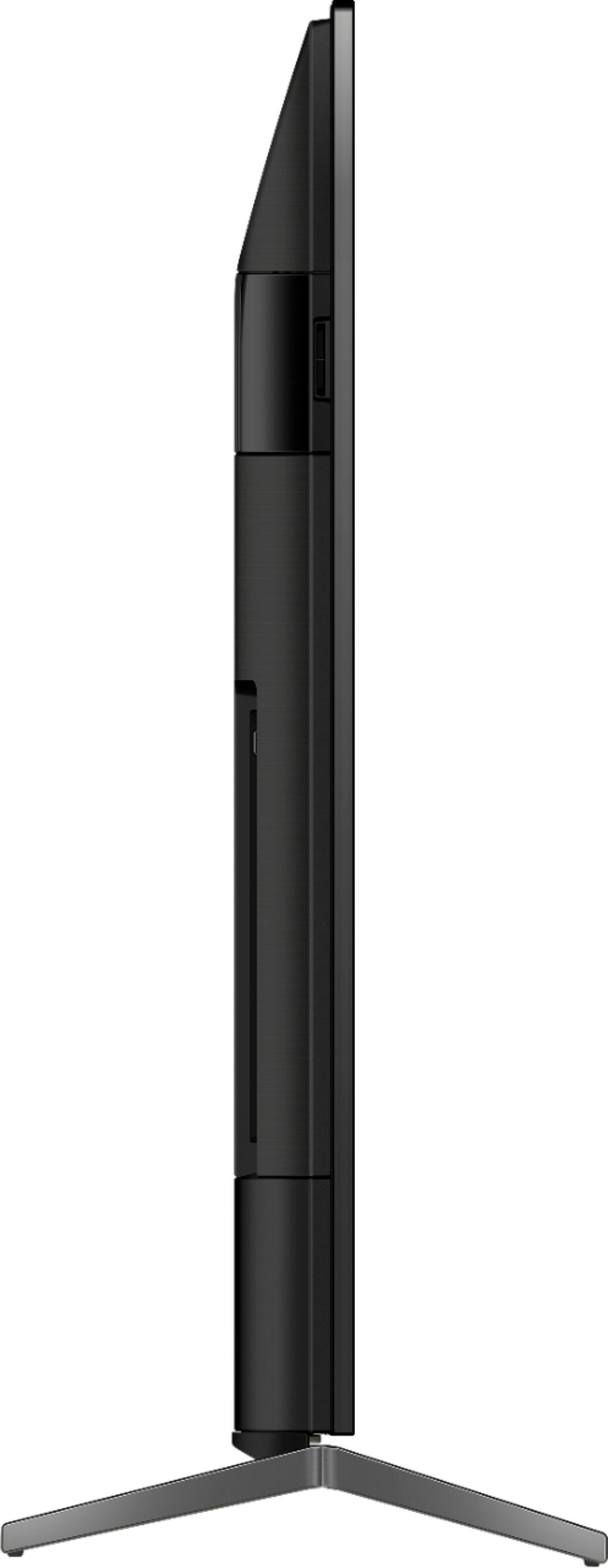
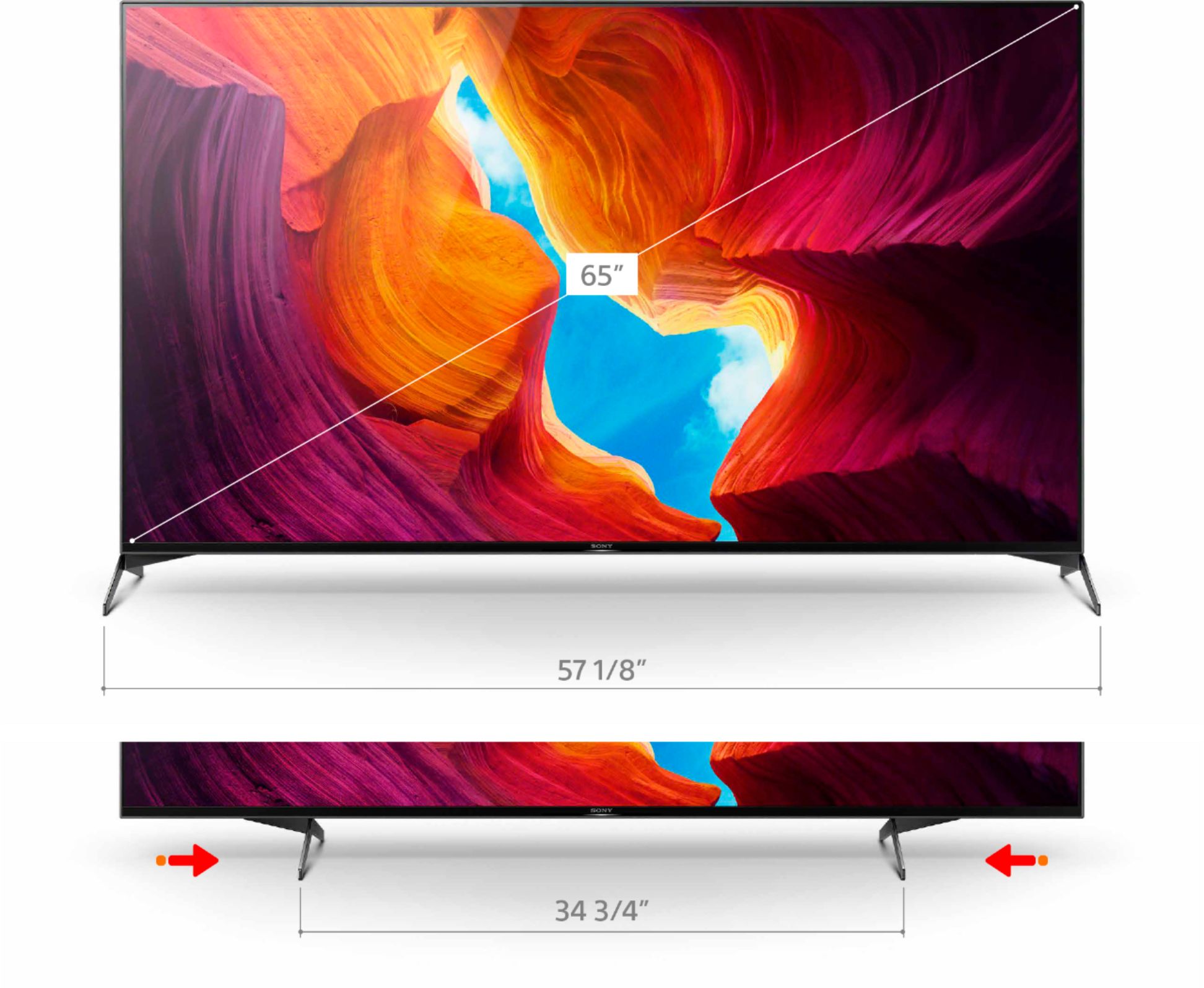
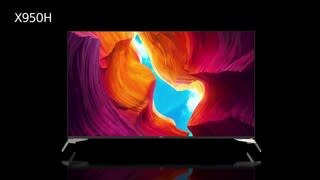
A:AnswerHi Russell, Thank you for the inquiry! The width of this TV is 57 1/8 inches and the height of the TV with a stand is 35 3/4 while the height of the TV without a stand is 32 7/8 inches. I hope this helps! Jay
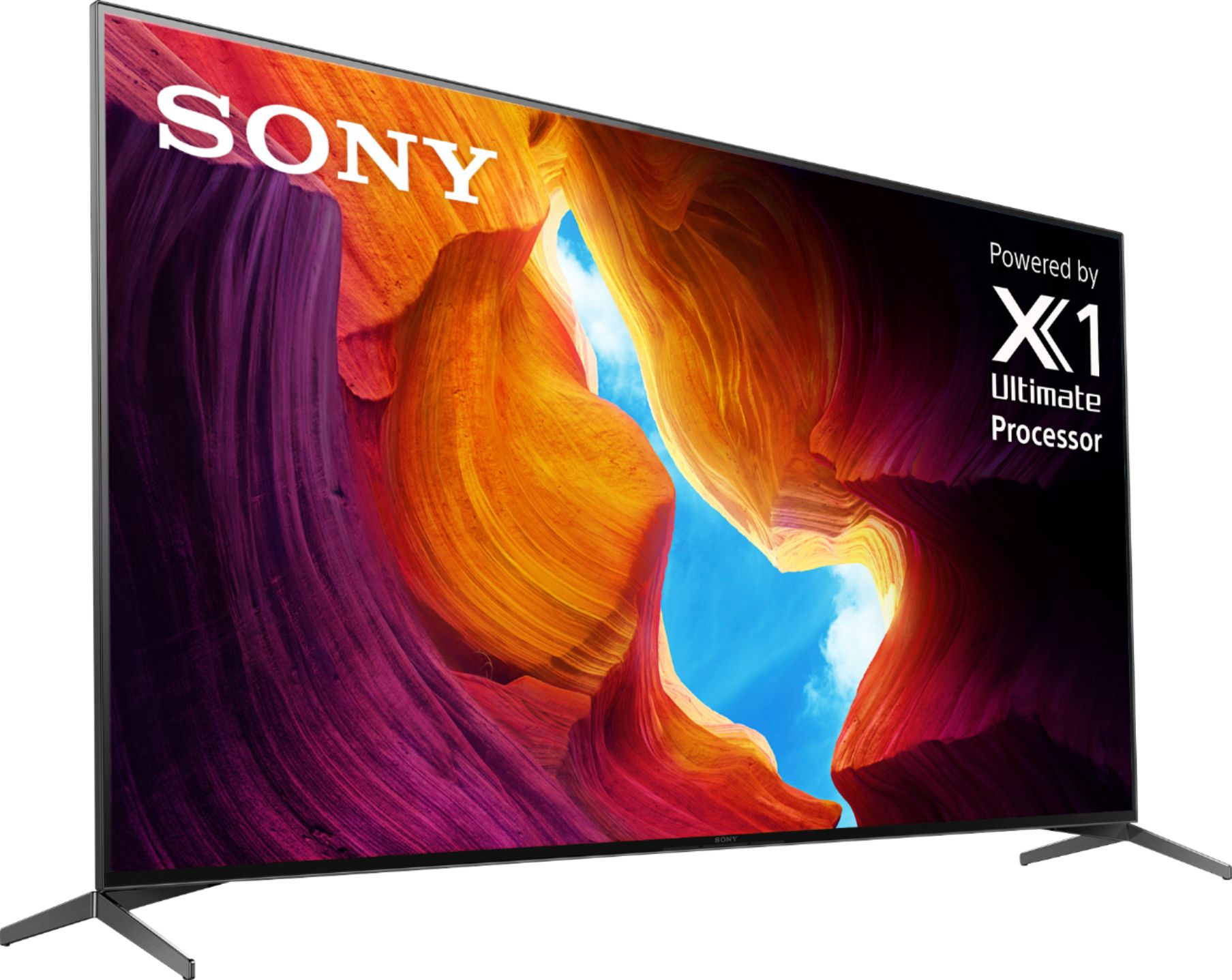
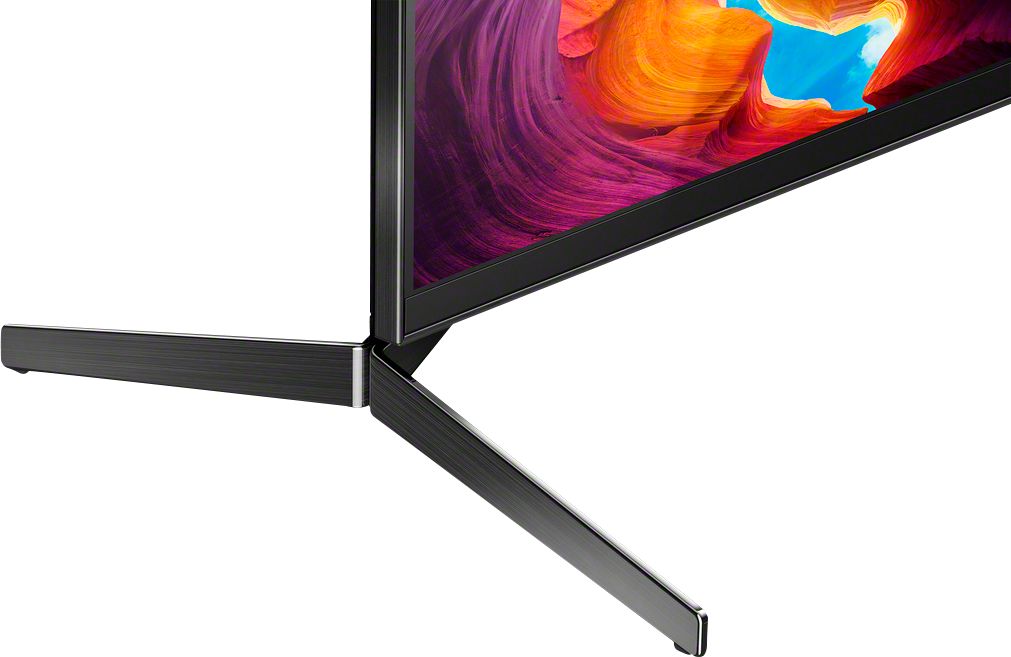
A:AnswerI bought the display model of the 65X950H that already had the feet installed and they were broken somewhere along the delivery route to my house. I took them off and brought them to the store where I purchased it. The associates were very apologetic about the problem and after looking in the backroom, came out with a set of X800H legs that I was able to maneuver around to fit quite nicely on the X950H. Not perfect, but they are a lot sturdier than the original ones, most likely because they are also a couple of inches longer and a bit thicker.
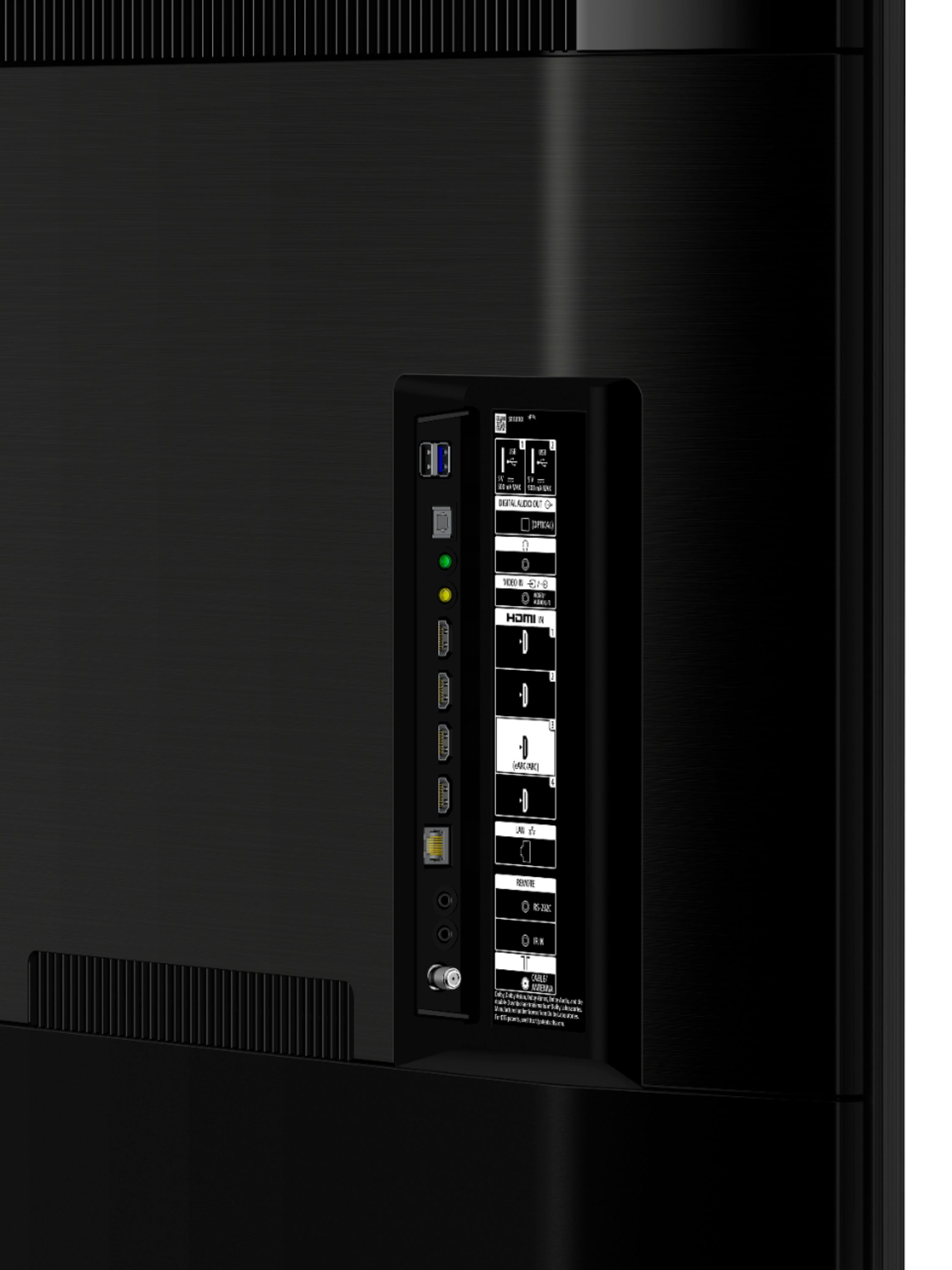
A:AnswerHi Buzz, Thank you for your inquiry! Yes, you can connect your soundbar to the TV using HDMI ARC.
For more information, please check our article link on how to connect your TV to devices such as soundbars, receivers, and many more! https://www.sony.com/electronics/support/televisions-projectors/articles/00231150
I hope this helps!
Regards,
Carl
A:AnswerHi Billybob44, Thank you for your inquiry! Unfortunately, no. The TV remote does not have a zoom button, you can adjust the picture of the TV through the settings Press the HOME button, then select [Settings] — [Display & Sound] — Screen — this will provide you options to use for the picture size and or position. For more information, you may also refer to our Help Guide link: https://helpguide.sony.net/tv/husltn1/v1/en-003/01-03-09_01.html?hl=wide
I hope this helps.
Regards,
Carl
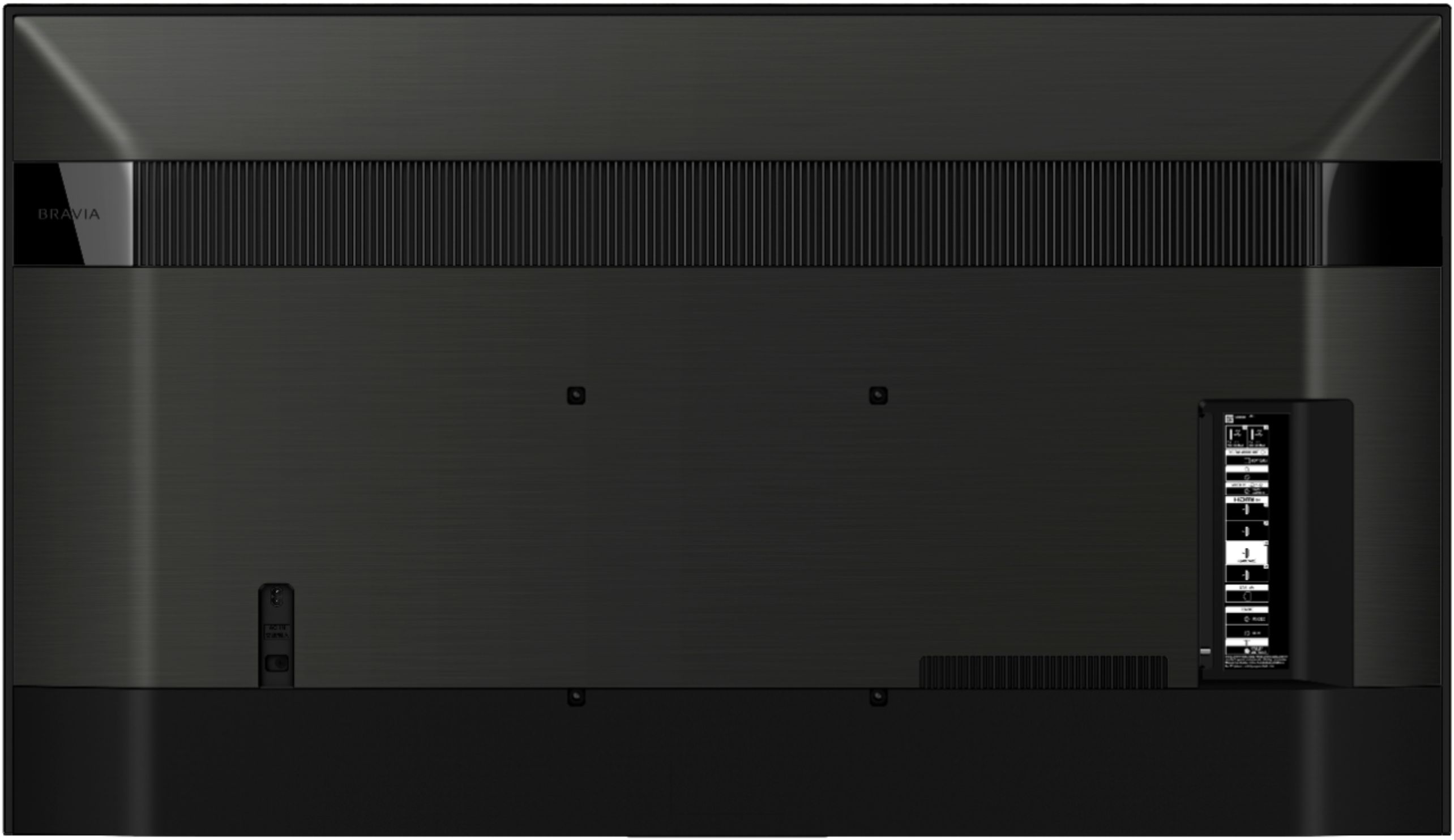
A:AnswerHi Lexi, Thank you for your inquiry! We highly recommend the use of the supplied TV stand. Please contact your local retailer to find a VESA stand that meets the size of your TV, your wall or environmental requirements, and stylistic preferences.
You may also open these links for more information about TV Wall mount and VESA Hole Patterns for TV Wall Mounts.
Here are the links
https://www.sony.com/electronics/support/articles/00197971
https://www.sony.com/electronics/support/articles/00124300
We also recommend the SU-WL855 with 65” up to 77”.
For product protection and safety reasons, Sony strongly recommends that the installation of your TV on a wall be performed by qualified professionals. Please do not attempt to install it yourself.
Regards,
Carl
A:AnswerHi MSG, thank you for your interest in the X950H. Good news! The TV supports Wi-Fi Certified 802.11a/b/g/n/ac. For more information, you may check the full specifications of the product on our website from the link below.
https://www.sony.com/electronics/televisions/xbr-x950h-series/specifications
Regards,
Jess
A:AnswerHi Seandaddy3,
Thank you for choosing Sony. We are sorry to hear that you are experiencing audio issues with the TV while using a streaming service, this is usually not the case with our premium TVs and we'd love to troubleshoot the issue and make this a better experience for you. In the meantime, please follow these steps to troubleshoot the issue that you are having. Please check if the issue occurs when you are using the TV speakers, an external soundbar or a receiver you may also check if the issue only occurs on certain applications, channels or inputs.
If you are experiencing the issue with a soundbar connected to the TV, please use this link to troubleshoot the issue: https://www.sony.com/electronics/support/televisions-projectors/articles/00137387
If you are only having the issue with the TV speakers, please use this link instead https://www.sony.com/electronics/support/televisions-projectors/articles/00023579
If you haven't already, please make sure that the TV is also up to date with the software as this will help improve the overall performance of the TV. Firmware update improves the functionality and features of your device. It can provide fixes to any performance issues that may occur. With the ever-changing advances in technology, a firmware update also helps a device remain competitive with newer models.
You may check the software update v6.4960 on this link: https://www.sony.com/electronics/support/lcd-tvs-android-xh95xx_x95xxh-series-55-65-75-/xbr-75x950h/downloads/00017078
Should you need further assistance, please contact us for help.
Please email the below information to socialsupport@am.sony.com
Apologies if you disclosed some of this information in your review and to customer service, we just want to ensure that we have your accurate details at the time of communication.
Full Name:
Sony.com Username:
Telephone Number:
Model Number:
Issue:
Regards,
Carl
A:AnswerHi Mike, thank you for choosing Sony. Unfortunately, no. The TV speakers will automatically be disabled once it detects headphones connected to the TV.
Regards,
Carl
A:AnswerHi Joy, Thank you for your inquiry! With regards to wall mounting the TV, we recommend following the measurement stated in this manual link https://www.sony.com/electronics/support/res/manuals/E136/75b8cf5f02061573f8850512bebe705f/E1361001M.pdf. For product protection and safety reasons, Sony strongly recommends that installation of your TV be performed by Sony dealers or licensed contractors. Regards, Carl
A:AnswerHi Stripes,
Thank you for choosing Sony! We are sorry to hear that you are experiencing reflections on your TV screen. We would like to know if
stripes of gold reflection are visible if there's no external light in the viewing area.
For best picture quality, do not expose the screen to direct illumination or sunlight also, avoid installing the TV in a room with reflective wall and floor materials.
May we contact you to help and gather additional information with regards to the issue? If so, please email the below information to socialsupport@am.sony.com
Apologies if you disclosed some of this information in your review and to customer service, we just want to ensure that we have your accurate details at the time of communication.
Full Name:
Best Buy Username:
Telephone Number:
Model Number:
Issue:
Regards,
Carl