A:AnswerHi Andre, Thank you for your inquiry! The TV supports A2DP Bluetooth Connection which allows for wireless headphones, speakers, or soundbars to connect with your Android TV using Bluetooth. If your AirPods support A2DP Bluetooth Connection, it should work with the TV. I hope this helps! -Carl
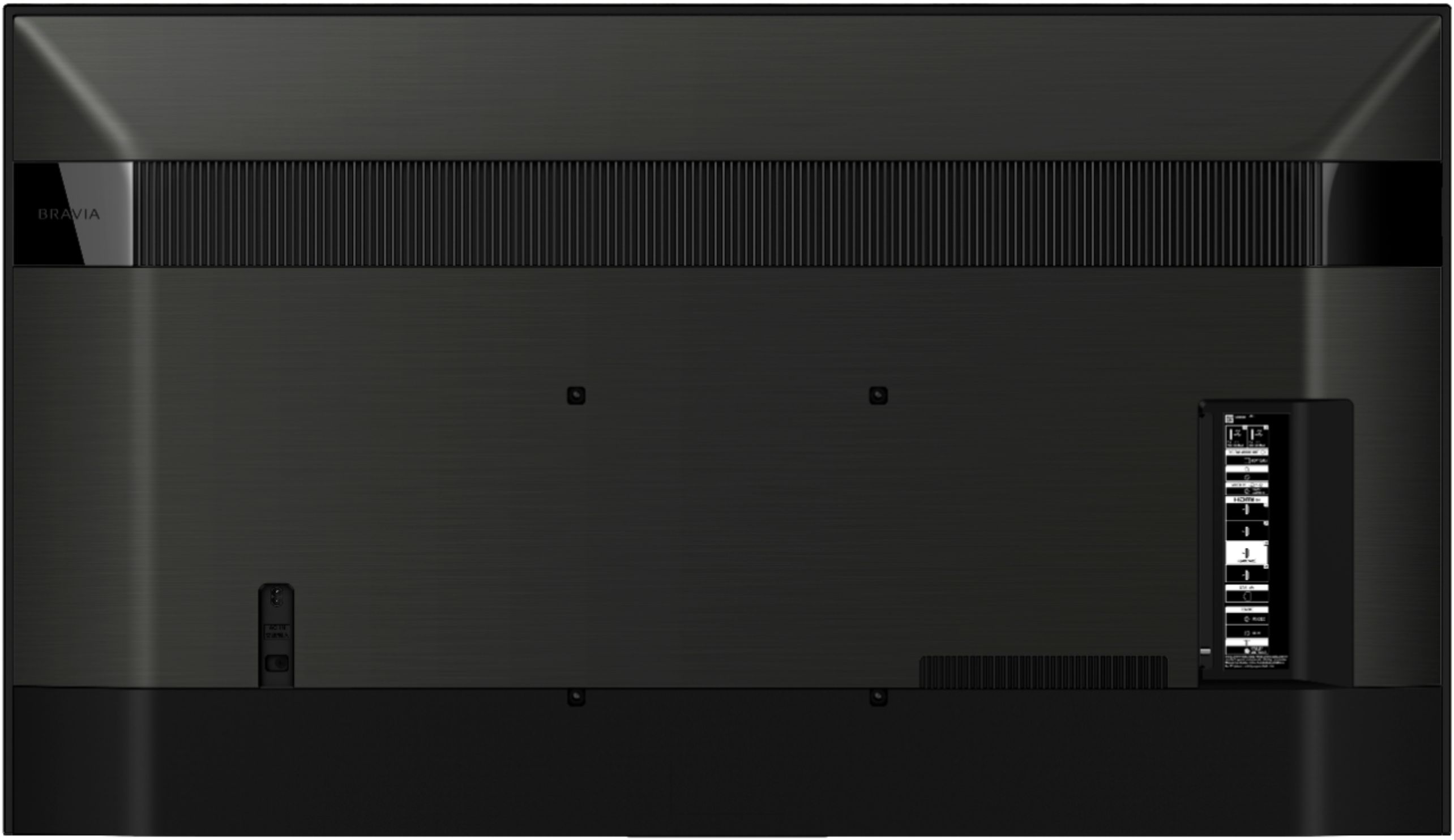
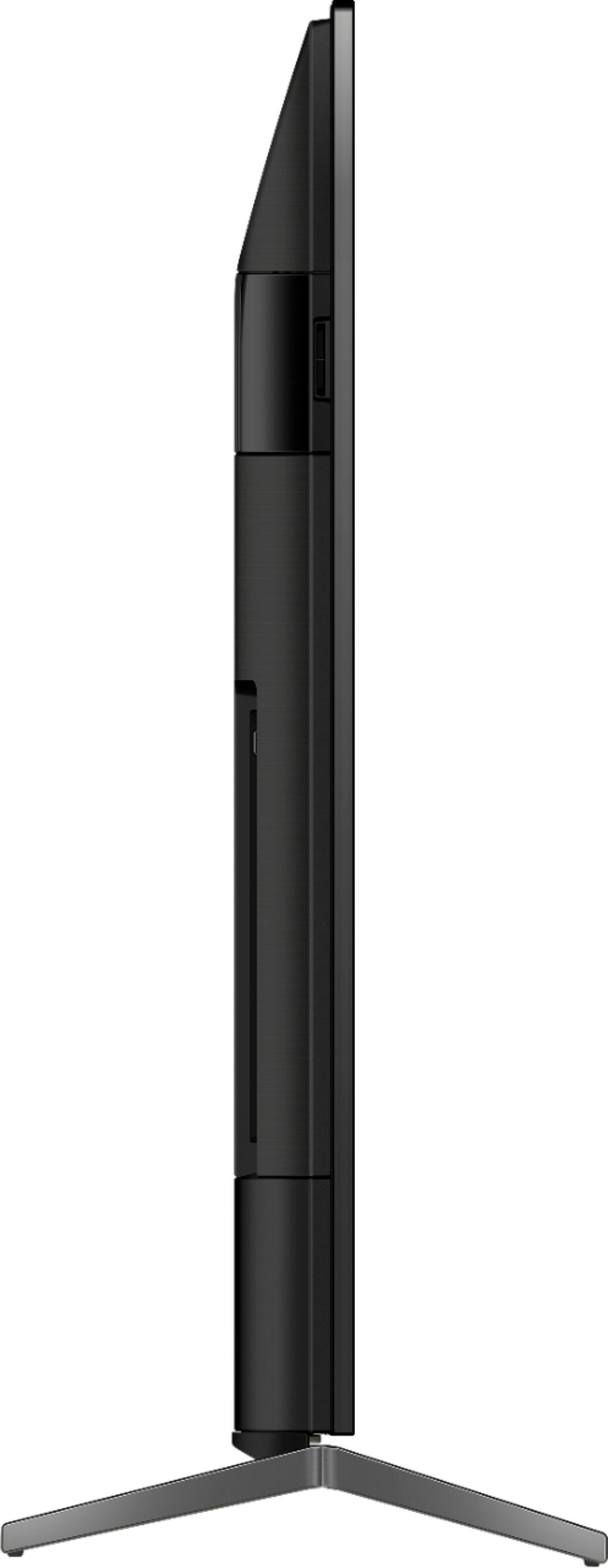
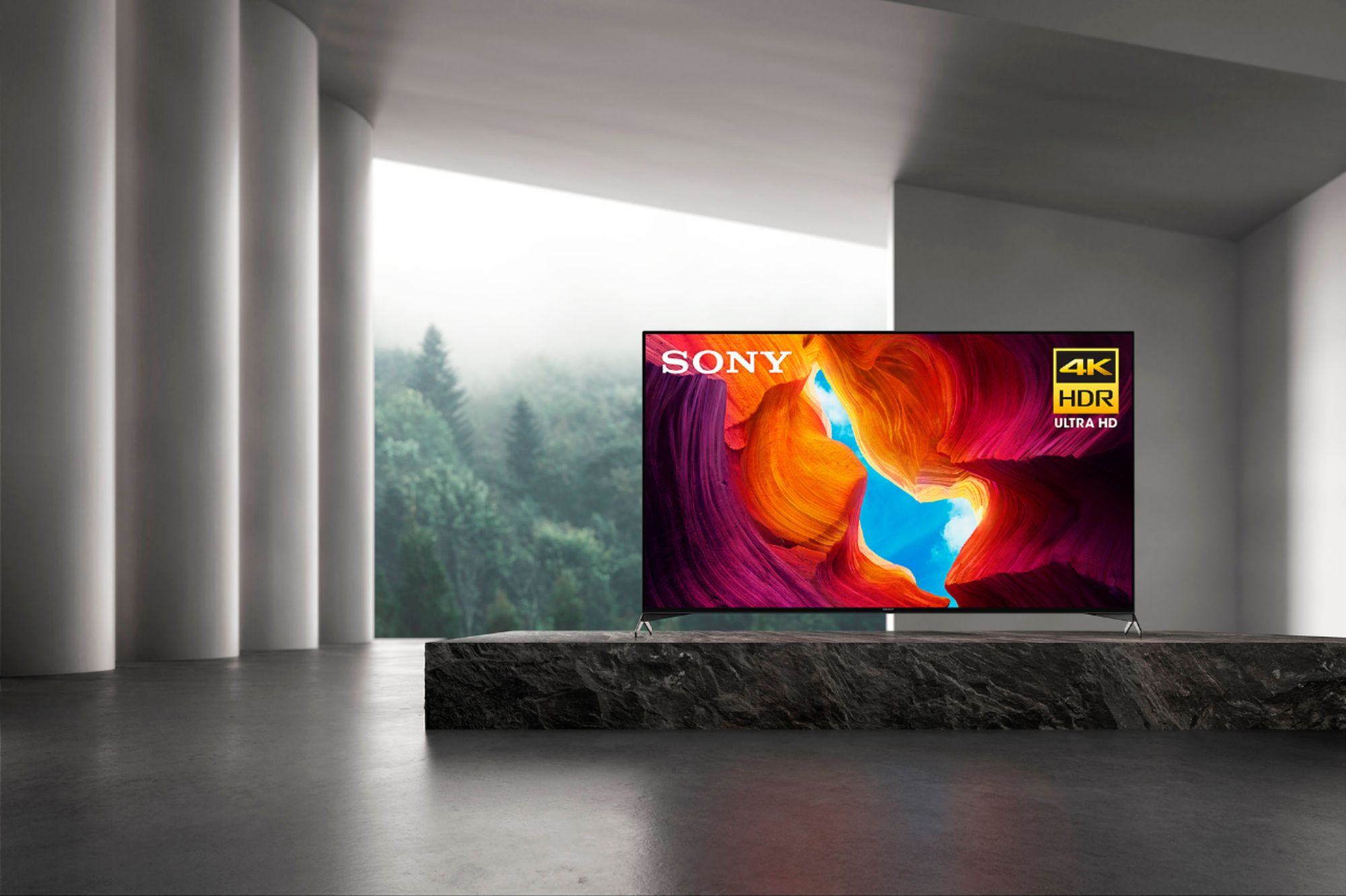
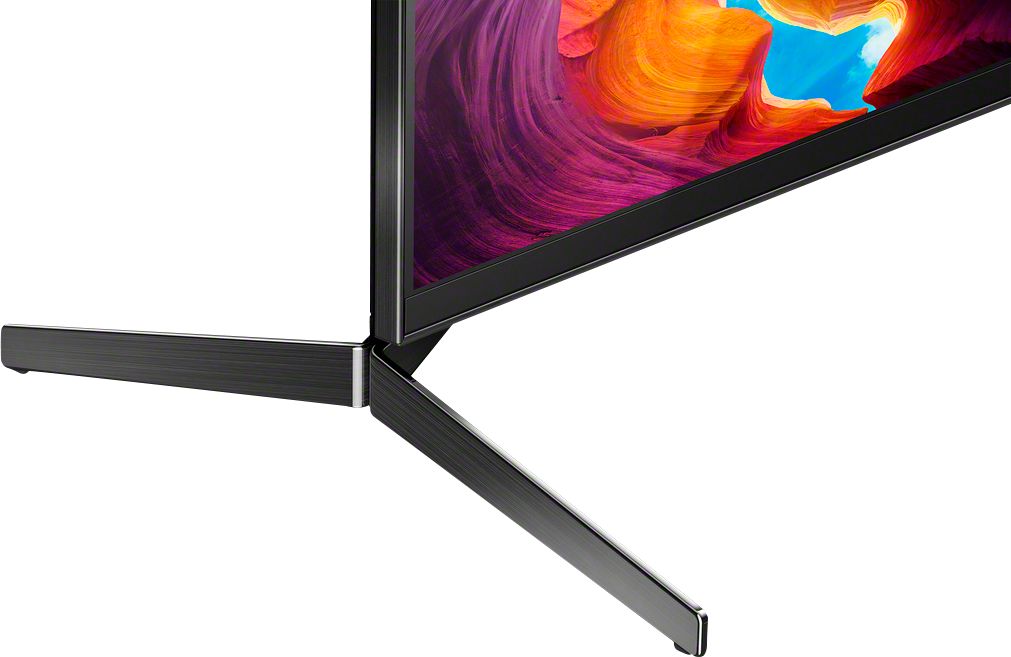
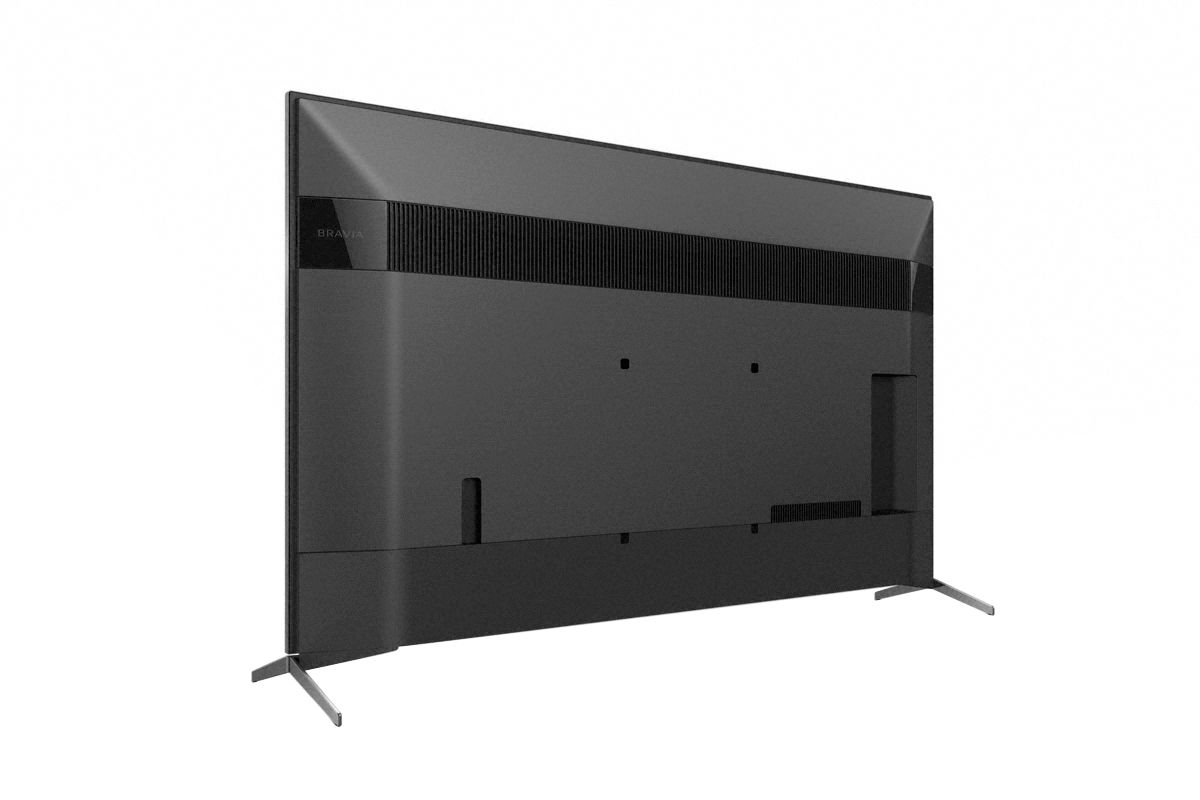
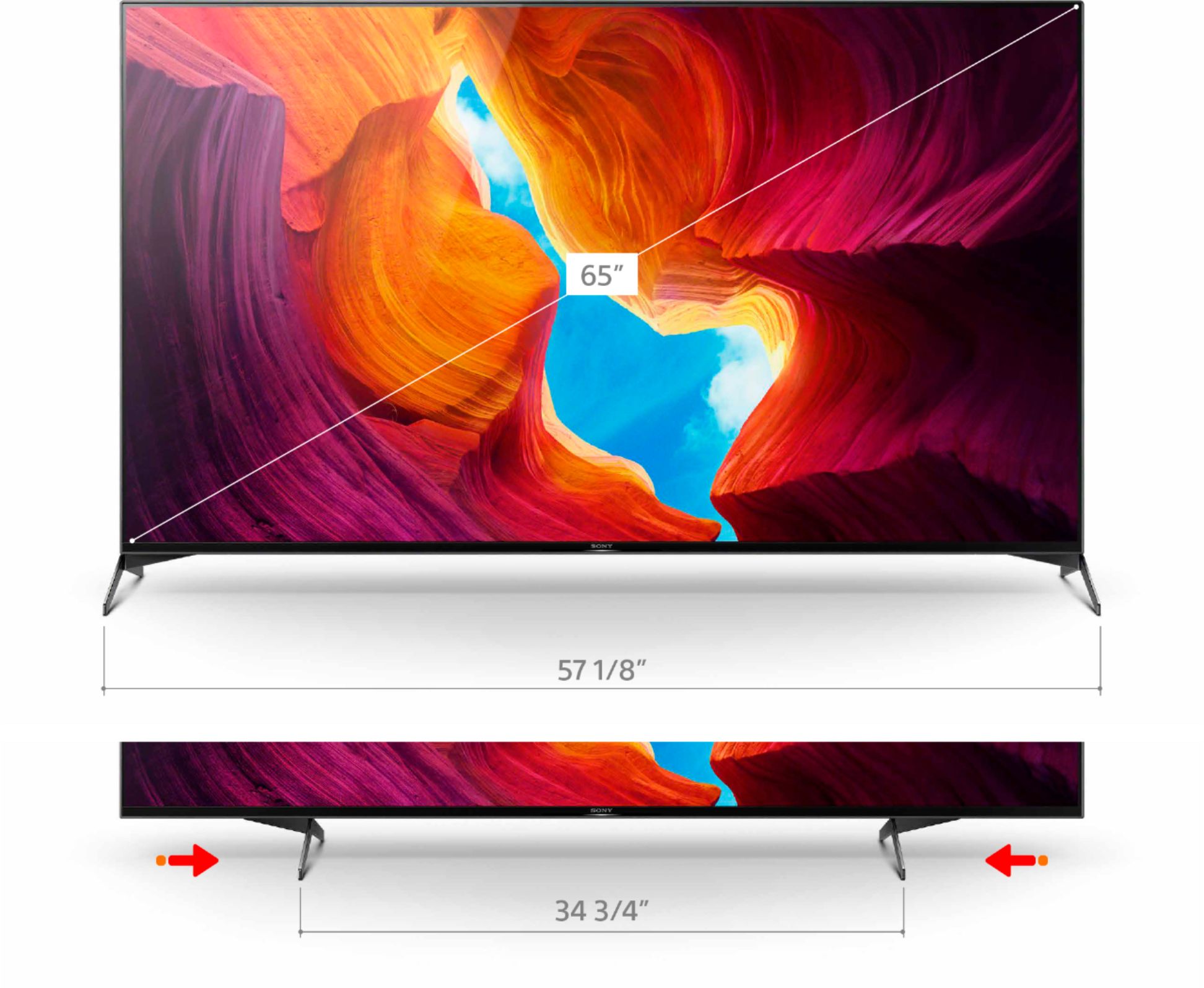
A:AnswerHi LinG, Thank you for your inquiry! The 65" X950H TV's dimension without the TV stand is approx. 57-1/8 x 32-7/8 x 2-7/8 inch (1,448 x 833 x 70 mm) and the dimension of the TV with the stand is approx. 57-1/8 x 35-3/4 x 14 inch (1,449 x 906 x 353 mm) I hope this helps! -Carl
A:Answeryou have to buy the cable unless it came with the dvd player...if you have regular rca cable you just have to hook the same color to the same cable...it works just have to have seperate cable for audio...the best way is a hdmi cable you have to purchase all the cable separately...no cable come with the tv...
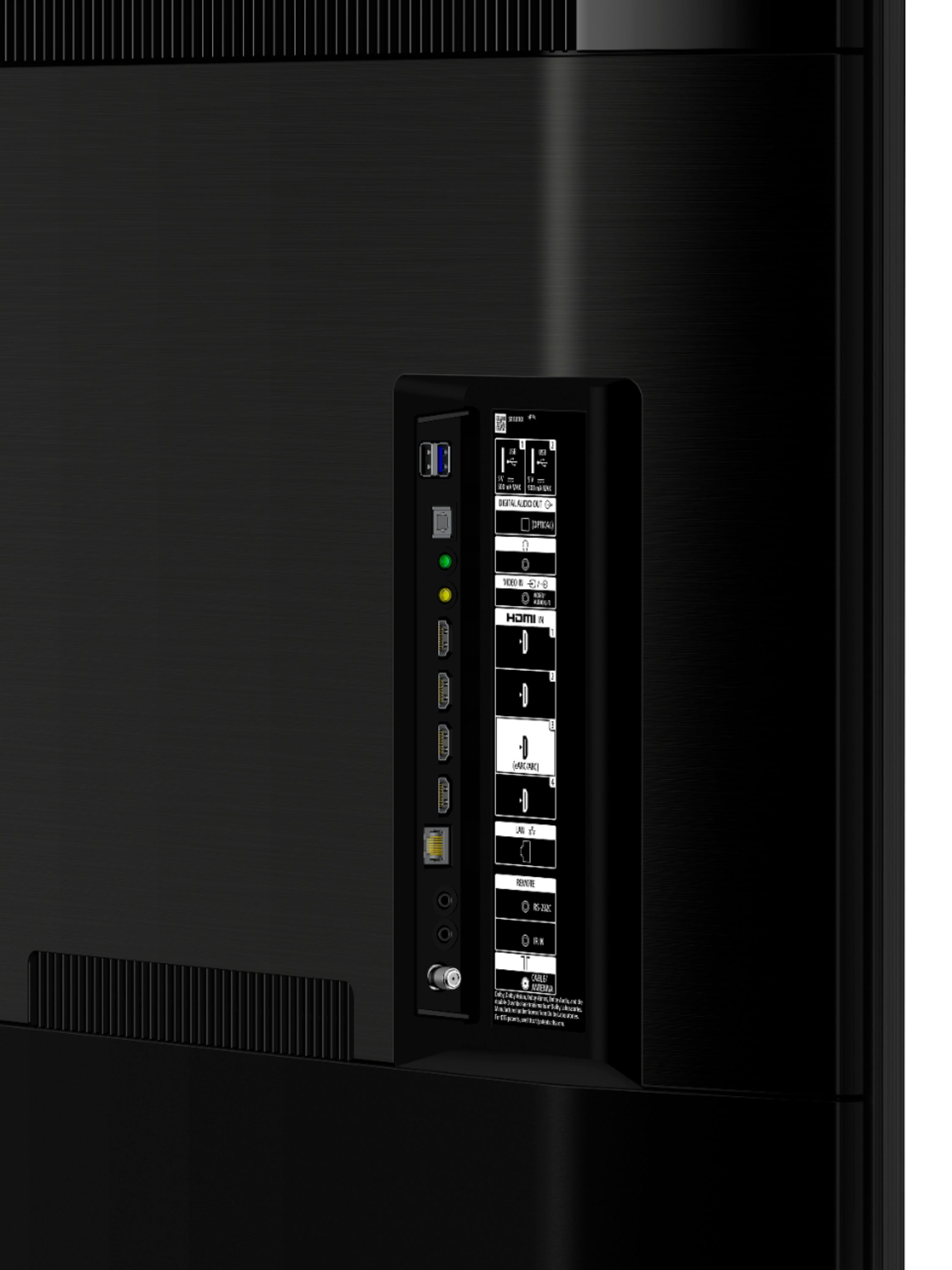
A:AnswerHi Patrick, Unfortunately, the X950H doesn't support HDMI 2.1. The X950H is equipped with 4 HDMI 1.3 ports that do support EARC (Enhanced Audio Return Channel) to allow for Hi res Audio including Dolby Atmos and DTSX which is considered an HDMI 2.1 feature. Our X900H will have full HDMI2.1.
-Sam
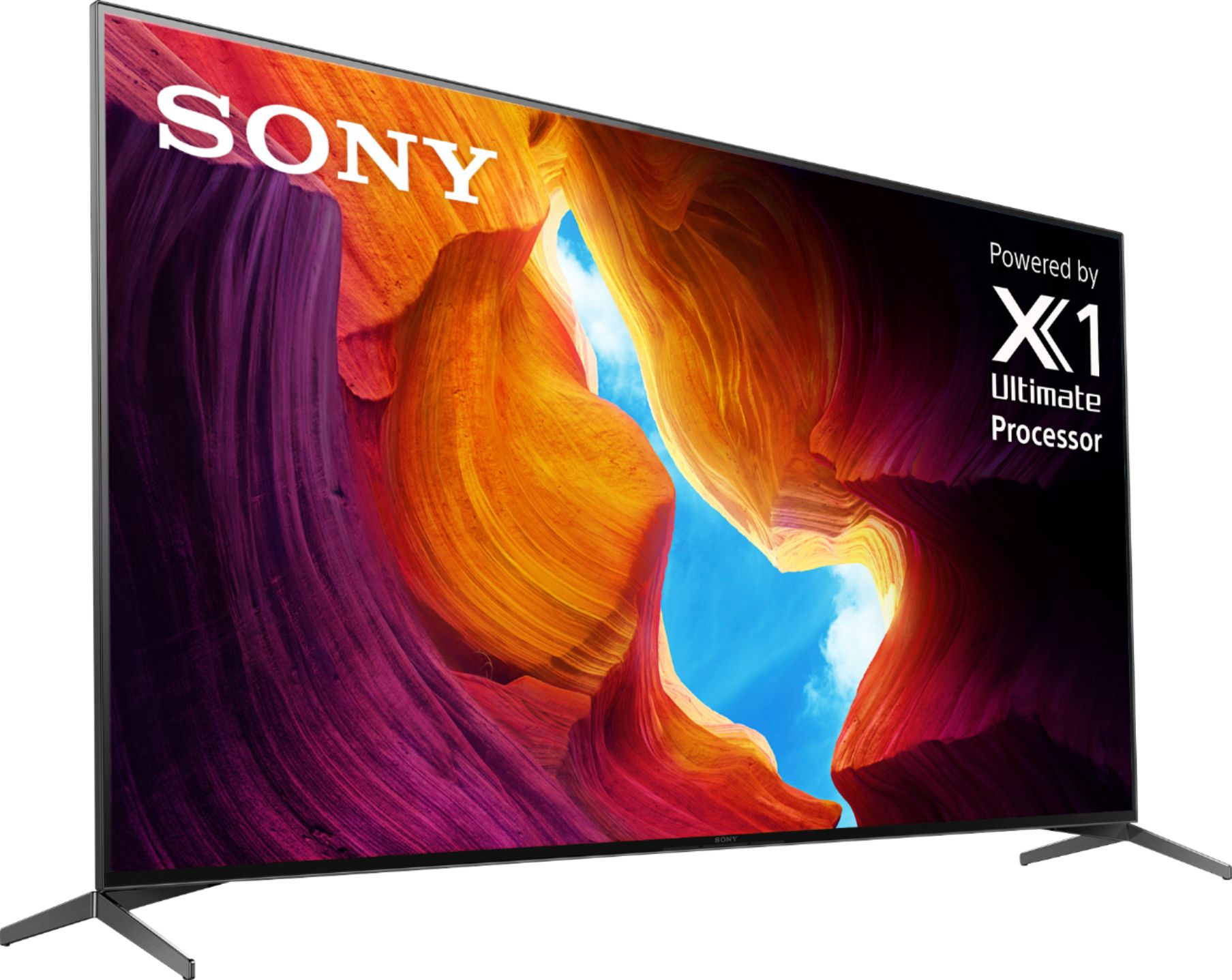
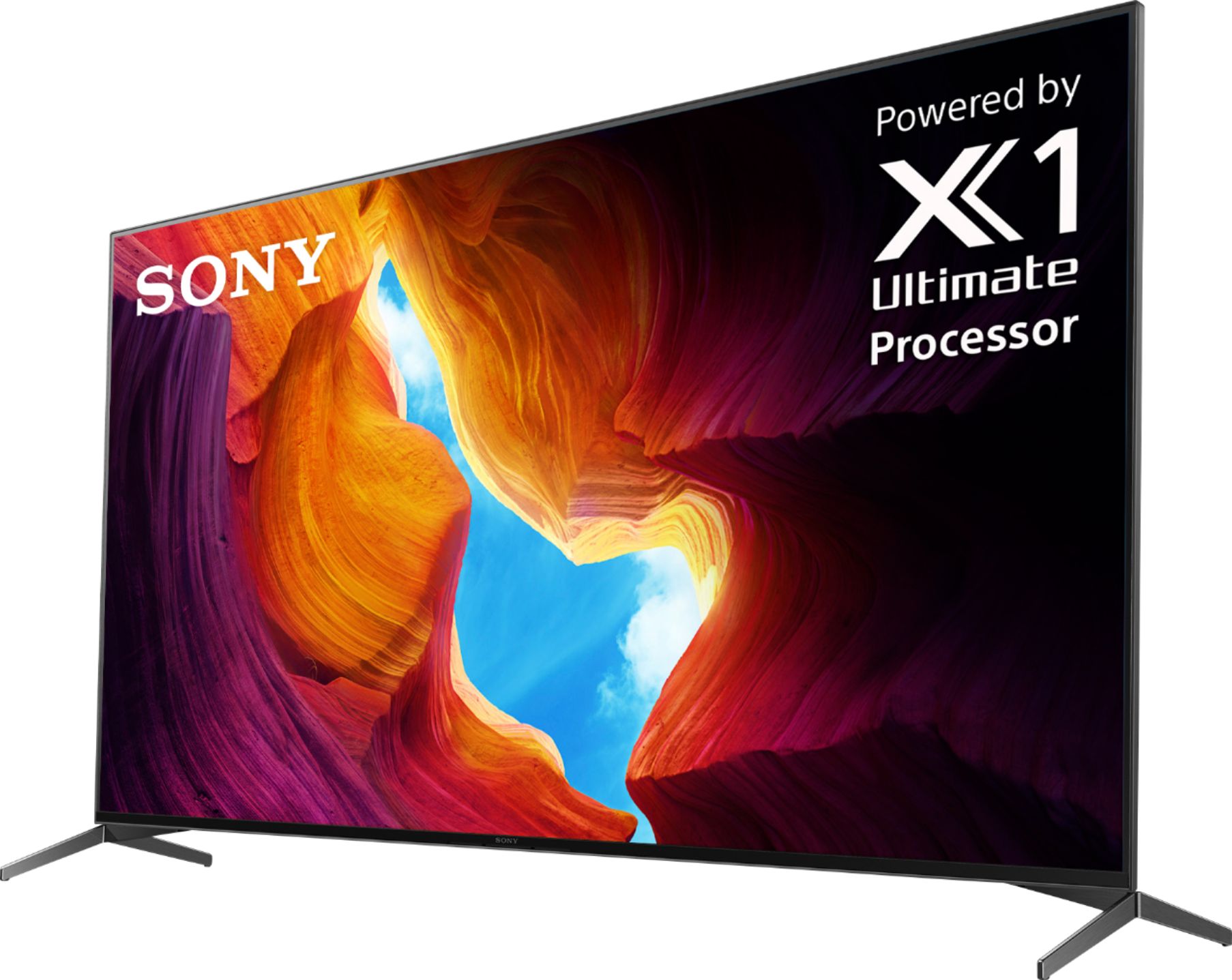
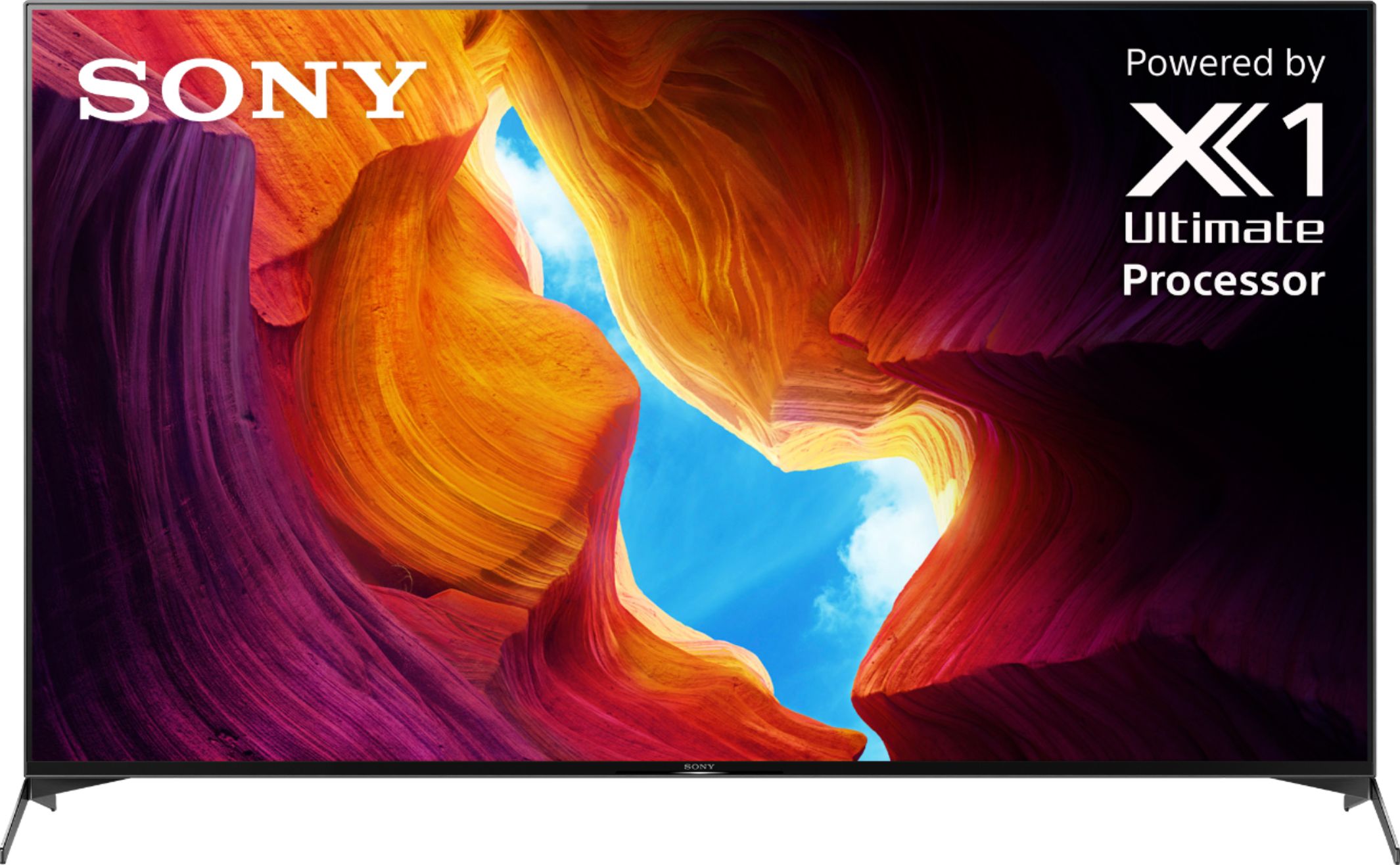
A:AnswerHi KADILLAK, Great News! The 4K Processor of this TV is Picture Processor X1 Ultimate and the Panel Refresh Rate (Native Hertz) is 120Hz. I hope this helps! Jay
A:AnswerHi jimmyjam13, Great News! Yes, the XBR65X950H has eARC/ARC feature. You can connect audio system to this TV. Refer to this link for more details: https://helpguide.sony.net/tv/husltn1/v1/en-003/04-04_01.html. Regards, Jay
A:AnswerHi Meg,
We're sorry to hear about your concern with this TV. We apologize for the inconvenience. In this case, you can configure various settings related to the TV’s sound such as sound quality and sound mode. The actual display may vary or some settings may not be available depending on your model/country/region, TV settings, and the connected device. Press the HOME button, then select [Settings] — [Display & Sound] — the desired option.
Also, please ensure your TV has the latest firmware installed by going to Help > System Software Update > Software Update.
If you are unable to resolve your concern, may we contact you to help? If so, please email the below information to [email protected] or chat with us from Sony’s e-support webpage. Apologies if you disclosed some of this information in your review and to customer service, we just want to ensure that we have your accurate details at the time of communication.
Full Name:
Best Buy Username:
Telephone Number:
Sony Model Number:
Additional Information regarding your experience with the X950H:
We are sorry for the inconvenience and hope to speak to you to resolve this matter. We appreciate you and thanks again for shopping Sony!
Sincerely,
Jay
A:AnswerIt may be your cable.
There is also setting that needs to be changed on you settings.
Set HDMI signal format to Enhanced format.
On the supplied remote, press the HOME button.
Select Settings or the Gear icon icon.
Select External inputs in the TV category.
Select HDMI signal format and set to Enhanced format.
A:AnswerI can not answer that question but I was told this was the better choice for me. I have some glare issues I was trying to address from windows on the wall directly across from the TV. I can say it has helped with my problem. Still not gone but definitely better. I am, overall, very happy with the tv so far.