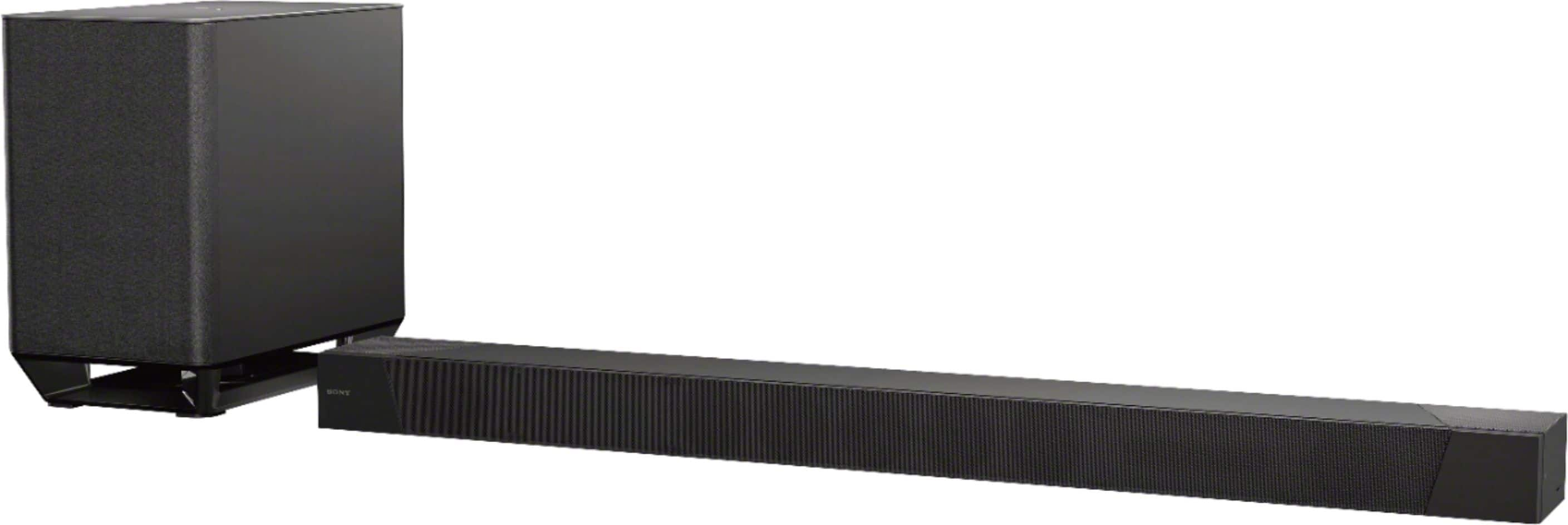
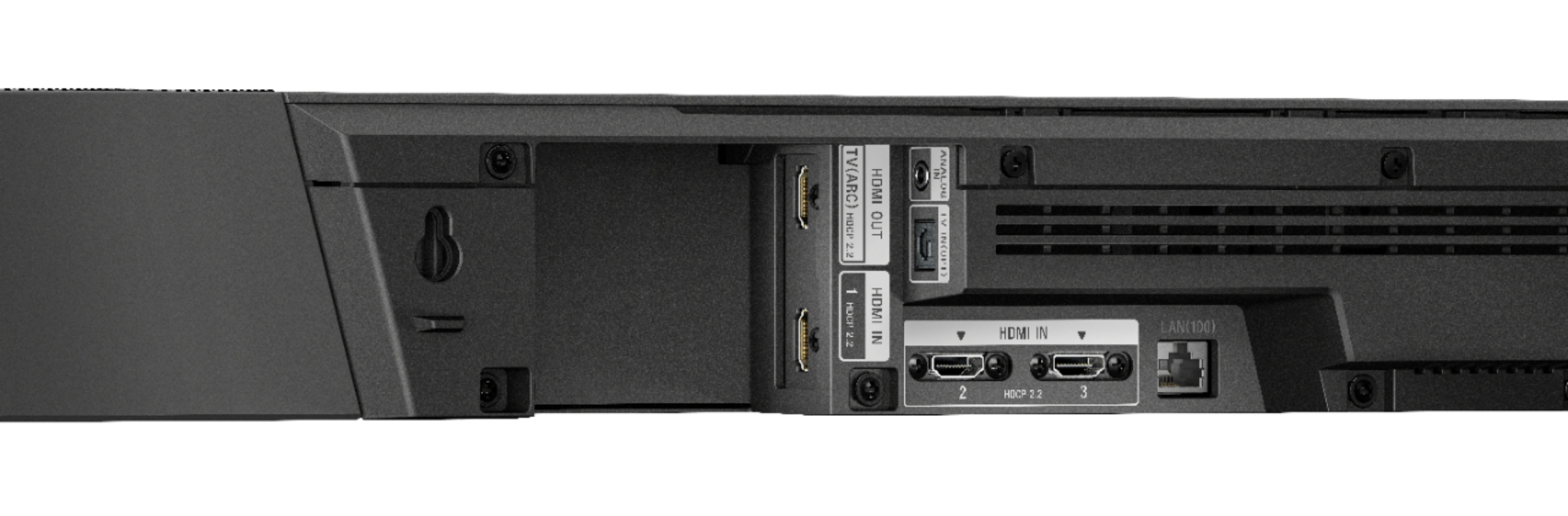
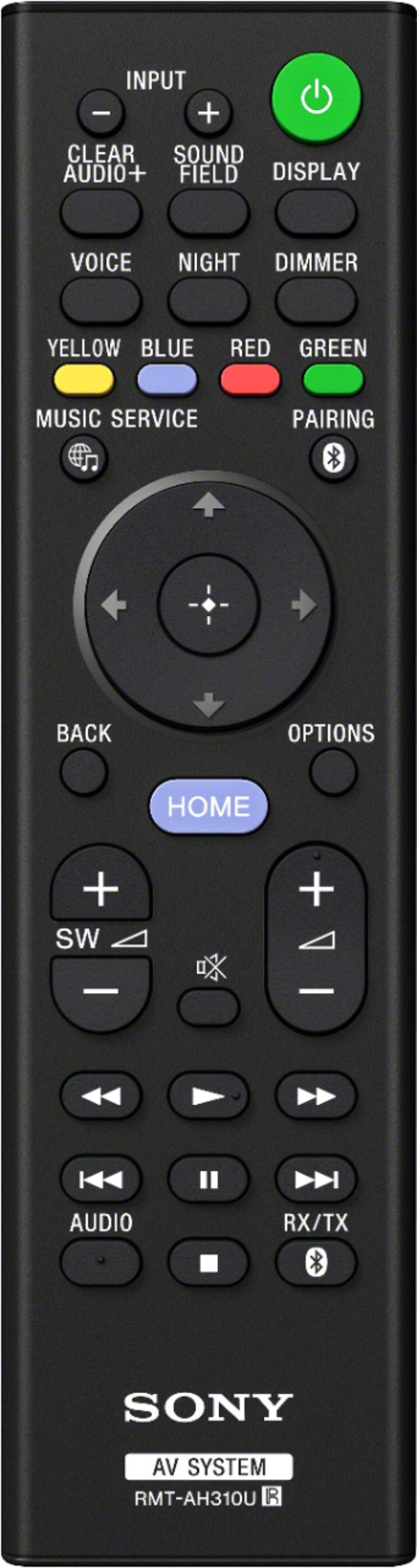
A:Answer I assume you are connecting it by HDMI, make sure to connect the output of the sound bar to an input on your TV. Turn your TV on and switch it to that output, then turn on the sound bar. Then I would suggest opening the ‘Settings’ of your TV first, options related to Picture (4K, HDR, Color Space) and change all ‘Auto’. Then press the Home button on the Sound Bar, you should see a screen, then go to ‘Setup’ then to ‘Screen Settings’. Make sure the first two are set to ‘Auto’, third one Video Direct - ‘Off’. Then press back and select the source on the sound bar. If it’s still not working, try powering off the sound bar, then TV off, then power on the TV, then the sound bar. Hope that might help. I’m not familiar with your particular brand of TV but this should hopefully get things working.