Black Friday is hereAlso, shop the 24-Hour Flash Sale.Shop now

Skip to content
Gift Ideas
26 Cypress St
Williston, VT 05495
Opens tomorrow at 6 am
Find Another Store
Main Content

Questions & Answers

Your price for this item is $1,189.99
Clearance
The comparable value price is $1,699.99
Page Showing 41-60 of 101 questions
  • QuestionDoes this TV support VESA wall mounting?

    Asked by TVBuyer123.

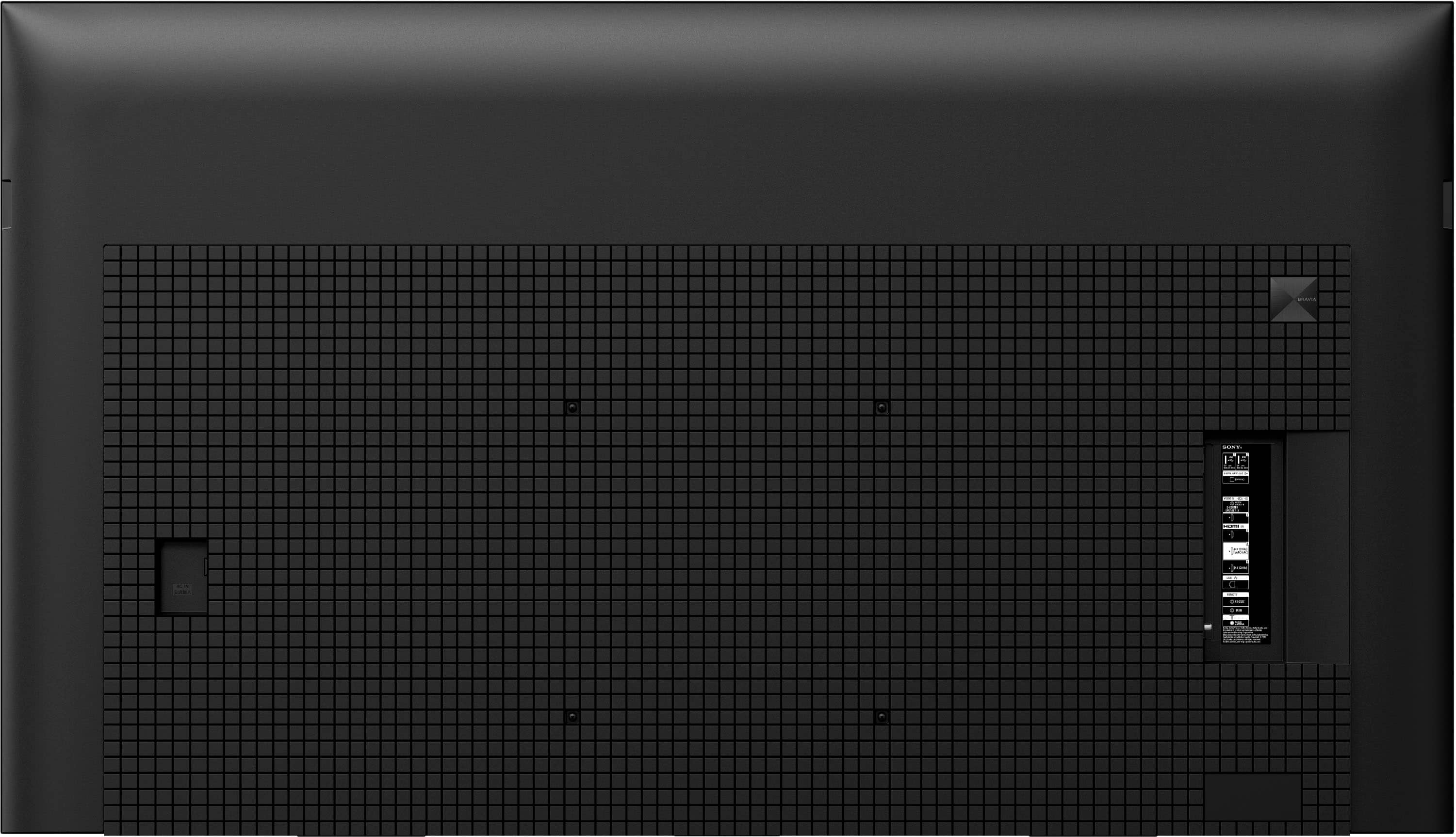
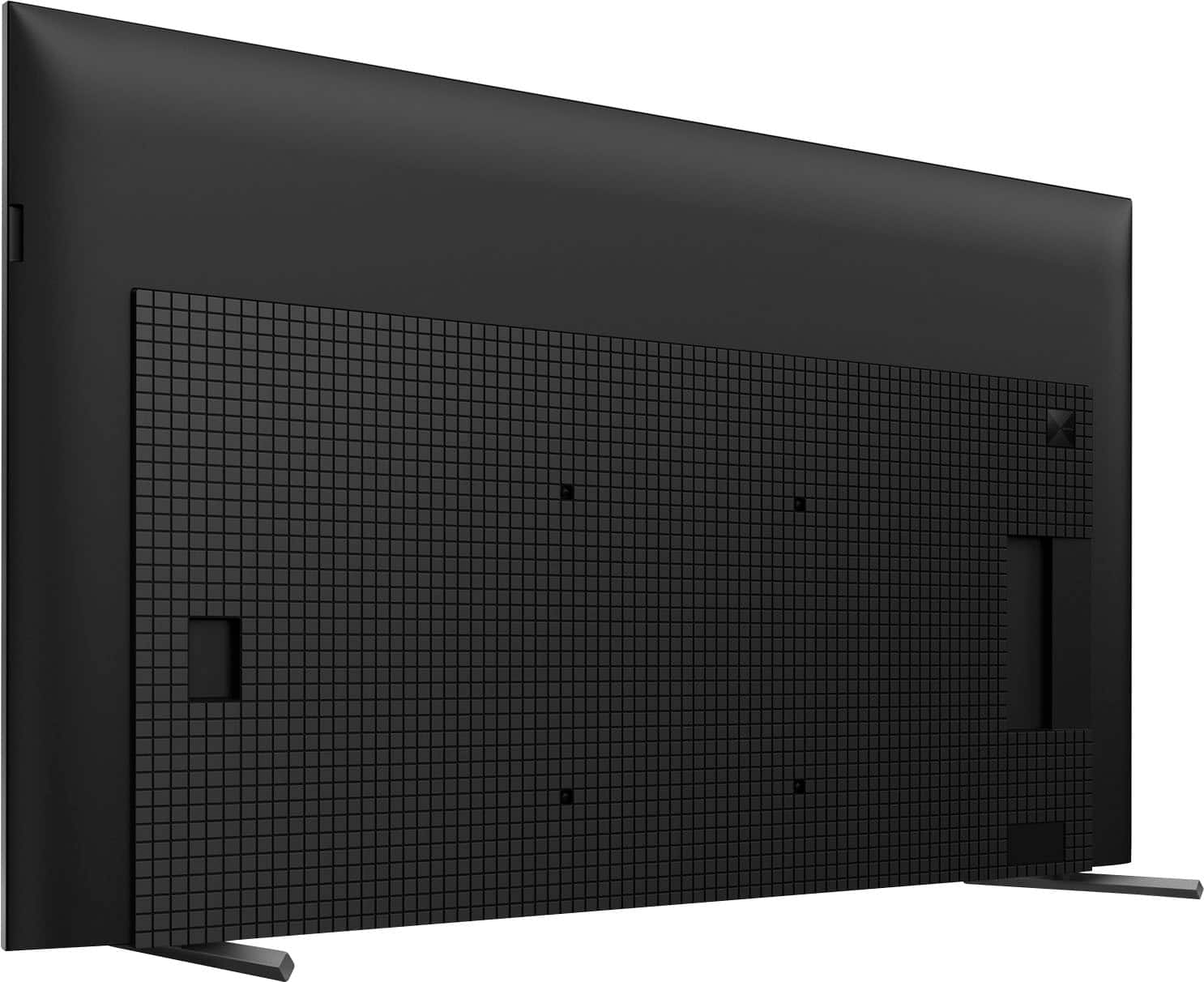
    • Answer Hello TVBuyer123, Thank you for your inquiry! We're happy to help. The XR75X90L is indeed compatible with VESA wall mounting. It comes with a VESA screw hole pattern of 300 x 300 mm. We recommend using the SU-WL855 wall bracket, specifically designed for this TV model. If you choose to use an alternative stand, please ensure it can safely support three times the weight of the TV, which is 35.4 kg (78.0 lbs). For more detailed information, please visit: https://www.sony.com/electronics/support/articles/00294543 Thank you for choosing Sony! Best regards, -Fred

      Answered by SonyListens

  • QuestionDoes this TV support VESA wall mounting?

    Asked by Kate427.

    • Answer Hello Kate427, Thank you for your inquiry! We're happy to help. The XR75X90L is indeed compatible with VESA wall mounting. It comes with a VESA screw hole pattern of 300 x 300 mm. We recommend using the SU-WL855 wall bracket, which is specifically designed for this TV model. If you choose to use an alternative stand, please ensure it can safely support three times the weight of the TV, which is 35.4 kg (78.0 lbs). For more detailed information, please visit: https://www.sony.com/electronics/support/articles/00294543 Thank you for choosing Sony! Best regards, -Fred

      Answered by SonyListens

  • QuestionCan Hulu for streaming be used through this TV

    Asked by Arnie.

    • Answer Hi Arnie, Thank you for reaching out! We appreciate your inquiry about our XR75X90L. To answer your question, yes, Hulu for streaming can be used through this TV. To ensure a smooth streaming experience, make sure you have a stable internet connection and sufficient internal storage available. We hope this helps! Thank you for considering Sony products! Best regards, - Stephanie

      Answered by SonyListens

  • QuestionCan Hulu be accessed with this TV

    Asked by Arnie.

    • Answer Yes, Hulu and hundreds of other apps can be accessed with the Sony X90L. Thanks for choosing Sony. -Aldair

      Answered by SonyListens

  • QuestionDoes this Sony offer split screens

    Asked by Anonymous.

  • Questionare their shadows? is the black really black because my kids play a lot of games on the ps5

    Asked by Anonymous.

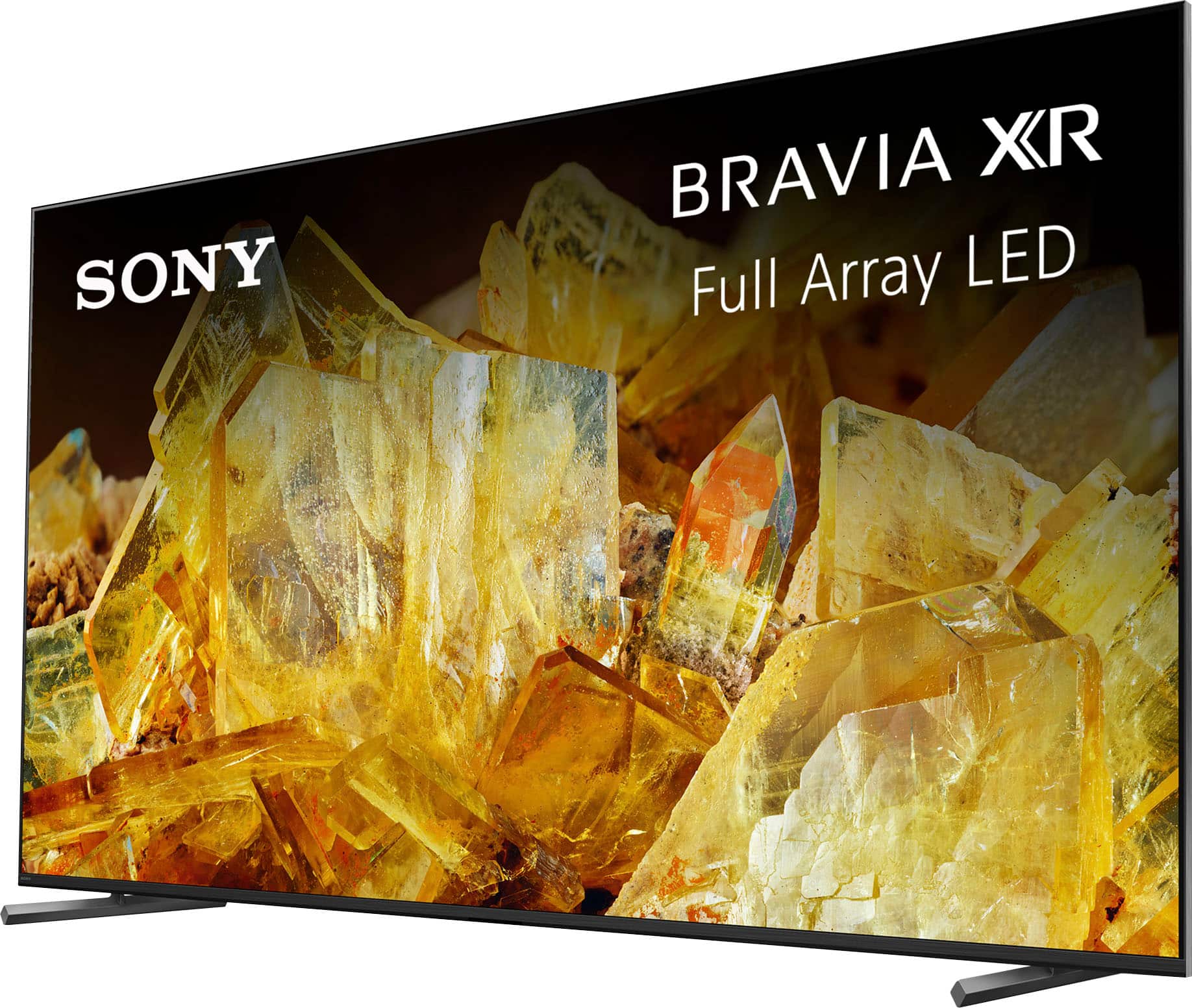
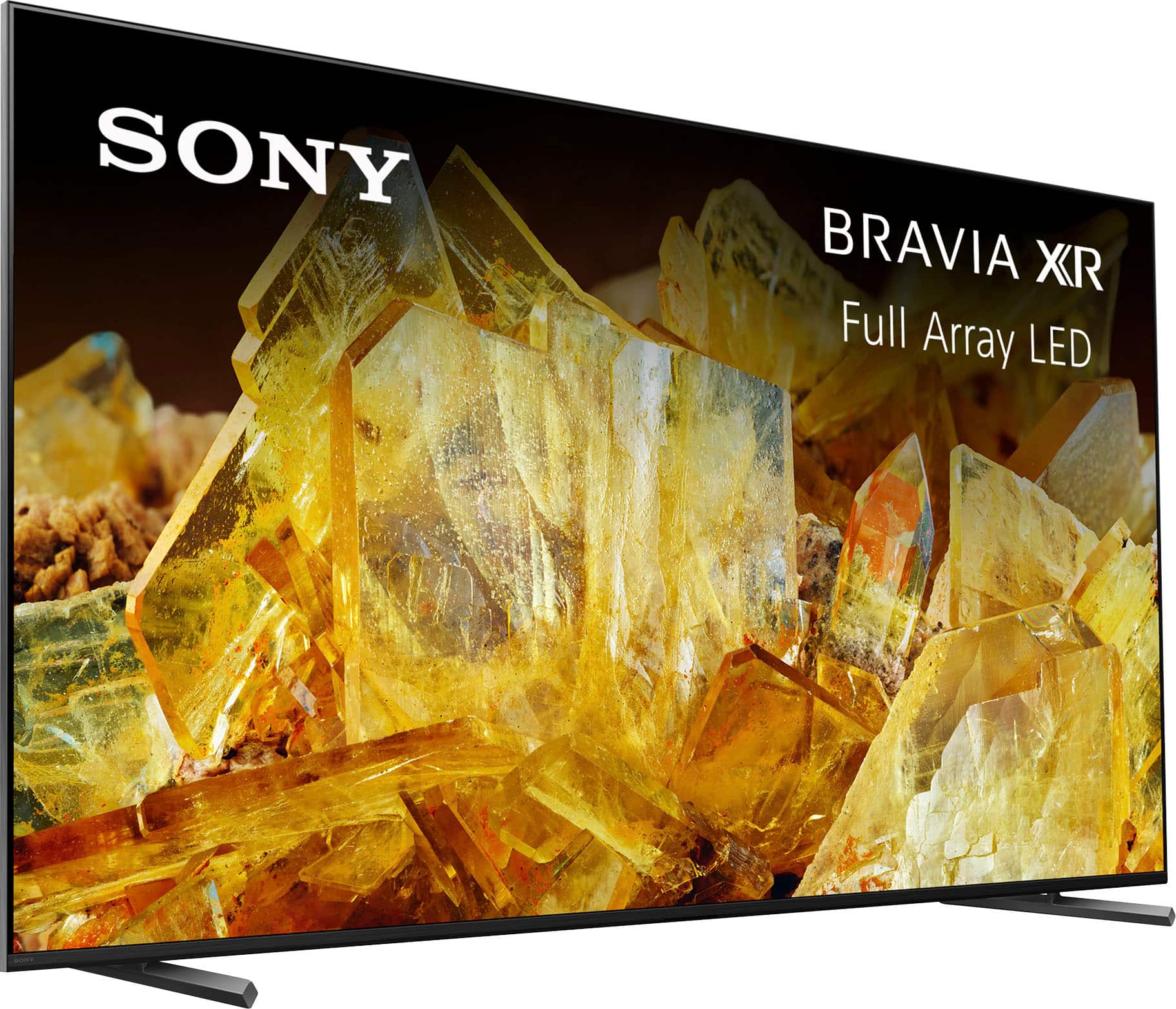
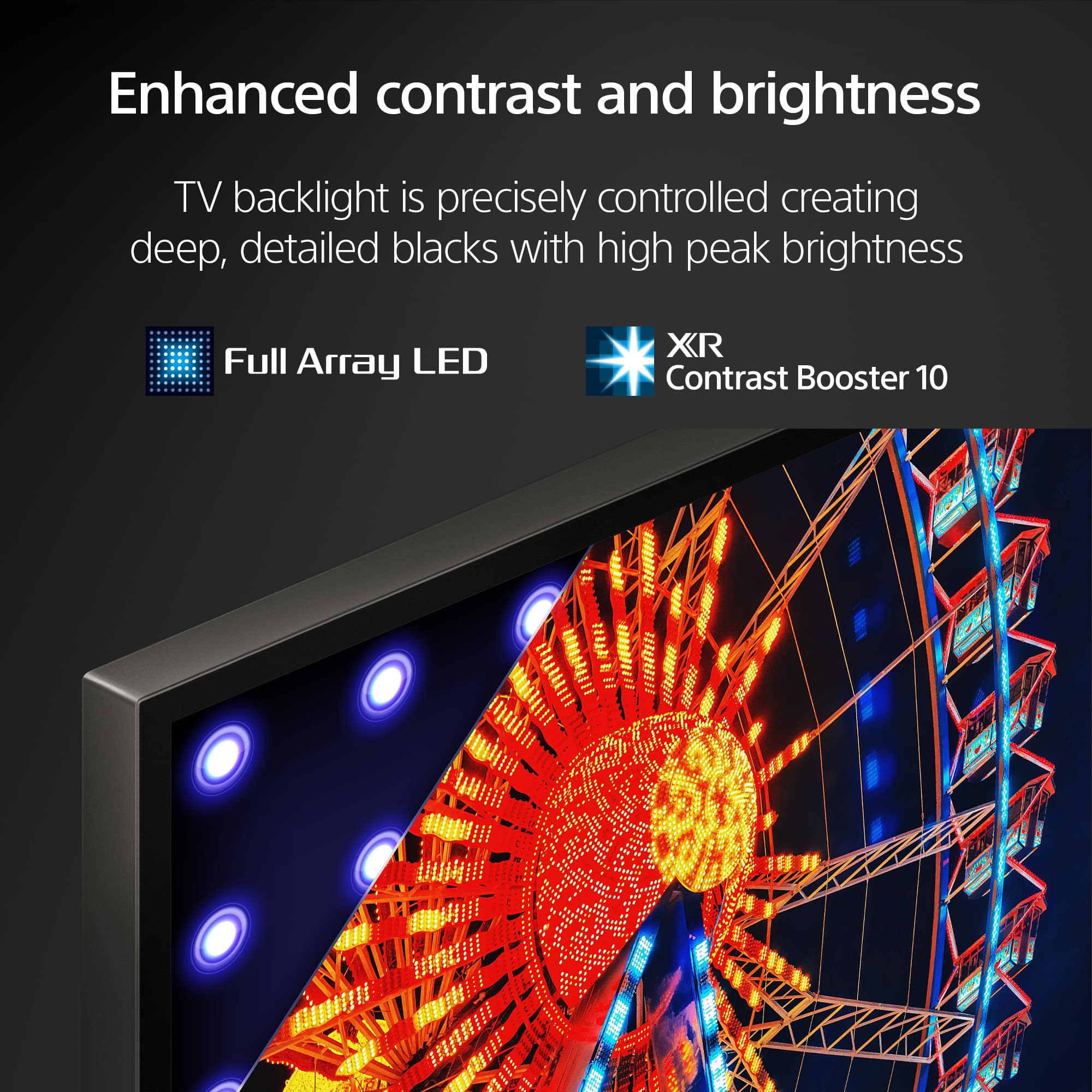
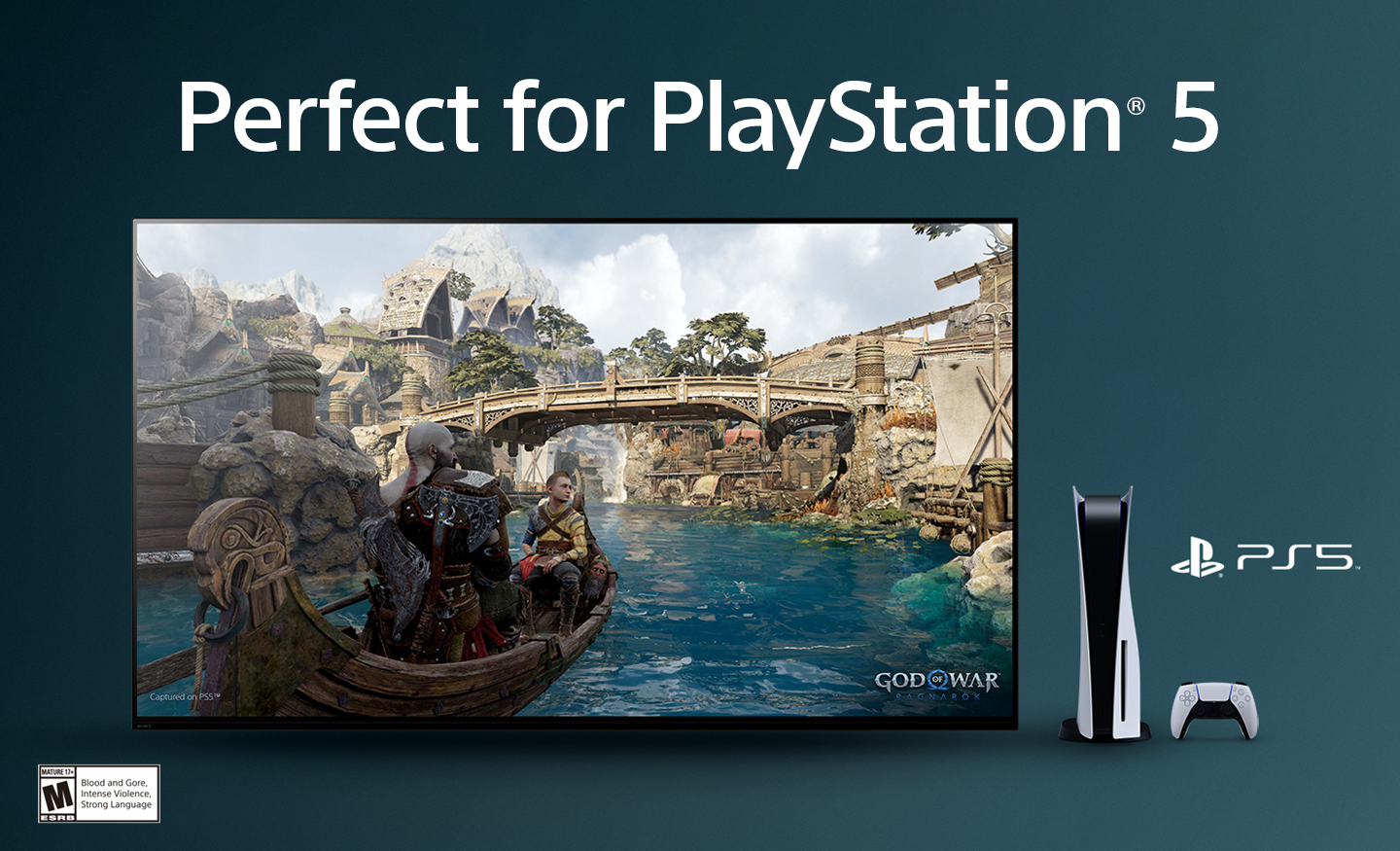
    • Answer Hi there, Thank you for reaching out! The Sony XR75X90L is an outstanding choice for gaming, particularly when used with the PlayStation 5. When you connect the PS5, the TV automatically engages Game Mode, optimizing picture quality and minimizing input lag. The Black Equalizer feature in the Game Menu improves visibility in darker scenes, ensuring that shadows do not interfere with your gameplay. Additionally, the TV's advanced picture settings, such as Auto Local Dimming and High Contrast, significantly enhance black levels and overall contrast, resulting in a more immersive gaming experience with deep, rich blacks. With the Sony X90L, you can expect breathtaking visuals that are rich in realistic depth on our Full Array LED screen powered by the Cognitive Processor XR. The sound emanates directly from the screen, perfectly synchronized with the action. The Cognitive Processor XR™ also creates an immersive audio experience with precise sound positioning. Plus, with 4K/120fps, a Variable Refresh Rate, and Auto Low Latency Mode, our TVs provide smooth, clear motion for responsive gameplay. I hope this information is helpful! Best regards, Romeo

      Answered by SonyListens

  • QuestionIs this TV compatible with the Sony Bravia Theater U?

    Asked by BL14.

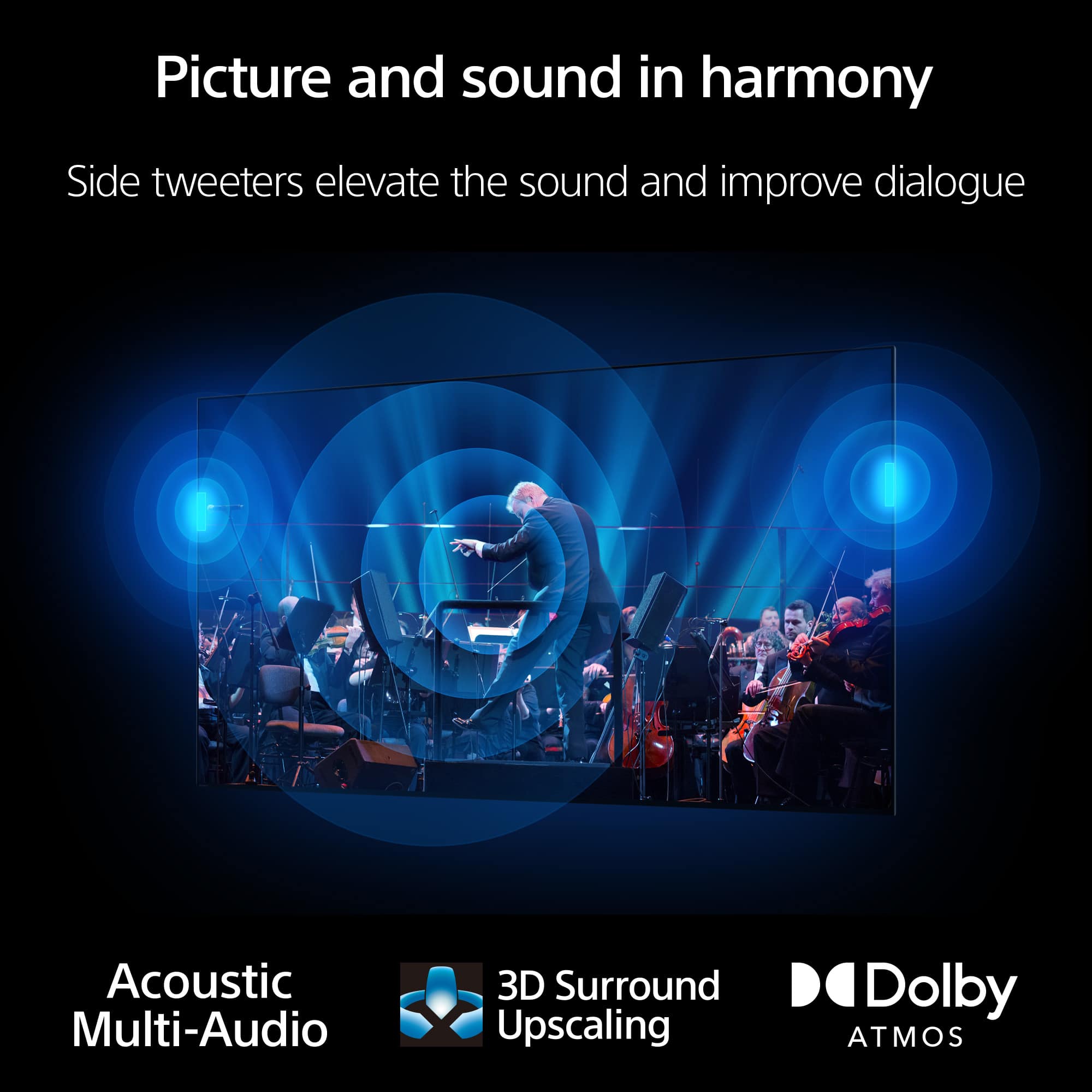
    • Answer Hello BL14, Thank you for reaching out with your question! Yes, the Sony XR75X90L TV is indeed compatible with the Sony Bravia Theater U (HT-AN7). The XR75X90L is included in the list of 2023 TV models verified to work seamlessly with the BRAVIA Theater U. For further information, we recommend visiting the Sony support website and searching for the article titled: *Can I use Bluetooth headphones, speakers, and soundbars with my Android TV or Google TV? See a vivid, crisp picture while you watch and game, all enhanced by Full Array LED and powered by the intelligent Cognitive Processor XR™️. Sound positioning tweeters, in additional to the TV speakers, elevates the sound so what you hear matches the picture you see. Take entertainment further by pairing your BRAVIA XR™️ TV with Sony audio equipment. You’ll discover an unmatched audio-visual experience with outstanding XR picture and sound quality. I hope this helps! Best regards, Romeo

      Answered by SonyListens

  • QuestionWhat is the input lag of the Sony BRAVIA XR X90L in Game Mode?” “Does this TV support low input lag for gaming at 4K/120Hz?”

    Asked by Witg.

    • Answer Hello Witg Thank you for reaching out to us. We regret to inform you that Sony does not provide specific details regarding input lag. However, we want to assure you that the XR75X90L is engineered to offer an outstanding viewing experience, characterized by remarkable responsiveness and exceptional picture quality. We appreciate your understanding. Experience vibrant and sharp visuals while watching and gaming, enhanced by Full Array LED technology and powered by the advanced Cognitive Processor XR™️. The inclusion of sound positioning tweeters, in addition to the TV's built-in speakers, elevates the audio experience, ensuring that what you hear complements what you see. For an even more immersive entertainment experience, consider pairing your BRAVIA XR™️ TV with Sony audio equipment, allowing you to enjoy unparalleled audio-visual quality with superb XR picture and sound. With support for 4K/120fps, Variable Refresh Rate, and Auto Low Latency Mode, this TV provides smooth and clear motion, making it ideal for responsive gameplay. I hope you find this information helpful! Best regards, Romeo

      Answered by SonyListens

  • QuestionWhat is the input lag.

    Asked by With.

    • Answer Hi With, Thank you for your inquiry. We're sorry, but Sony does not publicly disclose specific information regarding input lag. However, we can assure you that the XR75X90L is designed to deliver an exceptional viewing experience with impressive responsiveness and picture quality. Thank you for your understanding. See a vivid, crisp picture while you watch and game, all enhanced by Full Array LED and powered by the intelligent Cognitive Processor XR™️. Sound positioning tweeters, in additional to the TV speakers, elevates the sound so what you hear matches the picture you see. Take entertainment further by pairing your BRAVIA XR™️ TV with Sony audio equipment. You’ll discover an unmatched audio-visual experience with outstanding XR picture and sound quality. I hope this information is helpful! Best regards, Romeo

      Answered by SonyListens

  • QuestionCan you use Bluetooth headphone and the internal speakers at the same time. In other words, can one person hear with the headphones on and another family member hear the tv without headphones Thank you.

    Asked by Gail.

    • Answer Yes

      Answered by Stan

  • QuestionWhat other cables are required for setup with a cable box?

    Asked by ThomasT.

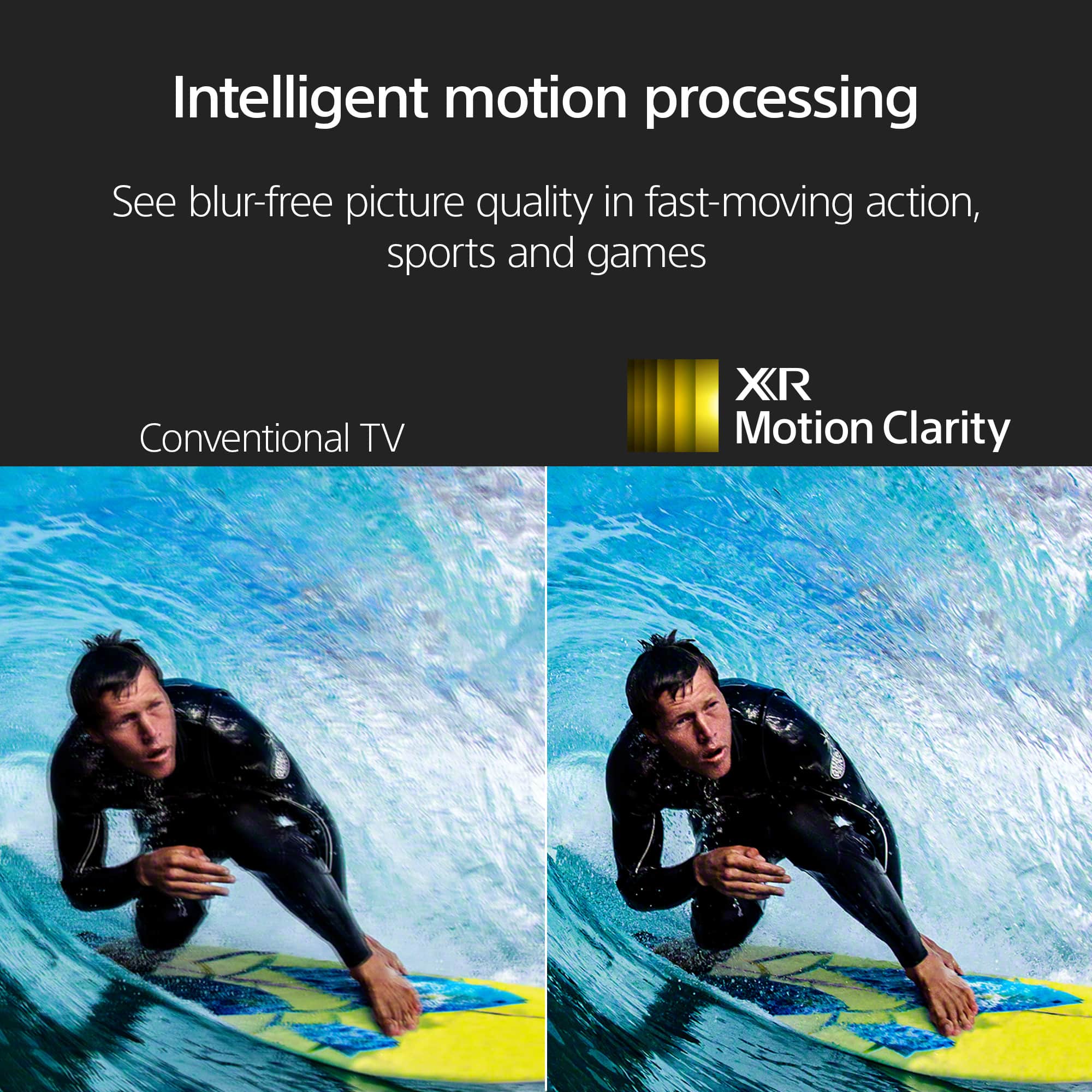
    • Answer Hi Cunfuzed, Thank you for your question! For the best viewing experience with your Sony BRAVIA XR X90L TV, connect your cable box using an HDMI cable. This will allow for the transmission of both audio and video signals in high definition. Be sure to use a High-Speed HDMI cable to guarantee compatibility and maintain superior quality. Hope this information helps! During PS5 setup, Auto HDR Tone Mapping optimizes the HDR settings so you can see more detail and truer colors in your games, even in bright or dark scenarios. The X90L will also switch to a specific Game Mode automatically when you turn on your console, helping to minimize lag and maximize responsiveness. When you're done gaming, the X90L will automatically switch back to Standard Mode for movies and TV. In addition to improved graphics, the smoothness of your gameplay is enhanced with support for 4K/120 gaming, and VRR and ALLM technologies. Best regards, Maria

      Answered by SonyListens

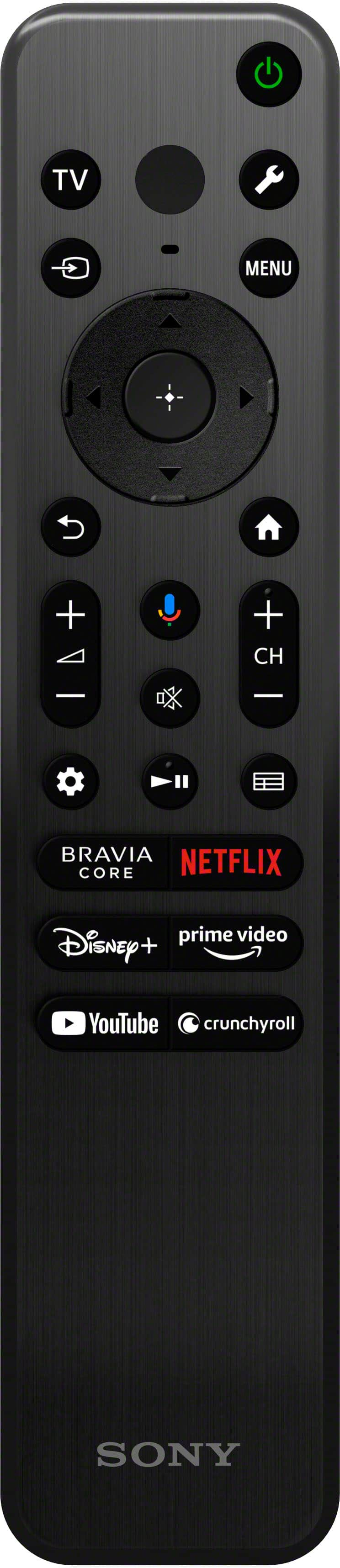
  • QuestionIs there a back-lit remote available for the X90L TV? If so what is the model number and where can I buy one? Thanks.

    Asked by Bogey.

    • Answer This answer might not help but I know if you buy the Sony tv in Costco it comes with the backlit remote not sure why but they do!

      Answered by Jako113

  • QuestionHow fast is Hulu changing channels (1gig up down) on this TV?? My current Sony TV is 10 years old and very very slow (3 to 5 seconds) at changing channels while streaming Hulu. Thanking all in advance :D

    Asked by Johnfullington.

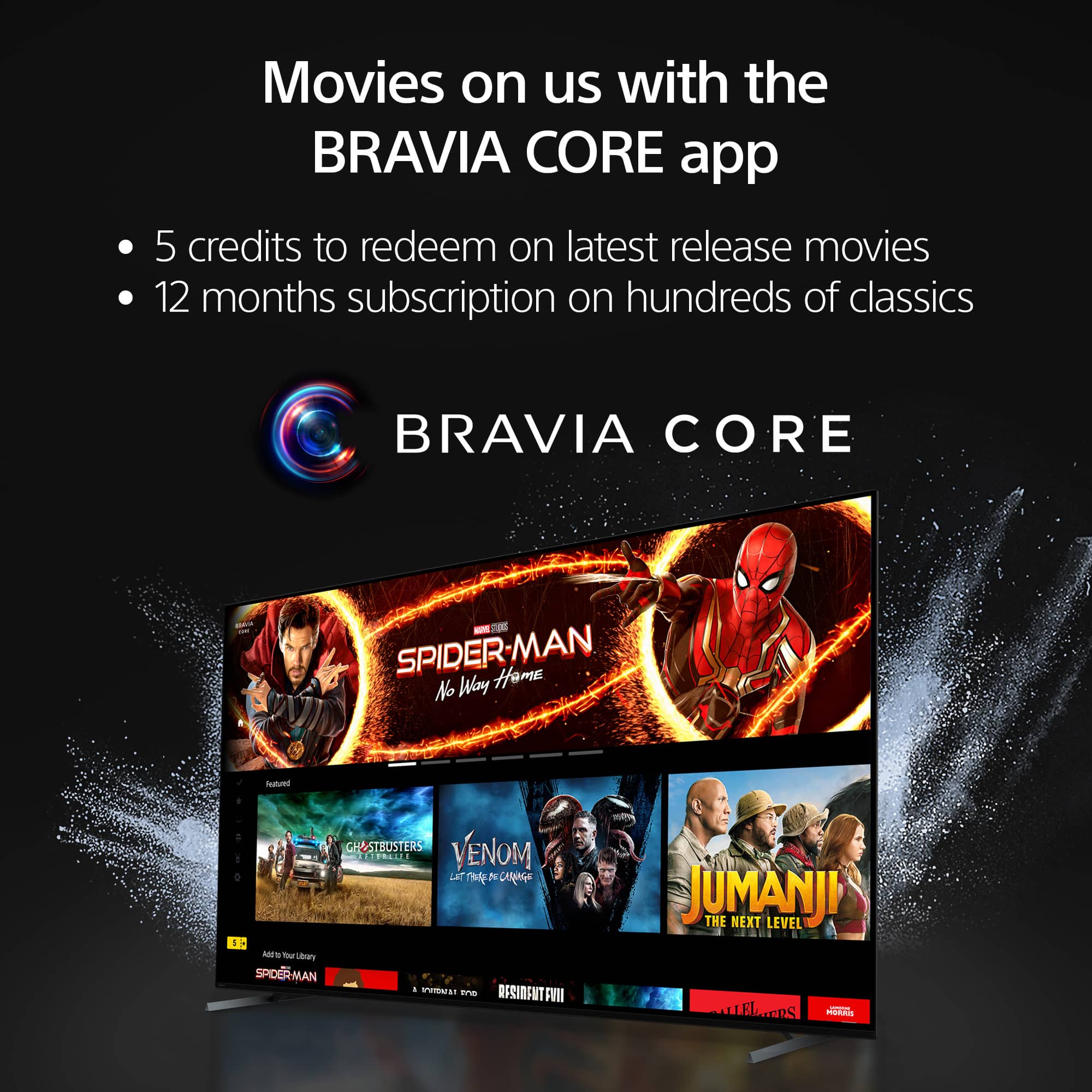
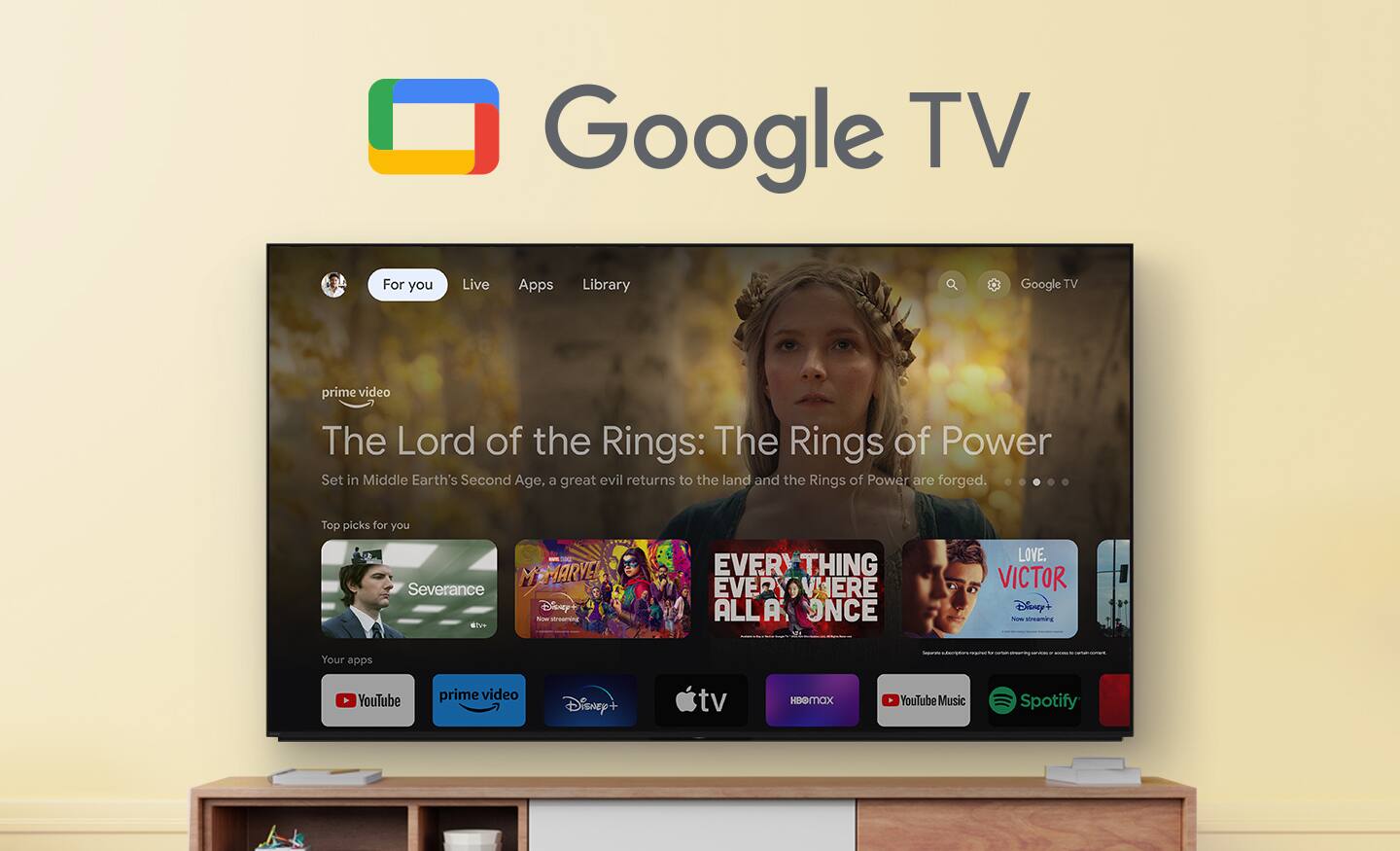
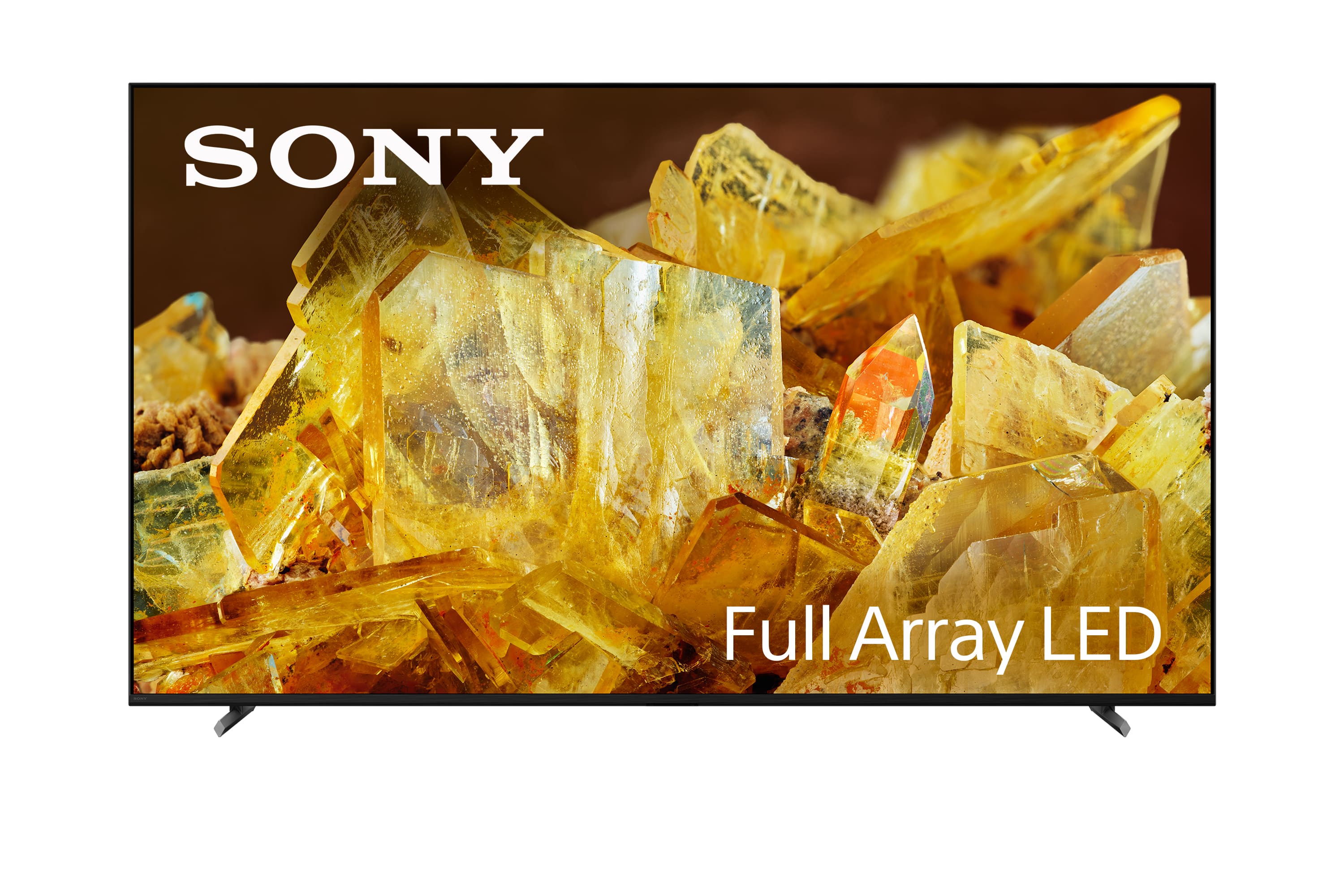
    • Answer Hi Tiredofwaitingforchannelstochange, Thank you for your interest in the BRAVIA XR X90L TV. In response to your inquiry, this newer model is designed to deliver enhanced performance compared to a 10-year-old Sony TV. It is normal for the television to take up to 5 seconds to display the picture when switching channels or inputs. You may experience a slightly longer delay when transitioning to and from an input connected via HDMI® cable. If your TV is suddenly experiencing slower performance, it might be due to a minor glitch that can typically be resolved by performing a power cycle or restart. Additionally, if you have many apps installed, consider uninstalling a few that you don’t frequently use; this can help free up memory and improve processing power. We hope this information proves helpful! Real-life images, positional audio, and an array of smart features come together to make the BRAVIA XR X90L 75" 4K HDR Smart LED TV from Sony the center of your home entertainment experience. Movies, TV, and games benefit from Sony's Cognitive Processor XR and full-array LED backlight, which deliver local dimming, boosted contrast, and more, delivering lifelike and immersive 4K content. Sound is upgraded with precise positioning that matches the image on the screen, and gaming is enhanced with its own HDR and Game Mode settings. Discovering new games, movies, and shows is easy with built-in Google TV and BRAVIA CORE, and the entire package is wrapped in an eco-friendly, minimalist design for a more immersive experience. Best regards, Maria
      Answered by SonyListens

  • QuestionCan bluetooth connect through by blue tooth enabled hearing aids?

    Asked by Bob.

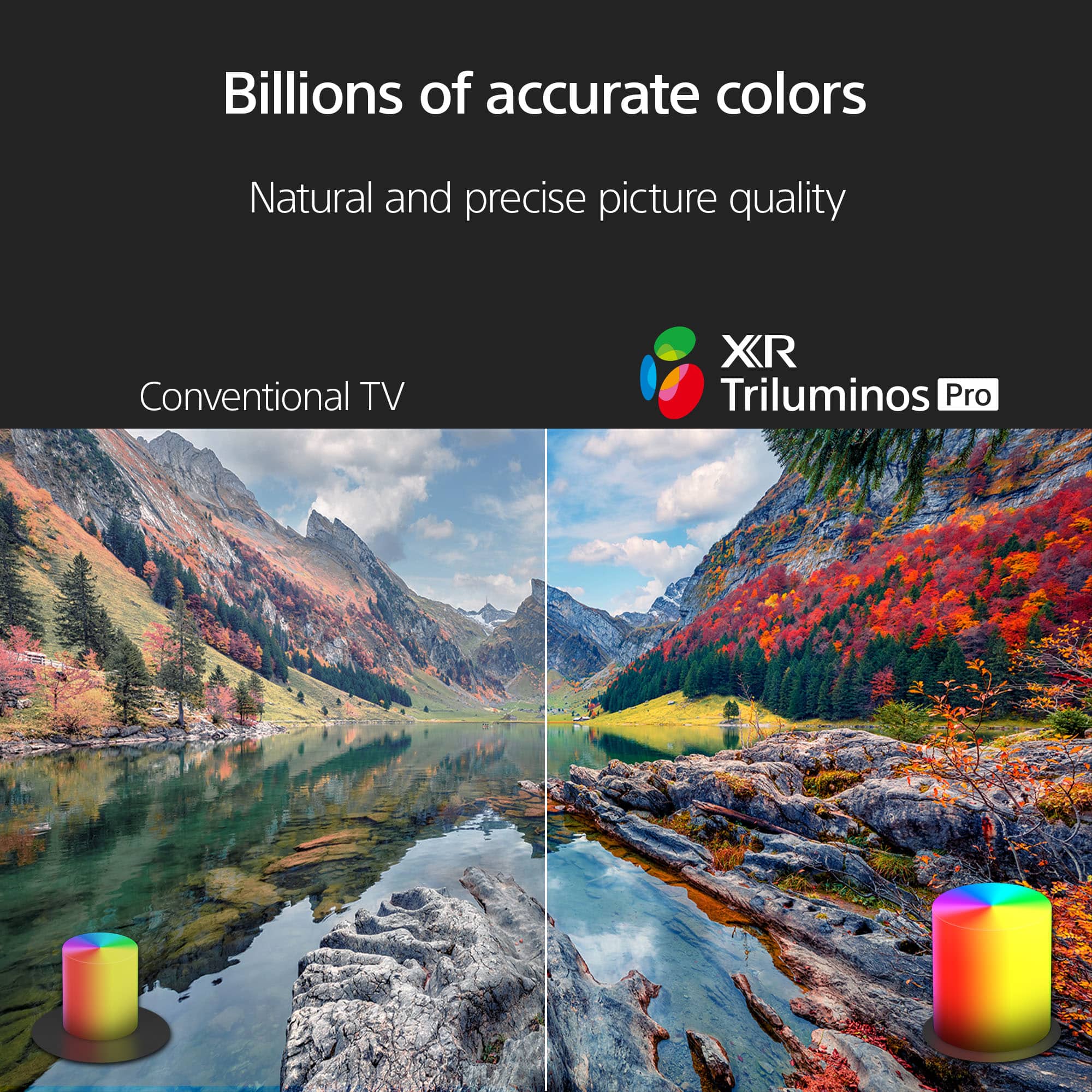
    • Answer Hi Bob, Thank you for your interest with the Sony BRAVIA XR X90L TV! Great news! Yes, Sony BRAVIA XR X90L supports Bluetooth version 4.2 and is compatible with Advance Audio Distribution Profile (A2DP). This allows the device for wireless audio streaming devices, such as headphones, soundbars, speakers, or hearing aids. If your hearing aids are compatible with A2DP Bluetooth, then they should be able to connect as well. Hope this information helps! Sony utilizes a full-array LED backlight for specific local dimming that delivers incredible contrast for deep blacks and bright highlights that are distinct from each other, resulting in real-life depth and vibrant color. All of it is powered by Sony's Cognitive Processor XR chip that offers a host of XR technologies that will enhance your movies, shows, and games. Best regards, Maria
      Answered by SonyListens

  • QuestionWill this TV work well with Roku streaming service?

    Asked by TheJudge.

    • Answer Yes works great!

      Answered by Jako113

  • QuestionIs there a stand mount that would work for this tv?

    Asked by Fish.

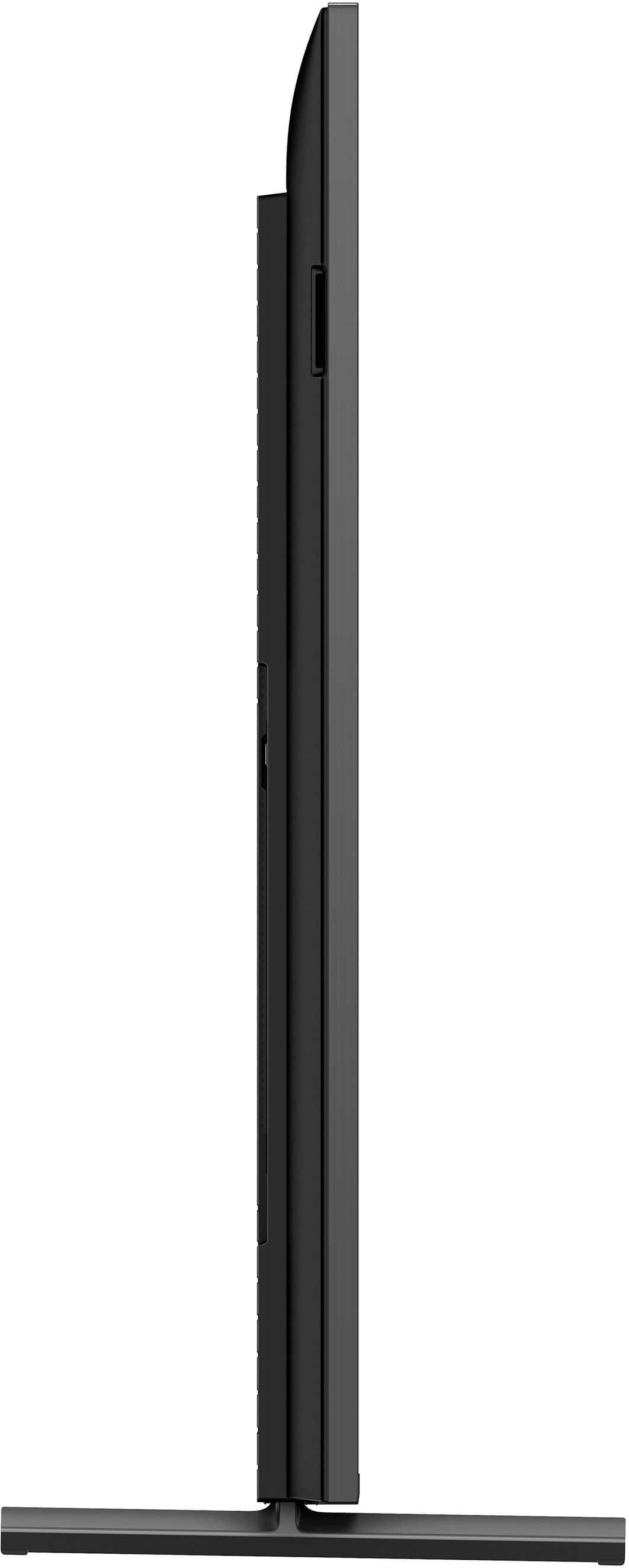
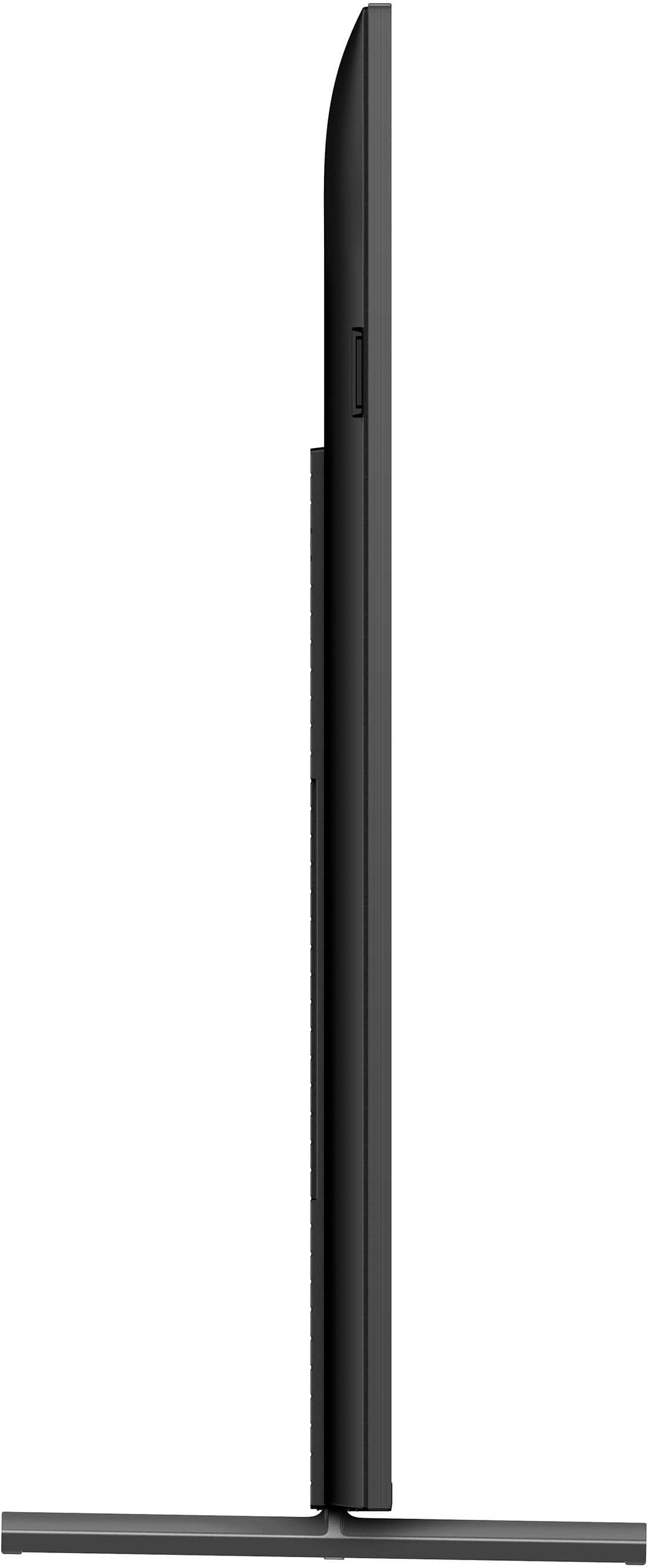
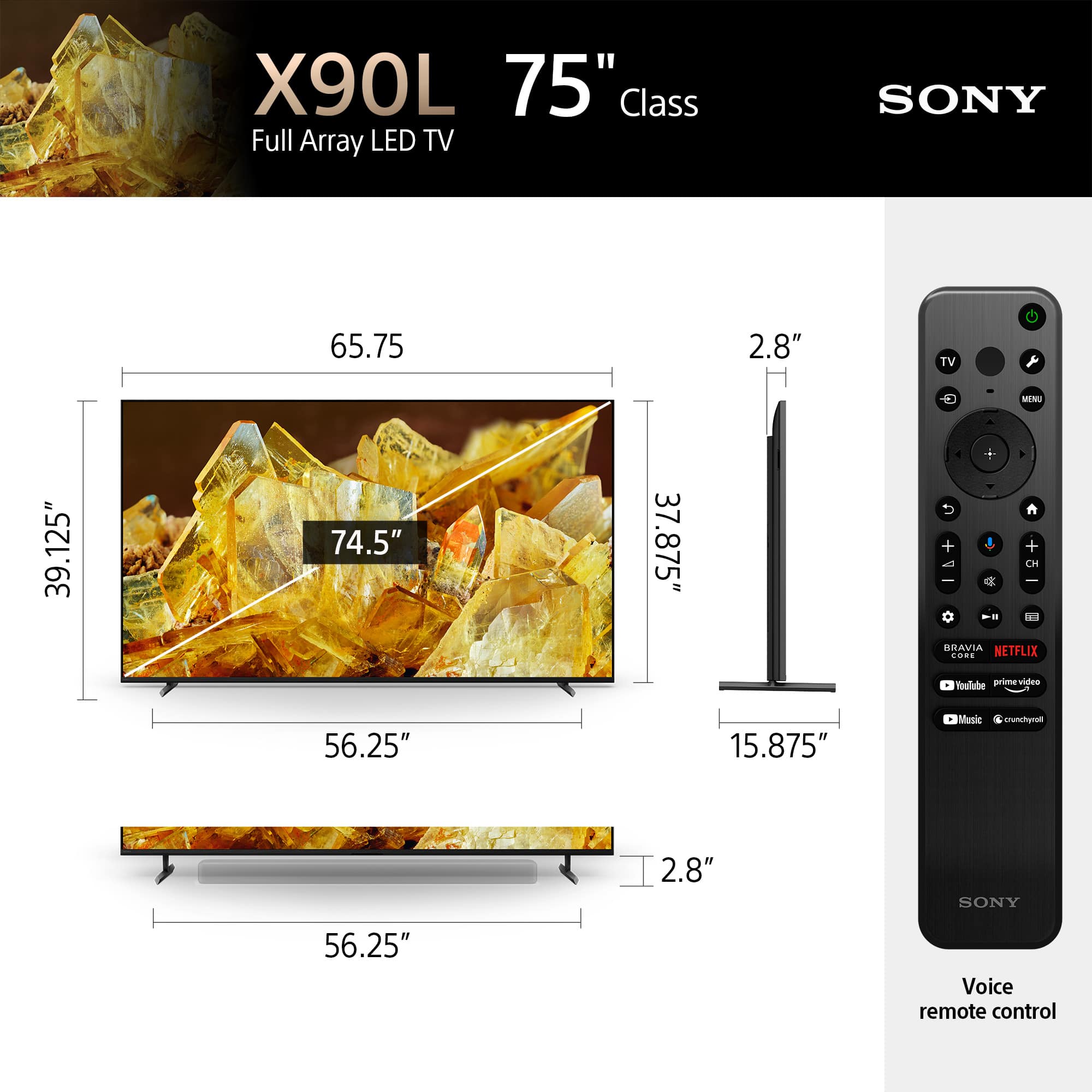
    • Answer Hi Fish, Thank you for your question. In addition to the feet that come with this TV, this TV is also compatible with most table-top TV stands and wall mounts that support a 11.81 x 11.81 inch (300 x 300 mm) VESA mounting pattern and can hold the total weight of the TV 78 lb (35.4 kg). Note: • We cannot guarantee the full operation and functionality of our products to any third-party accessories that is not manufactured by Sony. • For safety reasons, product protection, and to make sure that the installation is performed correctly, Sony strongly recommends that the installation of our TV be performed by a qualified professional. Hope this information helps! Real-life images, positional audio, and an array of smart features come together to make the BRAVIA XR X90L 75" 4K HDR Smart LED TV from Sony the center of your home entertainment experience. Movies, TV, and games benefit from Sony's Cognitive Processor XR and full-array LED backlight, which deliver local dimming, boosted contrast, and more, delivering lifelike and immersive 4K content. Sound is upgraded with precise positioning that matches the image on the screen, and gaming is enhanced with its own HDR and Game Mode settings. Discovering new games, movies, and shows is easy with built-in Google TV and BRAVIA CORE, and the entire package is wrapped in an eco-friendly, minimalist design for a more immersive experience. -Maria

      Answered by SonyListens

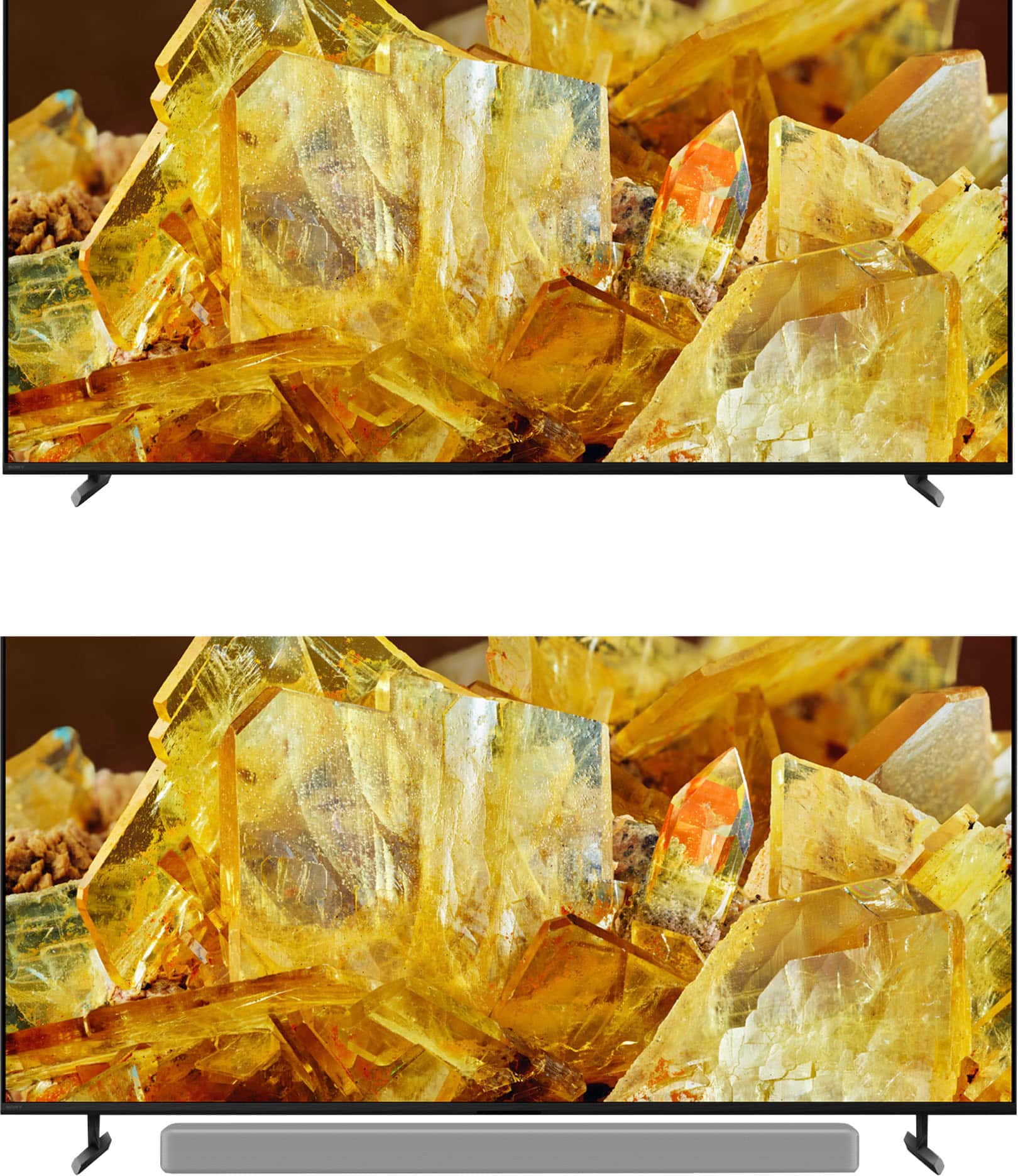
  • QuestionCan I fit a soundbar underneath the TV when it is on it stand? My soundbar is 2-7/8" in height.

    Asked by mragu66.

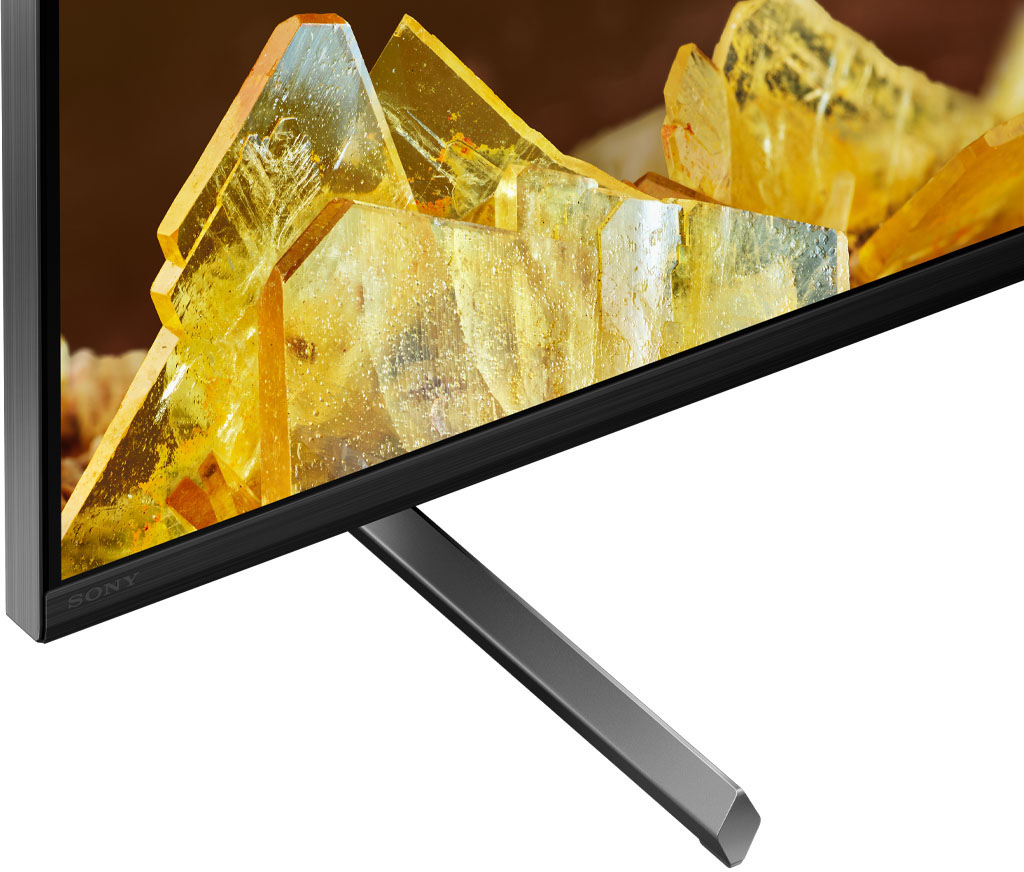
    • Answer Hi mragu66, Thank you for your inquiry! The Sony XR75X90L TV comes with a stand that has multiple mount positions, including a higher mount (soundbar) position designed to provide clearance for a soundbar. The height of the TV stand in soundbar position is approximately 2.87 inches (73 mm). Given that your soundbar is 2 7/8" inches in height, you should be able to fit it underneath the TV when using the soundbar position of the stand. With Sony X90L, see breathtakingly beautiful pictures full of realistic depth on our Full Array LED screen powered by Cognitive Processor XR. Hear sound straight from the screen, perfectly matching the action. Cognitive Processor XR™ turns any sound immersive with more precise sound position. And with 4K/120fps, a Variable Refresh Rate and Auto Low Latency Mode, our TVs give you smooth and clear movement for responsive gameplay. Regards, Sam

      Answered by SonyListens