Questions & Answers
- Model:
- XR75X90L
- |
- SKU:
- 6544735
Highly rated by customers for: Picture Quality, Color, Ease of use
$1,189.99Your price for this item is $1,189.99
Clearance
Comp. Value: $1,699.99
The comparable value price is $1,699.99
Page Showing 61-80 of 101 questions
Q: QuestionDoes this TV have an Anti-Glare Feature? Is it a good TV for a very bright room with lots of windows?
Asked by B.
- A:Answer Yes, I have a brightly lit room and don't have any complaints
Answered by jdprnt
Q: QuestionIs the Sony X90L LED 75" Full Array considered a QLED even though it does not say that?
Asked by JohnK155.
- A:Answer No It's not QLED and not considered as such.
Answered by DavidS
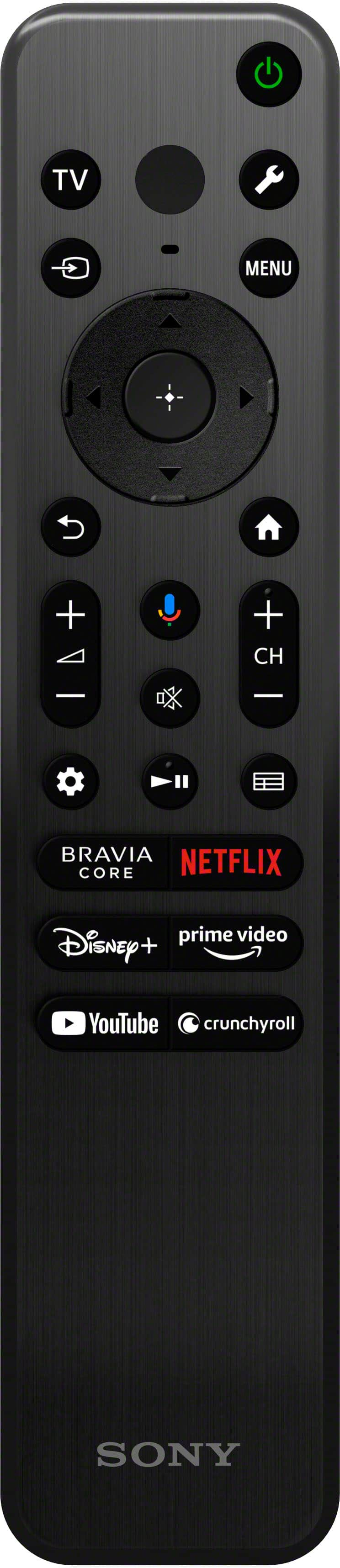
Q: QuestionIs there a control setting to stop the blinking small light on the bottom front of the TV frame? It blinks every minute or so. It also turns off by itself for a long time, and then turns itself back on.
Asked by CaliforniaUnderwater.
- A:Answer Hi CaliforniaUnderwater, Thank you for reaching out to us. We're sorry to hear some issues that you are experiencing with your X90L TV. Allow us to help troubleshoot the problem. The light-emitting diodes (LEDs) on your TV act as an indicator of the many functions, features, and troubleshooting actions available.The LED will light up or blink when the TV detects certain activities or changes status, such as receiving a signal from the remote or during a software update. It may also light up or blink when detecting an issue. How the LEDs light up: Voice function LED Turns “on” or “blinks” when “Hey Google” is detected and the TV is communicating with the server. Operational response LED Turns “on” or “blinks” in white when the TV is turning on, when receiving signals from the remote control, or when updating the software using a USB storage device. Please check the following steps below if you want to disable the LED so that it does not light up or blink. To turn off the illumination LED/Operational response LED (white LED) Press the HOME button, then select [Settings] — [System] — [LED indicator] — set [Illumination LED] to [Off], or disable [Operational response]. To turn off the built-in MIC LED/Operational response LED (amber LED)/voice function LED (amber LED) (only TVs with a built-in MIC) To turn off the amber LED when the built-in MIC is available or disabled, in [Settings] — [System] — [LED indicator], disable [Voice detection status]. Blinking red LED: If an LED is blinking red, try these troubleshooting options. If these options do not solve the issue and the LED is still blinking red, check how many times it blinks and then contact our customer support. Turn the TV off and on again using a TV remote control or the main power button on the TV. Unplug the main power cord for the TV, then plug it back in. Turn the TV off and then disconnect all connected devices from the TV. Update the TV software to the latest version. There are few possible reasons why your Sony TV is turning off and on automatically: Check the power -saving features like sleep timers or auto-off enabled. Certain features like HDMI CEC features can allow connected devices to control the power state of the TV. Disable the [TV auto power on] setting in [BRAVIA Sync settings]. Ensure that your TV has the latest firmware update as it includes key features, applications, bug fixes, and feature improvements. May we contact you to help? Unfortunately, due to the current Best Buy phishing protocol for your protection, we cannot provide a direct email or phone number for customer support as of now. Please find Sony Electronics' Support information: Go to our support website > click on “Support” > scroll down click on “Contact Support” > click on "(TV & Projectors)" and from there you'll see different ways to contact us. We are sorry for the inconvenience and hope to speak to you to resolve this matter. - Kris
Answered by SonyListens

Q: Questiondoes the TV have international warranty? will the warranty work in India?
Asked by XYZ.
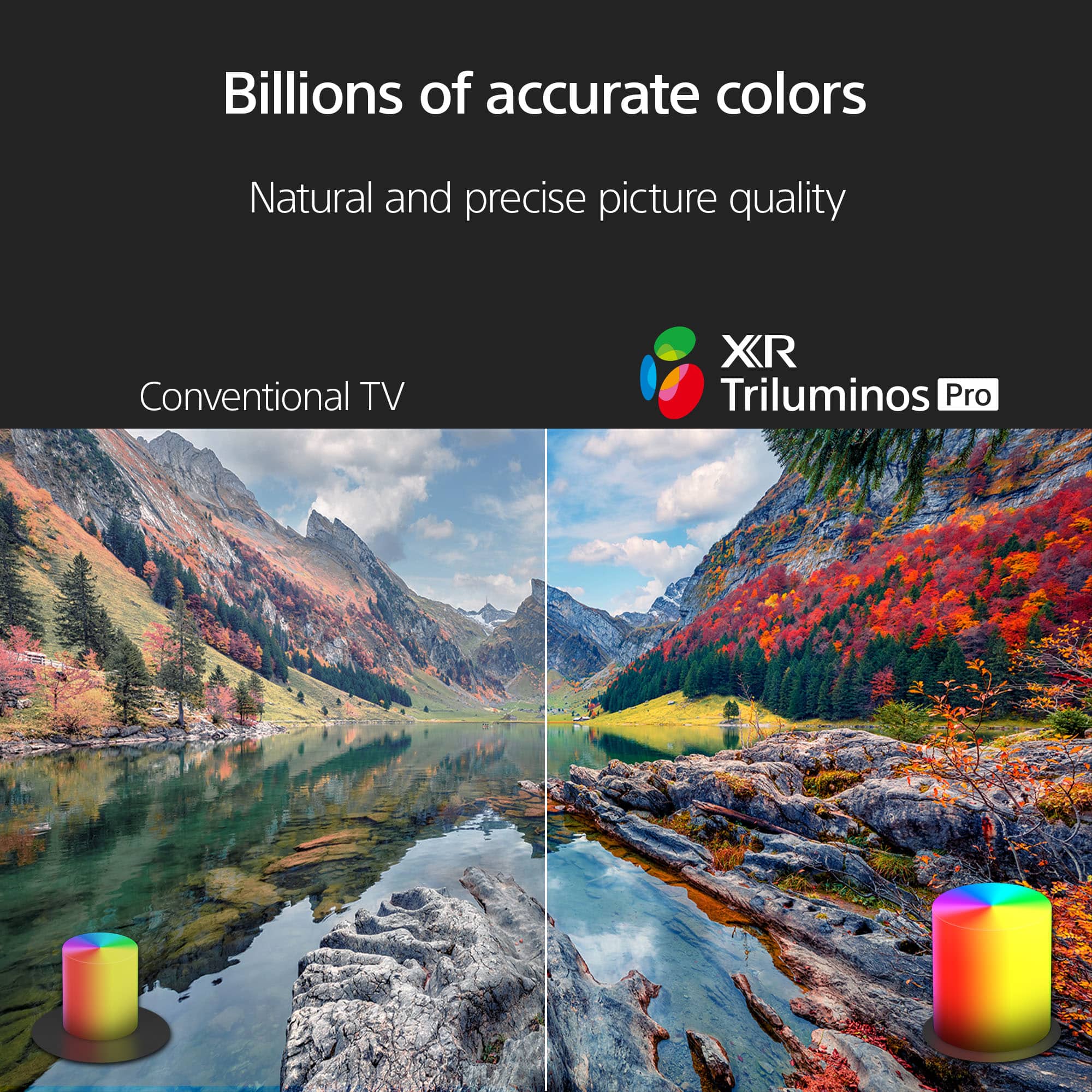
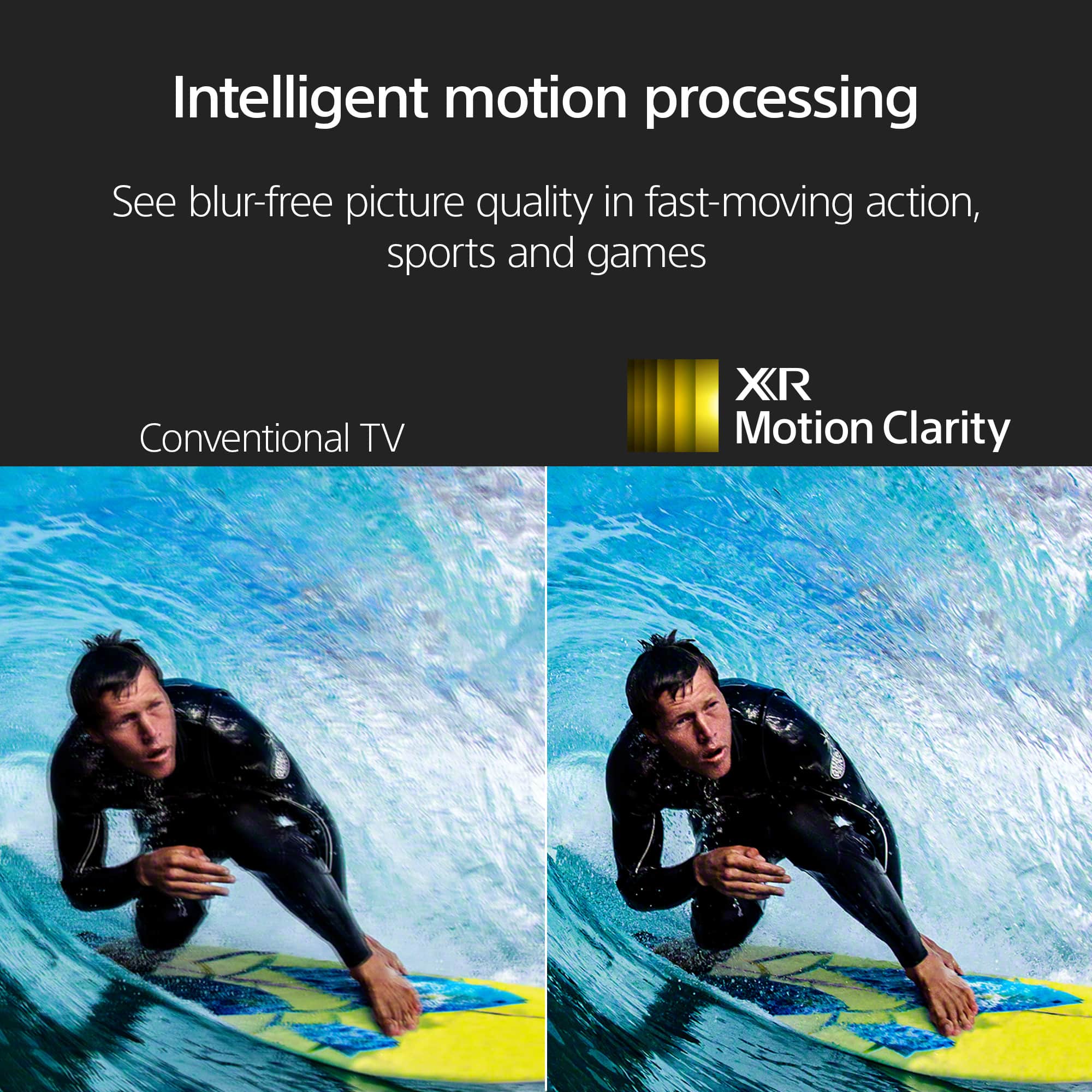
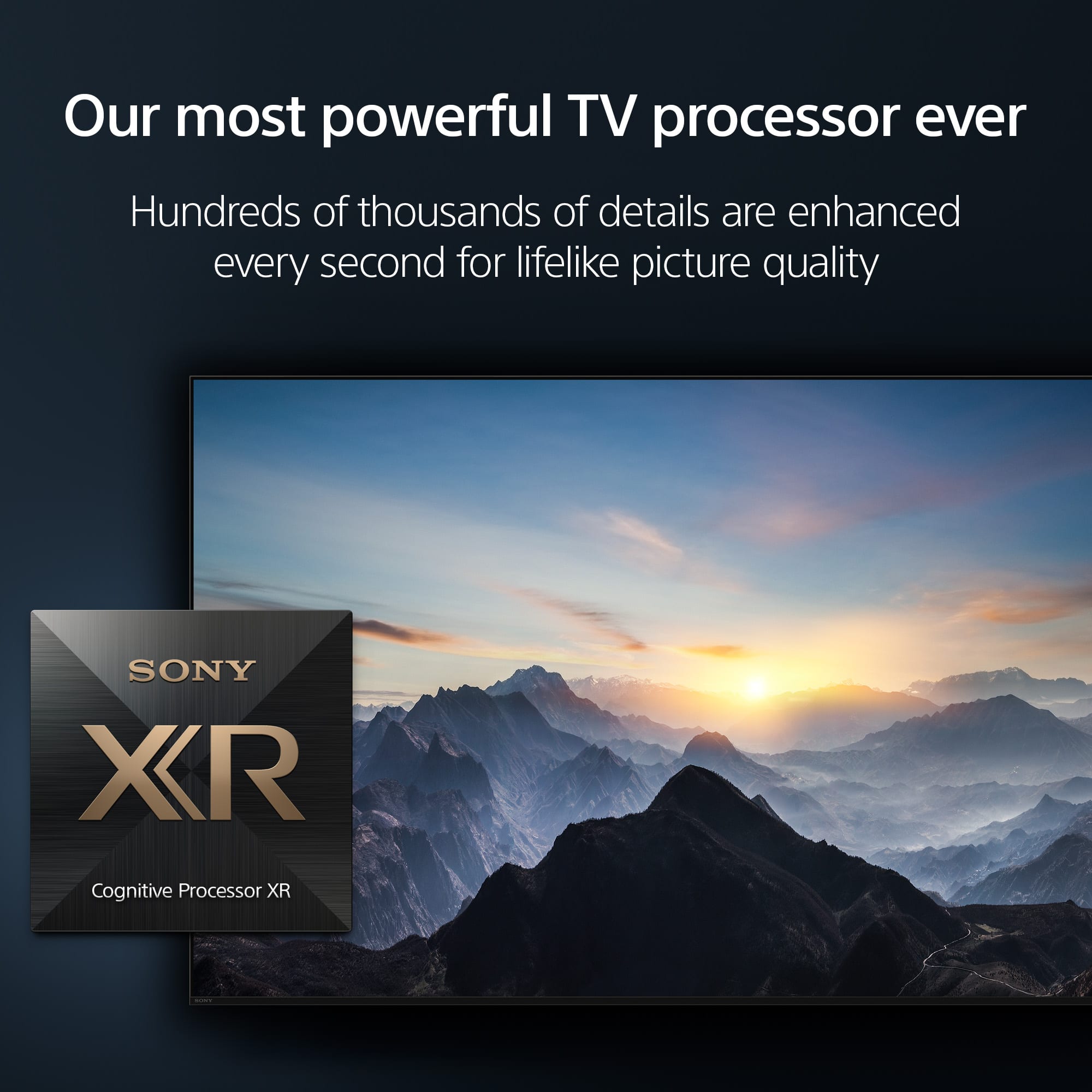
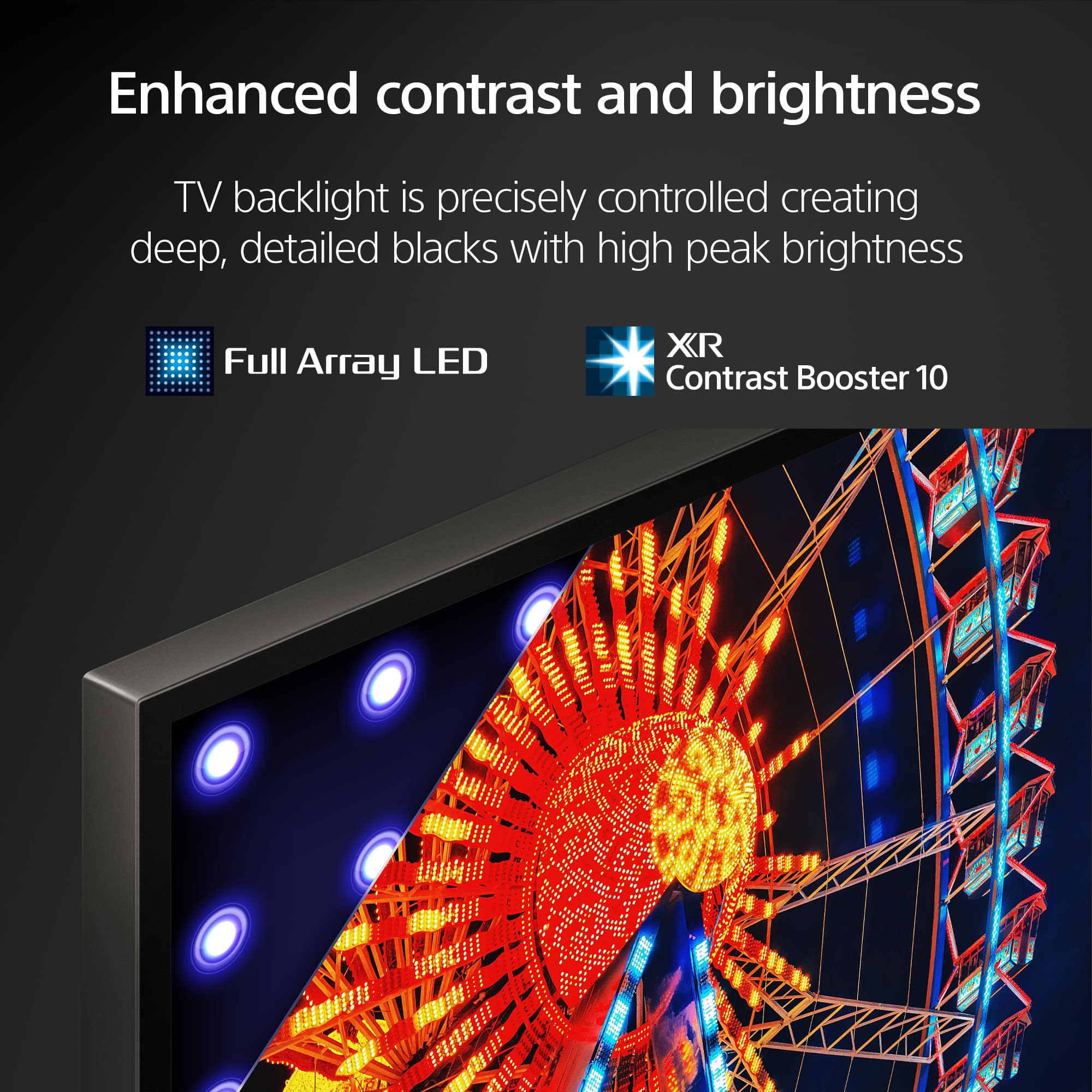
- A:Answer Hi XYZ, Thank you for your interests in getting our BRAVIA XR X90L! The TV doesn't have an international warranty, it only applies within the country of purchase. With Sony X90L, see breathtakingly beautiful pictures full of realistic depth on our Full Array LED screen powered by Cognitive Processor XR. Hear sound straight from the screen, perfectly matching the action. Cognitive Processor XR™ turns any sound immersive with more precise sound position. And with 4K/120fps, a Variable Refresh Rate and Auto Low Latency Mode, our TVs give you smooth and clear movement for responsive gameplay. Hope this helps! - Kris
Answered by SonyListens

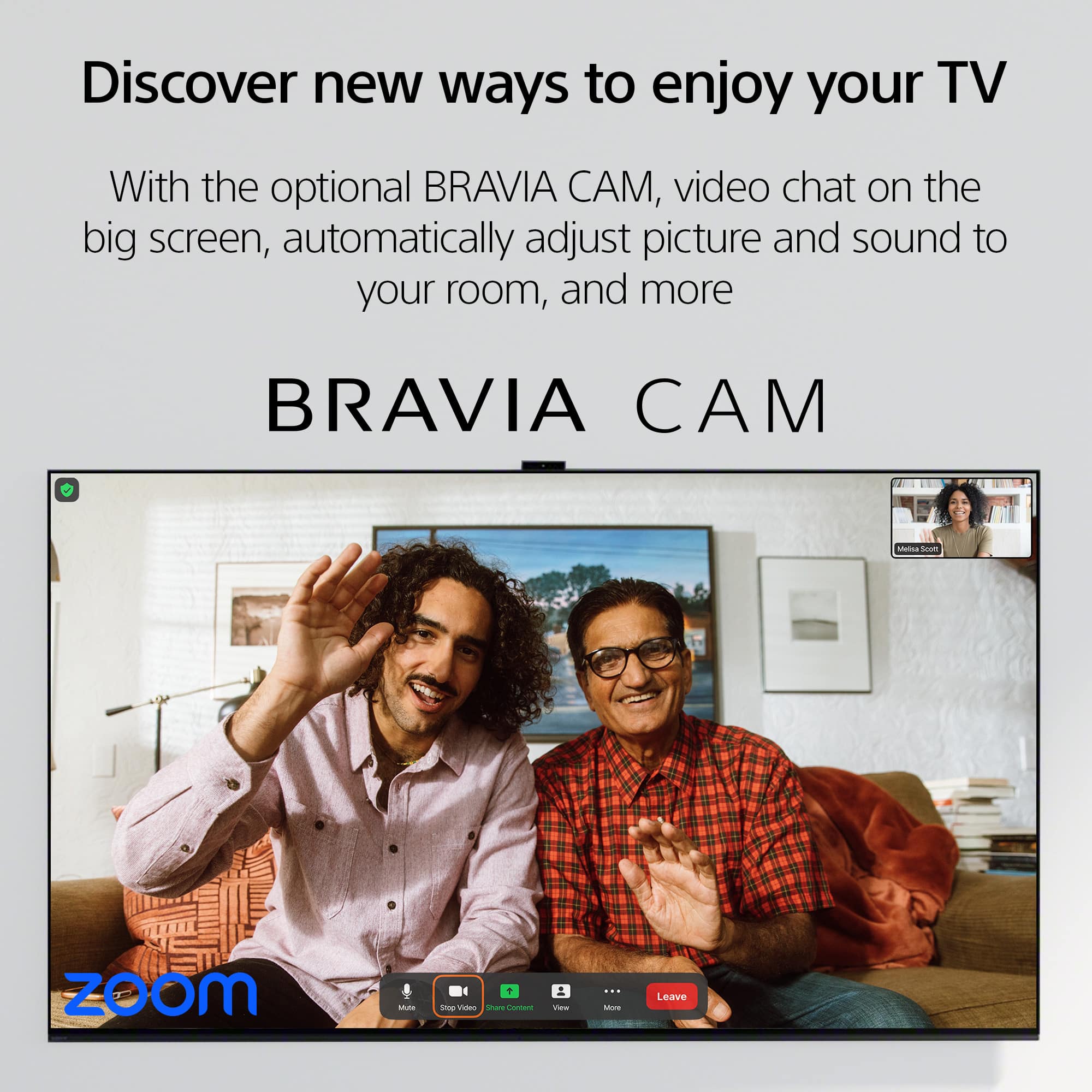
Q: QuestionWe want a televison to do zoom meetings in our conference room. Is this a good choice? Sound is a current issue, is there a better choice? I see this model works with the Bravia cam and the zoom app. Will this model work for us or can you recommend?
Asked by Loritechnerd.
- A:Answer It would be a great choice , picture and sound are beyond compare with others .
Answered by DavidS
Q: QuestionDo I need to buy the camera Bravia cam to run zoom meetings off this tv aafter I download the ap?
Asked by LWTVNERD.
- A:Answer Would my old Samsung webcam work on my Sony Bravia XR TVs? It was attached with a magnetic bar to the back of the TV, with either USB or HDMI connection cable.
Answered by CaliforniaUnderwater
Q: QuestionWhen will Sony and Best Buy sell this Bravia XR 75 X90L on clearance?
Asked by CaliforniaUnderwater.
- A:Answer Its on sale right now!
Answered by Antt
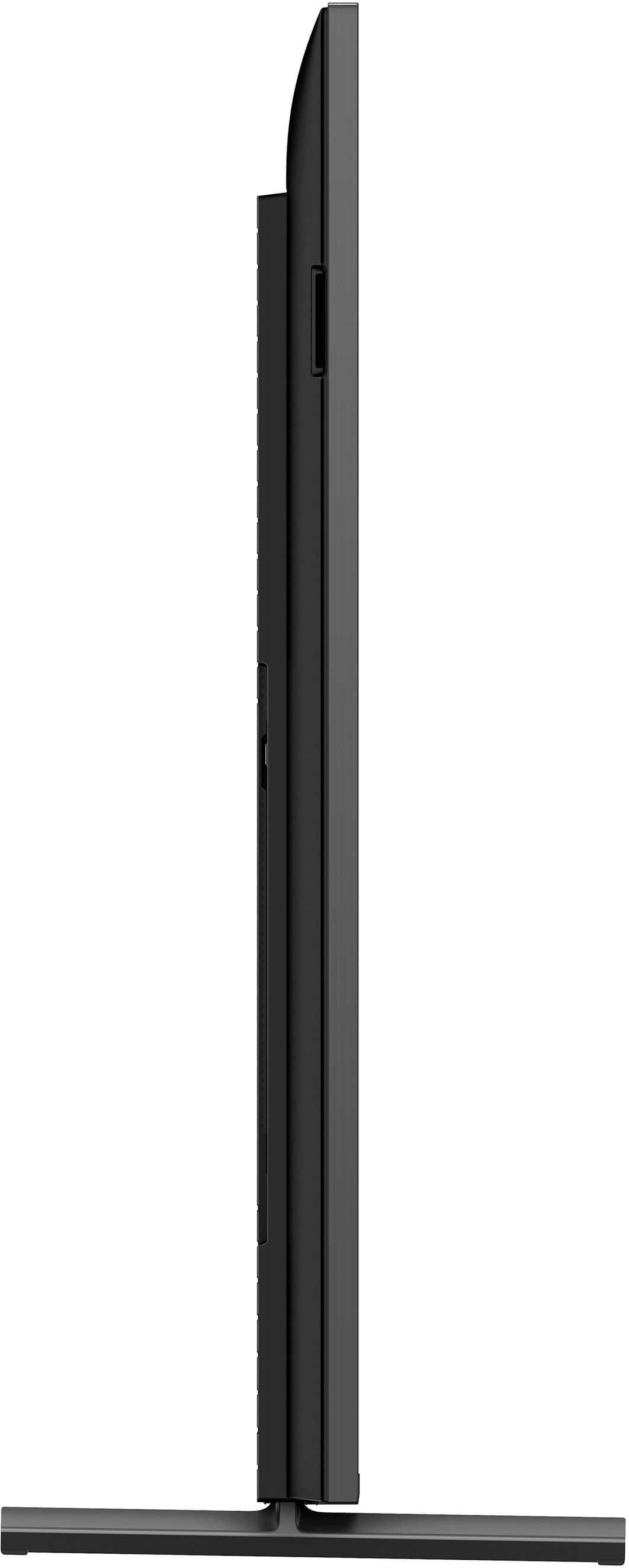
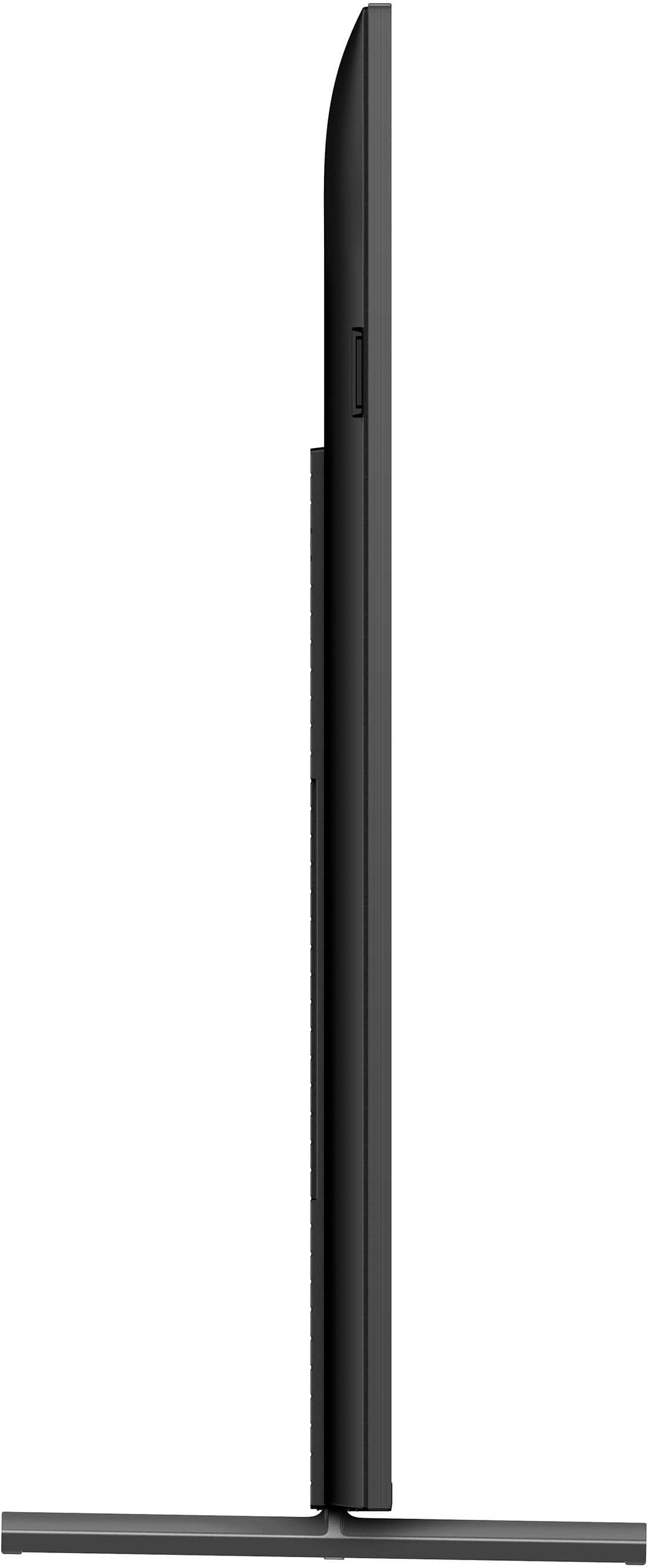
Q: QuestionWhat are the measurements of the feet?
Asked by Gavin.
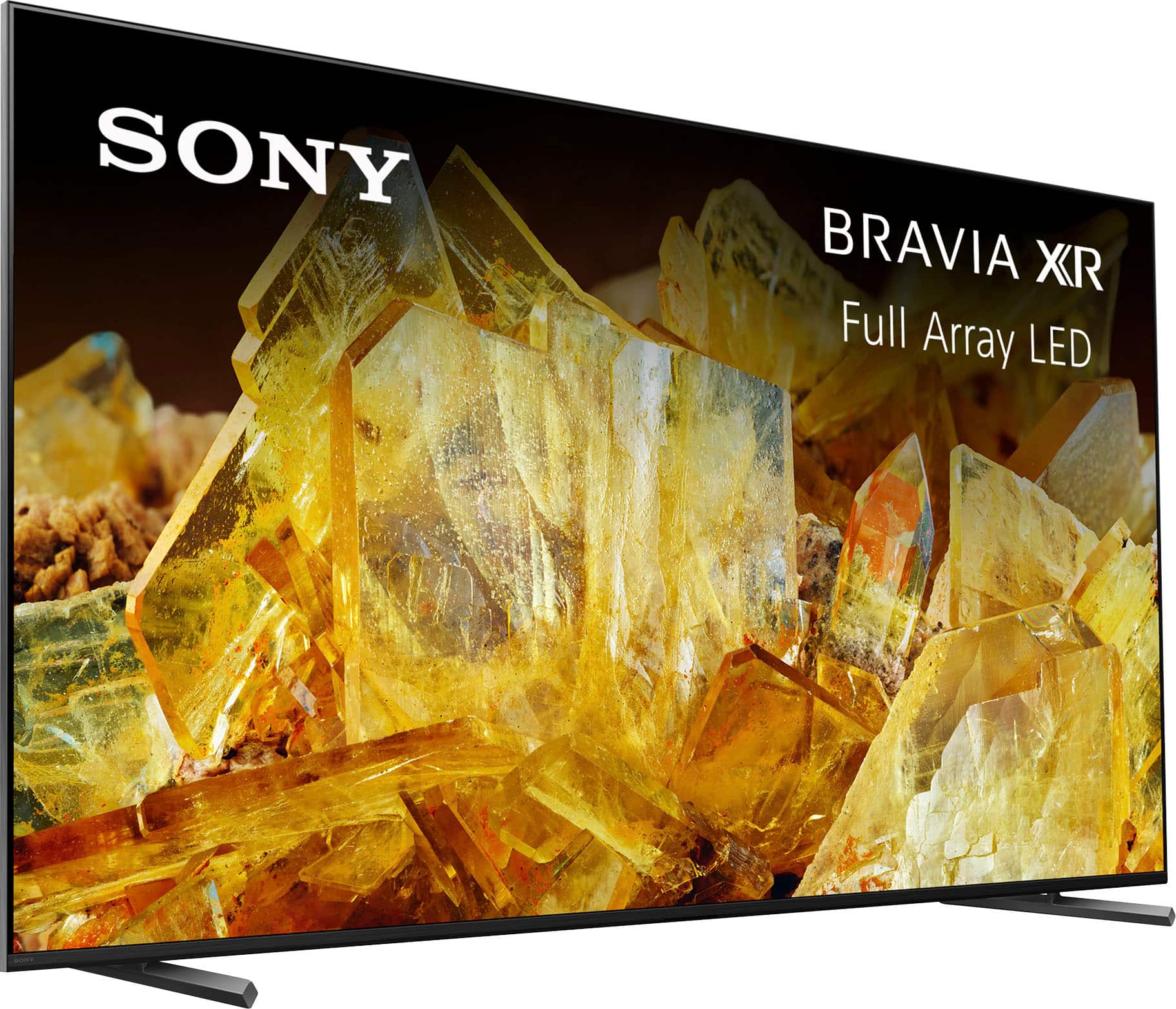
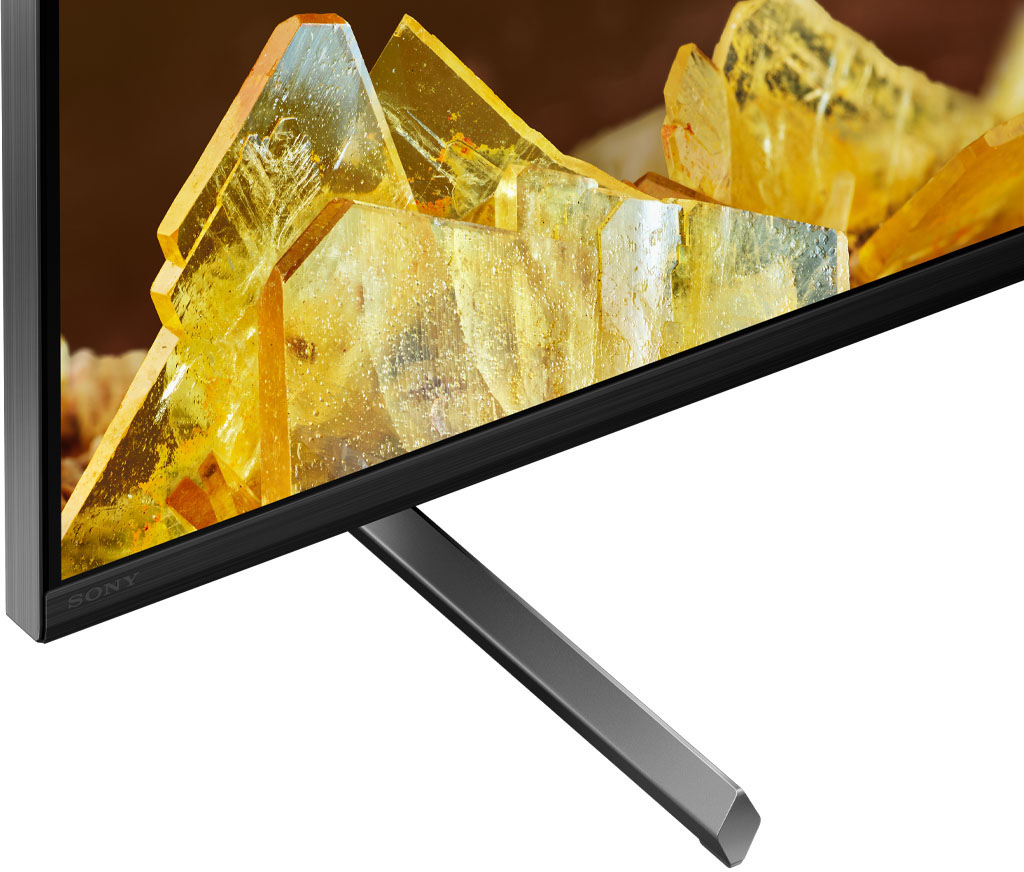
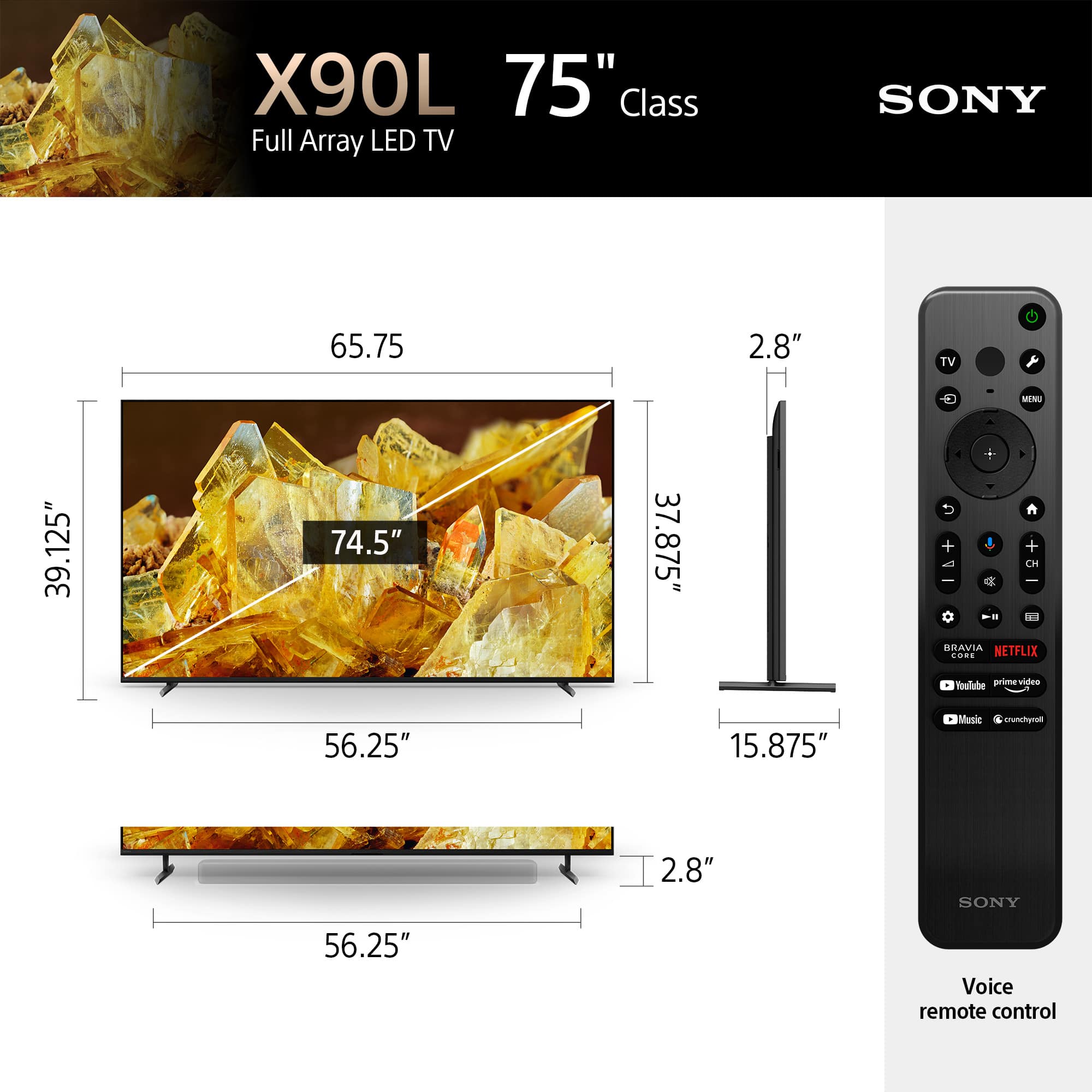
- A:Answer 15 3/4 in long (front to back). The vertical post sits at 7.5" from the back
Answered by Lorne
Q: QuestionMy wife has hearing issues and needs to have a speaker close to her seat. I saw a previous question/answer about bluetooth headphones. Can you also connect a bluetooth speaker to this TV and locate it across the room?
Asked by BG123.
- A:Answer I have Sonos sl one speakers hooked to mine.
Answered by EricS
Q: QuestionCan you please recommend me bluetooh sony headsets compatible with this tv.
Asked by Doe.
- A:Answer Hi Doe, Thanks for showing your interest with our Sony products! Here are some of our Sony Bluetooth headphones that are compatible with the X90L TV: LinkBuds (WF-L900), Linkbuds S (WF-LS900N), WF-1000XM3, WF-1000XM4, WF-1000XM5, WF-C700N, WH-1000XM5, WH-1000XM3, WH-1000XM4, WH-CH700N, WH-CH710N, WH-CH720N, WH-CH520, WH-XB910N, WH-XB900N You may also check our headphones line up by visiting our Sony Electronics website. Additional information: With X90L, see breathtakingly beautiful pictures full of realistic depth on our Full Array LED screen powered by Cognitive Processor XR. Hear sound straight from the screen, perfectly matching the action. Cognitive Processor XR™ turns any sound immersive with more precise sound position. And with 4K/120fps, a Variable Refresh Rate and Auto Low Latency Mode, our TVs give you smooth and clear movement for responsive gameplay. We are looking forward to your purchase. Thank you for considering Sony! - Kris
Answered by SonyListens

Q: QuestionDoes this tv support 3d
Asked by Alex.
- A:Answer Hi Alex, Thanks for the question! No, the XR75X90L TV does not support 3D viewing capabilities. However, this TV offer a fantastic viewing experience with exceptional picture and sound quality. With X90L, see breathtakingly beautiful pictures full of realistic depth on our Full Array LED screen powered by Cognitive Processor XR. Hear sound straight from the screen, perfectly matching the action. Cognitive Processor XR turns any sound immersive with more precise sound position. And with 4K/120fps, a Variable Refresh Rate and Auto Low Latency Mode, our TVs give you smooth and clear movement for responsive gameplay. I hope this information helps! - Kris

Answered by SonyListens

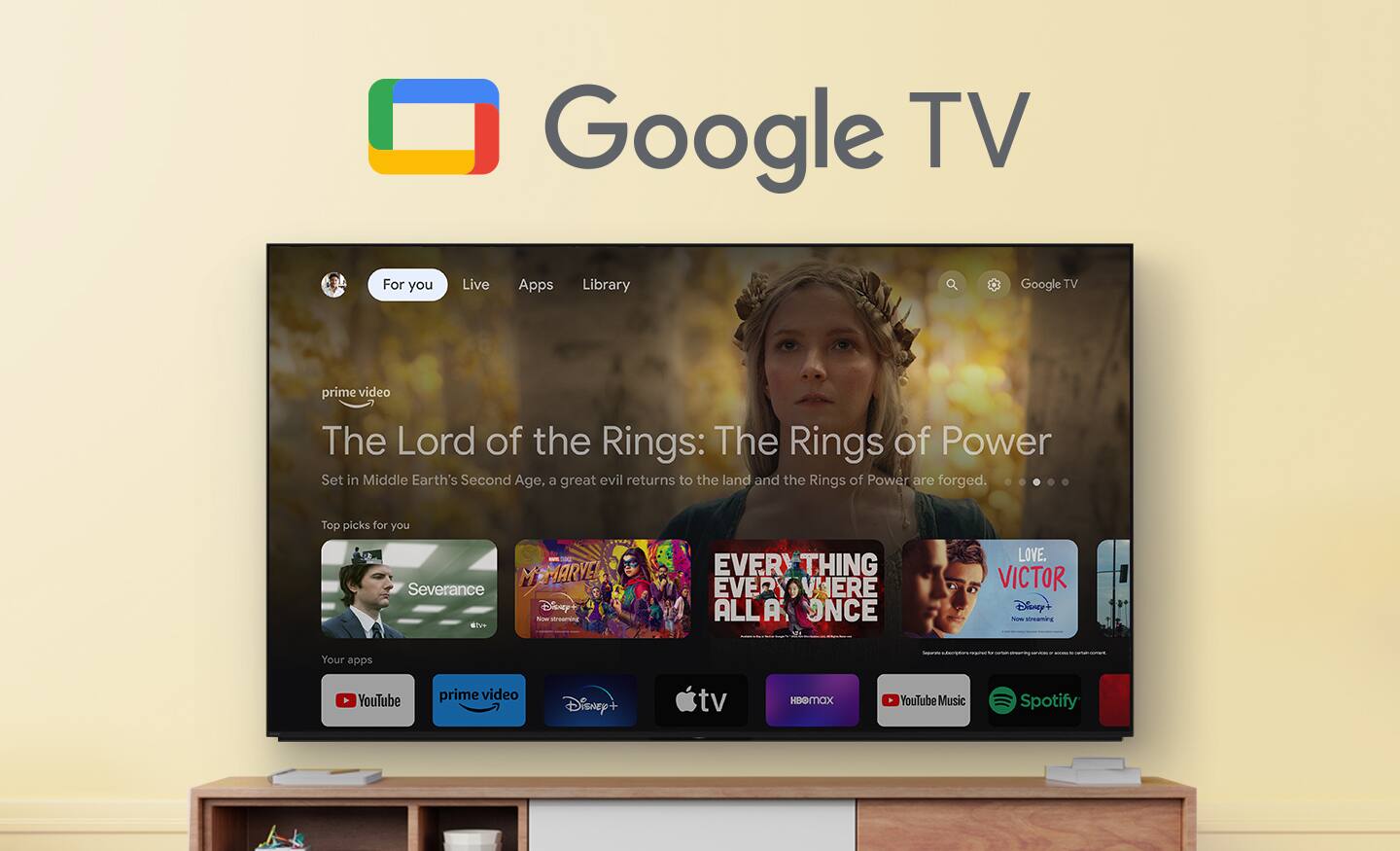
Q: QuestionDoes this TV have YouTube TV and Paramount plus apps preloaded?
Asked by Jimbo.
- A:Answer You tube yes paramount + you can get through the apps and isnt hard at all to add.
Answered by ChristopherM
Q: QuestionCan you connect a LG soundbar to this tv,
Asked by C.
- A:Answer Yes it’s compatible with a multitude of soundbars.
Answered by mart
Q: QuestionMy tv stand is 58 inches by 16 inches. Will the sony 75 inches fit in my stand?
Asked by Leo.
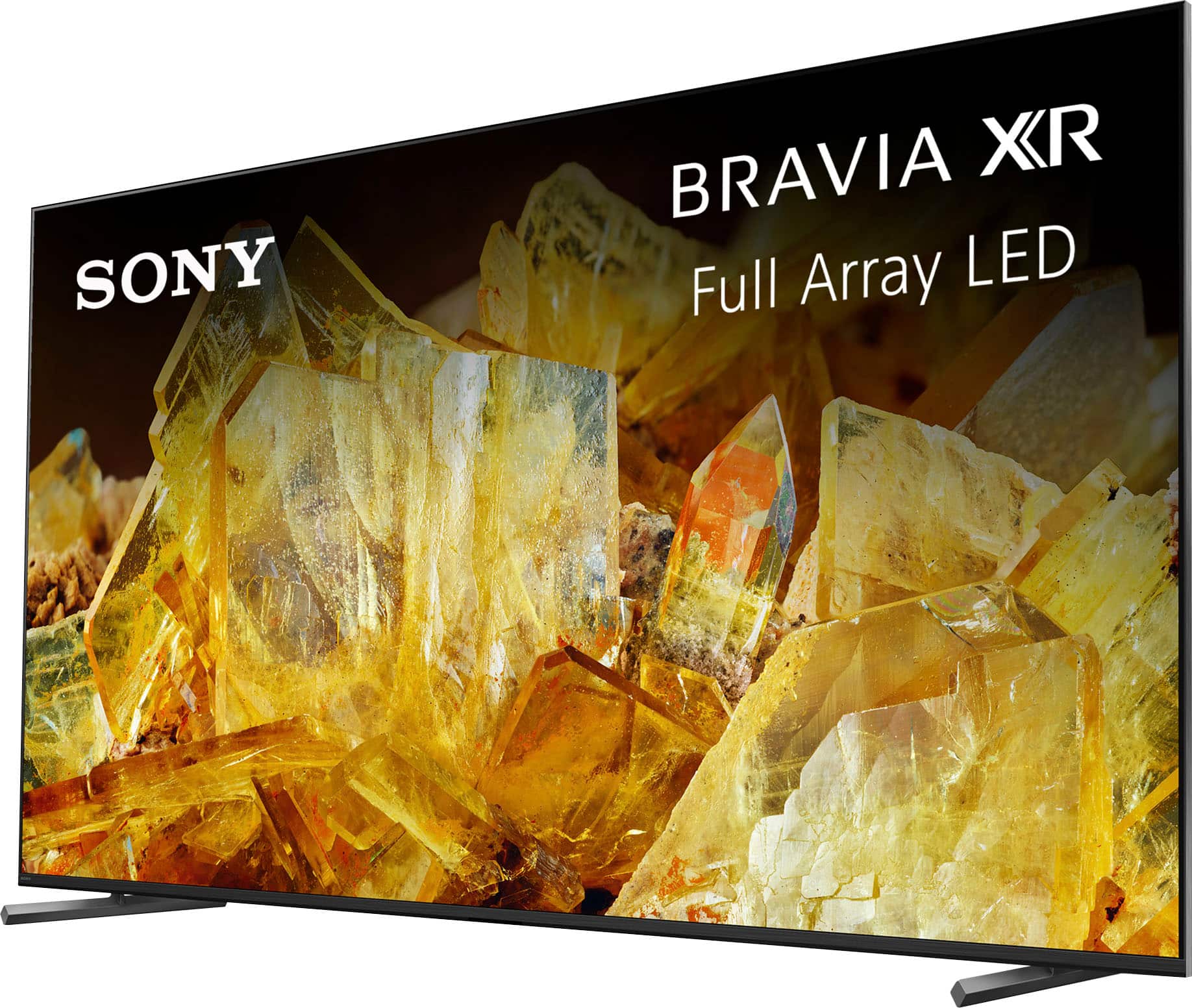
- A:Answer Hi Leo, Thanks for your inquiry! Yes, the XR75X90L will fit on your current TV stand. Stand width(STANDARD/SOUNDBAR POSITION) is 56.25" (1,426 mm) and 15.63"(395 mm) for the depth. We also suggest at least give clearance on each side of the TV. If the Table-Top Stand protrudes out from the stand, it may cause TV set to topple over, fall down, and cause personal injury or damage to the TV. For more information about the dimensions of this TV, please visit our Sony Support Site. With Sony X90L, see breathtakingly beautiful pictures full of realistic depth on our Full Array LED screen powered by Cognitive Processor XR. Hear sound straight from the screen, perfectly matching the action. Cognitive Processor XR™ turns any sound immersive with more precise sound position. And with 4K/120fps, a Variable Refresh Rate and Auto Low Latency Mode, our TVs give you smooth and clear movement for responsive gameplay. Hope this helps! - Kris

Answered by SonyListens

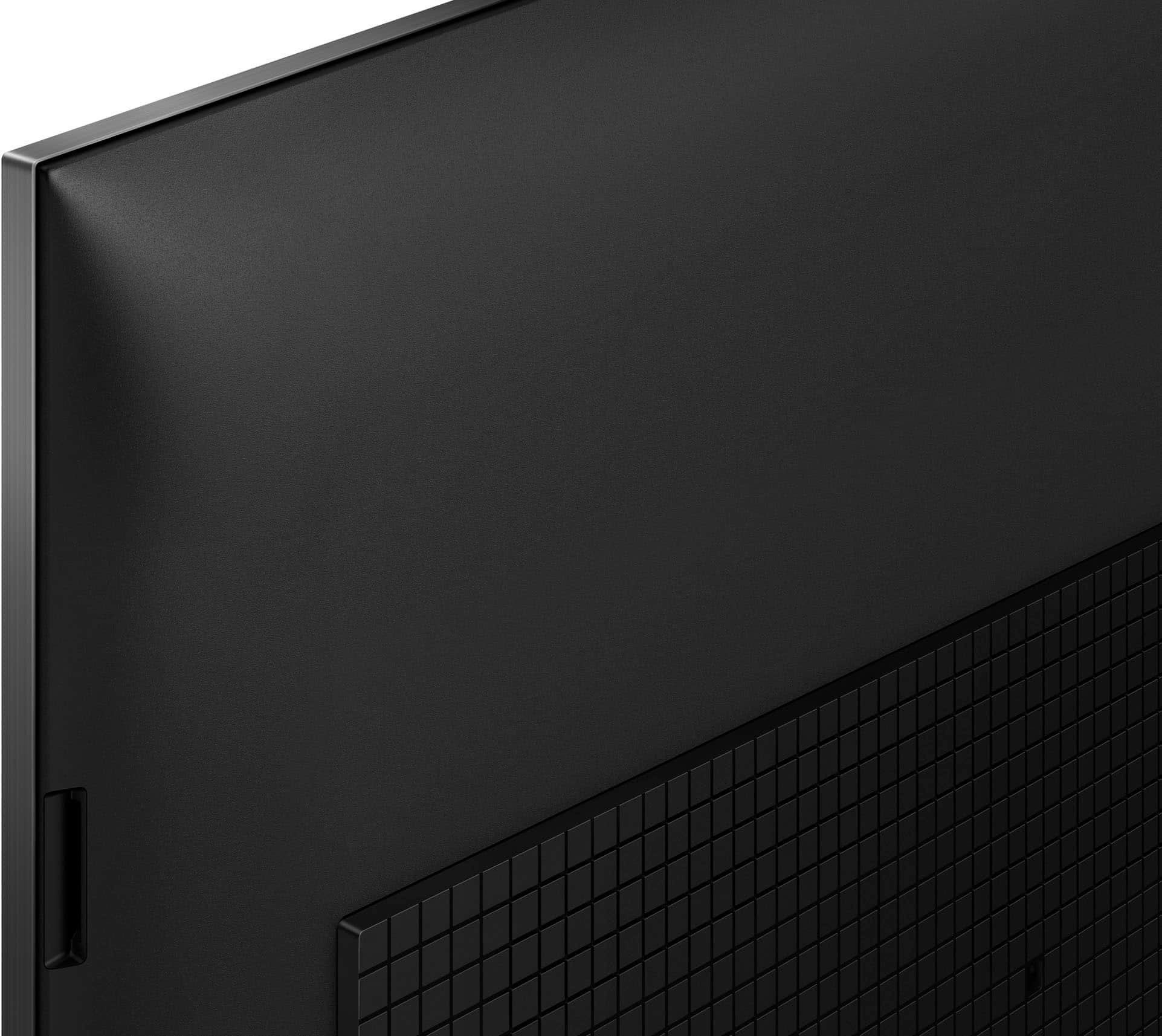
Q: QuestionIs there a way to attach anti-tipping straps to the back of the TV?
Asked by Mari.
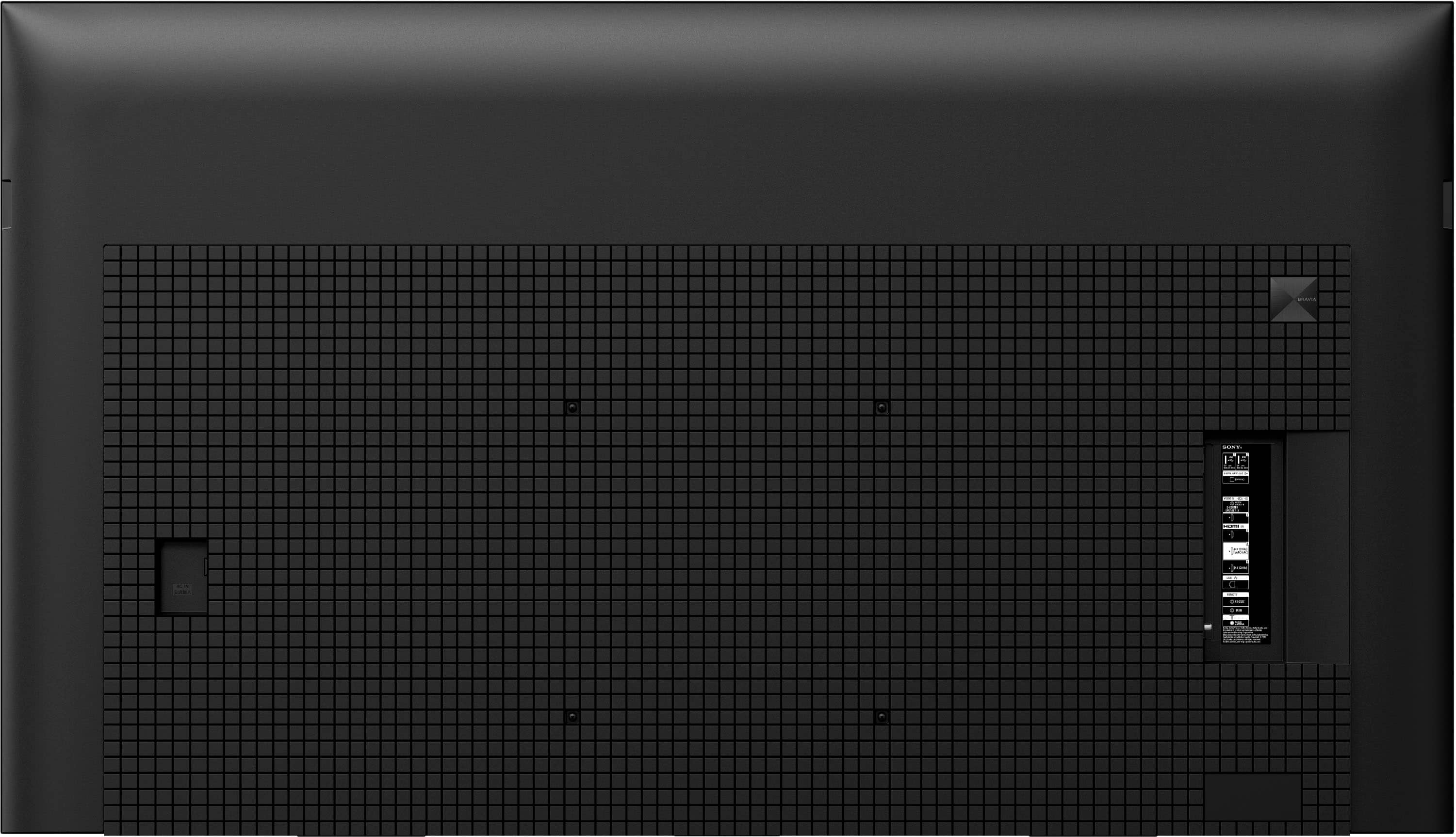
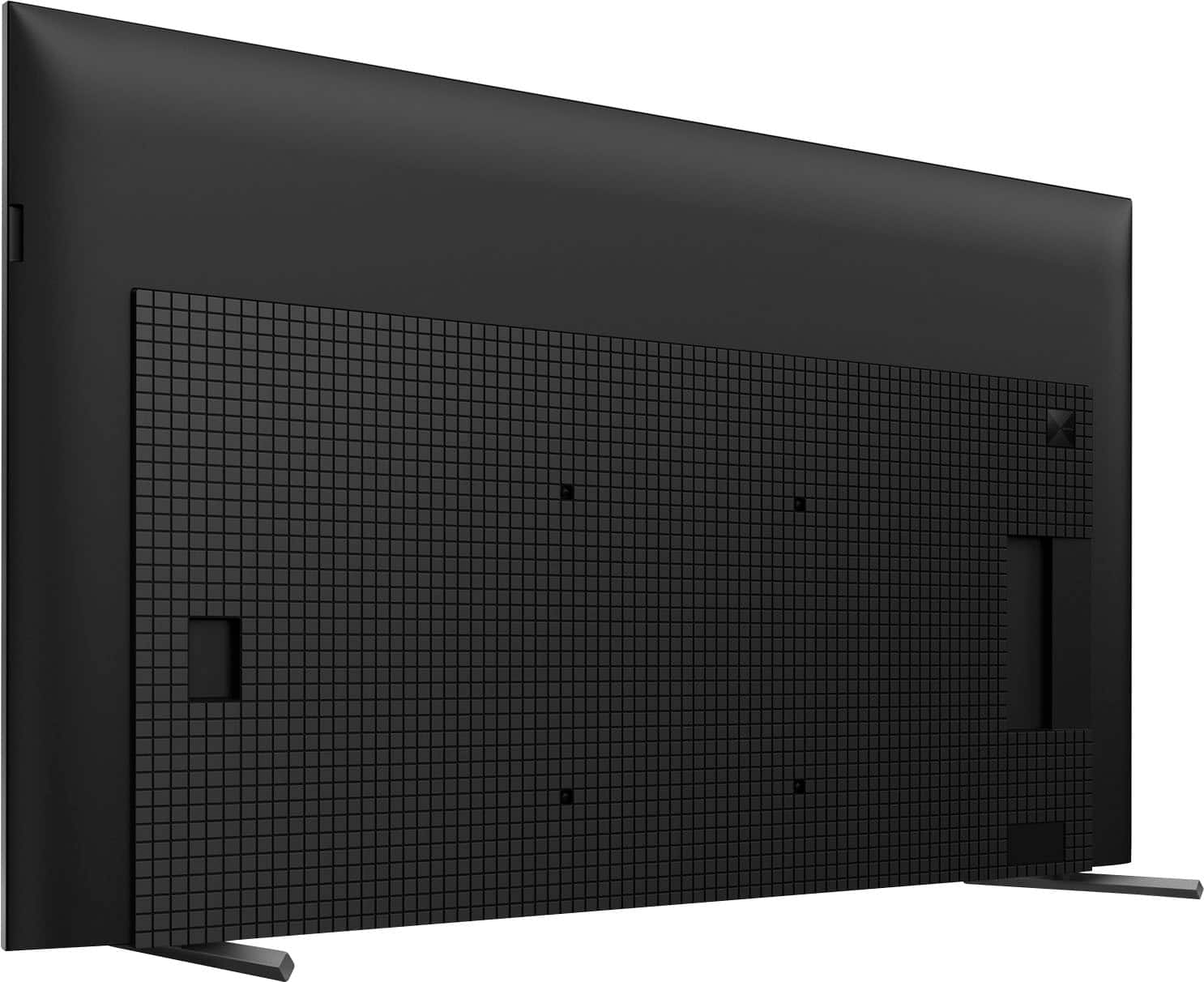
- A:Answer My anti tip straps are connected to the two upper holes where a wall mount bracket would be screwed into the back of the TV as on my 2021 Sony Bravia XR 55 X90J in photo. It probably is the same on this Sony Bravia XR 75 X90L that I also want.


Answered by CaliforniaUnderwater
Q: Questionwhat are the boxed dimensions for this tv for pickup
Asked by Anonymous.
- A:Answer Go to Best Buy site for tv and click full specs and 1/2 way down, you will find tv measurements and box dimensions
Answered by Mike
Q: QuestionI purchased this TV with a 1 year manufacturer's warranty. I also purchased Best Buy's 2 year extended warranty. That equates to 3 years of warranty coverage. So why is Best Buy trying to tell me my warranty expires 2 years from now instead of 3 years?
Asked by Annoyed.
- A:Answer Some of the CASHIERS don’t think! This includes the mgmt that requires them to try and do dumb things!
Answered by mart
Q: QuestionWhat table top stands will work with 90L?
Asked by Larry.
- A:Answer This tv was meant to be mounted on the wall
Answered by JasmineR
Top Rated
- $459.99Your price for this item is $459.99$549.99The comparable value for this item is $549.99
- Black Friday Deal$399.99Your price for this item is $399.99
- $129.99Your price for this item is $129.99$149.99The comparable value for this item is $149.99
- Black Friday Deal$189.99Your price for this item is $189.99
- $249.99Your price for this item is $249.99$379.99The comparable value for this item is $379.99
- Black Friday Deal$229.99Your price for this item is $229.99
- $949.99Your price for this item is $949.99$1,999.99The comparable value for this item is $1,999.99
- Black Friday Deal$1,399.99Your price for this item is $1,399.99
- Black Friday Deal$599.99Your price for this item is $599.99
- Black Friday Deal$74.99Your price for this item is $74.99
- Black Friday Deal$549.99Your price for this item is $549.99
- $599.99Your price for this item is $599.99$1,299.99The comparable value for this item is $1,299.99
- Black Friday Deal$329.99Your price for this item is $329.99
- Black Friday Deal$699.99Your price for this item is $699.99
- $169.99Your price for this item is $169.99$299.99The comparable value for this item is $299.99
- Black Friday Deal$499.99Your price for this item is $499.99
- Black Friday Deal$329.99Your price for this item is $329.99
- Black Friday Deal$1,999.99Your price for this item is $1,999.99
- Black Friday Deal$1,399.99Your price for this item is $1,399.99
- $99.99Your price for this item is $99.99$229.99The comparable value for this item is $229.99