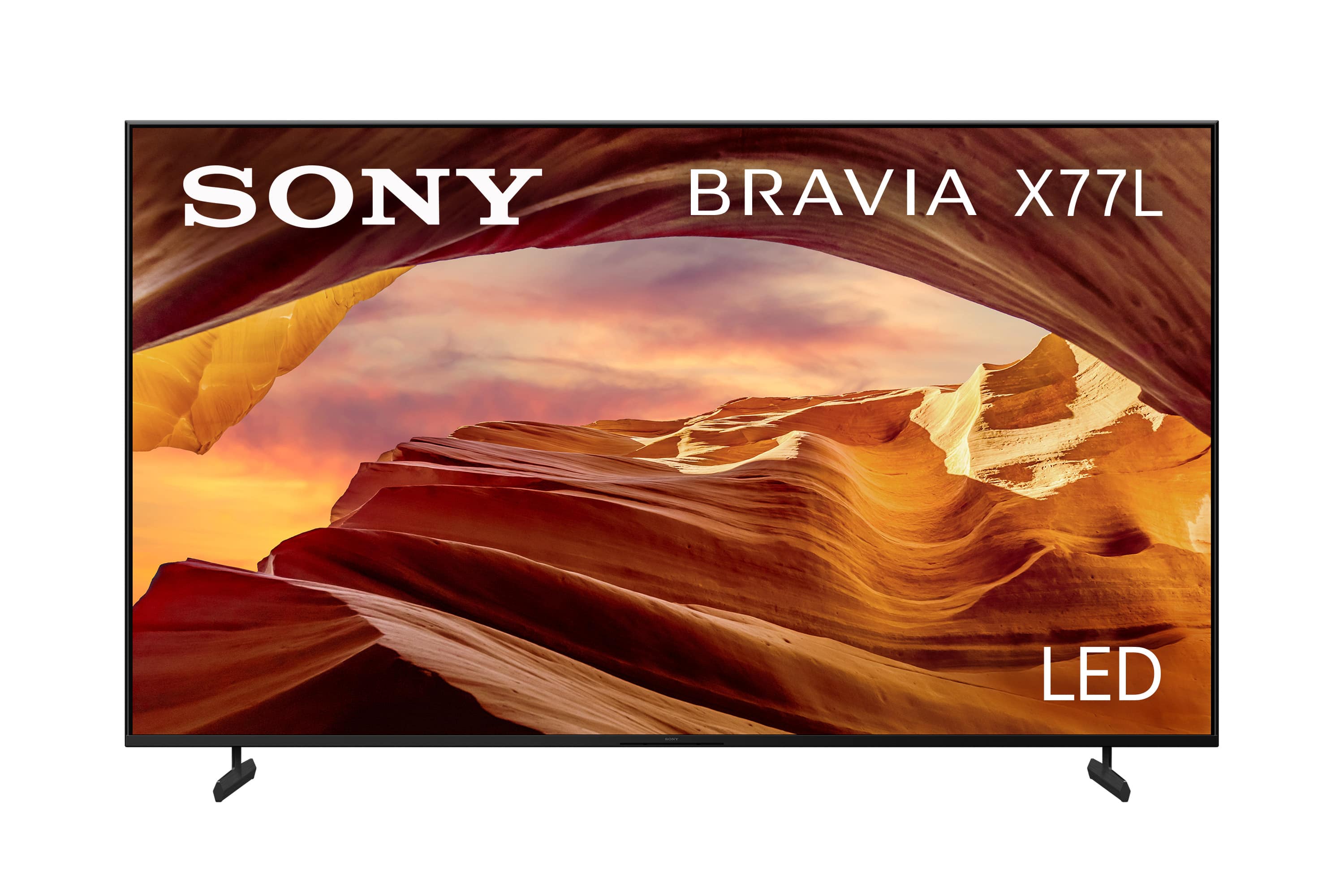
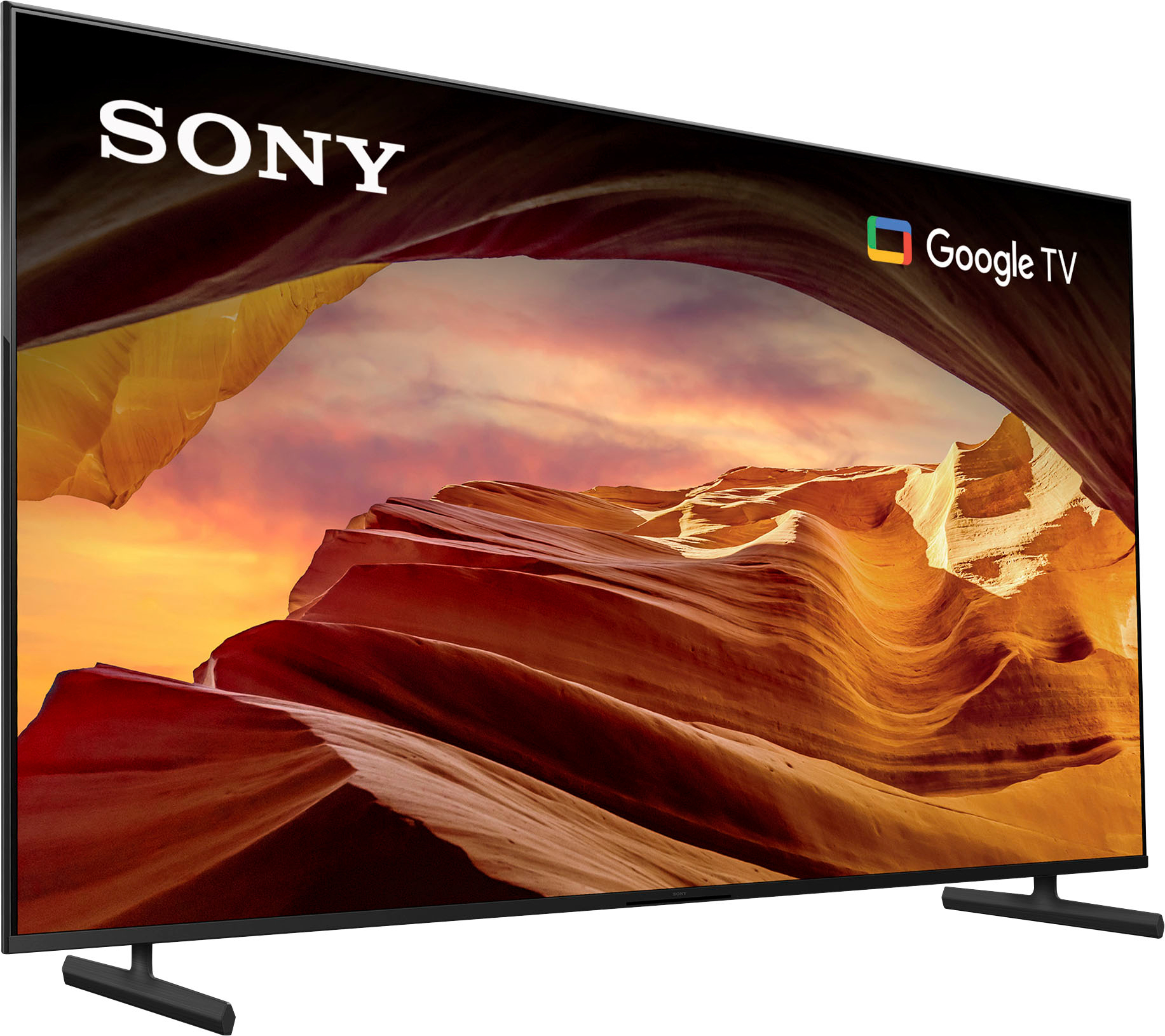





Questions & Answers
- Model:
- KD75X77L
- |
- SKU:
- 6544129
Highly rated by customers for: Picture Quality, Color, Ease of use
$499.99Your price for this item is $499.99
Comp. Value: $1,099.99
The comparable value price is $1,099.99
Page Showing 1-20 of 39 questions
Q: QuestionIf I decide I'd like some expert help with unboxing, setting up, or mounting my new TV, who can I contact?
- A:Answer Geek Squad is here to help.
This question and answer was generated by AI based on customer and product data.Q: QuestionWhat is the resolution of this Sony TV?
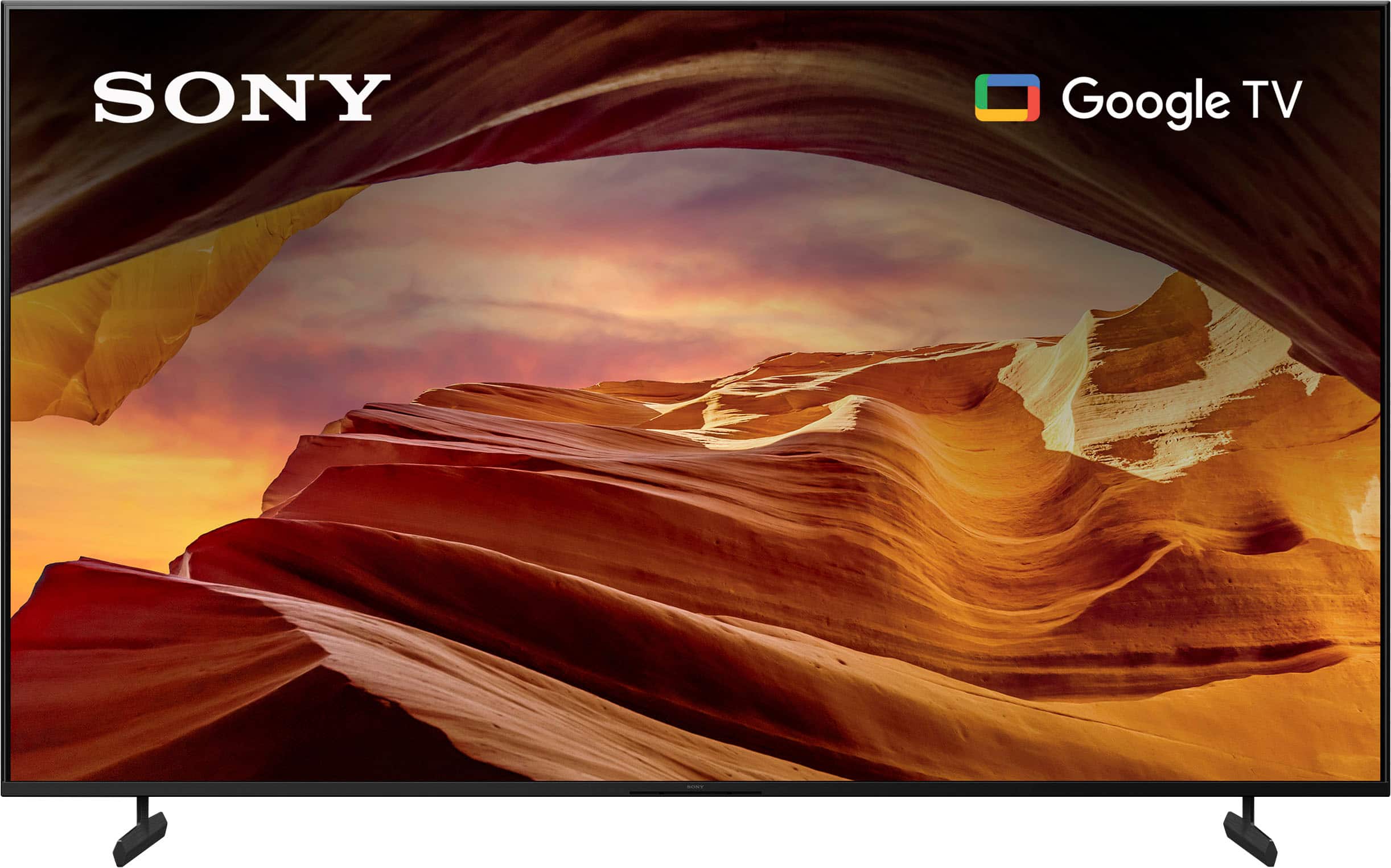
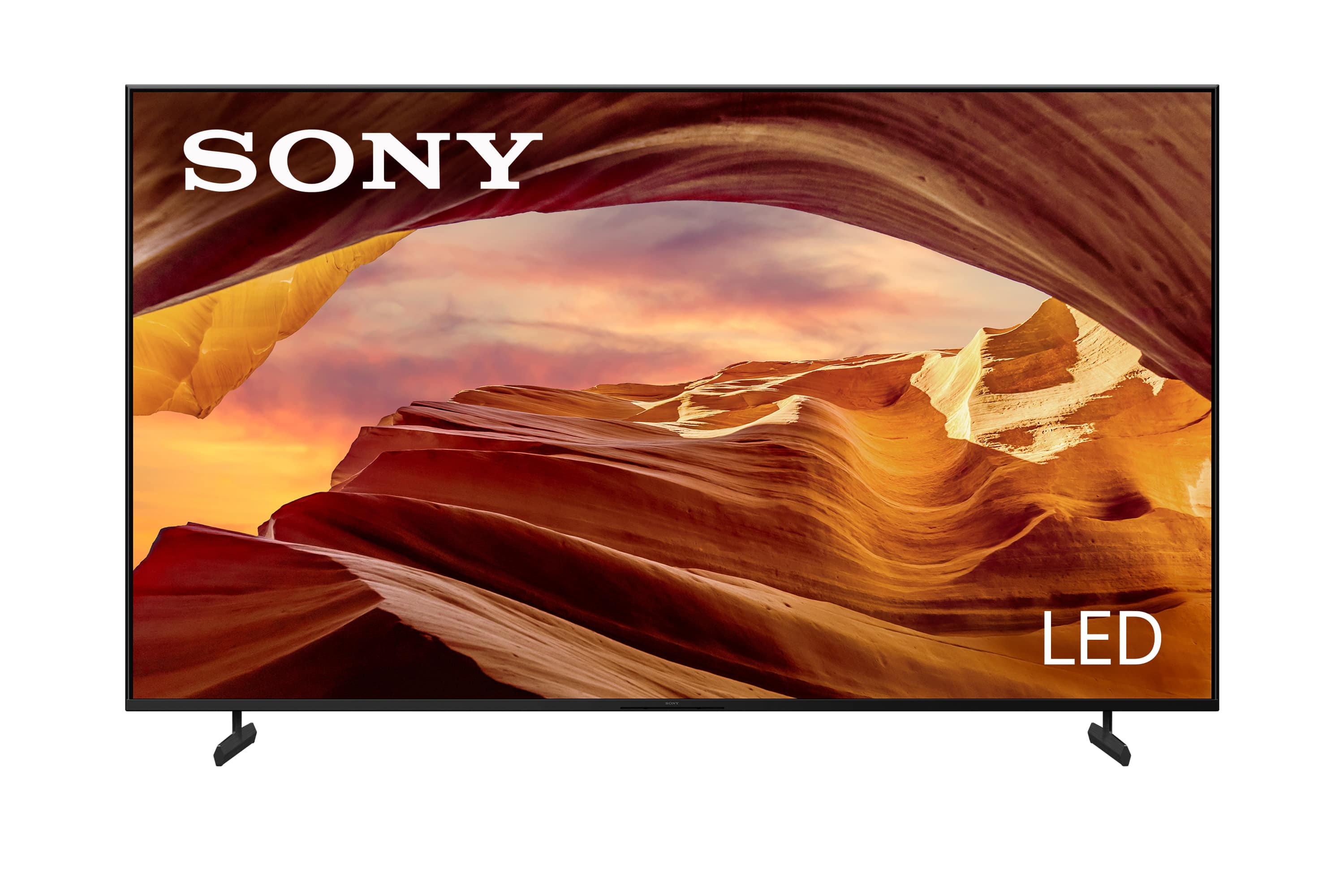
- A:Answer This Sony TV has a 4K (2160p) resolution.
This question and answer was generated by AI based on customer and product data.Q: QuestionDoes this TV have built-in speakers?
- A:Answer Yes, this Sony TV has built-in speakers.
This question and answer was generated by AI based on customer and product data.Q: QuestionCan I control this Sony TV with my voice?
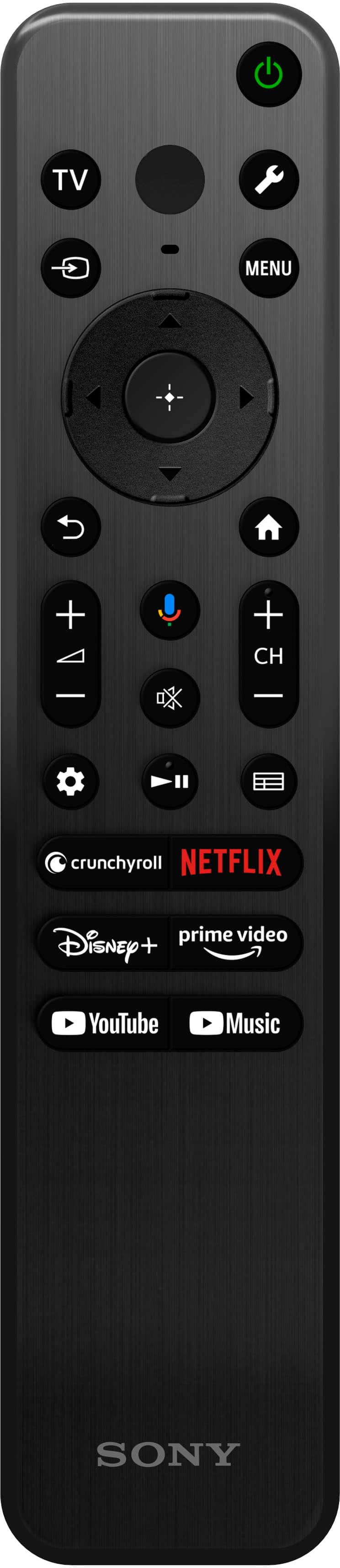
- A:Answer Yes, you can control this TV with your voice using Amazon Alexa.
This question and answer was generated by AI based on customer and product data.Q: QuestionDoes this Sony TV support HDR?
- A:Answer Yes, this TV supports High Dynamic Range (HDR).
This question and answer was generated by AI based on customer and product data.Q: QuestionHow many HDMI inputs does this TV have?
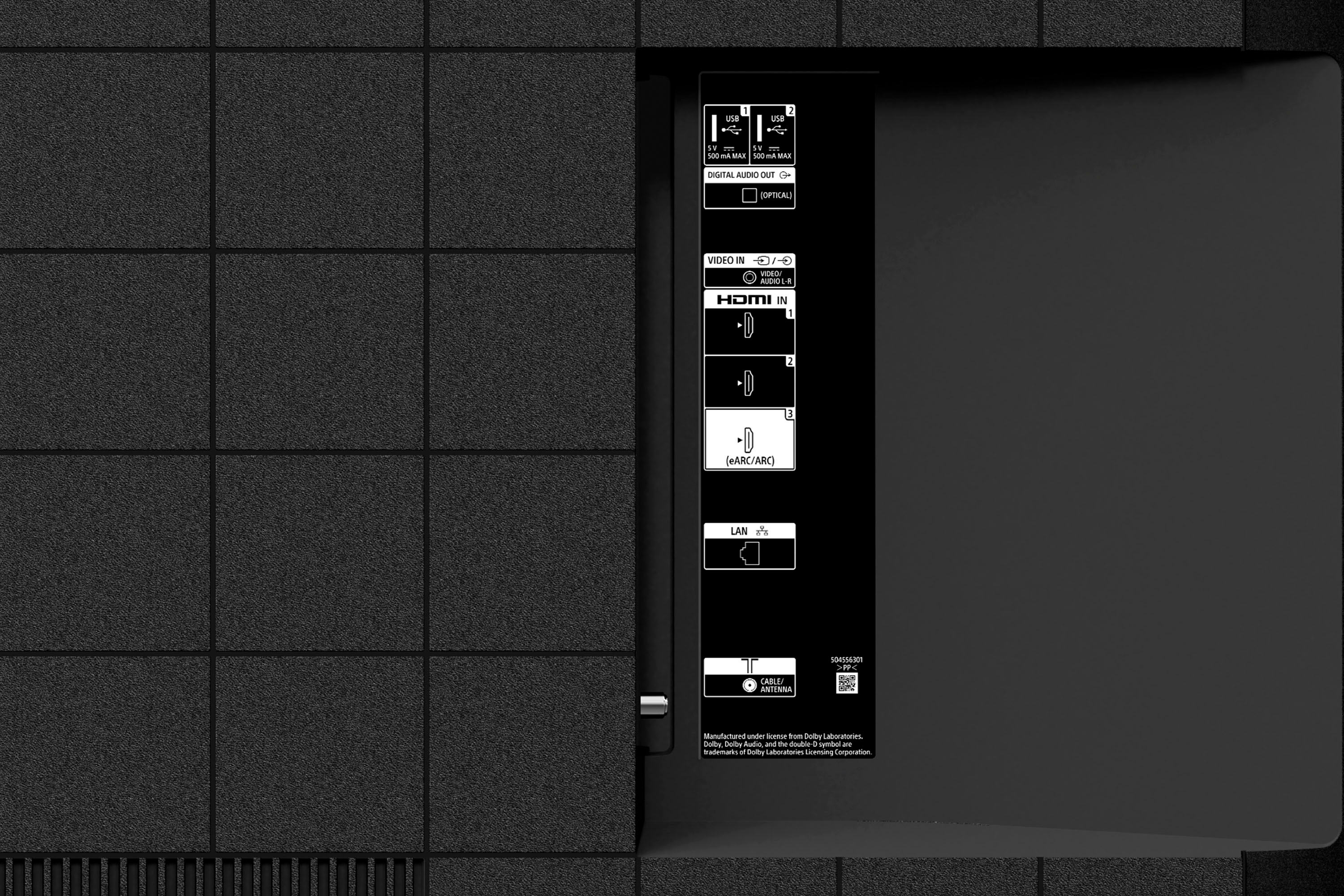
- A:Answer This Sony TV has a total of 3 HDMI inputs.
This question and answer was generated by AI based on customer and product data.Q: QuestionWhat type of display does this Sony TV use?
- A:Answer This Sony TV uses an LED display.
This question and answer was generated by AI based on customer and product data.Q: QuestionThe previos Sony TV I was using had a direct jack that I connected for my sound. How can I connect my surround sound? Optical cable nor HDMI has worked either.
Asked by RalphRam.
- A:Answer Hi RalphRam, Thank you for reaching out to us. We're sorry to hear your difficulties on connecting your surround sound with the X77L TV. Allow us to help resolve this problem. The X77L doesn't have a 3.5mm headphone jack and doesn't support a direct surround sound connection. You may connect an audio device using these following connection methods: • BLUETOOTH connection (the audio system/soundbar that support the A2DP (Advanced Audio Distribution Profile) Bluetooth profile for wireless audio playback) • HDMI connection (Audio Return Channel (ARC) or Enhanced Audio Return Channel (eARC)) • Digital optical cable connection If you can't hear TV sound from the soundbar, home theater system, or home audio system, please try some solutions below: - Perform a power reset of your TV and audio system - Check and verify your cable connections Using an HDMI cable, connect the HDMI OUT (ARC or eARC) port on the audio device to the HDMI IN (ARC or eARC) port on the TV. Set the BRAVIA Sync control to On. Check the following settings on the audio device Set the Control for HDMI to On In the HDMI settings, set the Audio Return Channel (ARC) or TV Audio Input mode to On or Auto Using the optical audio cable, connect the Optical OUT port on the TV to the Optical IN port on the audio device. In the HDMI settings on the audio device, set the Audio Return Channel (ARC) or TV Audio Input mode to Off. Change the TV audio output setting to PCM and check whether the sound is output. - Check the audio output setting of your TV to verify it's set to use your audio device. If you have a BRAVIA TV, set the TV settings for Speakers to Audio System. - Make sure your audio system input is set to TV by pressing the INPUT or TV button on your audio system remote. - Check if your audio system is muted. - Update your TV and audio system to the latest software version May we contact you to help? Unfortunately, due to the current Best Buy phishing protocol for your protection, we cannot provide a direct email or phone number for customer support as of now. Please find Sony Electronics' Support information: Go to our support website > click on “Support” > scroll down click on “Contact Support” > click on "TV & Projectors" and from there you'll see different ways to contact us. Apologies if you disclosed some of this information in your review and to customer service, we just want to ensure that we have your accurate details at the time of communication. Name: Best Buy Username: Telephone Number: Model Number: Question/concern: We are sorry for the inconvenience and hope to speak to you to resolve this matter. - Kris
Answered by SonyListens

Q: QuestionWhere's the composite input, needed to connect with the sony sr210p just purchased from BB store, or the specifications are misleading and wrong?
Asked by Anonymous.
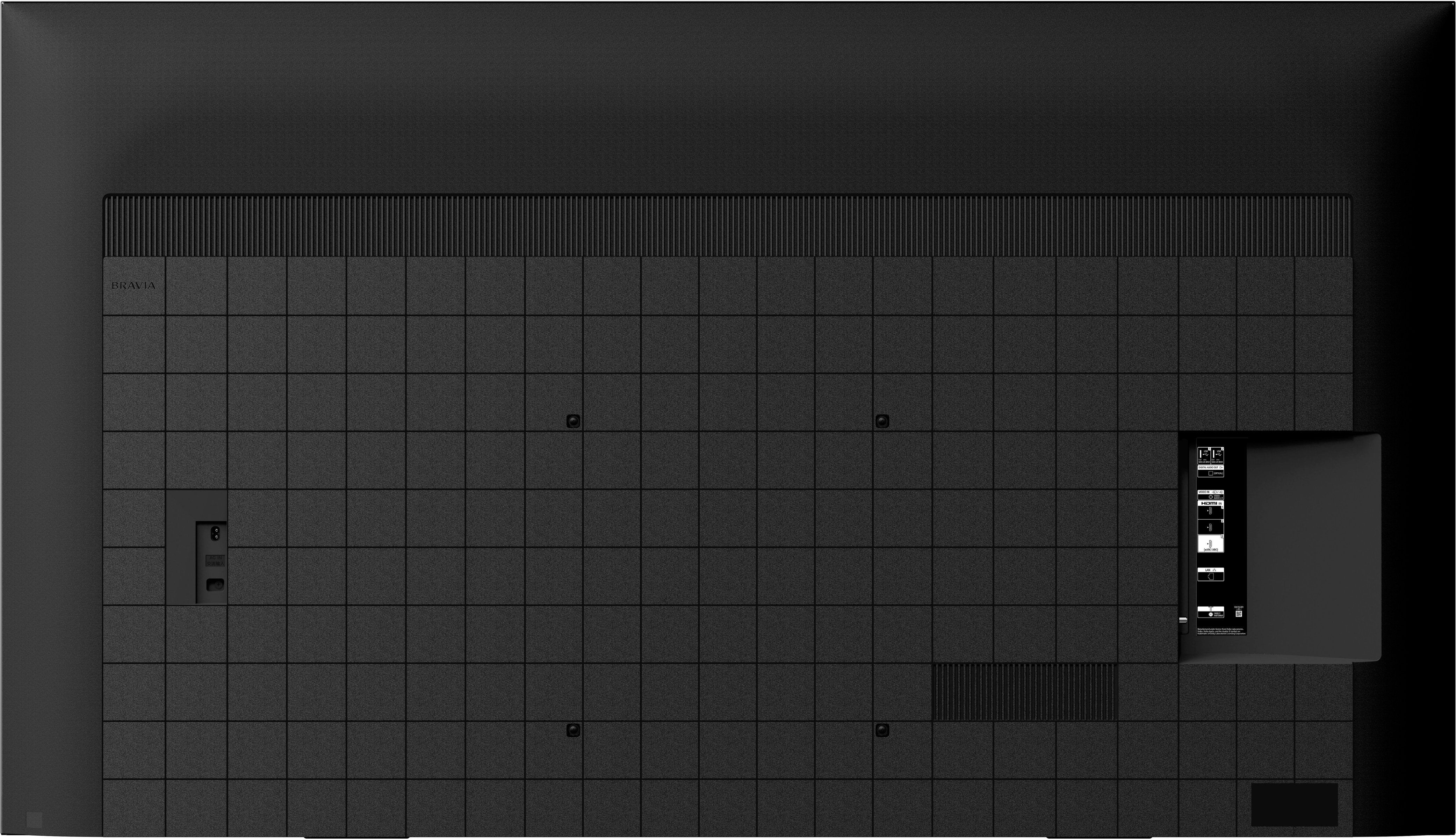
- A:Answer Hi, Thank you for reaching out to us and we do apologize for the inconvenience. For composite connection, you may hook up an Audio-Video device such as DVD player to the X77L TV using an Analog Extension cable(not supplied). The input is labeled "VIDEO IN" and located on the rear-right side of the TV. For more information on connecting external devices to this TV, please check the Help Guide link found on our SONY Support website. May we contact you to help? Unfortunately, due to the current Best Buy phishing protocol for your protection, we cannot provide a direct email or phone number for customer support as of now. Please find Sony Electronics' Support information: Go to our support website > click on “Support” > scroll down click on “Contact Support” > click on "TV & Projectors" and from there you'll see different ways to contact us. Apologies if you disclosed some of this information in your review and to customer service, we just want to ensure that we have your accurate details at the time of communication. Name: Best Buy Username: Telephone Number: Model Number: Question/concern: Hope to speak to you to resolve this matter. - Kris
Answered by SonyListens

Q: QuestionDoes this really have ATSC 3.0 Best buy says yes and amazon says yes. Sony tech support says no and there is no information in the manual.
Asked by StephenK.
- A:Answer Hi sk, Thank you for the question and we do apologize for the confusion. We are sorry but the X77L doesn’t have the ATSC 3.0 Tuner. If you are looking for TV models that feature ATSC 3.0, you may want to check our X80K, X85K, X90L, X93L and A95L. With X77L BRAVIA 4K TV, experience all your favorite content in lifelike 4K HDR picture quality, powered by the 4K Processor X1. Google TV with Google Assistant organizes your content all in one place. Support Apple AirPlay.1,5. Take your PlayStation 5 gaming to the next level with exclusive features that optimize picture quality for gaming and streaming. See blur-free picture quality in fast-moving sports and movies powered by Motionflow XR™ technology. Bring back lost texture and detail and see your content upscaled to near-4K resolution with 4K X-Reality PRO. Hope this helps! - Kris
Answered by SonyListens

Q: QuestionWhen using the the TV tuner or a 4k blu ray player the wi-fi and bluetooth shut off automatically to save power or need to be deactivated manually?
Asked by Anonymous.
- A:Answer Hi, Thank you for the question! If you are referring if the TV WI-FI and Bluetooth function automatically shuts off when watching or switching to a different input for power saving, the answer is no. However, you may disable WI-FI or Bluetooth function if you don't want to use these features. Press and hold down the power button on the remote control then select “Restart” to reset the TVs cache data. We also recommend making sure that the TV is up to date so go to settings > system > about > system software update. If the problem still continues we would recommend factory restoring the TV by going to settings > system > about > Reset > Factory data reset. Sony TVs come with various settings that can help you immediately make your TV more energy-efficient. The X77L has comes with a Power saving setting which reduces power consumption of the TV by adjusting the backlight, [Idle TV power off] turns the TV off after it has been kept idle for the preset length of time, [Auto shut-off] turns off the TV automatically if no signal is detected for 15 minutes. With X77L BRAVIA 4K TV, experience all your favorite content in lifelike 4K HDR picture quality, powered by the 4K Processor X1. Google TV with Google Assistant organizes your content all in one place. Support Apple AirPlay.1,5. Take your PlayStation 5 gaming to the next level with exclusive features that optimize picture quality for gaming and streaming. See blur-free picture quality in fast-moving sports and movies powered by Motionflow XR™ technology. Bring back lost texture and detail and see your content upscaled to near-4K resolution with 4K X-Reality PRO. Hope this helps! - Kris
Answered by SonyListens

Q: QuestionHow wide is the stand? Are there any other position's other than the 'standard position'? Is the stand adjustable to fit a smaller table?
Asked by Frank.
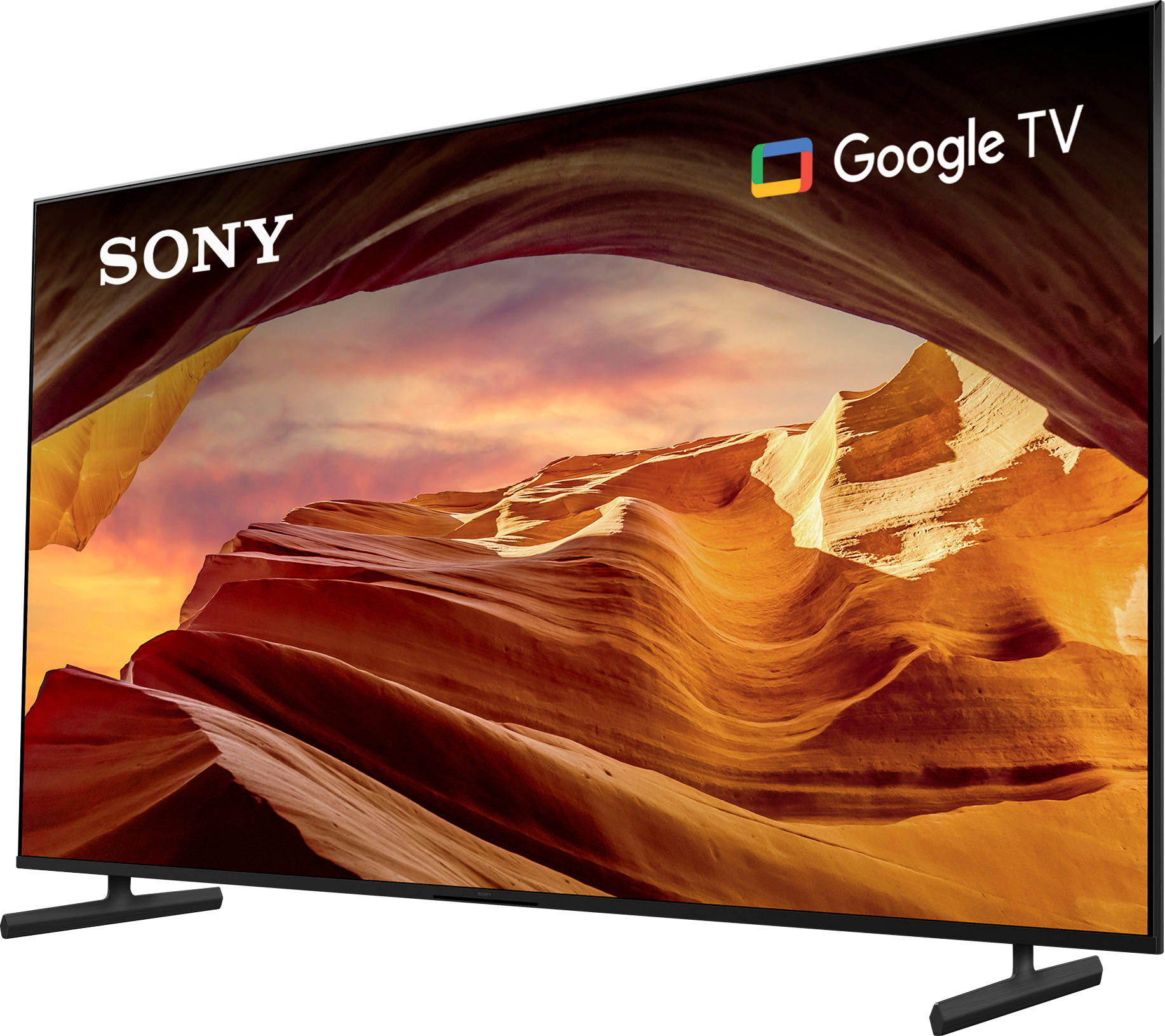
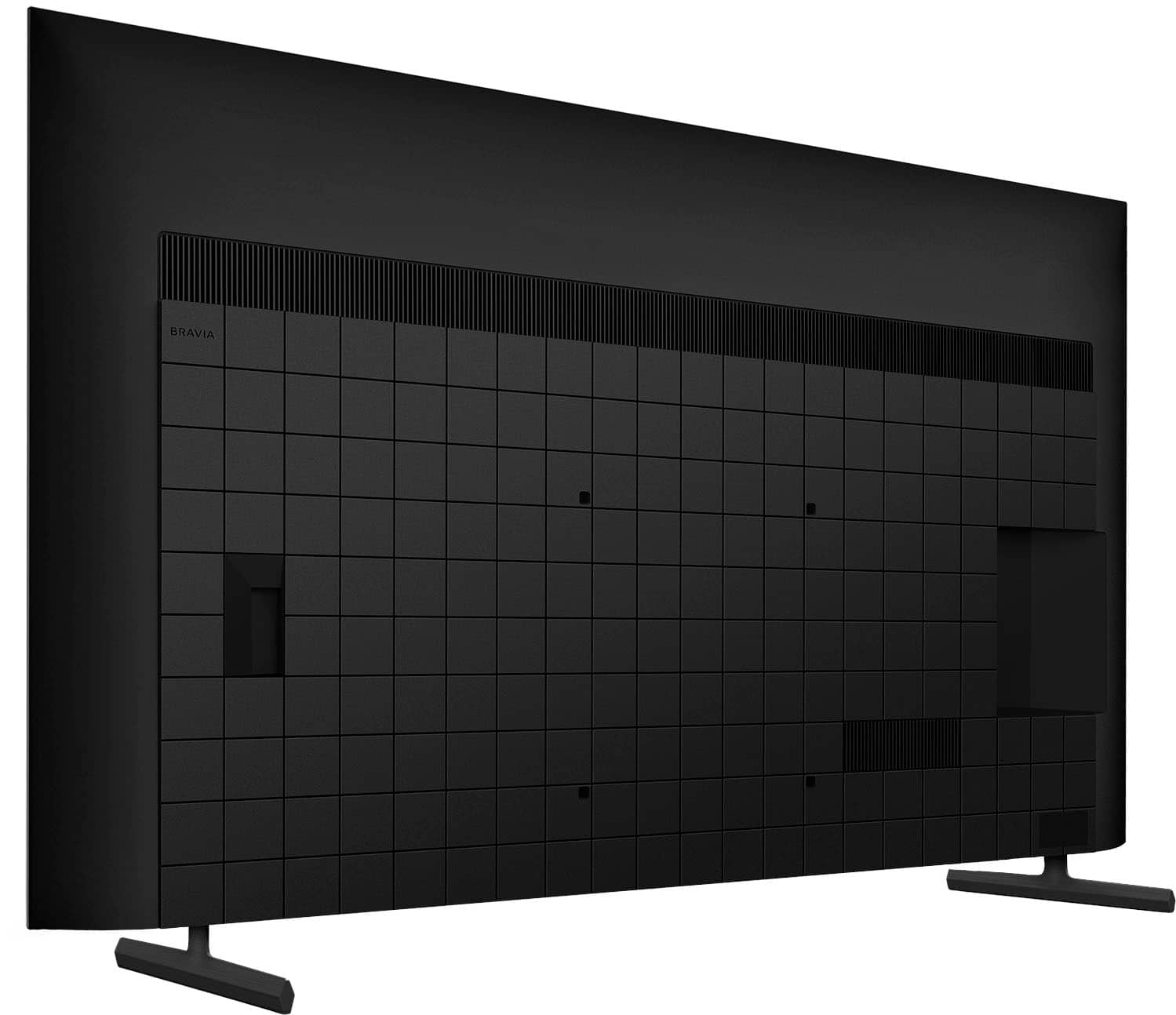
- A:Answer Hi Frank, Thanks for reaching out. Experience all your favorite content in lifelike 4K HDR picture quality, powered by the 4K Processor X1™. All your HD content is upscaled to near-4K resolution resulting in sharp details and real-world colors. Google TV™ with Google assistant™ makes it easy to find your favorite movies and shows from all the top streaming apps. As it turns out, the legs of the 75 inch X77L can only be set up in a standard position ( 1340 mm / 52 7/8 inches apart ). You can also wall mount the TV. It has 300 X 300 mm VESA hole pitch. Hope this helps! Thanks and regards, -Craig
Answered by SonyListens

Q: QuestionCan this TV be used out in the patio with partial sunlight?
Asked by JoseC.
- A:Answer Thank you for contacting Sony, Joey. While we appreciate you considering Sony for your outdoor viewing needs, we must advise that the X77L series is an indoor-rated television. It is designed for optimal performance in a climate-controlled living space and is not built to withstand the unique challenges of an outdoor environment. While we understand the desire to use your KD-75X77L TV on your patio, we must advise against it because, as an indoor-rated television, its internal components are not sealed against moisture, humidity, dust, or extreme temperature fluctuations, which could lead to component failure and ultimately void the product warranty; additionally, the TV's screen brightness is not engineered to compete with ambient or partial sunlight, resulting in significant glare and a washed-out picture that would diminish the expected 4K viewing experience. We recommend exploring TV solutions specifically engineered for outdoor use. Your satisfaction and the longevity of your product are our top priorities, and we want to ensure you get the best viewing experience possible. We appreciate your interest in Sony products. Should you require any further assistance, please don't hesitate to reach out for support here: https://us.esupport.sony.com/support/s/support-contact?language=en_US&category=tv Best regards, Gus, Sony North America Customer Support
Answered by SonyListens
Q: QuestionWhere are the USB ports located
Asked by Menominee.
- A:Answer Hi Menominee, Thanks for your question! If you're facing the TV screen, the USB ports on the Sony X77L are located at the back of the TV on the left-hand side, positioned just above the HDMI ports. For your convenience, here's a link where you can view an image that shows the exact placement of the ports: https://www.sony.com/electronics/support/res/manuals/5049/f35393ce980f6fd3487624ad530b114a/50499601M.pdf We hope this helps you easily locate the ports on your TV, and thanks for considering Sony products! Regards, Dominick
Answered by SonyListens

Q: QuestionDoes this have the feature called "picture off"
Asked by Anonymous.
- A:Answer Thanks for contacting Sony. Yes, the Sony X77L TV series does feature a "Picture off" mode. This mode allows the display to be turned off while audio continues to play. When Picture off mode is activated, the illumination LED at the bottom of the TV will light up in white, indicating that this mode is enabled. We appreciate your interest in Sony products, if you need further assistance, don't hesitate and reach us for support! You can find contact options on the link below: https://us.esupport.sony.com/support/s/support-contact?language=en_US&category=tv Best regards, Gus, Sony North America Customer Support
Answered by SonyListens

Q: Questionwhat is the manufacturers warranty on Sony - 75" Class X77L LED 4K UHD Smart Google TV (2023)
Asked by tv.
- A:Answer Hi TV, that's a fantastic question about the Sony 75" Class X77L – what an incredible TV choice! You'll be thrilled to know that it comes with a 1-year limited manufacturer's warranty. This provides significant peace of mind, ensuring that you can fully enjoy your stunning new display without worry. Thank you for considering Sony products! Regards, -Dominick
Answered by SonyListens

Q: QuestionDoes this tv have a timer to schedule on/off times? I want it to turn on and off automatically each day to a set schedule.
Asked by Sreed.
- A:Answer Hi deidra. Thank you for reaching out. Answering your question: Yes, the X77L TV model has a timer feature that allows you to schedule the TV to turn on and off automatically at specific times. You can use the On timer function to set the TV to turn on at a particular time and the Sleep timer or Idle TV power off function to turn the TV off after a certain period of inactivity. You can check this article: https://www.sony.com/electronics/support/articles/00260992?utm_source=glean Thank you for choosing Sony. Regards. -Jenn
Answered by SonyListens

Q: QuestionWill this TV play 3D movies?
Asked by Billyboy.
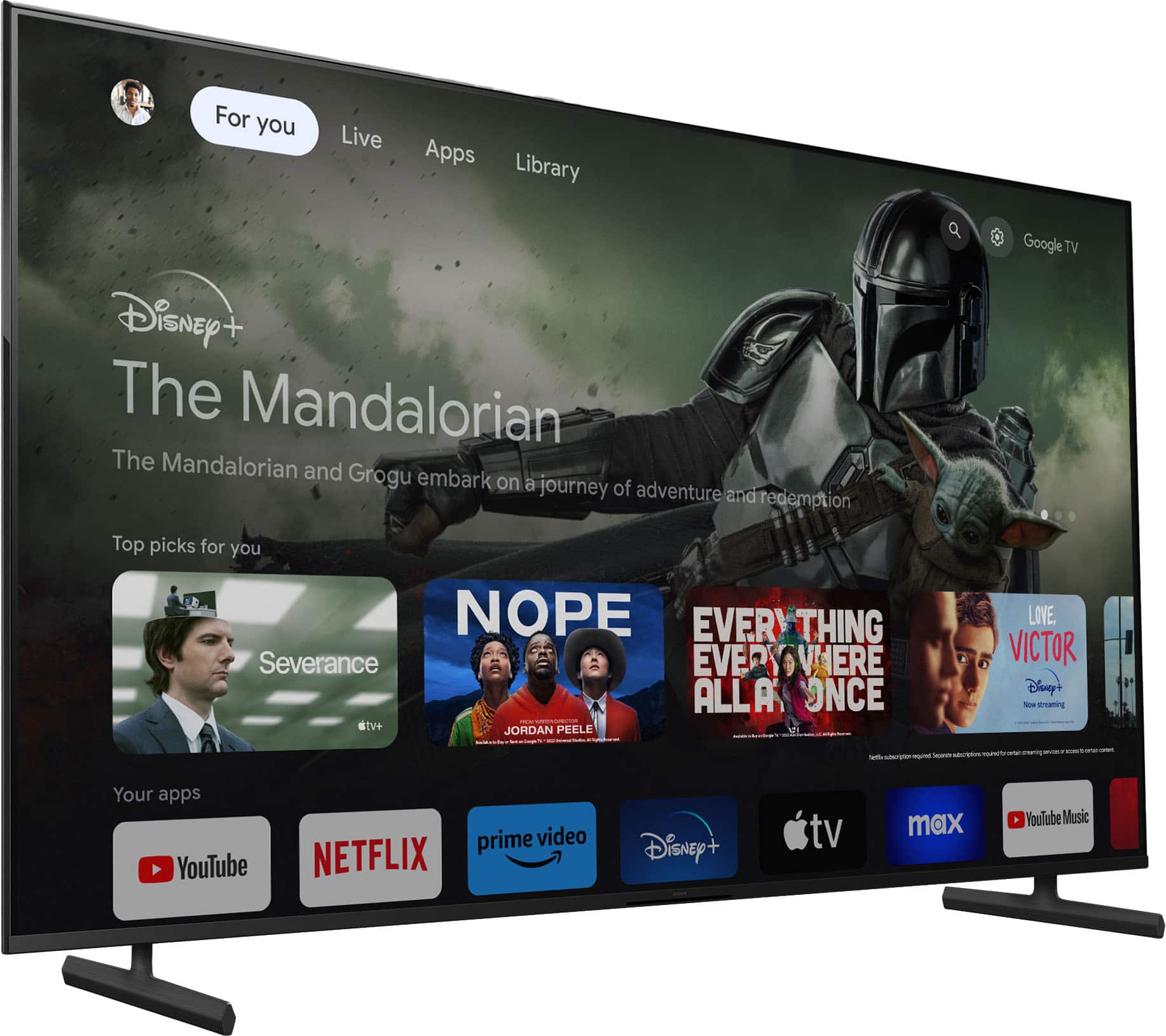
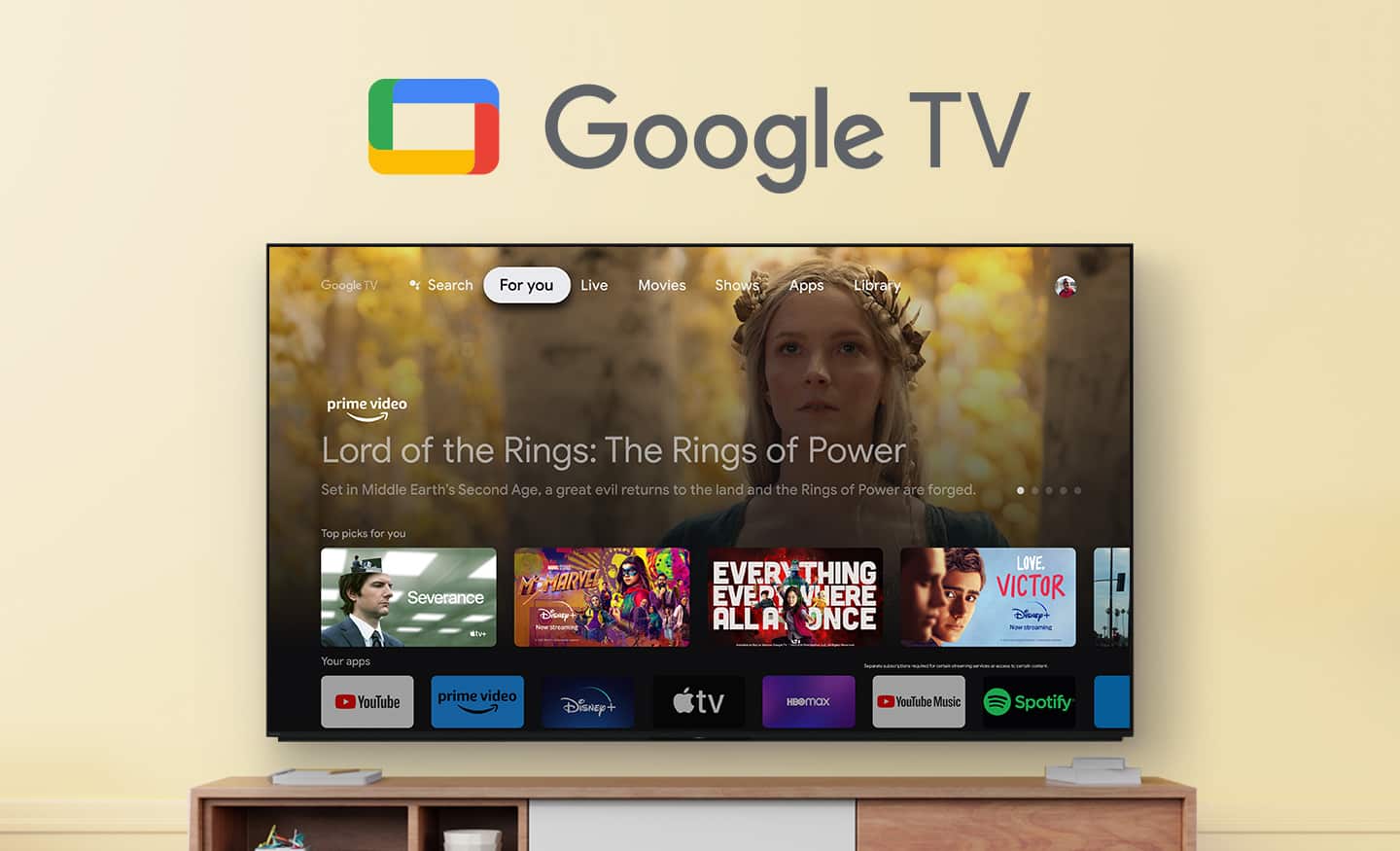
- A:Answer Hi Billyboy, Thank you for your comment. Regarding your question, the KD75X77L unfortunately does not support 3D format; therefore, you cannot play 3D movies on this TV. However, it does come with numerous other features that enhance your viewing experience. Here are some of the notable features you can use: Google TV: The KD75X77L comes with Google TV, providing a user-friendly interface and access to a wide range of apps and streaming services. USB Connectivity: You can connect a USB storage device to the TV's USB port to enjoy photos, music, and videos stored on the device. The media player allows you to browse folders and files and supports various file formats. Bluetooth Compatibility: The TV supports Bluetooth connections with audio devices such as headphones, speakers, and soundbars (only one Bluetooth audio device can be connected at a time). 4K content: The Sony KD75X77L television is 4K HDMI capable. To view 4K content, you should ensure that you are using a Premium High-Speed HDMI® cable that supports 18Gbps. Additionally, you may need to set the HDMI signal format to "Enhanced format" in the television's settings for optimal performance. And more, you can check the link below for all the information about your unit. Thank you for choosing Sony. I hope you enjoy your great TV! -Gus. How can I watch 4K and HDR content from an HDMI device connected to my Android TV or Google TV? https://www.sony.com/electronics/support/articlesSpecifications https://www.sony.com/electronics/support/televisions-projectors-lcd-tvs-android-/kd-75x77l/specifications [PDF]Reference Guide https://www.sony.com/electronics/support/res/manuals/5049/aab04e6588ae966ed5a82a81ff75ab62/50499561M.pdf
Answered by SonyListens

Q: QuestionWhile using Bluetooth to my Bose headphones do the TV speakers still broadcast?
Asked by Scott9.
- A:Answer Yes it does
Answered by NishantS
Page 1, Showing 1-20 of 39 questions
Top Rated
- $459.99Your price for this item is $459.99$549.99The comparable value for this item is $549.99
- $129.99Your price for this item is $129.99$149.99The comparable value for this item is $149.99
- Black Friday Deal$399.99Your price for this item is $399.99
- Black Friday Deal$189.99Your price for this item is $189.99
- $249.99Your price for this item is $249.99$379.99The comparable value for this item is $379.99
- Black Friday Deal$549.99Your price for this item is $549.99
- Black Friday Deal$229.99Your price for this item is $229.99
- Black Friday Deal$599.99Your price for this item is $599.99
- Black Friday Deal$1,399.99Your price for this item is $1,399.99
- Black Friday Deal$74.99Your price for this item is $74.99
- $599.99Your price for this item is $599.99$1,299.99The comparable value for this item is $1,299.99
- Black Friday Deal$329.99Your price for this item is $329.99
- $949.99Your price for this item is $949.99$1,999.99The comparable value for this item is $1,999.99
- Black Friday Deal$699.99Your price for this item is $699.99
- $169.99Your price for this item is $169.99$299.99The comparable value for this item is $299.99
- Black Friday Deal$499.99Your price for this item is $499.99
- Black Friday Deal$329.99Your price for this item is $329.99
- $99.99Your price for this item is $99.99$229.99The comparable value for this item is $229.99
- Black Friday Deal$1,999.99Your price for this item is $1,999.99
- Black Friday Deal$1,399.99Your price for this item is $1,399.99














