Year-End SaleEnds 1/1/26. Limited quantities. No rainchecks.

Main Content

Questions & Answers

Your price for this item is $2,998.00
The comparable value price is $3,199.99
Page Showing 21-40 of 61 questions
  • QuestionI had to return two of the 77" Bravia 8 OLEDs because the TV wouldn't turn on within a day of setting it up. In both cases, the TV wouldn't turn on unless it was unplugged and then plugged in, wait for about 45 seconds, then turn on.

    Asked by DavidG.

    • Answer Hi DPG, This is not the experience that we want you to have. This isn't normally the case with the BRAVIA 8 TV. Sony's commitment to customer satisfaction is our top priority. Rest assured that your feedback will help us improve our products and services. For optimum performance, it is recommended to install the latest software version of the TV. Make sure that you are using a working power outlet. Resetting the TV to factory settings may also help resolve the issue. Please refer to the steps below: 1. On the supplied remote control, press the (Quick Settings) button or HOME button depending on your TV. 2. Select Settings. 3. Select System → About → Reset → Factory data reset → Erase everything → Yes. Hope this helps. In case you need further assistance, please let us know. Unfortunately, due to the current Best Buy phishing protocol for your protection, we cannot provide a direct email or phone number for customer support as of now. Please find Sony Electronics' Support information: Go to our support website > click on “Support” > scroll down click on “Contact Support” > click on "Electronics Product Support" > click on "TV & Projectors" and from there you'll see different ways to reach us. -Ralph

      Answered by SonyListens

  • QuestionWhat is the length between the tv stand.

    Asked by Teton.

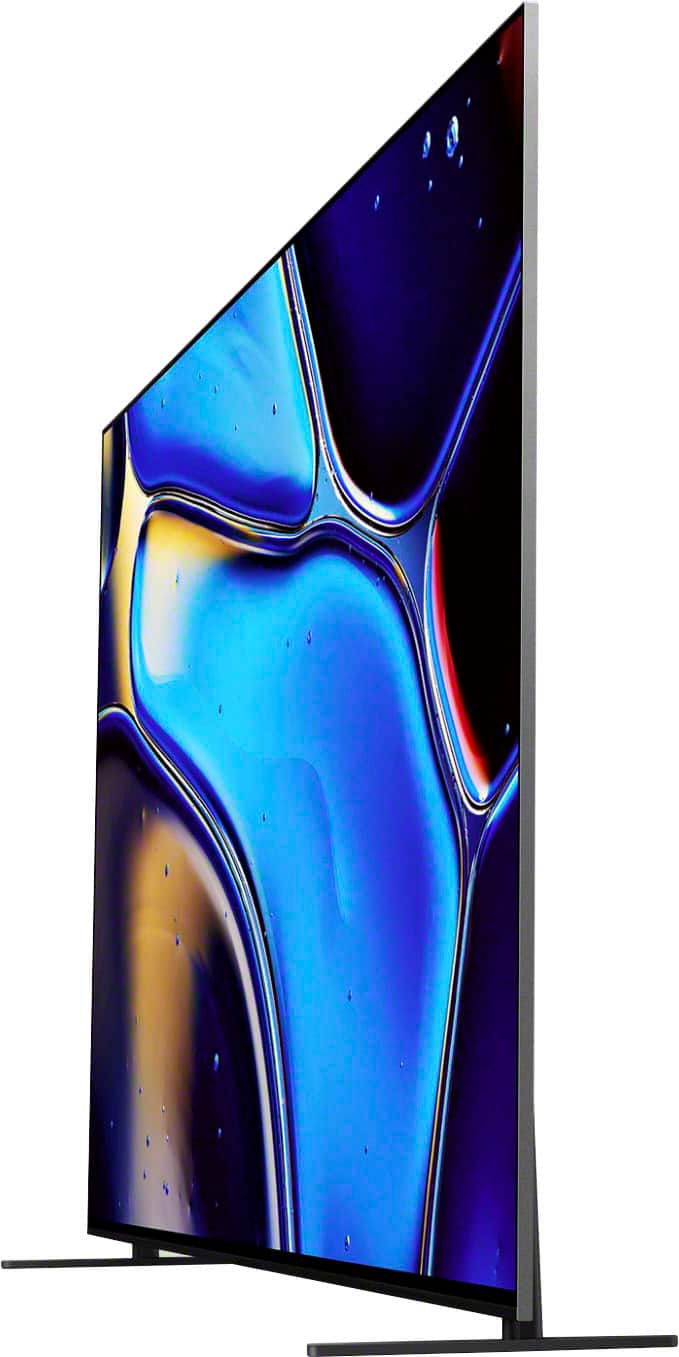
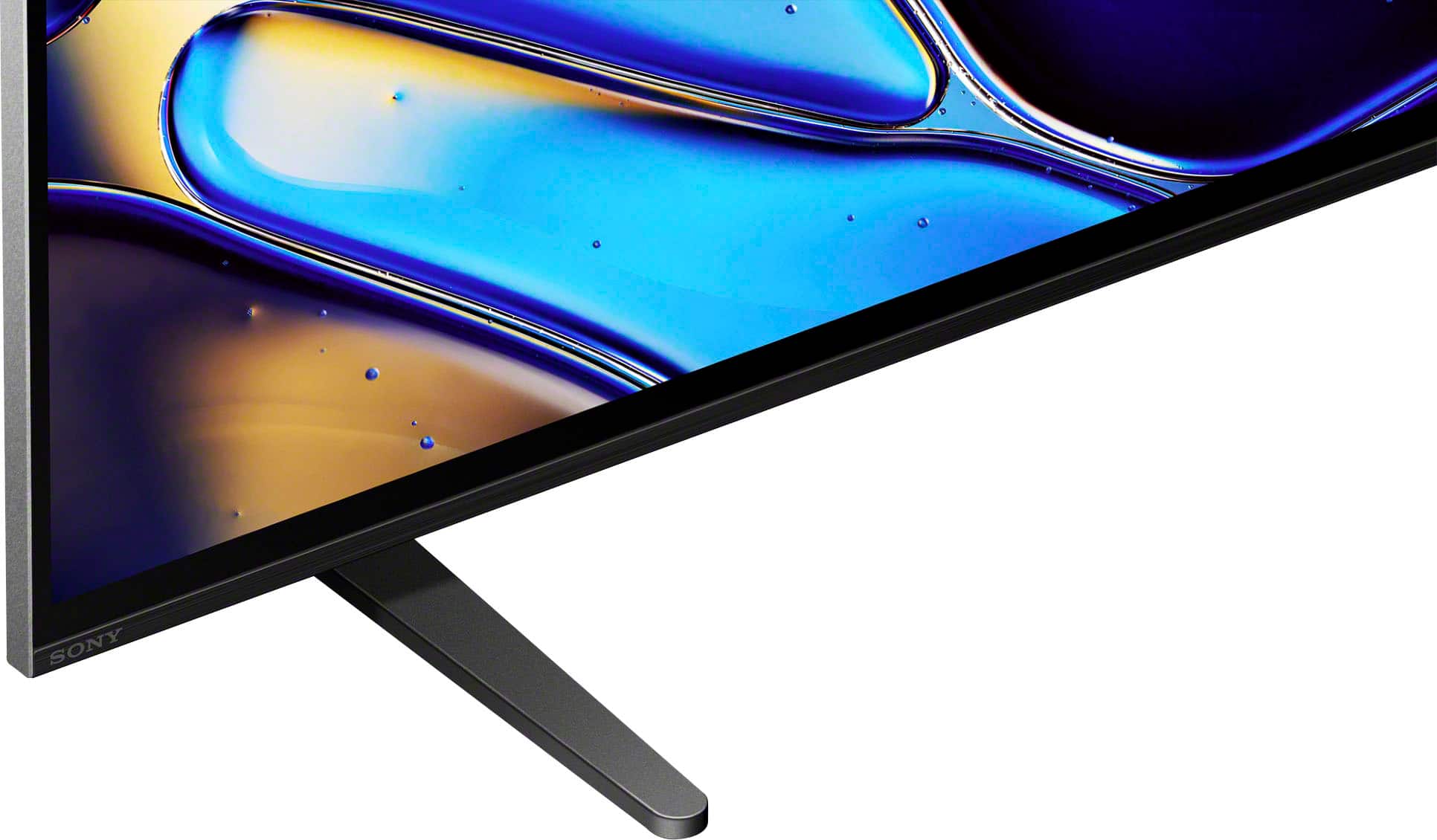
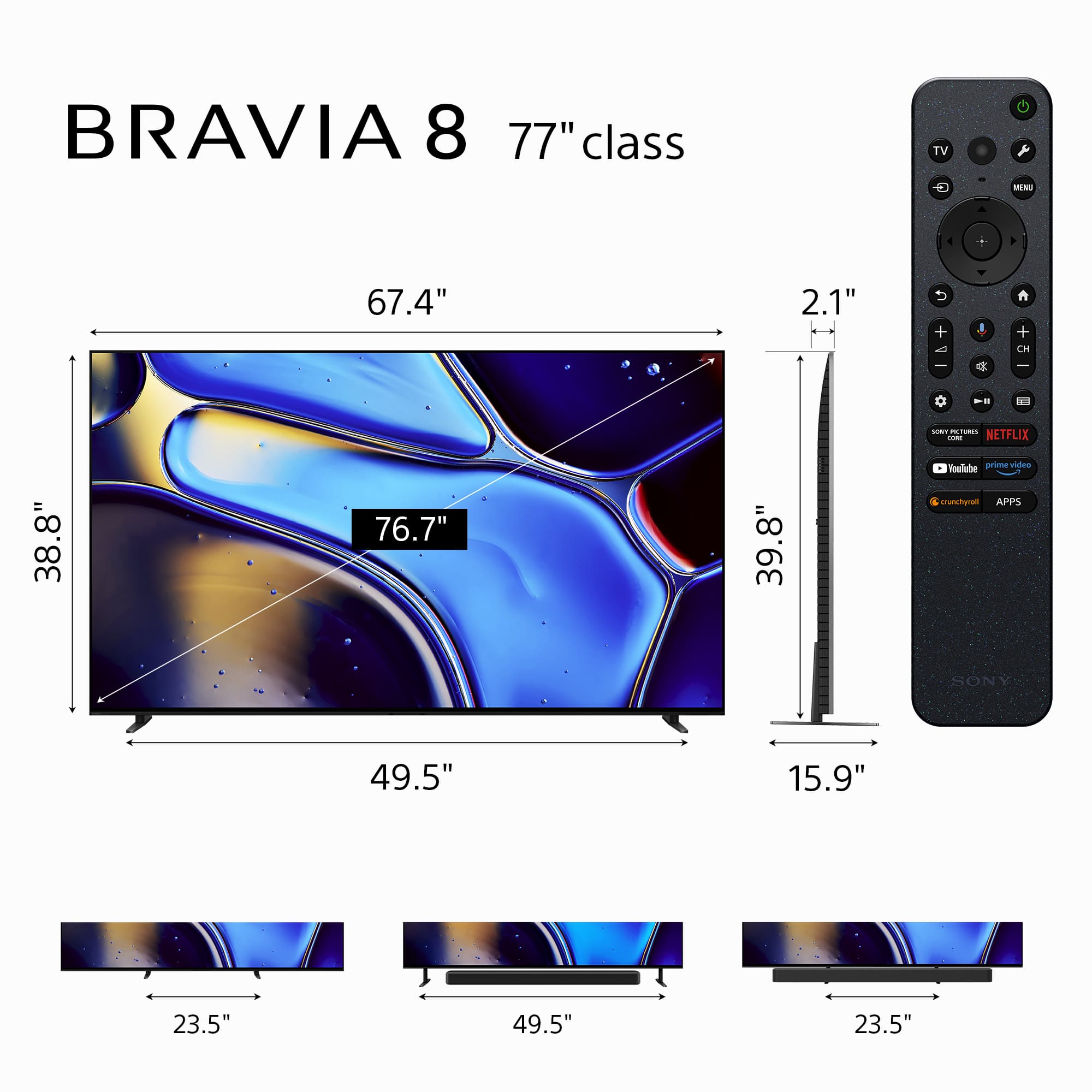
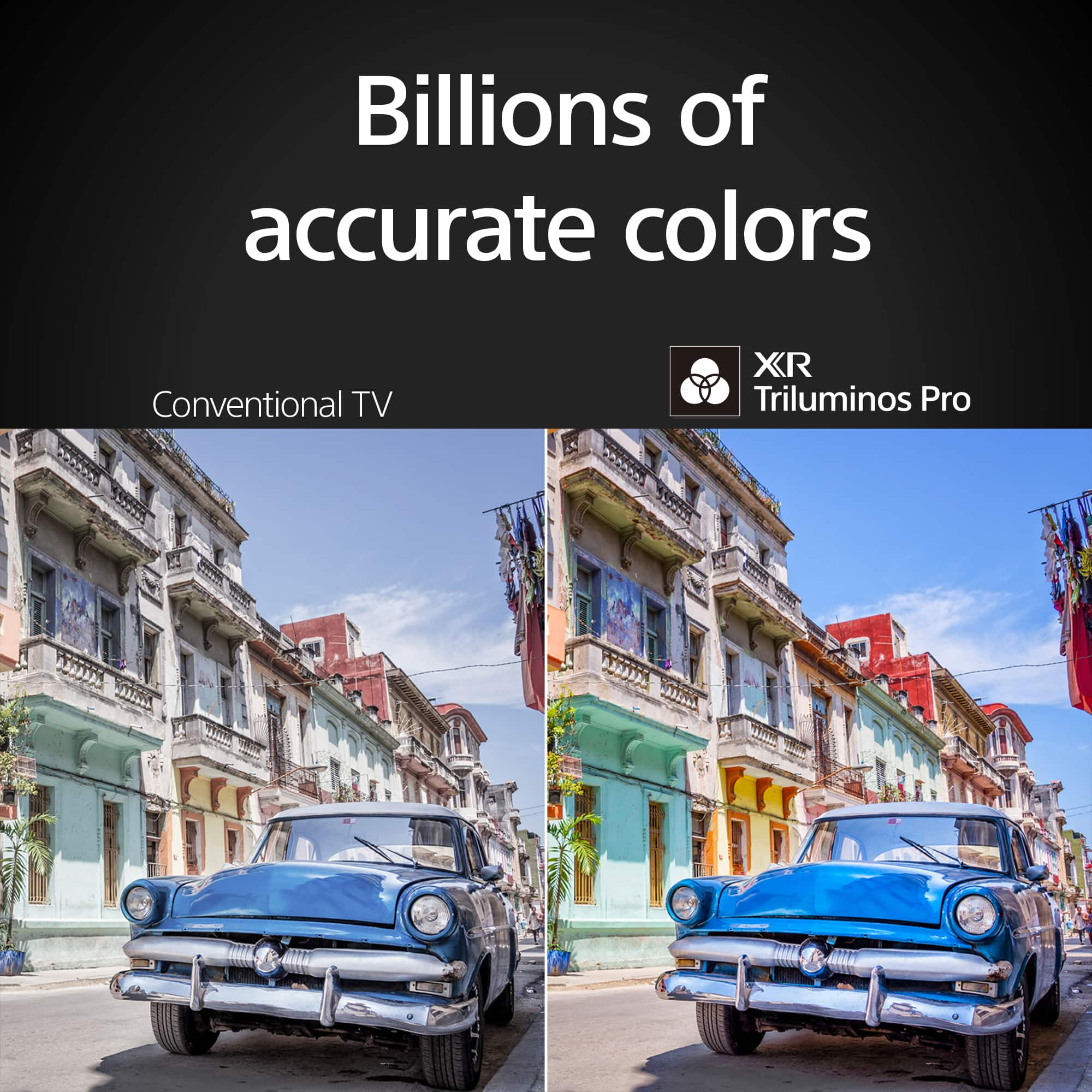
    • Answer Hi Teton, Thank you for your question. The width of the stand measures 49.65" (1,258 mm) (STANDARD POSITION)/(SOUNDBAR POSITION) and 23.5" (596 mm) (BACK POSITION STYLE)/(NARROW POSITION). For more information, please refer to our support website. Brilliant pictures. We’ve taken the infinite blacks and stunning detail of OLED for astonishing texture and realism. See the world’s colors with all the vibrance of real life. Our XR Triluminos Pro™ reproduces over a billion of them with the subtle differences from saturation and hue that enables natural shades in every detail. Sound and pictures, perfectly in sync. Acoustic Surface Audio +™ with tweeter turns every part of the screen into a powerful speaker that emits sound from exactly the right place in the scene. Hear dialogue straight from the actor and bring the theater-like experience to your home. -Ralph

      Answered by SonyListens

  • QuestionDimensions?

    Asked by Anonymous.

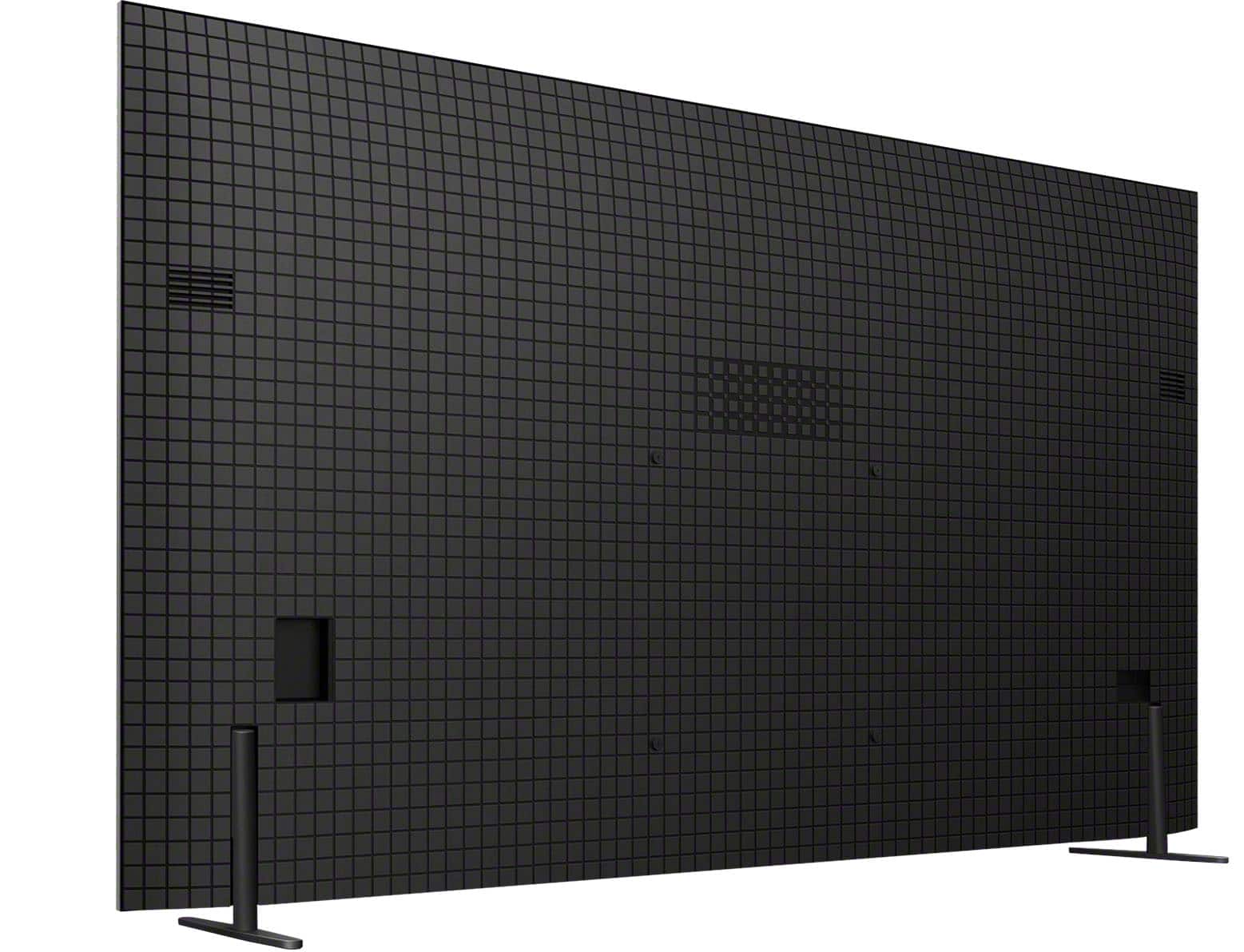
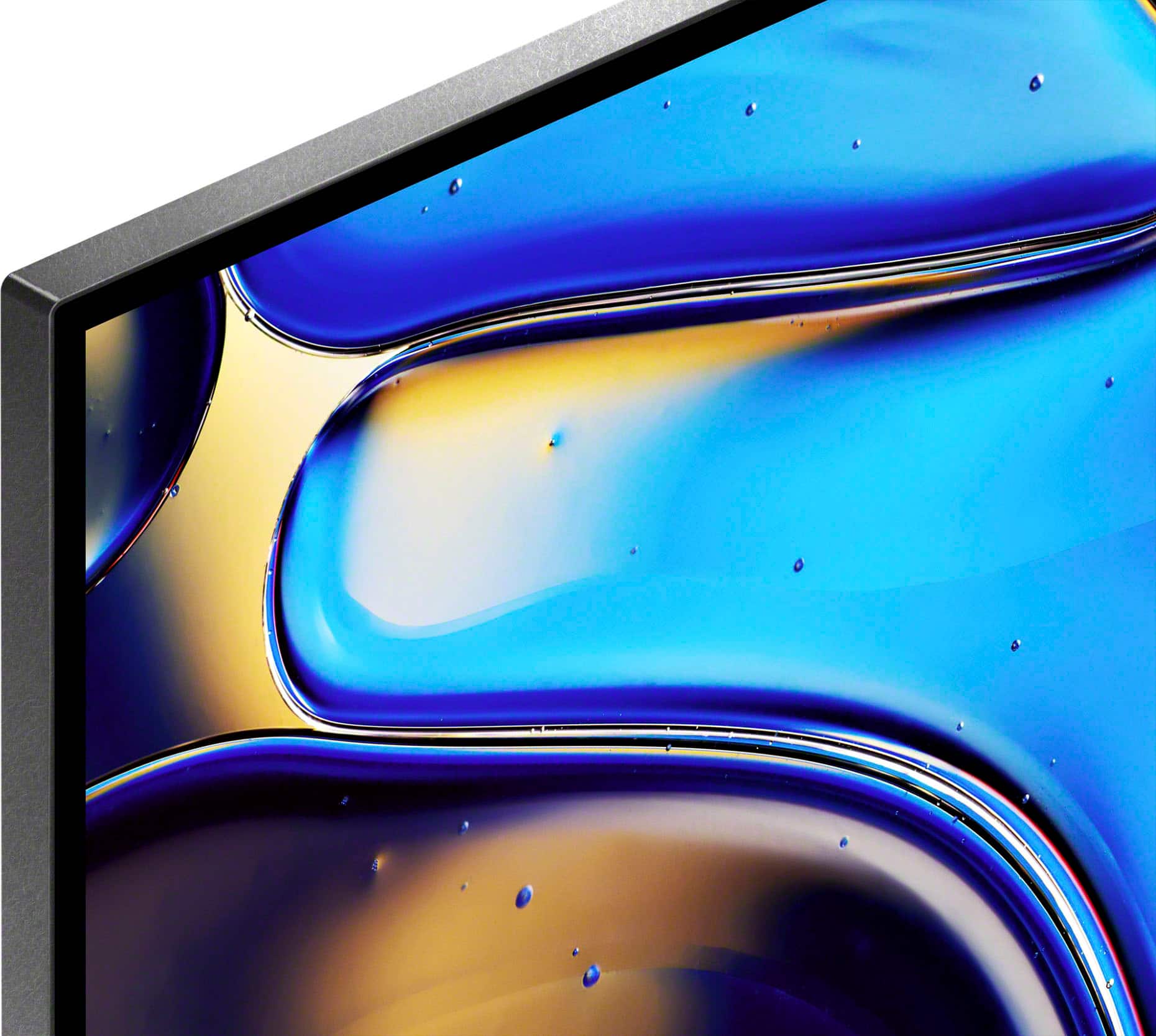
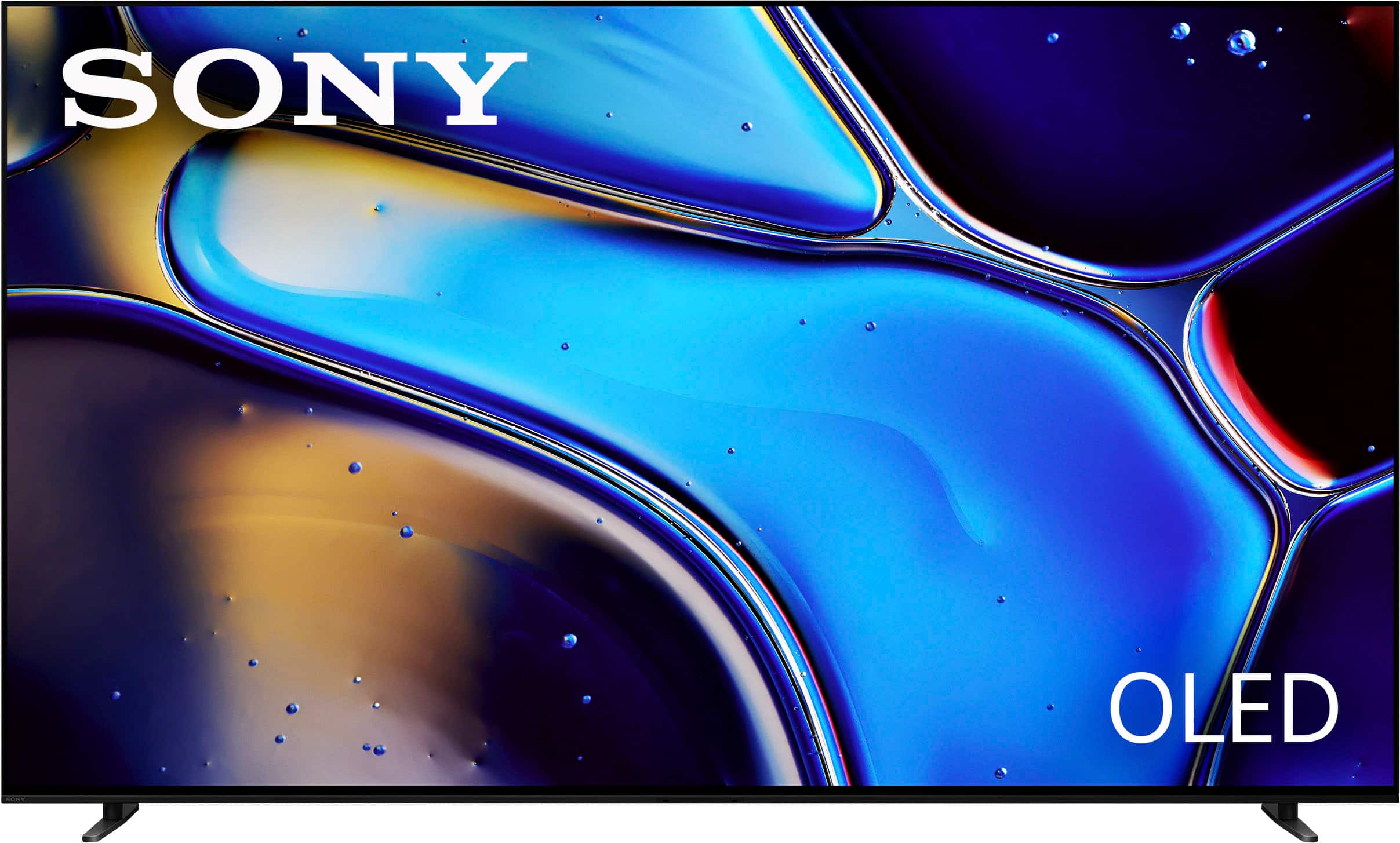
    • Answer Hi there, Thank you for your interest in the 77" Sony Bravia 8! The dimensions of this TV are as follows: Dimension of TV without Stand (W x H x D) 67.5 x 38.75 x 1.5" (1,713 x 984 x 38 mm) DIMENSION OF TV WITH STAND (STANDARD POSITION) (W x H x D) 67.5 x 39.88 x 16.65" (1,713 x 1,012 x 405 mm) TV WITH STAND (BACK POSITION STYLE) (W X H X D) 67.5 x 42 x 16" (1,713 x 1,066 x 405 mm) DIMENSION OF TV WITH STAND (SOUNDBAR POSITION) (W x H x D) 67.5 x 42 x 16" (1,713 x 1,066 x 405 mm) DIMENSION OF TV WITH STAND (NARROW POSITION) (W x H x D) 67.5 x 39.88 x 16.65" (1,713 x 1,012 x 405 mm) The sleek design and cinematic audio and visuals make BRAVIA 8 the perfect centerpiece for your living space. Our Slim One Slate concept fuses screen and bezel into a single slate, maximizing your experience. Its flush one-piece back accentuates the sleek lines and thin profile of the TV. Pure OLED black and vibrant color brings out vibrant textures and astonishing realism in everything you watch. The screen is the speaker, delivering a totally unique and immersive theater-like sound that keeps you on the edge of your seat. Actuators behind the screen vibrate and turn it into a speaker that delivers clear and immersive sound from the center with the same sound structure as the cinema. The newly equipped tweeter brings out the surround feel to provide a cinema-like experience. Regards, Sam
      Answered by SonyListens

  • QuestionCan this TV be mounted flat to the wall. That is very close less then an inch? Does Sony make such a wall bracket or 3rd party for the Bravia 8 ?

    Asked by Davev.

    • Answer Hi Davev, Thank you and to answer your questions yes Sony does offer a wall mount to allow flush wall mounting. SU-WL855 with a new bracket coming soon SU-WL905. Hope this helps! Pure OLED black and vibrant color brings out vibrant textures and astonishing realism in everything you watch. The screen is the speaker, delivering a totally unique and immersive theater-like sound that keeps you on the edge of your seat. We guarantee you that this TV is amazing and worth buying for! Regards, Sam

      Answered by SonyListens

  • QuestionWhat is the warranty on this tv?

    Asked by ChuckPiz.

    • Answer Thank you for contacting Sony, ChuckPiz. The Sony BRAVIA 8 TV comes with a total warranty period of 365 days (1 year) from the date of purchase. This warranty covers manufacturing defects and hardware malfunctions under normal usage conditions. Please note that the warranty does not cover damage resulting from accidents, misuse, unauthorized repairs, or external factors. For complete details on the warranty terms, coverage, and claim procedures, please refer to the official Sony limited warranty document here: https://www.sony.com/electronics/support/res/manuals/BL79/60bde36090366474708b1240edfb57f7/BL791001M.pdf We appreciate your interest in Sony products. Should you require any further assistance, please don't hesitate to reach out for support here: https://us.esupport.sony.com/support/s/support-contact?language=en_US&category=tv Best regards, Gus, Sony North America Customer Support

      Answered by SonyListens

  • QuestionWhat type of USB port is in the Bravia 8; A or C?

    Asked by Comets96.

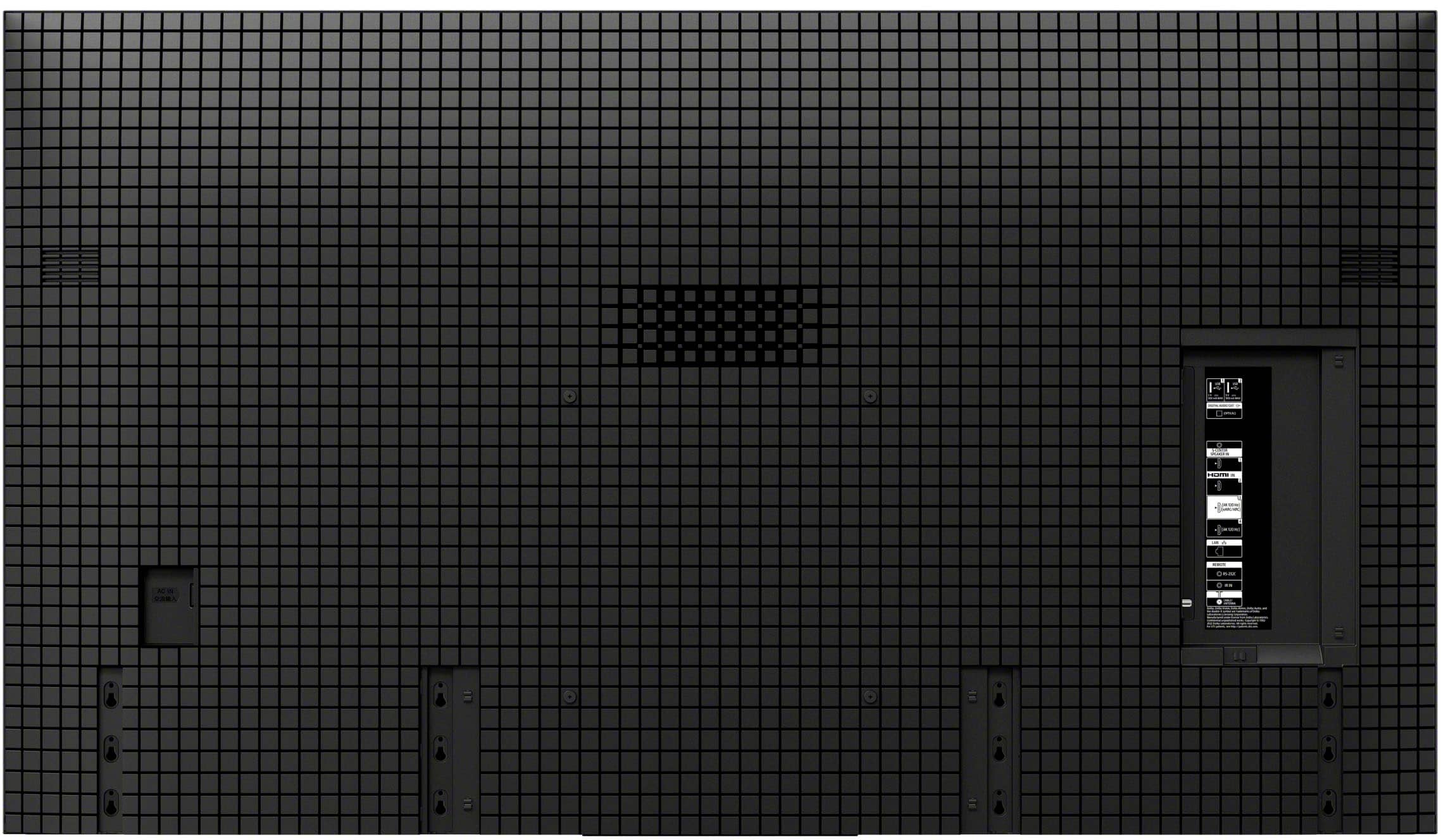
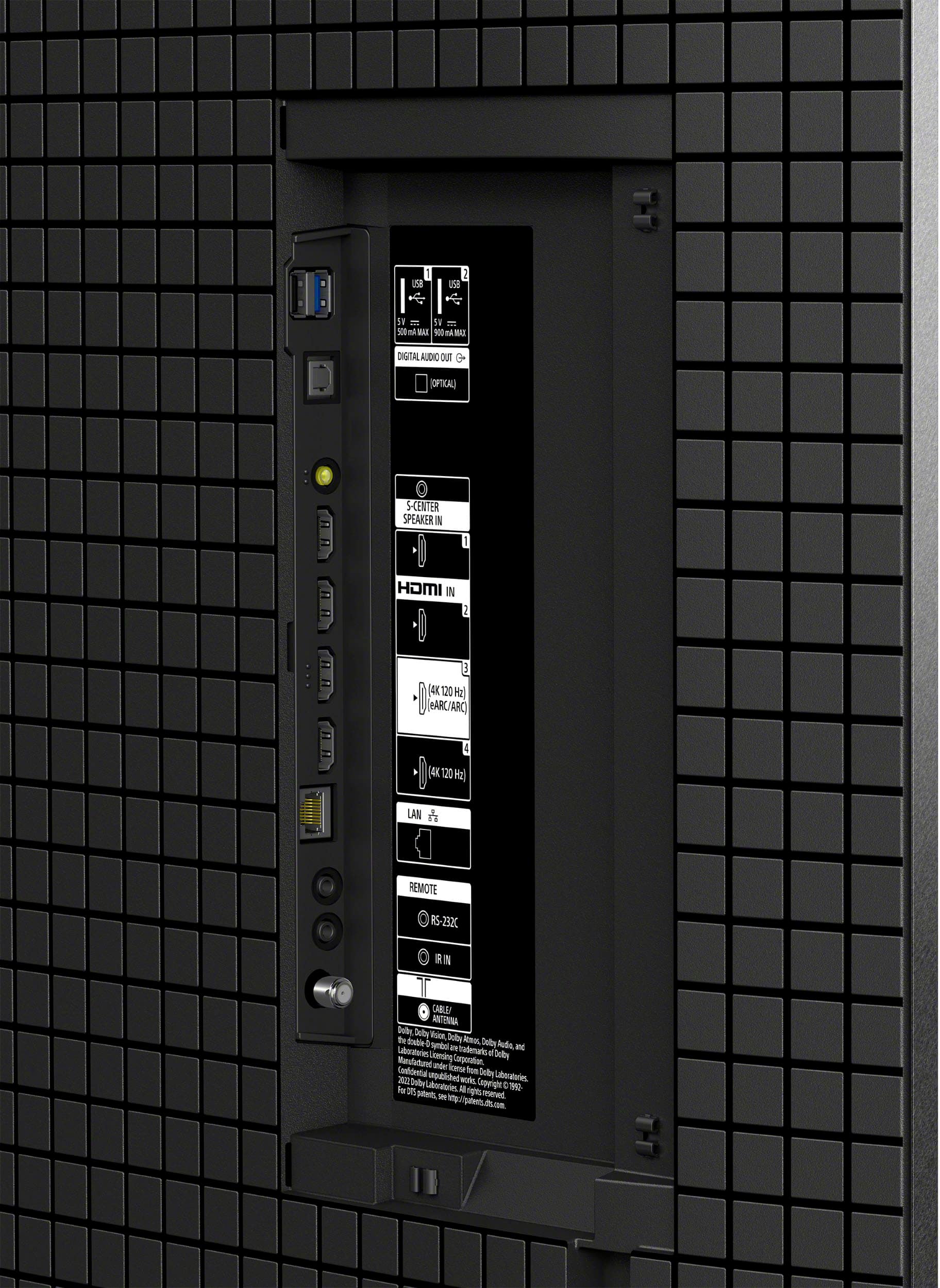
    • Answer Hi Comets96, Thank you for your question about the USB ports on the Sony BRAVIA 8 television. The BRAVIA 8 features two USB Type-A ports (the larger, rectangular shape), which are commonly used for flash drives, external hard drives, and other peripherals. We hope you find this information helpful! Thanks for considering Sony. Regards, Dominick

      Answered by SonyListens

  • Questionare the built in speakers good enough or does it require a sound bar for the sony 77" class bravia 8 oled 4k uhd smart google tv?

    Asked by RAM.

    • Answer Internal speakers are pretty solid actually. Depending on your needs you shouldn’t need a sound bar.

      Answered by CWilder

  • QuestionHow wide is the TV stand for the 77" tv?

    Asked by Anonymous.

    • Answer Hi there! The Sony K-77XR80 features a versatile multi-way stand, which allows you to adjust the stand width based on your furniture size or if you need room for a soundbar. Standard Position: 49 5/8 inches wide Narrow Position: 23 1/2 inches wide This multi-way design gives you flexibility when deciding where to place your 77-inch television. We hope this answers your question, and thanks for considering Sony! Regards, Dominick

      Answered by SonyListens

  • Questiondo the the TV have picture in a picture?

    Asked by tony.

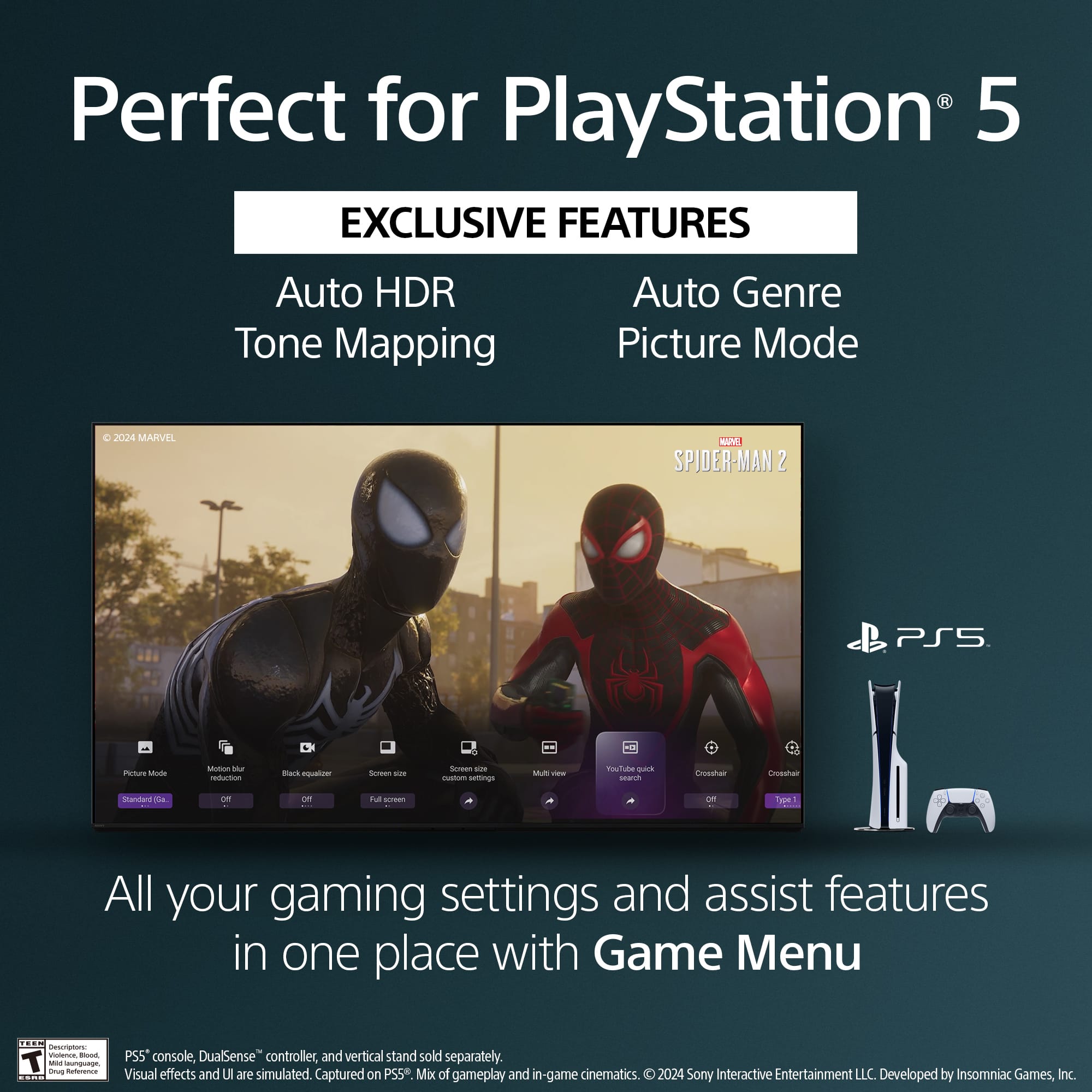
    • Answer Hi tony, The BRAVIA 8 OLED TV (2024) does not feature the traditional Picture-in-Picture (PIP) that allows you to watch two separate video inputs (e.g., two HDMI sources) simultaneously. While the Google TV operating system allows you to keep an input running in a small window while navigating the Home screen or certain apps, it is not the classic, dual-input PIP function. Thanks for choosing Sony. Best regards, Eliab

      Answered by SonyListens

  • Questiondo this tv have picture in a picture feature?

    Asked by tony.

    • Answer Hi tony, The Sony 77" Class BRAVIA 8 OLED TV does not feature the traditional Picture-in-Picture (PIP) or Picture-and-Picture (P&P) capability that allows simultaneous viewing of two separate video sources (such as two different HDMI inputs). This feature is not included in current Sony Google TV models. Thanks for choosing Sony. Best regards, Eliab

      Answered by SonyListens

  • QuestionNobody talks here about the reflections on the screen. Is this non-glare screen? We have bright windows right opposite to the TV. Are the reflections very bright? Especially during daytime?

    Asked by JayP.

    • Answer It does reflect light but not as bad as one might think. It would definitely depend on how much lighting you have from those windows. The screen is glossy and not anti glare.

      Answered by CWilder

  • QuestionDoes it have an anti reflective coating?

    Asked by Anonymous.

    • Answer No. Even in my bright living room it is still easy to see.

      Answered by CWilder

  • Questionsome internal damage has caused picture to be distorted, there is no physical crack or damage to the screen. Can that be fixed?

    Asked by kamlesh.

    • Answer Hi Kamlesh, Thank you for your question. We're very sorry to hear that your Sony - BRAVIA 8 has internal damage causing a distorted picture. We understand how frustrating this can be and would like to help you explore the repair options. Please send us an email with the information below to [email protected] so we can better assist you. Full Name: Best Buy Username: Telephone Number: Model Number: Issue/Concern: Thank you for considering Sony products! Regards, Dominick

      Answered by SonyListens

  • QuestionCan I connect Apple TV and Verizon Box directly to the TV and use the EARC HDMI output with compatible HDMI cable to my AV Receiver for Atmos and other audio formats?

    Asked by Greg.

    • Answer Hi Greg, Yes, you can connect both your Apple TV and Verizon Box directly to your TV. The TV's HDMI eARC output is designed to send the audio from those devices to a compatible A/V receiver, allowing you to experience formats like Dolby Atmos. Just make sure to use an HDMI cable that supports eARC and that the eARC setting is turned on for both your TV and receiver. Thanks for choosing Sony. Best regards, Eliab

      Answered by SonyListens

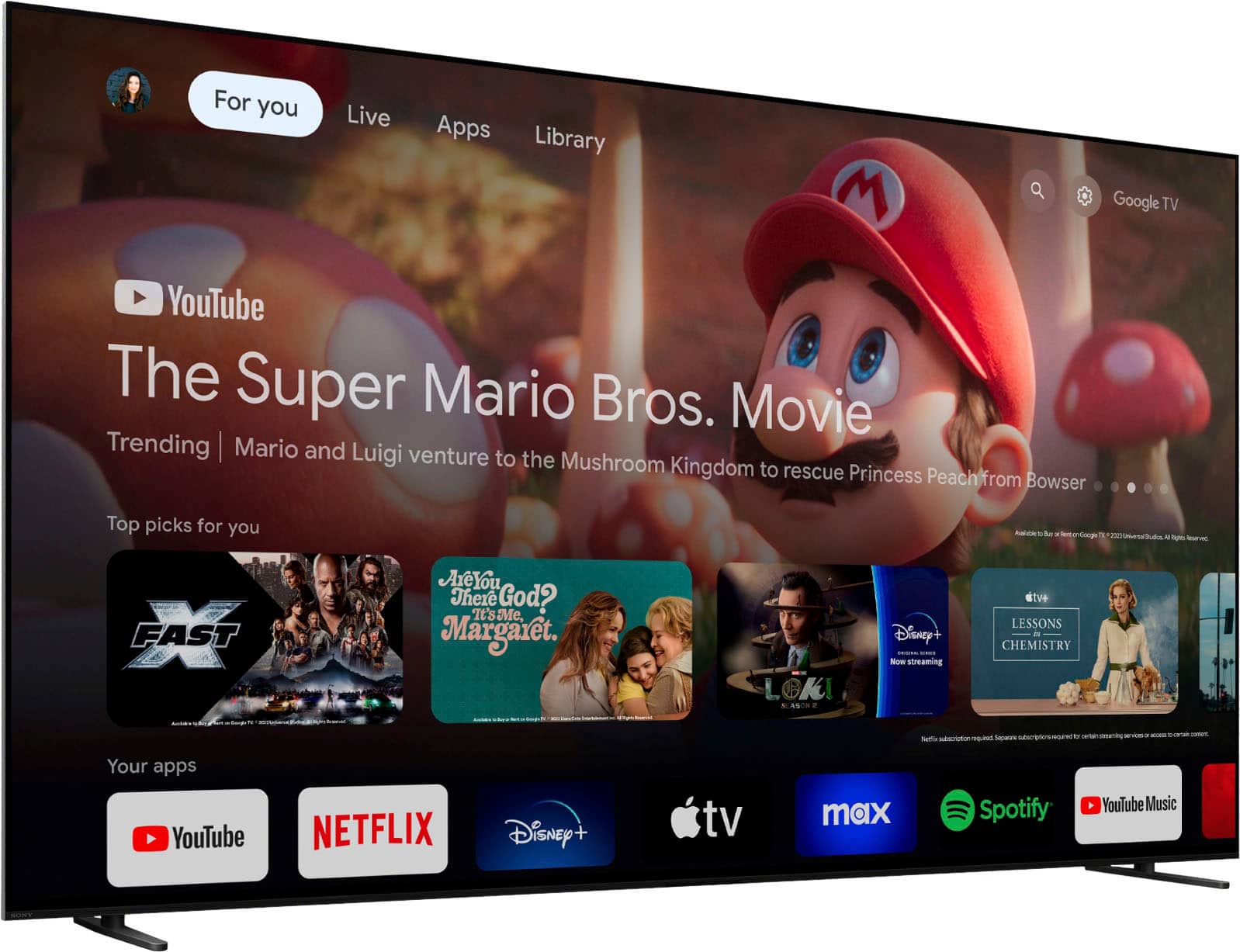
  • QuestionCan this and other Sony models turn off the display using both a voice command and the remote control and play only the audio portion of the content? Thanks!

    Asked by DWayne.

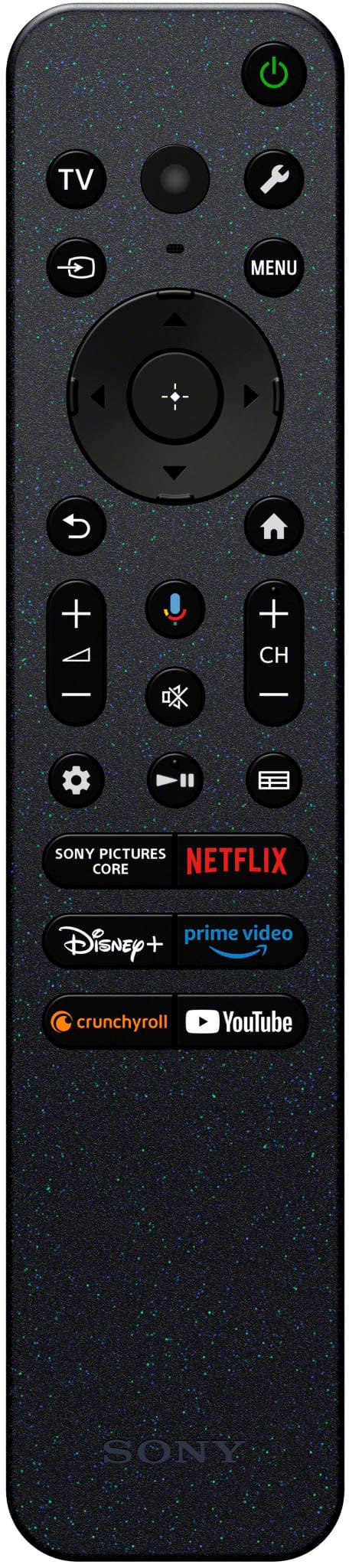
    • Answer Thank you for contacting Sony, DWayne. Short answer: Yes! Long answer: The K-77XR80 is able to use the picture mode off settings, you just have to press the quick settings button (it usually looks like a wrench or small gear icon) and then select the picture off settings. About doing it with the voice commands, unfortunately this is not supported and you cannot use the picture off setting by talking to the remote, just by using the quick settings. For detailed information you may check: https://www.sony.com/electronics/support/articles/00186878 We hope you find this information helpful. If you have any further questions, please feel free to reach out to us! Best regards, Gus, Sony North America Customer Support

      Answered by SonyListens

  • QuestionWith delivery will they take our old 65 inch LG tv for recycling or disposal?

    Asked by Pdav.

    • Answer We paid an additional fee for the old TV to be taken at the time of delivery of the new one. Thankful for that option.

      Answered by IMPster

  • QuestionWhat are the dimensions of the box

    Asked by Gedp.

    • Answer Hi Gedp, thank you for your question. We're very glad to hear you're interested in the Sony - 77" Class BRAVIA 8! Here are the dimensions of the package: Width: 1912 mm (75.28 inches) Height: 1122 mm (44.17 inches) Depth: 191 mm (7.52 inches) We hope this answers your question. If you need to know more details about the TV, we're here to help! Thank you for considering Sony products! Regards, Dominick

      Answered by SonyListens

  • QuestionDoes this tv have a QD-OLED display?

    Asked by Guitarman.

    • Answer Hi Guitarman, thank you for your question! The Sony BRAVIA 8 features a high-quality OLED display, but it does not use QD-OLED technology. If you're specifically looking for a QD-OLED panel, we recommend checking out the Sony - BRAVIA 8 II, which does include the QD-OLED for enhanced performance, brighter highlights and more immersive dynamic picture. We hope this answers your question, and thank you for considering Sony products! Best regards, Dominick

      Answered by SonyListens

  • QuestionWill an lg 4k blue ray player transmit dolby vision thru this set?

    Asked by Melvin.

    • Answer Hi Melvin, thank you for your question! Yes, the Sony - BRAVIA 8 does support Dolby Vision content. To enjoy Dolby Vision from your LG 4K Blu-ray player, simply connect it using a high-speed HDMI cable to either HDMI port 3 or 4 on the TV, these are the ports that support this video format. Once connected properly, you'll be able to enjoy your movies in stunning Dolby Vision quality. Thank you for considering Sony products! Best regards, -Dominick

      Answered by SonyListens