

Save up to 50% on 3-Day Sale deals.Ends 12/7.Shop now

Skip to content
Gift Ideas
Main Content

Questions & Answers

Your price for this item is $1,699.99
The comparable value price is $2,799.99
Page Showing 1-18 of 18 questions
  • QuestionHow can I control this TV with my smartphone?

    • Answer You can control the TV using the BRAVIA Connect app on your smartphone to change volume, picture settings, and discover other features.
    This question and answer was generated by AI based on customer and product data.

  • QuestionDoes this TV support HDMI 2.1 features?

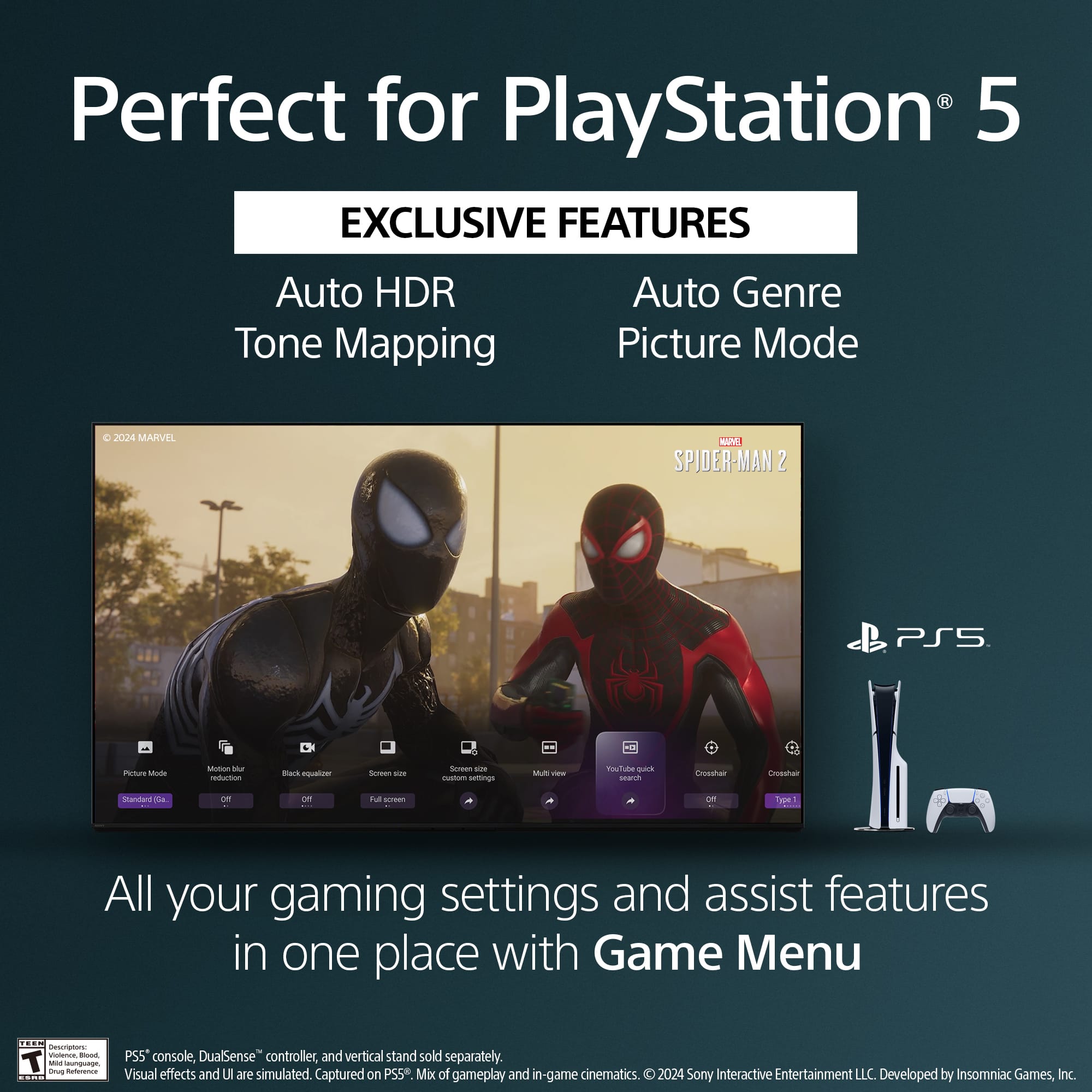
    • Answer Yes, this TV supports HDMI 2.1 features such as 4K/120, VRR, ALLM, and SBTM for high-performance gaming.
    This question and answer was generated by AI based on customer and product data.
  • QuestionIs this TV compatible with Dolby Vision?

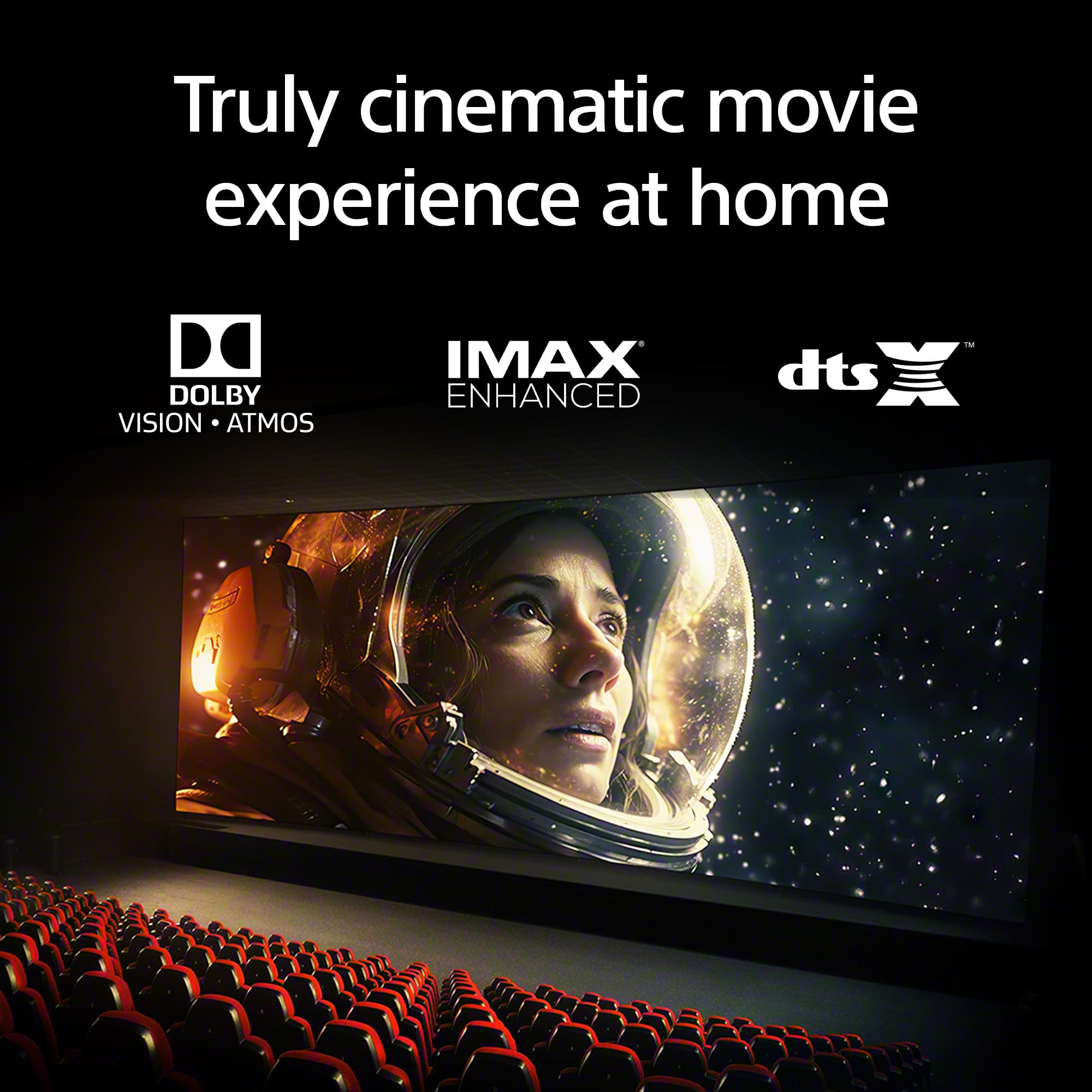
    • Answer Yes, this TV supports Dolby Vision and Atmos, IMAX Enhanced, and DTS:X for a more immersive movie experience.
    This question and answer was generated by AI based on customer and product data.
  • QuestionDoes this TV have built-in speakers?

    • Answer Yes, this TV has built-in downward-firing speakers.
    This question and answer was generated by AI based on customer and product data.
  • QuestionWhat is the screen size of this TV?

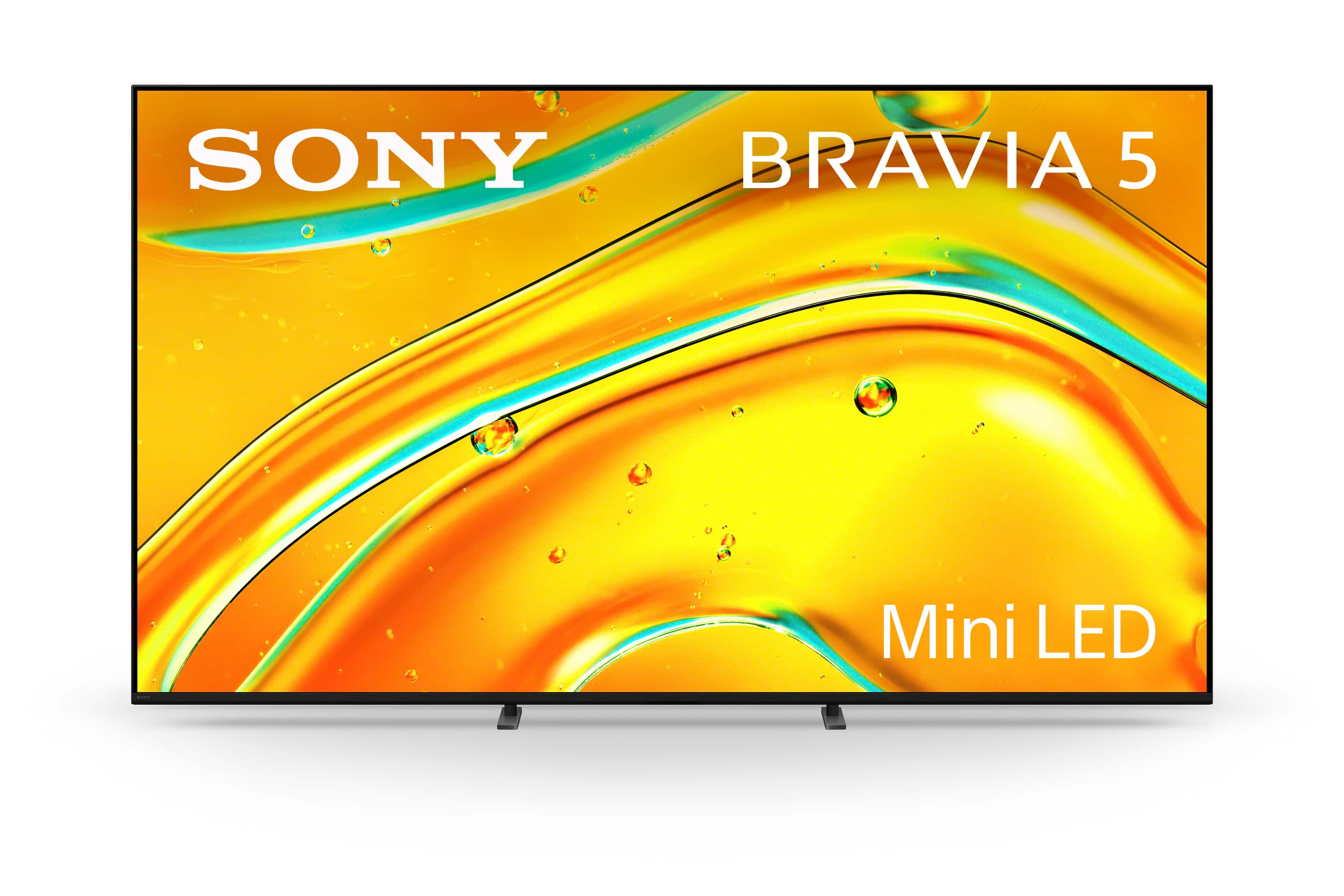
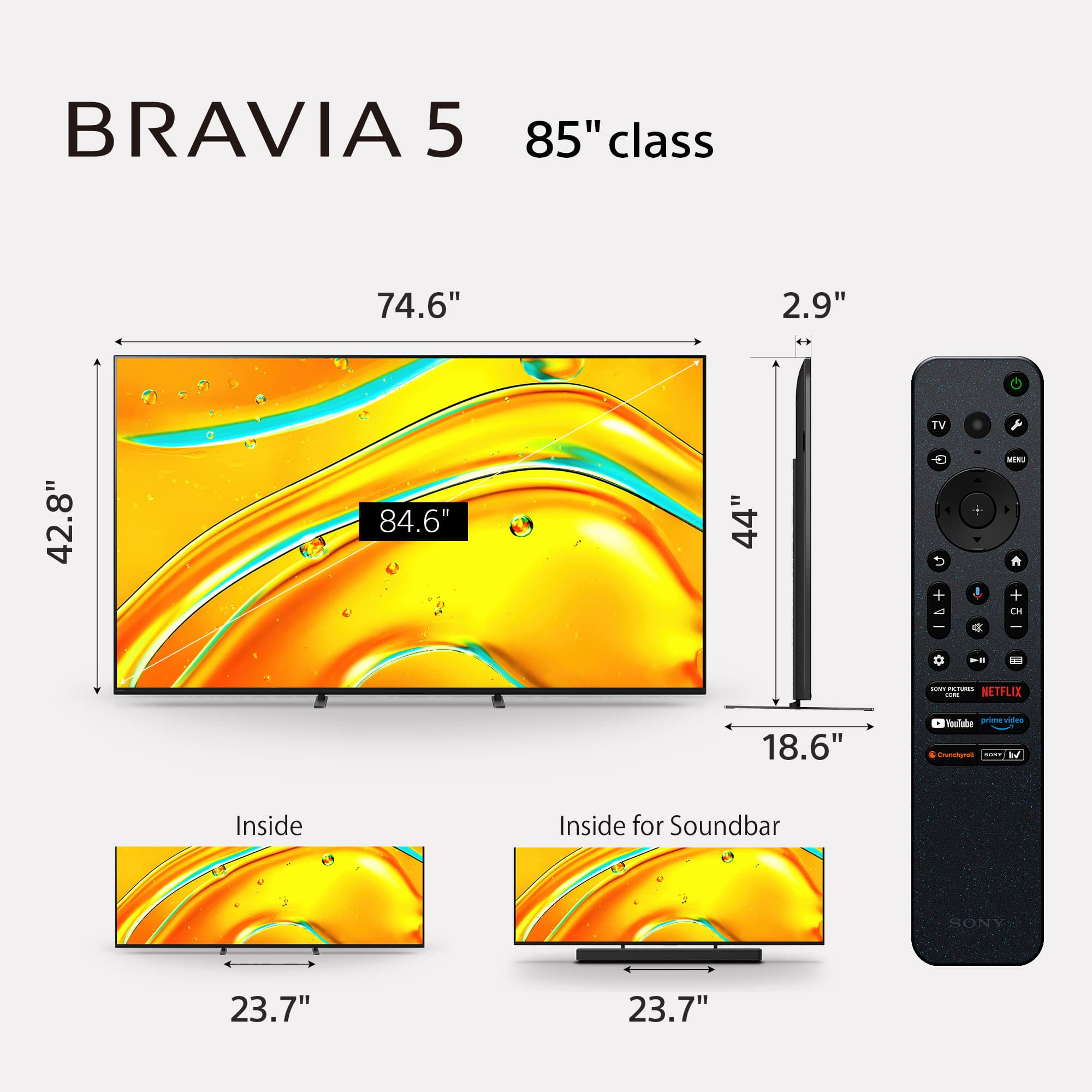
    • Answer The screen size of this TV is 84.6 inches.
    This question and answer was generated by AI based on customer and product data.
  • QuestionWhat type of backlight does this TV use?

    • Answer This TV uses a Full Array Local Dimming backlight.
    This question and answer was generated by AI based on customer and product data.
  • QuestionWhat is the refresh rate of this TV?

    • Answer The refresh rate of this TV is 120Hz.
    This question and answer was generated by AI based on customer and product data.
  • QuestionWhere on TV is the window that reads remote signal?

    Asked by ThomasF.

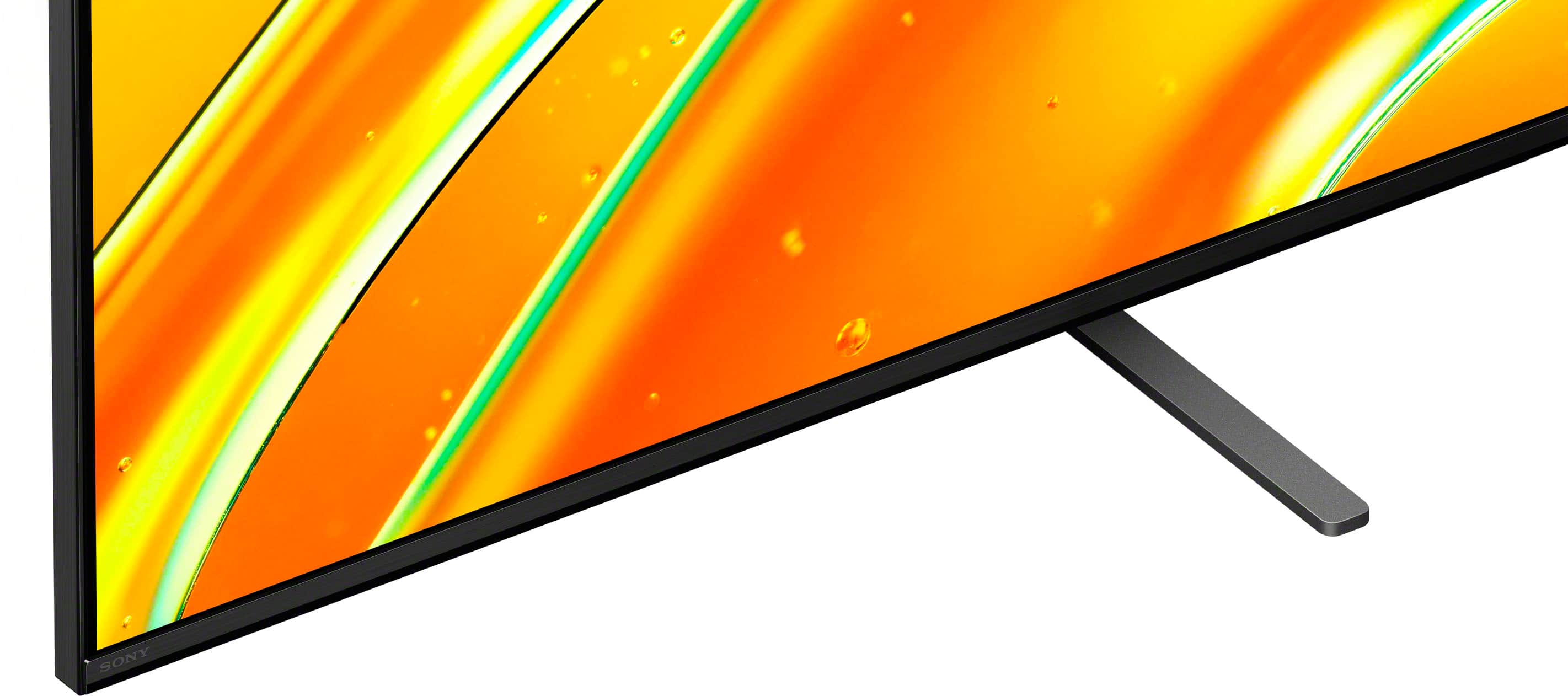
    • Answer Hello ScarySheri, Thank you for considering Sony products! We appreciate your inquiry and are happy to assist. The infrared (IR) remote control sensor on the Sony K85XR50 TV is located near the center of the bottom bezel, just beneath the screen. For optimal remote performance, please ensure you point the remote directly at this sensor and avoid any objects that may obstruct the signal path. For more detailed information about your TV, including manuals and support resources, please visit: https://www.sony.com/electronics/support/product/k-85xr50/manuals Best regards, -Fred

      Answered by SonyListens

  • QuestionHow big is the side by side picture in picture?

    Asked by SusieQ.

    • Answer Hi SusieQ, The side-by-side picture-in-picture (Multi View) feature on the BRAVIA 5 Mini LED 4K UHD Smart Google TV typically displays both images in a 50/50 split down the center of the screen. On your 85-inch model, this means each side-by-side view will take up approximately 42.5 inches diagonally with a 16:9 aspect ratio, allowing you to view two sources simultaneously in two large, clear panels. Thanks for choosing Sony. Best regards, Eliab

      Answered by SonyListens

  • QuestionDoes this tv support Apple airplay to project iPad screen?

    Asked by Lou.

    • Answer Thank you for contacting Sony, Lou. Yes, the K-85XR50 television does support Apple AirPlay 2. As a Google TV model, it has AirPlay 2 built in, allowing you to easily mirror your iPad screen and stream content directly to the TV when both devices are on the same Wi-Fi network. We appreciate your interest in Sony products. Should you require any further assistance, please don't hesitate to reach out for support here: https://us.esupport.sony.com/support/s/support-contact?language=en_US&category=tv Best regards, Gus, Sony North America Customer Support

      Answered by SonyListens

  • QuestionDoes the Sony Bravia 5 Mini LED model K85XR50 support integrating live channels from apps like Pluto, Tubi, and Sling into the regular Live TV channel guide?

    Asked by Yenifer.

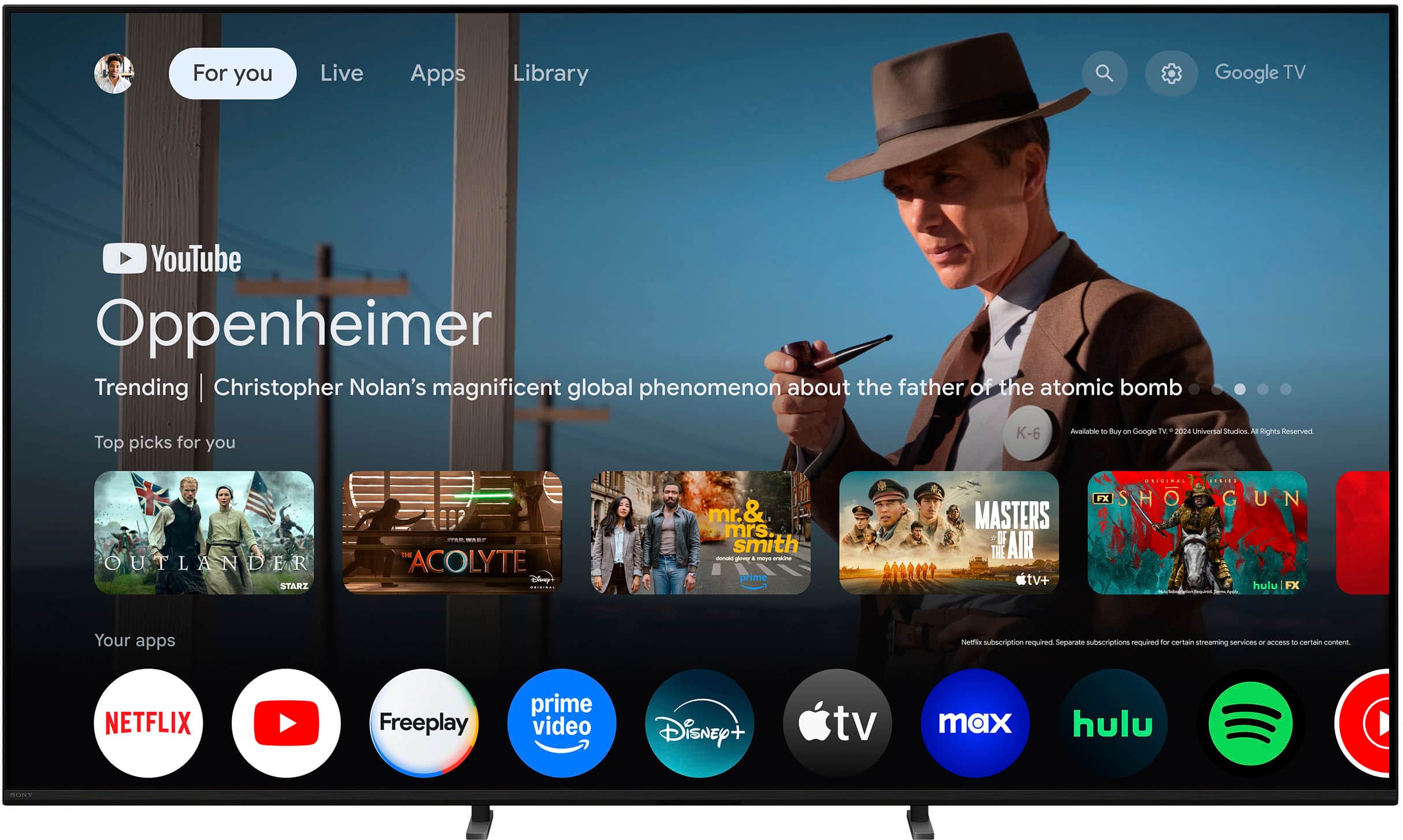
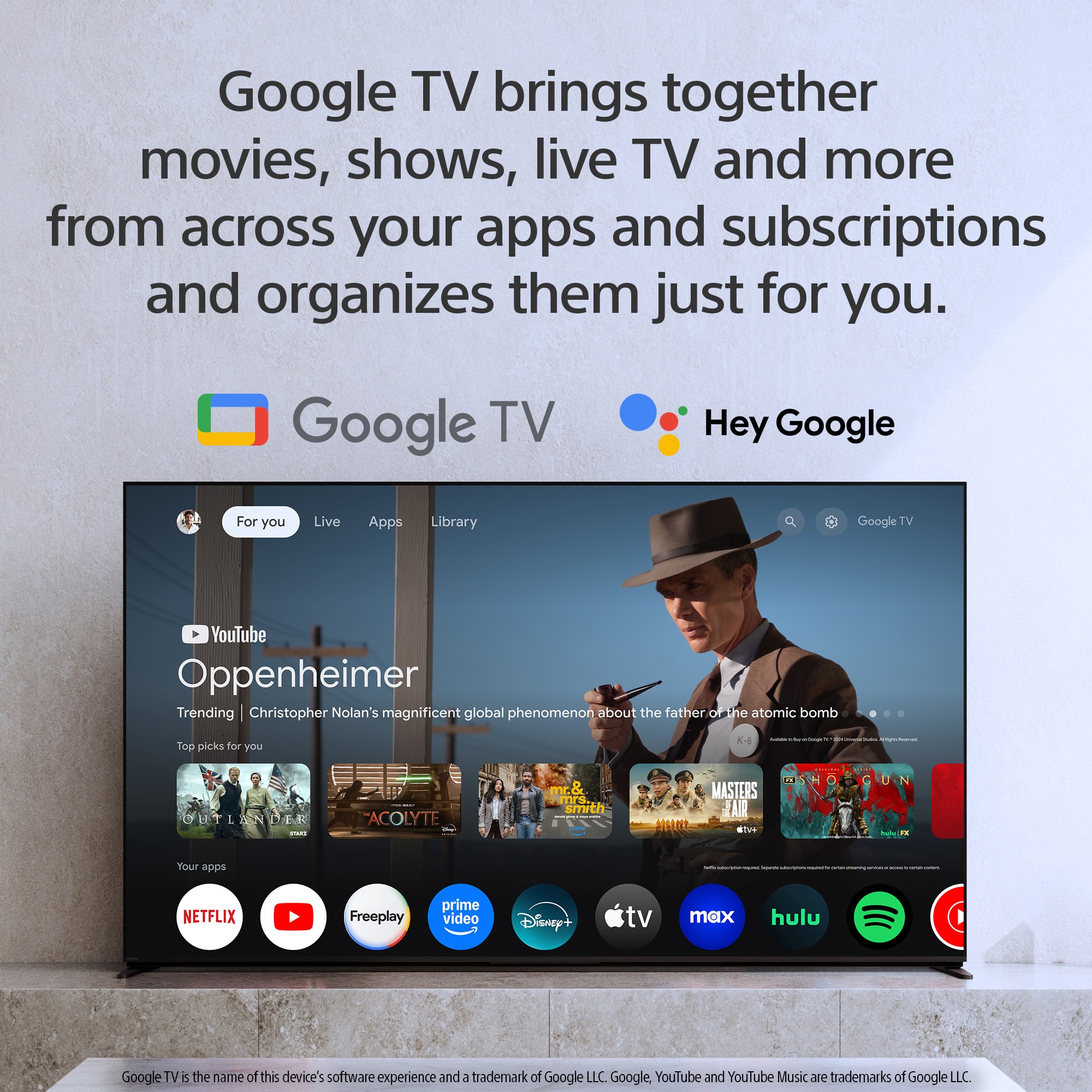
    • Answer Hi Yeni, The Sony BRAVIA 5, which runs on Google TV, is designed to pull live channel feeds into the central "Live" tab on the home screen. This provides a single guide where you can browse both your over-the-air channels and channels from supported streaming services. Regarding your specific apps: The Google TV system on the BRAVIA 5 currently supports the integration of live channels from the Pluto TV application directly into this unified channel guide. This means you can tune into Pluto TV’s channel lineup seamlessly using the TV’s built-in Live tab. If you wish to view content from other services like Tubi or Sling TV, you would need to open those apps individually to access their specific live channels and programming, as the core Google TV Live guide currently only pulls in the channels from the Pluto app. We hope this clarifies how the live channel feature works on your new BRAVIA 5. Thank you for considering Sony! Regards, Dominick

      Answered by SonyListens

  • QuestionIs the wall mount included with this tv? If not, is there a recommended wall mount?

    Asked by Anonymous.

    • Answer No wall mount included , and it is very heavy (100+lbs.) so make sure your mount is solid

      Answered by NicholasS

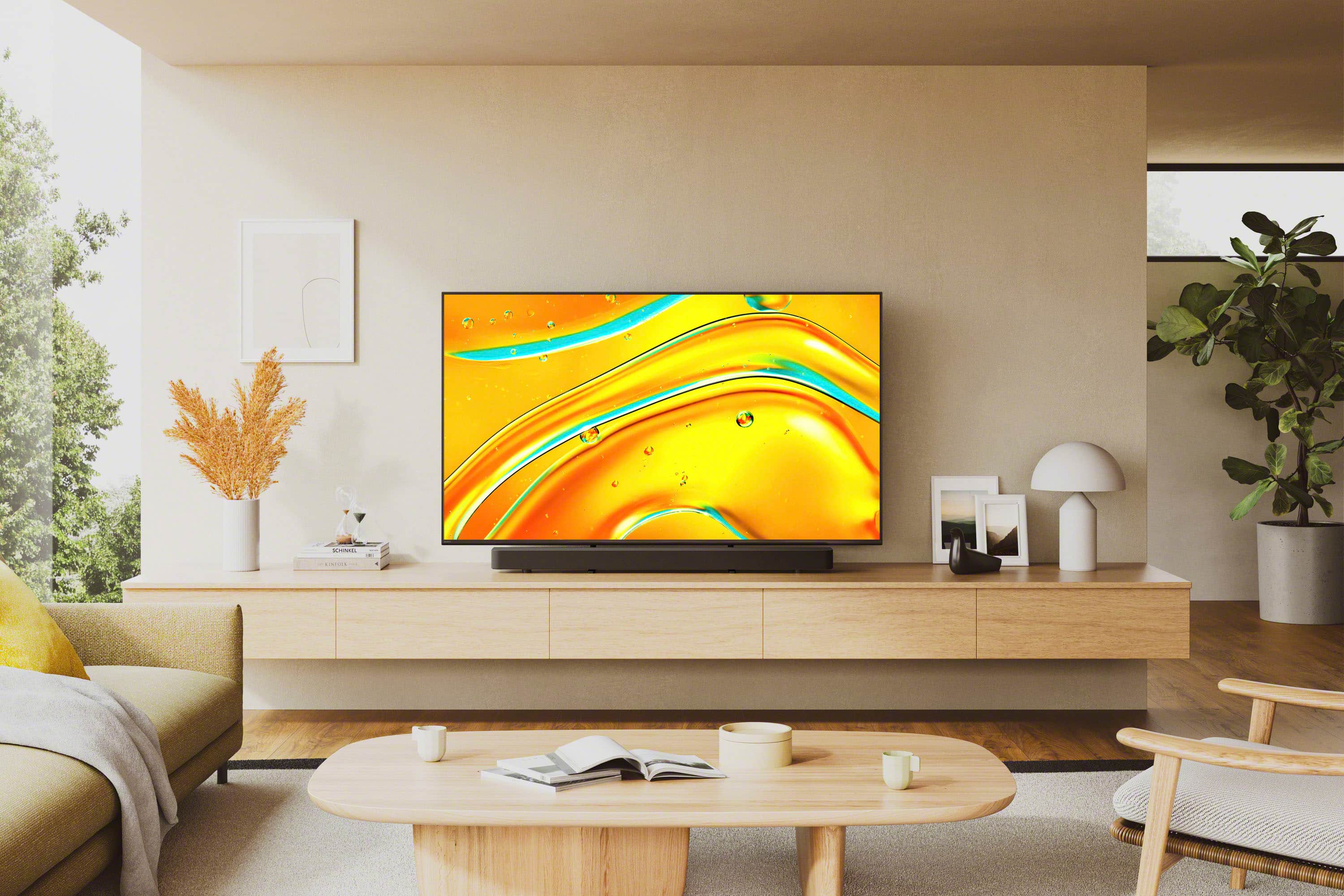
  • QuestionWhat size of tv stand does this tv need?

    Asked by L.

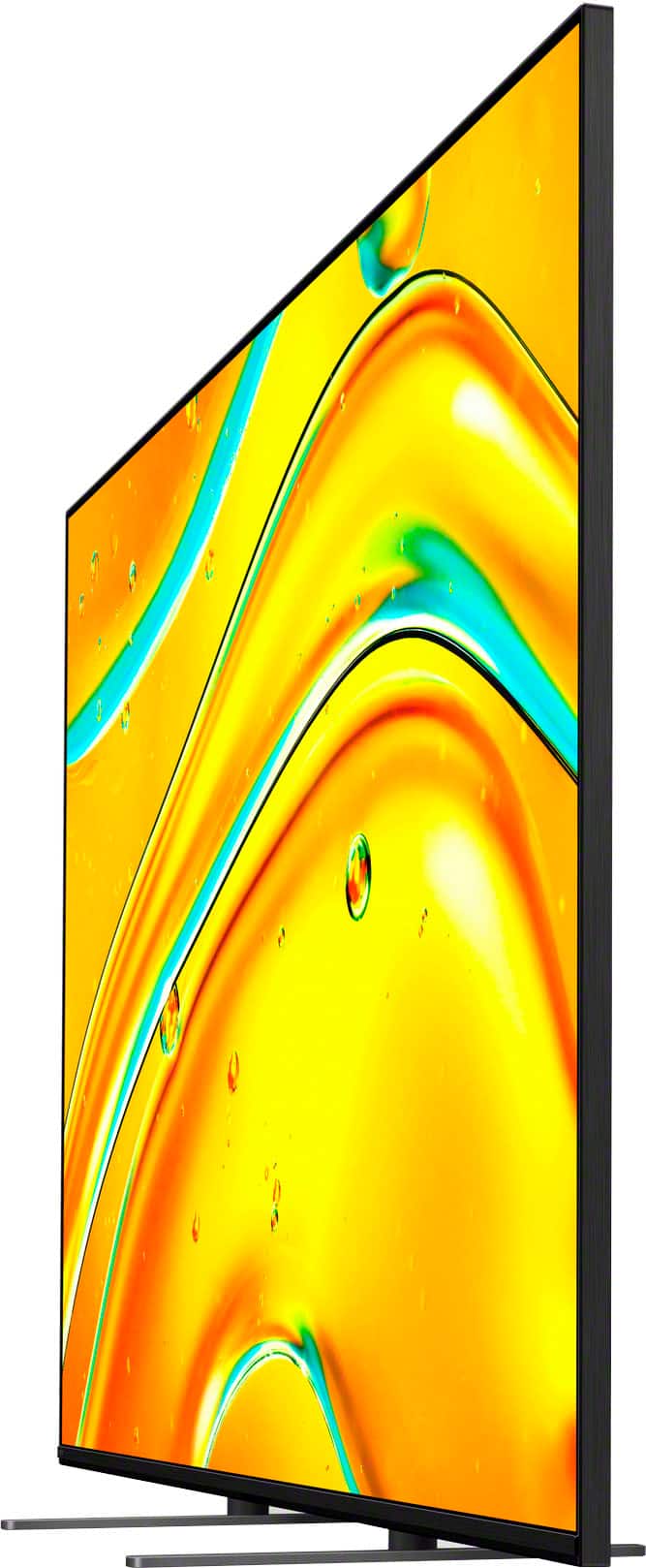
    • Answer Hi L, That's a great question! The 85" Class BRAVIA 5 TV comes with its own stand legs, which need a minimum surface space to rest on. The stand requires a TV stand or furniture surface that is at least 23.87 inches wide (or approximately 24 inches) and 18.75 inches deep (about 19 inches) to safely and properly support the television's base. Thanks for choosing Sony. Best regards, Eliab

      Answered by SonyListens

  • QuestionHow many speakers does this TV have

    Asked by matt.

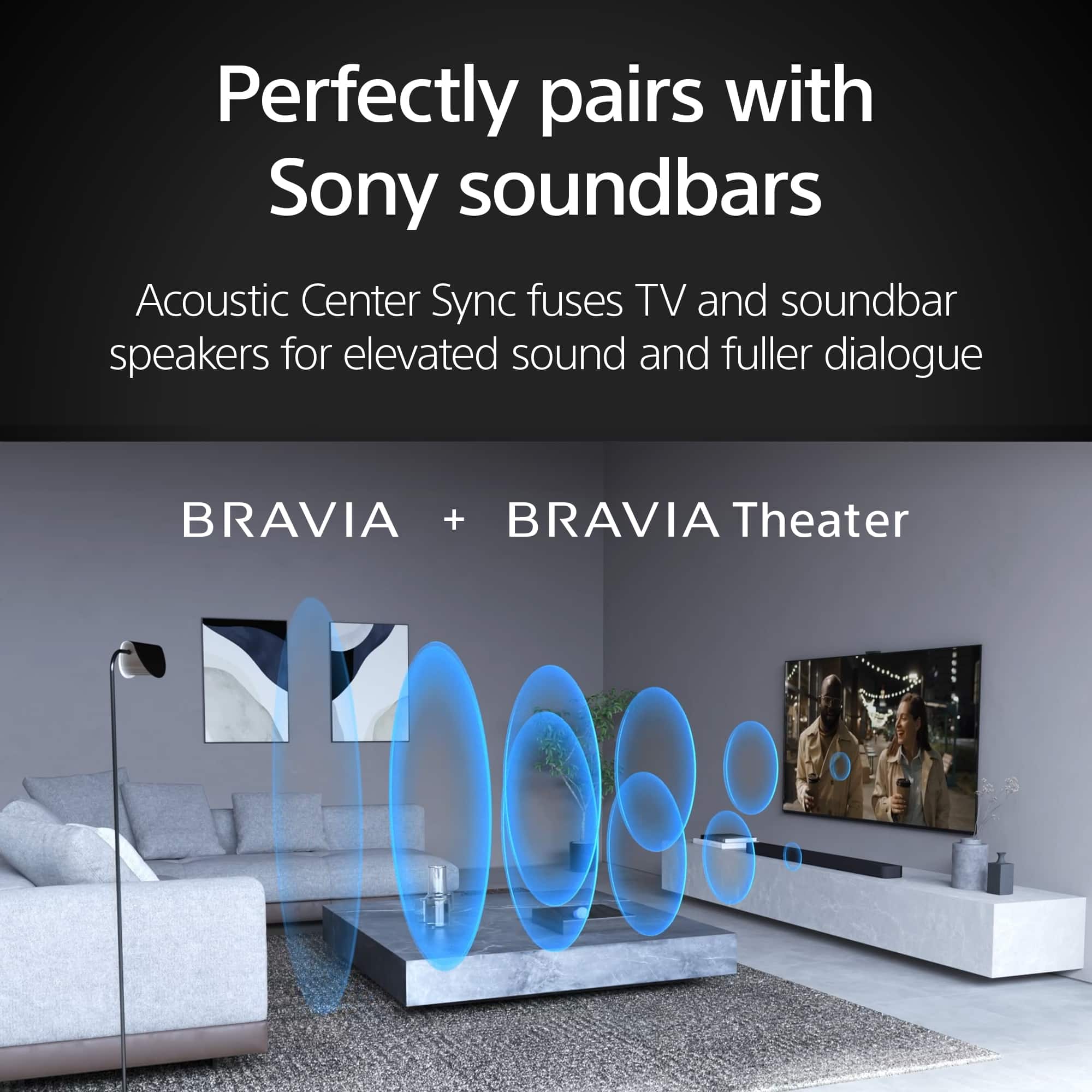
    • Answer Hi Matt, thanks for your question! We're happy to assist you with the specs for the K-85XR50. The Sony K-85XR50 TV has a total of four integrated speakers. The official configuration is two Full Range (Bass Reflex) speakers and two Tweeters. These work together as part of our Acoustic Multi-Audio technology to deliver elevated sound that really matches the picture on the screen for an immersive viewing experience. For additional specifications of the Bravia 5, please visit the following link: https://www.sony.com/electronics/support/televisions-projectors-lcd-tvs-android-/k-85xr50/specifications We really appreciate you thinking of Sony for your purchase! Best regards, Estefany

      Answered by SonyListens

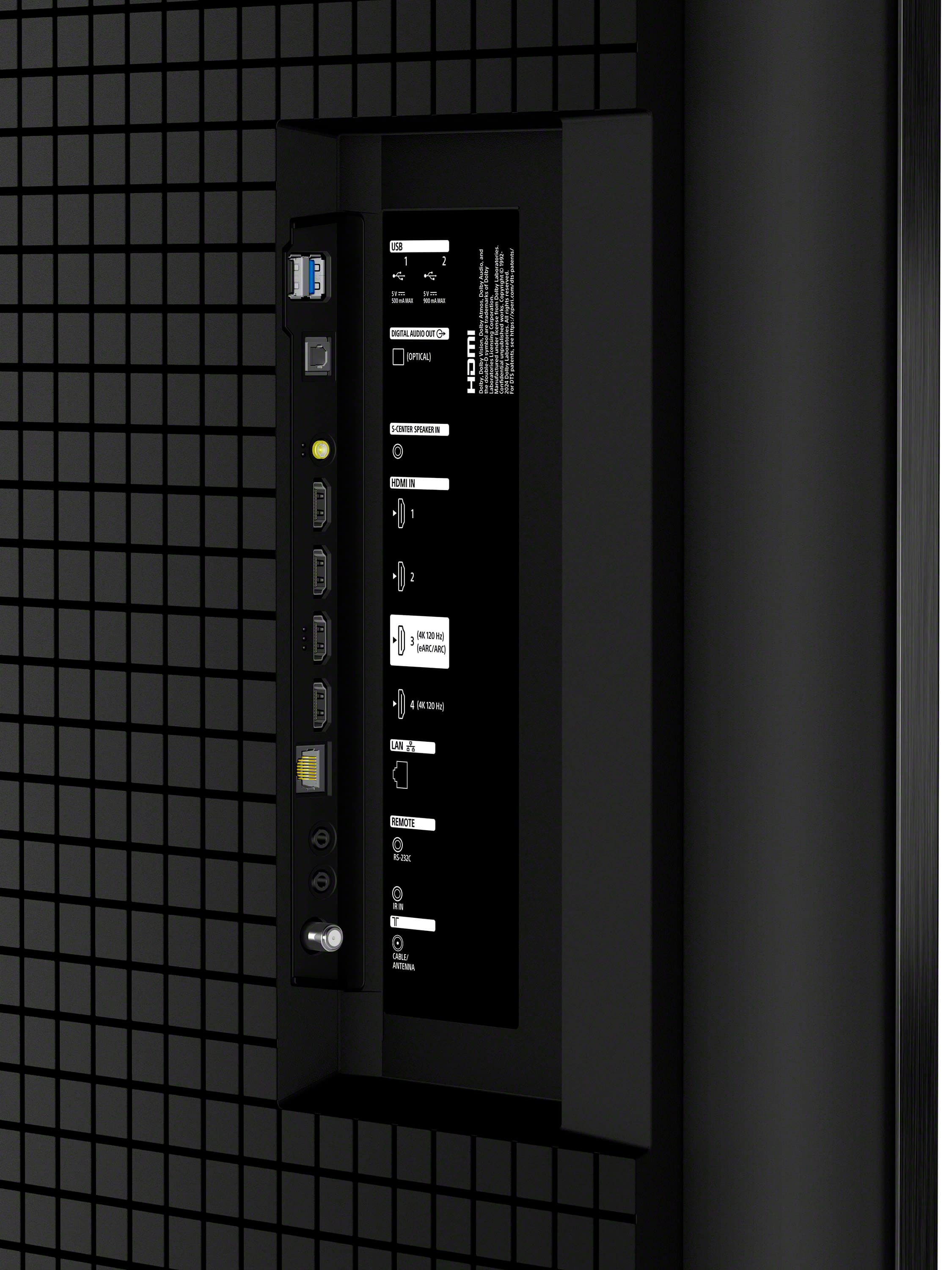
  • QuestionDoes the tv have an optical connection?

    Asked by Nikidon.

    • Answer Yes, there is an optical connection.

      Answered by ShellooeH

  • QuestionHow many Live channels do Tv have

    Asked by Anonymous.

    • Answer 100

      Answered by CurtisAnderson

  • QuestionCan this tv be connected to Bluetooth

    Asked by Earl.

    • Answer Yes

      Answered by curtisanderson






