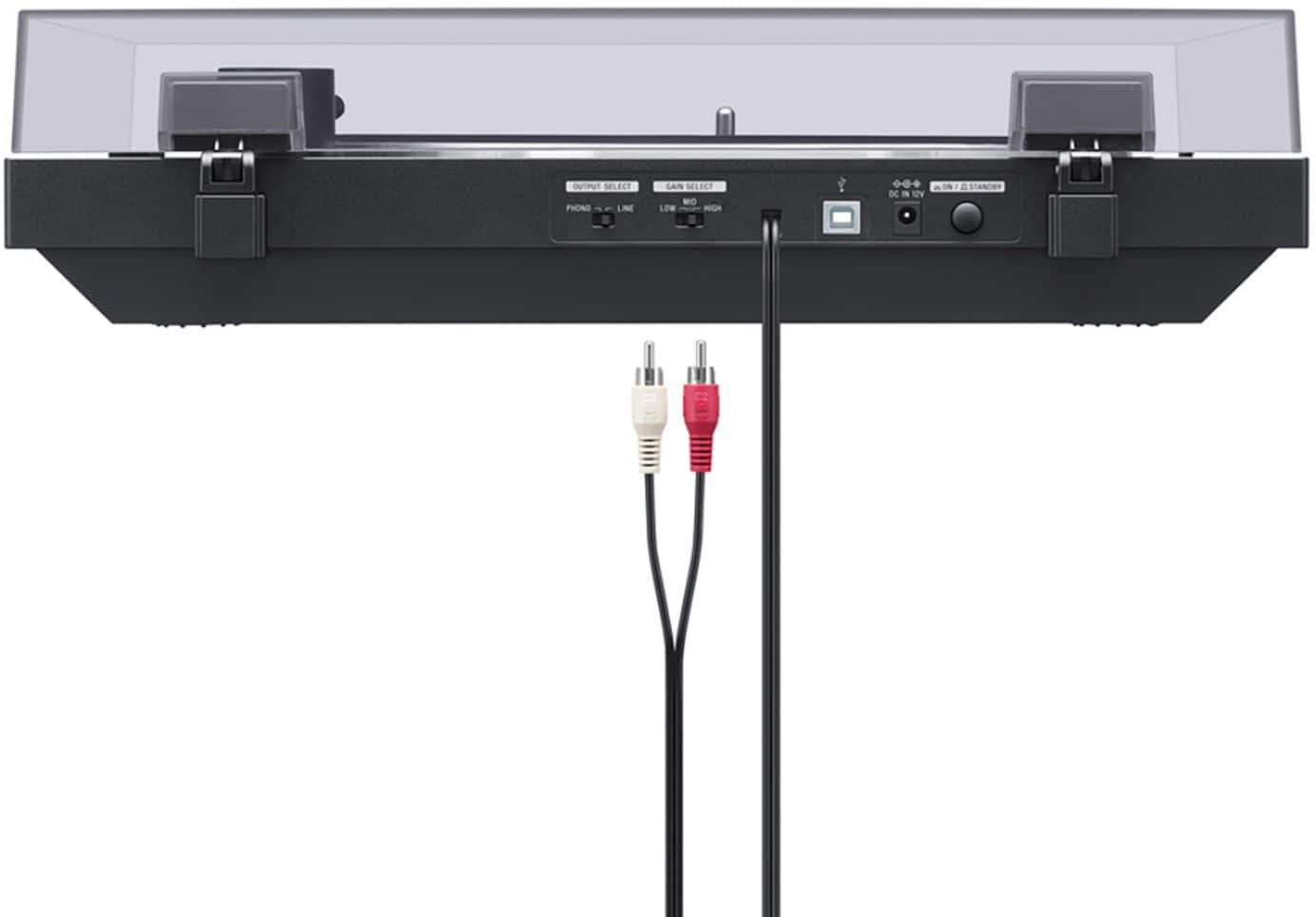
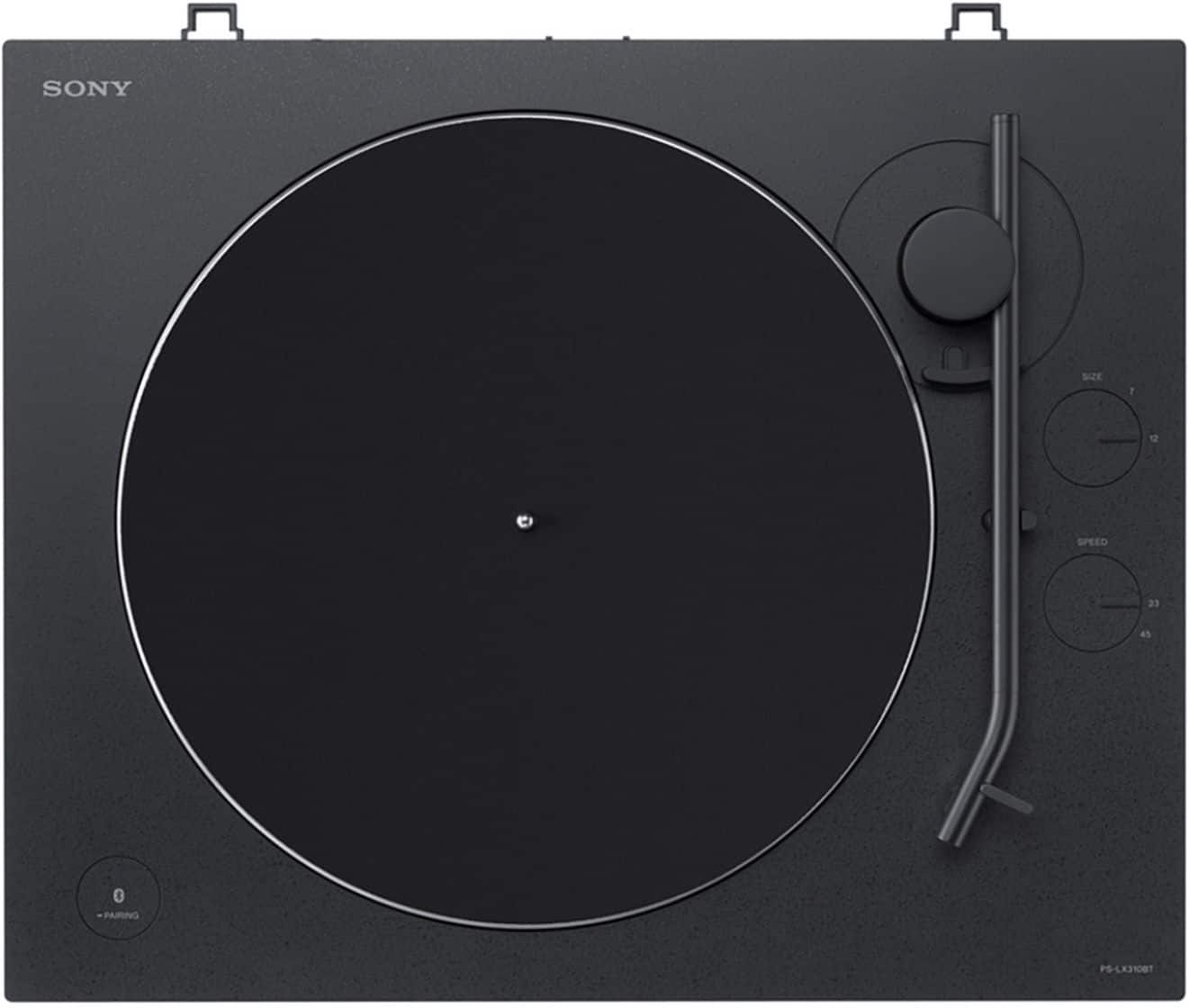
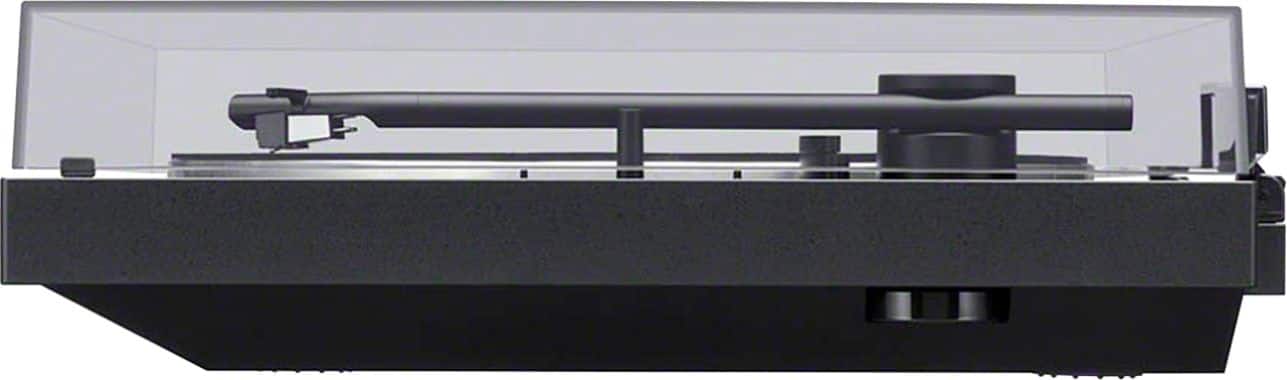
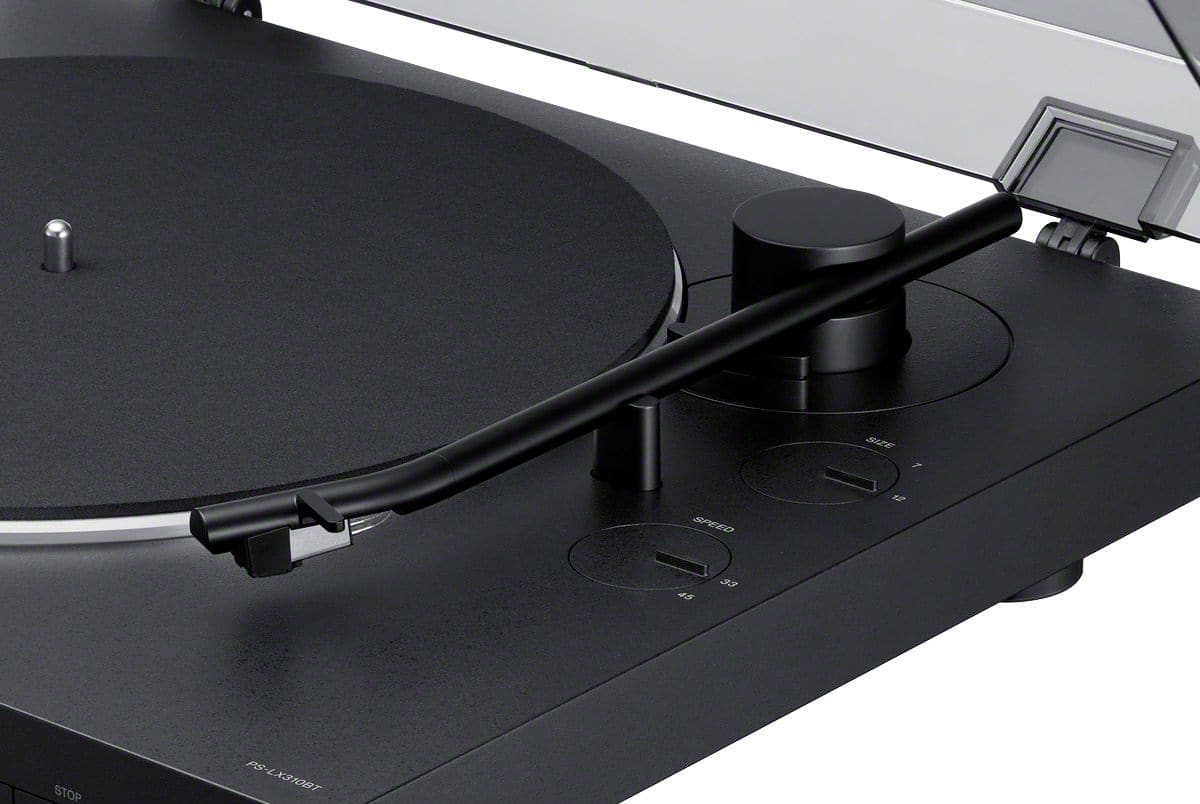
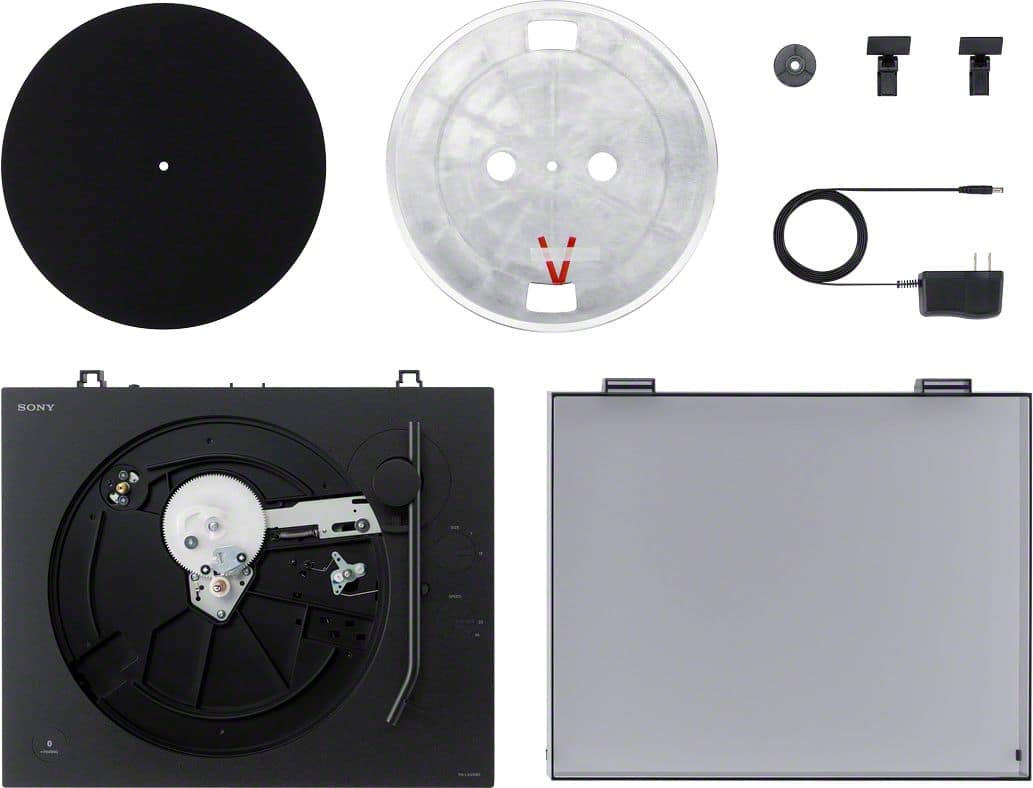
A:AnswerHi Alb, To transfer your music to digital, You can use a USB cable (not supplied) to connect your turntable to a computer, and then record audio tracks from the vinyl record to your computer. Please refer to this link for complete instructions: https://www.sony.com/electronics/support/res/manuals/4748/2a8f06044efec02b753eff3df707fb93/47487551M.pdf (page 19-20). -Sam
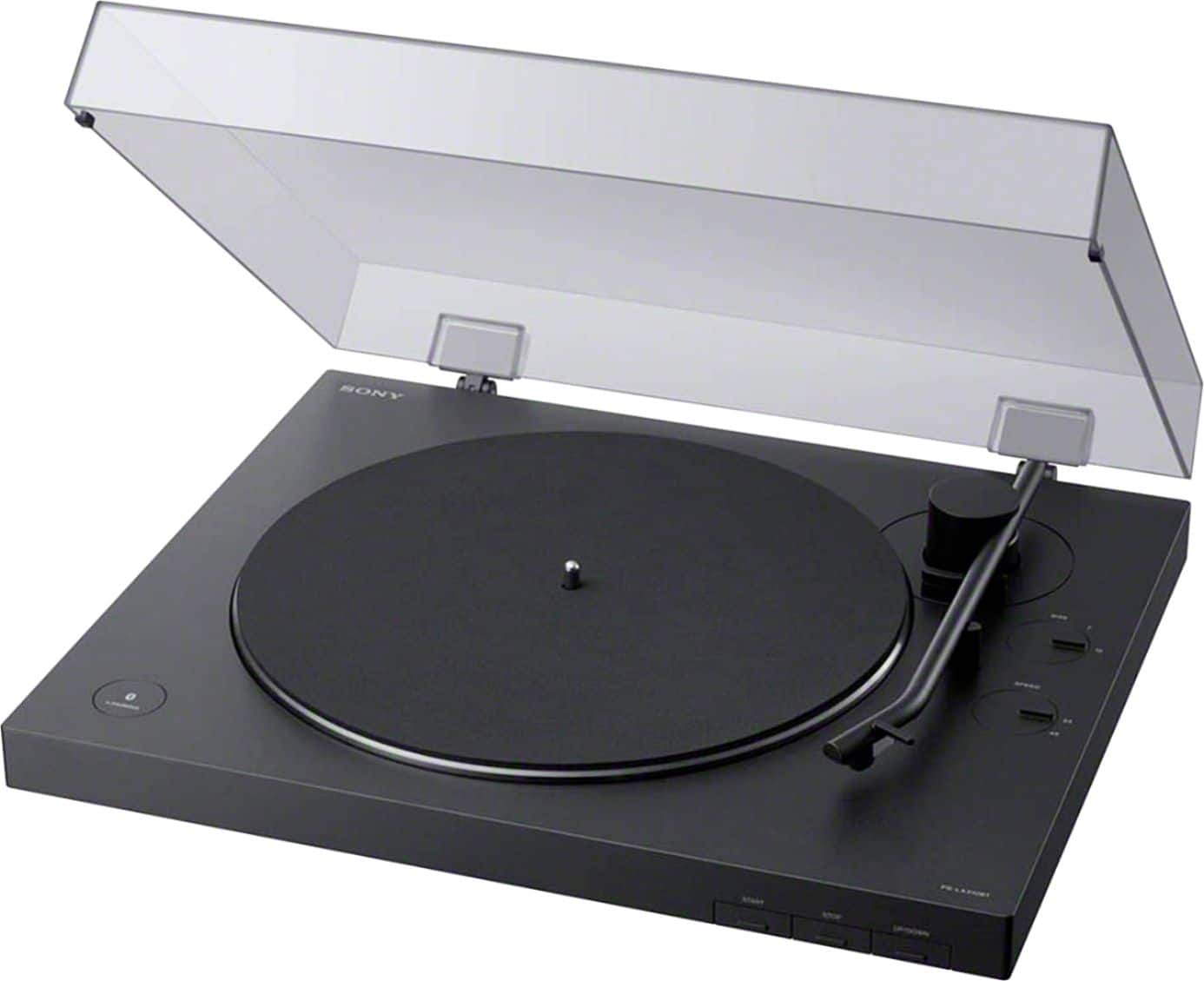
A:AnswerHi oldschool55, You can use a USB cable (not supplied) to connect your turntable to a computer, and then record audio tracks from the vinyl record to your computer.
https://www.sony.com/electronics/support/res/manuals/4748/2a8f06044efec02b753eff3df707fb93/47487551M.pdf see page 19.
Erin
A:Answerwe use a Bose Bluetooth speaker
Push power button on Bose (says power at xxxx)
Then push the pairing button the Bose
Then push/hold pairing button on turntable for about 2 seconds
It takes about 3-4 seconds after that for us
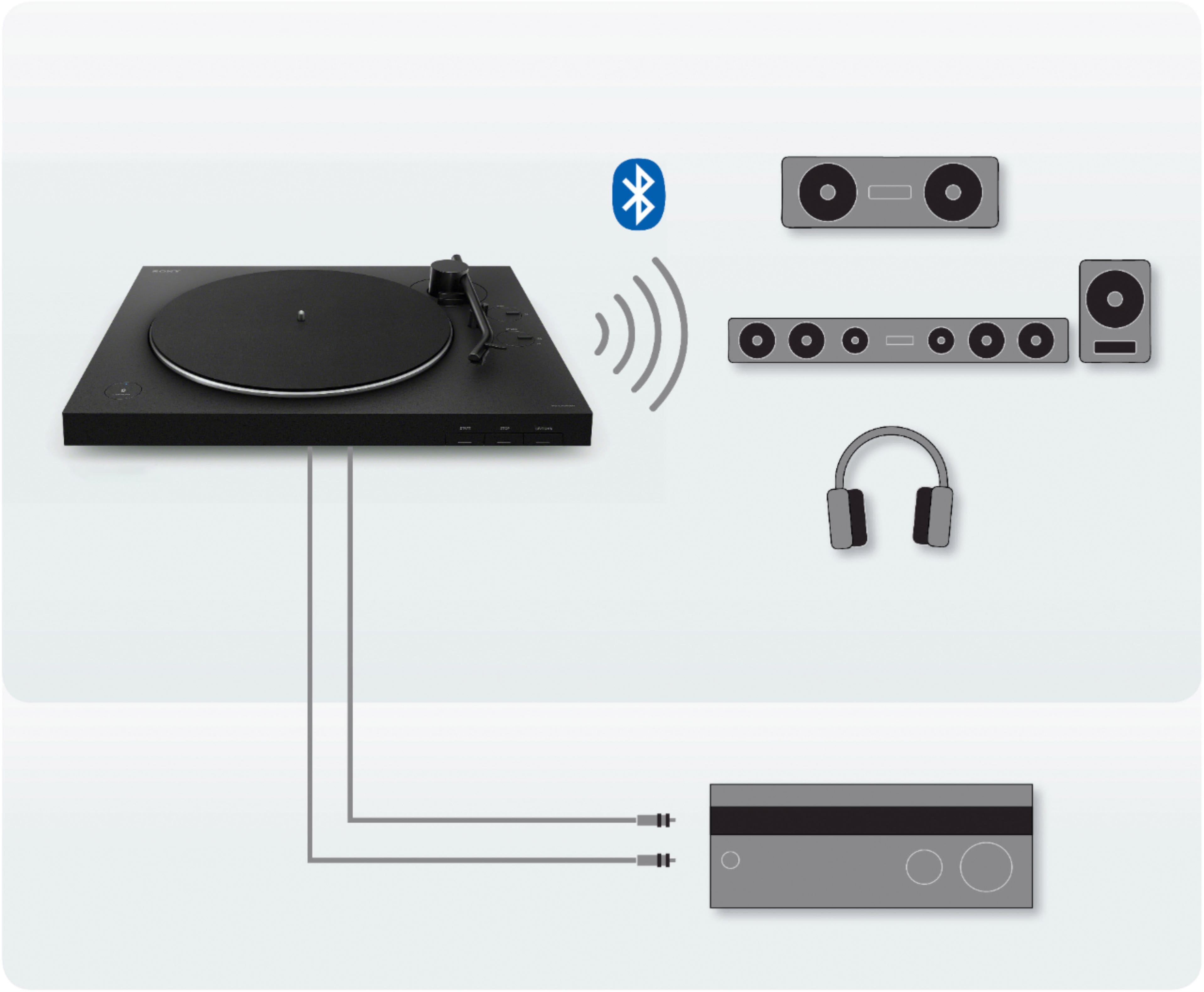
A:Answer@Kingo904, Good news! You can connect the PSLX310BT turntable to your AV Receiver via Bluetooth connection. Please refer to this link for pairing procedure: https://www.sony.com/electronics/support/res/manuals/4748/2a8f06044efec02b753eff3df707fb93/47487551M.pdf -Sam
A:AnswerI'm unsure if any records are mastered to have more than your standard 2 channel Left Right stereo. I know there are some CDs that are set up for 4 channel, and 5 channel playback, but I do not know about records. Your question has more to do with the album, than the connections (RCA vs Bluetooth), or even the player itself.
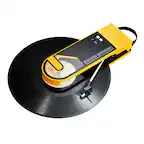
If such a record exists, this would probably output in more than two channels.
A:AnswerHi, Marilyn! It will depend on the specifications of the sound system. The turntable can be connected either via an audio cable (to a PHONO input jack) or via Bluetooth connection. ~Ralph