Questions & Answers
- Model:
- HTS400
- |
- SKU:
- 6498905
Q: QuestionInstructions where to reconnect again
Asked by Anonymous.
- A:Answer Hi there! Thanks for reaching out about your HT-S400. We can certainly help you get those instructions for reconnecting the unit. Here is the link to the manual, which you can download since it's a PDF, where you'll find the detailed steps: https://www.sony.com/electronics/support/res/manuals/5034/7831498f50f2674a02356156810c655a/50347731M.pdf If you continue to experience difficulties or require further assistance, we highly recommend contacting our dedicated support team directly. You can reach them through the following link: https://us.esupport.sony.com/support/s/support-contact?language=en_US&category=ht Thanks for selecting Sony. We hope this helps! Warm regards, Estefany
Answered by SonyListens
Q: QuestionCan I play music from my iPhone through the soundbar using Bluetooth without the TV being on?
Asked by Jim.
- A:Answer Yes, you can play bluetooth music without the tv on.
Answered by KeithW
Q: QuestionDoes the sound bar need a mount to be mounted on the wall?
Asked by Terri.
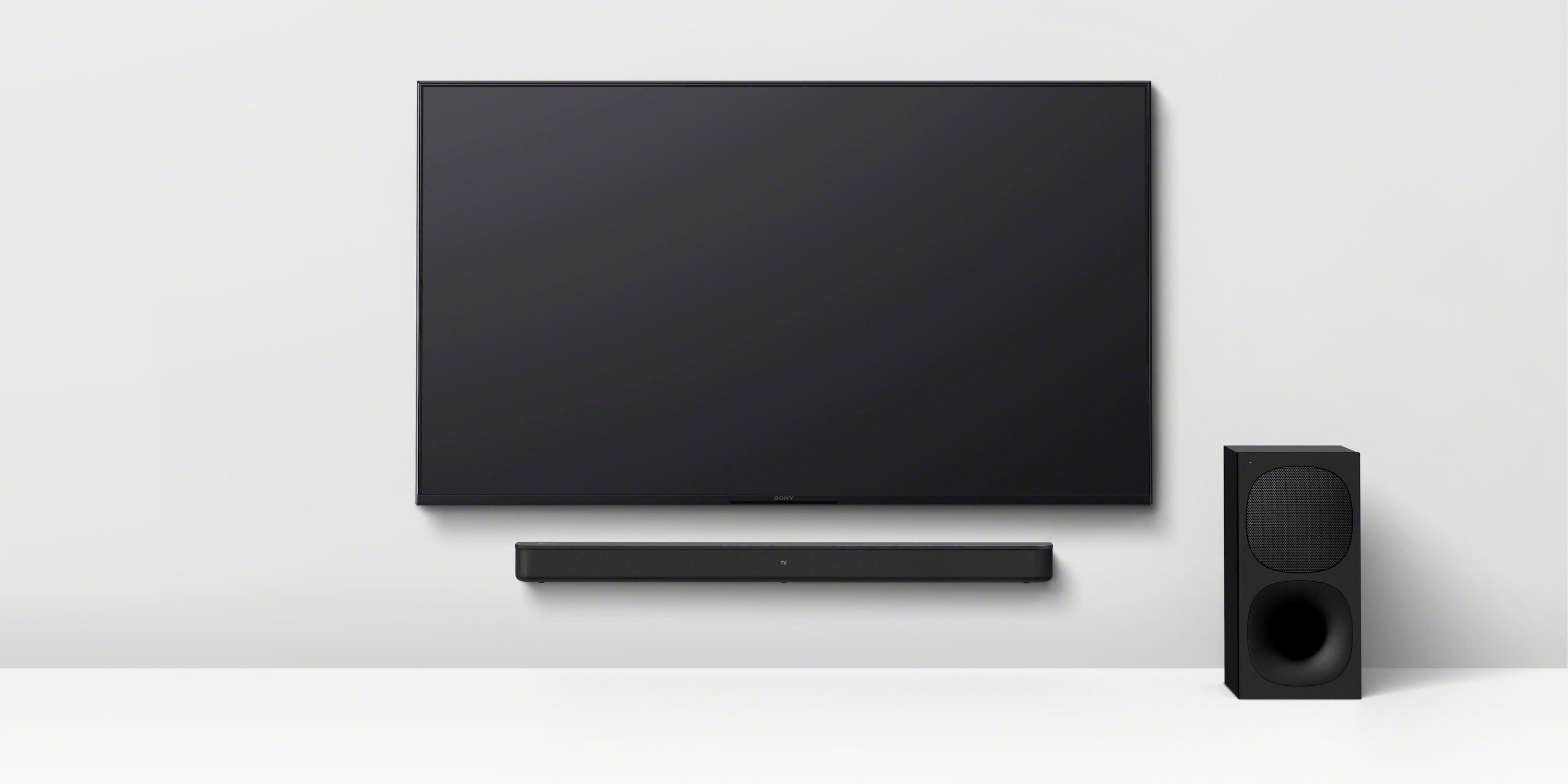
- A:Answer Hi Terri, Thank you for your question! The Sony HT-S400 does not require a separate wall mount bracket. The soundbar includes a "wall mount template", which is needed to mount it on the wall. For detailed, step-by-step instructions on how to do this, please refer to the "Mounting the Bar Speaker on a Wall" section of the operating instructions here: https://www.sony.com/electronics/support/res/manuals/5034/7831498f50f2674a02356156810c655a/50347731M.pdf There, you'll find all the required items and the complete mounting procedure. Thanks for considering Sony! Best regards, Dominick
Answered by SonyListens
Q: QuestionDoes the optical cable work as well as the HDMI cable
Asked by John.
- A:Answer Hello John, Thank you for choosing Sony! We appreciate your question and are here to assist you. While both optical and HDMI cables can be used with the HT-S400 soundbar, they do not work the same. An HDMI cable is the best choice because it supports more advanced audio formats like Dolby Digital Plus and DTS-HD Master Audio, providing superior sound quality. It also includes the Audio Return Channel (ARC) feature, allowing audio to be sent from your TV to the soundbar with a single cable and enabling you to control the soundbar’s volume using your TV remote. On the other hand, an optical cable only transmits audio, supports fewer audio formats, and requires you to control the soundbar’s volume separately. For more details about the different connection options, please visit: https://www.sony-latin.com/en/electronics/support/articles/00007061. Using an HDMI cable simplifies your setup and gives you a better overall experience. Best regards, -Fred
Answered by SonyListens
Q: QuestionDoes this have to be wall mounted or can it sit on a stand?
Asked by Kat.
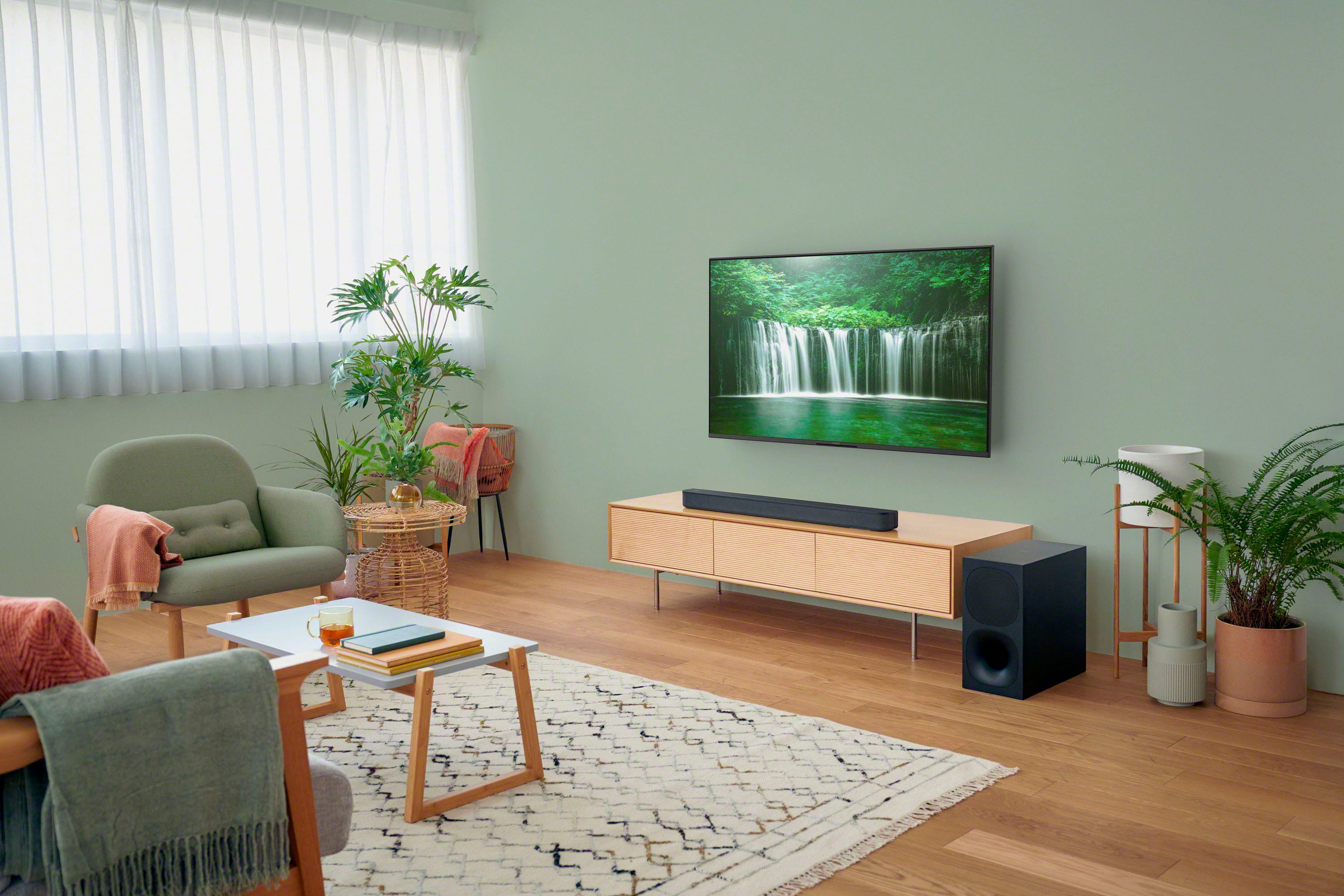
- A:Answer Hi Kat, The HT-S400 soundbar is designed to be versatile. It has a flat back and can be wall-mounted, and it also sits perfectly on a TV stand or media console. The choice is yours, depending on your preferred setup. Thanks for choosing Sony. Best regards, Eliab
Answered by SonyListens
Q: QuestionI bought a new Sony K65S20M2S tv, connected the sound bar now the quality of sound is not good. I had another Sony tv connected to it, the quality of sound was great. It's connected wireless, the sound bar disables ths tv sound settings.
Asked by ThomasD.
- A:Answer Hello ThomasD, Thank you for considering Sony products. We apologize for the sound quality issues you're experiencing with your HTS400 when using a wireless connection. For the best possible sound, we recommend connecting your soundbar to the TV using an HDMI cable with the Audio Return Channel (ARC) feature. This often resolves sound quality issues. You can find more information on the proper connection and settings here: https://www.sony-latin.com/en/electronics/support/articles/00007061 If the issue continues after trying these steps, please contact our support team. They can walk you through some additional troubleshooting to get the sound working perfectly. You can reach them here: https://us.esupport.sony.com/support/s/support-contact?language=en_US&category=ht Best regards, -Fred
Answered by SonyListens

Q: QuestionDoes this sound bar have a tuner for fm radio stations?
Asked by Burg.
- A:Answer Hi Burg, we appreciate your inquiry! We're here to help. The Sony HT-S400 soundbar does not have a built-in FM radio tuner. This soundbar is primarily designed to enhance your TV's audio with powerful sound, virtual surround and a wireless subwoofer. It offers excellent connectivity options like HDMI ARC and optical input for your TV and Bluetooth for streaming music from your mobile devices. If you're looking for a device with an FM radio, you'd find that feature on a dedicated stereo receiver, like our STR-DH190 model. For detailed specifications about the unit, please visit the following link: https://www.sony.com/electronics/support/sound-bars-home-theater-systems-sound-bars-surround-speakers/ht-s400/specifications Thanks for considering Sony products! Best regards, Estefany
Answered by SonyListens

Q: QuestionDoes this require a PIN to connect to Bluetooth? Or can anyone within range find the device and connect?
Asked by Zella.
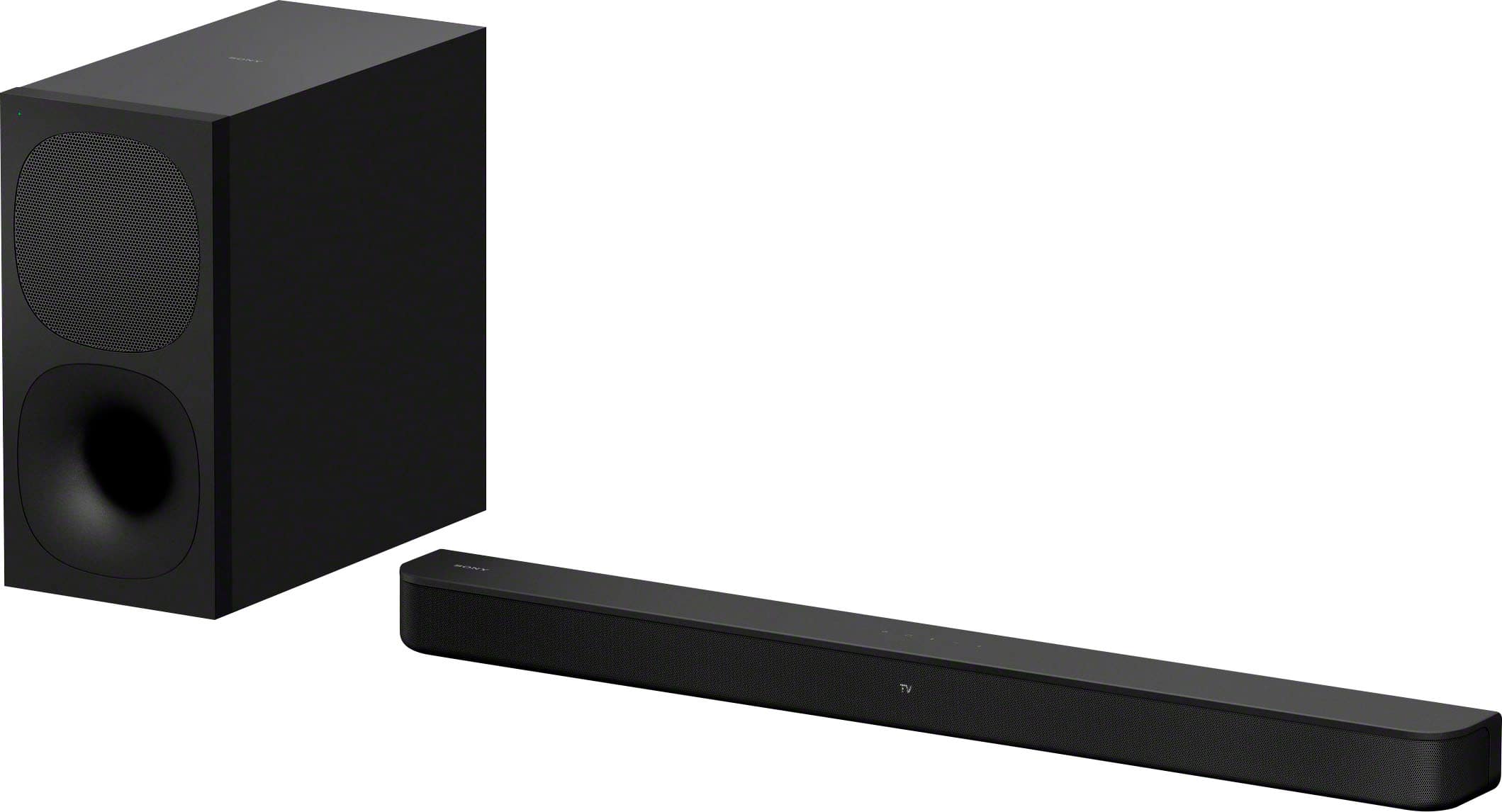
- A:Answer Hi Zella, we are pleased to assist you with your inquiry regarding the HT-S400 soundbar! When it comes to connecting via Bluetooth, the HT-S400 does not require a PIN code for the initial pairing process with most devices. Instead, it uses a standard Bluetooth pairing procedure: you'll put the soundbar into Bluetooth pairing mode. The Bluetooth indicator light will flash rapidly, indicating it's ready to be discovered. Then, you'll go to the Bluetooth settings on your phone, tablet, or TV and you'll see "HT-S400" appear in the list of available devices. You simply select it to connect. Once a device is paired, the HT-S400 will usually automatically connect to that last paired device when both are powered on and within range, making it very convenient for everyday use. However, if you want to connect a new device, you'll need to put the soundbar back into pairing mode. For detailed instructions about the pairing process, please check this link: https://www.sony.com/electronics/support/res/manuals/5034/7831498f50f2674a02356156810c655a/50347731M.pdf Thanks for considering Sony products! Best regards, Estefany
Answered by SonyListens

Q: Questionhow do I connect my soundbar to my pc?
Asked by JulusR.
- A:Answer Hello Chuck, Thank you for reaching out to Sony! We appreciate your question and are here to assist you. To connect your Sony HT-S400 soundbar to your computer, you have a few options: HDMI, optical cable, or Bluetooth, depending on the available connections on your PC. For detailed connection instructions, you can refer to the manual here: https://www.sony.com/electronics/support/res/manuals/5034/7831498f50f2674a02356156810c655a/50347731M.pdf. If you're unsure which connection type your computer supports or need real-time, step-by-step guidance, we recommend contacting a Sony technician. They can help you identify the right connection and walk you through the setup. You can reach them at: https://us.esupport.sony.com/support/s/support-contact?language=en_US&category=ht. Best regards, -Fred
Answered by SonyListens

Q: QuestionIs it compatible with Vizio
Asked by Ladykay.
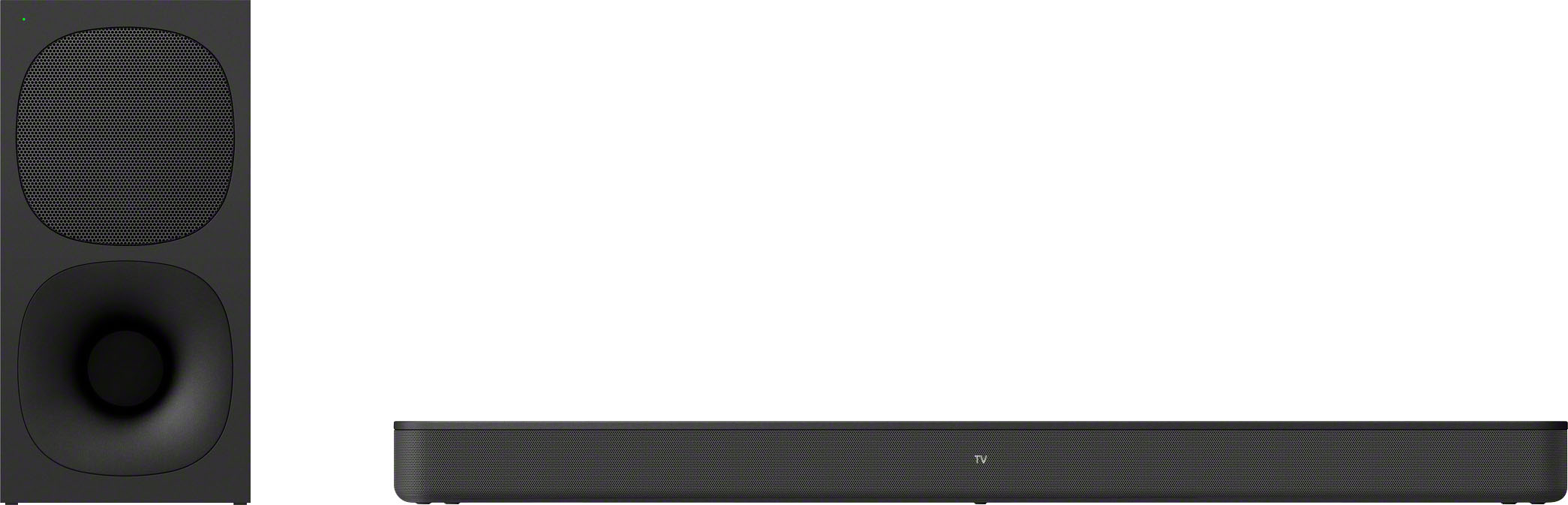
- A:Answer Hi Ladykay! We are pleased to assist you with your inquiry regarding our soundbar. The HT-S400 soundbar is designed to be universally compatible with most televisions, including Vizio TVs, as long as your Vizio TV has one of the following audio output options: HDMI ARC or Optical Digital Audio Output. For additional specifications of the unit, please visit the following link: https://www.sony.com/electronics/support/sound-bars-home-theater-systems-sound-bars-surround-speakers/ht-s400/specifications Thanks for considering Sony products! Best regards, Estefany
Answered by SonyListens

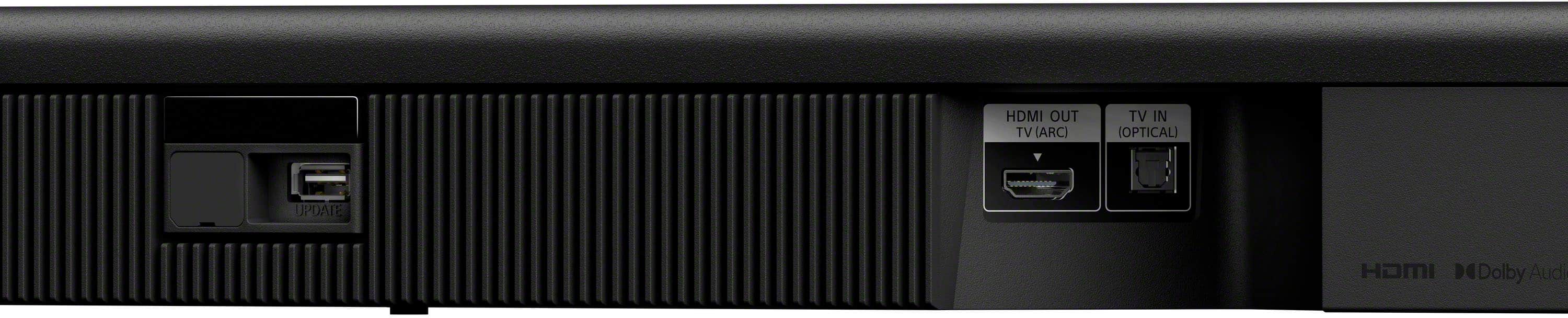
Q: QuestionDo I have to have a smart Tv to hook this up to? Also how many hdmi inputs does this have?
Asked by Interestedbuyer3.
- A:Answer Hi Interestedbuyer3, thank you for your questions! We're happy to help. Regarding your first question, you do not need a smart TV to hook up the HT-S400 soundbar. It can connect to any TV with an HDMI ARC port or an optical audio input. As for HDMI inputs, the HT-S400 has one HDMI output (ARC). This means it's designed to connect to your TV via a single HDMI cable using the Audio Return Channel (ARC) feature. It does not have additional HDMI inputs for connecting other devices directly to the soundbar itself. For additional specifications of the unit, please visit the following link: https://www.sony.com/electronics/support/sound-bars-home-theater-systems-sound-bars-surround-speakers/ht-s400/specifications Thanks for considering Sony products! Best regards, Estefany
Answered by SonyListens

Q: QuestionIs this sound bar compatible with the LG G4 OLED TV
Asked by Anonymous.
- A:Answer Most definitely Easy to hook up
Answered by LarryN
Q: Questionwill this sound bar and subwoofer work with a Sony k65xr70 tv
Asked by Dave.
- A:Answer Hi Dave, Yes, the HT-S400 soundbar is compatible with the BRAVIA 7 TV. There are 3 ways to connect them: 1. HDMI ARC: Connect the HDMI cable to the HDMI ARC port on both the soundbar and the television for the best sound quality and compatibility. 2. Optical Cable: Use the optical cable connection as an alternative if HDMI ARC is not available or preferred. 3. Bluetooth: The HT-S400 also supports Bluetooth connectivity for wireless audio streaming from your BRAVIA TV. Thanks for choosing Sony! -Aldair
Answered by SonyListens

Q: QuestionCurrently own the Sony HT SD35. Am I able to purchase a replacement remote for this ?
Asked by Anonymous.
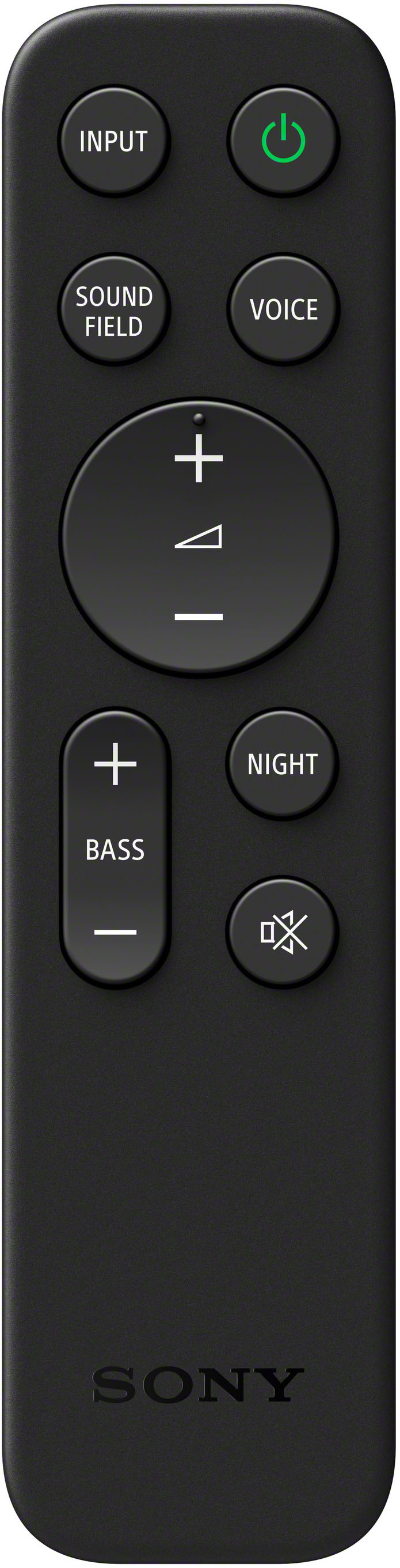
- A:Answer Yes, try Sony Direct or purchase a third party knock off from Amazon (they work and are a lot less)
Answered by EverettR
Q: QuestionIs this soundbar compatible with the sony wireless rear speakers?
Asked by Anonymous.
- A:Answer No. For sure.
Answered by Maddie
Q: QuestionDoes this unit have a headphone out? If so can I install wireless headphone?
Asked by Anonymous.
- A:Answer No headphone out on soundbar, check your TV for another audio output. You may need and adaptor.
Answered by EverettR
Q: QuestionIs it compatible with the XR-55A95L center speaker?
Asked by katmac.
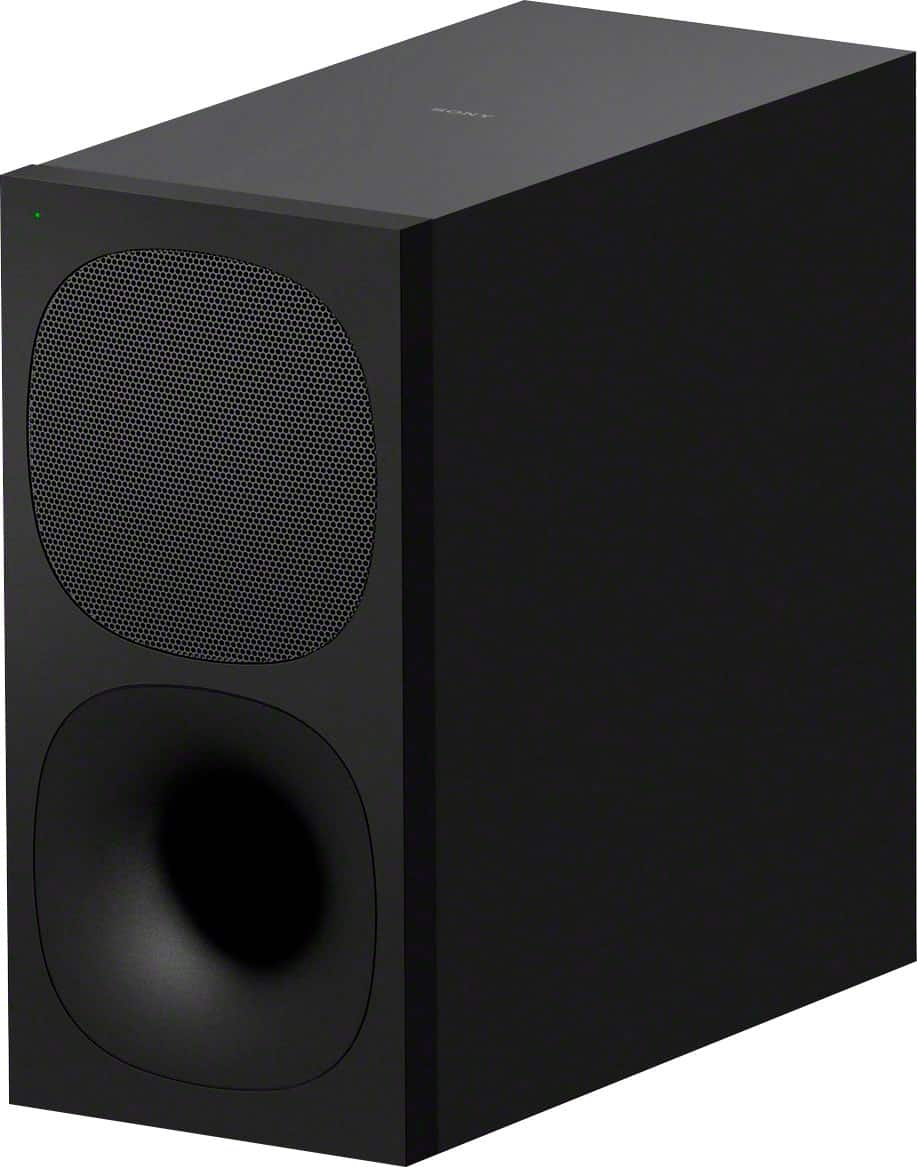
- A:Answer No can only connect to its wireless sub woofer
Answered by EverettR
Q: QuestionCan you use Sony wireless rear speakers with this sound bar?
Asked by Anonymous.
- A:Answer NO, it will only connect to its Sub Woofer.
Answered by EverettR
Q: Questionwhat are the dimensions
Asked by Anonymous.
- A:Answer 3 inches by 3 inches by 30 inches long
Answered by JimmyL
Most-viewed items
Samsung - HW-B650/ZA 3.1 Channel Soundbar with Wireless Subwoofer, Dolby 5.1 / DTS Virtual:X - BlackBlack Friday Deal$199.99Your price for this item is $199.99- Black Friday Deal$199.99Your price for this item is $199.99
- Black Friday Deal$999.99Your price for this item is $999.99
- $1,299.00Your price for this item is $1,299.00
- Black Friday Deal$349.00Your price for this item is $349.00
- $249.99Your price for this item is $249.99$399.99The comparable value for this item is $399.99
- Black Friday Deal$99.99Your price for this item is $99.99
- Black Friday Deal$599.99Your price for this item is $599.99
- Black Friday Deal$349.99Your price for this item is $349.99
- Black Friday Deal$99.99Your price for this item is $99.99
- $99.99Your price for this item is $99.99$119.99The comparable value for this item is $119.99
- Black Friday Deal$149.99Your price for this item is $149.99
- Black Friday Deal$399.99Your price for this item is $399.99
- $399.99Your price for this item is $399.99$549.99The comparable value for this item is $549.99
- Black Friday Deal$34.99Your price for this item is $34.99
- $1,147.99Your price for this item is $1,147.99$1,999.99The comparable value for this item is $1,999.99
- Black Friday Deal$699.99Your price for this item is $699.99
- $999.99Your price for this item is $999.99$1,799.99The comparable value for this item is $1,799.99
- $199.00Your price for this item is $199.00$219.00The comparable value for this item is $219.00