A:AnswerHi there,
I understand that your HTZ9F is having issues with sound. Please try following the steps on the link below:
https://www.sony.com/electronics/support/home-theater-sound-bars-home-theater-systems/ht-z9f/articles/00023449
If you are unable to resolve your concern, please email us at [email protected] with the following details:
Name:
Best Buy Username:
Model Number:
Issue:
Telephone Number:
Best Time to Call:
Sincerely,
Earl
Sony Social Support
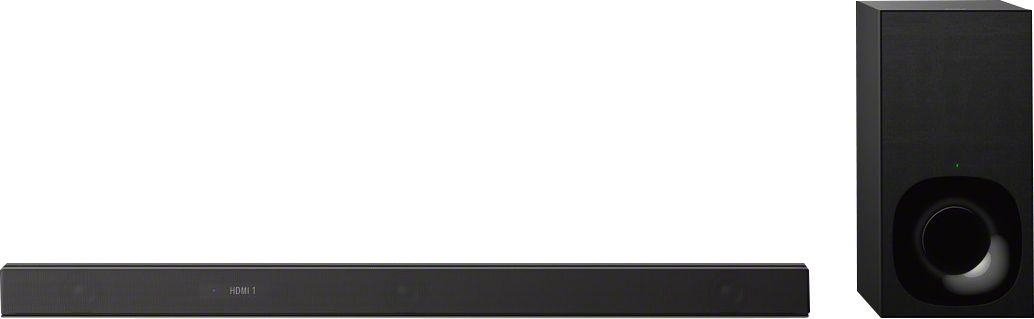
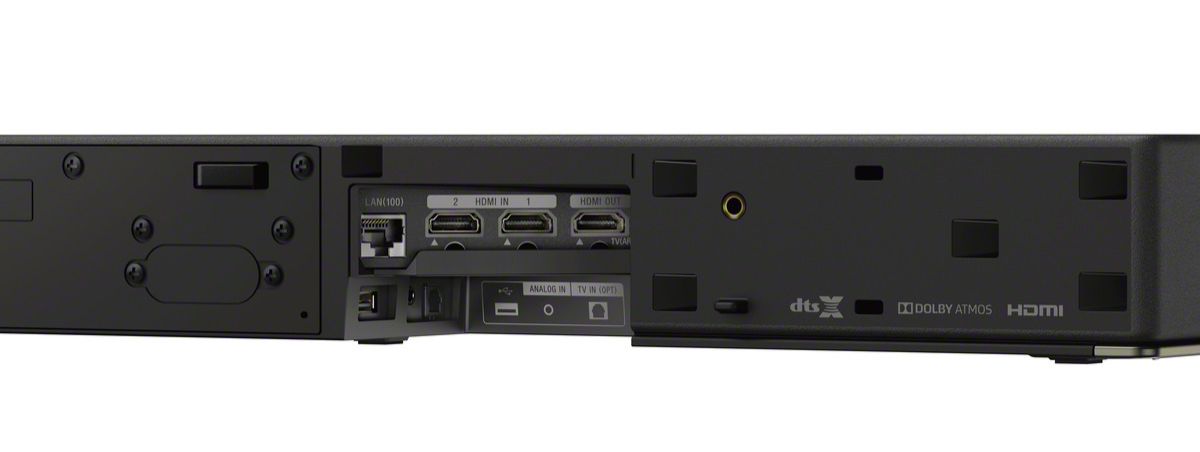
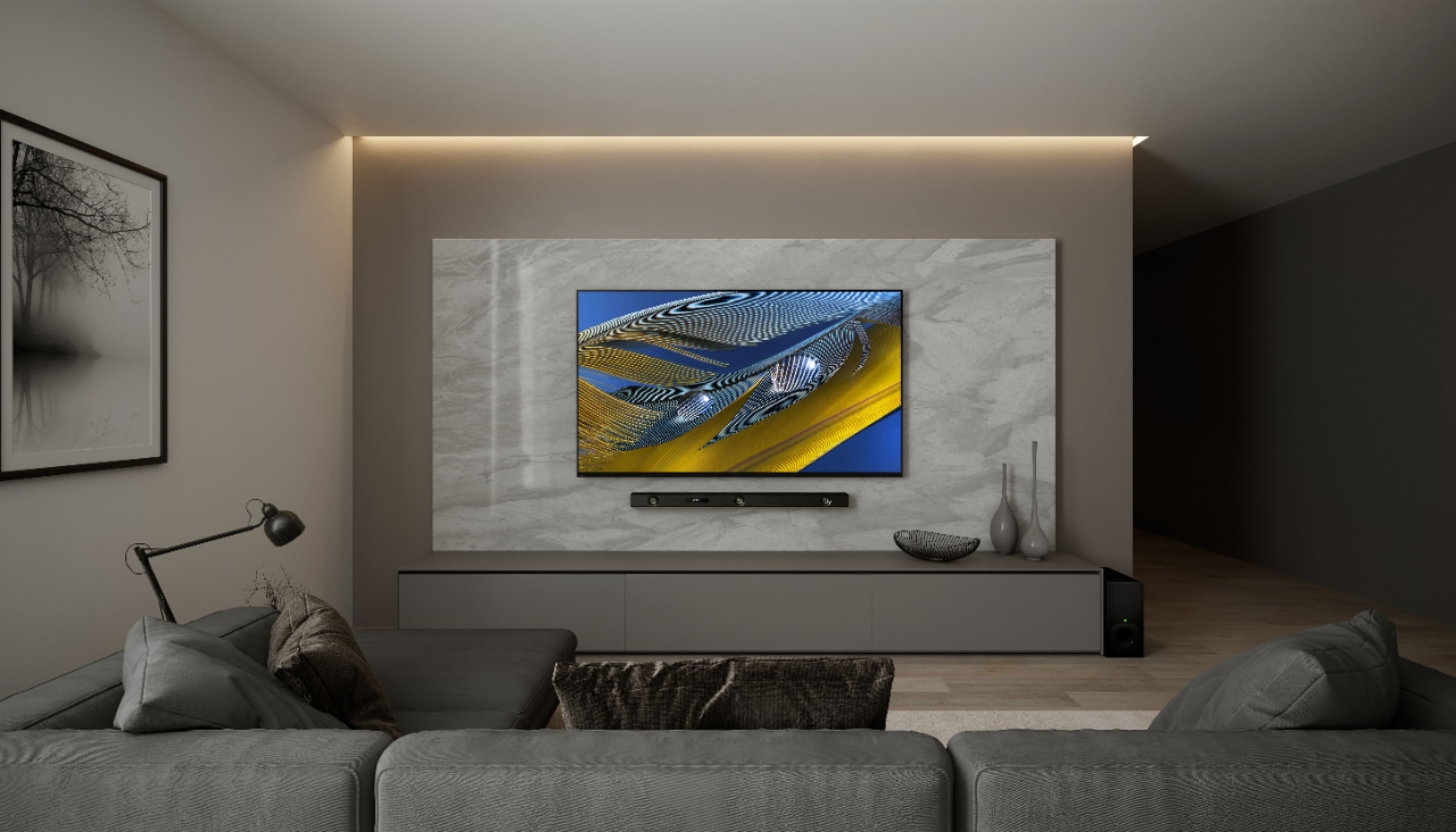
A:AnswerI have mine hooked up to a new Sony Bravia. I also bought the rear speakers for this sound bar. This sound system is great and very easy to use. The Bluetooth portion is fantastic and connects easily with all of our products. Hook this up using an HDMI cable to the ARC HDMI port on your TV. I do not see you having any problems hooking this up to any other brand of TV.
A:AnswerThat means the soundbar is on but your using your tv speakers instead which automatically displays Muting on soundbar. Need to change sound settings on tv.
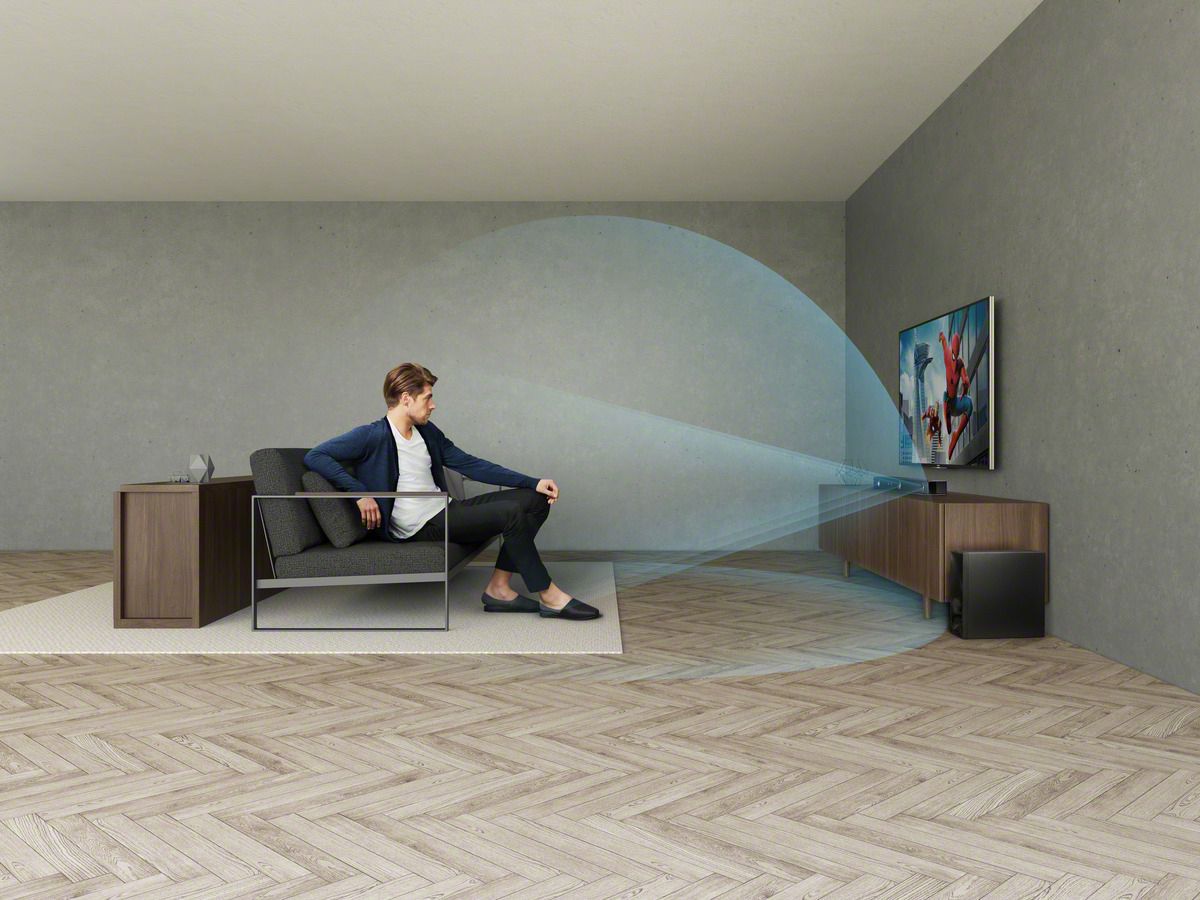
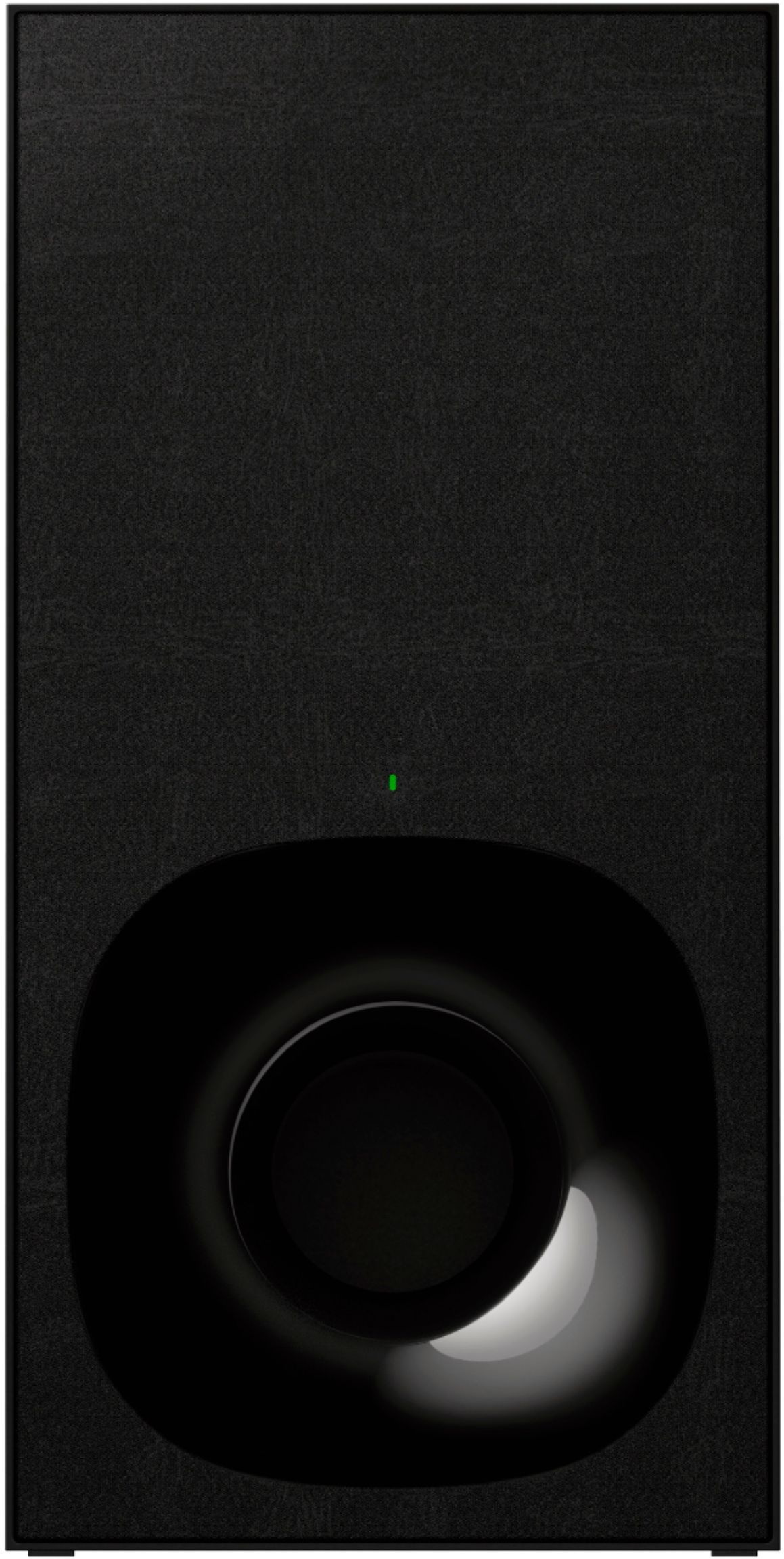
A:AnswerIt is best when placed near the soundbar. The sub for this set-up actually delivers some of mids, so if you place the sub anywhere but facing towards you it will reduce overall sound quality.
A:AnswerHi Grod,
We regret to hear that you're having issues with this Sound bar. Let's try to isolate the issue by following some troubleshooting steps included on this link:
https://www.sony.com/electronics/support/home-theater-sound-bars-home-theater-systems/ht-z9f/articles/00024901
Regards,
Zac
Sony Social Support

A:AnswerThere is a specific connection on the back of the TV that allows you to do it. The TV and SB both have directions how to do it. They are not very clear though.