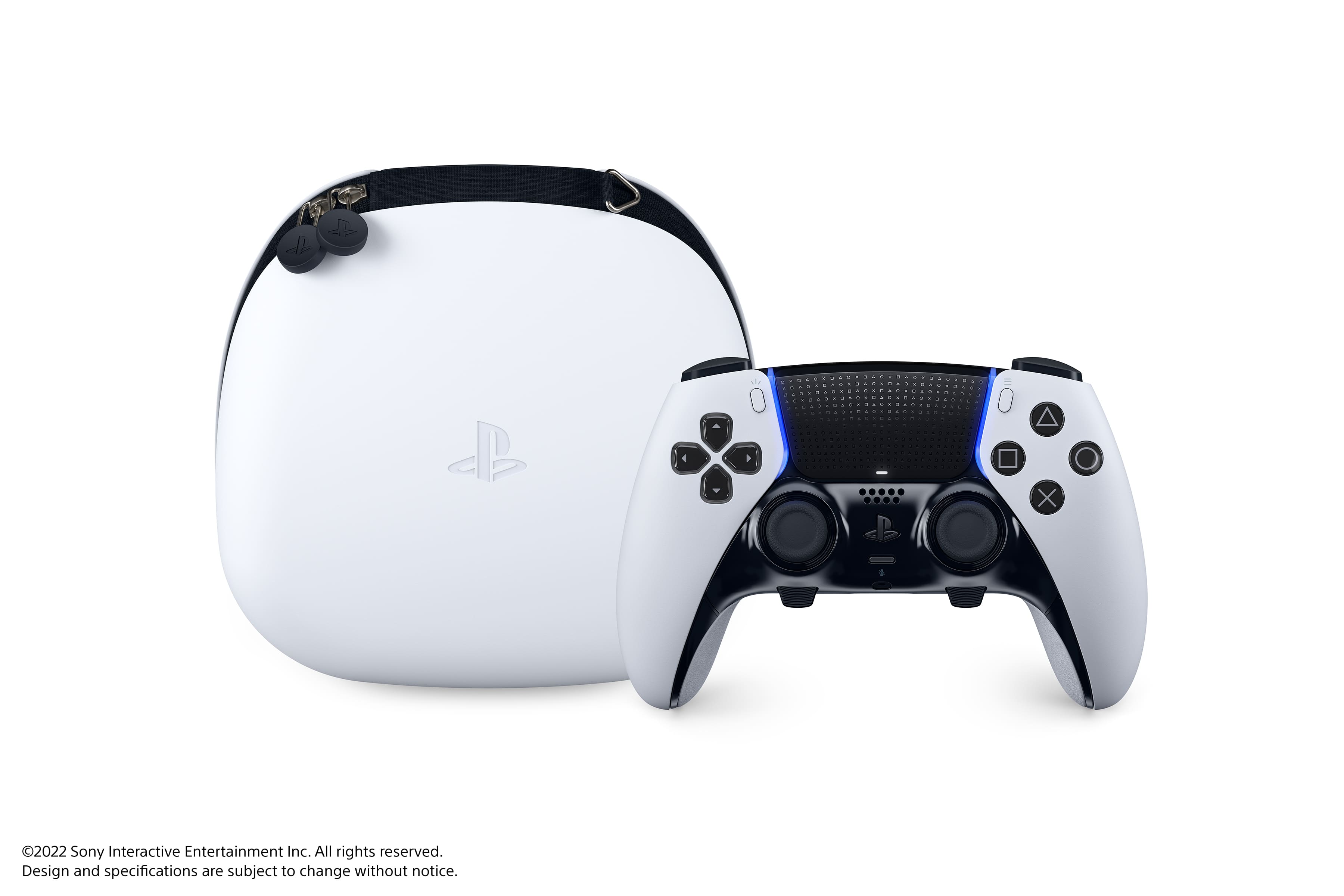
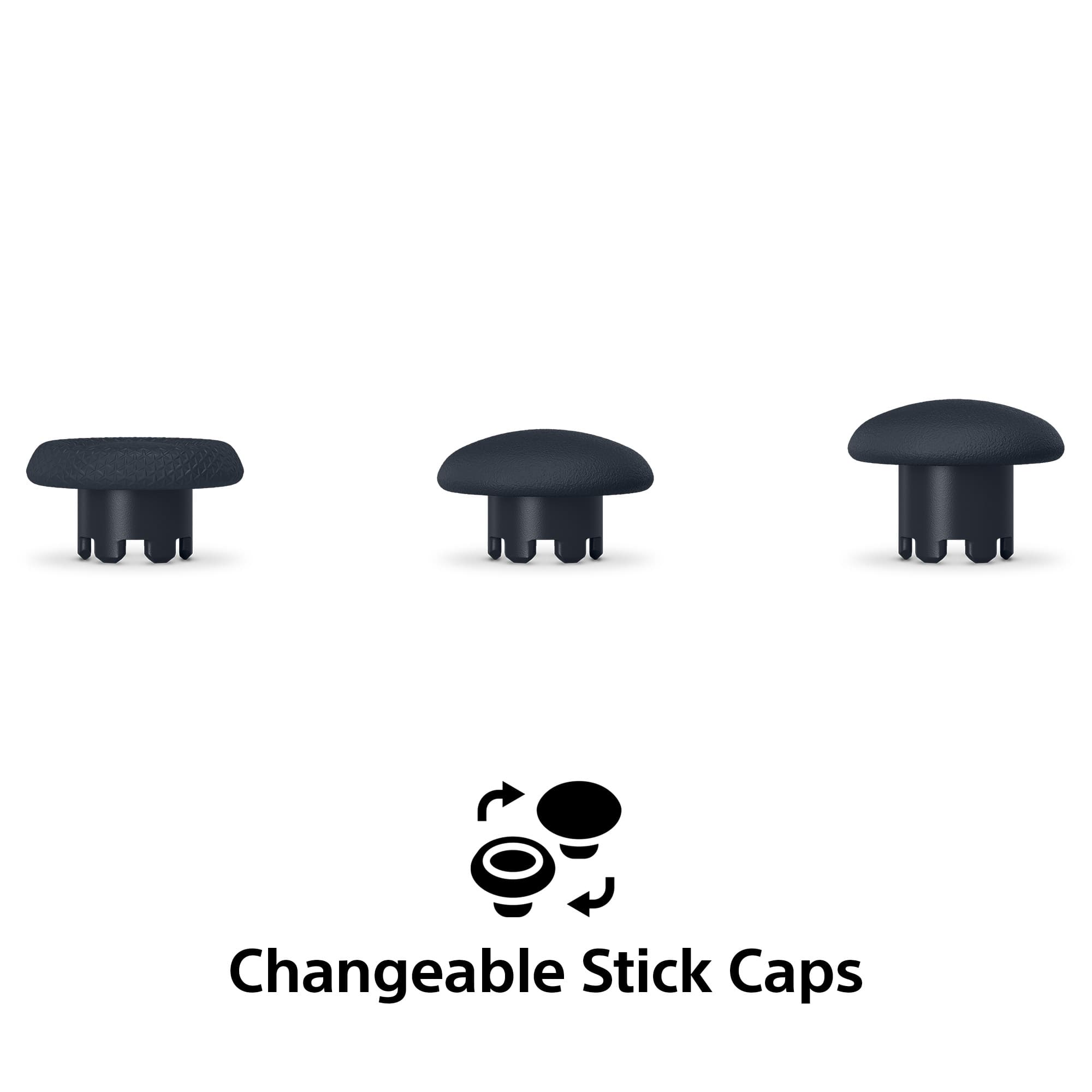
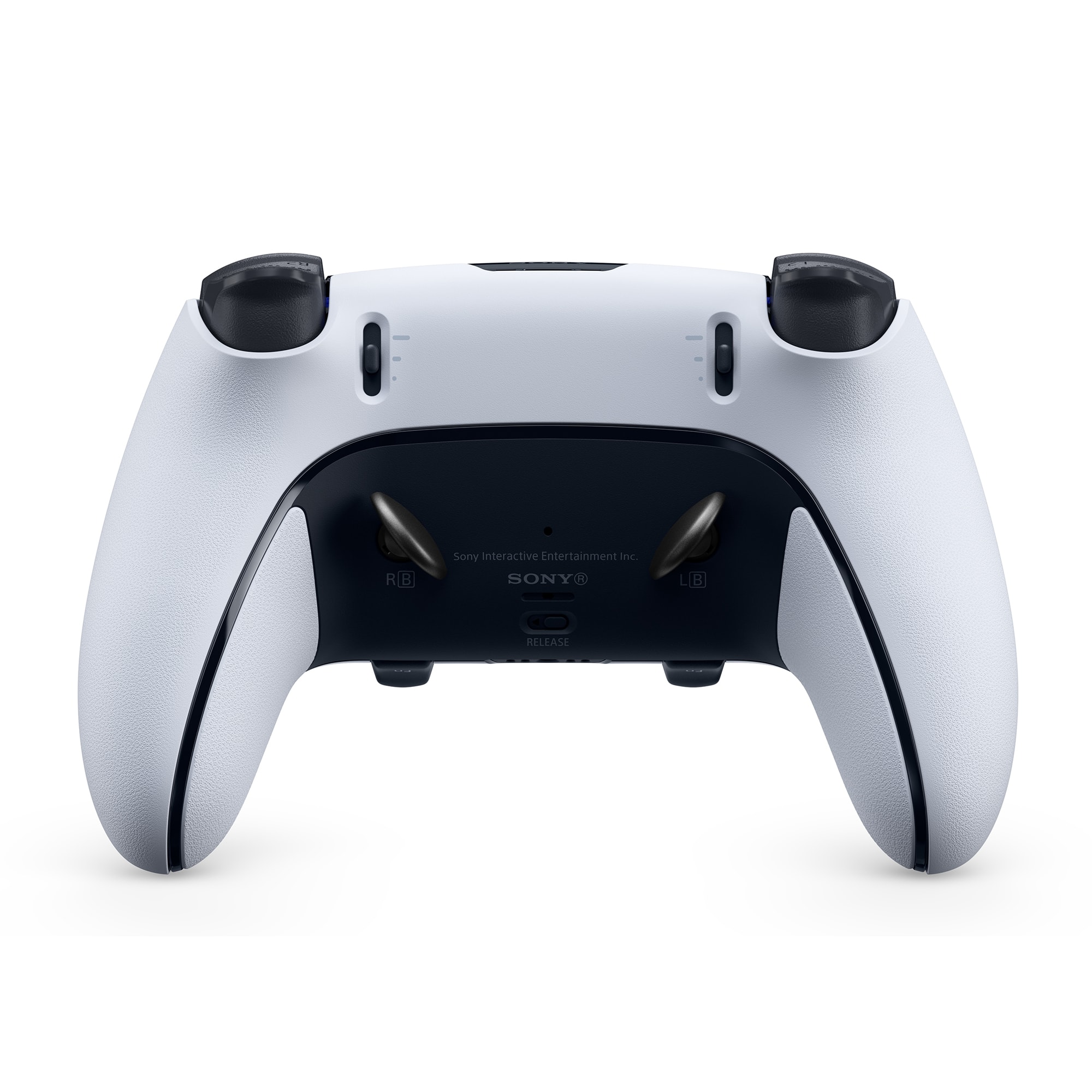
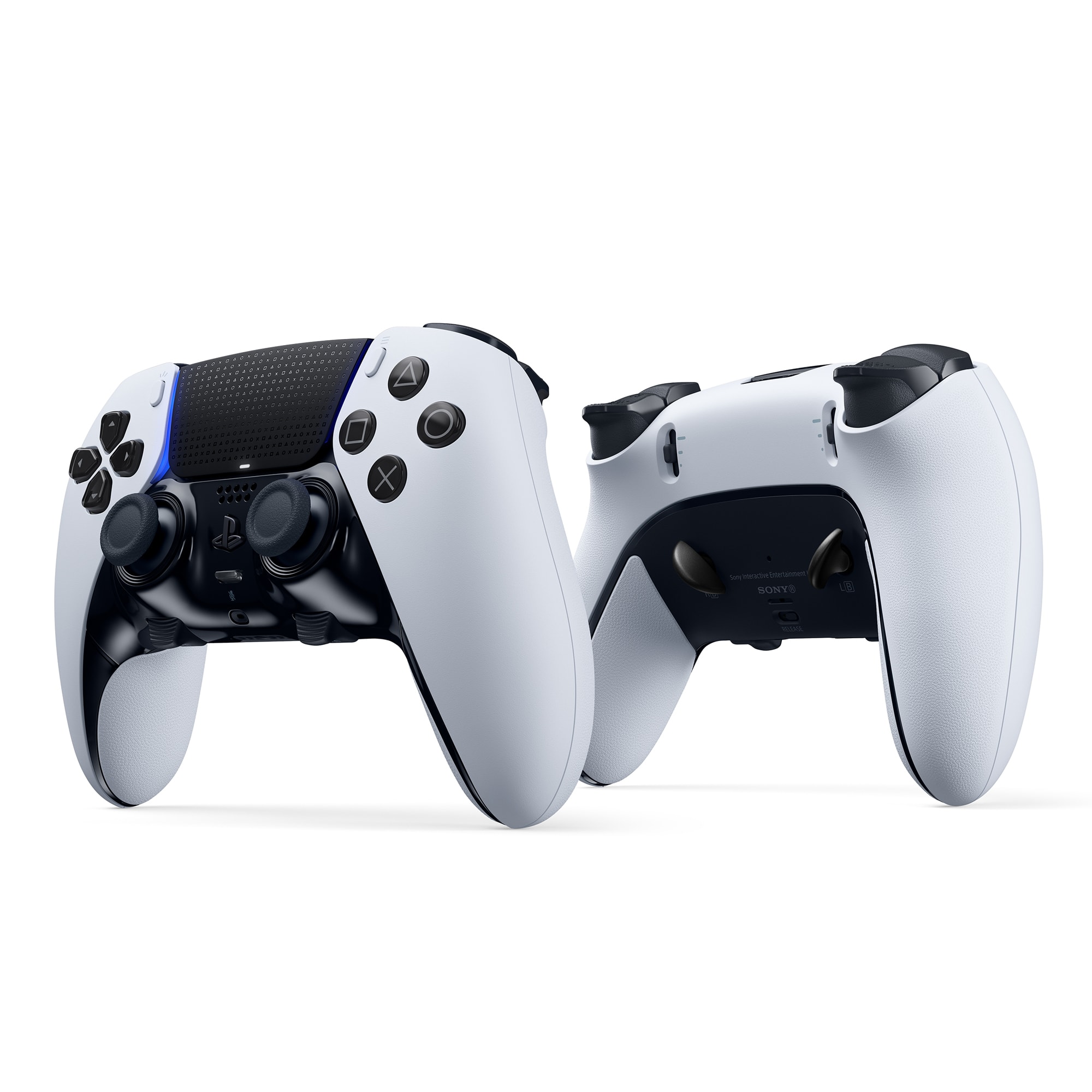
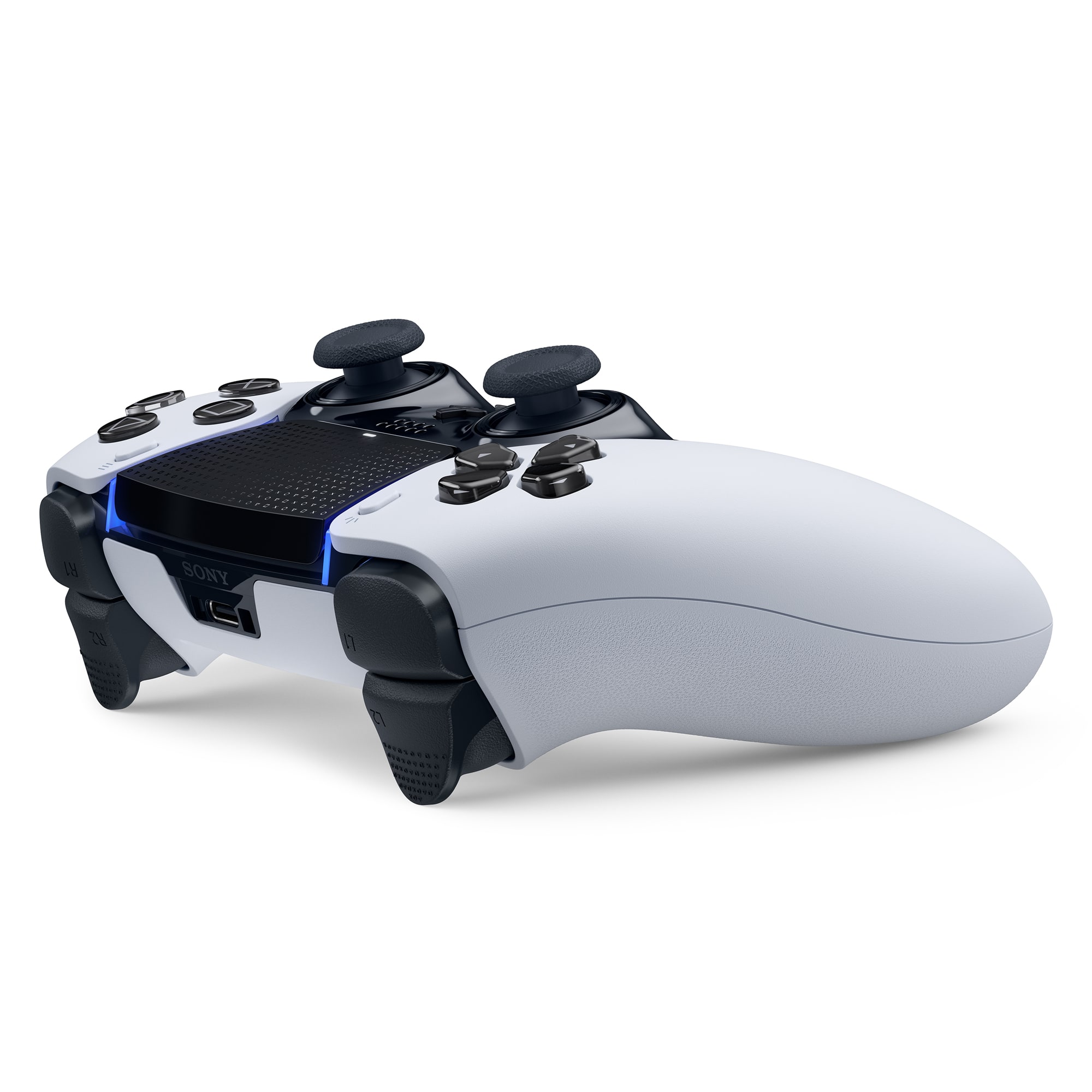
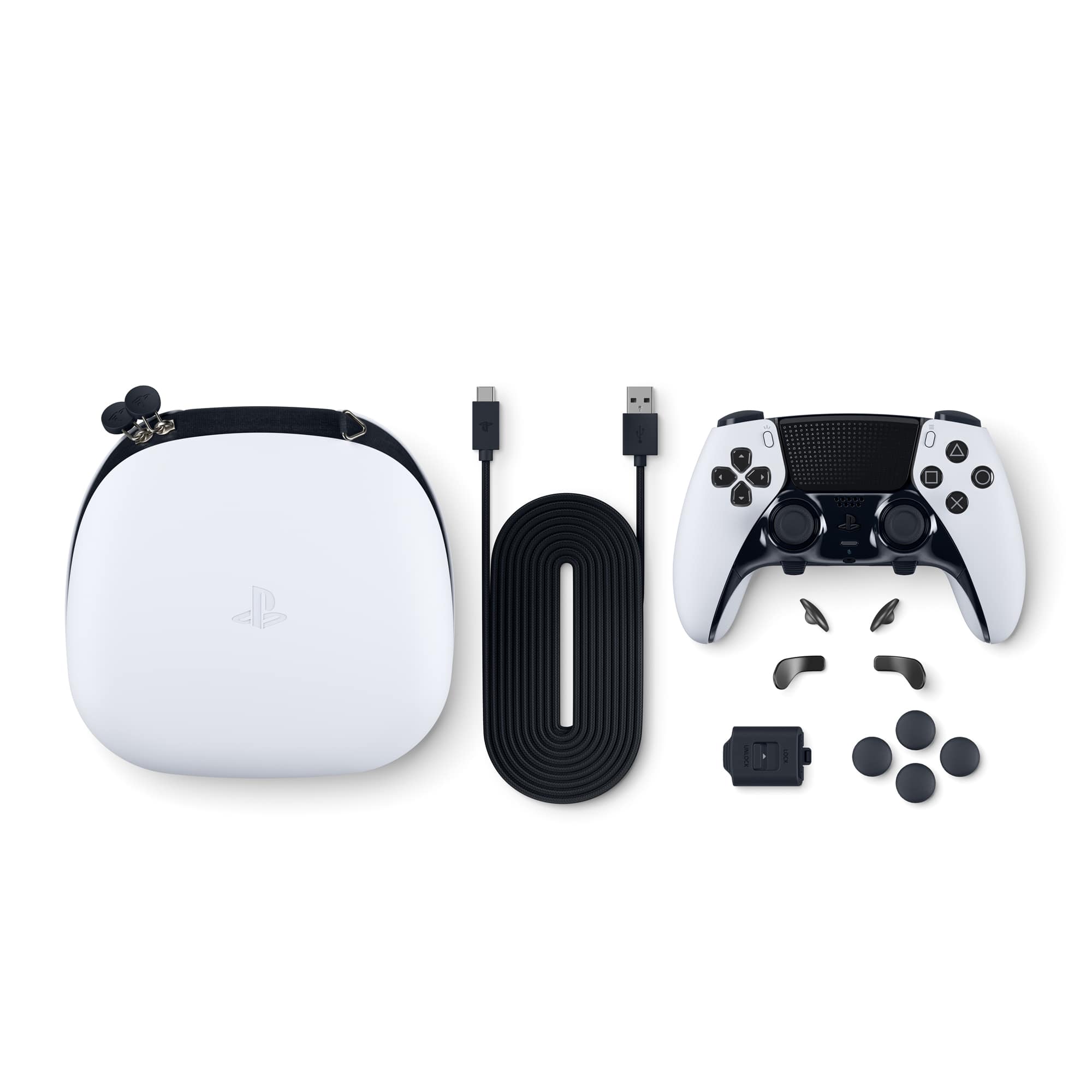
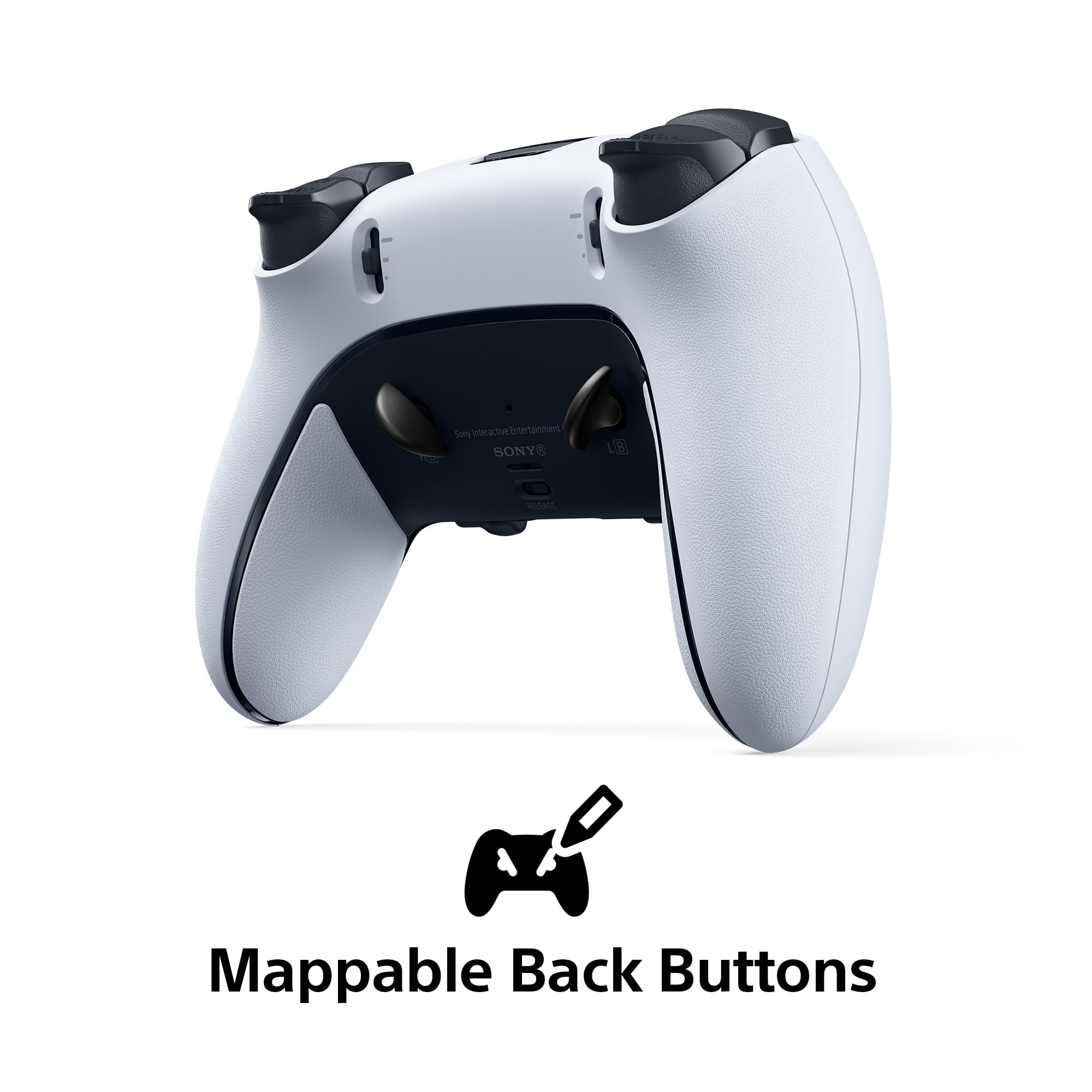
A:AnswerIt comes with 4. 2 different sets for your preference and you can only ues 1 set at a time and 2 is plenty i have an elite xbox controller and i dont really ues all four
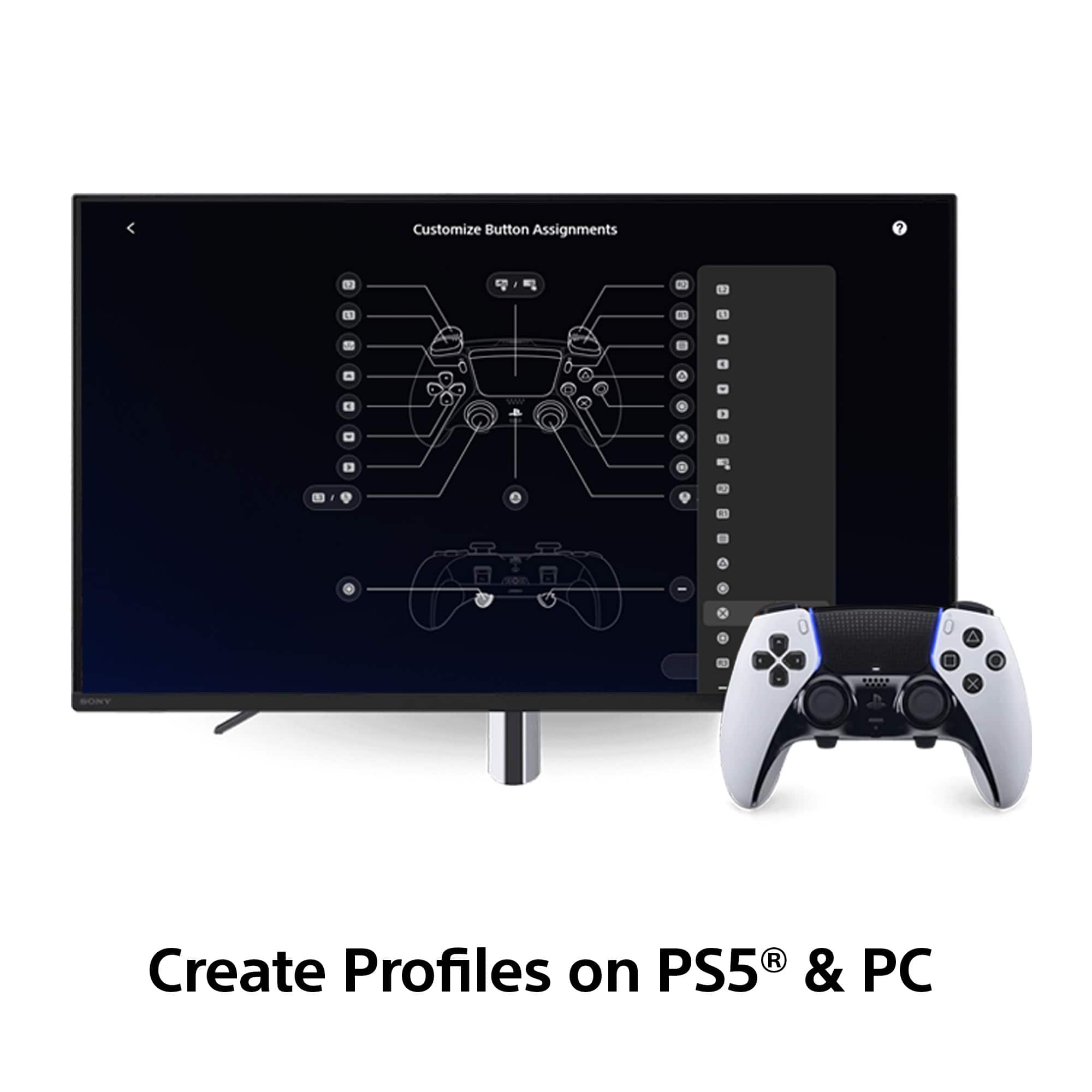
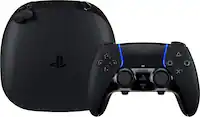
A:AnswerYes, by going into the dual sense edge controller settings you can create a profile so once you do that you can go to the customize button assignments and remap or unmap buttons
A:AnswerUnfortunately not, unless you have the 2 year warranty from Best Buy, otherwise you can send it into Sony bc with Sony there’s a 1yr manufacturer warranty
A:AnswerI’ve been watching deals for $180. Not sure if that is a sign for better deals to come, but 10% off could be better than nothing. I’m gonna hold to see if it drops more.
A:AnswerMost definitely you can switch every second, if you're fast enough with your fingers, all you have to do is simultaneously mash two buttons, and you get a notification on your screen letting you know that you switched profiles to profile whatever you've named it. I love this controller. I play MLB the show and I have pitching profiles hitting profiles and I constantly switch back and forth and at times I even create whole new profiles between innings which is maybe 10 seconds because I'm so familiar with the menus. I'll build a new one lol this controller rocks
A:AnswerI don't see why not but you're going to have to hook it to a PS5 to put it in whichever profile you want it in, then when you hook it to the PC I would think it would still be in that profile mode, but I'm not sure now that I think about it. I can when I get home, Hook it to my PC and let you know if the profile stays active
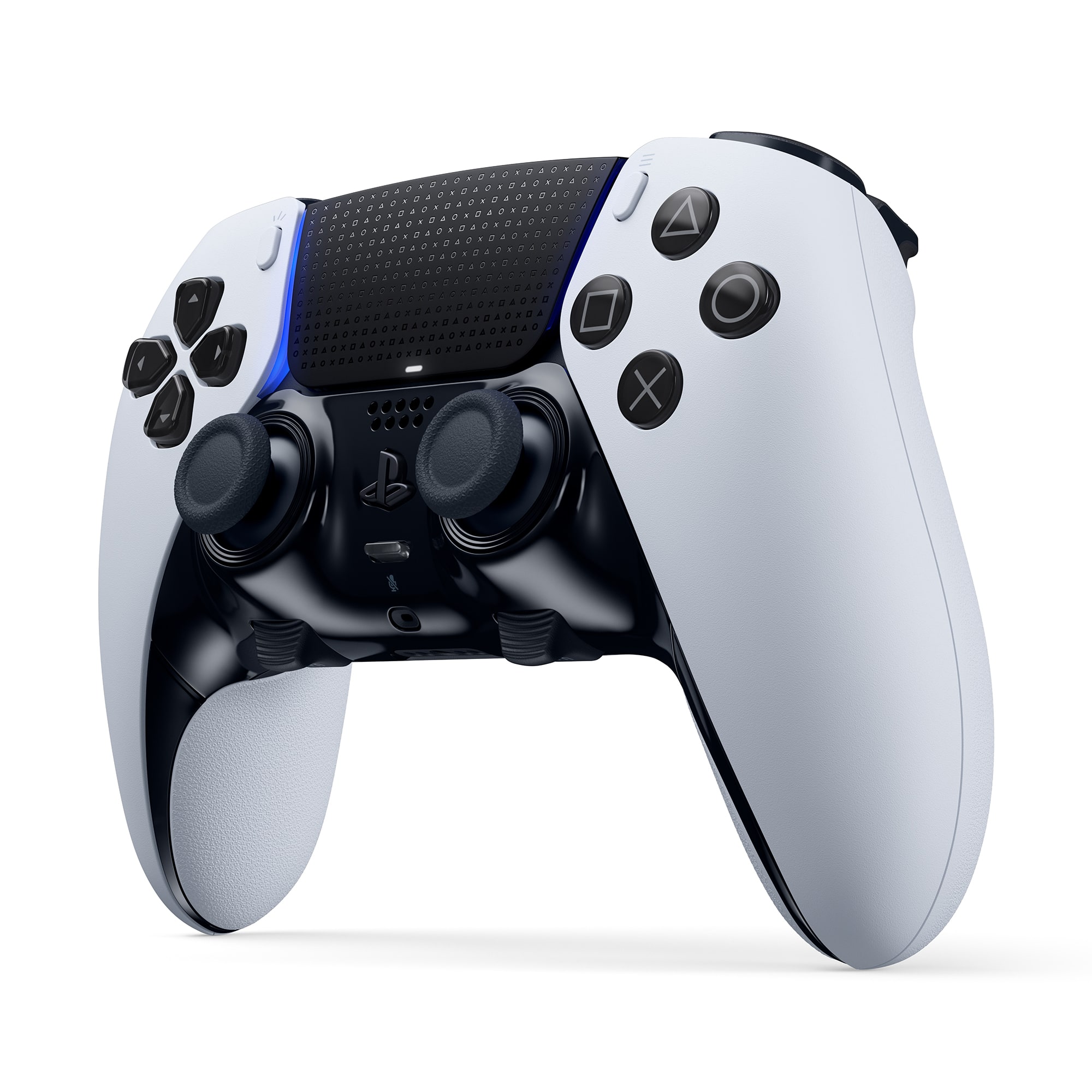
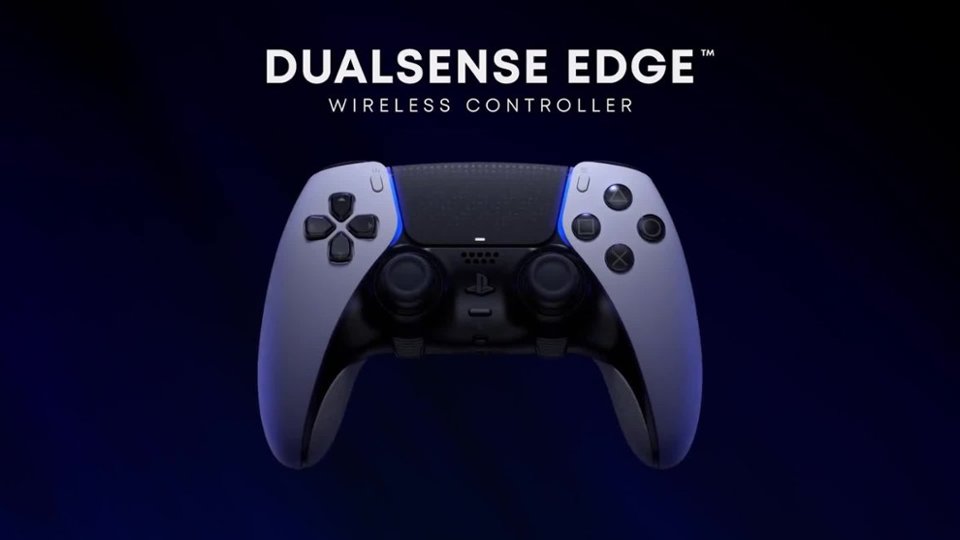
A:AnswerNo, Sony has not released this controller in all black, but you can either send it into a company that can tear it apart, paint all exterior non black parts and reassemble. Or, buy skins on amazon.